Vikas edit photo prompts: DP, car and birthday
Copy-ready prompts for the Vikas edit photo style: an attitude DP, you with a car, a birthday poster and the classroom still, plus how to keep your face the same and what to avoid putting in a prompt.
6 min read · Updated
Star in Vikas Editor with one photo
Make yoursHow the photo prompts work
Most people searching for a Vikas edit want a styled photo, not a video: a profile picture with attitude, a shot next to a car, a birthday poster. The method is the same every time. Upload one clear photo of yourself to Gemini or ChatGPT, paste a prompt that says what to keep and what to change, and download the result.
- Use a recent photo of your face and shoulders, in daylight, facing the camera, with nobody else in it.
- Keep the first sentence of each prompt below: it is the one that holds your face.
- Change the details in brackets to your own: colour, place, name.
We wrote these prompts for this guide; image apps change often, so expect to ask for a second or third try. Only use your own photo, or a friend’s with their OK, and only adults.
Attitude DP
Attitude DP prompt
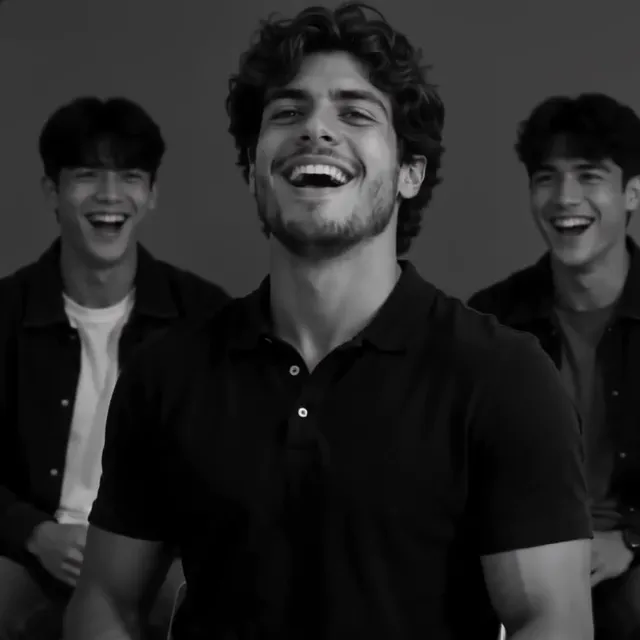
Keep my face, skin, hair and build exactly as in my photo. Make a square close-up portrait for a profile picture: I look straight at the camera with a calm, confident half smile, chin slightly down. Plain black shirt, no logo. Dark background with a soft orange rim light from one side and a little haze. Photoreal, sharp eyes, shallow depth of field. No text, no watermark.
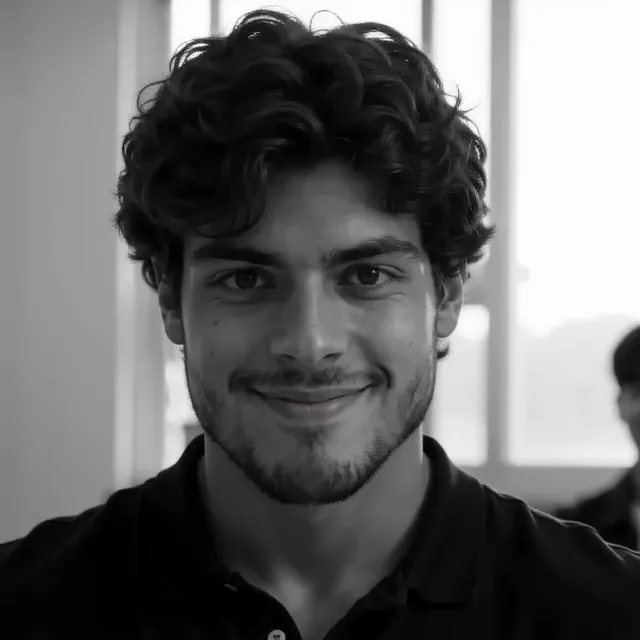
For a black-and-white version, like the drop in the video, add: “high-contrast black and white, film grain”.
You with a car
Car prompt
Keep my face, skin, hair and build exactly as in my photo. I lean against the front of a [black] SUV parked on an empty road at golden hour, arms folded, looking at the camera with a slight smile. Plain white shirt and dark jeans. The car has no badge, no logo and no number plate text. Low camera angle, warm sunset light, a long shadow on the road. Photoreal, 4:5 portrait. No text, no watermark.
Car-model names and brand logos often come out garbled, so the prompt asks for a car with no badge. Change the colour, or swap the SUV for “a sports bike”.
Birthday poster
Birthday poster prompt
Keep my face, skin, hair and build exactly as in my photo. A birthday poster: I stand in the centre in a [dark blue] blazer over a white shirt, smiling, gold and black balloons and soft bokeh lights behind me. Big clean gold lettering across the top reads “HAPPY BIRTHDAY [NAME]”. Photoreal, 4:5 portrait, warm light. No watermark.
Short names spell best. If a letter comes out wrong, ask for the poster again with the name spelled out letter by letter, or leave the text off and add it in CapCut.
The classroom still
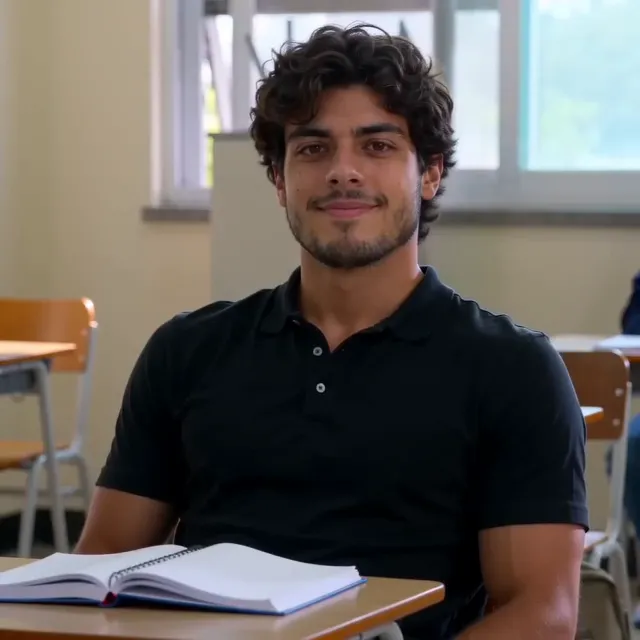
For a still from the campus drama edit itself, at a desk with a green chalkboard behind you, use the classroom prompt in the video prompt guide. It also covers building the moving edit clip by clip.
What to leave out
- Real people’s names, including actors and cricketers: the apps refuse many of them, and the face you asked to keep gets mixed up.
- Cartoon and game characters: most apps block them or give a near miss.
- Logos and crests on clothes: they come out as gibberish.
- Photos of anyone under 18.
When you want it to move
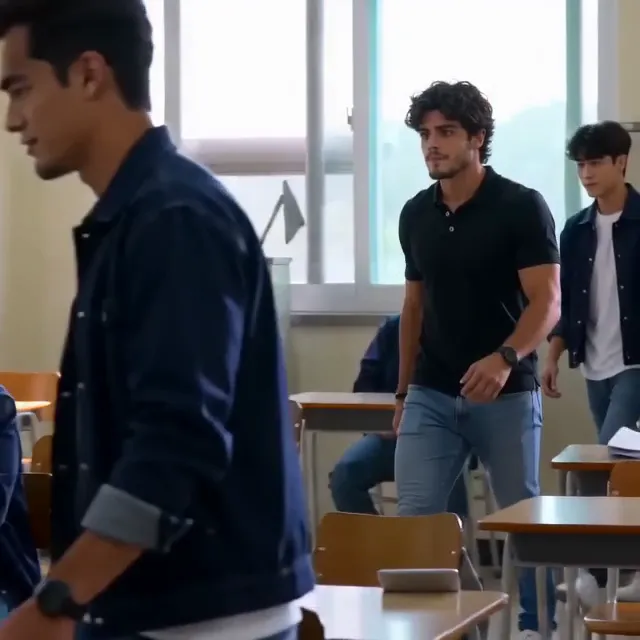
The video is the other half of the name: the classroom, the classmate who turns to look, the black-and-white drop. On the Vikas Editor page one selfie becomes that square 28-second edit, with the song.
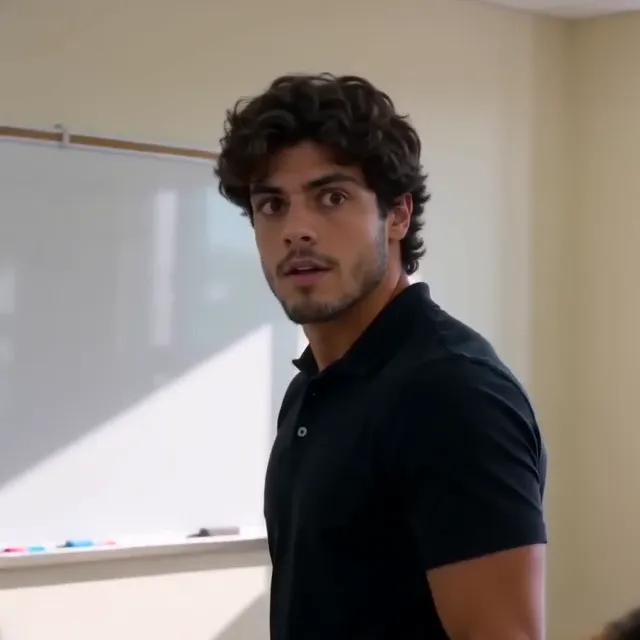
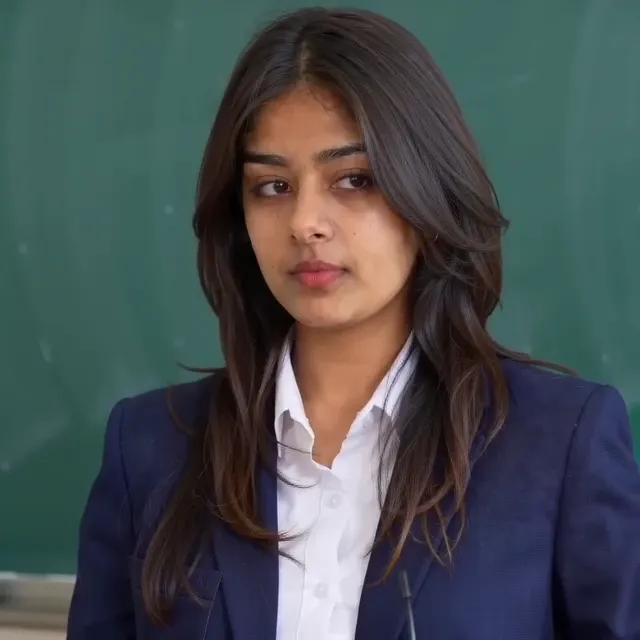
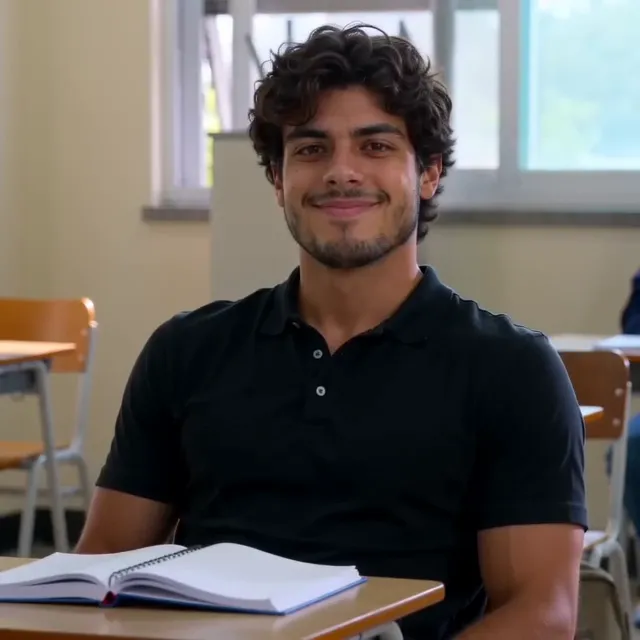
One Standard video uses 45 credits. The smallest pack that makes one is $9.90 for 90 credits (2 videos), a one-time buy whose credits never expire, and plans start at $19.90 a month for 270 credits. If a video fails, its credits come back.
NowStarring is an independent video tool, not linked to any editor, channel, app or website called Vikas, to CapCut, VN or Google Flow, to any TV drama or its cast, or to the artists behind the song.
Questions
Which app do I use for a Vikas edit photo prompt?
Gemini and ChatGPT both take a photo plus a prompt and return a new picture. Upload your photo first, then paste the prompt in the same message.
Why doesn’t the result look like me?
Use a sharp, front-facing photo of just you, and keep the line that tells the model to keep your face. If it still drifts, ask for the same picture again “with my face exactly as in the photo”.
Can I turn the photo into a video?
A still stays a still. For the moving campus drama edit, our page makes the 28-second video from one selfie.