Skip to content
NowStarring

AI trend videos, starring you.

Pick a trend, add a photo, post the video.Pick a trend, add one photo, and get the video everyone is posting, with you or your pet as the star.

  • No filming
  • Ready in a few minutes
  • No watermark
  • Credits back if it fails

Next: add a photo of you

From $6.37 a video

One photo in, the trend out

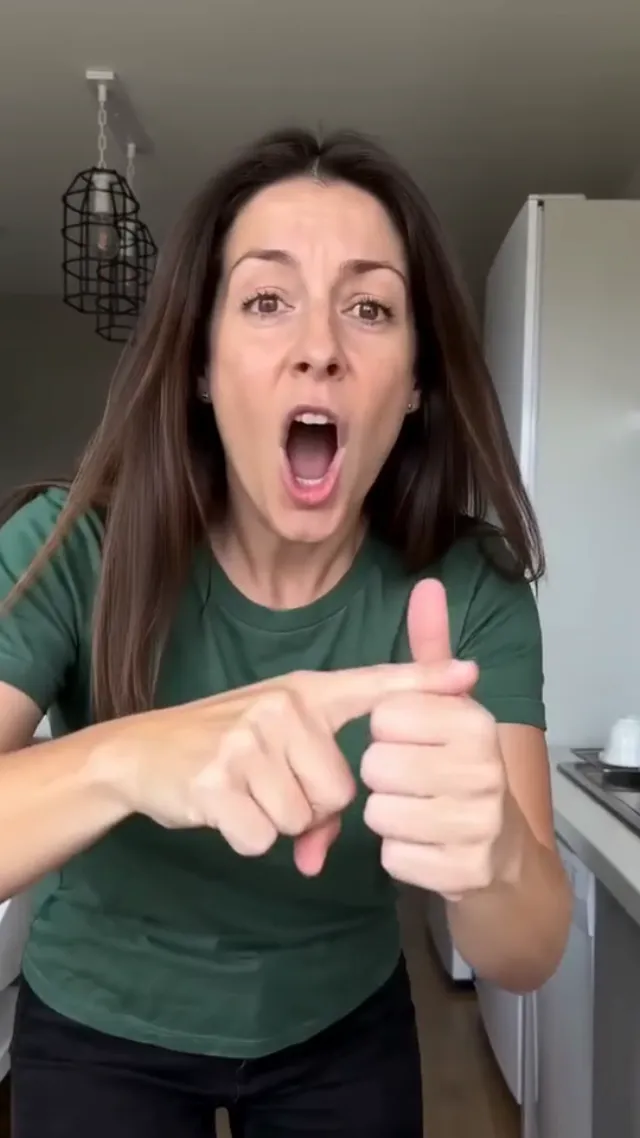
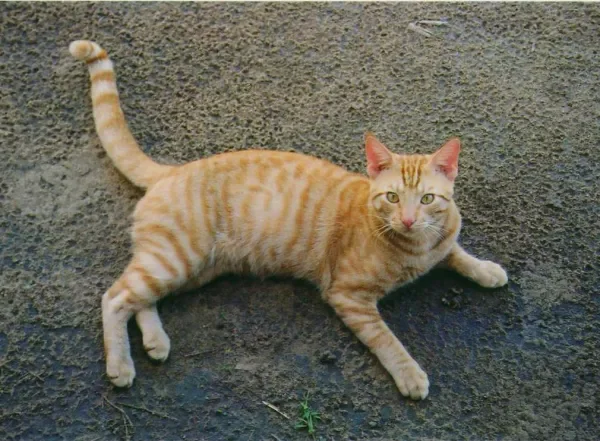
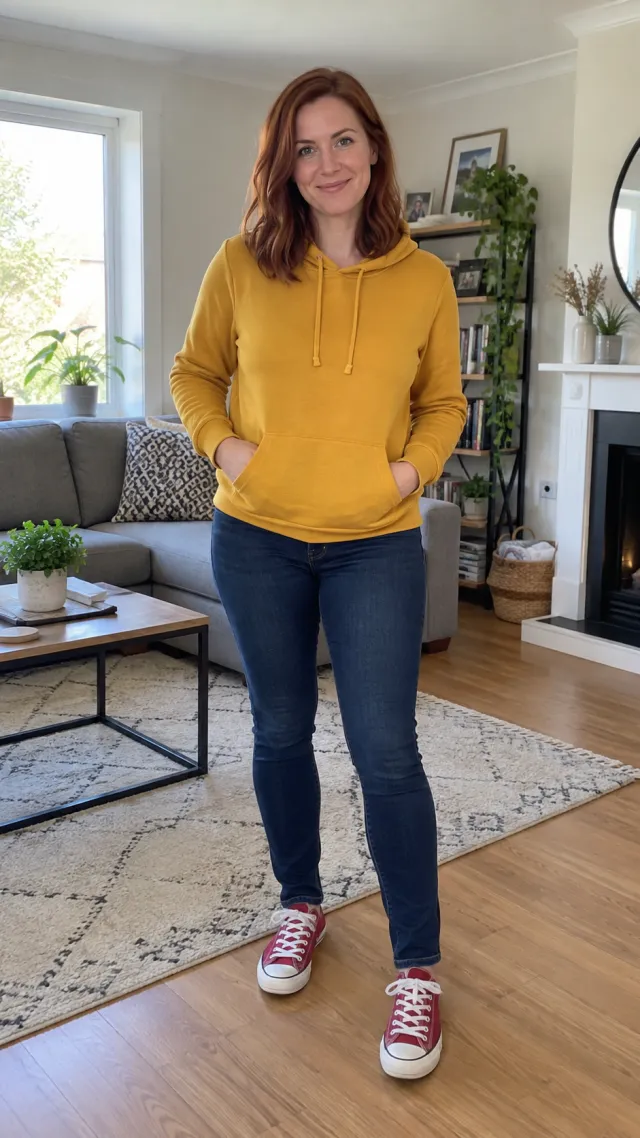
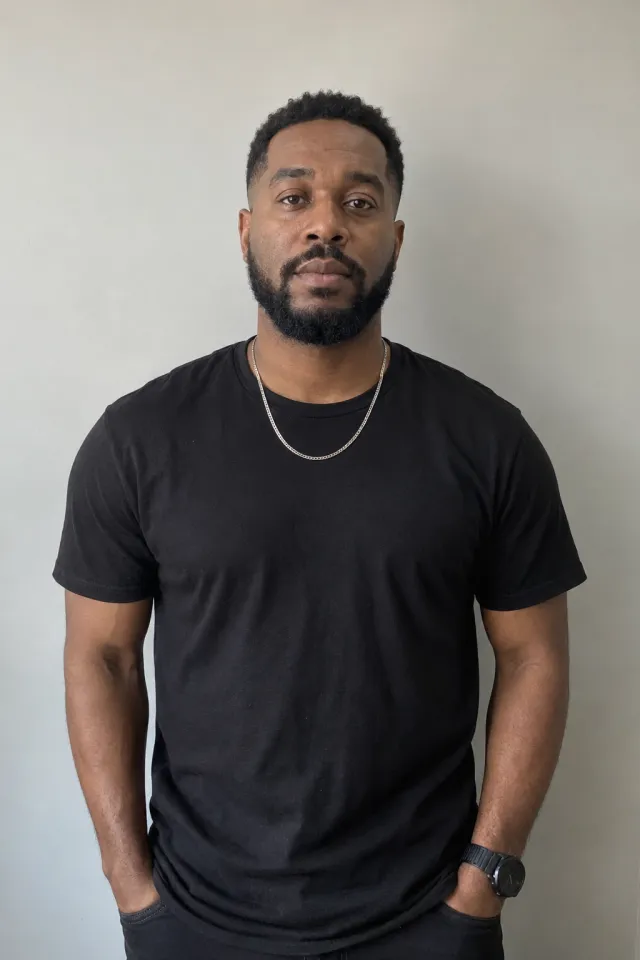
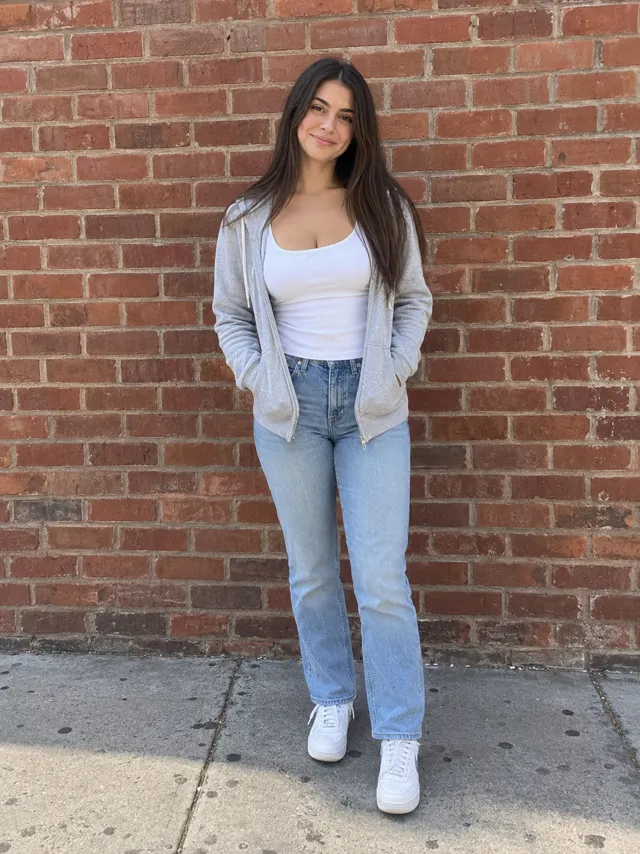
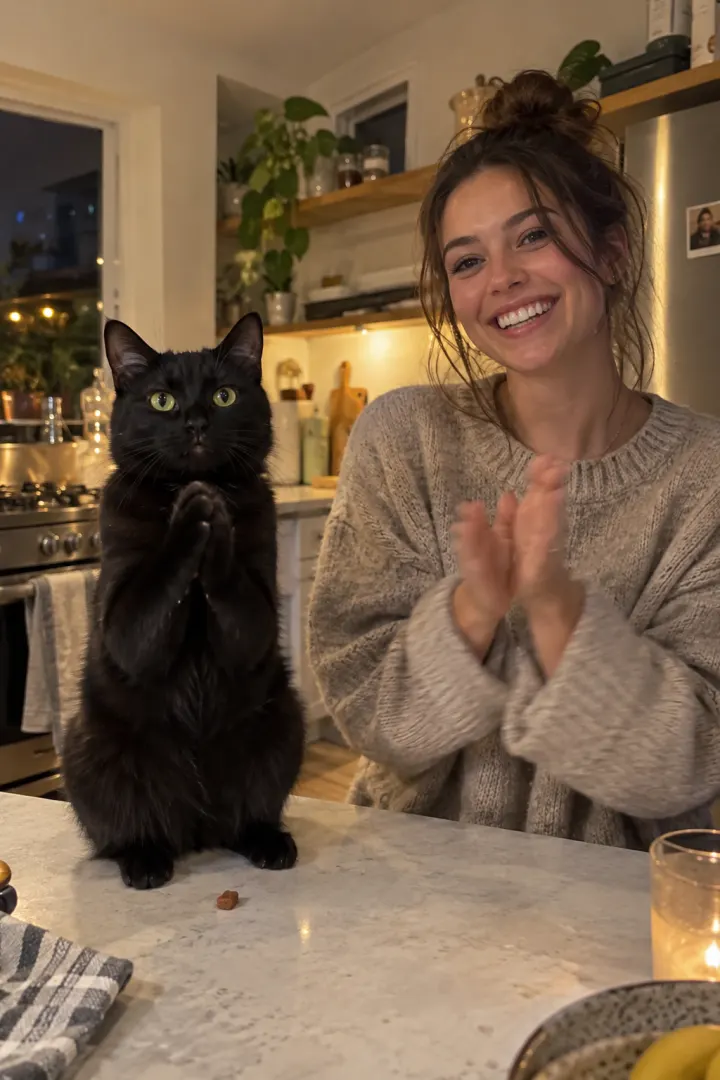
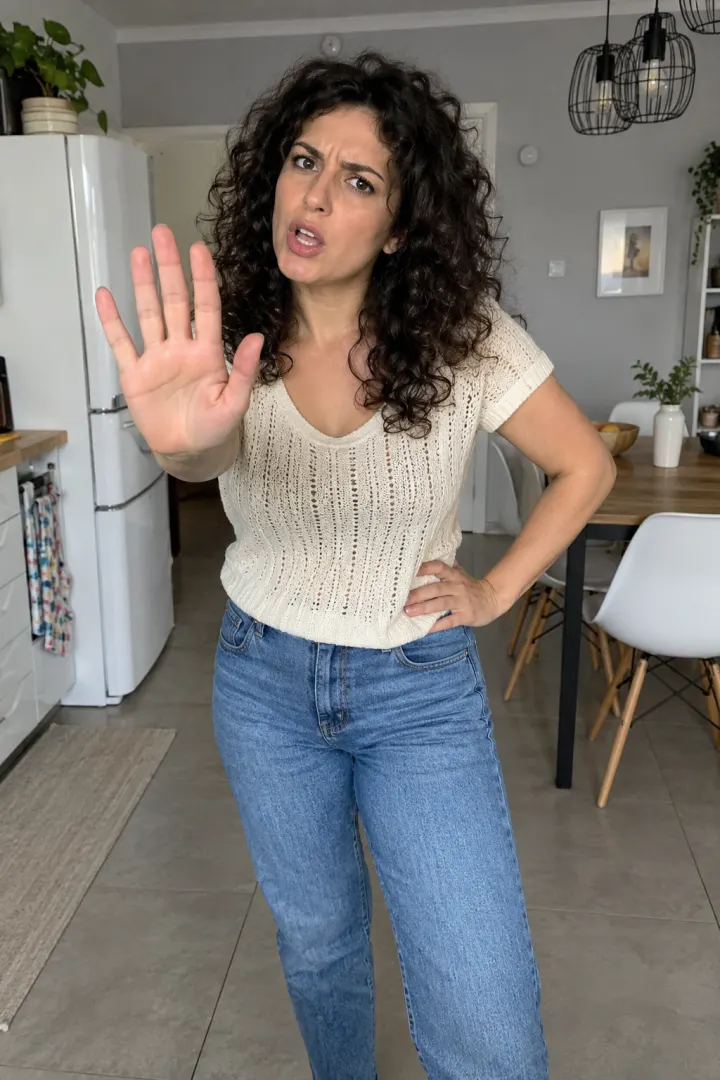
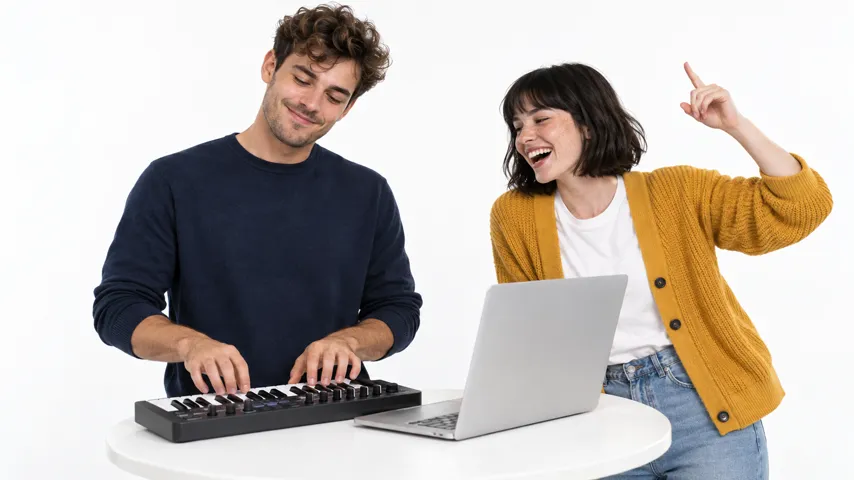
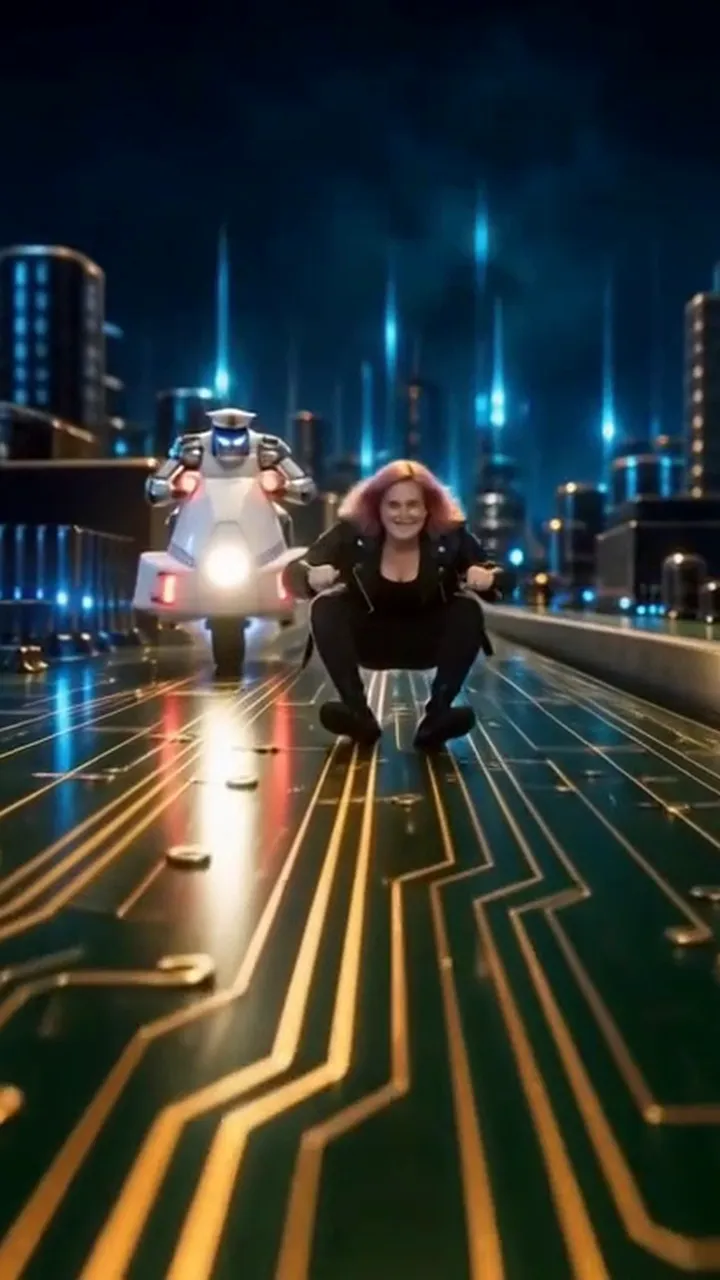
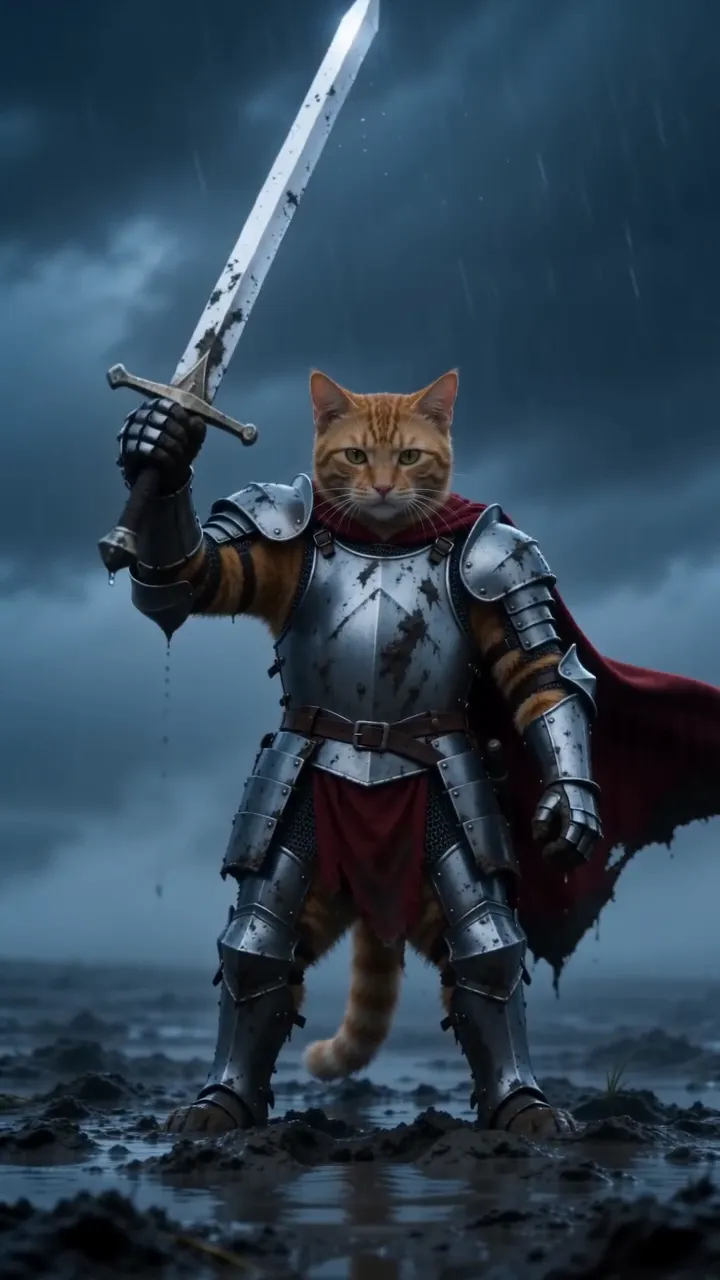
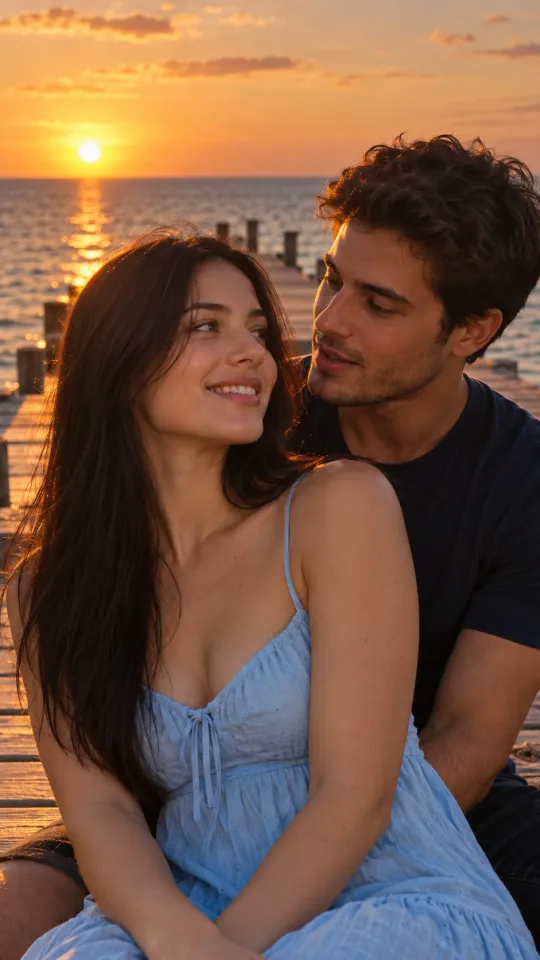
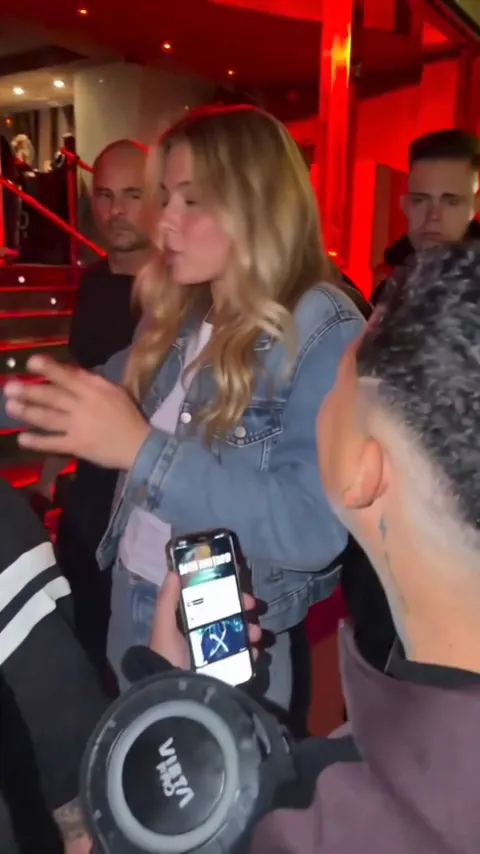
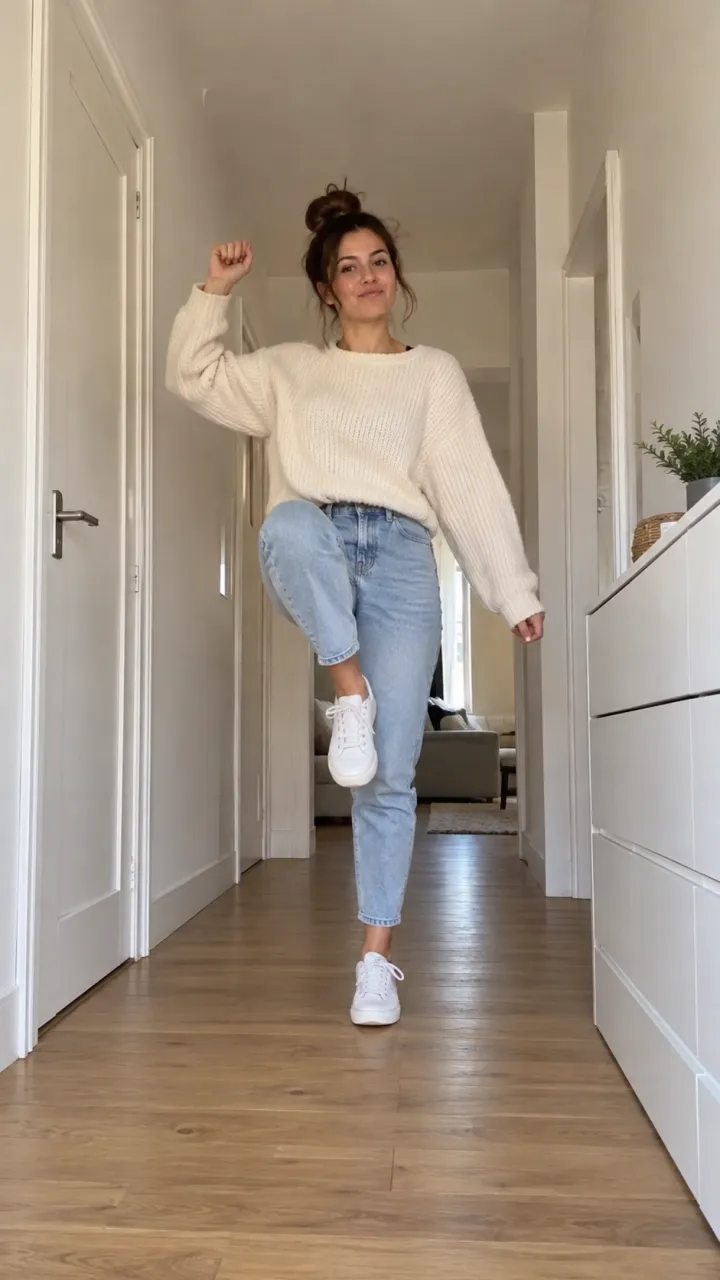
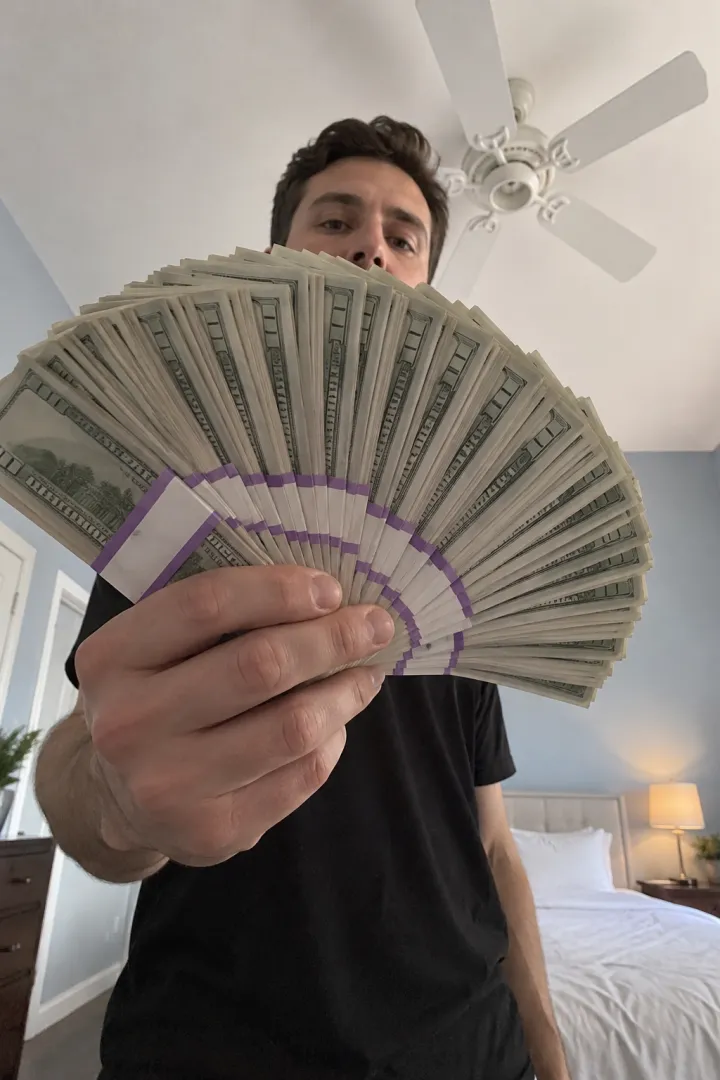
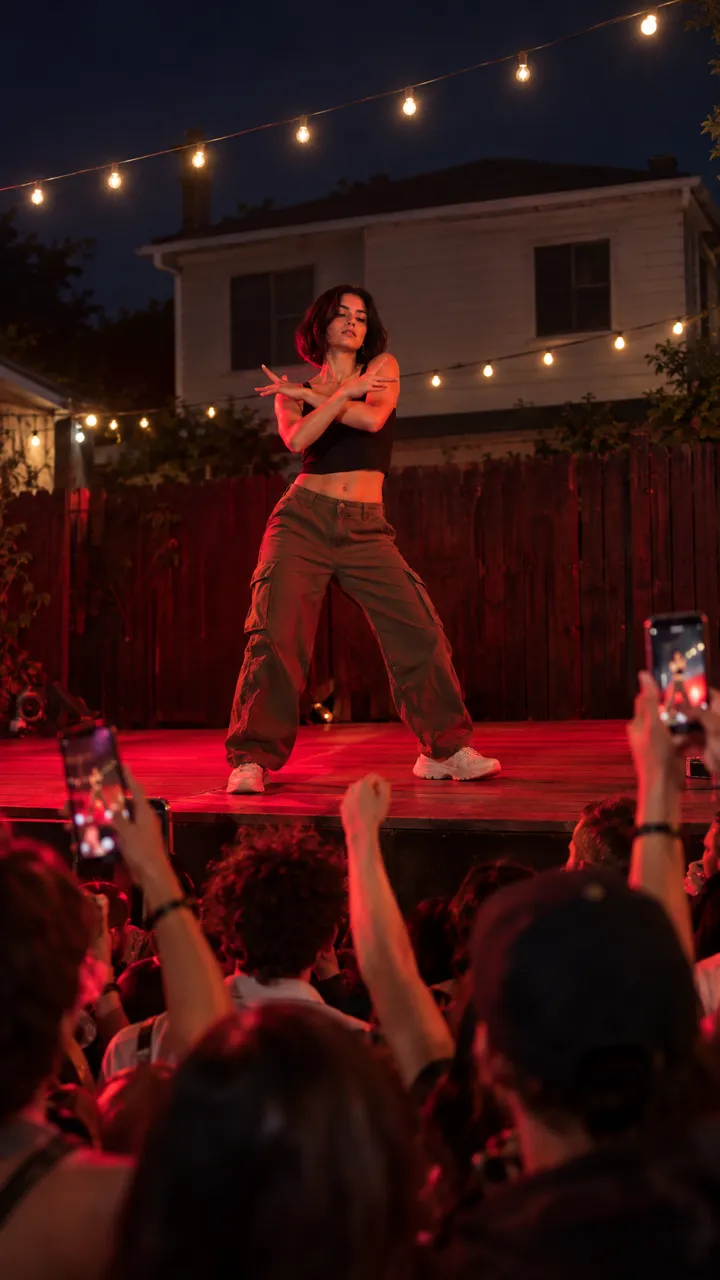
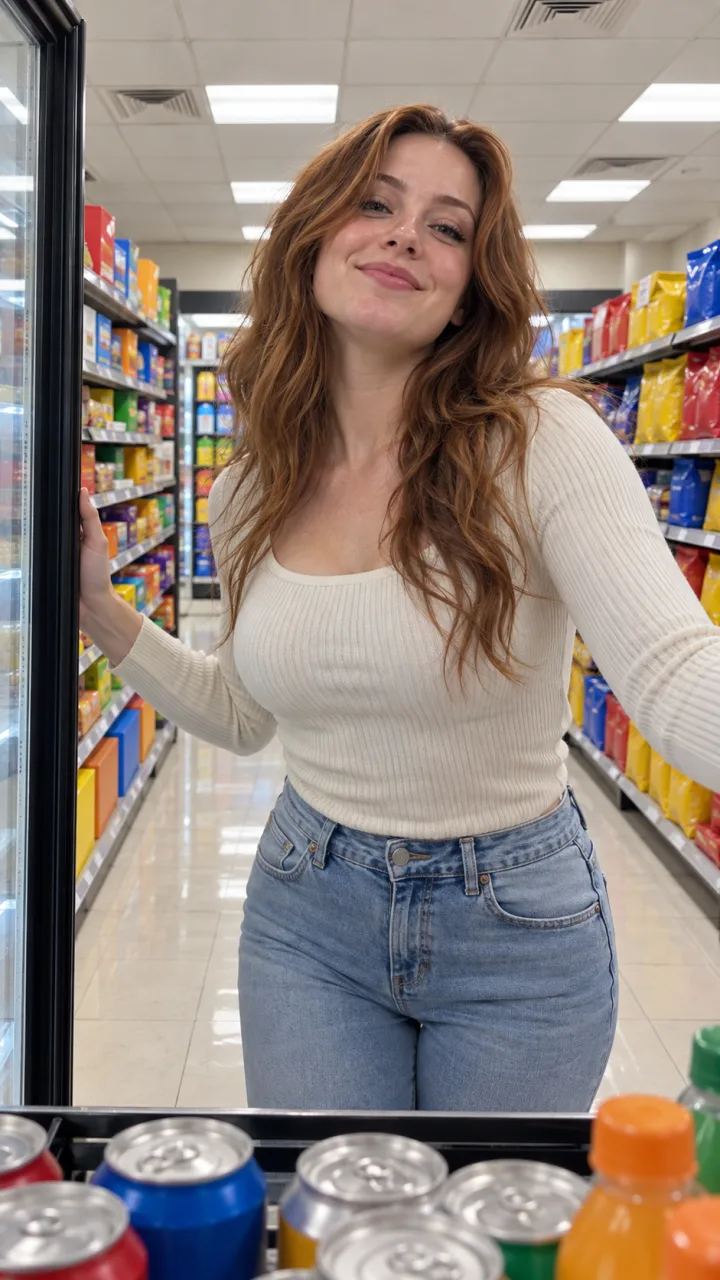
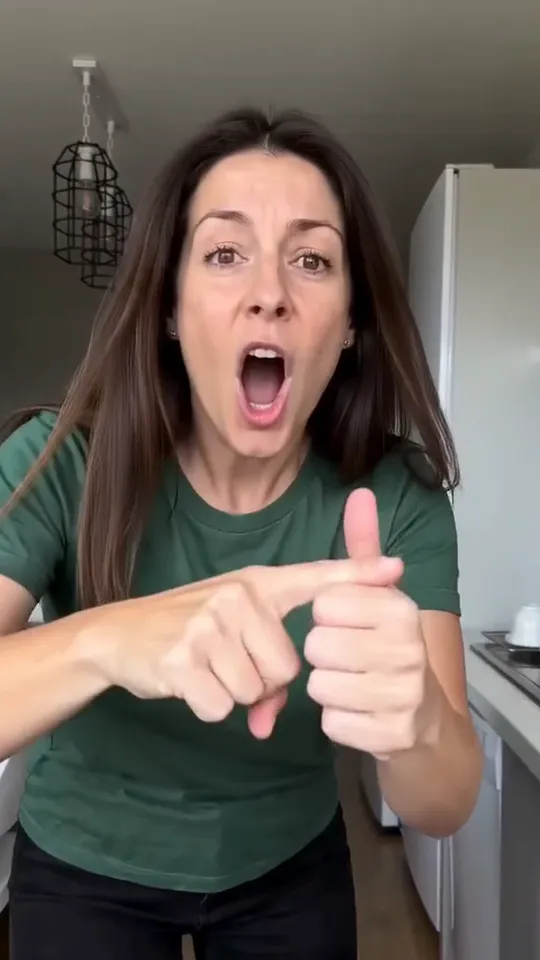
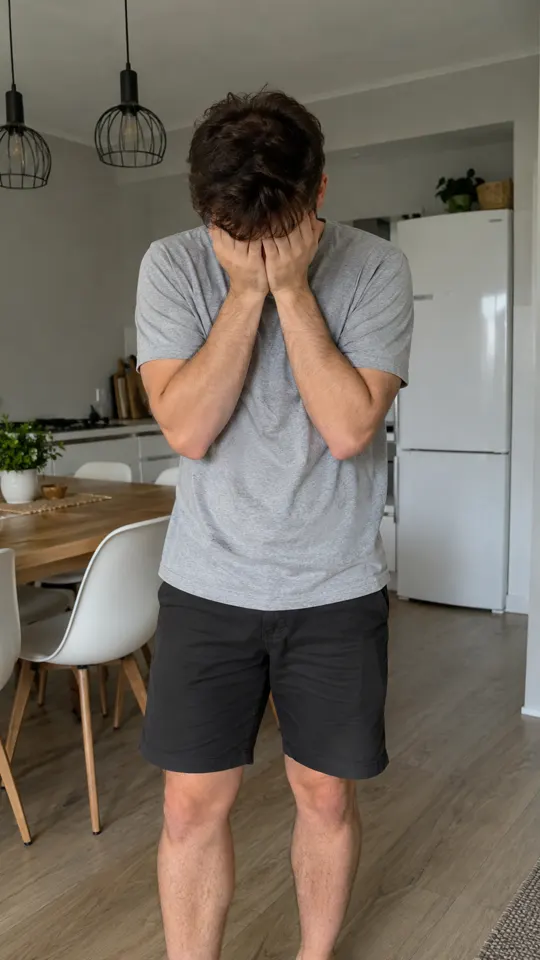
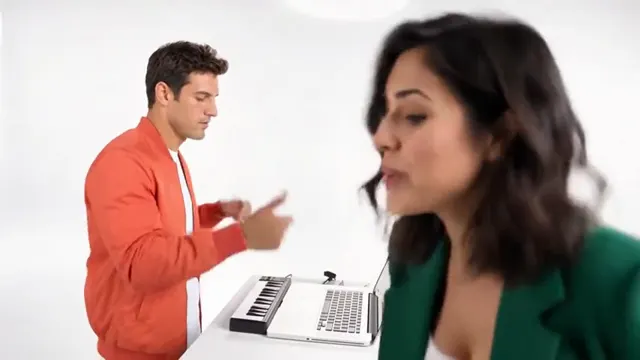
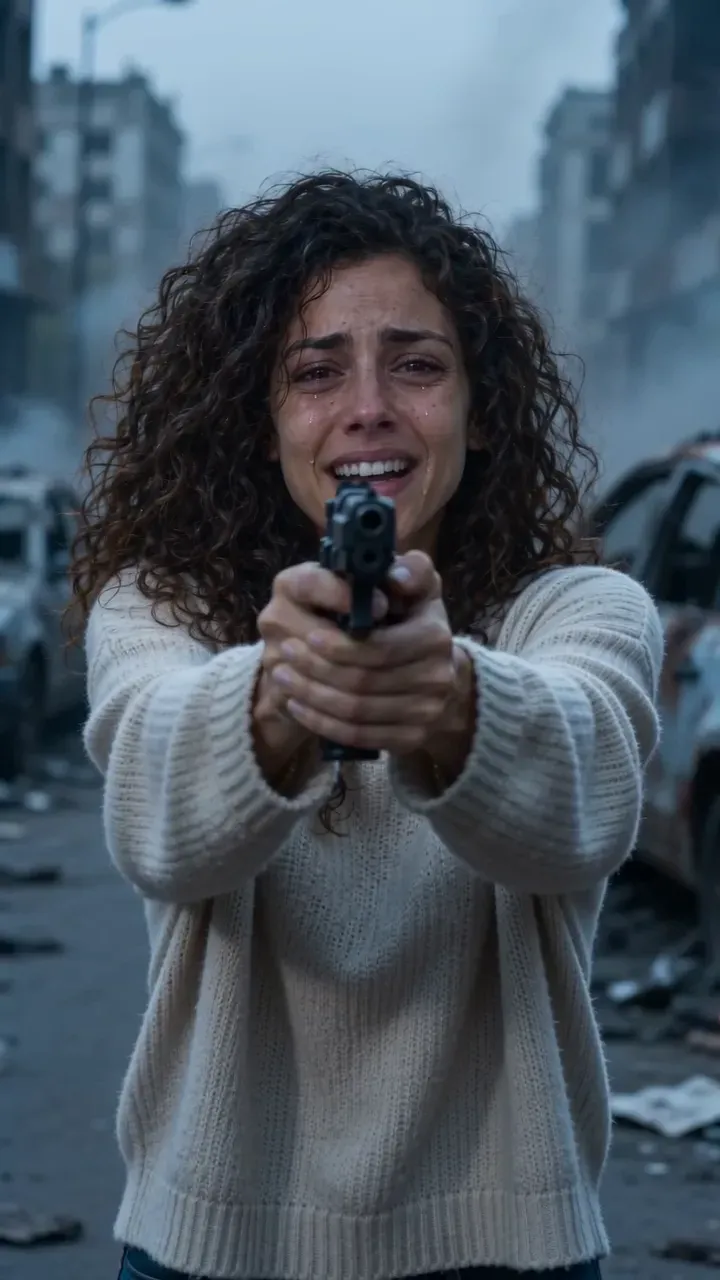
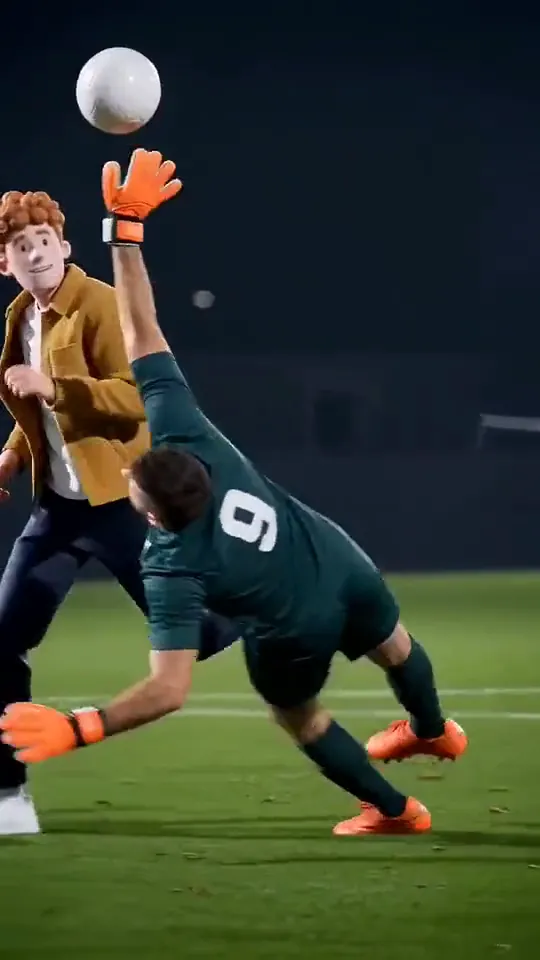
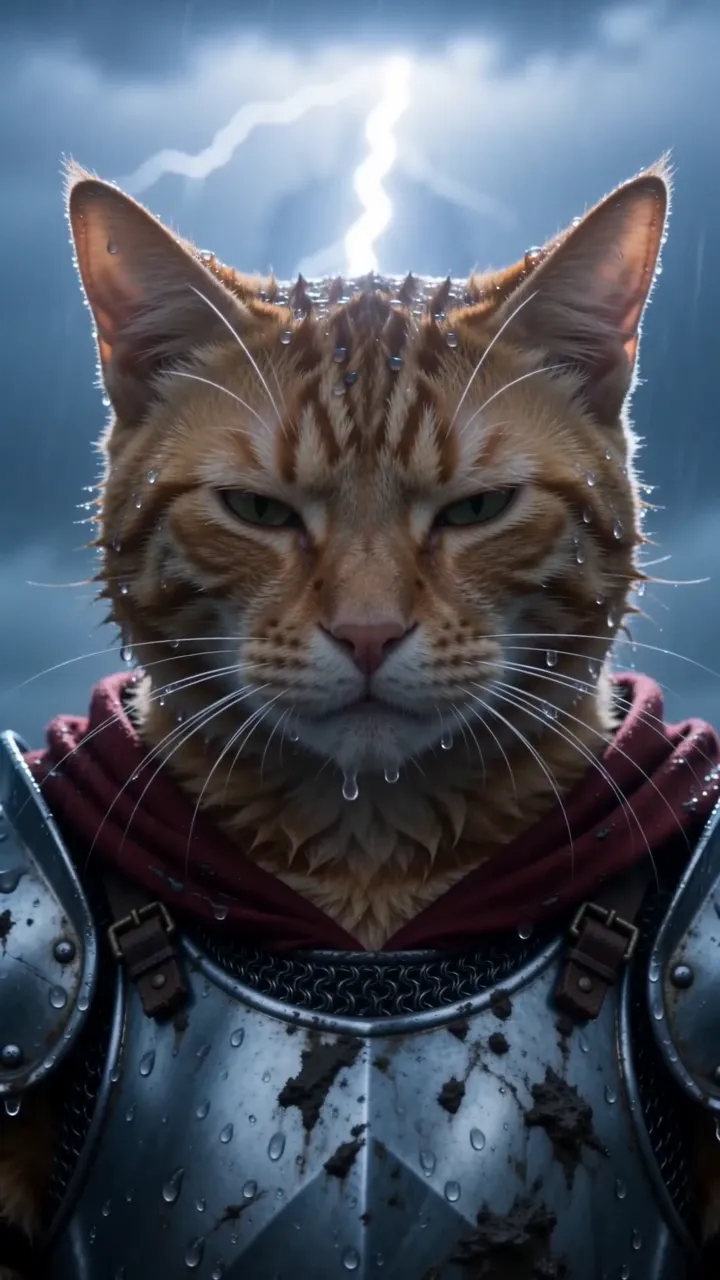
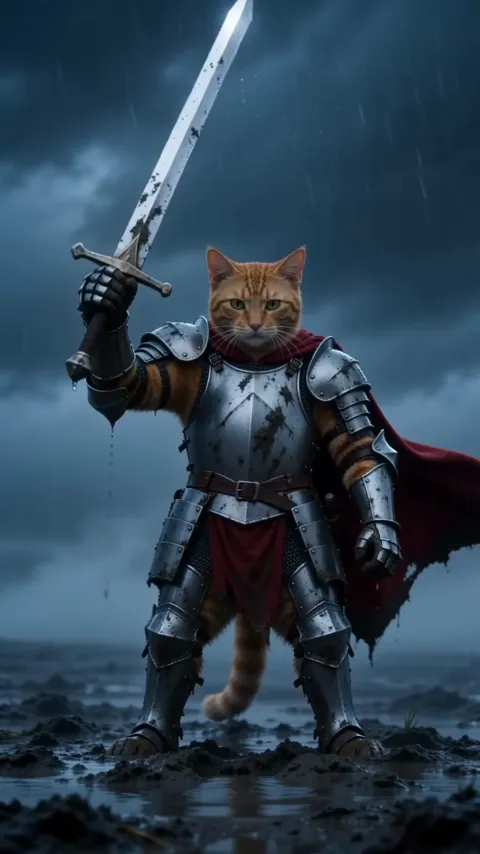
Each of these started as the photo stuck on it. Turn the sound on.

See every example

How it works

No filming, no editing, no app to learn.

  1. Pick a trend

    Every trend plays first, with its sound, so you know exactly what you get.

  2. Add your photo

    One photo, or two for trends with a friend or a pet. Each one is checked as you add it, before you pay anything.

  3. Save it and post it

    Download it with no watermark and the trend’s song already in it, or share its link straight from your phone.

Made for your feed

Every video comes out ready for TikTok, Reels and Shorts. Nothing to edit before you post.

  • The original sound, already in itThe trend’s song plays from the first frame, timed to the moves.
  • Sized for the feedVertical for TikTok, Reels and Shorts, or widescreen where the trend was filmed that way.
  • No watermarkYour video, with nothing stamped on it.
  • Save or share in a tapDownload it to your camera roll, or send its link to friends.
Make yours

Your pet can be the star

Cats, dogs, the rabbit on the sofa. Pick “Your pet”, add one face-on photo, and they take the lead.

All pet trends
  • Bad Times
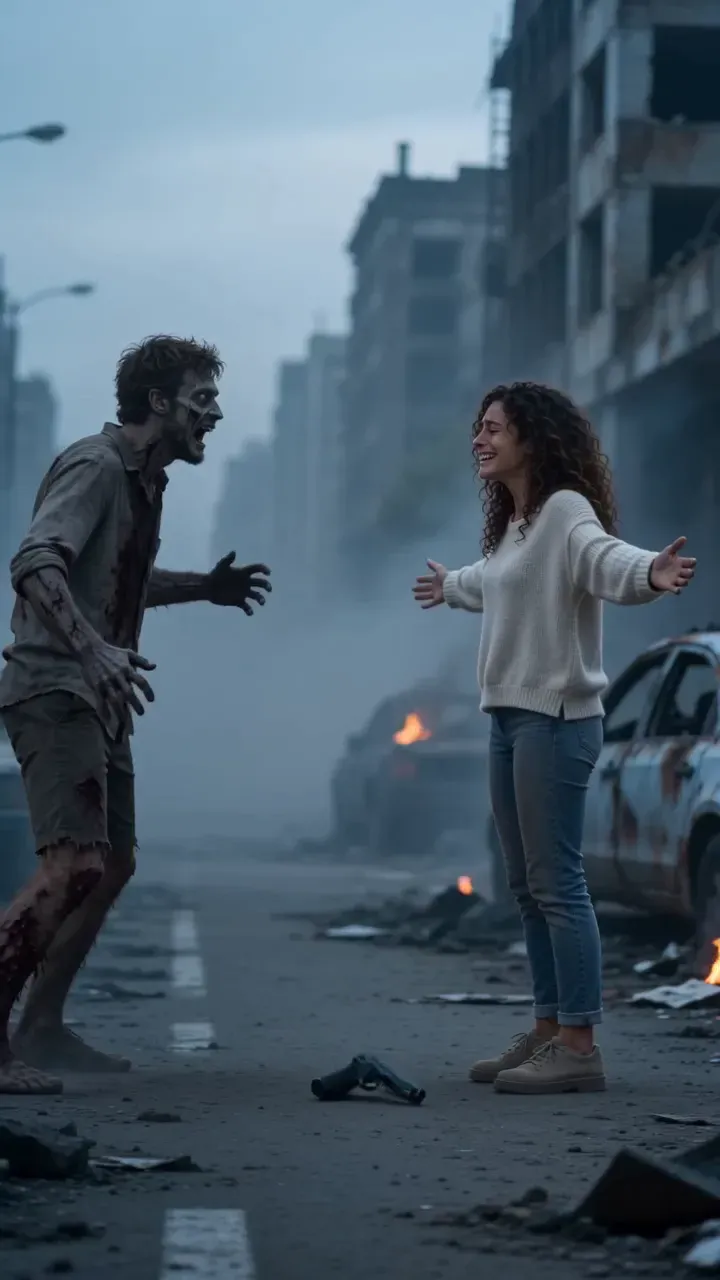
  • Zombie Hug
  • Toc Toc

Why not film it, or prompt it?

Three ways onto the trend. One of them takes a photo.

CompareNowStarringA prompt-based AI video appFilming it yourself
What you doPick a trend, add a photoWrite a prompt, retry until it looks rightLearn it, set up, film take after take
Looks like the trendThe same moves, timing and soundClose, rarely the sameIf you nail it
Your pet as the starOne photo of themHit or missOnly if they play along
Ready to postWith the song, no watermarkAdd the sound and edit it yourselfAfter you edit it
What it costsFrom $4.41 a video, paid onceUsually a monthly plan, plus the retriesFree, plus your time

NowStarring

  • What you doPick a trend, add a photo
  • Looks like the trendThe same moves, timing and sound
  • Your pet as the starOne photo of them
  • Ready to postWith the song, no watermark
  • What it costsFrom $4.41 a video, paid once

A prompt-based AI video app

  • What you doWrite a prompt, retry until it looks right
  • Looks like the trendClose, rarely the same
  • Your pet as the starHit or miss
  • Ready to postAdd the sound and edit it yourself
  • What it costsUsually a monthly plan, plus the retries

Filming it yourself

  • What you doLearn it, set up, film take after take
  • Looks like the trendIf you nail it
  • Your pet as the starOnly if they play along
  • Ready to postAfter you edit it
  • What it costsFree, plus your time

Pay once, or post every month

A pack for one video, or a plan if you post often. Credits work on every trend, and a video that fails gives them back.

Billing

Starter

For a trend or two a month

$12.90a month

Billed monthly, cancel anytime

3 videos a month135 credits · $4.30 a video

The same credits every month

  • Unused credits roll over a month
  • Every trend, one balance
  • Credits back if a video fails
  • No watermark, original sound
  • Change or cancel anytime
Recommended

Creator

For posting every week

$34.90a month

Billed monthly, cancel anytime

9 videos a month405 credits · $3.88 a video
  • Unused credits roll over a month
  • Every trend, one balance
  • Credits back if a video fails
  • No watermark, original sound
  • Change or cancel anytime

Studio

For posting every day

$69.90a month

Billed monthly, cancel anytime

20 videos a month900 credits · $3.50 a video
  • Unused credits roll over a month
  • Every trend, one balance
  • Credits back if a video fails
  • No watermark, original sound
  • Change or cancel anytime
Recommended
  • Unused credits roll over a month
  • Credits back if a video fails
  • Cancel anytime

Cancel anytime. Unused credits roll over a month.

Or pay once

For one video or a few. Never expire.

$27.906 videos · $4.65 a video270 credits, paid once

270 credits, paid once. They never expire.

  • Secure checkout by Stripe
  • Unused pack? Refund within 14 days
  • A failed video gives its credits back

What is an AI trend video?

An AI trend video is a short vertical video that recreates a trend from TikTok, Reels or Shorts with you or your pet as the star, made from a photo instead of filmed.

NowStarring keeps each trend’s moves, timing, framing and song, and puts the person or pet from your photo in it. Pick the trend, add one or two photos, and the video is ready in a few minutes.

New trends are added as they take off. Each one has its own page with examples, the photos it needs and how to post it.

What you need
One photo, or two for duets
What you get
A vertical video with the trend’s song
How long
Usually a few minutes
Who can star
You, a friend or your pet
Guides to the trends

Where each trend comes from, the photo that works and how to post it.

All guides

Questions

About the trends, your photos, prices and posting.

  1. What is NowStarring?

    NowStarring makes you or your pet the star of a video trend. Pick a trend, add one or two photos, and a few minutes later you get the video everyone is posting, starring you.

  2. Do I need to film anything?

    No. One clear photo is enough, or two for trends with a friend or a pet. The moves, the timing and the song come from the trend.

  3. Which photos work best?

    One face per photo, close up, facing the camera, in good light. For pets, face on and filling the frame. Every photo is checked as you add it, before you pay.

  4. Can my pet star instead of me?

    Yes, on every trend marked “You or your pet” and on the pet trends. Pick “Your pet” and add one clear, face-on photo of them filling the frame.

  5. What about trends with two people?

    Duets ask for two photos, one per role: you and a friend, or you and your pet. If they land in the wrong slots, swap them with one tap.

  6. How long does it take?

    Usually a few minutes. You can leave the page: the video waits for you in My videos.

  7. How much does it cost?

    From $4.41 a video. Packs start at $9.90 and are paid once, or pick a monthly plan if you post often. If a video fails, its credits come back automatically.

  8. Do I need a subscription?

    No. A pack is a one-time payment and its credits never expire. Monthly plans are there for people who post every week, and you can cancel any time.

  9. Is there a free version?

    Picking a trend, adding photos and the photo check are free. You only pay when you make the video.

  10. Can I post it on TikTok, Reels and Shorts?

    Yes. Videos are vertical, with no watermark and the trend’s song already in them, ready to download and post.

  11. Is the trend’s song in the video?

    Yes, the original sound is laid over every video, timed to the moves. The song belongs to its rights holders, and a platform may mute it; you can then add the same sound inside the app.

  12. Does it work on my phone?

    Yes. Everything works in your phone’s browser: pick a photo from your camera roll, and save the finished video straight back to it. There is no app to install.

  13. What if the video comes out wrong?

    If a video fails, its credits come back to your account automatically. If it finished but doesn’t look right, write to us and we’ll sort it out.

  14. What happens to my photos?

    They’re used only to make your video and are deleted automatically 7 days after upload. Your finished videos stay in My videos until you delete them.

  15. How often are new trends added?

    Whenever a trend takes off. Each new one gets its own page, with examples, the photos it needs and how to post it.

Still have a question? Write to us and a person answers.

support@nowstarring.aiRead the full FAQ

Your turn
to star.

Pick a trend and add your photos. You only pay when you make it.

Make your video