Scene trends
The moment everyone is recreating, starring you.The moments everyone is recreating this week. Add a photo and you’re the one in the scene.
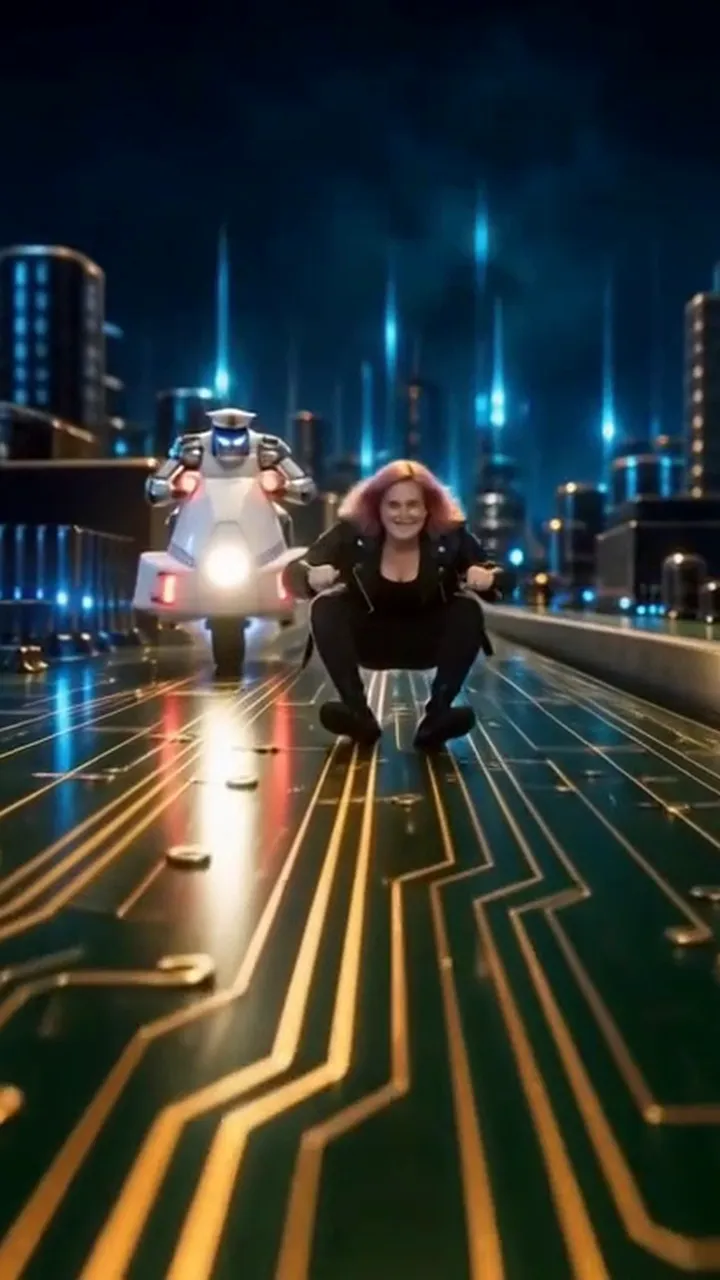 New
New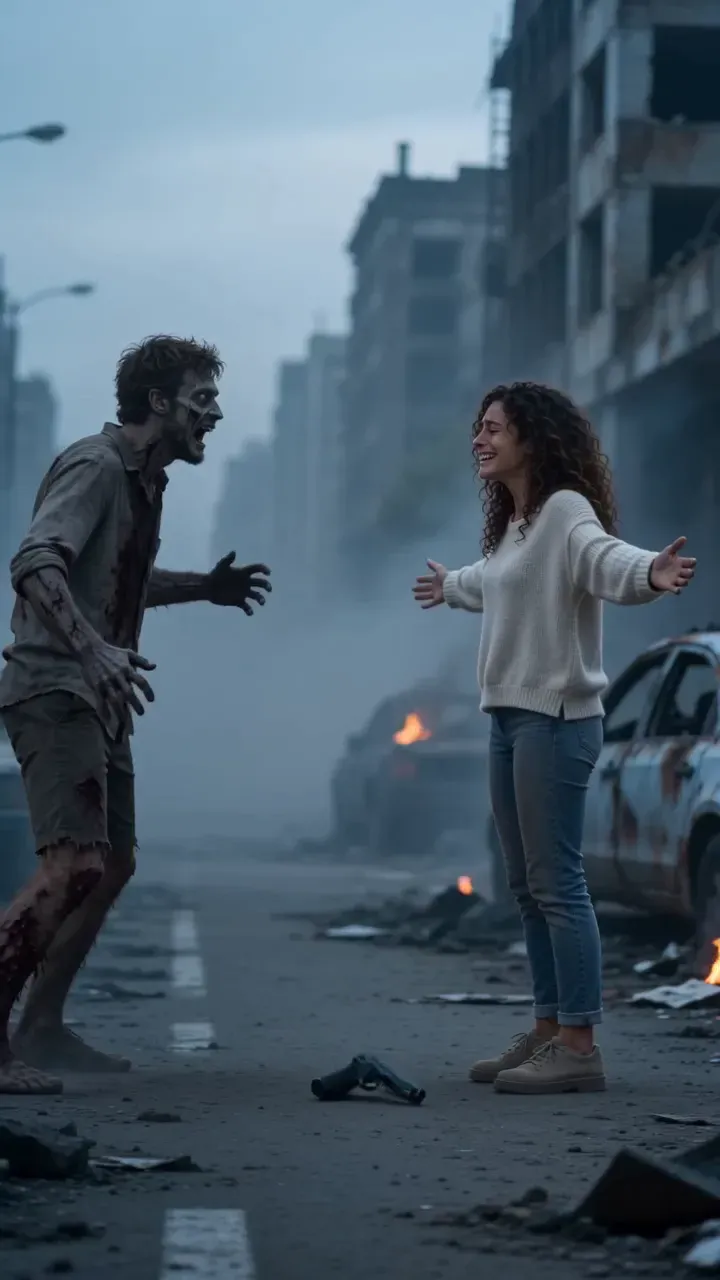 New
New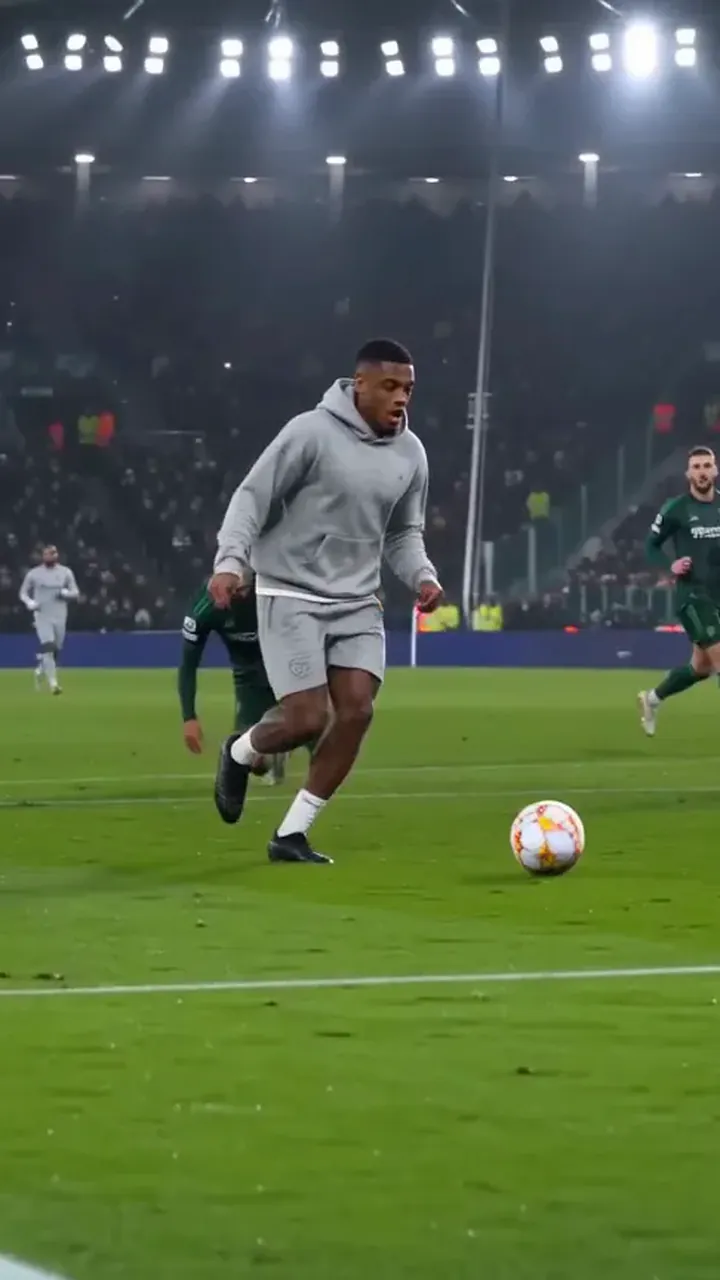 New
New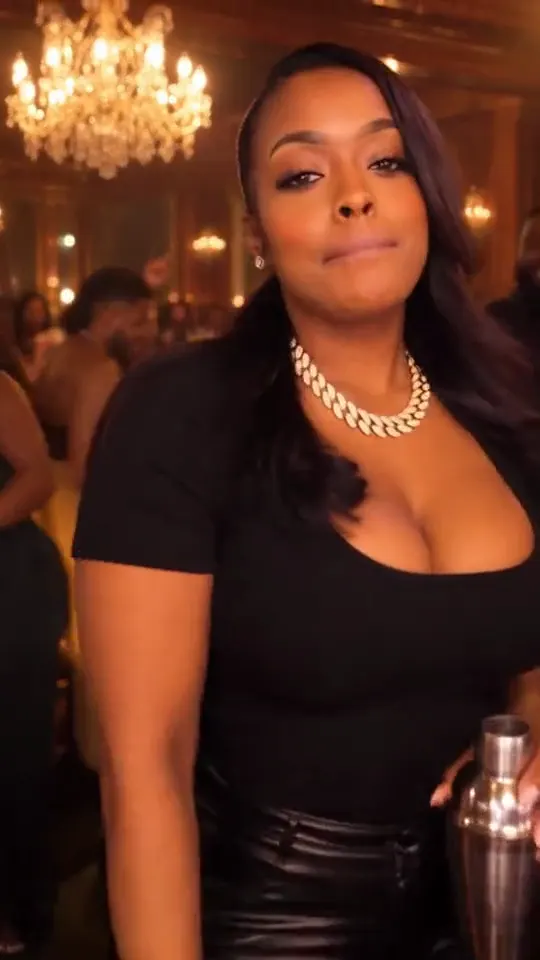
New trends every week
Get one email when a trend you can star in lands.
By who stars
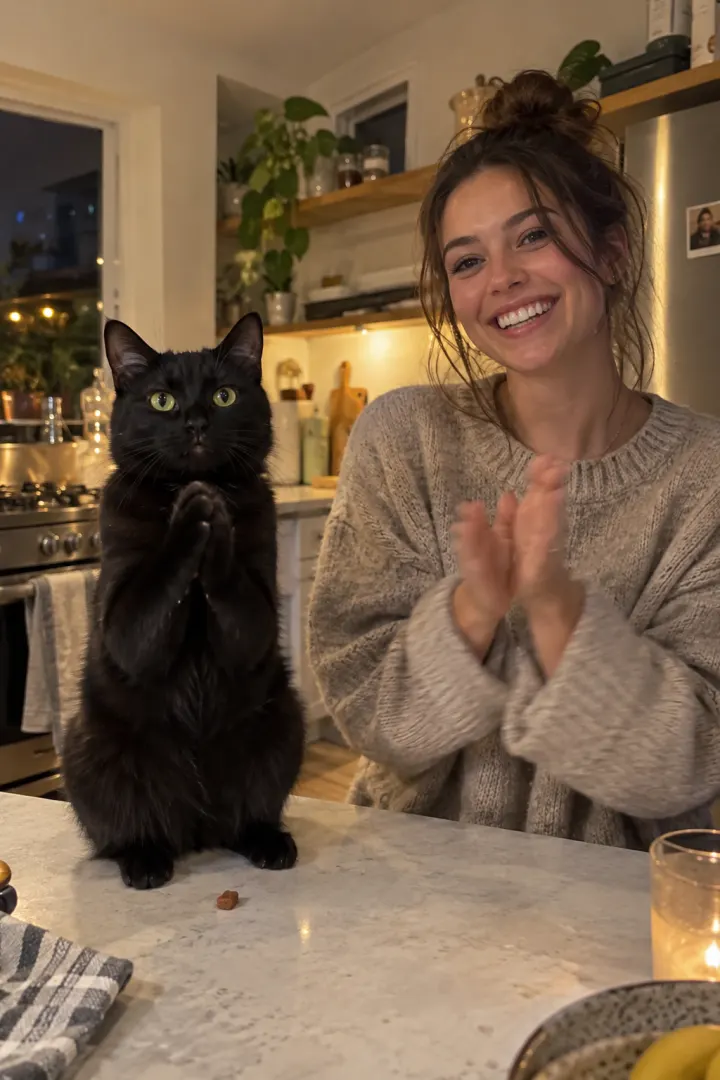
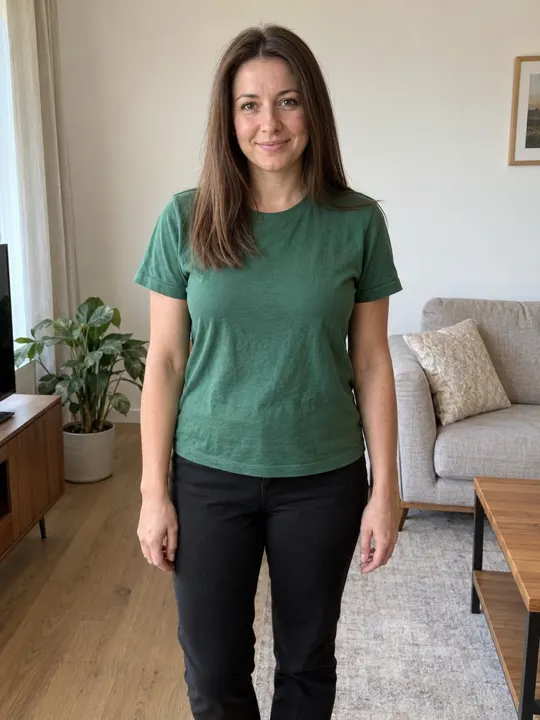
Your pet or you. Each kind of trend has its own page.
How it works
Three steps, no filming.
Pick a trend
Every trend plays first, so you know what you get.
Add your photos
One or two photos. We check them before you pay anything.
Post it
No watermark. The caption, hashtags and sound come with it.
 New
New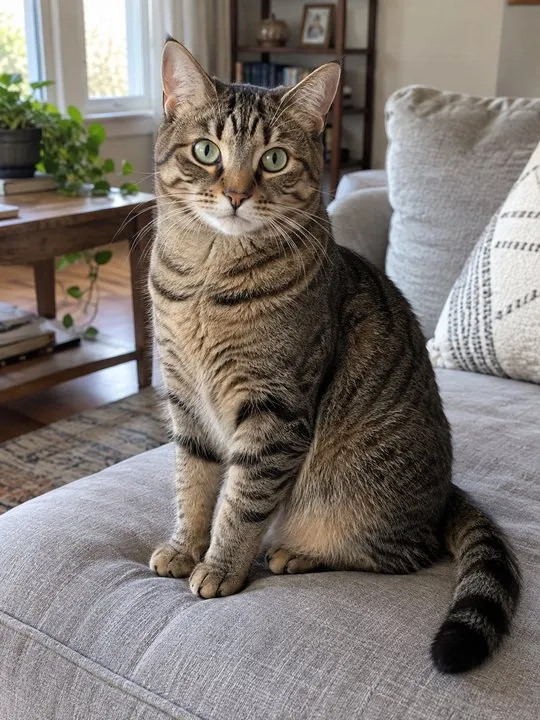 Your petLooks good
 YouLooks good
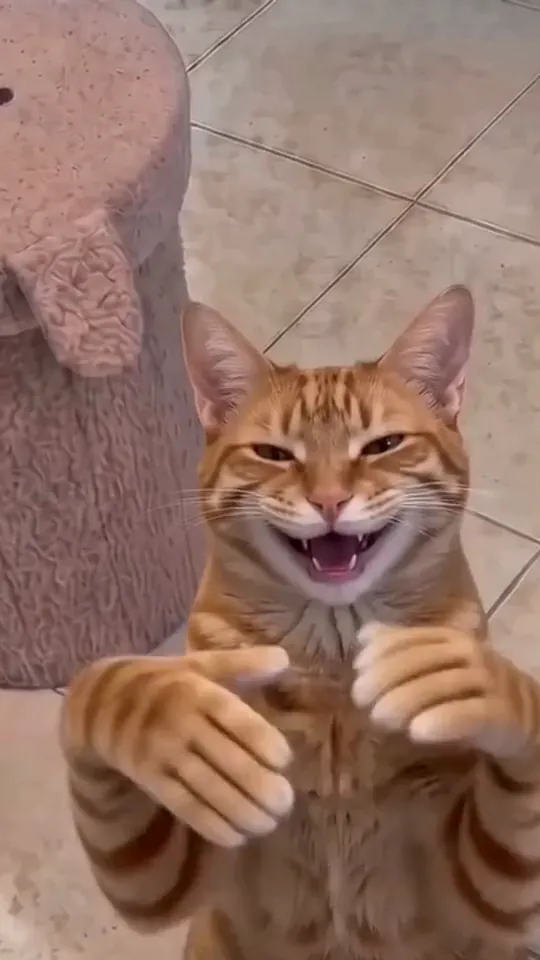 Yours
YoursGuides
How each trend works, which photos to use, and how to post it.
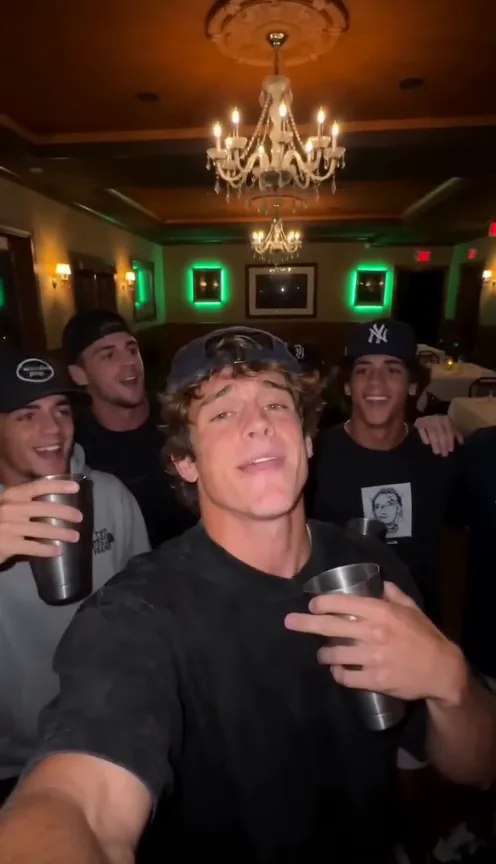 Trend guide
What is the Burning Bridges AI trend (and where it started)
The Burning Bridges AI trend puts you at the centre of a chandelier-lit party, posted with Drake’s song. What the clips look like, where they came from and how to make one.
 Photo guide
What photo works best for the Burning Bridges AI video
One photo makes the whole Burning Bridges AI video. Here is what a good one looks like for people and pets, and what to avoid.
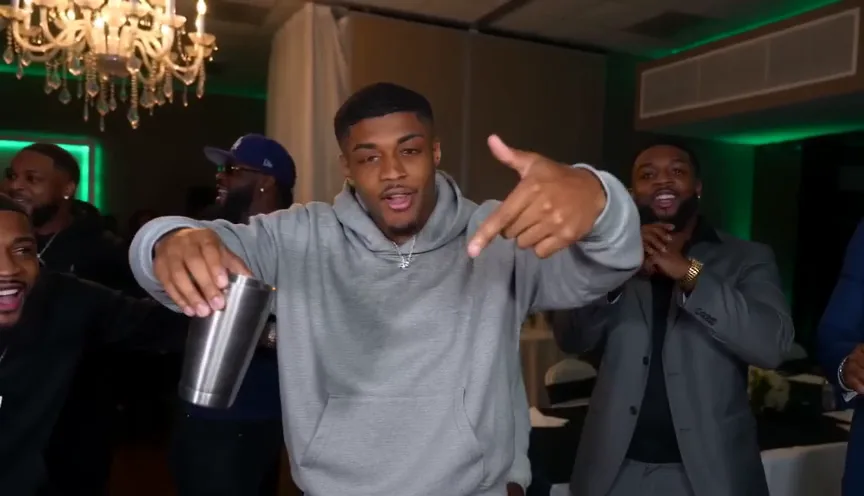 Posting guide
How to add the Burning Bridges sound on TikTok and Reels
Your Burning Bridges AI video already has the song. Here is how to post it with the official sound on TikTok and Instagram Reels so it joins the trend page.
Questions
What is a scene trend?
A moment everyone is recreating, like a party or a flex, with you as the lead instead of the person in the original.
Which photo should I use?
One clear photo of you facing the camera, with your face uncovered and good light. Each trend page shows photos that work.
Do all trends cost the same?
Not quite. A trend costs more credits when its video runs longer or takes more work, and each trend page shows what one video costs before you make it. Your credits work on every trend.
Can I make the same trend twice?
Yes. Make it again with another photo, or with your pet instead of you. Each video is its own, and every one stays in My videos.