Skip to content
NowStarring

Zombie Hug AI video generator: They’ve turned. You can’t do it. Then your best day.

I’d know you anywhere.
Pick an example
Who’s in the video?
Who is in the photo
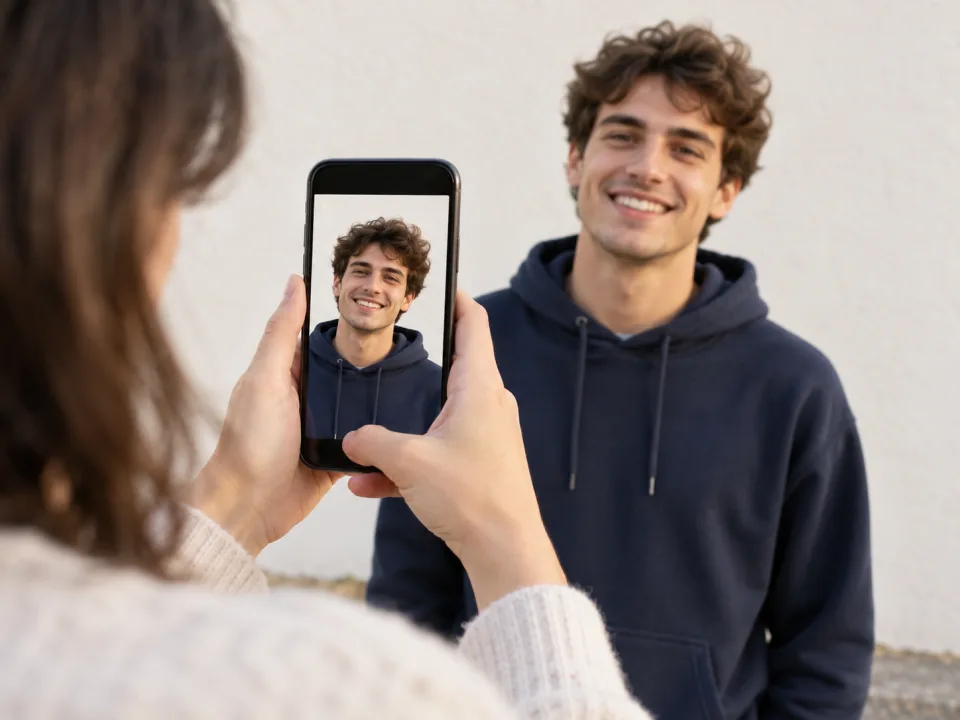
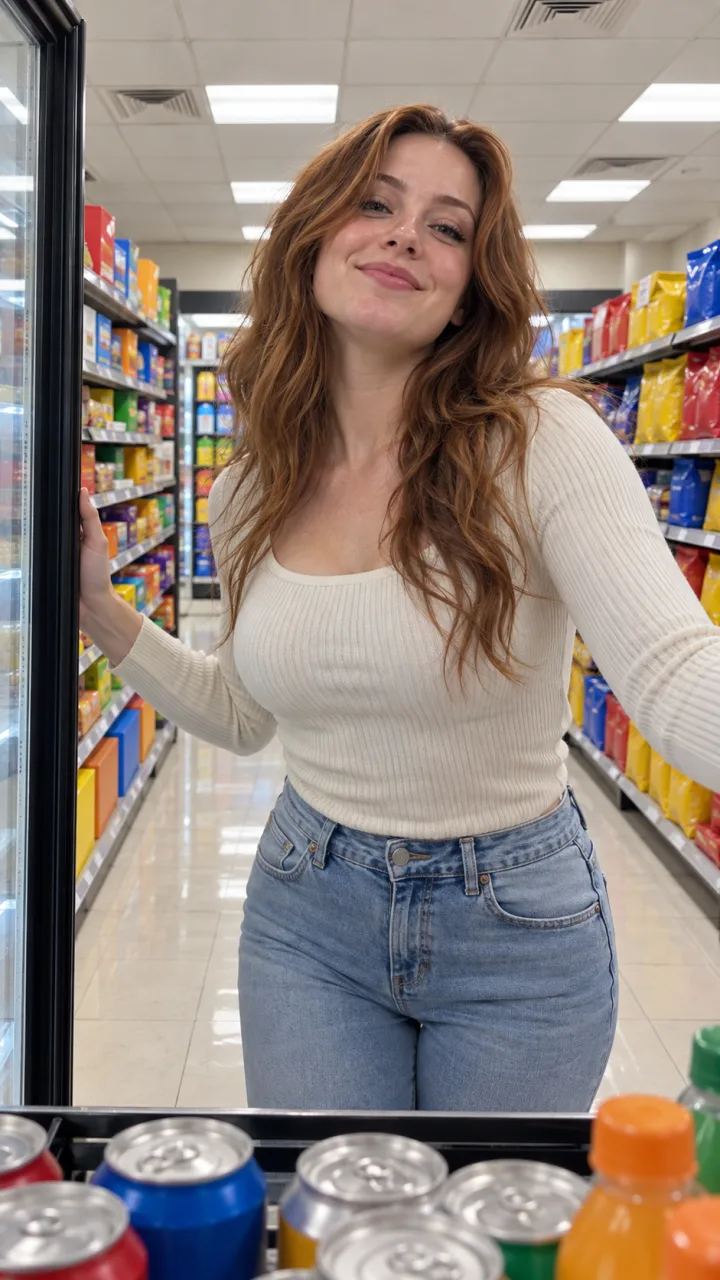
  1. The one who stays humanFace to the camera, good light
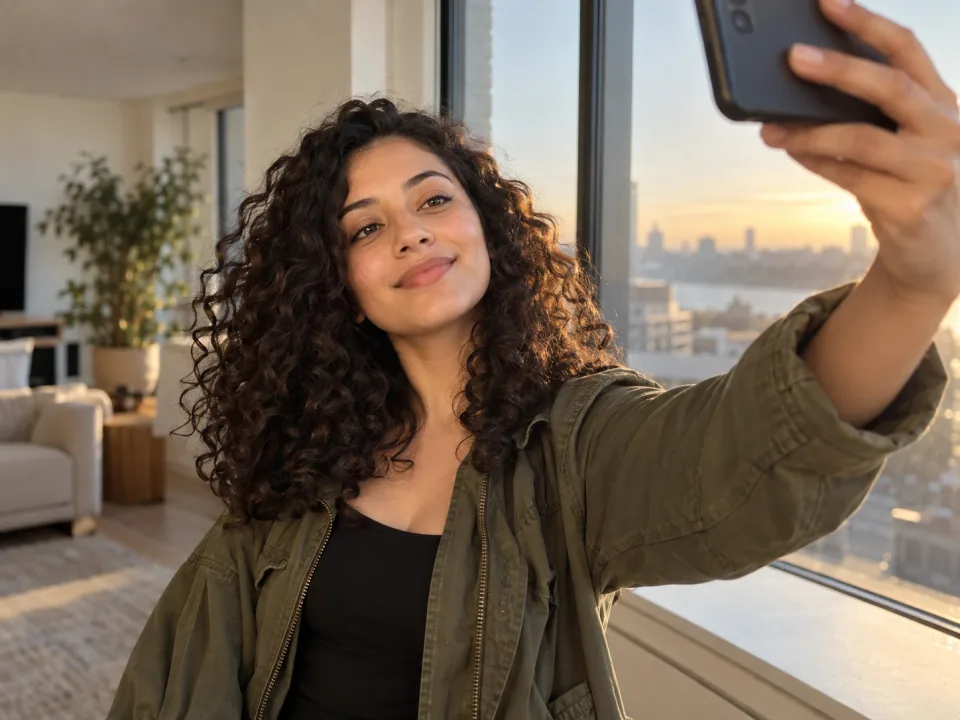
  2. The one who turnedPerson or pet, face to the camera
Format

One video uses 65 credits. You’ll sign in to make it. Photo tips

Add a photo of you and one of who you’d never leave behind. They’ve turned, you can’t do it, you reach for each other, then a hard cut to your best day together.

  • No watermark
  • With sound
  • A failed video costs nothing
  • No watermark
  • With sound
  • A failed video costs nothing
  • You and someone you love
  • Works with your dog or cat
  • Vertical for TikTok and Reels

Zombie Hug AI videos made from two photos

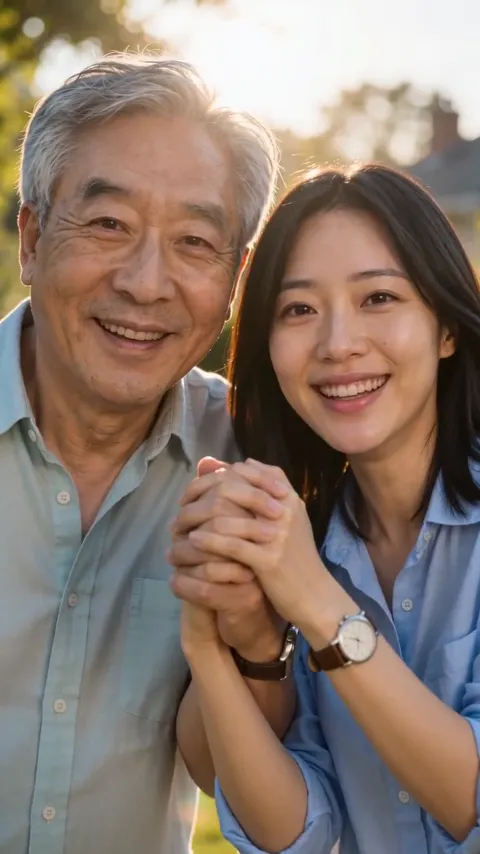
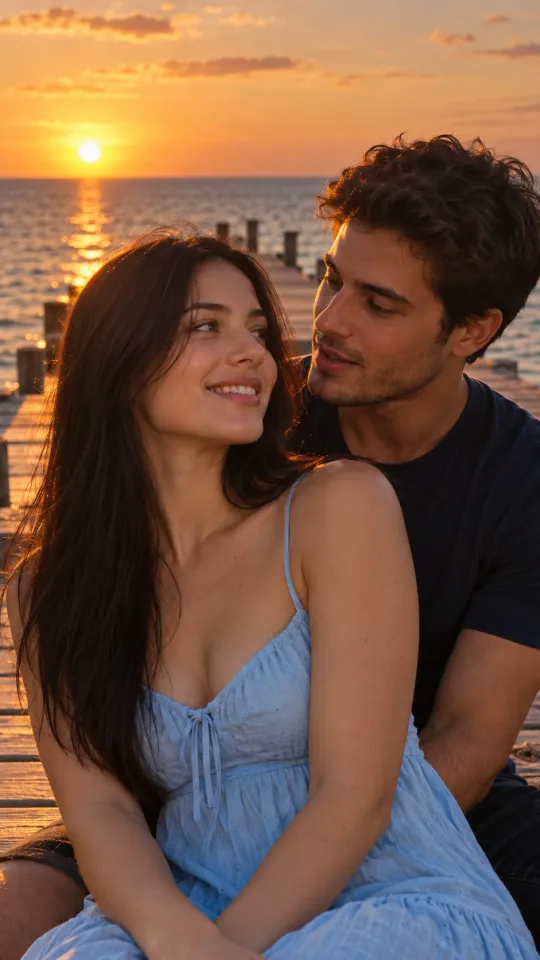
A couple, a daughter and her dad, and a boy and his dog, on the same ash-filled street. Each one started as two photos. Tap one to watch.

  • Couple

    I’d know you anywhere.

  • Dad

    You never let go. Neither will I.

  • Dog

    Who’s a good boy? Still you.

How to make the AI zombie trend video

No acting, no makeup and no editing. Just two good photos.

  1. Add your photo

    You’re the one who stays human. One clear photo, face to the camera, in good light.

  2. Add who turned

    Your partner, a parent, a sibling, a best friend or your dog or cat. One of them, alone in the photo.

  3. Download and post

    Your video is ready in a few minutes with sound and no watermark, so post it straight to TikTok or Reels.

What happens in the Zombie Hug video

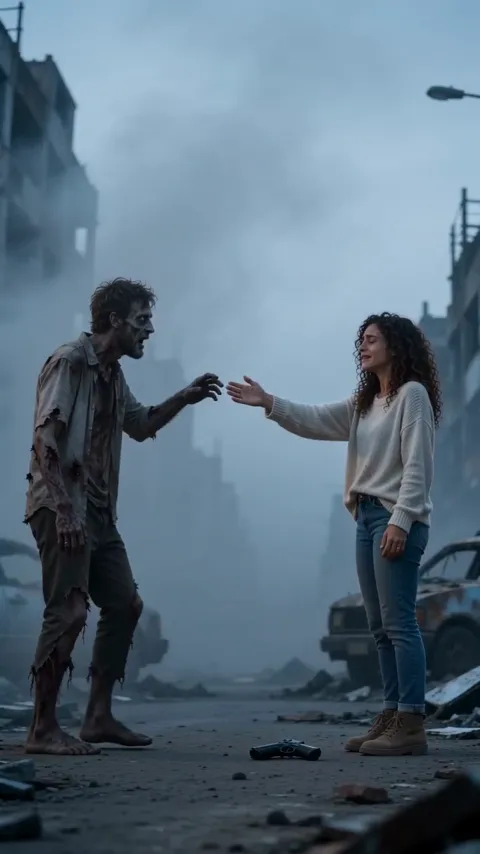
  1. Zombie Hug AI video, part 1: The choice

    The choice

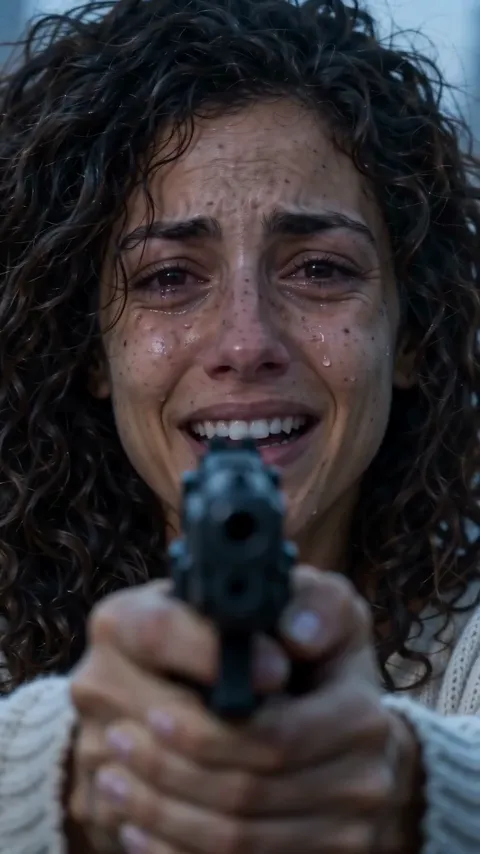
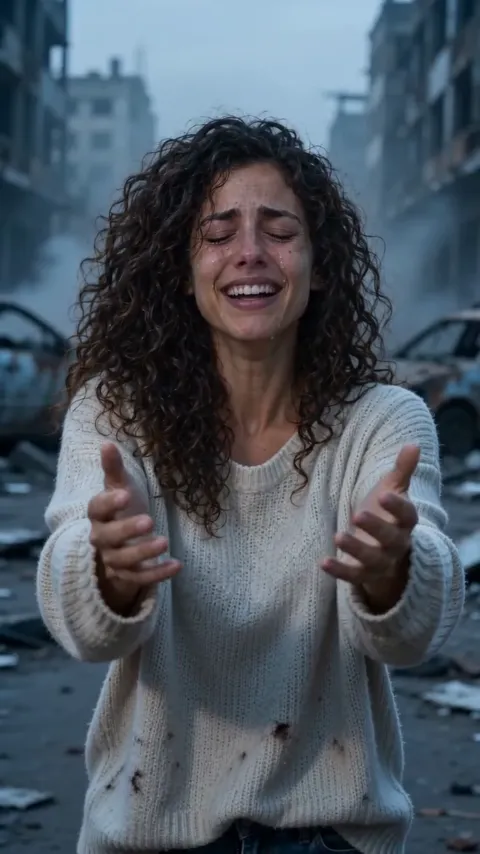
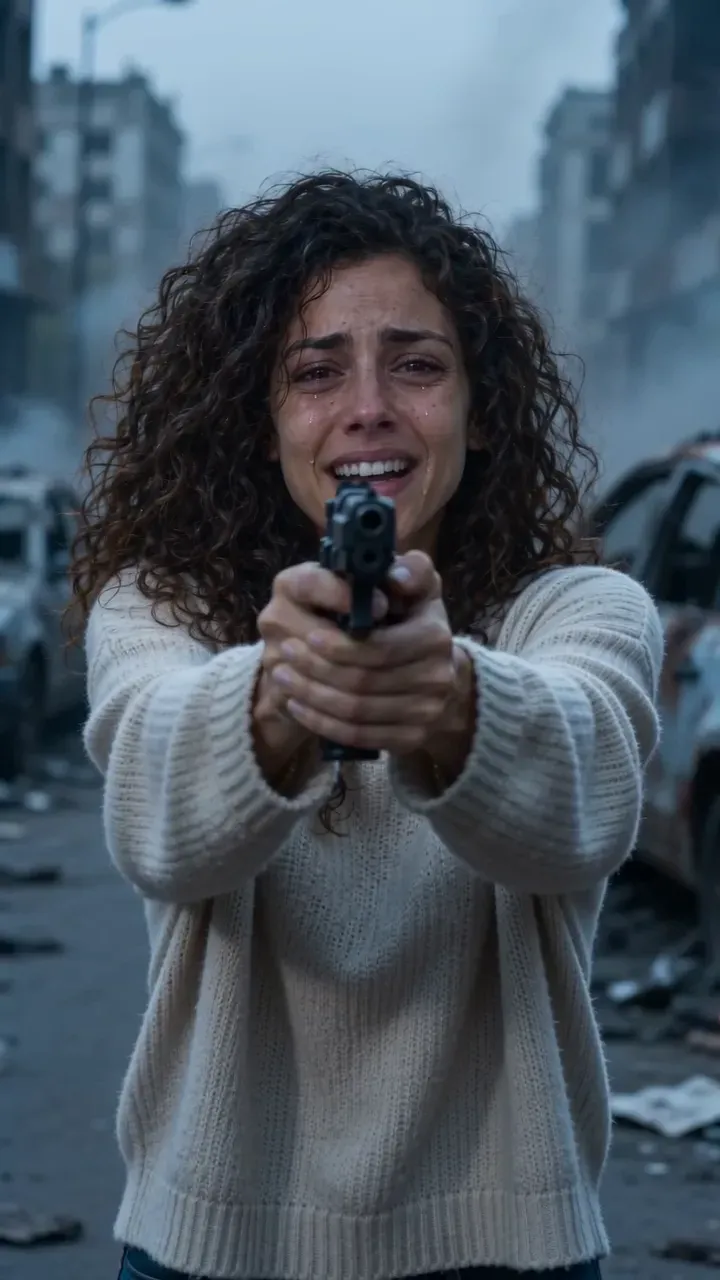
    In tears, you aim at the one who turned, and your hands won’t stop shaking.

  2. Zombie Hug AI video, part 2: Recognition

    Recognition

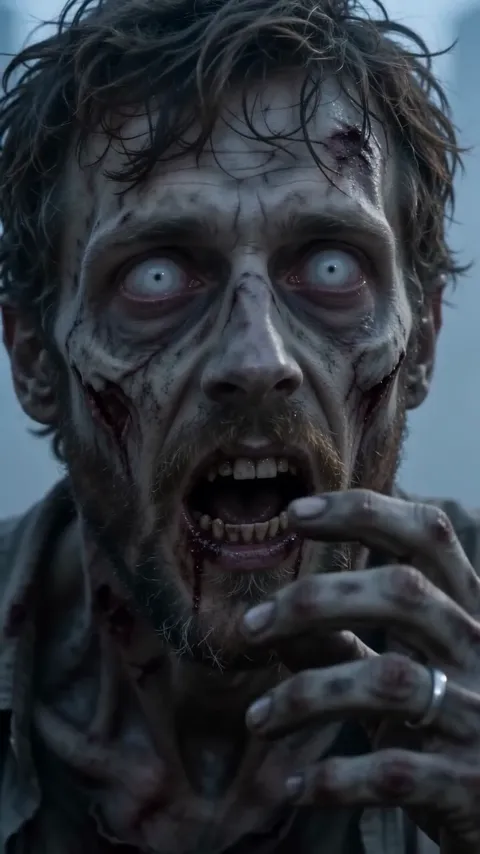
    Behind the clouded eyes, something still knows your name.

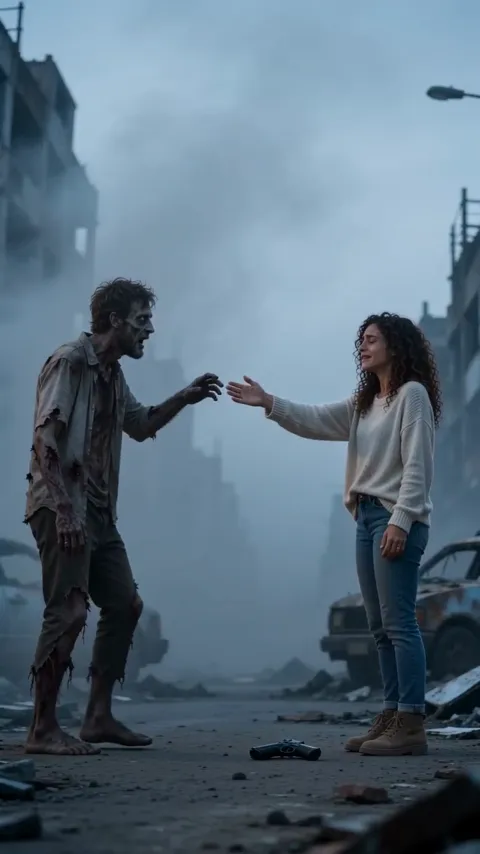
  3. Zombie Hug AI video, part 3: The gun drops

    The gun drops

    You let it fall and open your arms, eyes shut.

  4. Zombie Hug AI video, part 4: The reach

    The reach

    They stumble toward you, one hand out for yours.

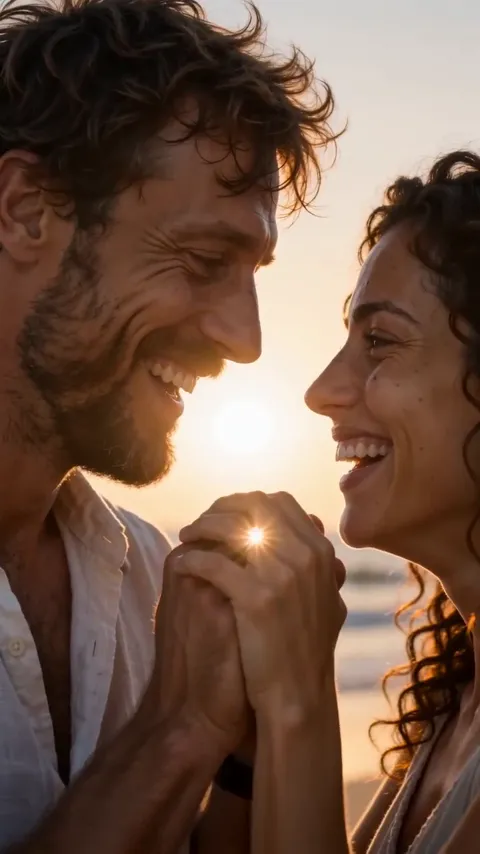
  5. Zombie Hug AI video, part 5: Your best day

    Your best day

    A hard cut to the two of you alive, laughing in the sun.

Best photos for the Zombie Hug video

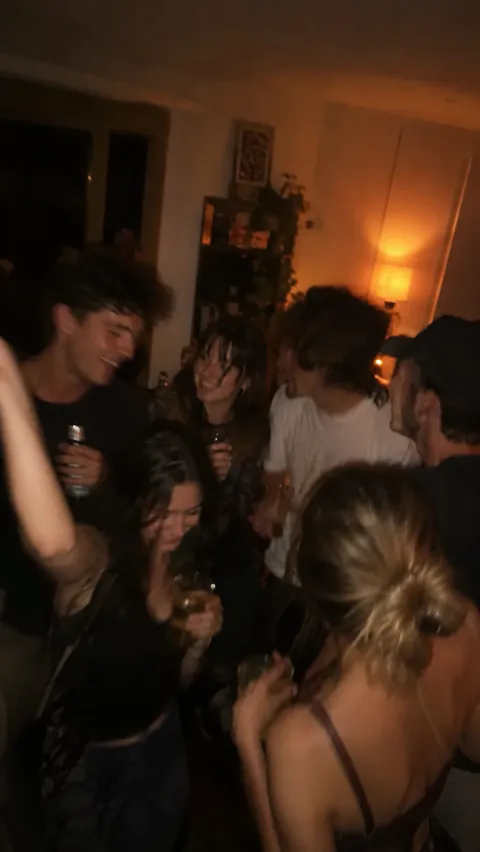
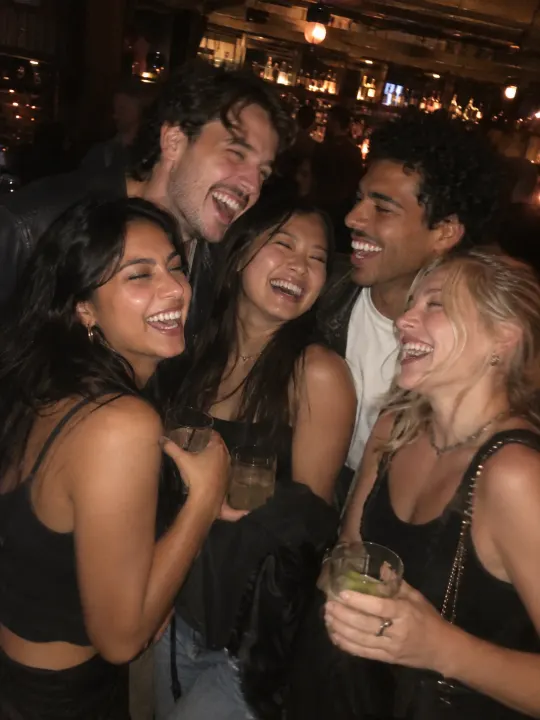
Both faces come back in the warm ending, so the clearer the photos, the more it looks like the two of you.

You

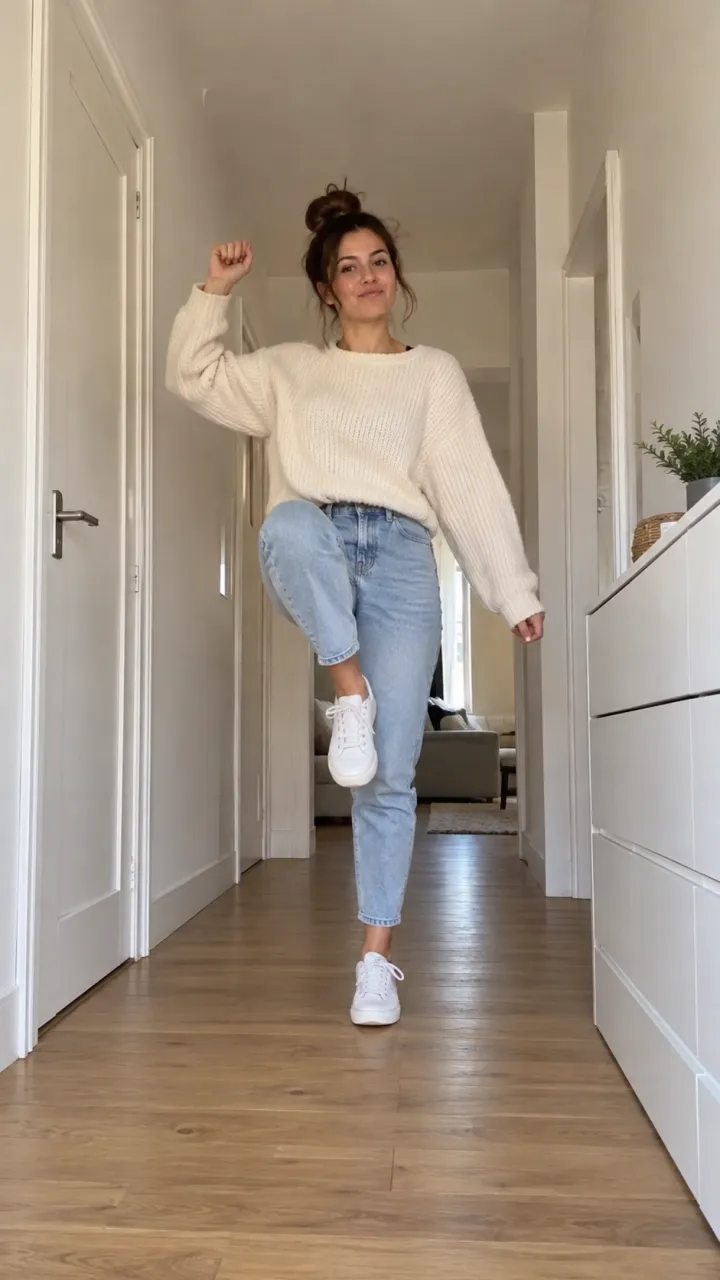
Face to the camera, eyes open, in even light.

  • Face to the cameraFace to the cameraEyes open, even light
  • Selfies workSelfies workA clear face is enough
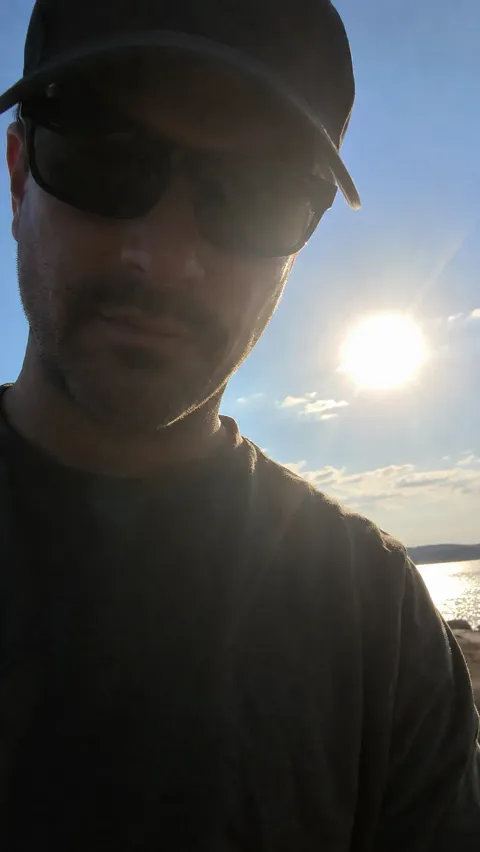
  • Shades or backlightShades or backlightHidden eyes won’t look like you
  • Group photosGroup photosCrop it to just you

Who turned

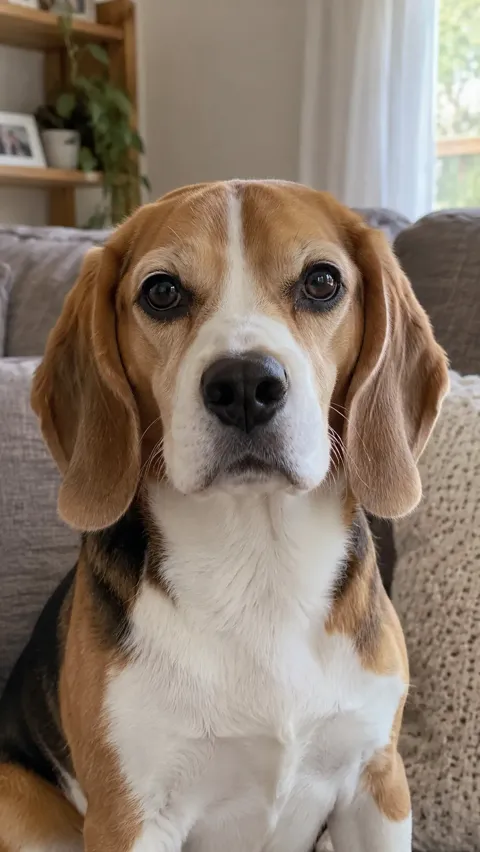
A person or a pet, alone in the photo, face to the camera.

  • A clear faceA clear faceLooking at the camera
  • Pets work tooPets work tooClose up, looking at you
  • Too far awayToo far awayThe face gets lost
  • More than oneMore than oneCrop to just them

Made for your feed

Your Zombie Hug video comes out finished, so there’s nothing to edit before you post it.

  • The sound, already in itIt plays from the first frame, timed to every move.
  • Vertical, phone-sizedFills the screen on TikTok, Reels and Shorts.
  • No watermarkYour video, with nothing stamped on it.
  • Save or share in a tapDownload it to your camera roll, or send its link to friends.
Make my Zombie Hug video
You made me promise.

What is the AI zombie trend?

What happens in the video

The AI zombie trend, also called the zombie hug or the zombie love story, is a short film for two. One of you has turned into a zombie. The other has the gun and every reason, and can’t do it. A flicker of recognition, the gun drops, you reach for each other, and the film hard-cuts to a warm memory of the two of you alive.

Where it comes from

It started with couples on TikTok, set to a slow, sad sound. Then people made it with their mom, their dad, their best friend and their dog or cat, and those are the versions that made everyone cry.

Why people post it

It’s a way of saying “I’d never leave you behind” that’s funny for a second and then isn’t. The hard cut to your best day is the moment everyone waits for.
How much the Zombie Hug AI video costs

Every Zombie Hug video is paid with credits: get them every month with a plan, or pay once with a pack that never expires.

Billing

Starter

For a trend or two a month

$12.90a month

Billed monthly, cancel anytime

2 videos a month135 credits · $6.21 a video

The same credits every month

  • Unused credits roll over a month
  • Every trend, one balance
  • Credits back if a video fails
  • No watermark, original sound
  • Change or cancel anytime
Recommended

Creator

For posting every week

$34.90a month

Billed monthly, cancel anytime

6 videos a month405 credits · $5.60 a video
  • Unused credits roll over a month
  • Every trend, one balance
  • Credits back if a video fails
  • No watermark, original sound
  • Change or cancel anytime

Studio

For posting every day

$69.90a month

Billed monthly, cancel anytime

13 videos a month900 credits · $5.05 a video
  • Unused credits roll over a month
  • Every trend, one balance
  • Credits back if a video fails
  • No watermark, original sound
  • Change or cancel anytime
Recommended
  • Unused credits roll over a month
  • Credits back if a video fails
  • Cancel anytime

Cancel anytime. Unused credits roll over a month.

Or pay once

For one video or a few. Never expire.

$27.904 videos · $6.98 a video270 credits, paid once

270 credits, paid once. They never expire.

  • Secure checkout by Stripe
  • Unused pack? Refund within 14 days
  • A failed video gives its credits back

AI zombie trend FAQ

Straight answers on making, paying for and sharing your Zombie Hug video.

  1. What is the AI zombie trend?

    A short-video trend on TikTok, Reels and Shorts, also called the zombie hug or the zombie love story. One person has turned into a zombie, the other can’t bring themselves to end it, they reach for each other, and the video hard-cuts to a happy memory of the two of them. Here you get that video from your own two photos.

  2. Can I make the zombie trend video with my dog or cat?

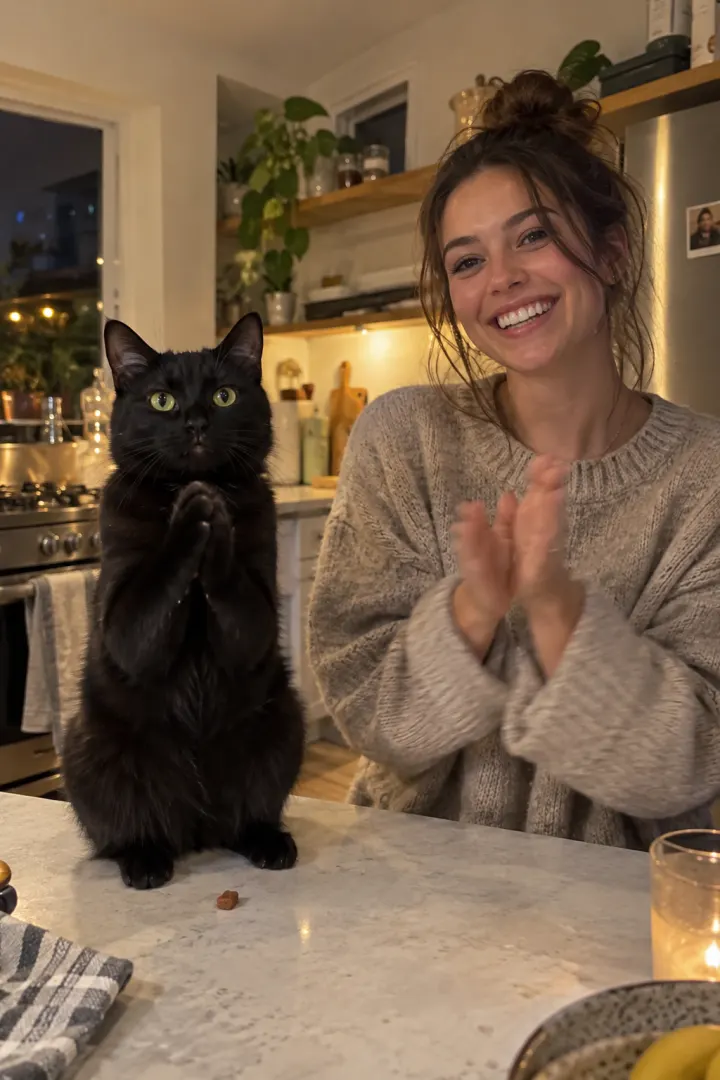
    Yes. Switch to your pet, then add a photo of you and one of your pet. Your pet turns and still knows you, leaps into your arms, and the video ends on a sunny day in the park together. Use a photo where your pet is looking at the camera.

  3. Does it have to be a couple?

    No. It works for anyone you’d never leave behind: your partner, a parent, a sibling or a best friend. The ending is the two of you running hand in hand through golden grass, so it fits every kind of pair.

  4. Does the video show a gun?

    The opening follows the trend: the one who stays human lowers a gun they can’t bring themselves to use, and drops it. If that scene can’t be made, we remake it automatically with a flashlight instead. There’s nothing for you to choose.

  5. Is it scary or gory?

    No gore and no blood. The one who turned has grey skin and clouded eyes like a movie zombie, and the video ends on a warm, sunny memory of the two of you.

  6. What photos work best for the Zombie Hug video?

    One person or pet per photo, face to the camera, eyes open, in even light, with nothing covering the face. Selfies are fine. Avoid sunglasses, heavy filters and group shots.

  7. How do I keep our faces the same in the zombie video?

    It comes down to the photos. Each face is made from its photo, so a blurry, dark or side-on photo is what makes a face drift. Use one sharp photo of each of you, face to the camera, in even light, with no sunglasses or filters.

  8. Does the video have sound?

    Yes. Cold wind and a slow heartbeat on the street, then a warm piano chord at the hard cut. If you want the trend’s sound too, pick a popular zombie hug sound when you post and turn the original sound down.

  9. How long does the Zombie Hug AI video take?

    Usually a few minutes. You can close the page: your Zombie Hug video waits in My videos, and we email you when it’s ready.

  10. How much does a Zombie Hug AI video cost?

    One Zombie Hug video uses 65 credits. Pay once with a credit pack whose credits never expire, or pay less per video with a monthly plan. A video that fails costs nothing.

  11. Can I use a photo of someone else?

    Only with their permission. No public figures, and nobody under 18.

  12. What happens to my photos after the video is made?

    They’re used only to make your Zombie Hug video and stay private to your account. Delete them any time from My videos.

  13. Is this the official zombie trend app?

    No. NowStarring is an independent fan tool for the zombie hug trend, not linked to the creators of the original videos or the sounds they were posted with. Those sounds belong to their rights holders.

  14. How do I make the Zombie Hug AI video?

    Add your photo at the top of this page, or two for a trend with two people, and press Make my video. Your Zombie Hug video is ready in a few minutes. No app, no filming and no editing needed.

  15. Can I post my Zombie Hug video on TikTok or Instagram Reels?

    Yes. Download the MP4 with no watermark and post it on TikTok, Instagram Reels or YouTube Shorts, or send it in a group chat.

  16. Can I make the Zombie Hug AI video for free?

    No. Every video here is paid for, so there’s no free trial and no watermark on what you download.

  17. Is there a CapCut template for the Zombie Hug trend?

    You don’t need one. A CapCut template drops your clip into someone else’s edit. Here the whole Zombie Hug video is made from your photo, so whoever is in it is in every shot.

  18. What if my Zombie Hug video doesn’t come out right?

    You don’t pay for a video that fails: what it used goes back to your balance automatically, and you can try again with another photo.

Still have a question? Email us and a real person will reply.

support@nowstarring.aiRead the full FAQ

Who would you never leave behind?

Add a photo of you and one of them, person or pet, and get your Zombie Hug video in a few minutes, hard cut to your best day included.

Make our Zombie Hug video

NowStarring is an independent fan tool. It is not linked to the creators of the original zombie hug videos or the sounds they were posted with, and those sounds belong to their rights holders.