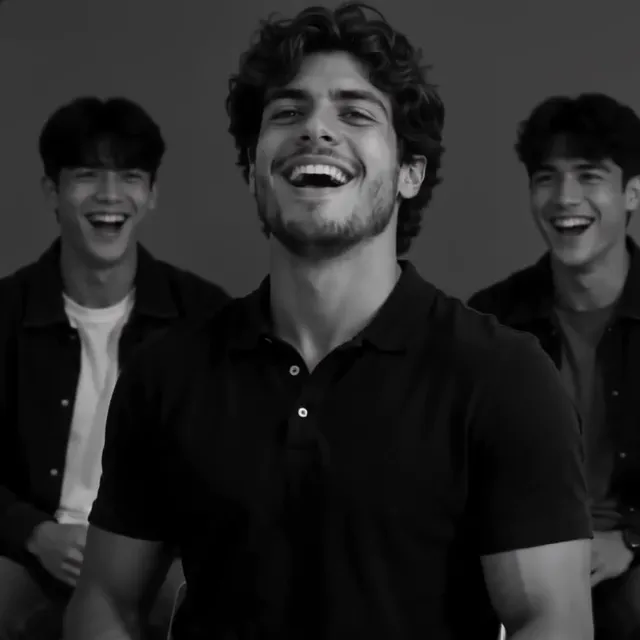
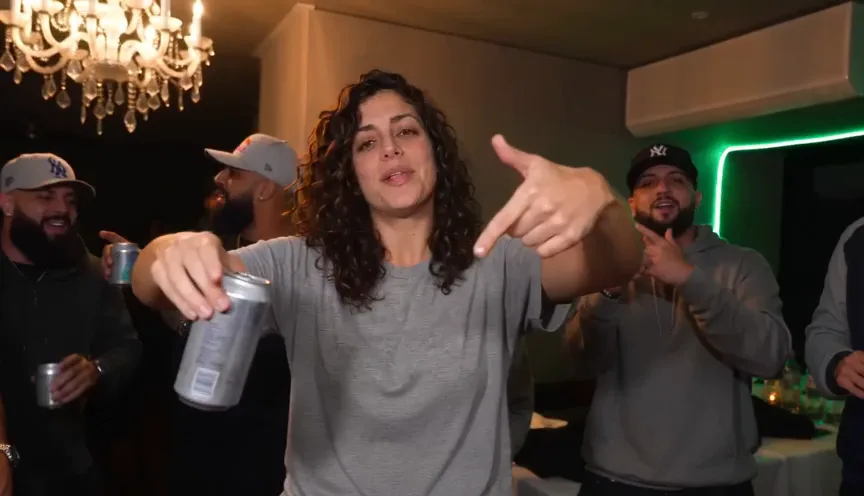
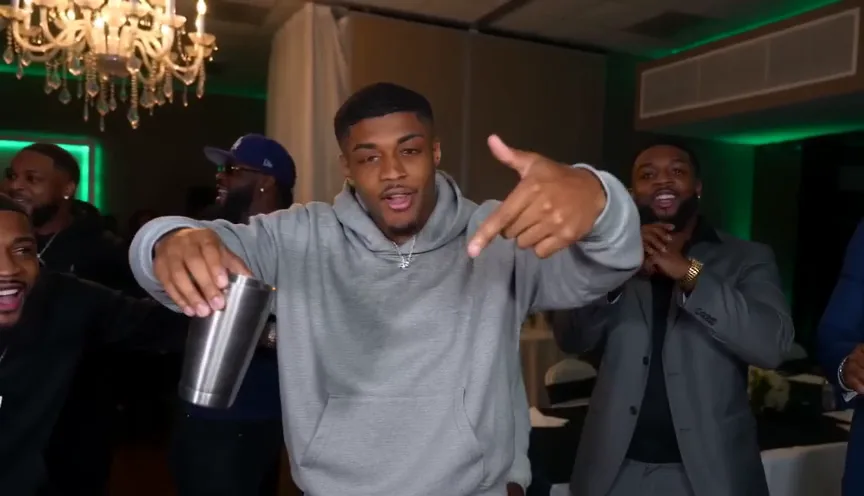
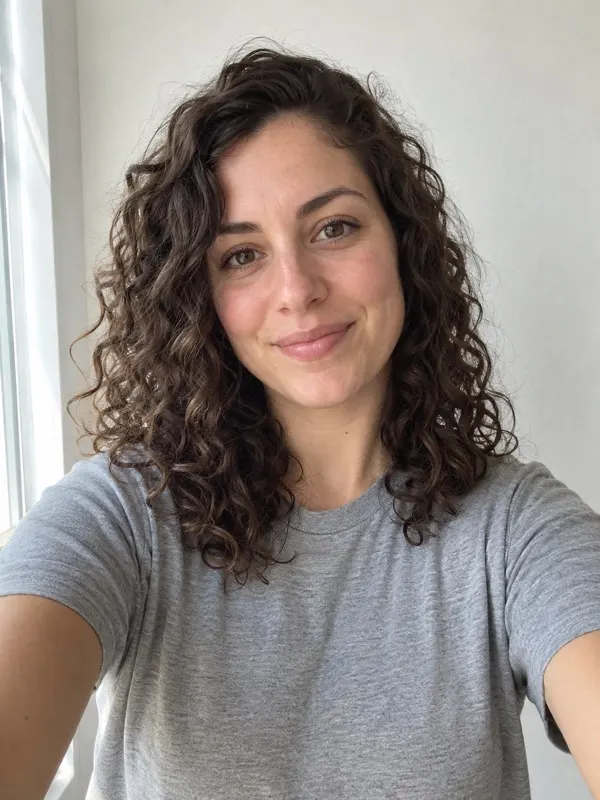
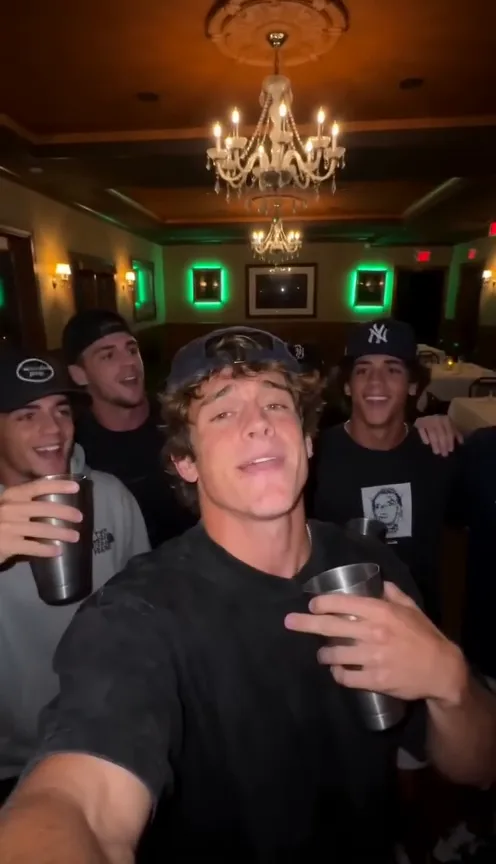
Vikas edit video prompt: our tested prompt for Gemini, Google Flow and other AI tools
The prompt behind our Vikas Editor video, shot by shot, plus a still prompt for Gemini or ChatGPT, how to build the 28-second edit in Google Flow, and fixes for the corridor, the clothes and the black-and-white cuts.
7 min read · Updated
Star in Vikas Editor with one photo
Make yoursA still for Gemini or ChatGPT
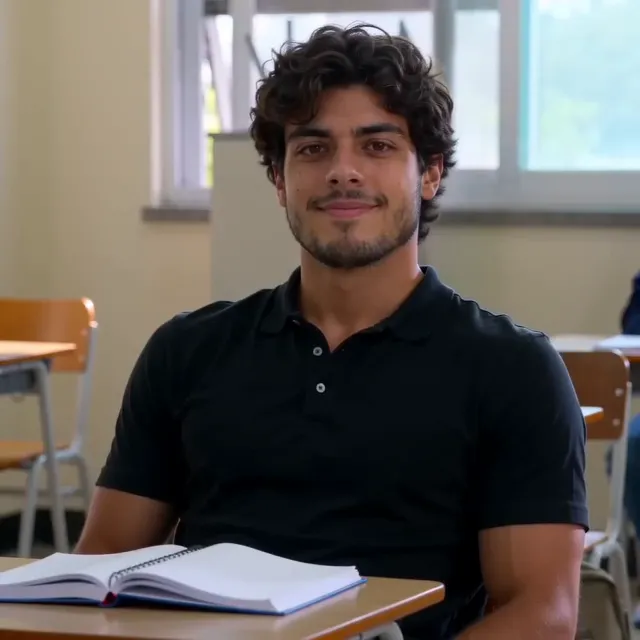
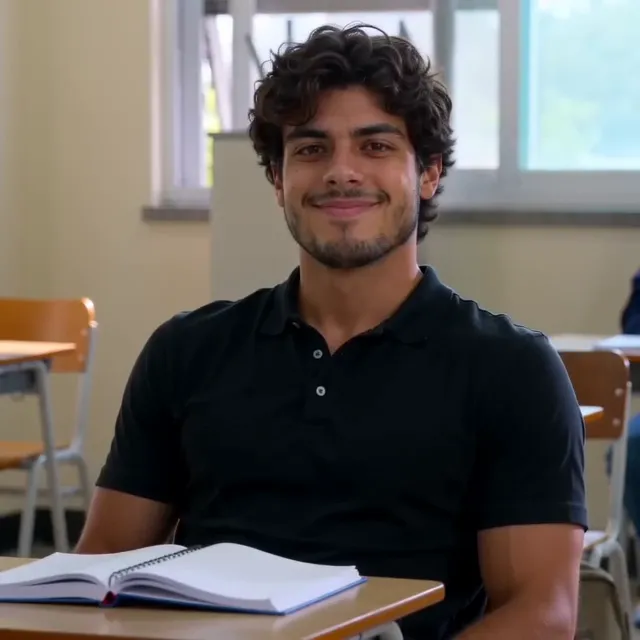
If you only want the profile picture, the smile at the desk, a still is enough. Attach a clear selfie and paste this:
Vikas edit still, classroom smile
Use my photo as the face: keep my face, skin, hair and build exactly as they are. Put me in a bright college classroom in the morning, sitting at a wooden desk with an open notebook, a green chalkboard and tall windows behind me, other students blurred in the background. I wear a plain black short-sleeve button shirt with no print or logo. I lean back slightly and give the camera a slow, confident half smile, like the main character in a Korean campus drama. Photoreal, shallow depth of field, soft window light, square 1:1. No text, no watermark.
Our video prompt
This is the prompt our page runs for the lead’s scenes, word for word. It makes 15 seconds; our 28-second edit is that take cut together with an opening of the classroom we rendered once, so the room and the song carry on across both.
Vikas edit, 15 seconds, square, one selfie
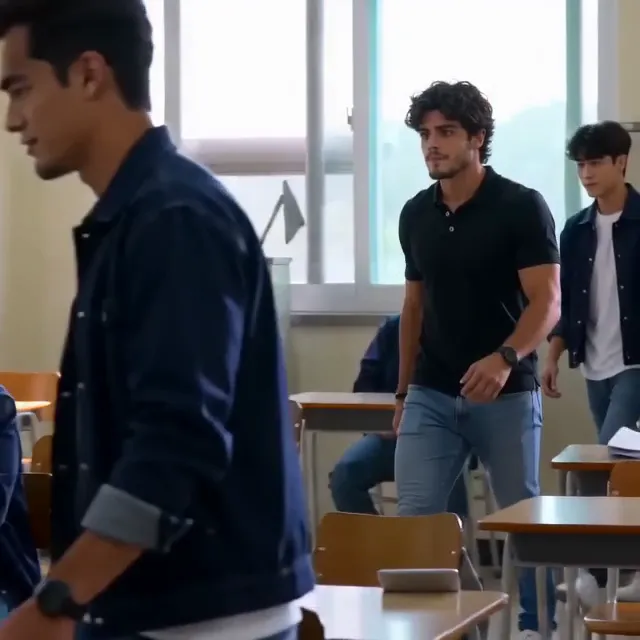
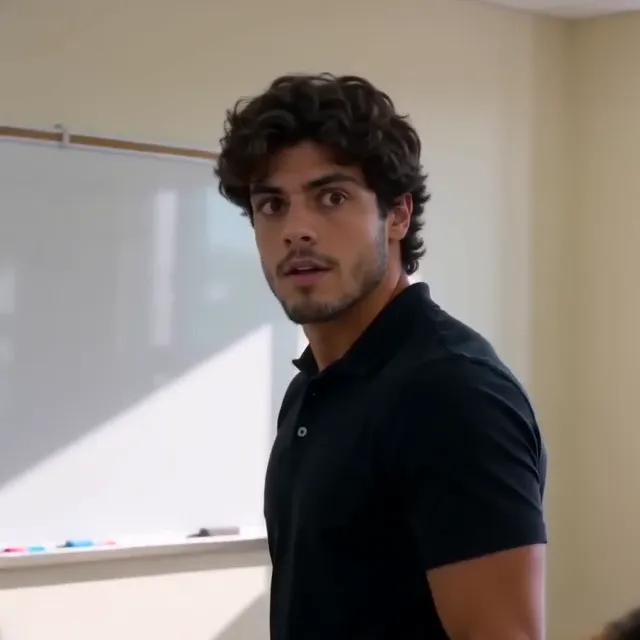
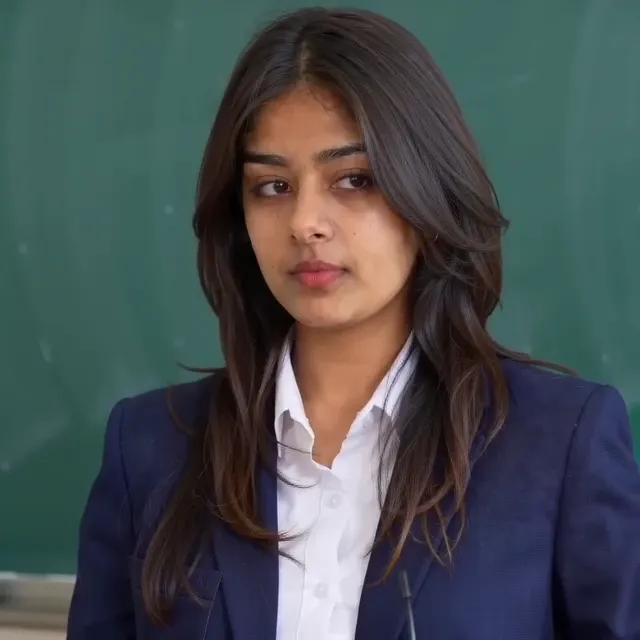
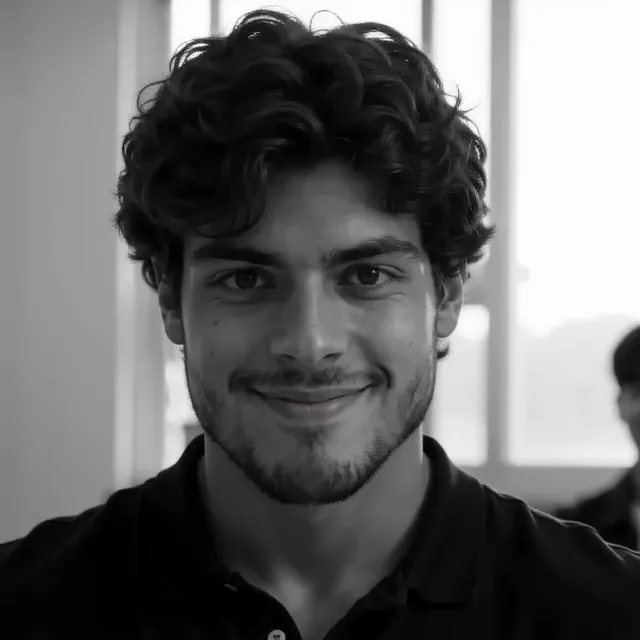
A square 1:1 video, exactly 15 seconds, photoreal live action, like a scene from a Korean campus drama edit: a college classroom and the indoor corridor outside it, in the morning. Some shots are in full natural colour and some are in high-contrast black and white, exactly as the timeline below says. Hard cuts only where the timeline says CUT. No text, no subtitles, no labels, no logos, no watermarks. @Image1 is THE LEAD: take only the face, skin, eyes, hair and build from it, never its background. - The classroom comes from this text: a bright college classroom with rows of wooden desks, a green chalkboard, tall windows with morning light. The corridor: an INDOOR college corridor with pillars, tall windows along one side and a polished floor, morning light through the windows. It is inside the building, never outdoors: no trees, no sky, no lawn, no street, whatever is behind the person in @Image1. WHO: - THE LEAD from @Image1, about 20, in a plain black short-sleeve button shirt with no print, no letters and no logo. Cool, confident, a bit cocky. - OTHERS: made-up young adults about 20 in plain dark jackets and plain t-shirts with no crest, patch, letters or print; one sits at a front desk; in the corridor a friend stands at the edge of the frame, only their shoulder and back seen. ACTION: [00.00-01.67] colour, wide shot of the classroom: a group of young men leaves through the doorway, THE LEAD walks in through the room, a student sits at a front desk. CUT at 01.67. [01.67-03.83] colour, close-up of THE LEAD standing in the classroom, looking back over the shoulder, startled, eyes wide. CUT at 03.83. [03.83-05.17] colour, THE LEAD sits at a desk in the classroom with an open notebook and smiles a slow, confident smile at the camera. CUT at 05.17. [05.17-08.04] BLACK AND WHITE, fast flash cuts on the beat, in the classroom: THE LEAD laughs with friends behind; stands and turns the head to look at the camera; leans forward on a desk with arms folded and smirks into the lens; tips the head back with mouth open, laughing. CUT at 08.04. [08.04-09.83] colour, the indoor corridor, THE LEAD talks and grins at a friend at the edge of the frame, people blurred behind. CUT at 09.83. [09.83-12.75] BLACK AND WHITE, fast flash cuts on the beat, in the classroom: THE LEAD laughs with friends behind; stands and turns to the camera; leans on the desk and smirks into the lens; tips the head back, laughing; a fast blur. CUT at 12.75. [12.75-15.00] colour, the indoor corridor again, THE LEAD talks to the friend, nods and smiles, holding until the last frame. IDENTITY: THE LEAD always looks exactly like @Image1 in every shot, in colour and in black and white, after every cut: the same face, hair, skin and build. No one else looks like THE LEAD. Avoid: an outdoor walkway, trees, sky or a lawn in the corridor shots, colour in the black-and-white shots, crests, badges, patches, letters or prints on any clothing, a name tag, children, anyone younger than 18, a second person who looks like @Image1, extra arms, extra fingers, distorted faces, morphing, text, captions, logos, watermarks.
Building the edit in Google Flow and CapCut
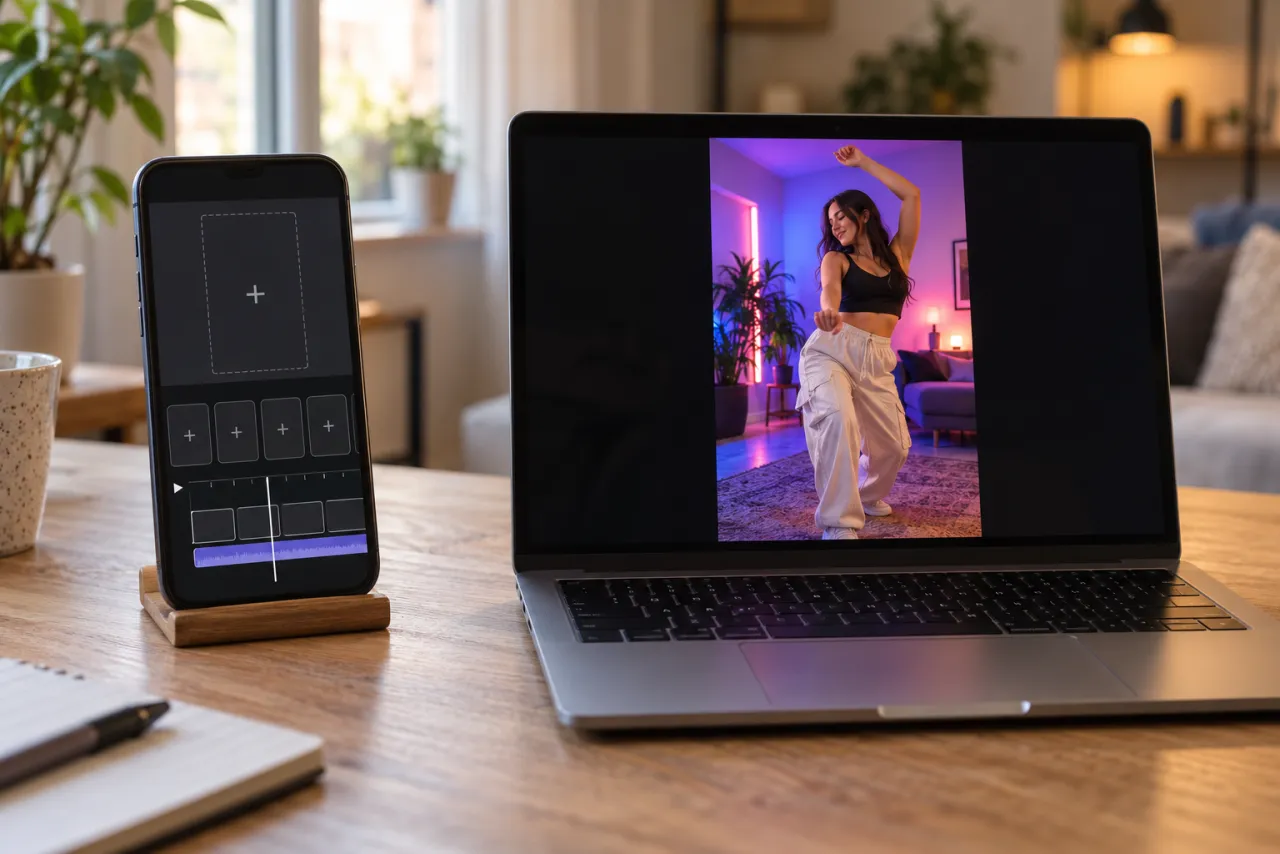
Most tools can’t make 28 seconds with hard cuts in one go, so the hand-made version is a clip at a time:
- In Google Flow (or Kling, Seedance, Hailuo), add your selfie as the reference and set square 1:1.
- Make each shot as its own clip, taking one line of the ACTION list above at a time: the walk-in, the look back, the smile, three or four short black-and-white moments, the corridor.
- Keep the WHO and IDENTITY lines in every clip so the room, the shirt and your face don’t change between them.
- Put the clips in order in CapCut or VN, add the song, and cut the black-and-white shots on its beat.
- Export square and post. If an app mutes the song, pick it from the app’s sound library.
Fixes from our own test renders
| What you get | Change |
|---|---|
| The corridor is outdoors, on the path from your selfie | Say it is an indoor corridor with pillars and windows, inside the building: no trees, no sky, no lawn |
| A school crest or letters on the jackets | Ask for plain dark jackets and t-shirts with no crest, patch, letters or print |
| The black-and-white shots come out in colour | Write BLACK AND WHITE in capitals on those lines, and add “colour in the black-and-white shots” to what to avoid |
| Your face drifts after a cut | Repeat that the lead looks exactly like the photo after every cut, and use a face-on selfie with good light |
| Someone else looks like you | Add “no one else looks like the lead” |
| The shots run together without cuts | Give every shot its own second marks and write CUT at each one |
Rather skip the clip-by-clip work? The Vikas Editor page runs this prompt from your selfie and cuts the 28-second edit for you. What the Vikas edit is.
One Standard video uses 45 credits. The smallest pack that makes one is $9.90 for 90 credits (2 videos), a one-time buy whose credits never expire, and plans start at $19.90 a month for 270 credits. If a video fails, its credits come back.
NowStarring is an independent video tool, not linked to any editor, channel, app or website called Vikas, to CapCut, VN or Google Flow, to any TV drama or its cast, or to the artists behind the song.
Questions
What is the prompt for the Vikas edit video?
A timed shot list: the classroom walk-in, the look back, the smile at the desk, black-and-white flash cuts and the corridor, each with its second marks. Our full prompt is in this guide, word for word.
Is there a Gemini or ChatGPT prompt for the Vikas edit?
For a still, yes: this guide has one that puts you at a classroom desk with the smile. Gemini and ChatGPT pictures don’t move; the reel needs a video model such as Veo in Google Flow.
Why does the corridor come out outdoors?
The model borrows the background of your selfie. Our first test render put the corridor on an outdoor campus path for that reason; saying the corridor is inside the building, with no trees, sky or lawn, fixed it.
How do I keep my face the same in every clip?
Use the same clear selfie as the reference for every clip and repeat in the prompt that the lead looks exactly like it after every cut, in colour and in black and white.