Skip to content
NowStarring

Middle Finger Dunk AI Video Generator

One dunk. Zero respect.

Middle Finger Dunk AI video: She takes the dunk
She takes the dunk
From this photo
Pick a video
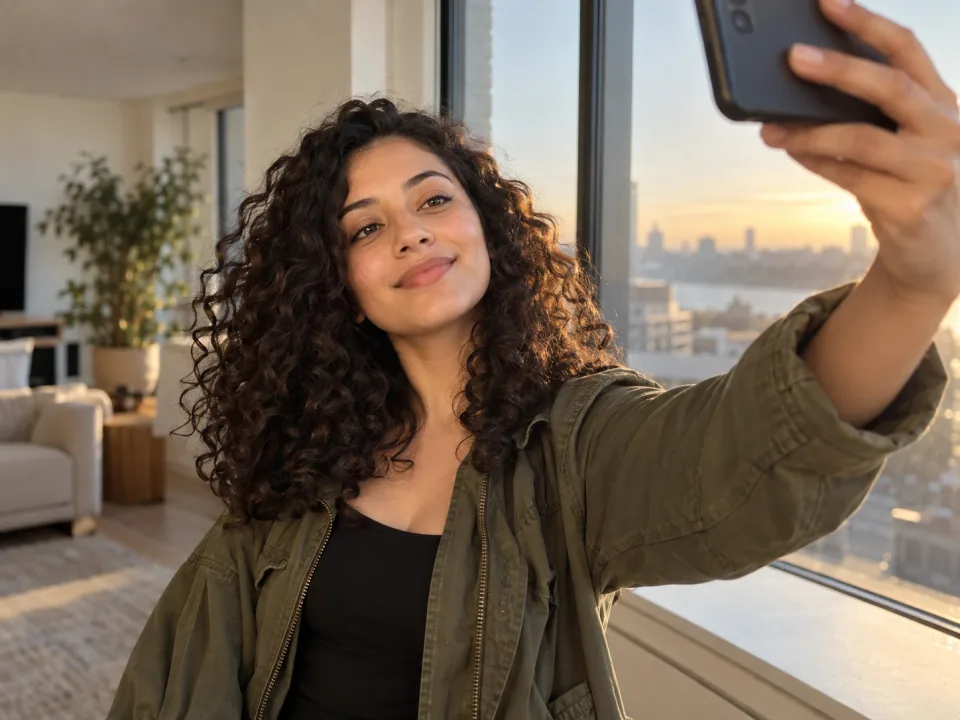
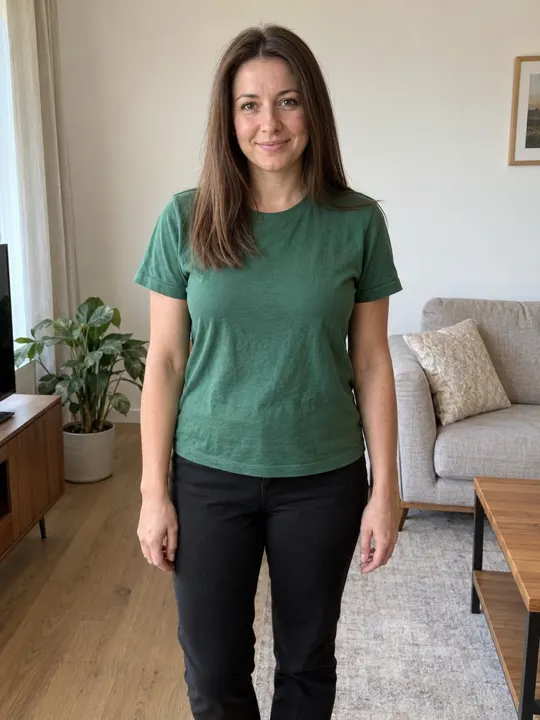
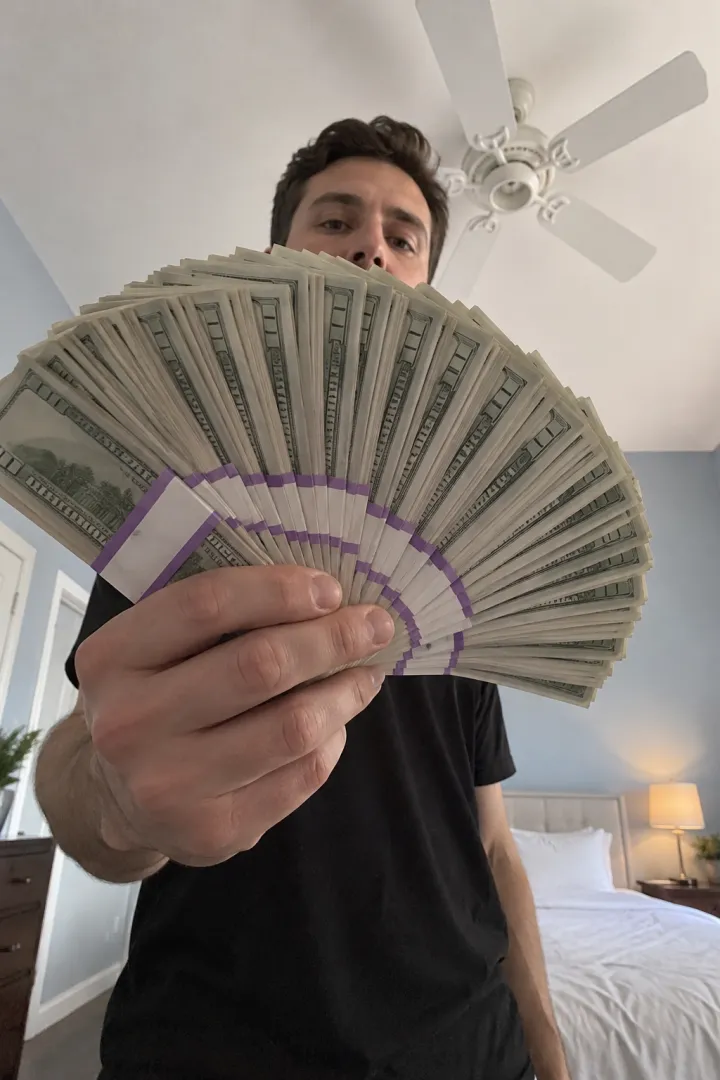
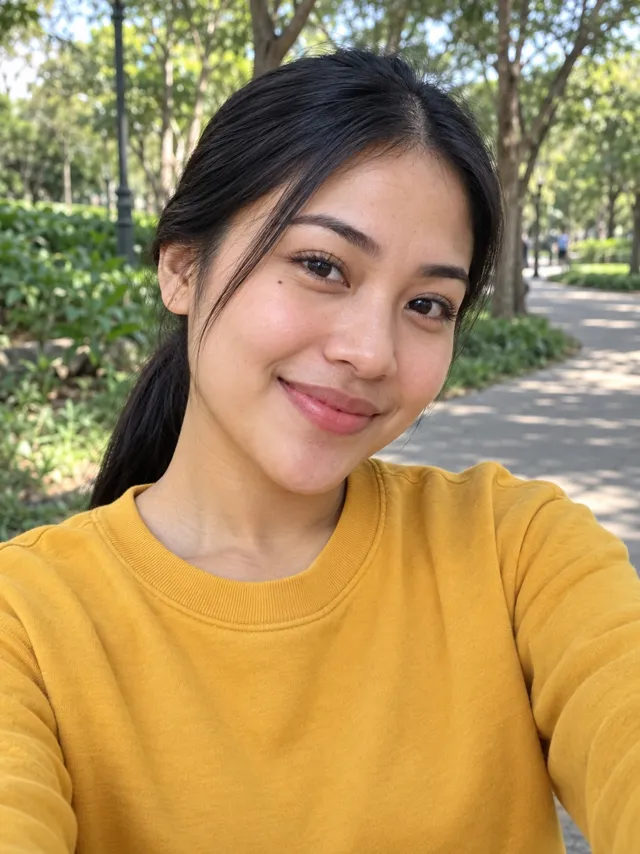
  1. Add yourself or drop it hereA selfie, face to the camera, good light
Video size
Vertical9:16

Vertical only, like the original

Quality

One video uses 65 credits. You’ll sign in to make it. Photo tips

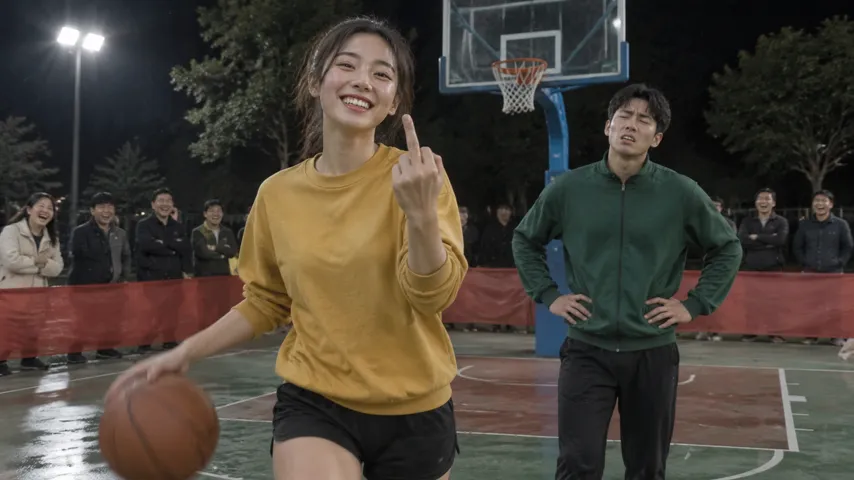
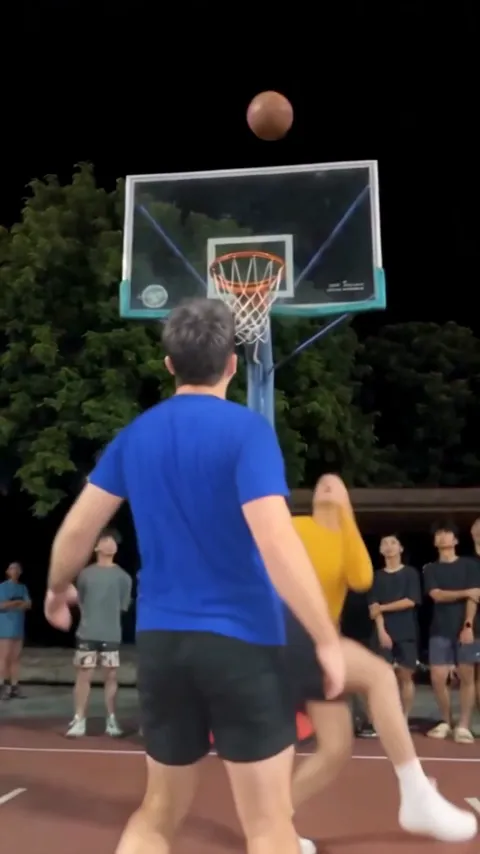
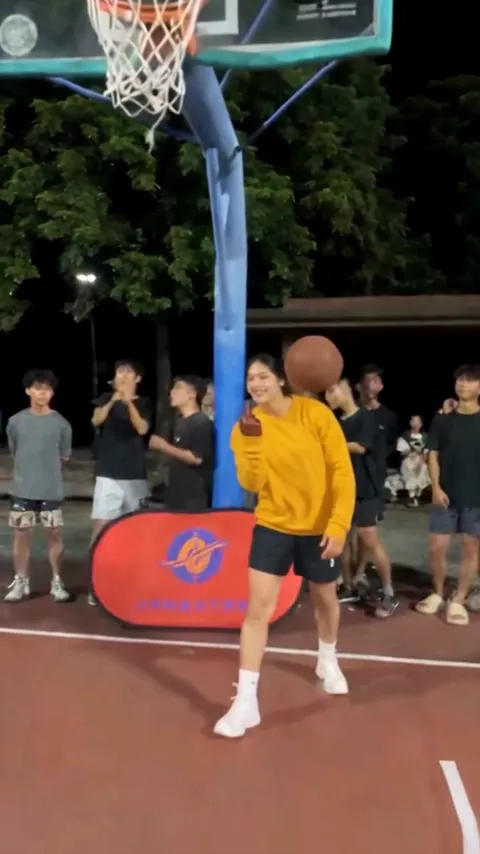
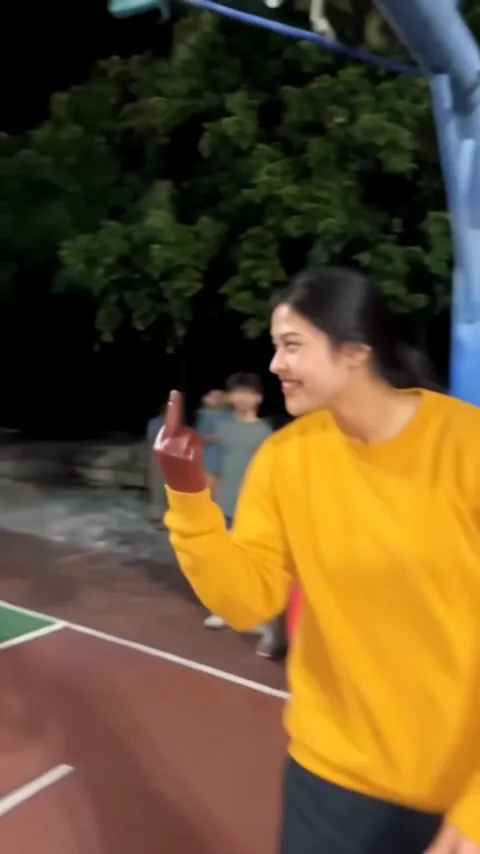
A one-on-one at night under the floodlights: you blow past the defender, hang in a slow-motion split at the rim with the ball in one hand and the middle finger up on the other, then walk to the camera with the finger to the lens. All it takes is your selfie.

  • No watermark
  • Vertical, like the original
  • A failed video costs nothing
  • No watermark
  • Vertical, like the original
  • A failed video costs nothing
  • From one selfie
  • Shot for shot
  • With the trend sound

Middle Finger Dunk AI videos made from selfies

The first is made from one selfie: she takes the dunk. The second shows the play the trend copies, beat for beat. Tap to watch.

  • From a selfie

    She takes the dunk

  • The original play

    Every beat of the clip

From one photo to your Middle Finger Dunk video

One photo goes in. A few minutes later, the finished video comes out, ready to post.

  • From one selfie
  • Shot for shot
  • With the trend sound
Your photo
Your photo
Your video

How to make the Middle Finger Dunk AI video

No court, no hops and no editing. Just a selfie.

  1. Add your selfie

    You’re the dunker. One clear selfie is all it takes; the defender is a made-up player.

  2. We film the dunk

    The drive, the slow-motion split at the rim with the finger up, the ball through the net and your walk to the camera, on the trend’s timing.

  3. Download and post

    It’s ready in a few minutes with the trend sound and no watermark. Post it to TikTok, Reels or Shorts and tag the friend who says they’d beat you one-on-one.

What happens in the Middle Finger Dunk video

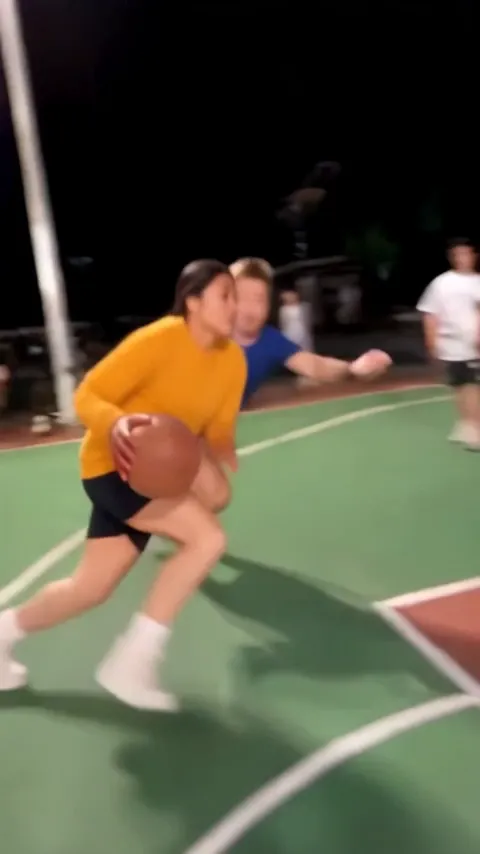
  1. Middle Finger Dunk AI video, part 1: The crossover

    The crossover

    Past the defender on the green half of the court.

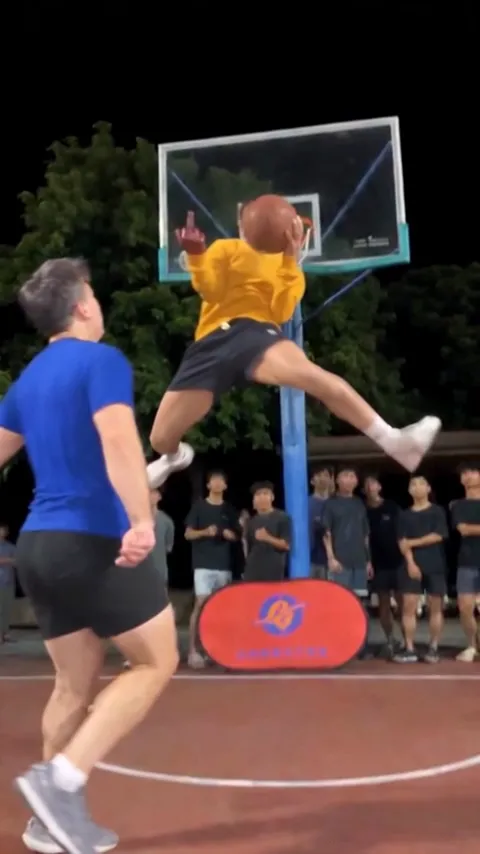
  2. Middle Finger Dunk AI video, part 2: The split

    The split

    Slow motion at the rim: ball in one hand, middle finger up on the other.

  3. Middle Finger Dunk AI video, part 3: Through the net

    Through the net

    A cut to behind the defender as the ball drops in.

  4. Middle Finger Dunk AI video, part 4: The walk-off

    The walk-off

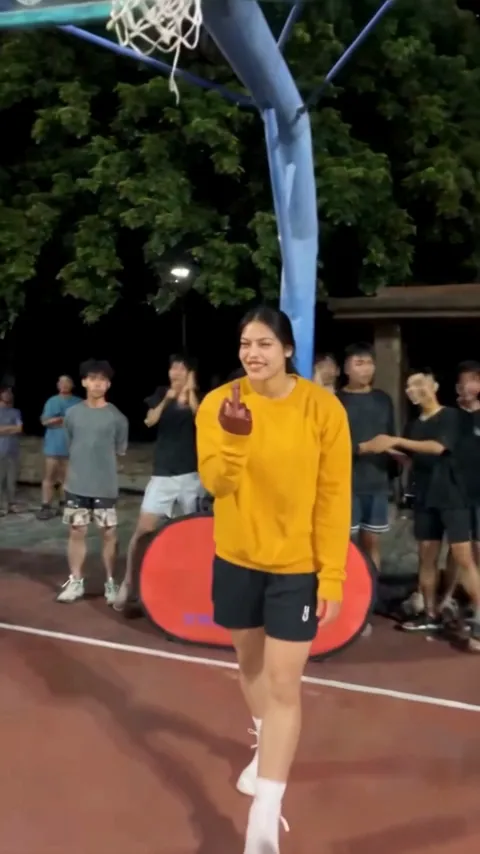
    Bouncing the ball toward the camera, finger to the lens.

  5. Middle Finger Dunk AI video, part 5: The whip pan

    The whip pan

    A fast swing across the court to close it out.

Best photos for the Middle Finger Dunk AI video

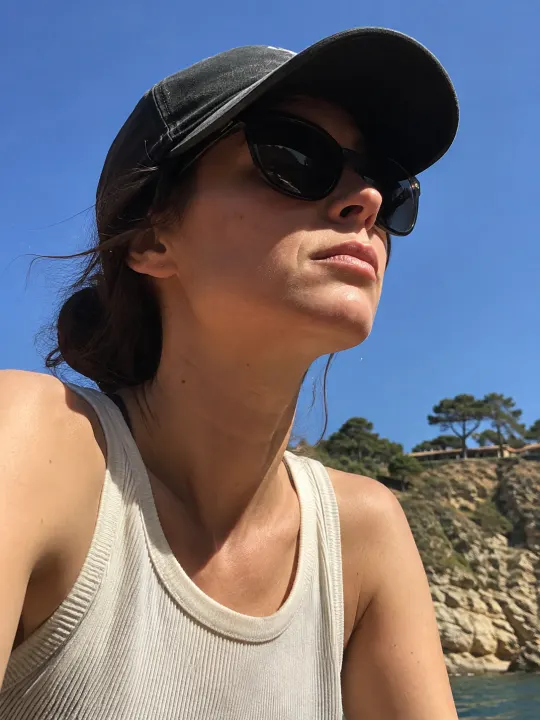
The video ends with you walking right up to the lens, so a clear selfie, face and shoulders, works best.

Your photo

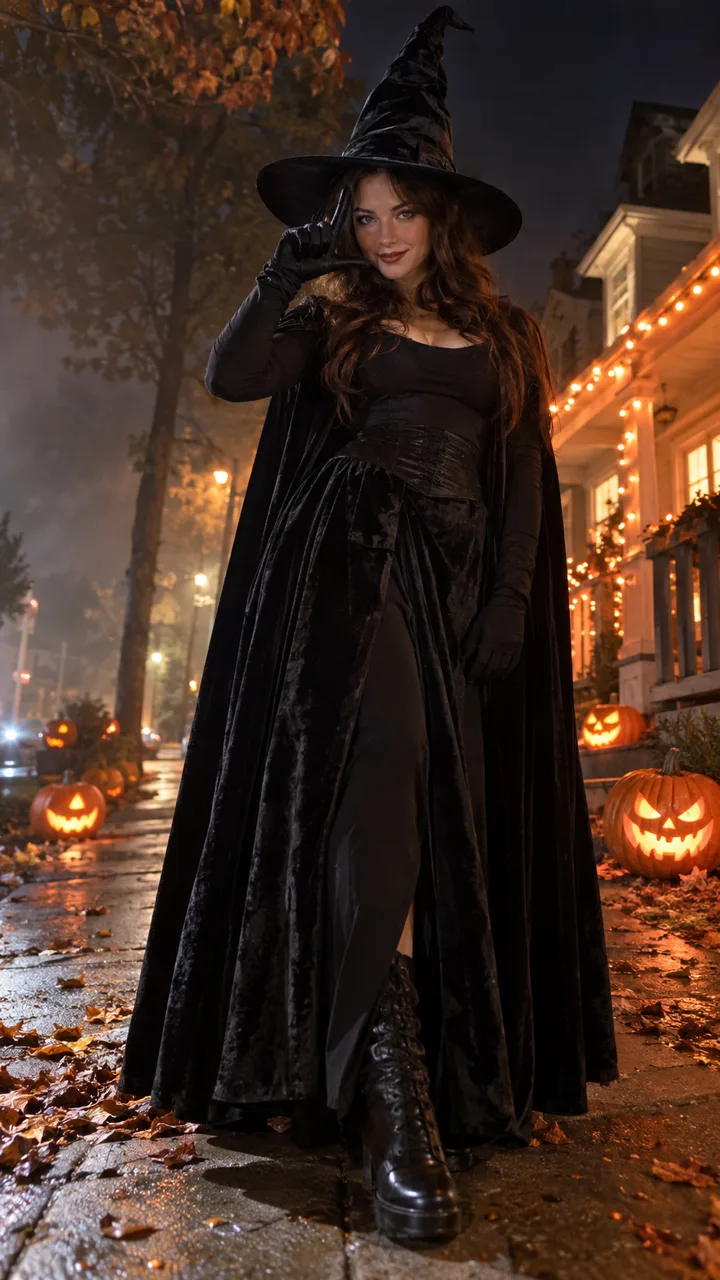
One face, looking at the camera.

  • Face the cameraFace the cameraGood light, face in full view
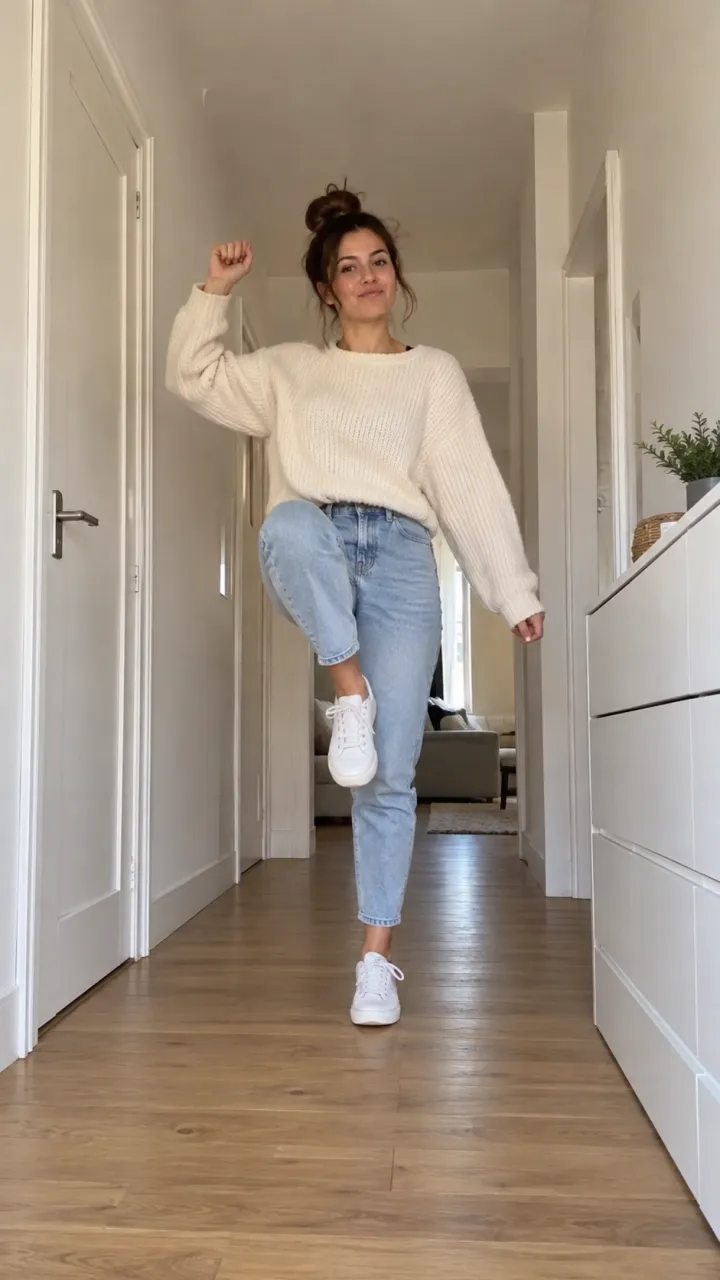
  • A selfie is enoughA selfie is enoughFace and shoulders, clear and sharp
  • SunglassesSunglassesHidden eyes won’t look like you
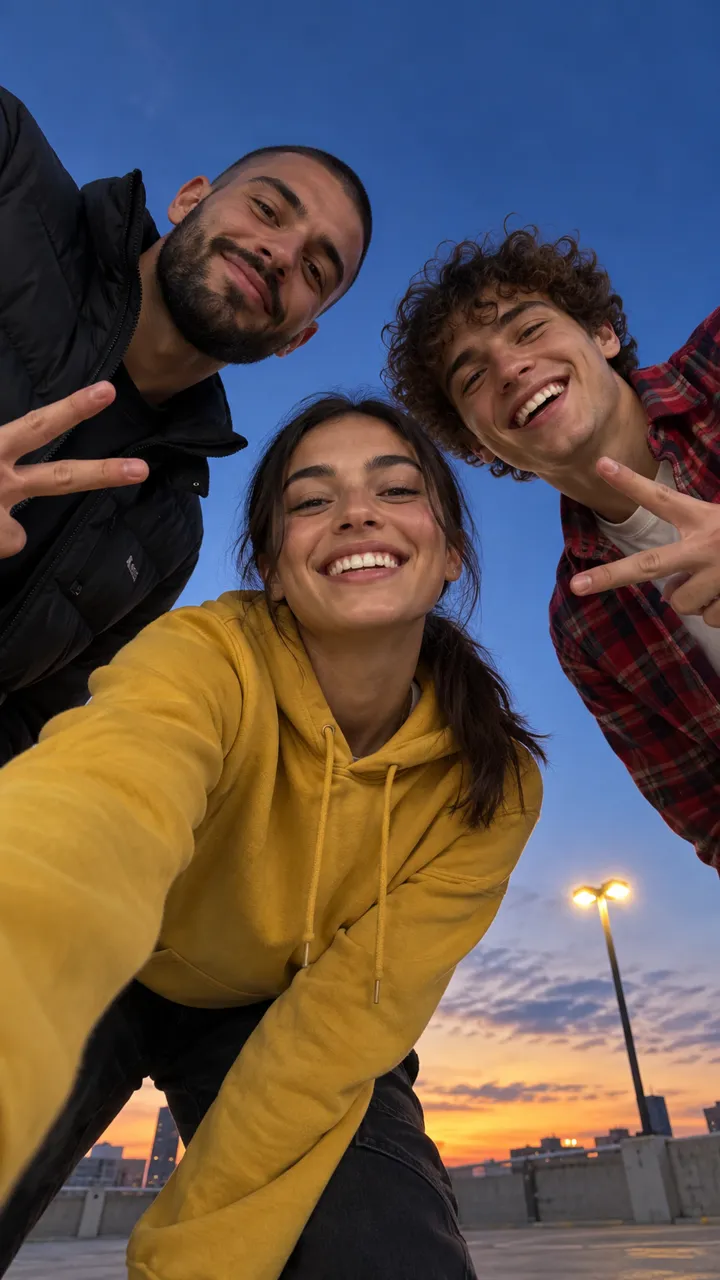
  • Group photosGroup photosOnly you in the photo

Made for your feed

Your Middle Finger Dunk video comes out finished, so there’s nothing to edit before you post it.

  • The sound, already in itIt plays from the first frame, timed to every move.
  • Vertical, phone-sizedFills the screen on TikTok, Reels and Shorts.
  • No watermarkYour video, with nothing stamped on it.
  • Save or share in a tapDownload it to your camera roll, or send its link to friends.
Make my Middle Finger Dunk video
Split. Finger. Walk-off.

What is the Middle Finger Dunk AI trend?

What happens in the video

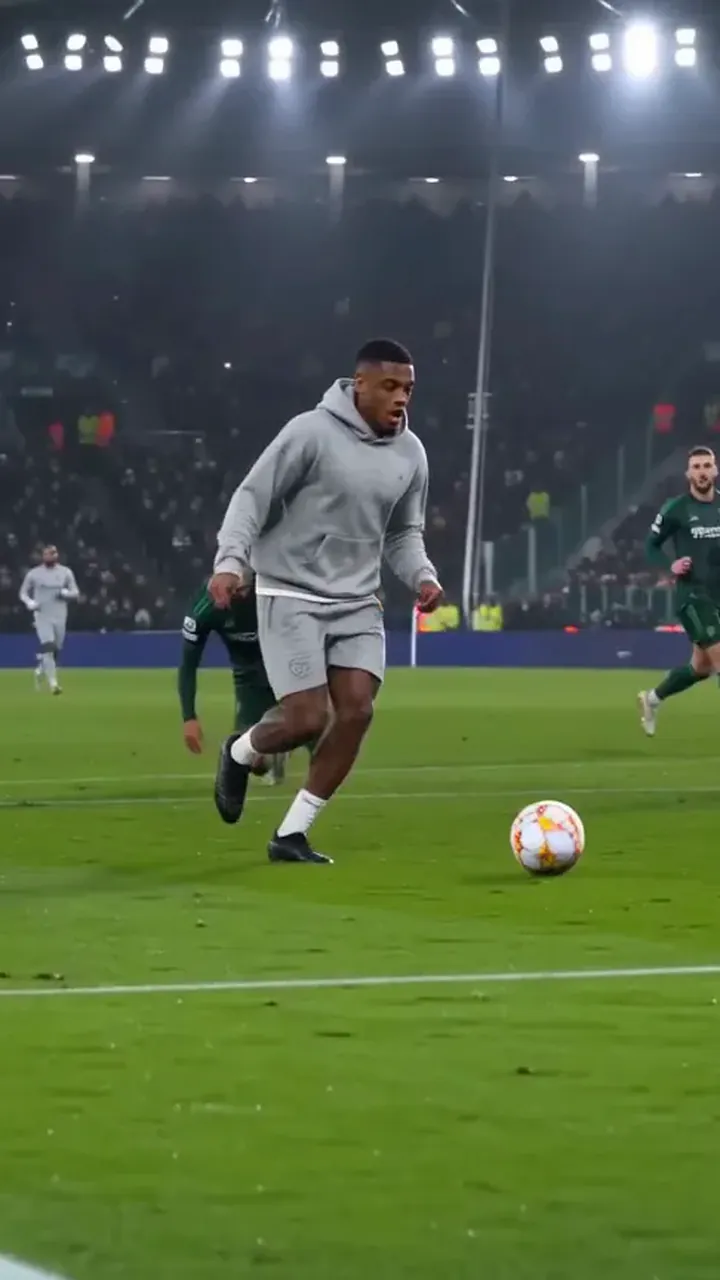
A one-on-one on an outdoor court at night, filmed on a phone. The dunker dribbles past the defender, leaps into a slow-motion split at the rim with the ball in one hand and the middle finger up on the other, and the shot cuts to behind the defender as the ball drops through. The dunker lands and walks toward the camera bouncing the ball, finger held to the lens. Nine seconds, vertical.

Where it comes from

It started in October 2026 with a TikTok of a night-time streetball game: a player crossed his defender, flew in for the dunk and flipped the camera off in mid-air. The caption, “Bro did an emote mid dunk”, gave it a second name, and the AI remakes that followed are also called My Prime 1v1. Now people put themselves in the dunk.

Why people post it

It’s the most disrespectful highlight you’ll never actually pull off. You post it to tease the friend who always says they could beat you one-on-one, or just to see yourself fly.
How much the Middle Finger Dunk AI video costs

Every Middle Finger Dunk video is paid with credits: get them every month with a plan, or buy a credit pack that never expires.

This video uses 65 credits, or 130 in HD.

Billing

Starter

For trying the trends you like

$19.90/ month

Billed monthly

270 credits / month

One size. Move up anytime.

  • Up to 6 videos a month
  • or 3 in HD
  • Every trend, plus new ones as they take off
  • One photo in, no prompts or editing
  • Original sound, ready for TikTok, Reels and Shorts
  • No watermark, yours to post and keep
  • Credits back if a video fails
  • Move up anytime and pay only the difference
Recommended

Creator

For posting every week

$43.17 in packs31% off

$29.90/ month

Billed monthly

450 credits / month

  • Up to 10 videos a month
  • or 5 in HD
  • Every trend, plus new ones as they take off
  • One photo in, no prompts or editing
  • Original sound, ready for TikTok, Reels and Shorts
  • No watermark, yours to post and keep
  • Credits back if a video fails
  • Move up anytime and pay only the difference

Studio

For posting every day

$172.67 in packs48% off

$89.90/ month

Billed monthly

1,800 credits / month

  • Up to 40 videos a month
  • or 20 in HD
  • Every trend, plus new ones as they take off
  • One photo in, no prompts or editing
  • Original sound, ready for TikTok, Reels and Shorts
  • No watermark, yours to post and keep
  • Credits back if a video fails
  • Move up anytime and pay only the difference

Fresh credits every month. Cancel anytime.

Middle Finger Dunk AI video FAQ

Straight answers on making, paying for and sharing your Middle Finger Dunk video.

  1. What is the Middle Finger Dunk AI trend?

    It’s the night-court dunk from TikTok: a player crosses the defender, flies into a split at the rim with the middle finger up and walks it to the camera. The AI version puts you in the dunk, from a selfie.

  2. Can I put a friend on defence?

    Not yet. The defender is a made-up player, so only your own photo is needed: you’re the dunker.

  3. Do I need to be able to dunk?

    No. The dribble, the jump, the split and the landing are already in the trend. Your selfie only gives the dunker your face, hair and look.

  4. Is it the same as My Prime 1v1?

    Yes. My Prime 1v1, Mon prime 1v1 basket and “emote mid dunk” are other names for the same clip. Ours follows its nine-second play: the drive, the split at the rim, the cut and the walk to the camera.

  5. What sound is on the video?

    The sound of the original clip, the same one you hear on every take of the trend. It plays over your whole video, and the cut lands on it.

  6. Can I make it without the middle finger?

    Not yet. The finger at the rim and to the lens is what makes the trend, so every video has it.

  7. Do I need a prompt?

    No. The play, the timing, the court and the camera are already written into the trend. You only add the photos.

  8. What will I wear?

    The clothes from your photo. If it shows little more than a face, you get a plain T-shirt and athletic shorts.

  9. Will it still look like me?

    It’s your face, hair and clothes from the photo. A clear, well-lit selfie facing the camera works best, with only you in it.

  10. Can I use a photo of someone else?

    Only with their permission, and never of anyone under 18, a celebrity or a public figure. Upload only photos you have the right to use.

  11. Is the Middle Finger Dunk video vertical?

    Yes. It’s 9:16, like the original clip, ready for TikTok, Reels and Shorts.

  12. How long does the Middle Finger Dunk AI video take?

    Usually a few minutes. You can close the page: your Middle Finger Dunk video waits in My videos, and we email you when it’s ready.

  13. How much does a Middle Finger Dunk AI video cost?

    One Middle Finger Dunk video uses 65 credits. Buy a credit pack whose credits never expire, or pay less per video with a monthly plan. A video that fails costs nothing.

  14. Is this an official Middle Finger Dunk app?

    No. NowStarring is an independent fan tool for the TikTok trend. It isn’t linked to the players or the creators of the original clip.

  15. How do I make the Middle Finger Dunk AI video?

    Add your photo at the top of this page, or two for a trend with two people, and press Make my video. Your Middle Finger Dunk video is ready in a few minutes. No app, no filming and no editing needed.

  16. Can I post my Middle Finger Dunk video on TikTok or Instagram Reels?

    Yes. Download the MP4 with no watermark and post it on TikTok, Instagram Reels or YouTube Shorts, or send it in a group chat.

  17. Can I make the Middle Finger Dunk AI video for free?

    No. Every video here is paid for, so there’s no free trial and no watermark on what you download.

  18. Is there a CapCut template for the Middle Finger Dunk trend?

    You don’t need one. A CapCut template drops your clip into someone else’s edit. Here the whole Middle Finger Dunk video is made from your photo, so whoever is in it is in every shot.

  19. What if my Middle Finger Dunk video doesn’t come out right?

    You don’t pay for a video that fails: what it used goes back to your balance automatically, and you can try again with another photo.

Still have a question? Email us and a real person will reply.
support@nowstarring.aiRead the full FAQ

Take it to the rim

Add your selfie and get your Middle Finger Dunk video in a few minutes, with the trend sound.
Make my Middle Finger Dunk video

NowStarring is an independent fan tool for a TikTok trend. It is not linked to the players in the original clip or the creators who started the trend. The original sound belongs to its owners.