

Skip to content
NowStarring

Turn the Lights Off AI Video Generator

Eyes closed. Arms up.

Turn the Lights Off AI video: When the weekend finally starts
When the weekend finally starts
From this photo
Who’s in the video?
Who is in the photo
  1. Add your photo or drop it hereFace and shoulders, facing the camera
Video size
Vertical9:16
Quality

One video uses 45 credits. You’ll sign in to make it. Photo tips

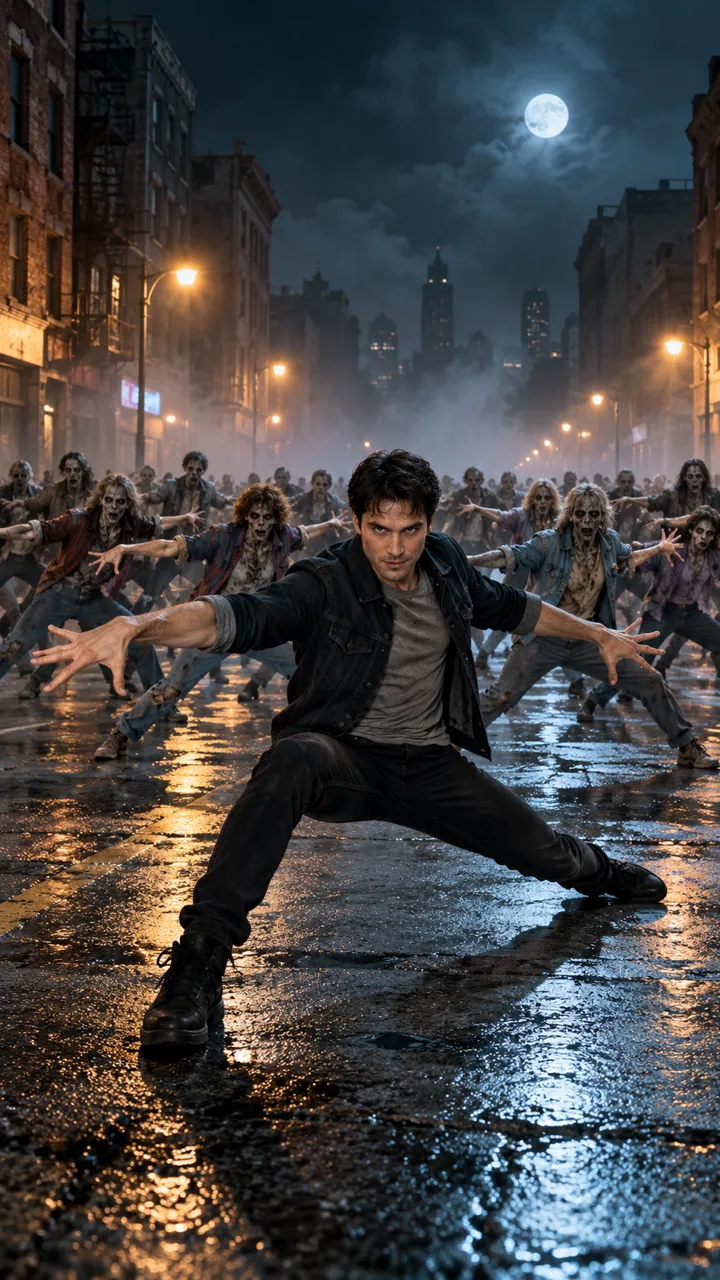
A packed club, eyes closed, lost in the song. Then the drop hits, both arms go up and the camera pulls back into the crowd. Send one photo of you or your pet and get the Turn the Lights Off video with the song.

  • No watermark
  • With the Turn the Lights Off song
  • A failed video costs nothing
  • No watermark
  • With the Turn the Lights Off song
  • A failed video costs nothing
  • Your own face
  • You or your pet
  • Vertical for TikTok

Turn the Lights Off AI videos made from one photo

People and pets, each from a single photo, with the same club, the same drop and the same song. Tap one to watch.

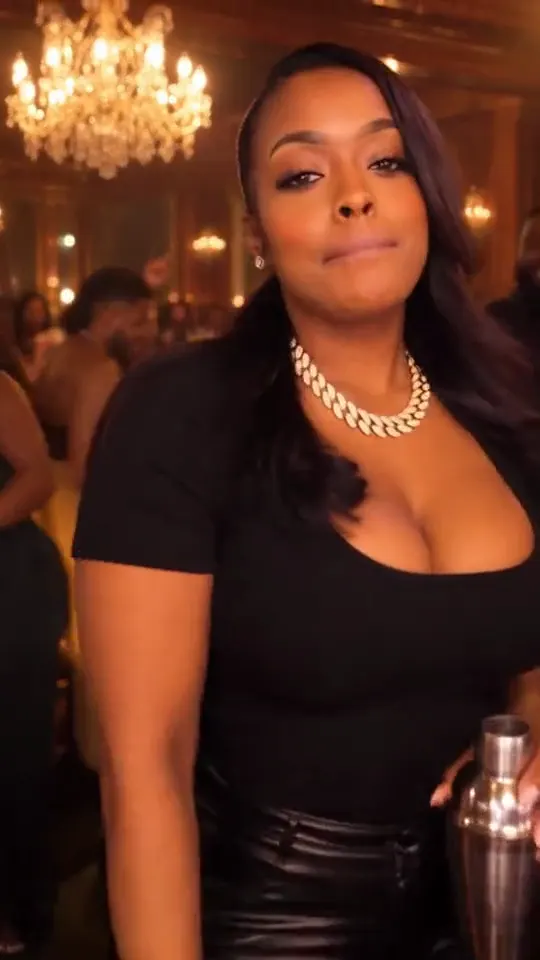
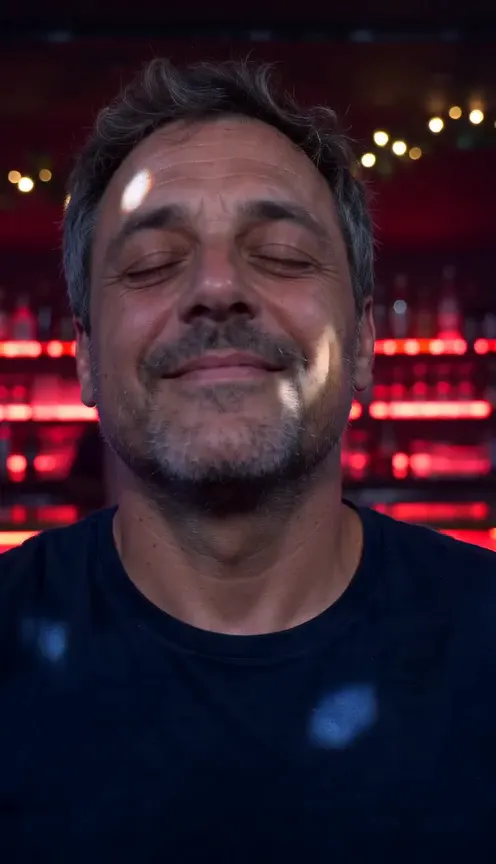
  • Navy tee

    When the weekend finally starts

  • Shiba

    Paws up, eyes closed, gone

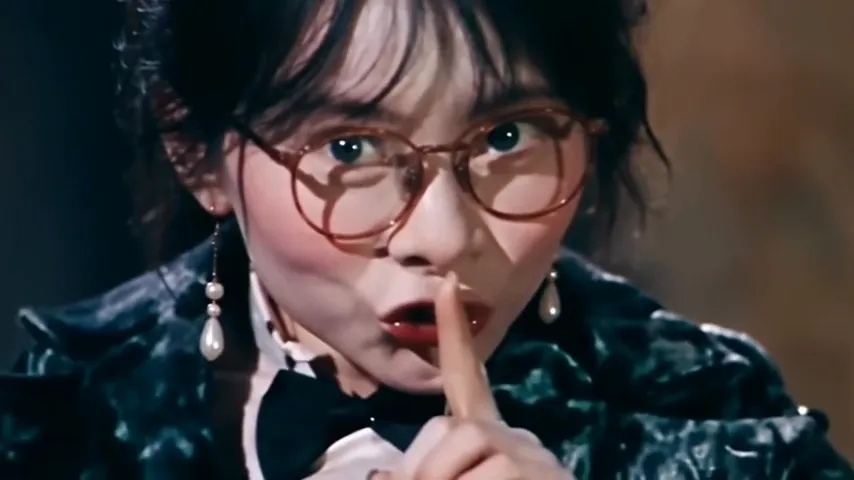
  • Pearls

    Lost in it from the first beat

From one photo to your Turn the Lights Off video

One photo goes in. A few minutes later, the finished video comes out, ready to post.

  • Your own face
  • You or your pet
  • Vertical for TikTok
Your photo
Your photo
Your video

How to make the Turn the Lights Off AI video

No club, no camera crew and no editing. Just one clear photo of you or your pet.

  1. Add one photo

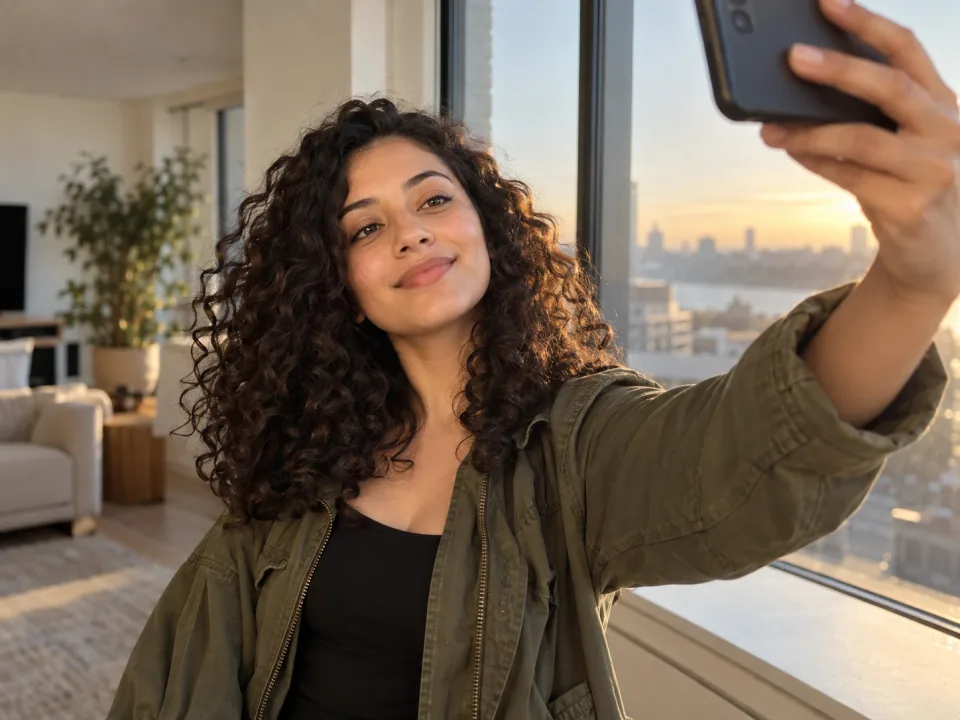
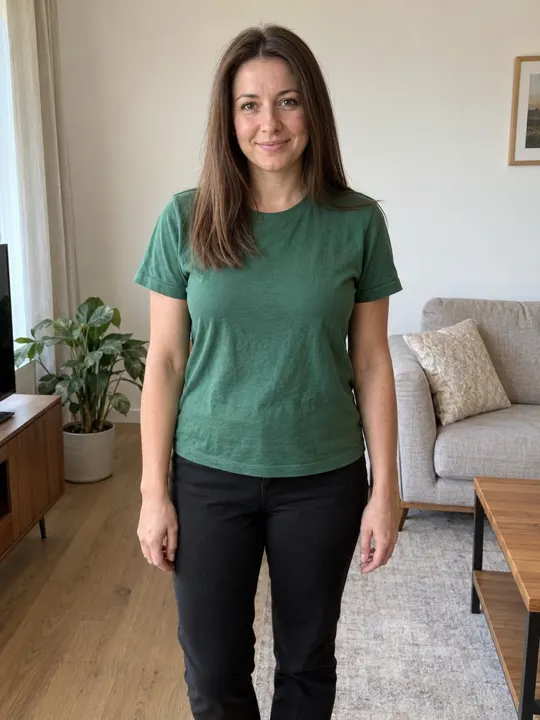
    Use a clear photo of you facing the camera, in the clothes you want to dance in. For a pet, get its face and front paws.

  2. We film the club

    Eyes closed in a packed club, both arms up on the drop, then the camera pulls back into the crowd, all in one take, vertical for TikTok and Reels.

  3. Download and post

    It’s ready in a few minutes with the song and no watermark, so post it straight to TikTok, Reels or Shorts.

What happens in the Turn the Lights Off video

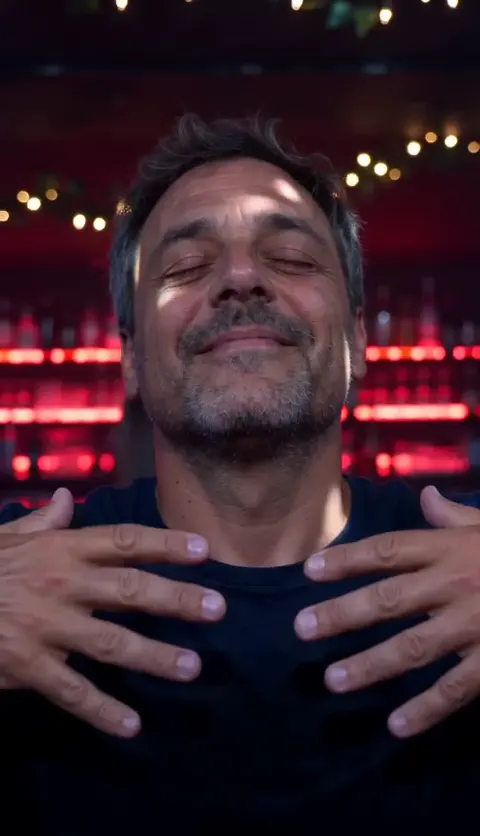
  1. Turn the Lights Off AI video, part 1: Eyes closed

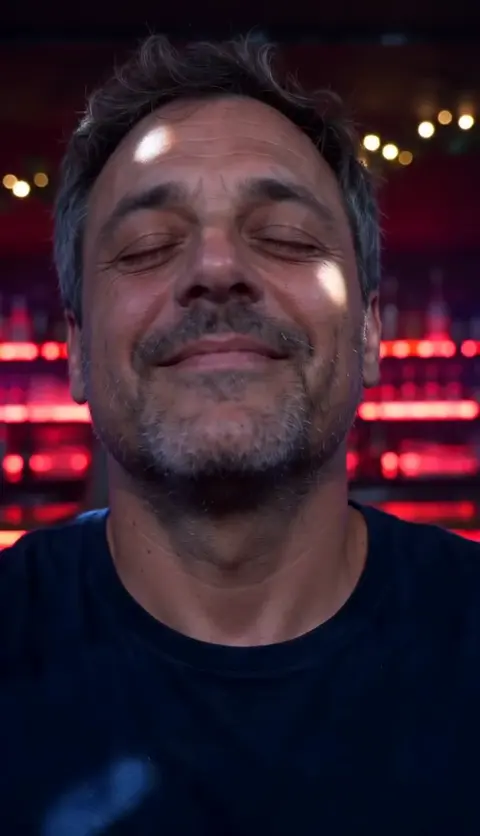
    Eyes closed

    A close-up in the club, lost in the song.

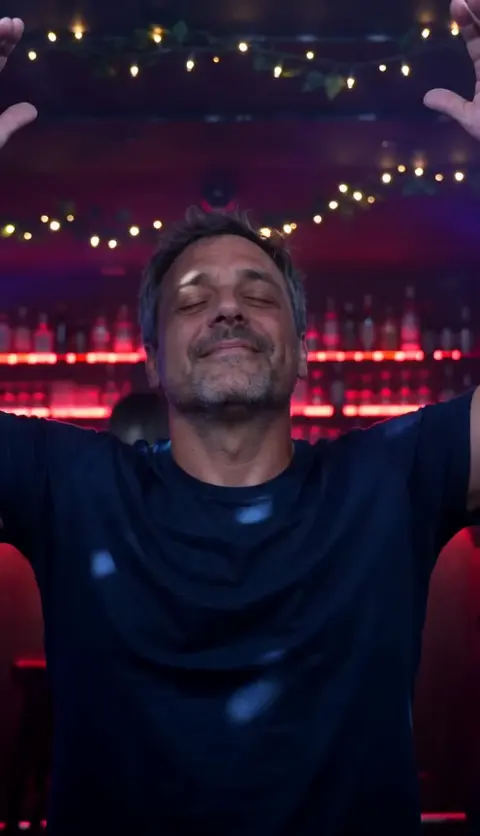
  2. Turn the Lights Off AI video, part 2: Hands to heart

    Hands to heart

    Both hands rise slowly to the chest.

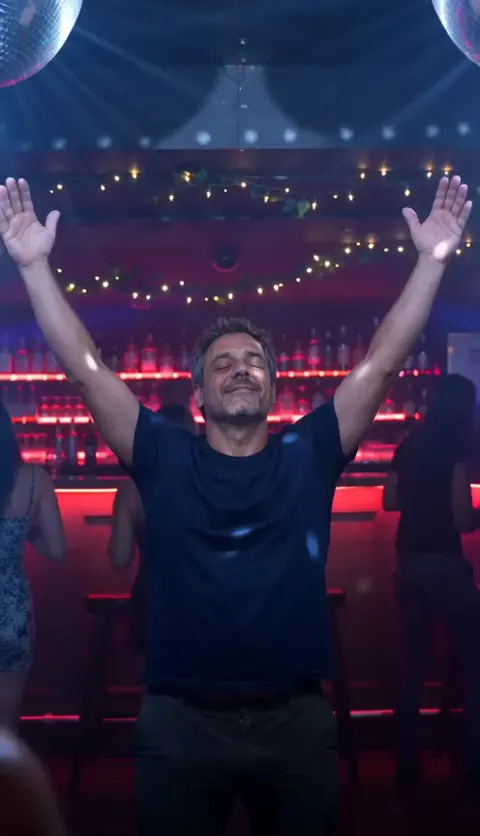
  3. Turn the Lights Off AI video, part 3: The drop

    The drop

    Both arms go straight up as the beat kicks in.

  4. Turn the Lights Off AI video, part 4: Pure joy

    Pure joy

    Swaying side to side under the disco balls.

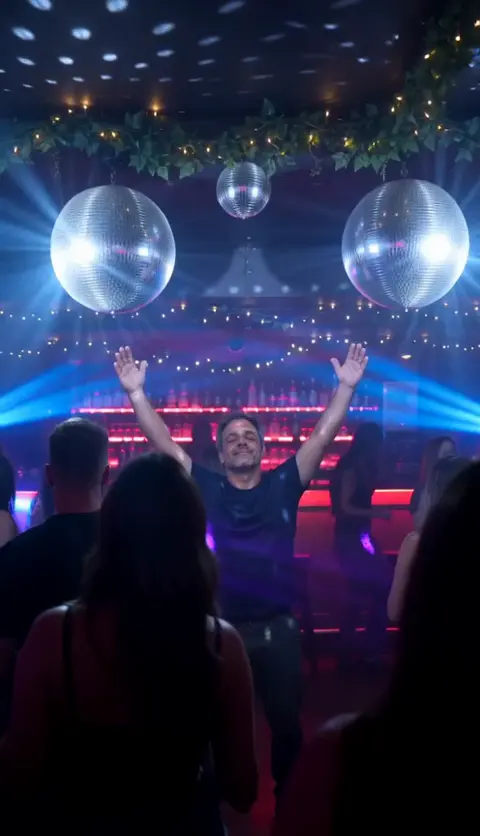
  5. Turn the Lights Off AI video, part 5: Into the crowd

    Into the crowd

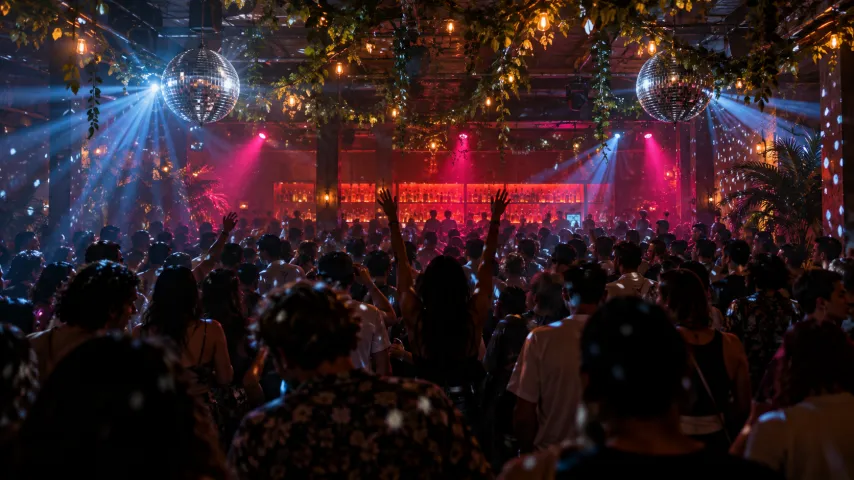
    The camera pulls back and the whole room dances along.

Best photo for the Turn the Lights Off AI video

The video opens on a close-up of the face, so make it a clear one.

You

Face and shoulders, facing the camera, in good light.

  • Facing the cameraFacing the cameraGood light, face in full view
  • Head to waistHead to waistYour outfit comes along
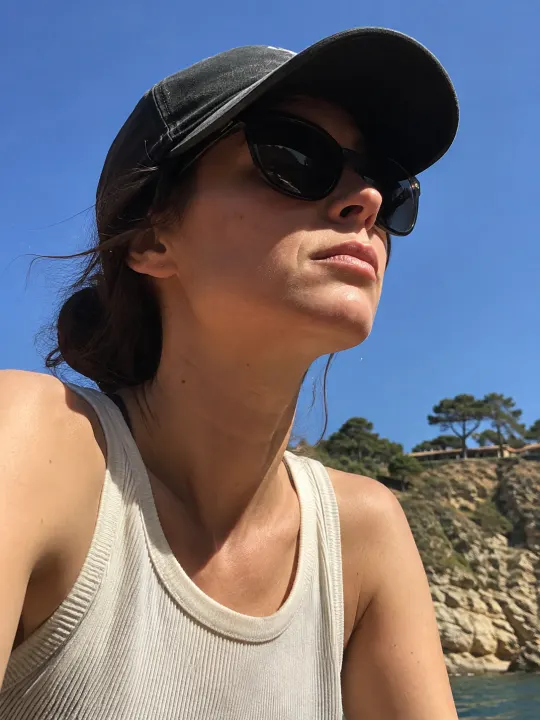
  • SunglassesSunglassesHidden eyes won’t look like you
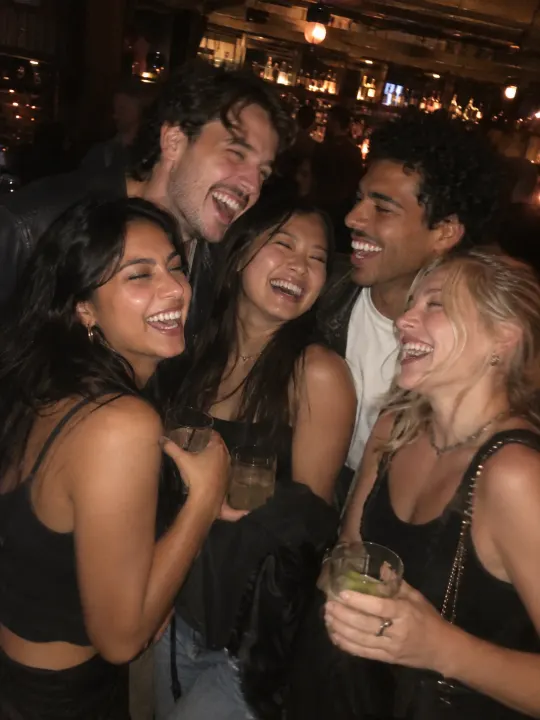
  • Group photosGroup photosCrop it to just you

Your pet

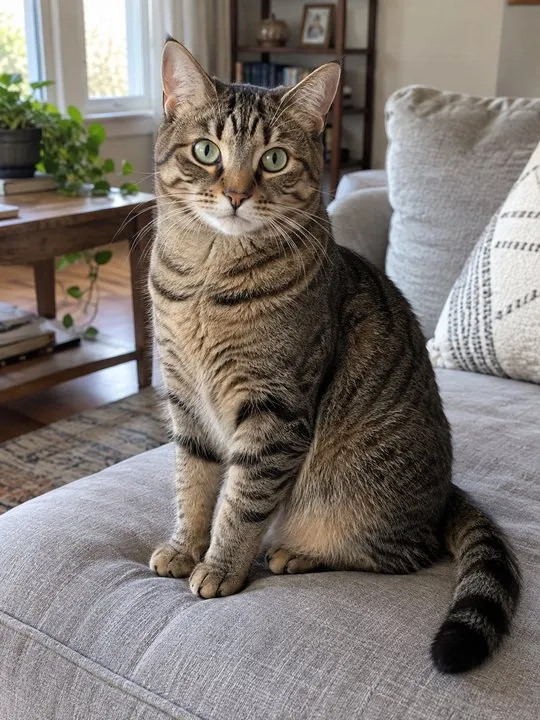
Its face and front paws, at its eye level, in good light.

  • Face and pawsFace and pawsAt its eye level, in good light
  • Too far awayToo far awayIts face gets lost
  • BlurryBlurryWait until it sits still
  • Too darkToo darkTurn a light on

Made for your feed

Your Turn the Lights Off video comes out finished, so there’s nothing to edit before you post it.

  • The sound, already in itIt plays from the first frame, timed to every move.
  • Vertical, phone-sizedFills the screen on TikTok, Reels and Shorts.
  • No watermarkYour video, with nothing stamped on it.
  • Save or share in a tapDownload it to your camera roll, or send its link to friends.
Make my Turn the Lights Off video
Somewhere in this crowd, someone just let go.

What is the Turn the Lights Off trend?

What happens in the video

You stand in the middle of a packed club, eyes closed, smiling, lost in the song. Your hands rise to your chest, then both arms go straight up on the drop and you sway under the disco balls while the camera pulls back into the crowd.

Where it comes from

It started with a nightclub scene from the TV series Your Friends & Neighbors: a man dancing on his own, eyes closed, arms in the air. TikTok set the moment to Turn the Lights Off by Kato, and now everyone posts their own version.

Why people post it

It’s pure, unbothered joy. People post it to celebrate small wins, the end of a long week or simply dancing through it all, and a pet doing it with its paws up is even better.

How much the Turn the Lights Off AI video costs

Every Turn the Lights Off video is paid with credits: get them every month with a plan, or buy a credit pack that never expires.

Billing

Starter

For trying the trends you like

Save 43%

$34.90 in packs

$19.90/ month

Billed monthly

270 credits / month

One size. Move up anytime.

  • Up to 6 videos a month
  • or 3 in HD
  • Every trend, plus new ones as they take off
  • One photo in, no prompts or editing
  • Original sound, ready for TikTok, Reels and Shorts
  • No watermark, yours to post and keep
  • Credits back if a video fails
  • Move up anytime and pay only the difference
Recommended

Creator

For posting every week

Save 49%

$58.17 in packs

$29.90/ month

Billed monthly

450 credits / month

  • Up to 10 videos a month
  • or 5 in HD
  • Every trend, plus new ones as they take off
  • One photo in, no prompts or editing
  • Original sound, ready for TikTok, Reels and Shorts
  • No watermark, yours to post and keep
  • Credits back if a video fails
  • Move up anytime and pay only the difference
Studio

For posting every day

Save 58%

$122.15 in packs

$51.90/ month

Billed monthly

945 credits / month

  • Up to 21 videos a month
  • or 10 in HD
  • Every trend, plus new ones as they take off
  • One photo in, no prompts or editing
  • Original sound, ready for TikTok, Reels and Shorts
  • No watermark, yours to post and keep
  • Credits back if a video fails
  • Move up anytime and pay only the difference
Fresh credits every month. Cancel anytime.

Credit packs

For one video or a few. Never expire.

$34.906 videos · $5.82 a video270 credits that never expire

270 credits that never expire. No subscription.

  • Secure checkout by Stripe
  • Unused pack? Refund within 14 days
  • A failed video gives its credits back

Turn the Lights Off AI video FAQ

Straight answers on making, paying for and sharing your Turn the Lights Off video.

  1. What is the Turn the Lights Off AI trend?

    It’s the club moment where someone dances with their eyes closed and their arms in the air, lost in the song, with you or your pet in the middle. The AI version makes the whole video from one photo.

  2. What song is the Turn the Lights Off trend?

    Turn the Lights Off by Kato, a Danish club anthem. The part with the drop is already in your video, and the arms go up right on it.

  3. Can I make the Turn the Lights Off video with my dog or cat?

    Yes. Switch to your pet and add one photo. Your pet closes its eyes, stands up on its hind legs and puts both paws in the air on the drop.

  4. Do I need a prompt?

    No. The club, the four beats and the camera move are already written into the trend. You only add a photo.

  5. What will I wear?

    The clothes from your photo. You dance as yourself, so pick a photo in the outfit you want to be seen in.

  6. What photo works best for the Turn the Lights Off AI video?

    One clear face, facing the camera, in good light, with nothing covering it. For a pet, get its face and front paws at its eye level.

  7. Can I use a photo of someone else?

    Only if they’ve agreed to it. Please don’t use photos of celebrities or of anyone who hasn’t said yes.

  8. Does the Turn the Lights Off AI video have the song?

    Yes. The song plays over the whole video, and the arms go up on the drop. If an app mutes it, pick the same sound from its library when you post.

  9. Is the Turn the Lights Off video vertical?

    Yes. It’s vertical, made to fill the phone on TikTok, Reels and Shorts, with no watermark.

  10. How long does the Turn the Lights Off AI video take?

    Usually a few minutes. You can close the page: your Turn the Lights Off video waits in My videos, and we email you when it’s ready.

  11. How much does a Turn the Lights Off AI video cost?

    One Turn the Lights Off video uses 45 credits. Buy a credit pack whose credits never expire, or pay less per video with a monthly plan. A video that fails costs nothing.

  12. What happens to my photo after the video is made?

    It’s used only to make your Turn the Lights Off video and stays private to your account. Delete it any time from My videos.

  13. Is this an official Turn the Lights Off app?

    No. NowStarring is an independent fan tool for the Turn the Lights Off trend, not linked to Kato, the TV series or anyone in it. The song belongs to its rights holders.

  14. How do I make the Turn the Lights Off AI video?

    Add your photo at the top of this page, or two for a trend with two people, and press Make my video. Your Turn the Lights Off video is ready in a few minutes. No app, no filming and no editing needed.

  15. Can I post my Turn the Lights Off video on TikTok or Instagram Reels?

    Yes. Download the MP4 with no watermark and post it on TikTok, Instagram Reels or YouTube Shorts, or send it in a group chat.

  16. Can I make the Turn the Lights Off AI video for free?

    No. Every video here is paid for, so there’s no free trial and no watermark on what you download.

  17. Is there a CapCut template for the Turn the Lights Off trend?

    You don’t need one. A CapCut template drops your clip into someone else’s edit. Here the whole Turn the Lights Off video is made from your photo, so whoever is in it is in every shot.

  18. What if my Turn the Lights Off video doesn’t come out right?

    You don’t pay for a video that fails: what it used goes back to your balance automatically, and you can try again with another photo.

Still have a question? Email us and a real person will reply.

support@nowstarring.aiRead the full FAQ

The lights are going down

Add one photo and get your Turn the Lights Off video in a few minutes, with the club, the drop and the song.

Make my Turn the Lights Off video

NowStarring is an independent fan tool. It is not linked to Kato, the TV series the trend comes from or anyone in it, and the song belongs to its rights holders.