Skip to content
NowStarring

Neon Dance AI Video Generator

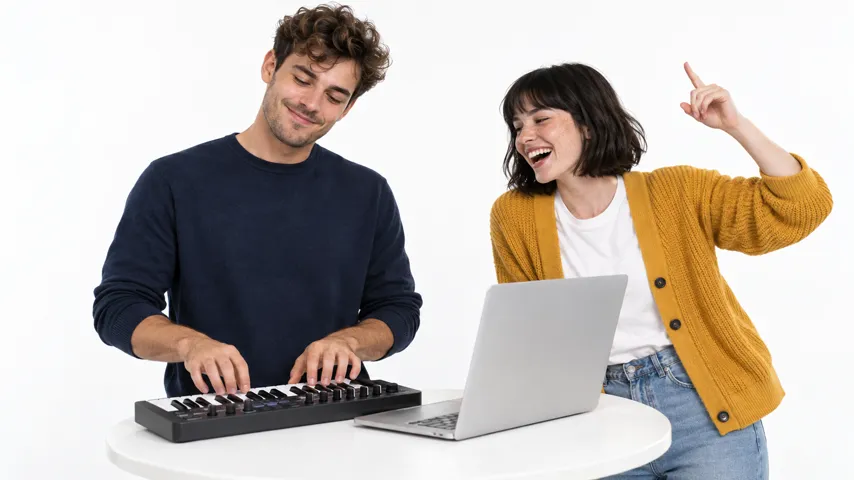
Two of you. One white studio.

Neon Dance AI video: Two photos, zero rehearsals, somehow in sync
Two photos, zero rehearsals, somehow in sync
From these photos
Pick a video
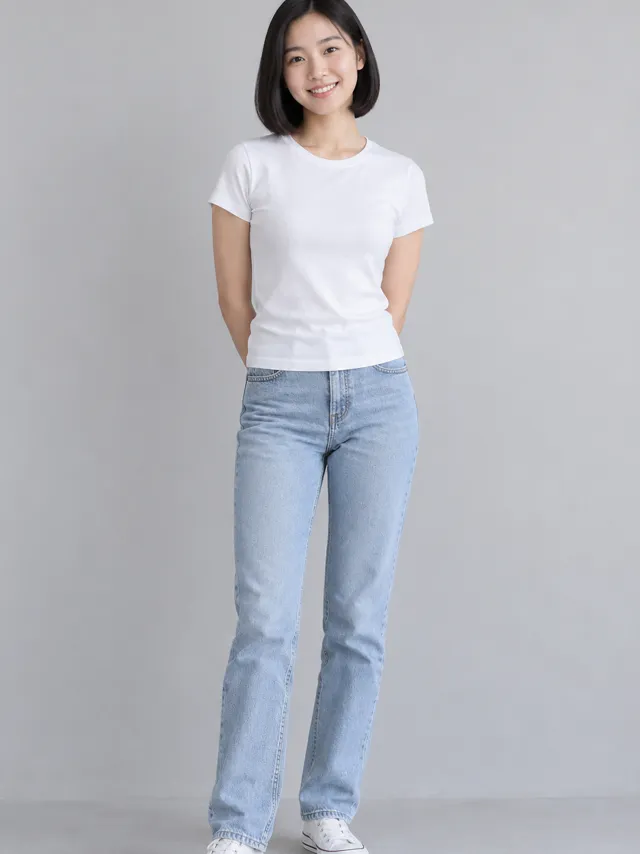
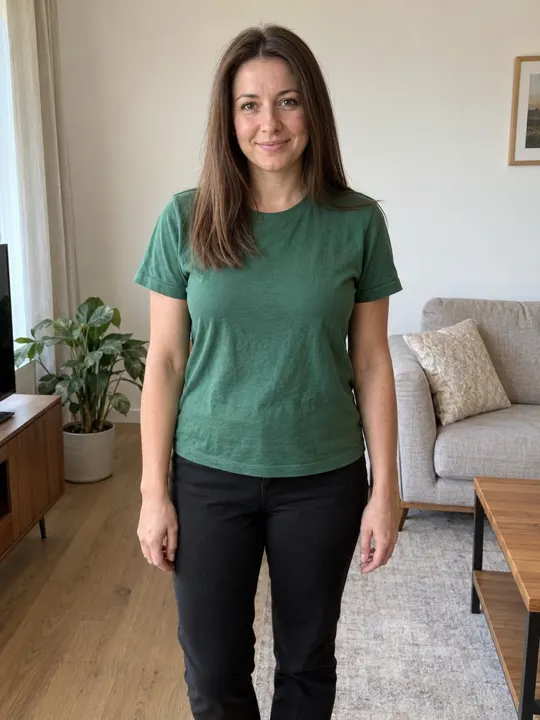
  1. You, in frontFace to the camera, good light
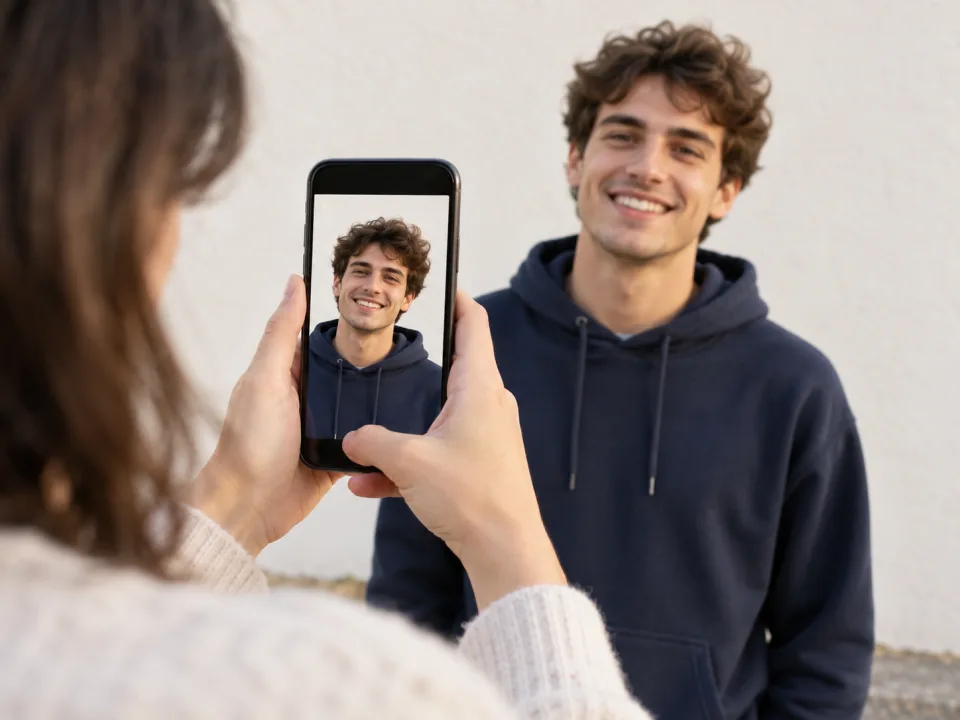
  2. Your dance partnerFace to the camera, good light
Video size
Wide16:9
Quality

One video uses 65 credits. You’ll sign in to make it. Photo tips

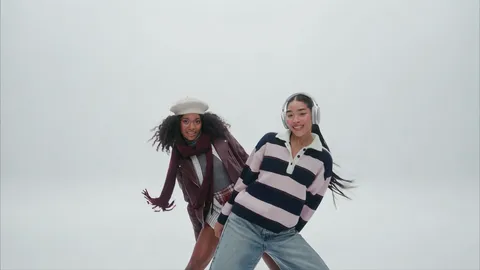
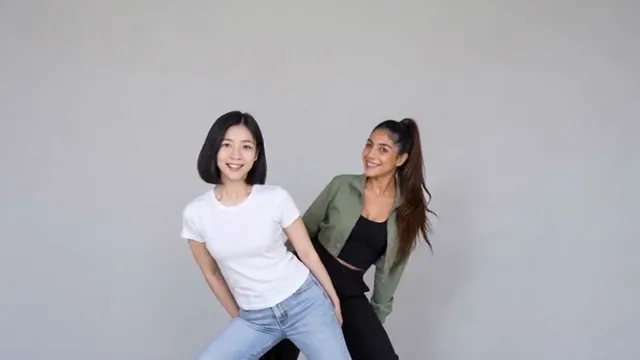
One of you hides, the other leans out, and then it’s hair flips, finger guns and a high kick in a bright white studio. Add a photo of you and one of a friend, and you two do the whole NEON intro, with the song.

  • No watermark
  • With the NEON song
  • A failed video costs nothing
  • No watermark
  • With the NEON song
  • A failed video costs nothing
  • You and a friend
  • Shot for shot
  • With the song

Neon Dance AI videos made from two photos

Two friends, one white studio, the whole NEON intro. Tap one to watch.

  • Tee and track jacket

    Two photos, zero rehearsals, somehow in sync

  • Stripes and leather

    Told my best friend we were filming one take. It was 40

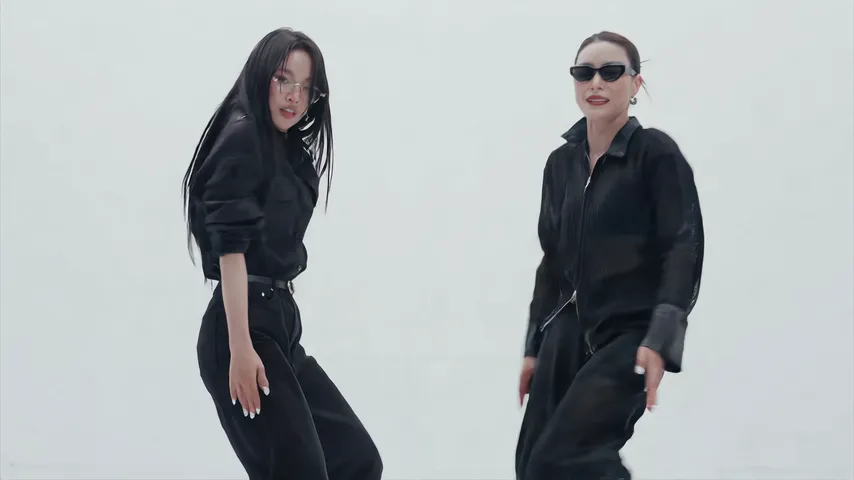
  • All black

    Matching black because we’re professionals now

  • Linen and tank

    Roommates by day, duo by night

  • Lime and pink

    The finger guns were not rehearsed and it shows

From two photos to your Neon Dance video

Two photos go in, one for each dancer. A few minutes later, the finished video comes out, ready to post.

  • You and a friend
  • Shot for shot
  • With the song
Your video
Your photos
Your photos
Your photos

How to make the Neon Dance AI video

No studio, no rehearsal and nothing to write. Just a clear photo of each of you.

  1. Add you and a friend

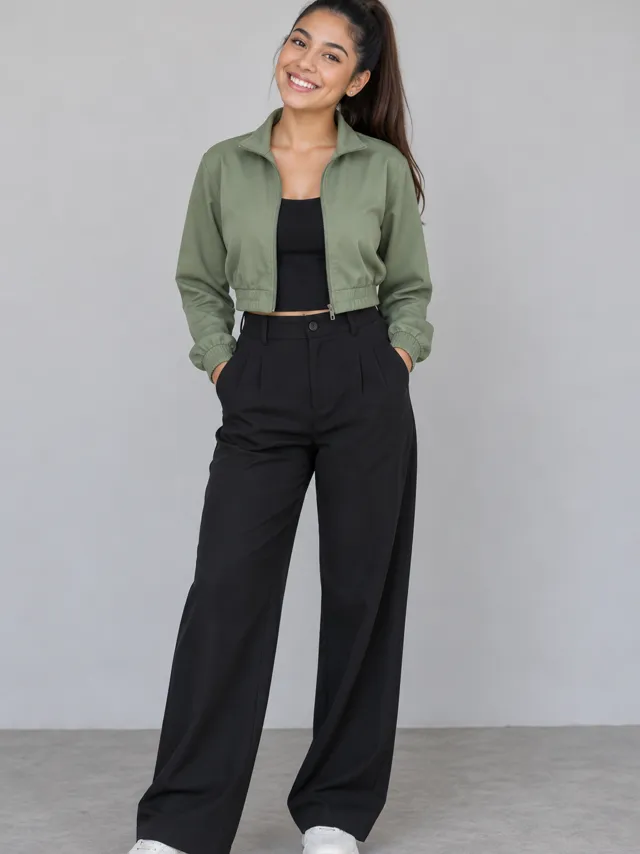
    One photo of each of you, faces clear. You start in front; your friend is the one who leans out from behind.

  2. We film the intro

    You two do the NEON intro shot for shot in a white studio, each in the clothes from your own photo.

  3. Download and post

    It’s ready in a few minutes with the song and no watermark. Tag your partner and post it.

What happens in the Neon Dance video

  1. Neon Dance AI video, part 1: The hide

    The hide

    One of you stands in the middle of the white studio, the other hidden right behind.

  2. Neon Dance AI video, part 2: The peek-out

    The peek-out

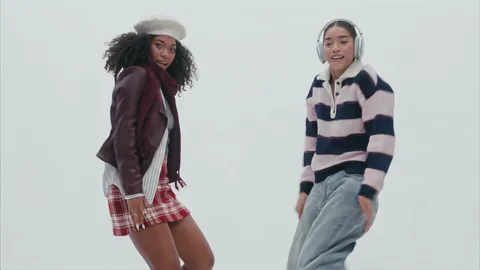
    Your partner leans out from behind and you sway together.

  3. Neon Dance AI video, part 3: The hand

    The hand

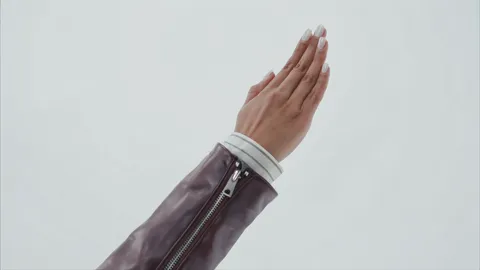
    A hand turning at the wrist, then a whip pan on the beat.

  4. Neon Dance AI video, part 4: Finger guns

    Finger guns

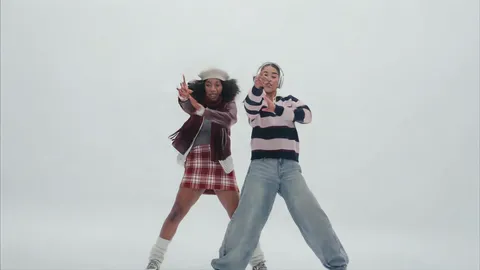
    Side by side, both pointing straight at the lens.

  5. Neon Dance AI video, part 5: The finish

    The finish

    Close up, arms raised around your heads.

Best photos for the Neon Dance AI video

There are close-ups of both of you, so each photo needs one clear face.

Each of you

One face per photo, looking at the camera.

  • Face the cameraFace the cameraSoft daylight, eyes on the lens
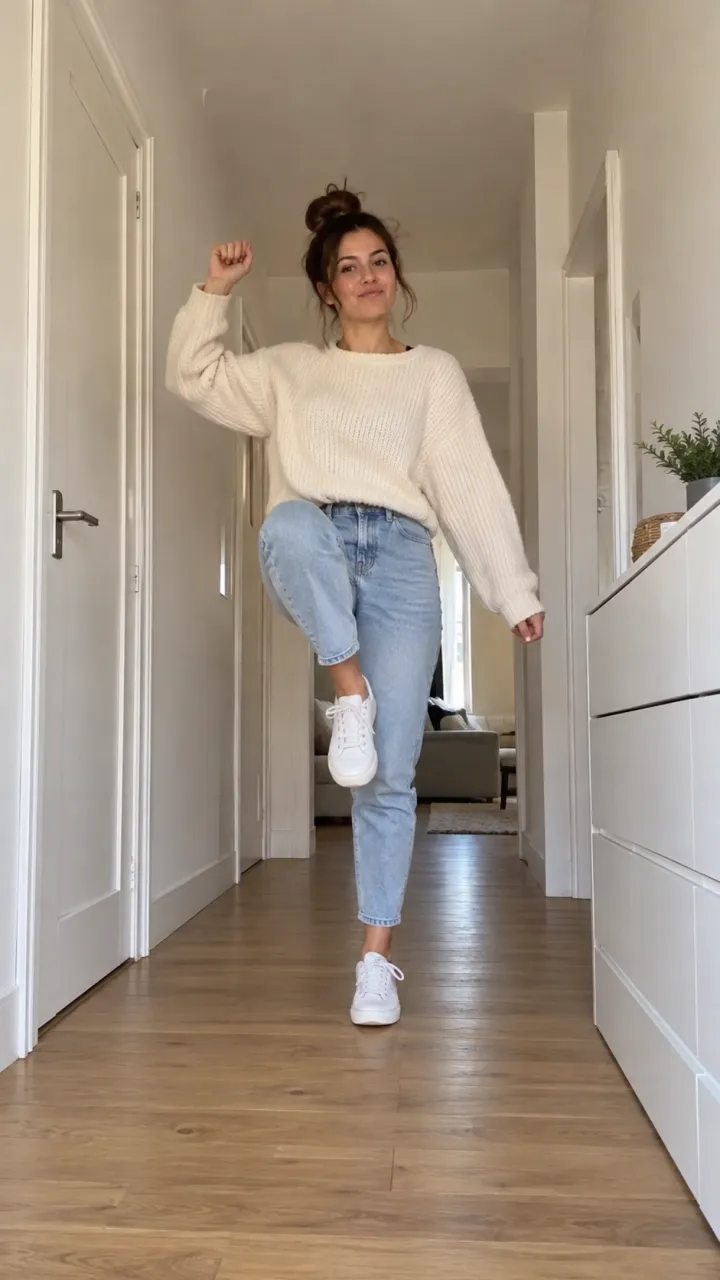
  • Head to knees worksHead to knees worksYour outfit comes to the studio
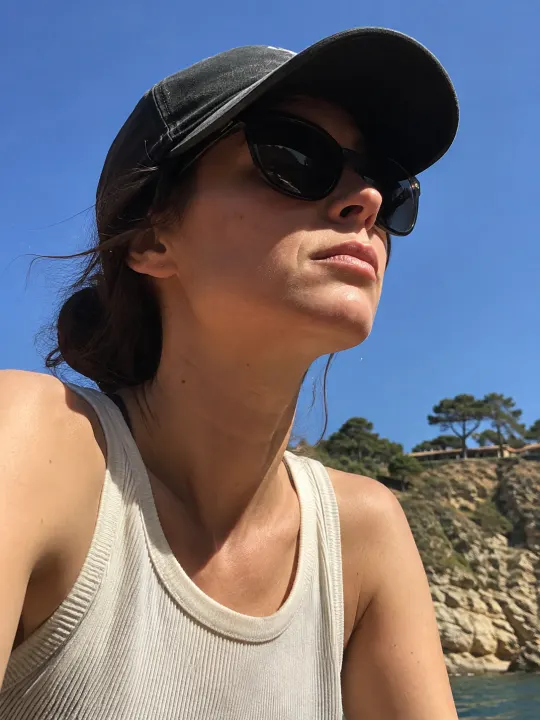
  • SunglassesSunglassesHidden eyes won’t look like you
  • Group photosGroup photosOne person per photo

Made for your feed

Your Neon Dance video comes out finished, so there’s nothing to edit before you post it.

  • The sound, already in itIt plays from the first frame, timed to every move.
  • Widescreen, like the originalFramed the way the trend was filmed, ready for YouTube, Reels and Shorts.
  • No watermarkYour video, with nothing stamped on it.
  • Save or share in a tapDownload it to your camera roll, or send its link to friends.
Make my Neon Dance video
Peek out. Flip. Finger guns.

What is the Neon Dance trend?

What happens in the video

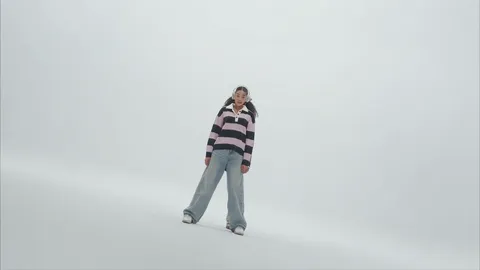
Two dancers in a bright white studio. One stands in the middle with the other hidden right behind, until the second leans out and they sway together. Then it’s quick cuts on the beat: an arm sweeping across a low camera with the hair flying, a hand turning at the wrist, a whip pan, finger guns straight at the lens, and a very wide shot of the routine with a high kick. It ends on the two of them close up, arms raised around their heads.

Where it comes from

It’s the opening of the music video for NEON, the debut single by the group A2O LITE. Duos started redoing the intro with their best friends, siblings and partners, and AI versions let anyone put two faces into the white studio without a single rehearsal.

Why people post it

It’s a duo trend, so it’s a reason to tag someone: your best friend, your sister, your roommate. And it looks like a real music video, which is the fun part when neither of you can dance.
How much the Neon Dance AI video costs

Every Neon Dance video is paid with credits: get them every month with a plan, or buy a credit pack that never expires.

Billing

Starter

For trying the trends you like

$19.90/ month

Billed monthly

270 credits / month

One size. Move up anytime.

  • Up to 6 videos a month
  • or 3 in HD
  • Every trend, plus new ones as they take off
  • One photo in, no prompts or editing
  • Original sound, ready for TikTok, Reels and Shorts
  • No watermark, yours to post and keep
  • Credits back if a video fails
  • Move up anytime and pay only the difference
Recommended

Creator

For posting every week

$43.17 in packs31% off

$29.90/ month

Billed monthly

450 credits / month

  • Up to 10 videos a month
  • or 5 in HD
  • Every trend, plus new ones as they take off
  • One photo in, no prompts or editing
  • Original sound, ready for TikTok, Reels and Shorts
  • No watermark, yours to post and keep
  • Credits back if a video fails
  • Move up anytime and pay only the difference

Studio

For posting every day

$172.67 in packs48% off

$89.90/ month

Billed monthly

1,800 credits / month

  • Up to 40 videos a month
  • or 20 in HD
  • Every trend, plus new ones as they take off
  • One photo in, no prompts or editing
  • Original sound, ready for TikTok, Reels and Shorts
  • No watermark, yours to post and keep
  • Credits back if a video fails
  • Move up anytime and pay only the difference

Fresh credits every month. Cancel anytime.

Neon Dance AI video FAQ

Straight answers on making, paying for and sharing your Neon Dance video.

  1. What is the Neon Dance AI trend?

    It’s the duo intro from the NEON music video, redone with your own faces: two of you in a white studio, from the peek-out to the finger guns and the high kick, cut on the beat.

  2. What song is the Neon Dance trend?

    NEON, the debut single by A2O LITE. The opening of the song plays over your whole video.

  3. Do I need two photos?

    Yes. It’s a duo dance, so add one photo of you and one of your dance partner. Each photo should show one face.
  4. Who goes in front?

    The first photo is the one in front at the start; the second is the one hidden behind who leans out. After that you dance side by side.
  5. Do we keep our own clothes?

    Yes. Each of you wears what you wear in your own photo, so you don’t have to match.

  6. Will it still look like us in the close-ups?

    Yes. It’s the same two faces in every shot, close or wide. In the very wide shot you’re small in the frame, like in the original.

  7. What photo works best for the Neon Dance AI video?

    A sharp daylight photo of each of you, face toward the camera, head to knees if you can. Skip sunglasses and group photos.

  8. Is the Neon Dance video vertical?

    No. It’s widescreen, like the music video, and it plays that way on TikTok, Reels and Shorts.

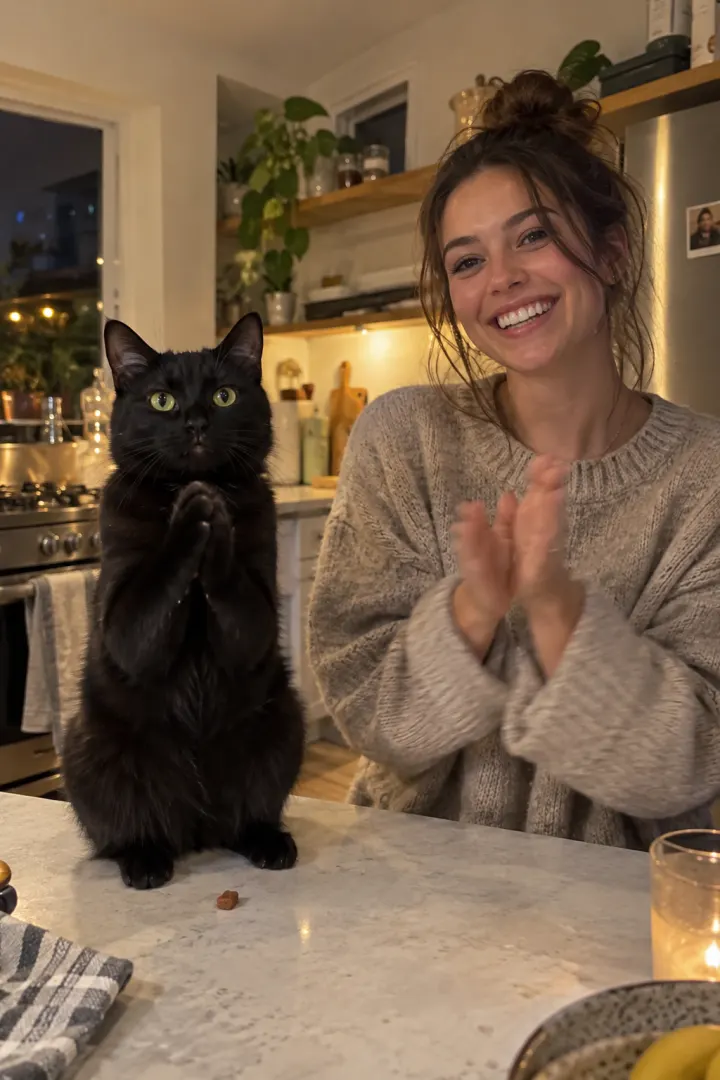
  9. Can my pets do the Neon Dance?

    Not yet. For now it’s made for two people.

  10. How long does the Neon Dance AI video take?

    Usually a few minutes. You can close the page: your Neon Dance video waits in My videos, and we email you when it’s ready.

  11. How much does a Neon Dance AI video cost?

    One Neon Dance video uses 65 credits. Buy a credit pack whose credits never expire, or pay less per video with a monthly plan. A video that fails costs nothing.

  12. Can I use a photo of someone else?

    Only with their permission, and never of anyone under 18, a celebrity or a public figure. Upload only photos you have the right to use.

  13. Is this an official NEON or A2O LITE app?

    No. NowStarring is an independent fan tool for the Neon Dance trend, not linked to A2O LITE, their label or the song’s artists. The song belongs to its rights holders.

  14. How do I make the Neon Dance AI video?

    Add your photo at the top of this page, or two for a trend with two people, and press Make my video. Your Neon Dance video is ready in a few minutes. No app, no filming and no editing needed.

  15. Can I post my Neon Dance video on TikTok or Instagram Reels?

    Yes. Download the MP4 with no watermark and post it on TikTok, Instagram Reels or YouTube Shorts, or send it in a group chat.

  16. Can I make the Neon Dance AI video for free?

    No. Every video here is paid for, so there’s no free trial and no watermark on what you download.

  17. Is there a CapCut template for the Neon Dance trend?

    You don’t need one. A CapCut template drops your clip into someone else’s edit. Here the whole Neon Dance video is made from your photo, so whoever is in it is in every shot.

  18. What if my Neon Dance video doesn’t come out right?

    You don’t pay for a video that fails: what it used goes back to your balance automatically, and you can try again with another photo.

Still have a question? Email us and a real person will reply.

support@nowstarring.aiRead the full FAQ

Grab your partner

Add two photos and get your Neon Dance video in a few minutes, with the whole intro and the song.

Make our Neon Dance video

NowStarring is an independent fan tool. It is not linked to A2O LITE, their label or the song’s artists, and the song belongs to its rights holders.