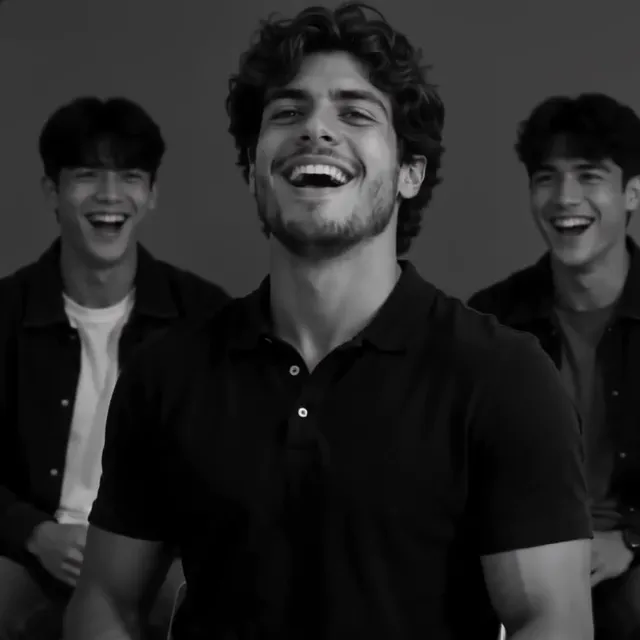
Vikas edit AI video: free tools, paid ones and what you get
Which AI tools make the Vikas edit video, from Google Flow clip by clip to sites that take one selfie, what “free” usually covers, and five things to check before you pay for the 28-second edit.
5 min read · Updated
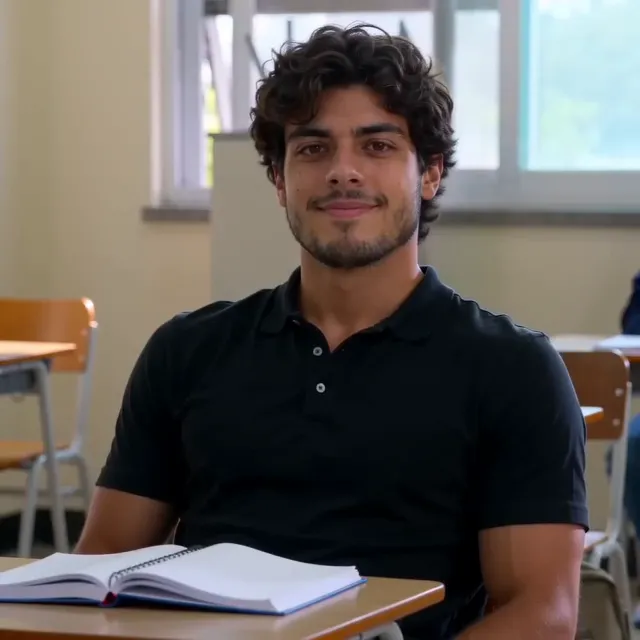
Star in Vikas Editor with one photo
Make yoursThe tools people use
| Tool | How it works | Your work |
|---|---|---|
| Google Flow, Gemini or another AI video tool | One prompt and one photo per clip, 5–10 seconds at a time | Six or more clips, then cutting them to the song in CapCut or VN |
| A Vikas edit template in CapCut or VN | Your photos zoom and flash on the beat | Picking photos; there is no classroom |
| One-photo sites, ours included | You add a selfie; the site makes the whole edit | Waiting a few minutes |
The prompts for doing it clip by clip are in the video prompt guide; templates are compared in the CapCut template guide.
What “free” usually means
- A daily or monthly allowance of a few short clips, often with a watermark or at low resolution.
- A queue that can take much longer than a paid render.
- A free preview of a few seconds, with the full edit behind a payment.
A free allowance is enough to try a shot or two. The full edit has about ten shots, and every one of them has to keep the same face, so most people spend a few rounds of retries before the clips match.
Five things to check before you pay
- Length: the edit going around runs about 28 seconds. A 5- or 10-second clip is one shot, not the edit.
- Shape: square, like the original.
- Your face in every shot, colour and black and white. Look at an example with someone the site didn’t pick by hand.
- Who else is in it: real actors from a drama, or made-up people.
- The song: whether it’s already cut in, and whether the price is per video or per credit pack.
Ours, from one selfie
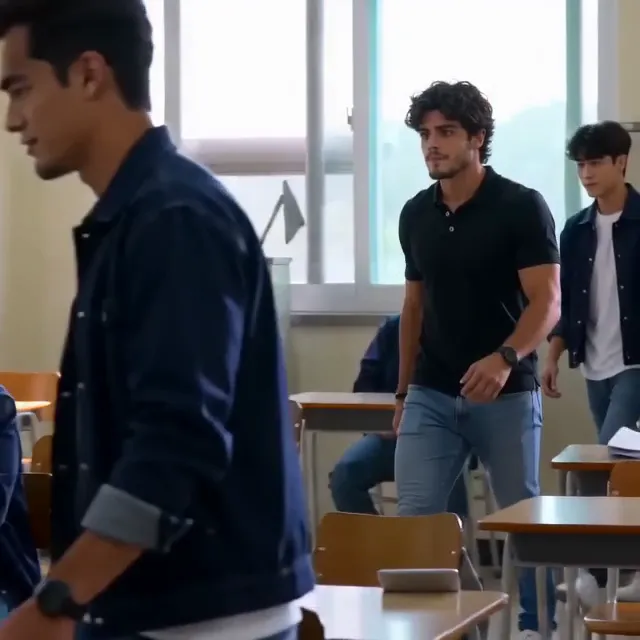
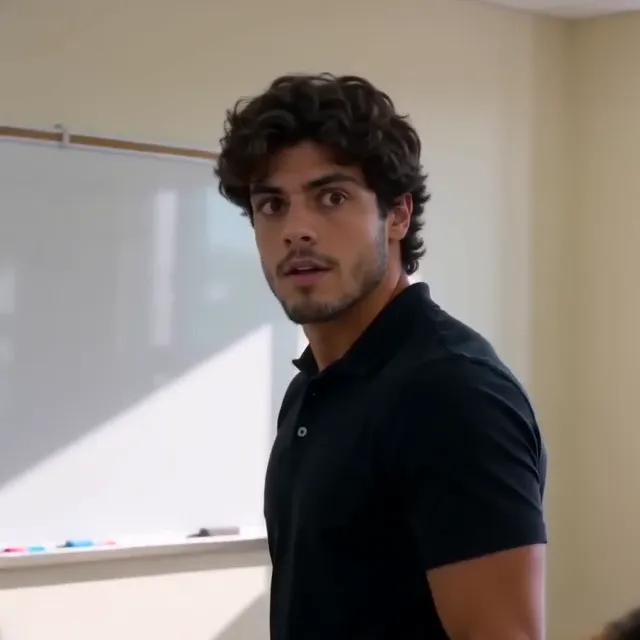
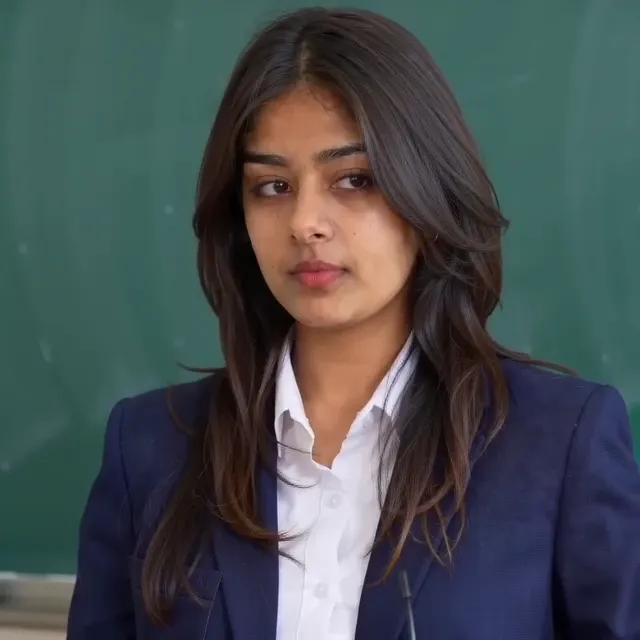
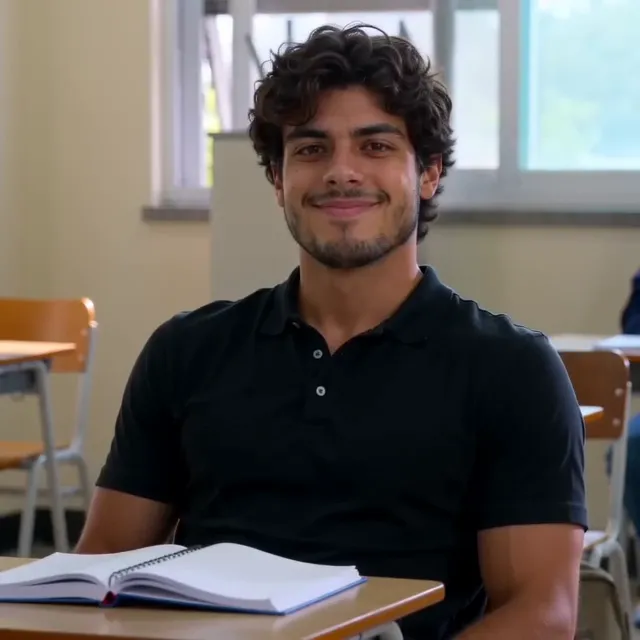
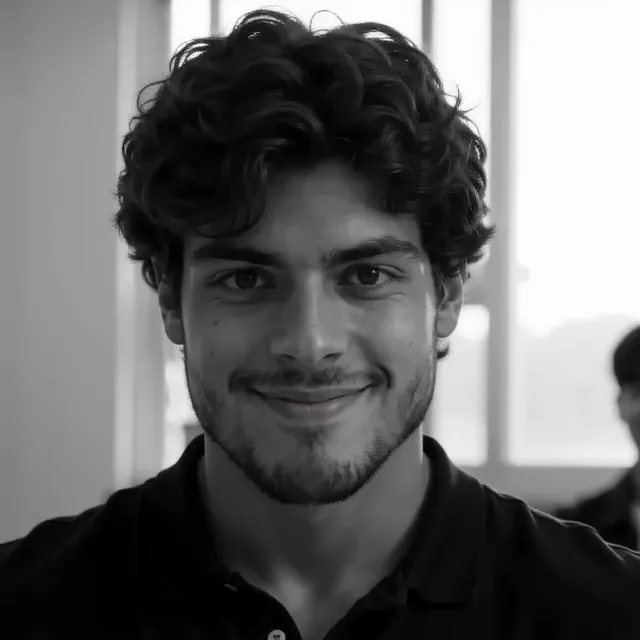
On the Vikas Editor page you add one selfie of your face and shoulders. You get the square 28-second edit with the song: the walk-in, the look back, the smile, the black-and-white drop and the corridor, with made-up classmates and a made-up friend.
One Standard video uses 45 credits. The smallest pack that makes one is $9.90 for 90 credits (2 videos), a one-time buy whose credits never expire, and plans start at $19.90 a month for 270 credits. If a video fails, its credits come back.
NowStarring is an independent video tool, not linked to any editor, channel, app or website called Vikas, to CapCut, VN or Google Flow, to any TV drama or its cast, or to the artists behind the song.
Questions
Can I make the Vikas edit AI video for free?
Partly. AI video tools with a free allowance usually give a few short clips, not a full 28-second edit, and you cut them together yourself in CapCut or VN. A one-step version from one selfie is a paid render everywhere we’ve looked.
Which AI made the Vikas edit?
Tutorials show it made clip by clip with an AI video tool such as Google Flow, then cut to the song in an editing app. No single official app is behind it.
Do other sites use the real drama footage?
Some swap only the lead’s face into the drama’s own scenes, so the other people are the real actors. Ours makes every shot new: the classmates and the friend are made-up people.