How to make the Middle Finger Dunk AI video from one selfie, beat by beat
The nine-second Middle Finger Dunk clip timed shot by shot, the ways people remake it with AI, why a CapCut template can’t put you in the jump, how to keep the cuts on the sound, and what to post it with.
5 min read · Updated
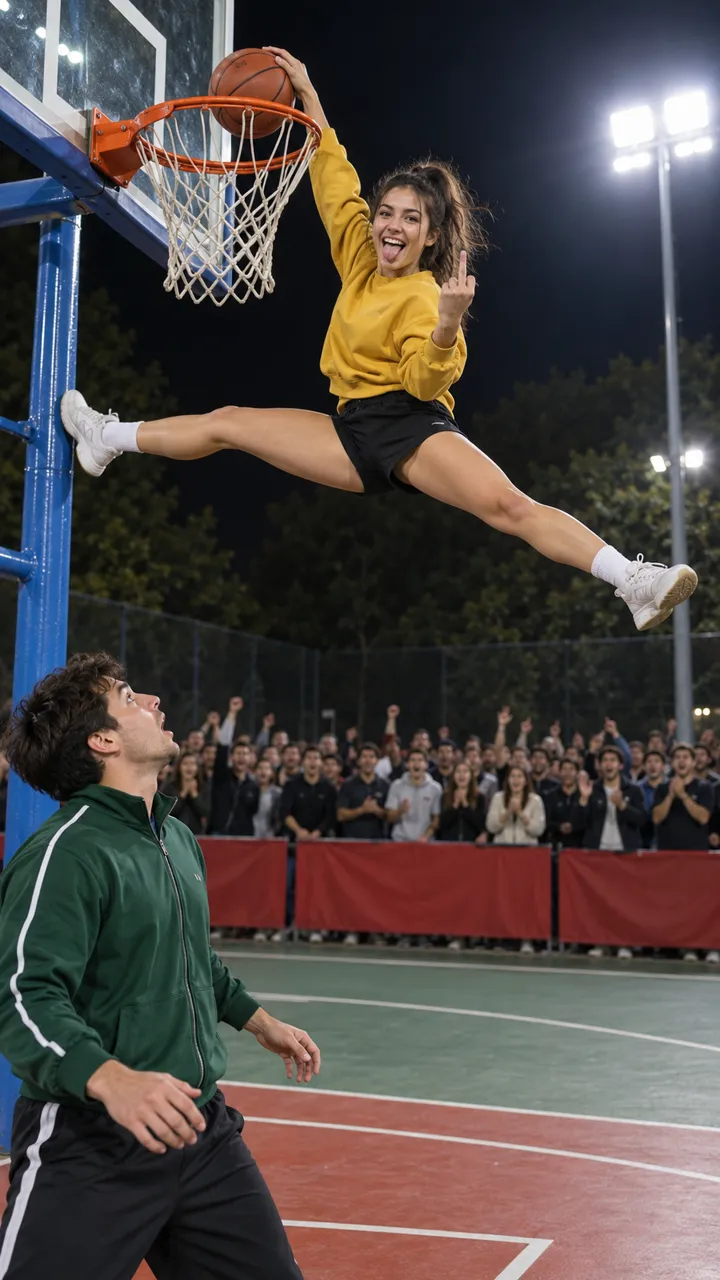
Star in Middle Finger Dunk with one photo
Make yoursThe clip everyone is remaking
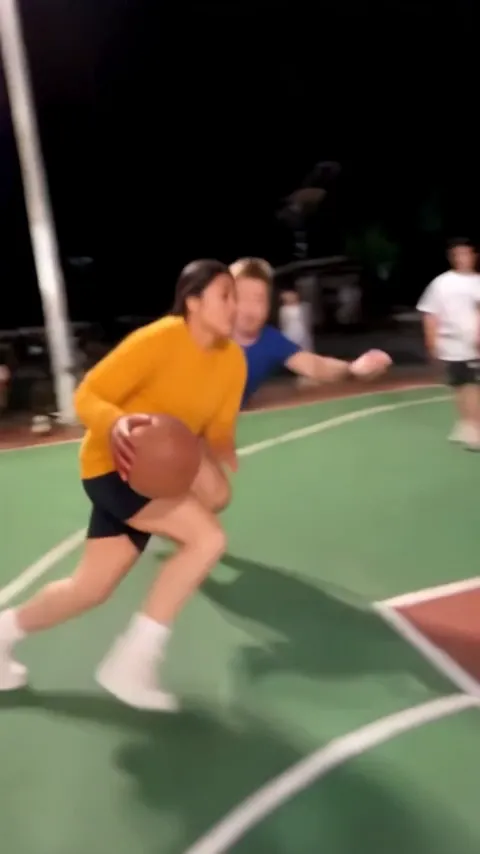
In October 2026 a phone video from a night-time streetball game went round TikTok: a player crosses his man, flies in for the dunk and flips the camera off in mid-air. Captioned “Bro did an emote mid dunk”, it became a template for AI remakes, also posted as My Prime 1v1 or the basketball middle finger.
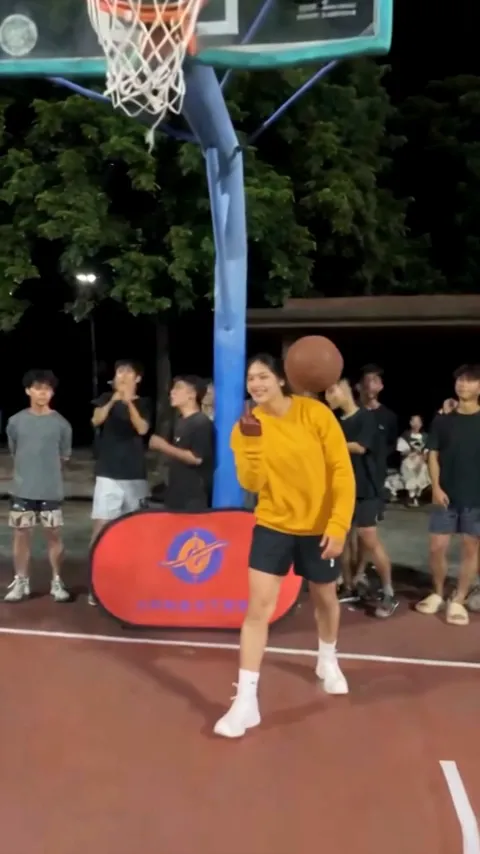
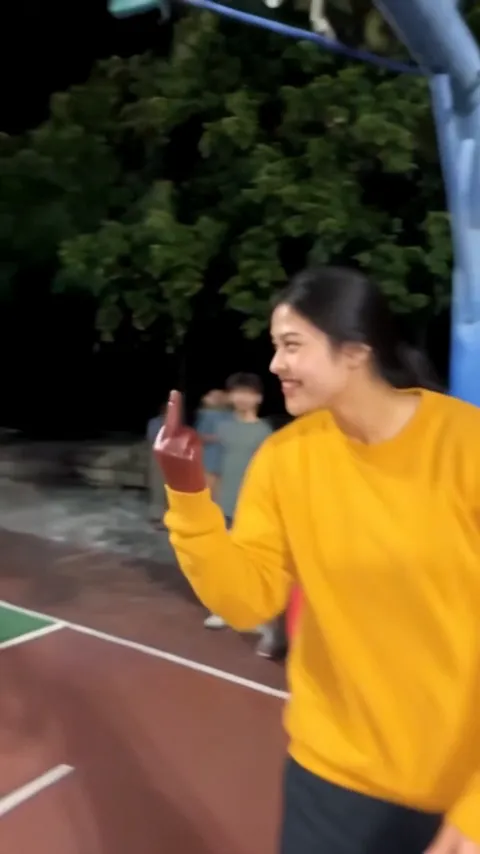
| Time | What happens |
|---|---|
| 0 to 1.5 s | The dribble past the defender, camera running alongside |
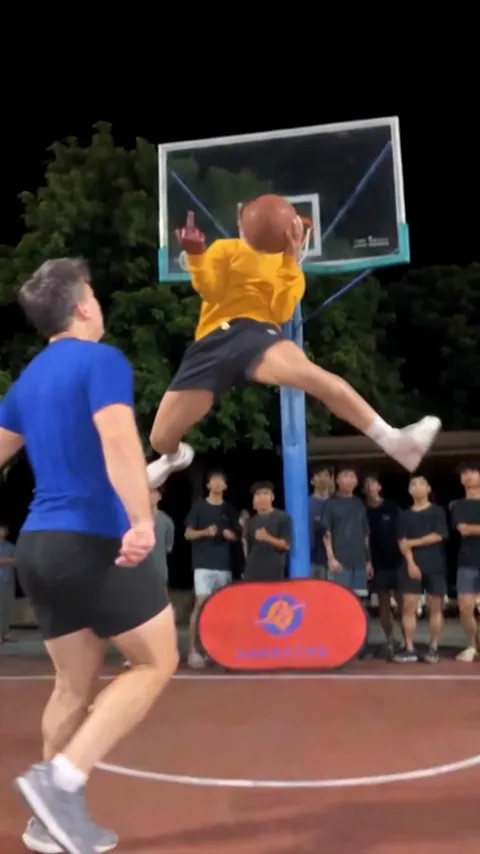
| 1.5 to 4.4 s | Slow motion: a wide split at the rim, ball in one hand, middle finger up on the other |
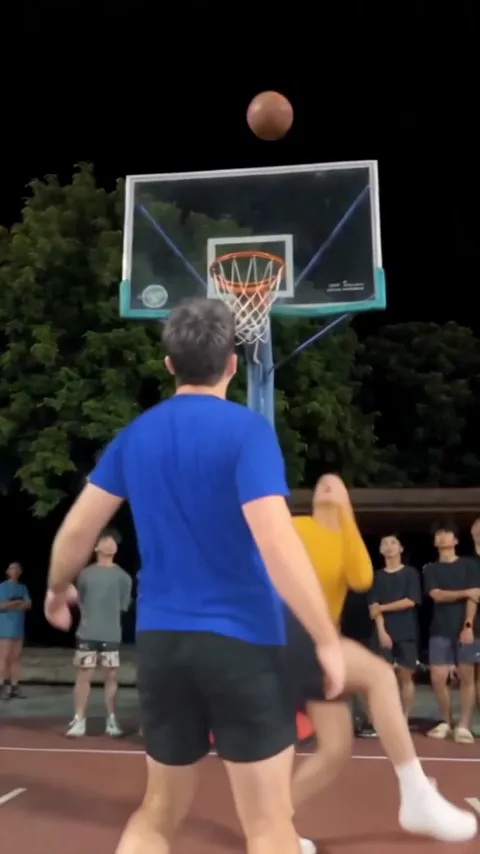
| 4.4 to 8.2 s | Cut to behind the defender; the ball drops through, the dunker lands and walks at the lens, finger up |
| 8.2 to 9 s | A fast whip pan across the court |
Those two cuts, at 4.4 and 8.2 seconds, are where the sound hits. A remake that misses them by half a second looks wrong even to people who can’t say why.
The ways to make it
| Way | What it takes | What you get |
|---|---|---|
| A CapCut template | Your photos dropped into someone’s edit | Your pictures zooming to the sound. Nobody jumps: a template can only move what you give it |
| An AI video tool, a prompt and an editor | A tool that takes a reference photo, a timed prompt, retries until the cuts land, then the sound laid on in an editor. The prompt | Your own dunk, if the timing and your face hold |
| One selfie on our page | A selfie and a few minutes | The 9-second vertical dunk on the clip’s timing, with its sound and no watermark |
Make it from a selfie
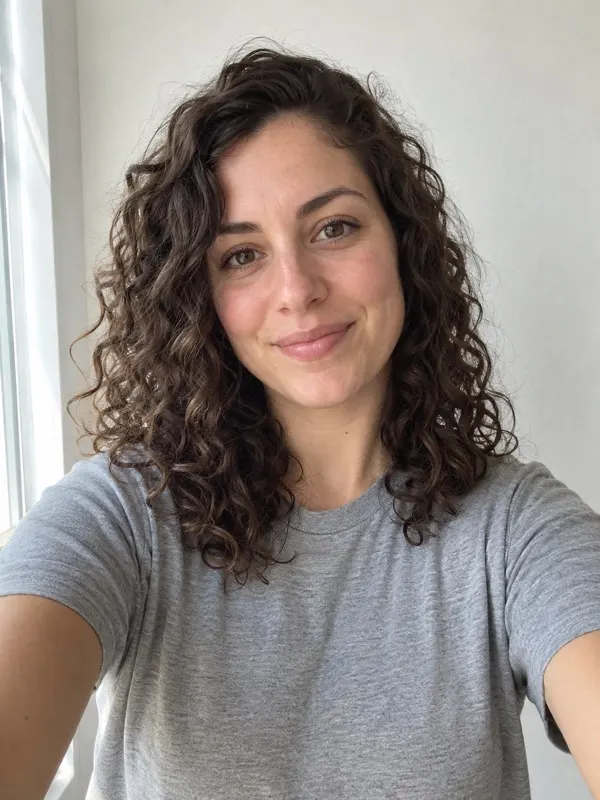
- Take a selfie, face and shoulders, looking at the camera in good light. The video ends with you walking right up to the lens, so your face has to be clear.
- Add it on the Middle Finger Dunk page and press Make my dunk.
- Wait a few minutes. The video lands in My videos and we email you.
- Download it: vertical, nine seconds, sound on, no watermark.
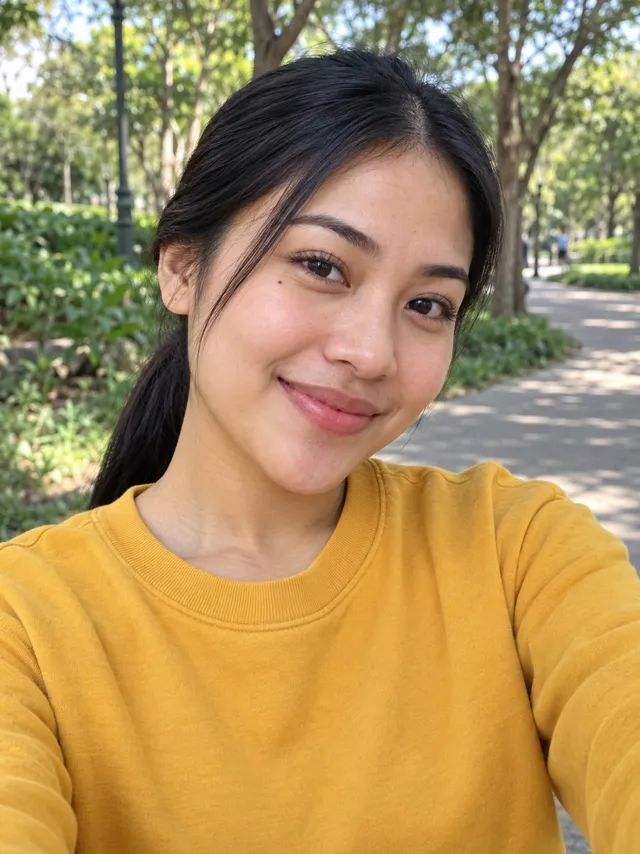
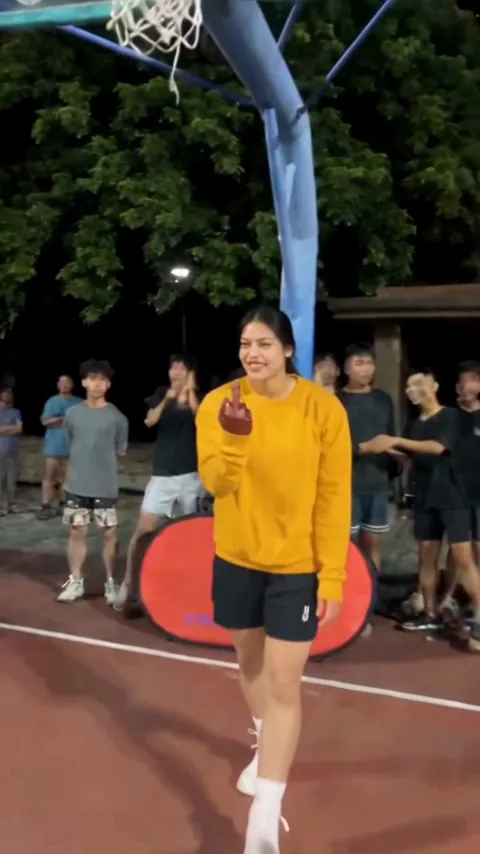
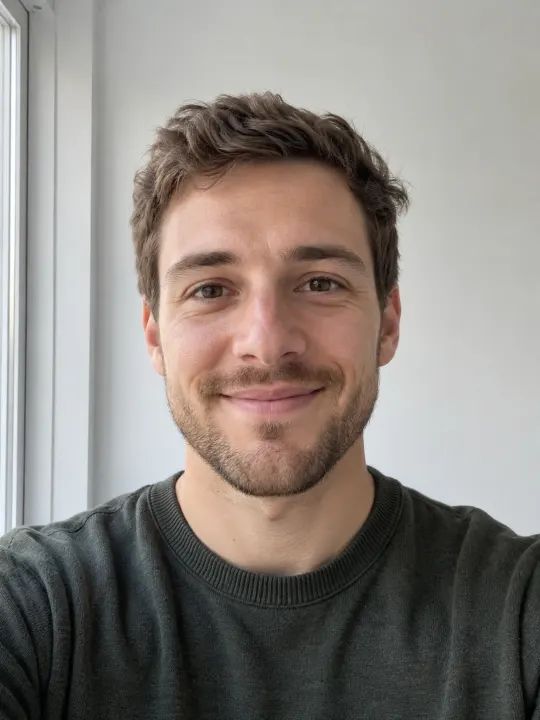
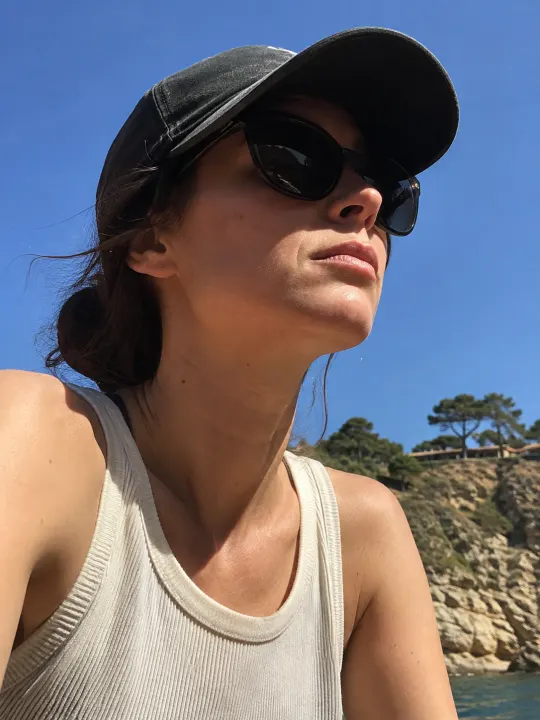
Clothes come from your photo. A hoodie in the selfie means a hoodie on the court, so if you want the streetball look, take the selfie in a t-shirt.
Posting it
- The sound of the clip is already in the video. To land on the trend’s sound page too, pick the Middle Finger Dunk sound when you post and turn the original down.
- Tag the friend who keeps saying they’d beat you one-on-one. That’s who it’s for.
- Post it as it is: vertical, no frame or crop needed for TikTok, Reels or Shorts.
One Standard video uses 65 credits. The smallest pack that makes one is $9.90 for 90 credits (1 video), a one-time buy whose credits never expire, and plans start at $19.90 a month for 270 credits. If a video fails, its credits come back.
NowStarring is an independent video tool, not linked to the players in the clip the trend copies or the people who filmed and posted it, to TikTok, or to CapCut.
Questions
How many photos do I need for the Middle Finger Dunk AI video?
On our page, one: a selfie of you, the dunker. The defender is a made-up player. Some other sites ask for a second photo for the defender.
Can my friend be the defender?
Not yet. In our tests the defender is seen mostly from behind, so a friend’s photo didn’t take: the face and shirt stayed the made-up player’s. We’ll add it once it holds.
Is there a version without the middle finger?
No. The finger is the joke; without it, it’s just a dunk.
How long is the video?
Nine seconds, vertical, like the clip it copies, with that clip’s sound.