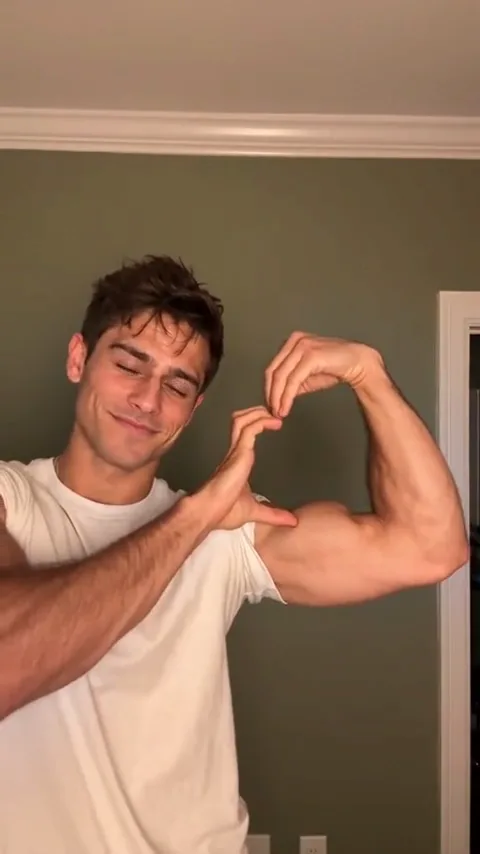
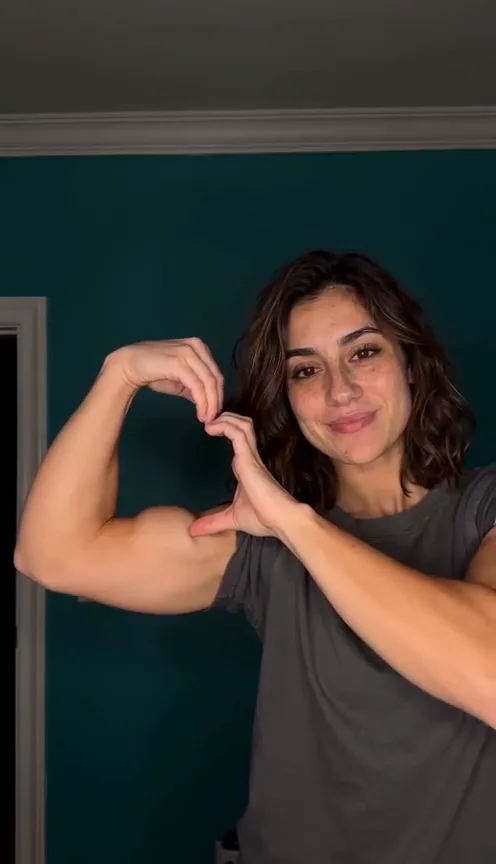
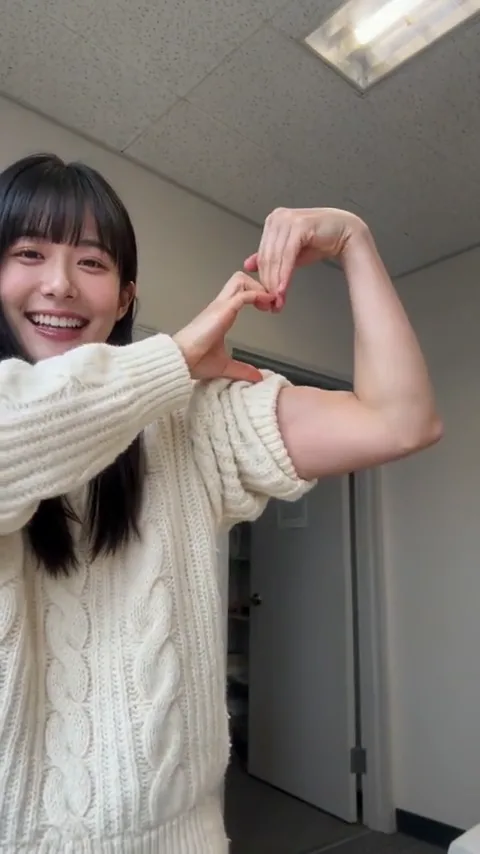
How to take a bicep heart picture that actually shows the heart
Getting a bicep heart into a still photo: camera height and distance, the light that makes an arm look like an arm, why a burst or a video beats a single tap, and the crops for a post, a story and a profile picture.
4 min read · Updated
Star in Bicep Heart with one photo
Make yoursWhy the still is harder than the video
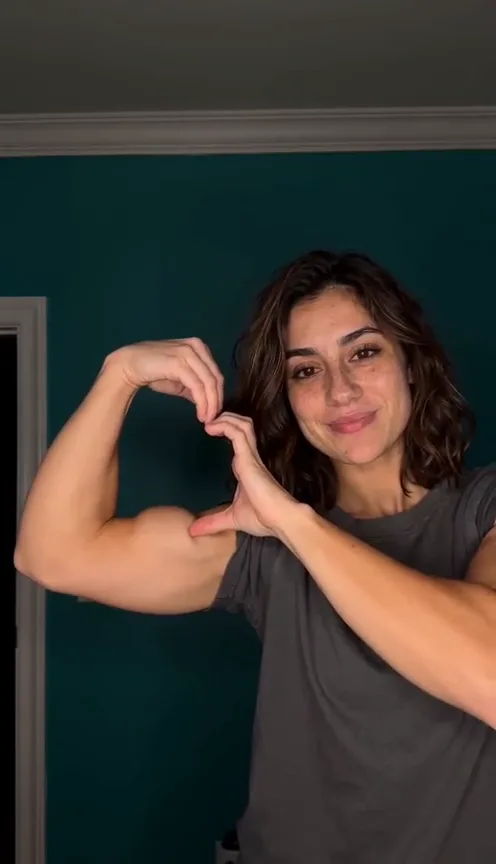
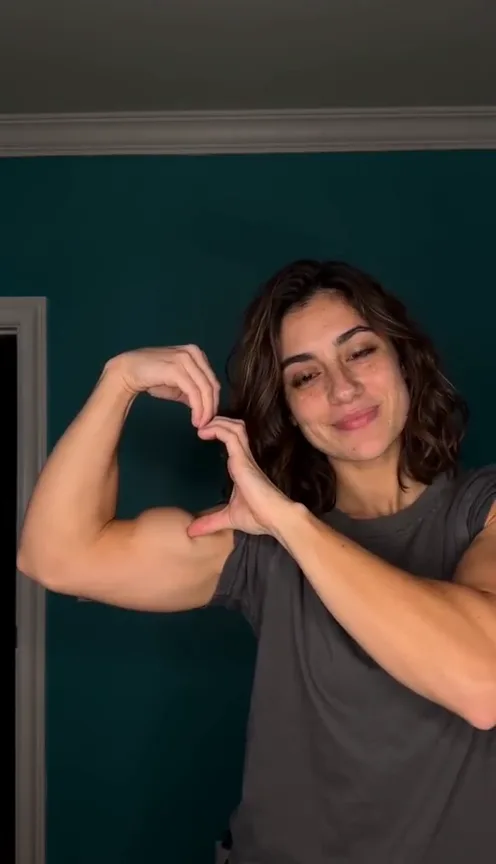
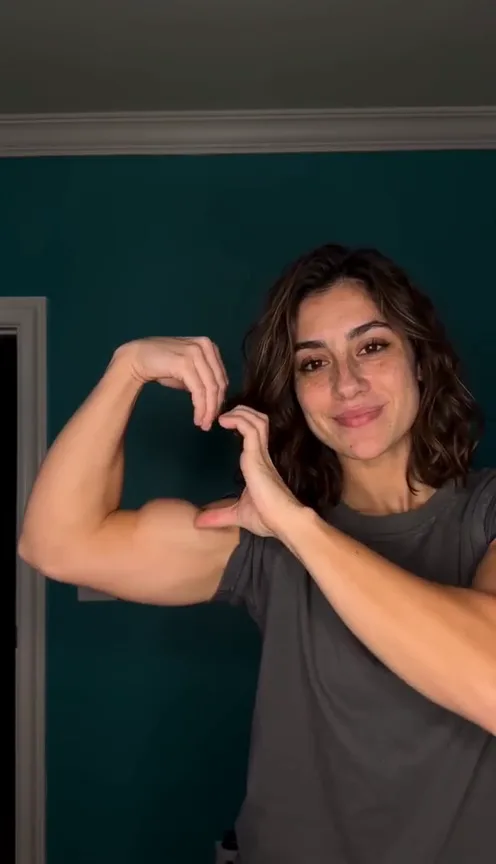
In a video the heart closes and the viewer’s eye follows it. In a photo there’s no movement to guide anyone, so the shape has to read on its own in a small thumbnail. That means a clean gap, a visible curve of muscle and your face close to both. A shot that looks fine in a reel often looks like a tangle of arms as a picture.
Camera and light
- Prop the phone at chest height, about a metre and a half away, upright. Lower than chest height and the camera looks up your nose; higher and the bicep shrinks.
- Set a ten-second timer and switch on burst mode if your phone has it, so one press gives you a run of frames to choose from.
- Stand with a window or lamp to the side of your flexed arm. Overhead light flattens the bicep, and light from straight in front washes out the gap.
- Turn off portrait mode. Its background blur often eats into the gap and leaves a smudge where the heart should be.
- Plain, light wall. A dark doorway behind the gap makes the heart disappear.
Film it, then pick the frame
The most reliable way to get the picture is not to take one. Record the whole pose as a short video, hold the heart for three seconds, then scrub through and screenshot the frame where the gap is round, your fingers are on the fist and your expression works. On most phones you can also export a single frame from a live photo.
Crops for where it’s going
| Where | Shape | Keep in |
|---|---|---|
| Instagram or X post | 4:5 portrait | Face, both hands and the whole heart, with a little wall above the fist |
| Story or status | 9:16 tall | Leave space at the top and bottom for stickers and the reply bar |
| Profile picture | Square, shown as a circle | Crop tight on the face and the heart; the circle cuts off the corners |
Or start from the video
The Bicep Heart page makes the moving version from a selfie. Pause it during the held part at the end and screenshot, and you have the picture as well.
One Standard video uses 45 credits. The smallest pack that makes one is $9.90 for 90 credits (2 videos), a one-time buy whose credits never expire, and plans start at $19.90 a month for 270 credits. If a video fails, its credits come back.
NowStarring is an independent video tool, not linked to TikTok, the creators of the bicep heart videos or the owners of the trend sound.
Questions
Should I use the front or back camera?
The back camera on a timer gives the sharpest picture. The front camera is easier to frame but may mirror the shot, so check which arm ends up on which side before you post.
How do I make my bicep look bigger in the picture?
Light from the side, the elbow at shoulder height and the camera at or slightly below arm level. A few push-ups just before also help. Stretching the arm in an editing app tends to bend the wall behind it, which gives it away.
Can I take it as a mirror selfie?
Not easily, since the hand holding the phone is the one that should be curling in. Lean the phone somewhere and use the timer instead.