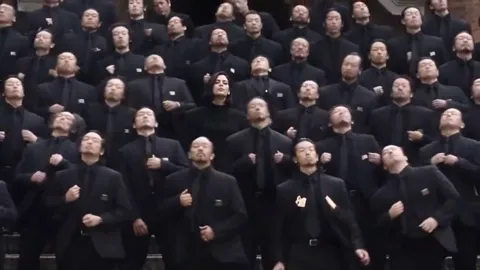
Storm Dance AI: CapCut vs an AI video generator vs one photo
CapCut, an AI video generator or one photo for the Storm Dance trend? A fair comparison of face, crowd, sound, effort and cost, with steps for each route.
6 min read · Updated
The honest verdict
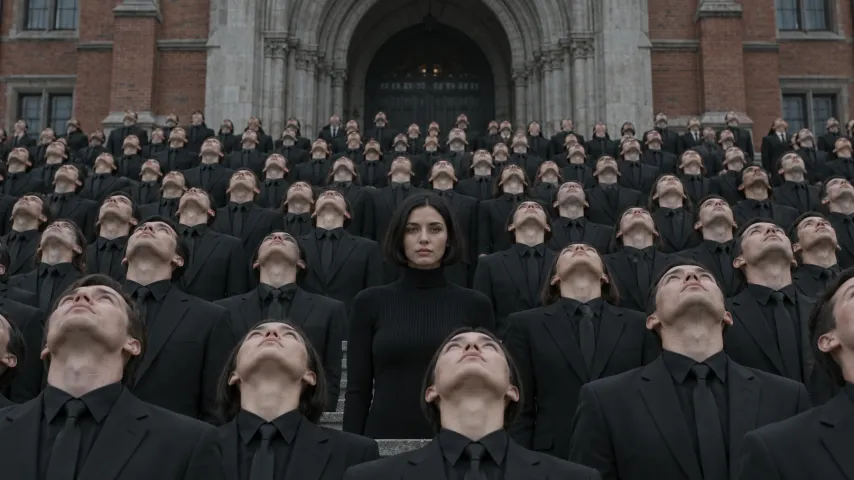
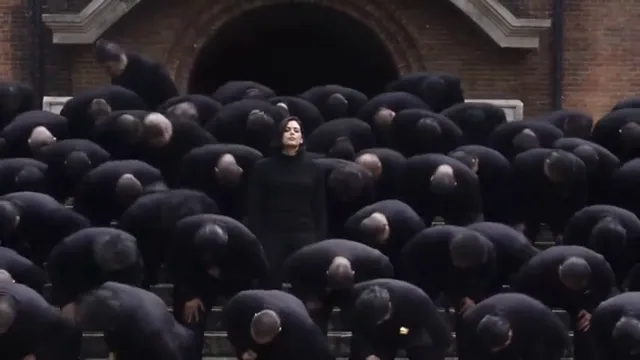
For the Storm Dance trend, a CapCut template is best when you have already filmed a remake with friends; an AI video generator with a good prompt is best when you want the huge crowd and like to tweak; and a one-photo trend site is best when you want the whole scene with your face and the song without retries. The crowd is the deciding factor: a template only re-cuts footage you shot, so it can’t add hundreds of people in black suits.

The three routes side by side
| CapCut template | AI video + our prompt | One photo here | |
|---|---|---|---|
| Your face | Real, it’s your footage | From your photo; can drift | From your photo, kept in every shot |
| The crowd | Only friends you film | Large; varies by take | Hundreds in black suits |
| The exact shots | If you filmed them | Close, after some retries | All five, in order |
| The song | Add it yourself | Add it yourself | STORM II included |
| Effort | Filming plus editing | Prompting plus retries | Upload one photo |
| Cost | Free to start | Free tier, then paid | $34.90 a video with the smallest pack |
When each one wins
CapCut wins when you filmed it yourself
CapCut is free to start and very good at editing: trimming to the beat, joining the close and the wide shot, adding captions. A Storm template that matches cuts to the song is a quick way to finish a remake you shot with friends. It won’t invent a crowd or put you in the film’s setting.
An AI generator wins when you want control
Kling, Higgsfield, Runway, Veo or CapCut’s own AI video tools can build the crowd from scratch. You choose the setting, the outfit, even a pet in the middle. The price is retries: the hardest part is keeping you still while everyone else moves.
One photo wins when you want it done
A one-photo site like the Storm Dance page is built for this exact scene. You don’t write or fix a prompt, the song is already there, and the bows are timed to it.
The CapCut route, step by step
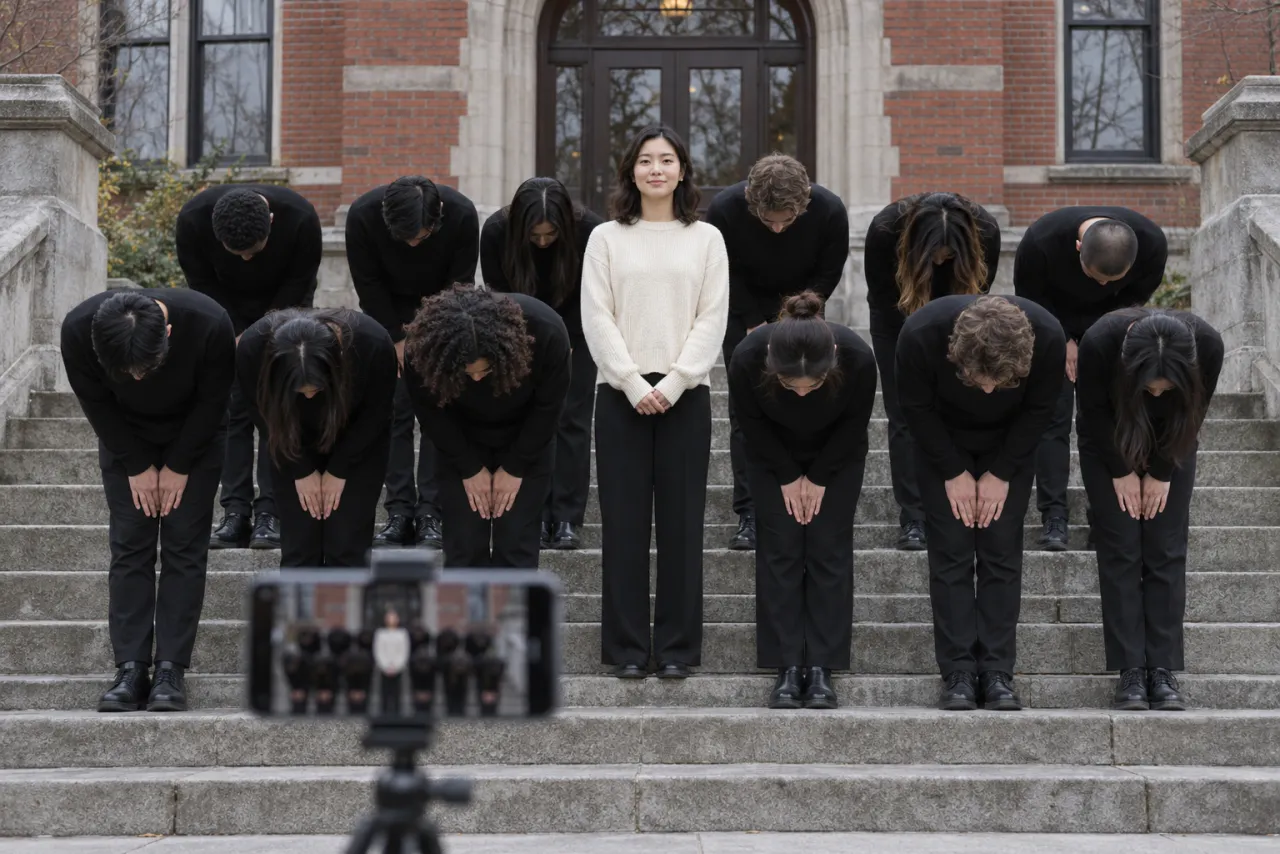
- Film two takes on a tripod, sideways: a close-up of the lead with the group frozen behind, then a wide shot where everyone looks up and bows on the beat. The free guide has the full shot plan.
- Open CapCut, start a new project and import both clips, or search its templates for a Storm template and drop your clips in.
- Trim so the close-up runs about 5 seconds and the bows start on a strong beat.
- Export widescreen without music.
- Post on TikTok or Reels and add the STORM II sound there, so your video links to the sound’s page. The sound guide shows how.
Adding the sound in the posting app, not in the editor, is what puts your video on the trend’s sound page.
The AI generator route, step by step
- Copy the prompt from the Storm Dance AI prompt guide.
- In your tool’s image-to-video mode, attach a front-facing photo of your face and set 16:9.
- Paste, generate, and check that you never move. Use the fix-it table if you do.
- If the clip is short, make the second half separately and join both in an editor.
- Add the STORM II sound when you post.
The one-photo route
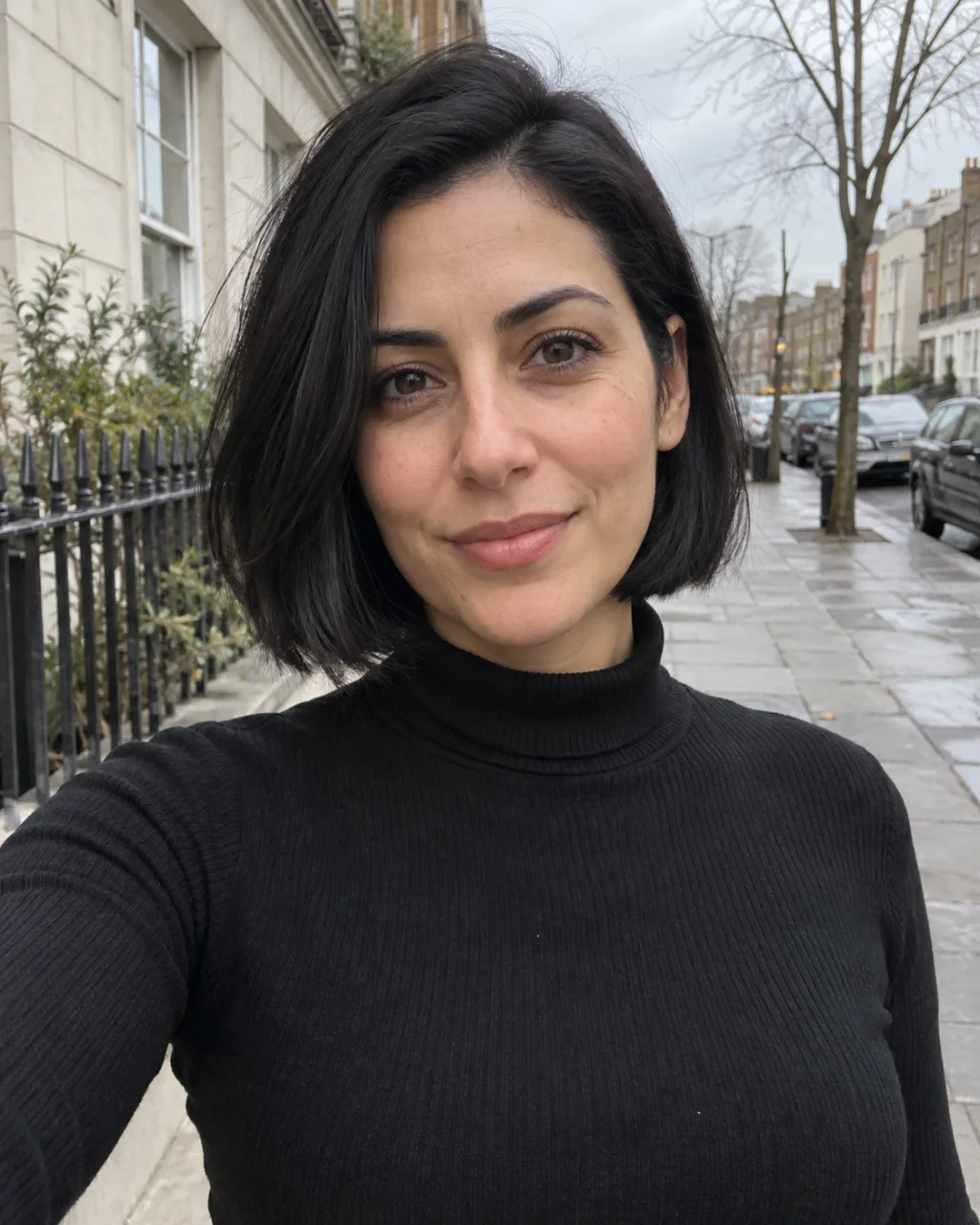
- Upload one clear photo of your face on the Storm Dance page. You keep your own clothes.
- Choose Standard 480p or HD 720p. The video is 27 seconds and widescreen.
- Wait about 6 minutes; we email you when it’s ready, and it waits in My videos.
- Download the MP4, with no watermark and the song included, and post it.
One Standard video uses 165 credits. The smallest pack that makes one is $34.90 for 270 credits (1 video), a one-time buy whose credits never expire, and plans start at $19.90 a month for 270 credits. If a video fails, its credits come back. Your photo is deleted automatically 7 days after upload. See the pricing page for packs and plans.
The two hard parts, route by route
Every Storm remake stands or falls on two things: the lead staying perfectly still, and the crowd moving as one. Here is how each route handles them.
| The lead stays still | The crowd moves as one | |
|---|---|---|
| Filmed + CapCut | Easy: tell your friend not to move | Hard: rehearse the bow and count out loud |
| AI generator | Hard: the tool likes to make everyone bow | Usually good once you say “in perfect unison” |
| One photo here | Built in: the lead never moves | Built in: the bows follow the original |
For a filmed remake, a speaker playing the song and one person calling “three, two, one, bow” off camera fixes most of the sync. For an AI generator, repeat the stillness line in every shot line, not just once at the top. A take where you nod even slightly with the bows loses the joke, so throw it away and generate again.
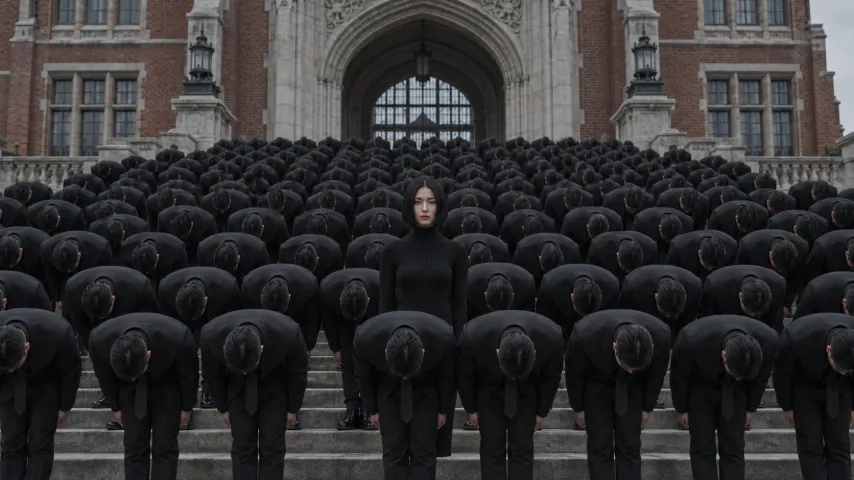
The setting matters less than people think. Red-brick steps look like the film, but any wide stone staircase under a grey sky reads as Storm once the crowd starts bowing.
So which one?
- You have friends, steps and an afternoon: film it, finish it in CapCut.
- You enjoy prompting and want a custom twist, like a pet lead or a crowd of one friend: an AI generator with our prompt.
- You want the original scene with your face and the song, today: one photo.
Not sure what the trend is yet? Start with what is the Storm Dance AI trend. NowStarring is an independent fan tool, not linked to the makers of the STORM film or the song’s artists. The song belongs to its rights holders.
Questions
Is there a CapCut template for the Storm Dance trend?
Search CapCut’s templates for “Storm”. A template re-cuts footage you filmed to the beat; it can’t add the crowd or put you in the film’s setting.
Can CapCut make the Storm Dance AI video?
CapCut’s AI video tools can try it with a prompt and your photo, like other generators. Expect a few retries to keep you still while the crowd moves.
Is Higgsfield or Kling better for the Storm AI trend?
Both take a reference image and a prompt, and results vary by take. Use the same prompt in whichever you have credits for and keep the best result.
Which route gives the most realistic face?
Filming yourself, since it’s real footage. Among AI routes, a front-facing, sharp photo matters more than the tool.
Which route includes the STORM II song?
Only the one-photo route on NowStarring includes it in the file. With CapCut or a generator, add the STORM II sound when you post.
Is the Storm Dance AI generator free?
AI generators usually give free credits to try, often with a watermark or shorter clips. CapCut is free to start for editing. The one-photo route on NowStarring is paid, with no free credits.