How to add the Storm Dance sound on TikTok, Reels and Shorts
The Storm Dance sound is STORM II by GENER8ION and Yung Lean. Here’s how to add it on TikTok, Instagram Reels and YouTube Shorts without a double track.
6 min read · Updated
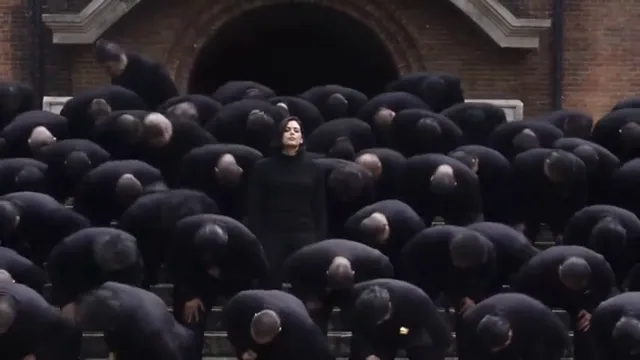
The sound, in one line
The Storm Dance trend is posted with STORM II by GENER8ION and Yung Lean. To add it, open a Storm trend video, tap the sound name at the bottom and choose Use this sound, or search “STORM II” in the sound picker when you post. If your video already has the song in it, turn its original sound down so the two don’t play over each other.
Every video from the Storm Dance page already has the STORM II song laid over it. You still want to pick the sound when you post, for the reason below.
Why picking the official sound matters
On TikTok, Reels and Shorts, every sound has its own page listing the videos that use it. When you pick STORM II from the library, your post joins that page, next to everyone else doing the trend. A video with the song only baked into its audio shows up as “original sound” and misses that page.
- People who tap the sound on someone else’s Storm video can find yours.
- The sound name on your post tells viewers which trend it is before they read the caption.
- If the baked-in audio is ever muted, the library sound still plays.
TikTok
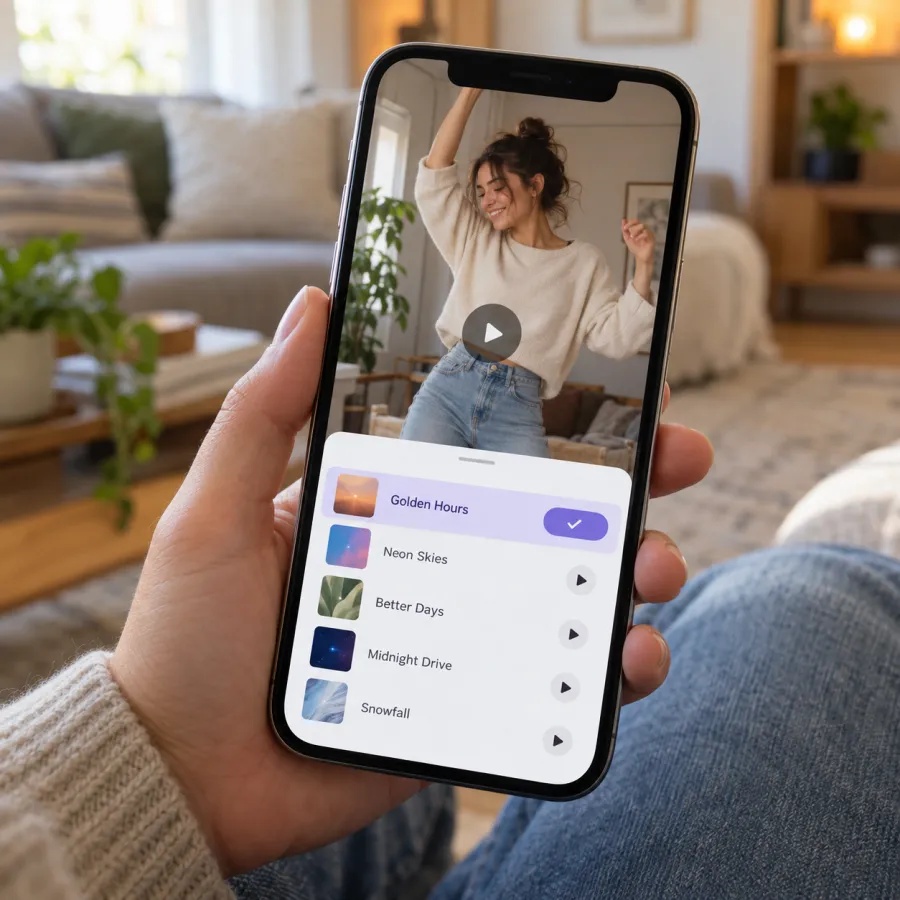
From a Storm video
- Find a Storm Dance video in your feed or search “storm dance”.
- Tap the sound name at the bottom of the video, then check it says STORM II and the artists.
- Tap Use this sound, then tap Upload and pick your video.
- Turn the original sound down in the volume settings (see below), then post.
While posting
- Start a new post and upload your video.
- Tap Add sound at the top, search “STORM II”, and pick the one by GENER8ION and Yung Lean.
- Open the volume settings and lower the original sound.
Instagram Reels
- From a Storm Reel: tap the audio name at the bottom, then Use audio, and add your video.
- Or start a new Reel, add your video, tap the music icon (Add audio) and search “STORM II”.
- Lower the camera or original audio so only one copy of the song plays.
YouTube Shorts
- From a Storm Short: tap the sound name, then use this sound in a new Short.
- Or while making a Short, tap Sound (or Add sound) and search “STORM II”.
- Lower the original audio if your video already has the song.
Shorts are vertical, and the Storm scene is widescreen. Your video will play with bars above and below, which is fine: the crowd needs the width.
Mixing: avoid a double track
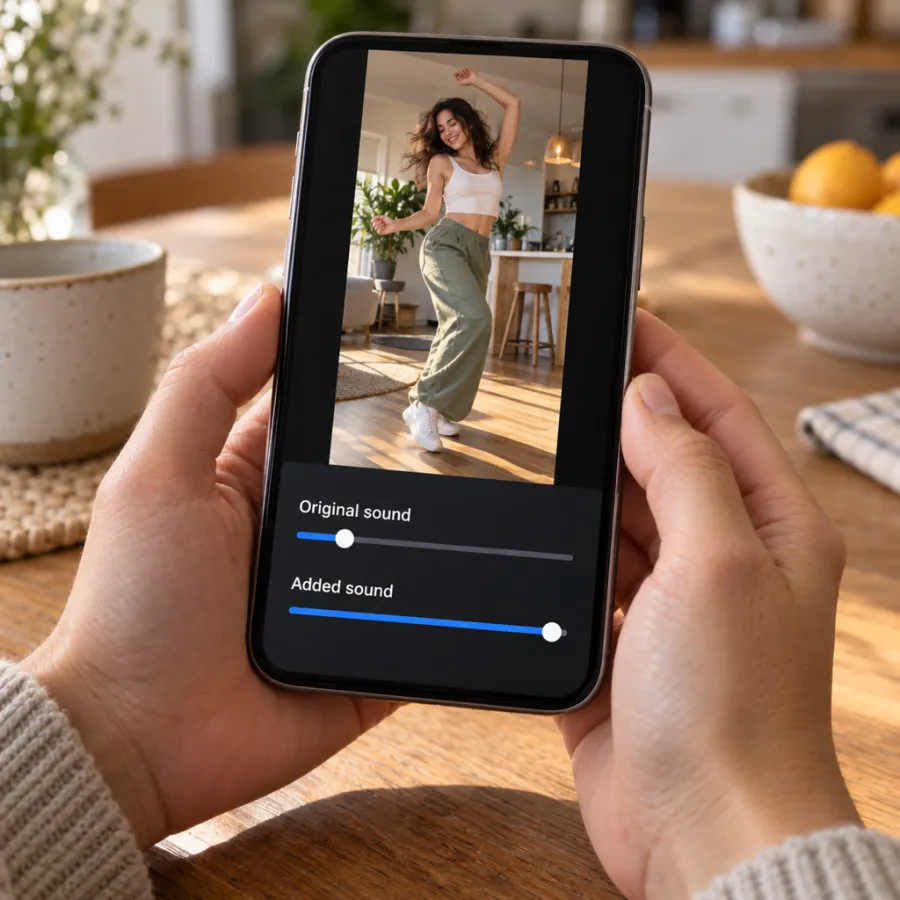
Our MP4 contains the STORM II song, timed so the bows land on the beat. The library sound starts at its own point, so playing both at full volume sounds like an echo. Pick one of these:
| Setting | Original sound | Added sound |
|---|---|---|
| Library sound leads | Off or very low | Full |
| Our timing leads | Full | Very low, just to show the name |
The second setting keeps the bows exactly on the beat and still puts STORM II on your post. If you made the video elsewhere, it probably has no song, so add the library sound at full volume and trim the clip so the bows start on a strong beat.
Line the bows up with the beat
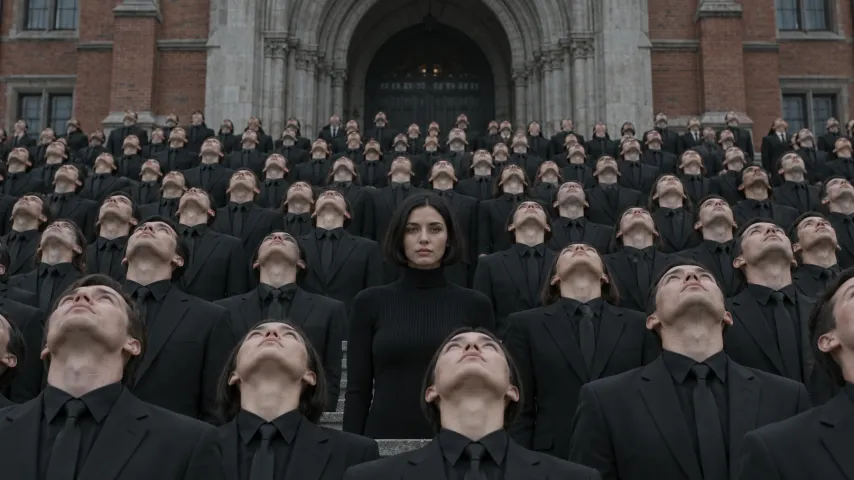
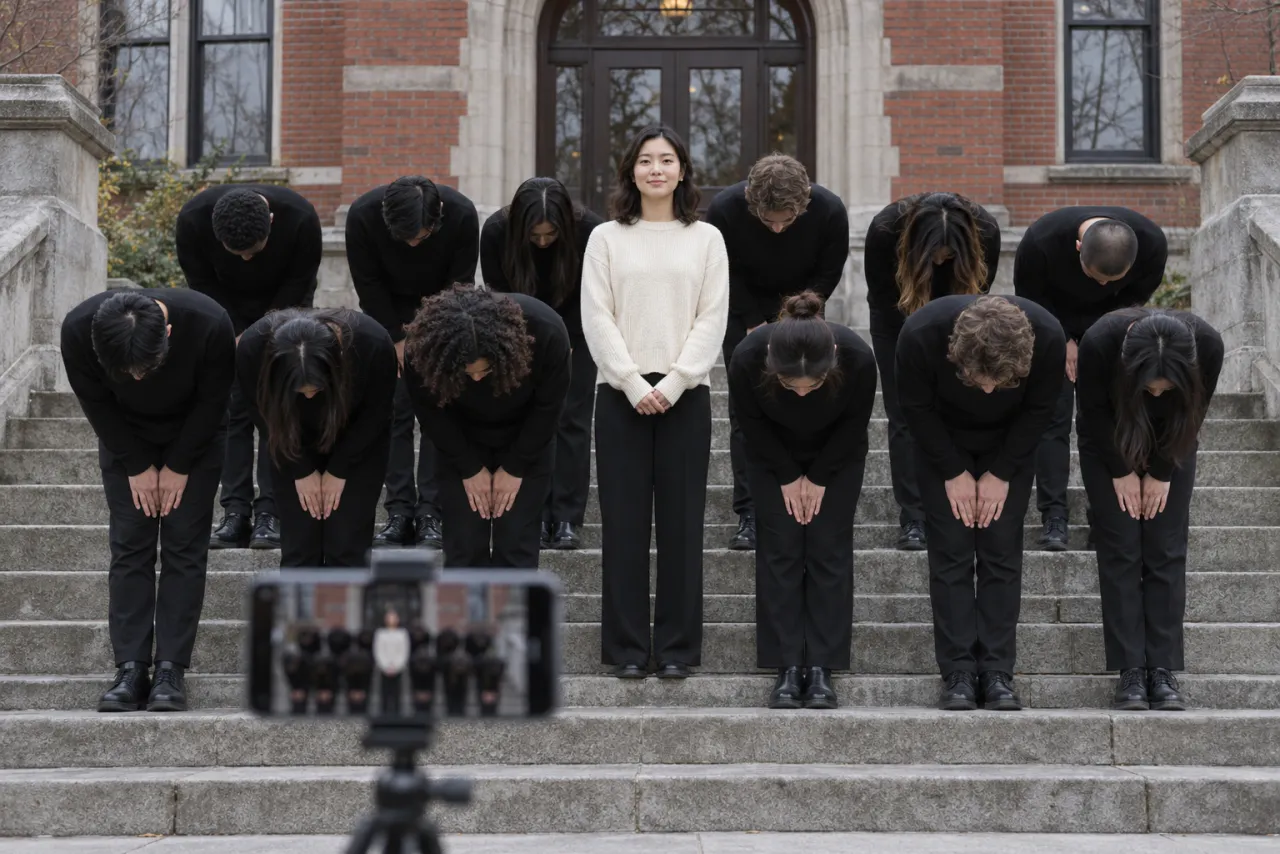
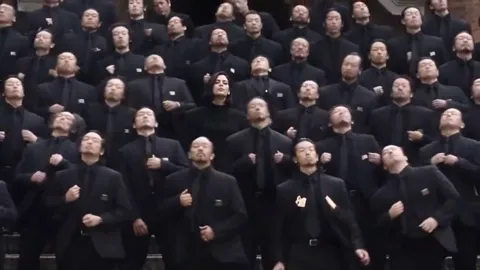
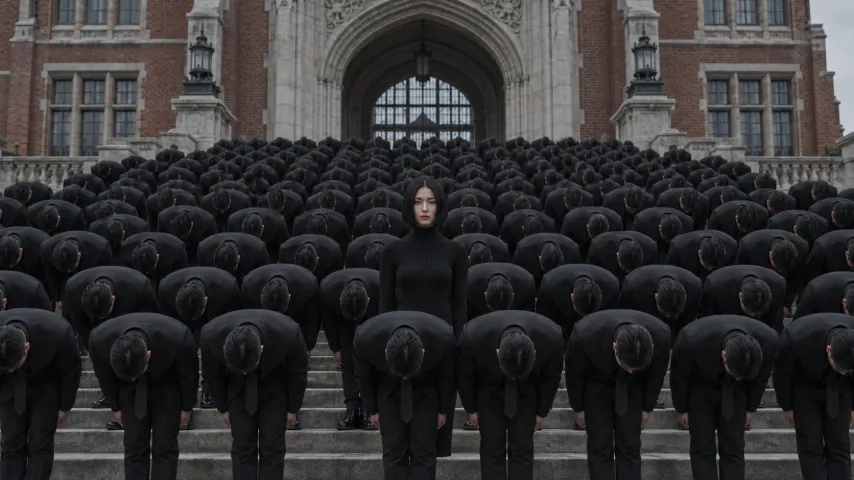
The best Storm posts hit the moment the crowd throws its heads back right on a hard beat, then bow on every beat after it. How you get there depends on where your video came from.
- A video from the Storm Dance page: the song in the file is already lined up. Keep the original sound up and the added sound low, and the timing stays right.
- A video from a prompt or a filmed remake: when you add STORM II, most apps let you choose where the sound starts. Drag it until a strong hit lands on the first look up, then play it through once before posting.
- If your clip is longer than the part of the song you picked, trim the video’s start rather than the bows. The bows are what people watch.
Captions help too. Short ones work best with this scene: the calm one in the middle is the joke, so name who you are and what the storm around you is.
If the sound is muted or missing
- Business accounts on TikTok and Instagram often can’t use many popular songs. Switch to a personal or creator account, or post with the baked-in song.
- A sound can be unavailable in some regions. Try opening it from someone else’s Storm video instead of searching.
- If search finds nothing, update the app; new sounds sometimes don’t show in older versions.
- If an app mutes the song in your upload, pick the STORM II sound from its library when you post, and turn the original down.
Not sure you have the right track? What song is the Storm Dance AI trend explains STORM II and how it differs from STORM I.
The AI label
When you post an AI-made Storm video on TikTok, turn on the AI-generated content label in the post settings; other apps have similar labels.
Make your own from one photo on the Storm Dance page. NowStarring is an independent fan tool, not linked to the makers of the STORM film or the song’s artists. The song belongs to its rights holders.
Questions
What sound is the Storm Dance trend?
STORM II by GENER8ION and Yung Lean. Search “STORM II” in the app’s sound picker, or tap the sound on a Storm trend video.
Why is my Storm video playing the song twice?
The video already has the song and you added the library sound on top. Turn the original sound off, or turn the added sound down to almost nothing.
Does the NowStarring Storm video already have the song?
Yes. STORM II is laid over the whole video, with no watermark. Picking the sound when you post just links your video to the trend’s sound page.
Why can’t I find STORM II on TikTok?
Business accounts can’t use many songs, and some sounds aren’t available everywhere. Open the sound from someone else’s Storm video, switch to a personal account, or update the app.
Can I add the Storm sound on YouTube Shorts?
Yes. Tap the sound on a Storm Short and use it, or add it while making a Short. The widescreen video plays with bars above and below.
Do I need to label my Storm video as AI?
If it’s AI-made, turn on the AI-generated content label on TikTok, or the matching label on other apps.