Ozil Goal AI prompt (copy and paste, with fixes)
A copy-ready Ozil Goal AI prompt: the chip, the bounce, both slides and the calm finish, filmed like TV, plus variants and fixes for the usual problems.
6 min read · Updated
The Ozil Goal AI prompt
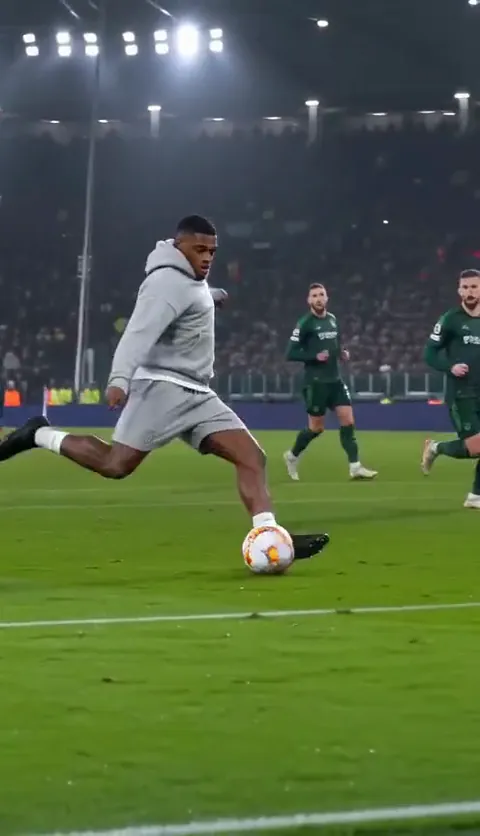
Here’s a full Ozil Goal AI prompt for image-to-video tools. It keeps your face from one photo and times the whole goal: run at the keeper, chip him, take the bounce, wait for two sliding defenders, then roll it into the empty net. Paste it as it is first, then adjust with the variants and fixes below.
Ozil Goal AI prompt (one photo)
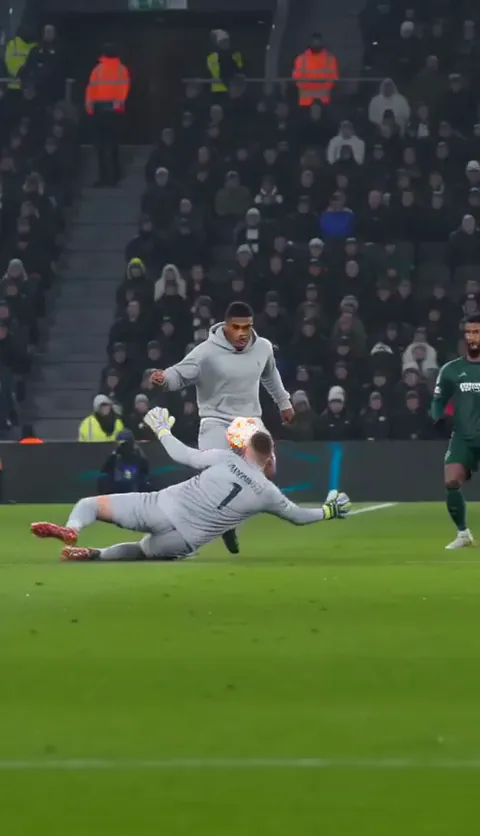
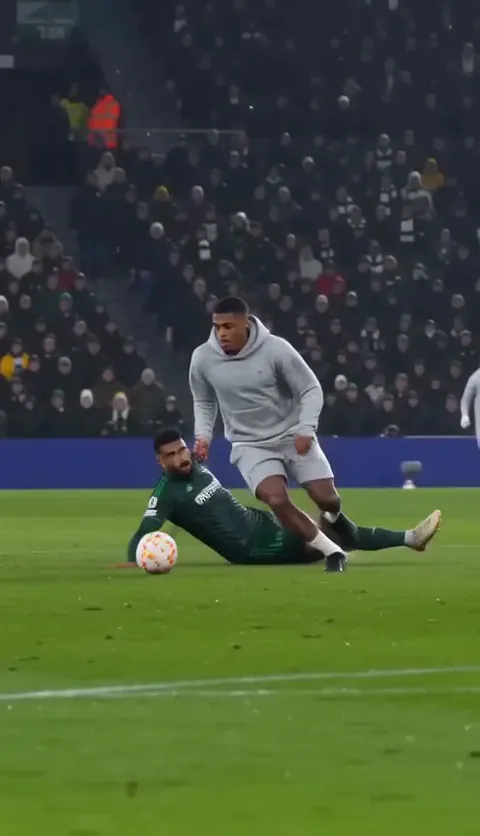
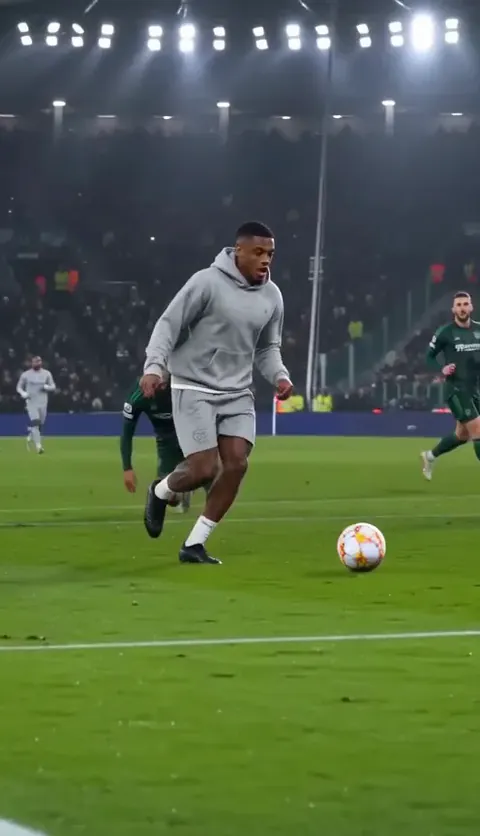
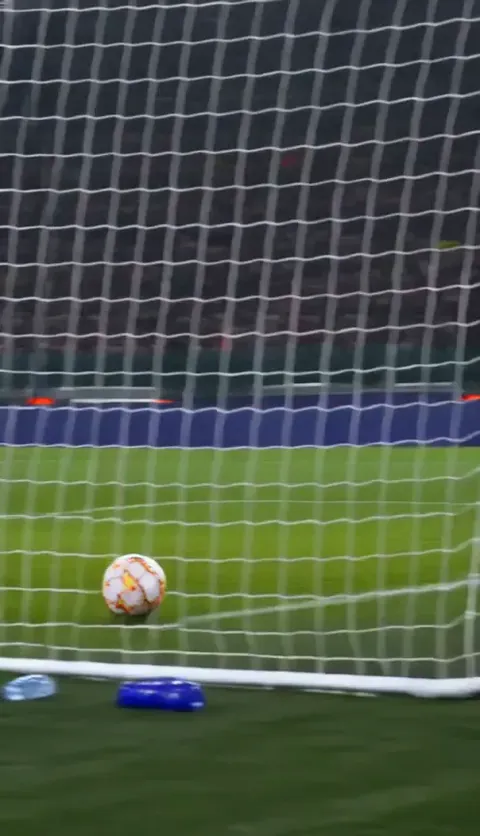
Vertical 9:16 video, 15 seconds, photoreal, filmed like a live TV match: one camera high in the main stand that pans to follow the play, with no cuts until a final angle from behind the goalpost. The striker is the person in your reference photo: keep their face, hair, build and the clothes they wear in the photo, clear in every moment. Setting: a full stadium at night under bright floodlights, wet grass shining. A goalkeeper and two defenders in plain kits with no badges, logos, names or numbers. They are generic players and resemble no one. 0–1 s: the striker runs onto the ball toward goal; the keeper sprints out and dives at their feet. 1–6 s: the striker scoops the ball high over the diving keeper and keeps running underneath it. 6–12 s: the ball bounces; with one calm touch the striker takes it past the first defender, who slides in feet first and misses. 12–14 s: the striker stops, drags the ball back, and waits as the second defender slides past on the wet grass. 14–15 s: from behind the post, the striker calmly side-foots the ball into the empty net. Sound: crowd noise, studs on grass, the thud of the ball, the net. No commentary, no music. Avoid: real players’ faces, club crests, sponsor logos, scoreboards, readable text, extra balls, the ball changing size, the face changing.
Two lines do the heavy lifting. “Plain kits with no badges” keeps tools from inventing real clubs, and “waits” keeps the striker from shooting the moment the keeper is beaten. Without the wait, it’s just a goal.
How to use it
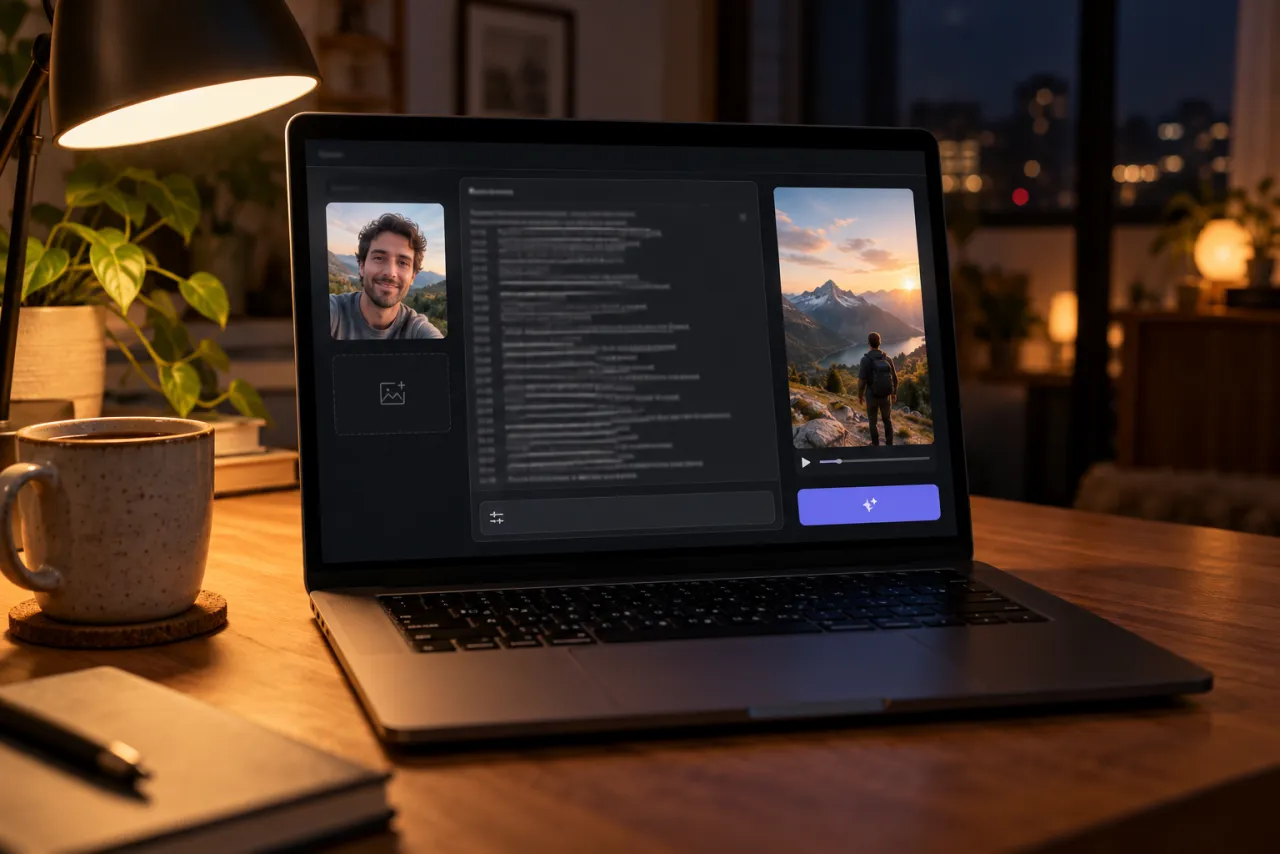
- Open an image-to-video or reference-image mode in a tool such as Kling, Higgsfield, Runway, Veo or CapCut’s AI video.
- Attach one photo of yourself as the reference image.
- Paste the prompt and set vertical 9:16.
- Set the length to 15 seconds if the tool allows it. Otherwise, use the two-clip version below.
- Generate and watch the whole thing once. Check the order: chip, bounce, slide, wait, slide, finish.
- Add your sound when you edit or post.
What each line should give you
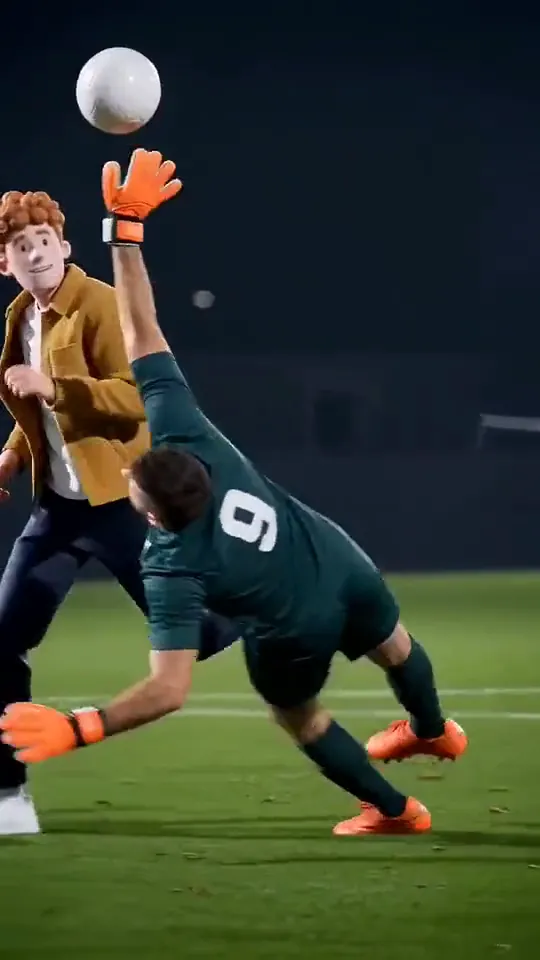
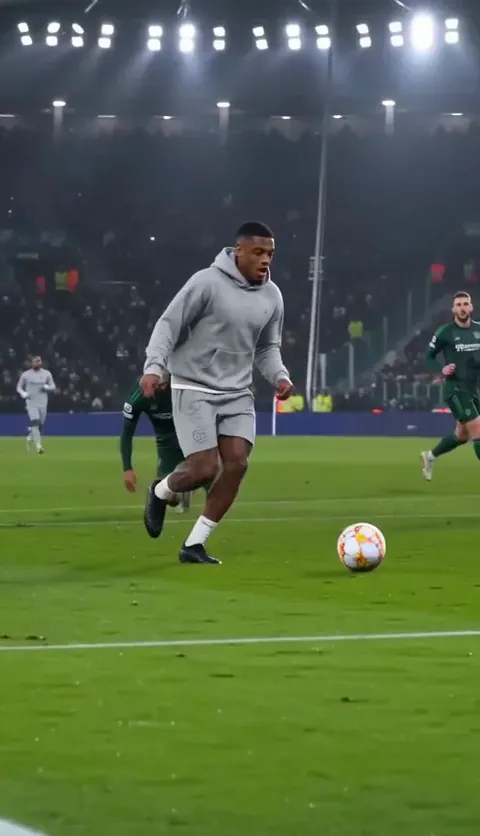
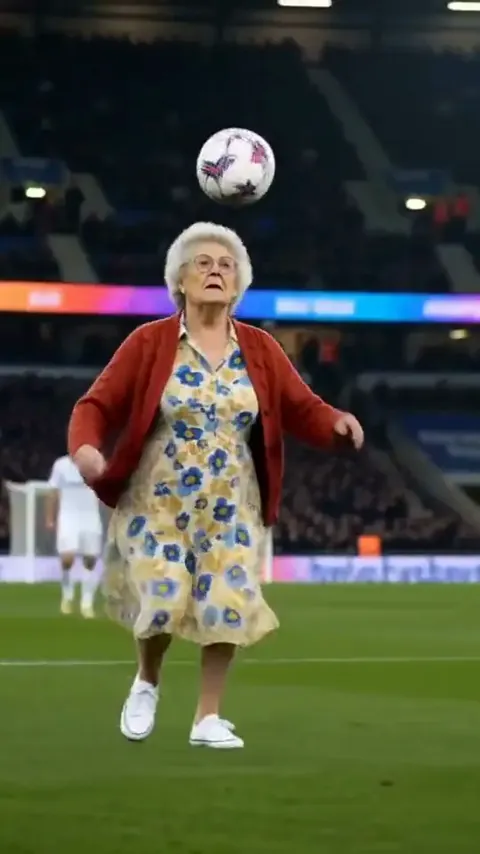
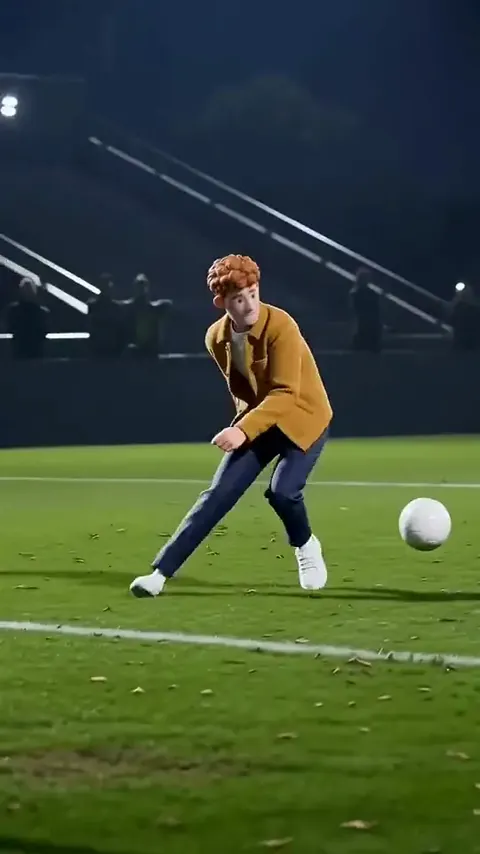
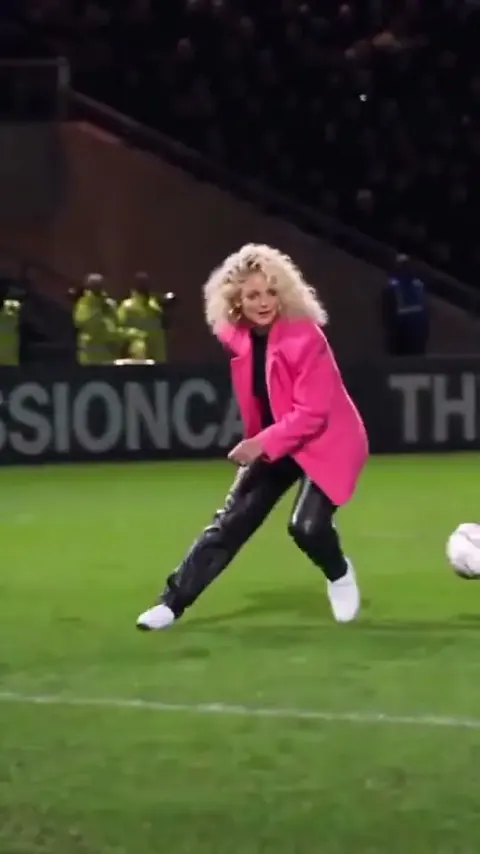
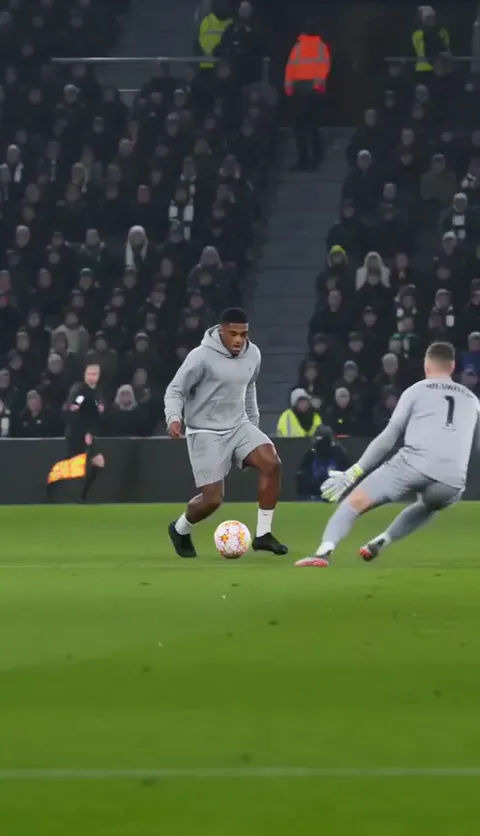
These five stills come from an Ozil Goal clip made on our site. If your result skips a moment, strengthen the matching timed line.
Variants worth trying
Two clips for short tools
Two-clip split
Clip 1: use the lines up to 1–6 s, ending with the ball dropping behind the beaten keeper. Clip 2: start with “The striker runs onto a bouncing ball, the keeper on the grass behind,” then use the 6–12 s, 12–14 s and 14–15 s lines, retimed to fit the clip. Use the same photo for both and join them in an editor.
Sunday league instead of a stadium
Park pitch version
Swap the first and third lines for: Vertical 9:16 video, photoreal, filmed on a phone from the touchline, following the play. Setting: a local grass pitch on a grey afternoon, a few friends watching from the side, everyone in mismatched training tops.
Just the wait
Short version
Keep only the 12–14 s and 14–15 s lines, retimed to 0–3 s and 3–5 s, and start with: “The striker stands over the ball in front of an empty net, the keeper on the grass behind.”
Fix it: what went wrong and what to change
| What you see | What to change |
|---|---|
| You shoot right after the chip | Add “the striker does not shoot until 14 s” |
| The defenders never slide | Write “slides feet first across the wet grass and misses” |
| The keeper has your face | Add “the keeper is a different person in a grey kit and gloves” |
| Club badges or sponsors appear | Move the Avoid line up and repeat “plain kits” |
| The ball jumps or there are two | Add “one ball, always in view, moving naturally” |
| The camera cuts around | Repeat “one camera, no cuts until 14 s” |
| Your face is tiny and soft | Ask for “a closer TV shot, striker large in frame” |
The photo matters more than the prompt

- Face toward the camera, top half in view, good light.
- You play in what you’re wearing in the photo. Want a football shirt? Take the photo in one.
- No sunglasses and no one else in the frame.
- Your own photo, or one you have permission for. No footballers, celebrities or anyone under 18.
More on this in the best photo for the Ozil Goal AI video.
What a prompt can’t do
A prompt is a plan, not a promise. Fifteen seconds with a keeper, two defenders and a bouncing ball is a lot for any tool to keep straight, so expect a few tries before the order comes out right. Tools also make up their own stadium and camera each time, so no two results look alike.
It also won’t give you the trend’s sound or any commentary. You add those when you post; the sound guide covers both. To weigh the routes, see CapCut vs AI vs one photo.
The no-prompt route
On the Ozil Goal page you upload one photo and the whole goal comes back in a few minutes, filmed like TV, with the crowd and the net on the soundtrack, as an MP4 with no watermark. One Standard video uses 65 credits. The smallest pack that makes one is $12.90 for 90 credits (1 video), a one-time buy whose credits never expire, and plans start at $19.90 a month for 270 credits. If a video fails, its credits come back. There’s no free tier, so if you want it free, use the prompt above. Prompts for other trends are on the prompt page.
NowStarring is an independent fan tool, not linked to the player, his clubs, any league or broadcaster, or CapCut.
Questions
What is the prompt for the Ozil Goal AI trend?
A vertical, 15-second, TV-style shot of you chipping the keeper, taking the bounce, waiting while two defenders slide past and rolling it into the empty net. The full text is at the top of this guide.
Why does the AI make me shoot straight away?
Tools expect a striker to score. Add “the striker does not shoot until 14 s” and keep the word “waits” in the 12–14 s line.
Can I put a real club kit in the Ozil Goal prompt?
Keep the prompt to plain kits. Tools often refuse or garble crests, and the joke works without them. Wear your own shirt in the photo instead.
Which tool can make a 15-second Ozil Goal clip?
Lengths vary by tool and plan. If yours stops short, use the two-clip version and join the clips in an editor.
Does the Ozil Goal prompt include commentary?
No. It asks for crowd, studs, ball and net only. Add commentary or the trend’s sound when you post.