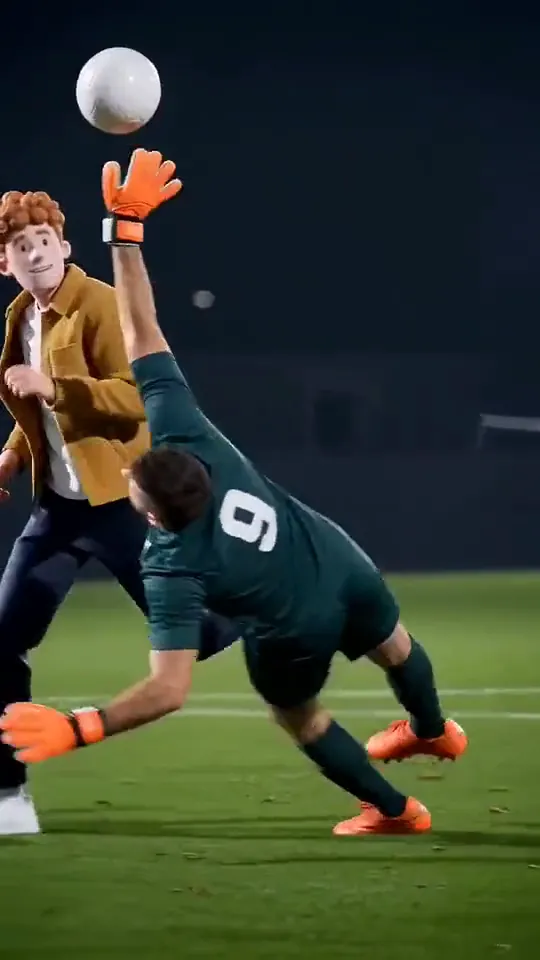
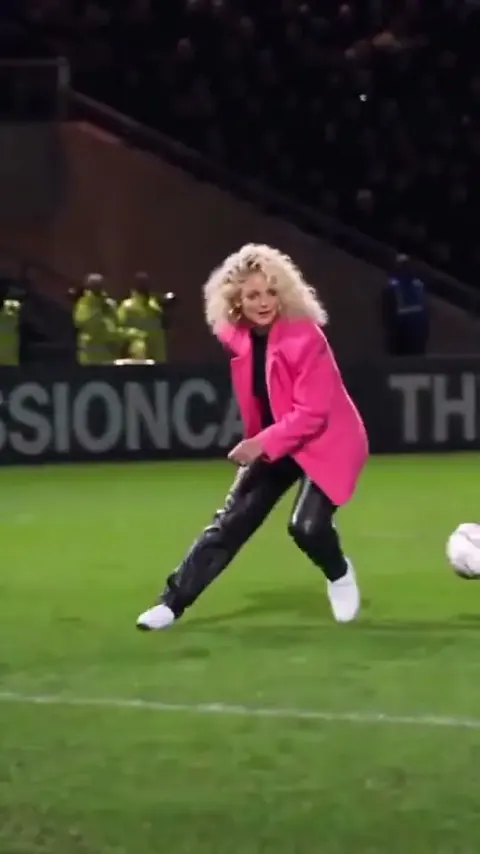
Ozil Goal AI: CapCut vs an AI video tool vs one photo
CapCut, an AI video tool with a prompt, or one photo: three ways to make the Ozil Goal AI trend, compared on likeness, shots, sound, effort and cost.
6 min read · Updated
The verdict
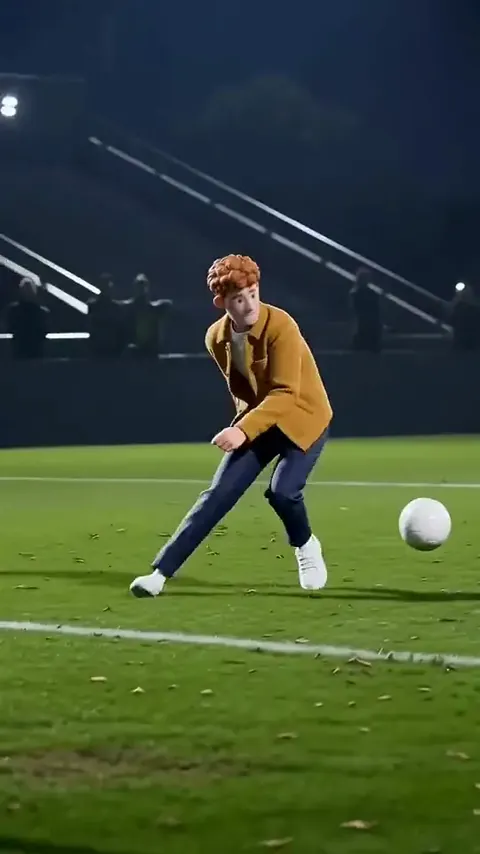
Use CapCut if you filmed the goal with friends and want it to look like TV, for free. Use an AI video tool with our prompt if you want a stadium version for free and don’t mind retakes. Use a one-photo site if you want the whole goal, sound included, in one go and you’re fine paying.

The three compared
| CapCut edit | AI video + our prompt | One photo here | |
|---|---|---|---|
| Looks like you | Yes, it’s really you | Usually; may drift | Yes, from one photo |
| Exact shots | Whatever you filmed | Close, after retakes | The trend’s five shots |
| Sound | Add crowd from the library | Varies, often odd | Crowd, studs, ball, net |
| Effort | Four friends and a pitch | Prompting, joining clips | Upload and wait |
| Cost | Free to start | Free tries, then a plan | $12.90 with the smallest pack |
When CapCut wins
If you play football with friends, the real thing beats any AI. CapCut turns a phone clip into something that feels broadcast: slow motion on the chip, a zoom on the wait, a crowd roar under the finish.
Templates for the trend may turn up in CapCut’s Templates tab under the trend’s name, but they come and go, and every one of them needs footage you filmed. None will put you in a stadium.
Only one friend free? Put them in goal, film the chip and the finish, and skip the defenders. The wait still works in front of an empty net.
How to edit your Ozil Goal in CapCut
- Film the goal from high at the side, plus one take from behind the post. The free guide has the full shot plan.
- In CapCut, start a new project and add both clips. Trim the side take to end just before the finish, and cut to the post take.
- Select the chip and use Speed to slow it down a little. Leave the wait at normal speed: real time is what makes it funny.
- Add a crowd or stadium sound from CapCut’s library, or the trend’s sound.
- Export in 9:16 and post. Turn the original sound down if the pitch noise fights the crowd.
When an AI video tool wins
AI tools give you the floodlights and the stands you don’t have. Kling, Higgsfield, Runway, Veo and CapCut’s own AI video all take a reference photo and a prompt, and our Ozil Goal AI prompt is written for them, with a two-clip version for tools that make short clips.
The price is patience. The trend has a keeper, two defenders, a bouncing ball and a deliberate pause, and tools tend to rush the pause or lose the ball. Plan on a few tries, then add your sound.
A tip that can save tries: use the two-clip version even if your tool allows 15 seconds. Each clip has less to keep track of, and the join hides neatly in the bounce after the chip.
When one photo wins
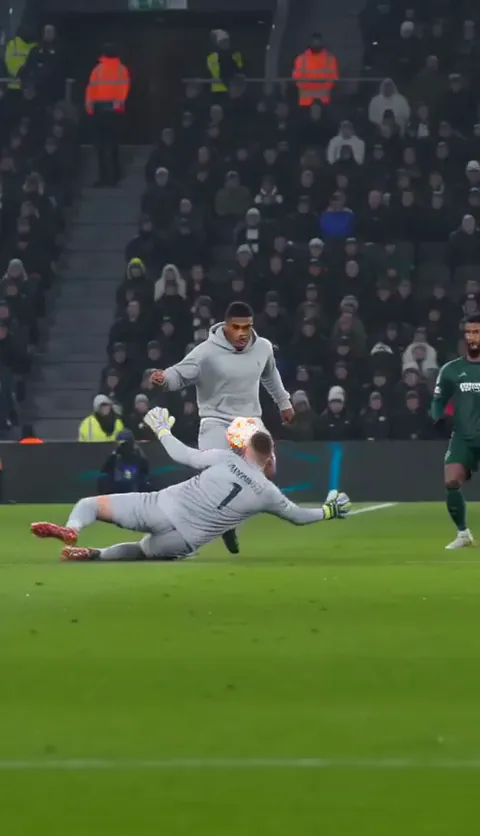
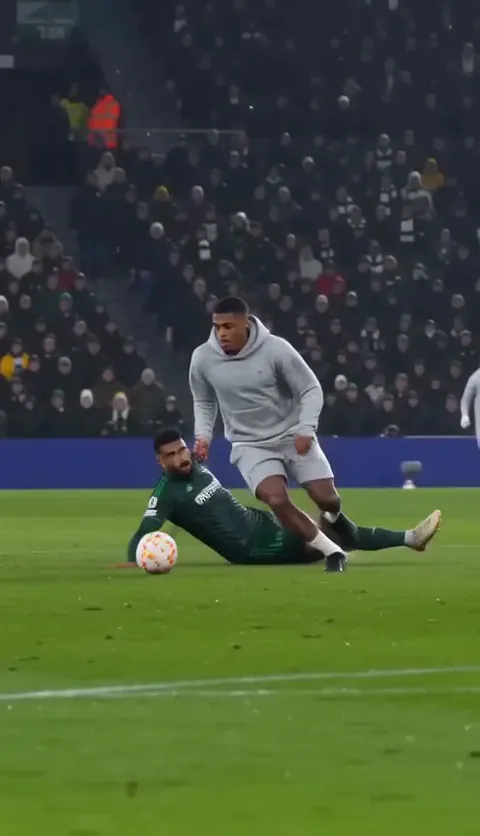
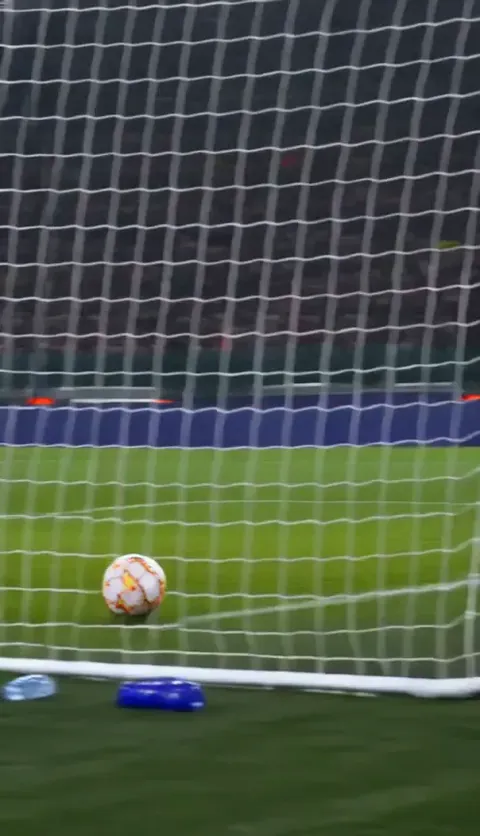
A one-photo site has done the prompting and checked the results. On the Ozil Goal page you upload one photo and get the five shots in order, filmed like TV under floodlights, with crowd, studs, ball and net on the soundtrack. It’s a 15-second vertical MP4 with no watermark, ready in a few minutes. We email you when it’s done, and it stays in My videos.
One Standard video uses 65 credits. The smallest pack that makes one is $12.90 for 90 credits (1 video), a one-time buy whose credits never expire, and plans start at $19.90 a month for 270 credits. If a video fails, its credits come back.
It isn’t free, and there are no free credits here. It’s one photo of one person, so the keeper and defenders are always made up. Your photo is deleted automatically 7 days after upload.
What makes any version land
Every route lives or dies on the same few things, whether it’s a park pitch or a floodlit stadium.
- The wait. After the chip, slow down. The longer you stand over the ball, the funnier it gets.
- Defenders who commit. A half-hearted slide kills it; they need to fly past and miss.
- A camera high and to the side. It makes a park pitch feel like a broadcast and keeps everyone in frame.
- A calm finish. Side-foot it, don’t blast it, and barely celebrate.
- The angle from behind the post. That last shot is the one people remember.
Being fair to every route
The trend is about one cheeky moment, and every route can land it. A wobbly five-a-side clip with a friend sliding on wet turf can be funnier than a perfect stadium shot. What matters is the wait.
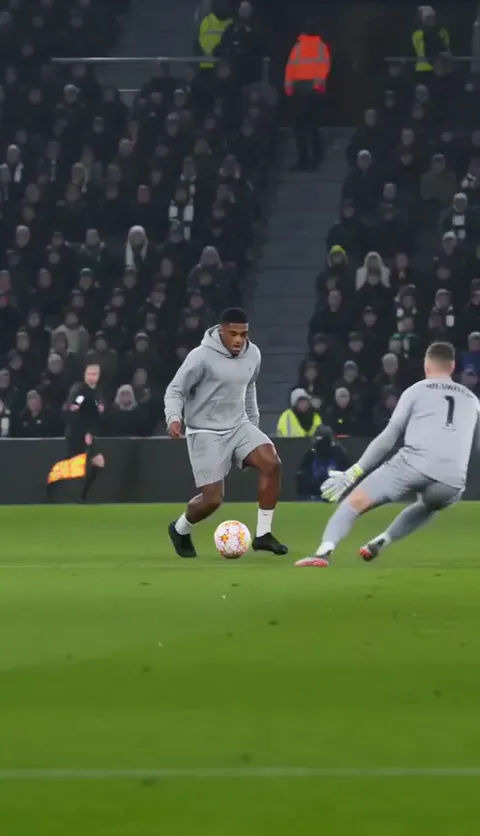

For the background, read what the Ozil Goal AI trend is. NowStarring is an independent fan tool, not linked to the player, his clubs, any league or broadcaster, or CapCut. We’re also not linked to any AI video tool named here.
Questions
Is there an Ozil Goal template on CapCut?
Search the trend name in CapCut’s Templates tab. Templates come and go, and each one needs clips you filmed yourself.
Can CapCut put me in a stadium for the Ozil Goal?
Not with a template. CapCut’s AI video can, using a reference photo and a prompt like ours.
Is CapCut or AI better for the Ozil Goal trend?
CapCut is better if you filmed a real goal. AI is better if you want floodlights and a crowd without leaving the house.
How do I make the Ozil Goal look like TV?
Film from high at the side and follow the play, slow the chip down a little in the edit, and end on a shot from behind the post.
How many people do I need for the Ozil Goal trend?
To film it, you need a keeper, two defenders and someone holding the phone. With an AI tool or one photo, you need only your photo.
Can I make the Ozil Goal with CapCut’s AI video and edit it there too?
Yes. Make the clip with CapCut’s AI video and our prompt, then trim it, slow the chip a little and add a crowd sound or commentary in the same project.
How much does the Ozil Goal AI video cost on NowStarring?
One Standard video uses 65 credits. The smallest pack that makes one is $12.90 for 90 credits (1 video), a one-time buy whose credits never expire, and plans start at $19.90 a month for 270 credits. If a video fails, its credits come back.