Hit the Road Dude AI prompt (copy and paste, pets too)
A copy-and-paste Hit the Road Dude AI prompt for the pickup rant, for you or your pet, timed to the original audio, with fixes for a driver who keeps talking.
6 min read · Updated
The Hit the Road Dude prompt
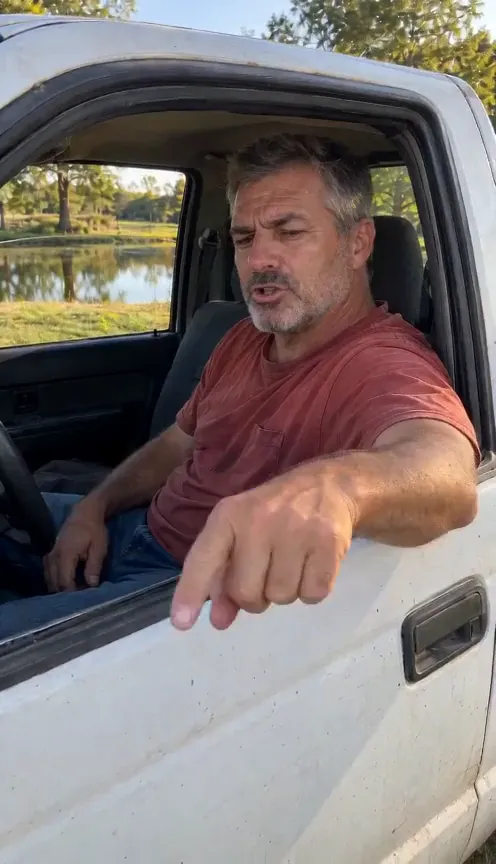
Here is a complete Hit the Road Dude AI prompt for an image-to-video tool with one reference photo. It sets up the pickup, the pond and the shaky phone camera, and times the driver’s gestures to the original audio, so you can lay that audio over it when you post.
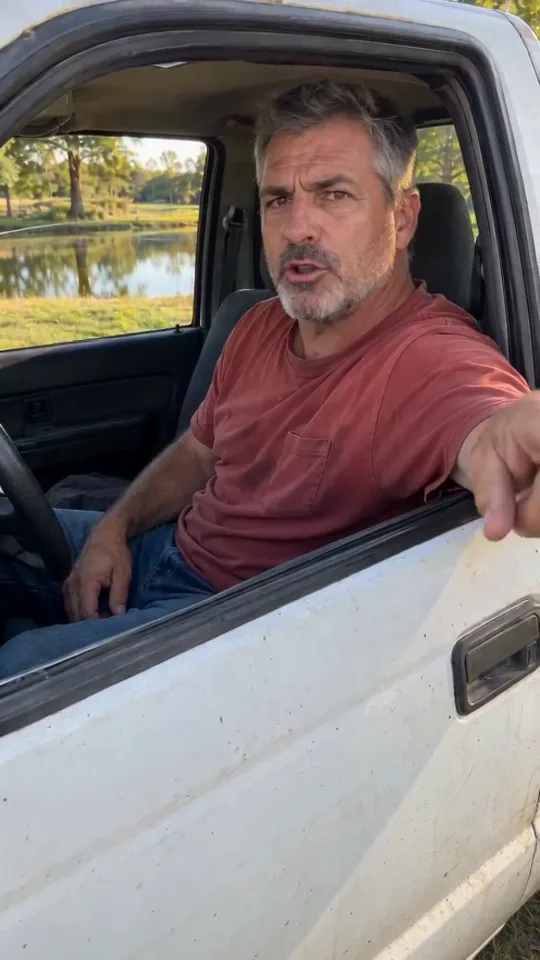
Hit the Road Dude, person
Vertical 9:16, 15 seconds, photoreal, one shaky handheld phone shot from just outside the driver’s door at chest height, late afternoon sun. An old, dusty white pickup parked on the grass beside a fishing pond with trees behind it, engine off, driver’s window all the way down. Use my reference photo for the driver: the same face and the same clothes. 0–2 s: the driver, arm resting over the door, talks to the camera, annoyed, and jabs one finger at the ground. 2–4 s: the driver goes silent, mouth closed, a flat dead stare into the camera. 4–8 s: the driver talks again, short and disbelieving, eyebrows up. 8–13 s: the driver talks, unhurried and deadpan, as the hand flops out over the door and flicks toward the road. 13–15 s: mouth closed, one last hard look at the camera. Sound: no music, no voice; I will add the original audio. Avoid: cuts, smiling, a second person in the truck, text, the truck moving, the camera going inside the cab.
Rather skip the prompt? The Hit the Road Dude maker makes this from one photo of you or your pet, with the original audio already in place.
The pet version
For a cat or dog, swap the driver lines for these. Keep the scene, timing and sound lines from above.
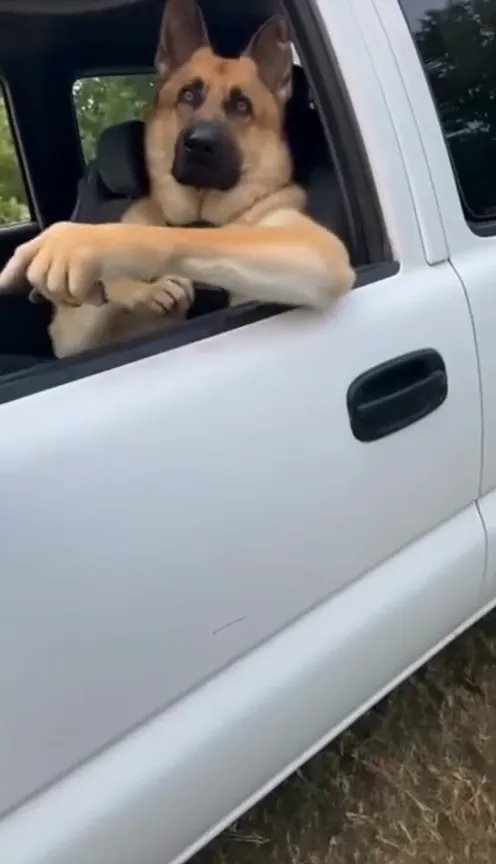
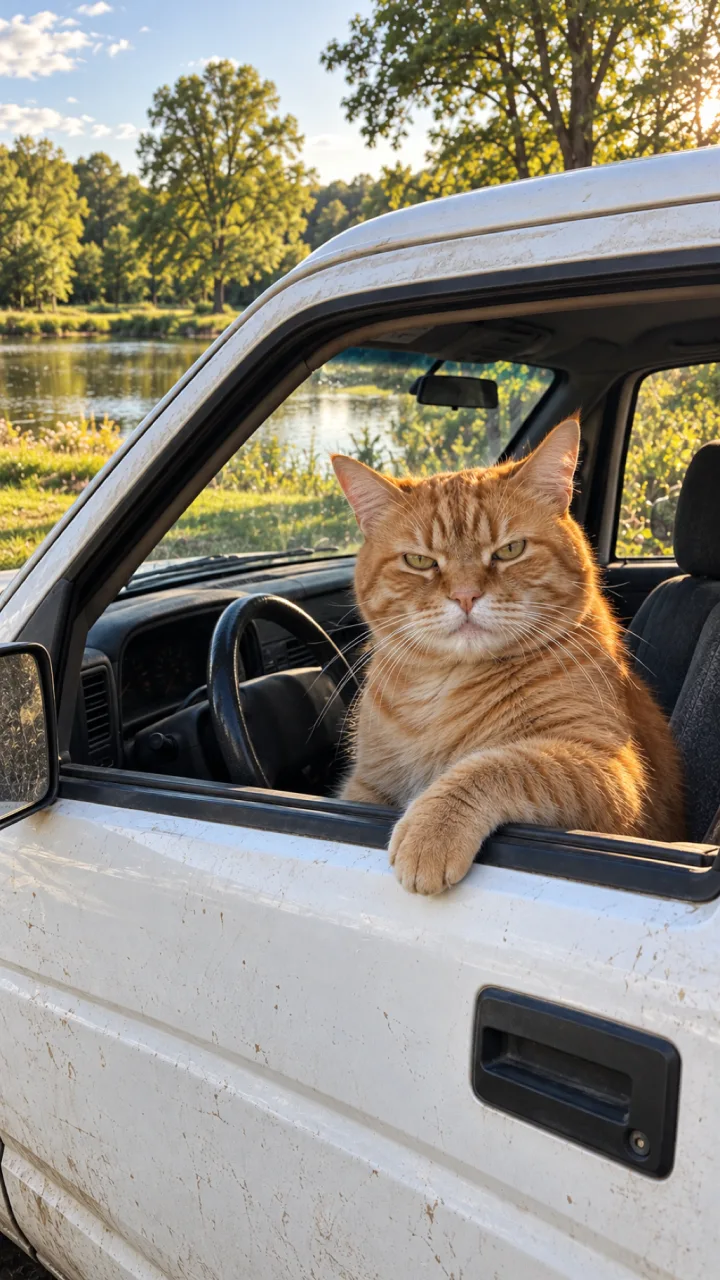
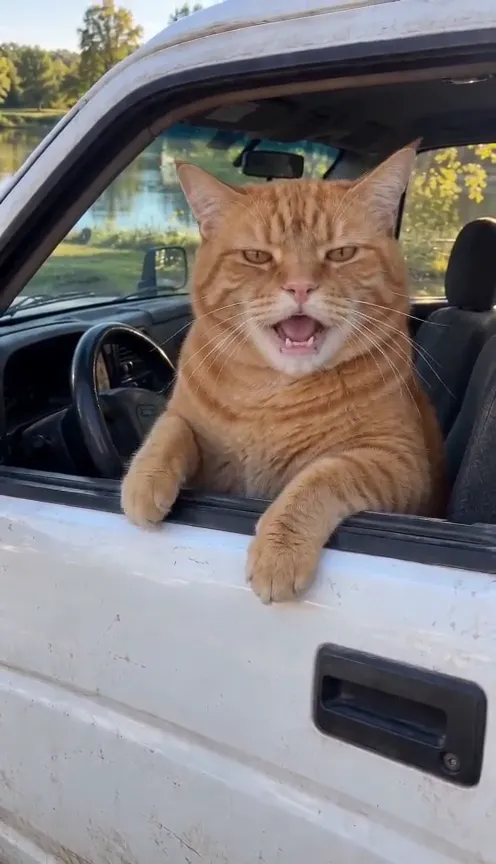
Hit the Road Dude, cat or dog
Use my reference photo for the driver: my [cat or dog], sitting upright in the driver’s seat like a person, one front paw resting over the door. Every gesture is made with its own paws; no human hands or arms anywhere. 0–2 s: the [cat or dog] glares at the camera, mouth moving, and taps one paw down on the door edge. 2–4 s: mouth closed, a flat unblinking stare. 4–8 s: mouth moving again, ears up, head tilted in disbelief. 8–13 s: mouth moving as the paw flops out over the door and flicks toward the road. 13–15 s: mouth closed, one last hard look.
How to use it
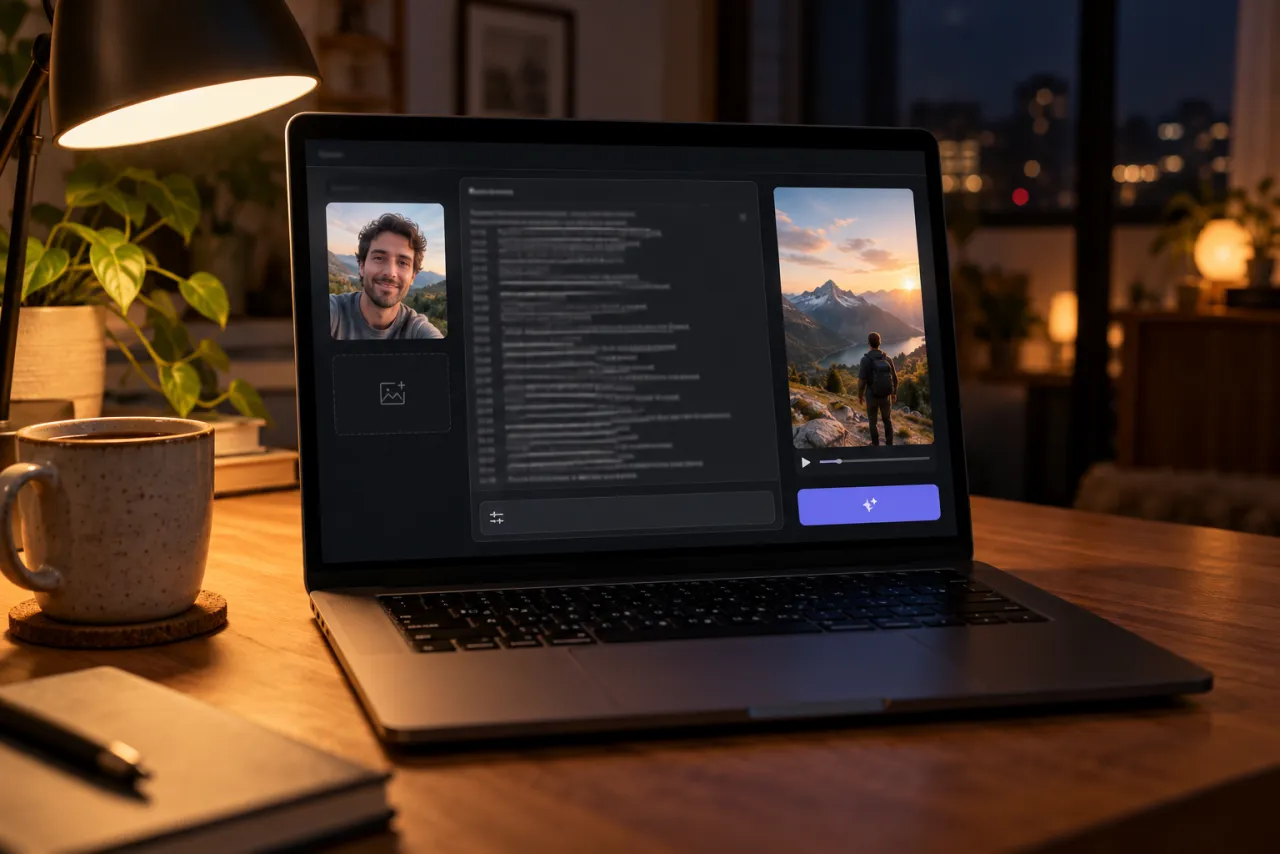
- Open an AI video tool with an image-to-video or reference-image mode, such as Kling, Higgsfield, Runway, Veo or CapCut’s AI video.
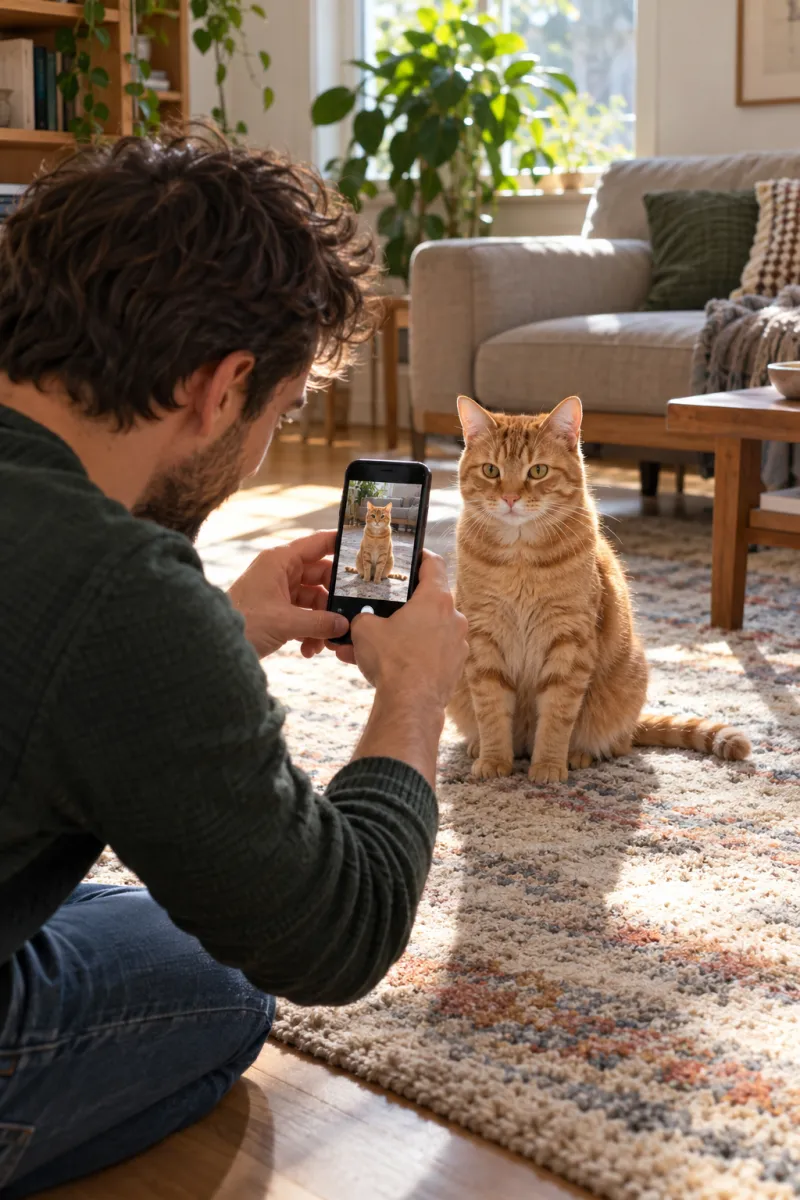
- Add one clear photo: your face and shoulders, or your pet’s face and front paws.
- Paste the person or pet prompt, set vertical 9:16 and 15 seconds or the closest length.
- Generate, then check the 2–4 s stare: the mouth must be shut.
- Add the Hit the Road Dude sound when you post and line its first line up with the first finger jab.
Some tools work differently: they start from a still of your subject in the pickup and copy the motion from the original clip, then lay the original audio back on. That keeps the timing tight. Prompts that write new lines for the driver are quicker but drop the original exchange, which is the whole joke.
What each line does
These are the beats of a finished Hit the Road Dude video. Each timed line in the prompt asks for one of them.
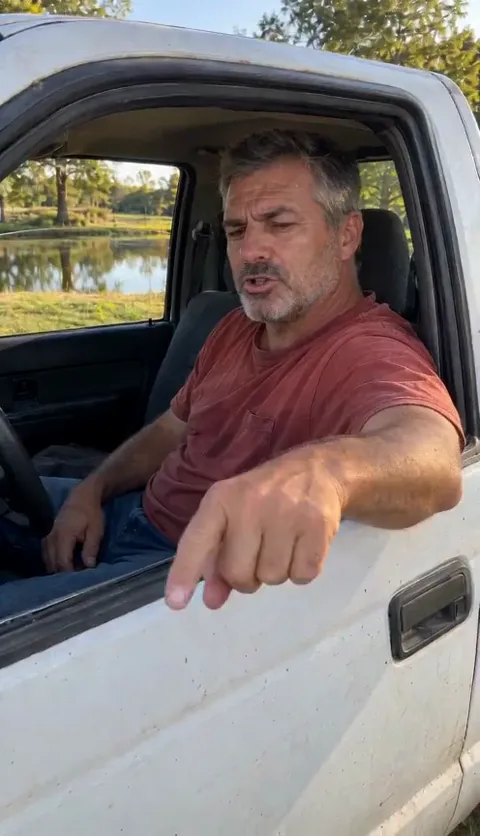
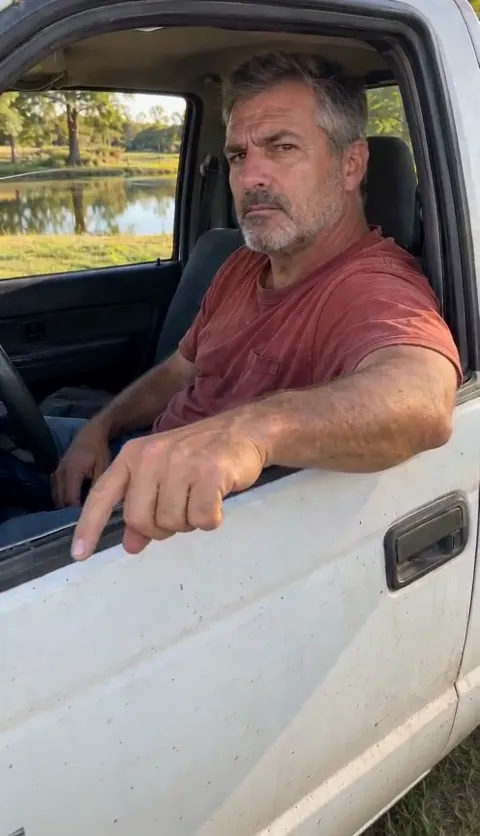
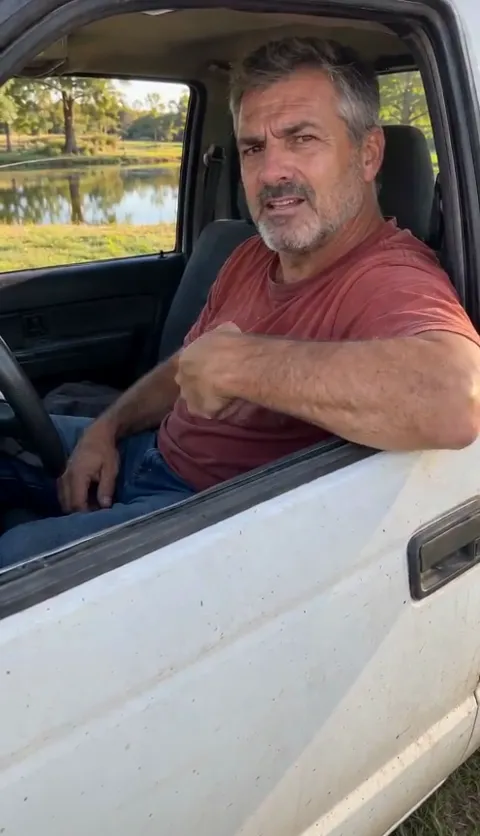
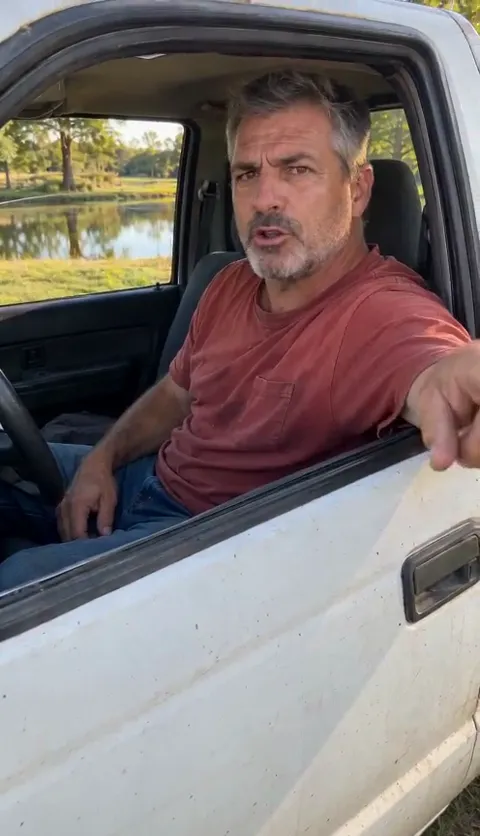
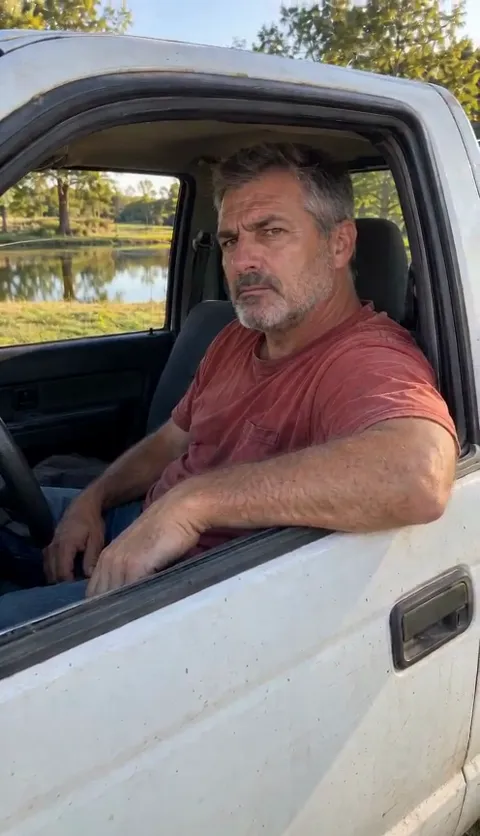
- “Mouth closed” at 2–4 s and 13–15 s is the most important instruction. Those are the stranger’s lines; a driver who talks over them looks wrong.
- “Shaky handheld” keeps it looking like a real phone clip, not a film.
- “Engine off” and “parked on the grass” stop the truck from driving away.
- Describe the subject as “the driver”, not “replace the man”. Tools take replace instructions literally and can leave two people in the cab.
Fix it: what to change when it goes wrong
| What you see | Change in the prompt |
|---|---|
| The driver talks the whole time | Repeat “mouth closed, silent” in the 2–4 s and 13–15 s lines |
| Your pet has human hands | Add “no human hands or arms anywhere” and “its own paw” |
| The truck drives off | Write “parked, engine off, it never moves” |
| It looks like a film, not a phone clip | Add “shaky handheld phone video, natural light” |
| The hand never leaves the cab | Write “the whole forearm swings out over the door toward the road” |
| The face or clothes drift from your photo | Use a sharper, front-on photo and add “the same face and clothes as the reference photo” |
Photo tips
For you: face and shoulders, facing the camera, in good light, with your eyes visible. A head-to-waist photo also brings your top along. For a pet: its face and front paws in view, at its eye level, while it’s still. More in the photo guide.

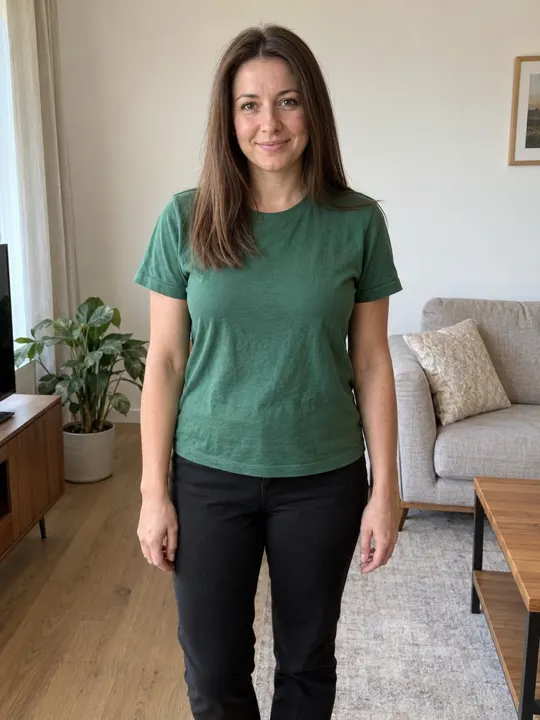
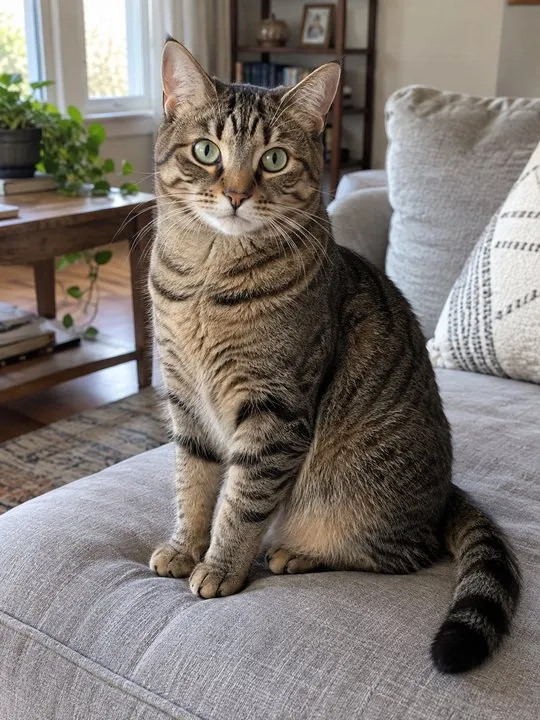
Use your own photo, your own pet, or a friend’s with their permission. Don’t upload a celebrity or anyone under 18.
What a prompt can’t do
- It can’t add the original audio. You add it when you post, as our sound guide shows.
- It can’t lip-sync to audio it never heard. Mouth timing is a best guess; line it up by moving the sound’s start point.
- It can’t promise paws stay paws. Expect a few retries with pets.
The no-prompt route is the Hit the Road Dude page: one photo, person or pet, the original audio included. Packs and plans are on the pricing page.
Independent fan tool
NowStarring is an independent fan tool, not linked to the people in the original video. The original audio belongs to its rights holders.
Questions
What is the prompt for the Hit the Road Dude AI trend?
A vertical, 15-second, shaky phone shot of a driver in an old white pickup by a pond, with timed lines for the finger jab, the silent stare, the disbelief, the hand flick toward the road and the last look. The full version is at the top of this guide.
Can I use the prompt with my cat or dog?
Yes. Use the pet version, which keeps every gesture on its own paws.
Should I write new lines for the driver?
We wouldn’t. The trend is the original exchange; keep the prompt silent and add the original audio when you post.
Why does the driver keep talking during the stare?
Tools default to a talking mouth. Say “mouth closed, silent” in the 2–4 s and 13–15 s lines.
Can I use the prompt in Higgsfield or Kling?
Yes. Use their image-to-video or reference-image mode with one photo, then paste the prompt.
Does the prompt include the audio?
No. Add the Hit the Road Dude sound when you post.