How to add the Hit the Road Dude sound on TikTok and Reels
The Hit the Road Dude trend runs on the original “private property” audio. Add it on TikTok, Reels and Shorts, line up the lip-sync and avoid a double track.
6 min read · Updated
Which sound to use
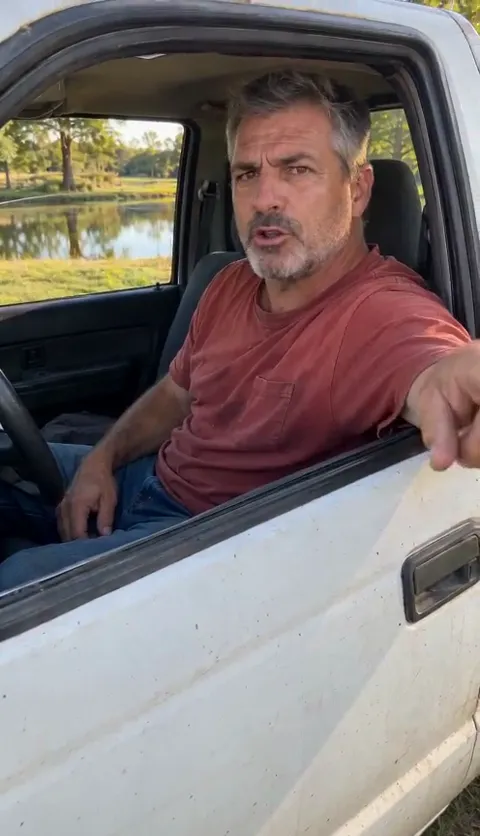
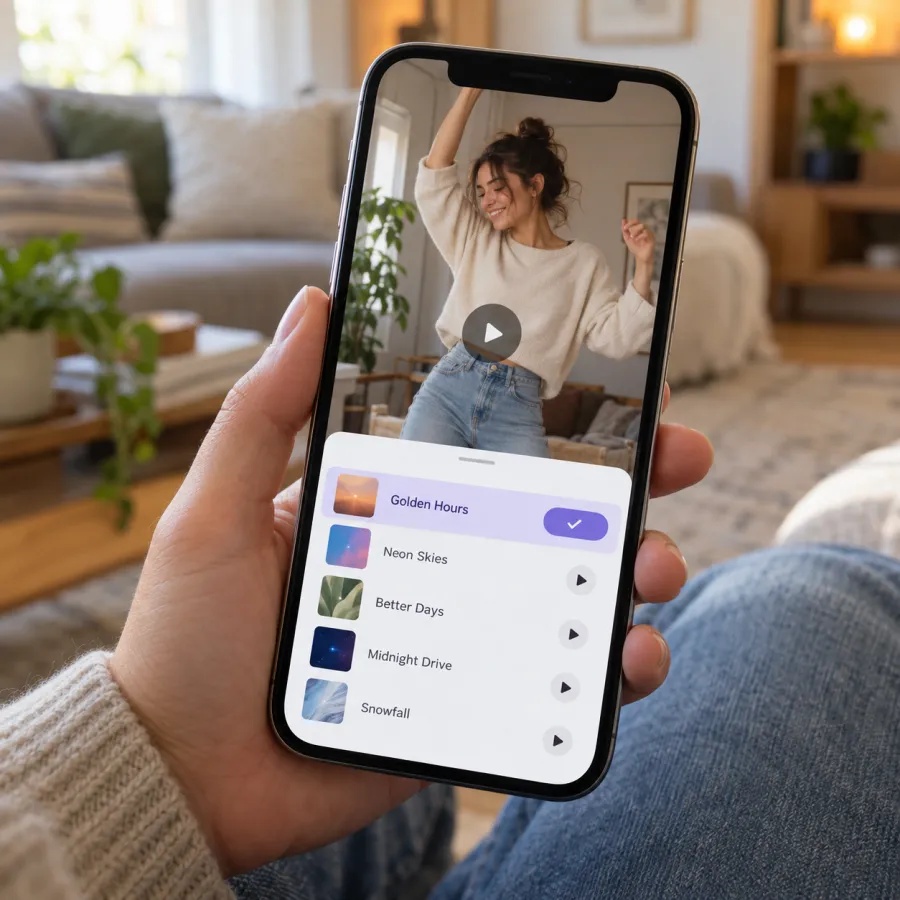
The Hit the Road Dude trend uses the original audio from the pickup video, the one that ends “this ain’t no state property, it’s private property”. To add it, open a Hit the Road Dude video, tap the sound name and choose Use this sound, or tap Add sound while posting and search Hit the Road Dude. Your NowStarring video already has the audio in it, so if you add the sound in the app, turn your original sound down.
Why picking the trend’s sound matters
Every sound on TikTok, Reels and Shorts has its own page listing the videos that use it. Posting with the Hit the Road Dude sound puts your video on that page, next to the rest of the trend, and anyone who taps the sound on another video can scroll straight into yours.
Searching can bring up several uploads of the same audio, some trimmed differently, some with music added. The safest pick is the sound on a video you like, so the first line starts where the trend expects it.
The audio is the trend: the same lines play in every video, so viewers know the punchline is coming and wait for your driver to deliver it.
TikTok
From a Hit the Road Dude video
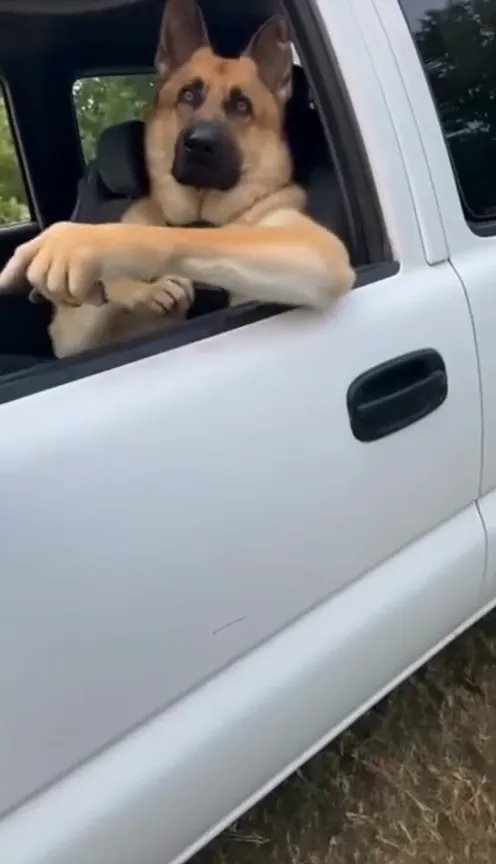
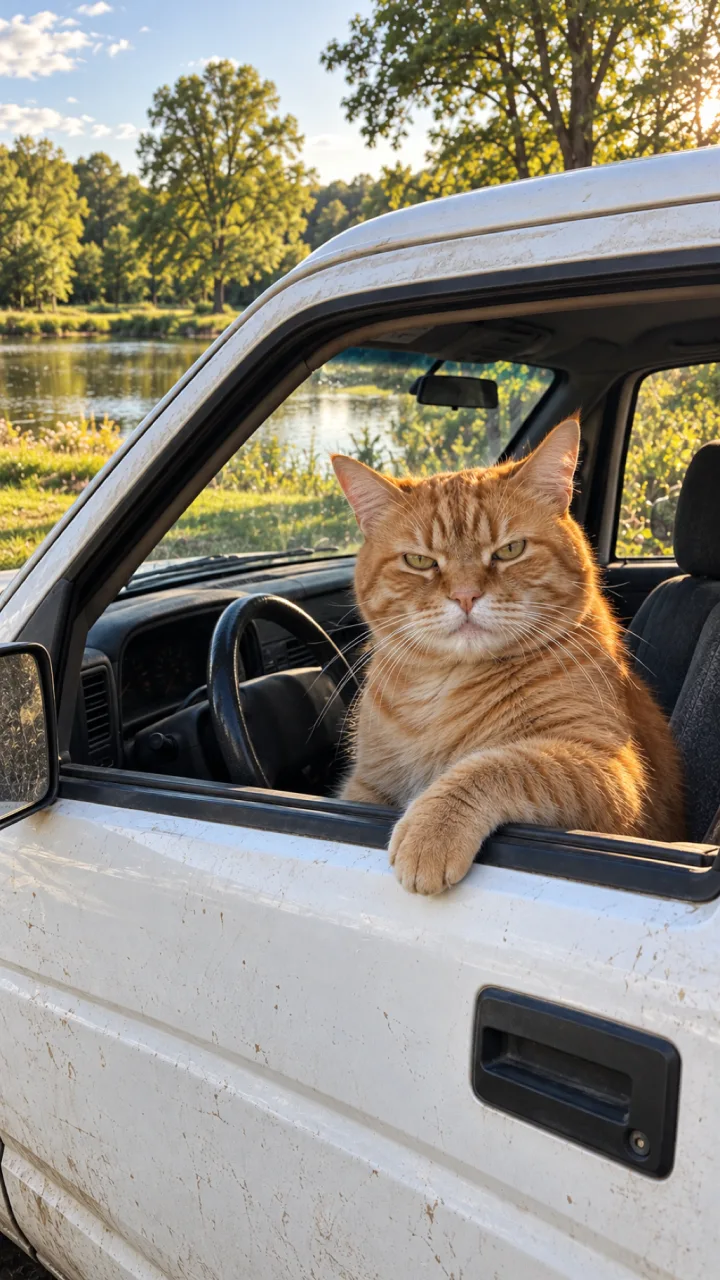
- Find a Hit the Road Dude video; the pet versions are easy to spot.
- Tap the sound name at the bottom of the video.
- Tap Use this sound, then Upload, and pick your video.
While posting
- Tap + and upload your video.
- Tap Add sound and search Hit the Road Dude or private property.
- Pick the version you saw in the trend, set the volume and the start point (below), then tap Next.
Not ready to post? Add the sound to Favorites from its page so it’s waiting for you.
Instagram Reels and YouTube Shorts
Instagram Reels
- On a Hit the Road Dude Reel, tap the audio name, then Use audio, and add your video.
- Or start a Reel with your video, tap Add audio and search Hit the Road Dude.
YouTube Shorts
- On a Hit the Road Dude Short, tap the sound name and use it in a new Short with your video.
- Or create a Short, add your video and tap Sound to search Hit the Road Dude.
On both, the same volume rule applies: if you add the audio in the app, turn your video’s own sound down so you don’t hear two copies.
Mixing the volume and the lip-sync
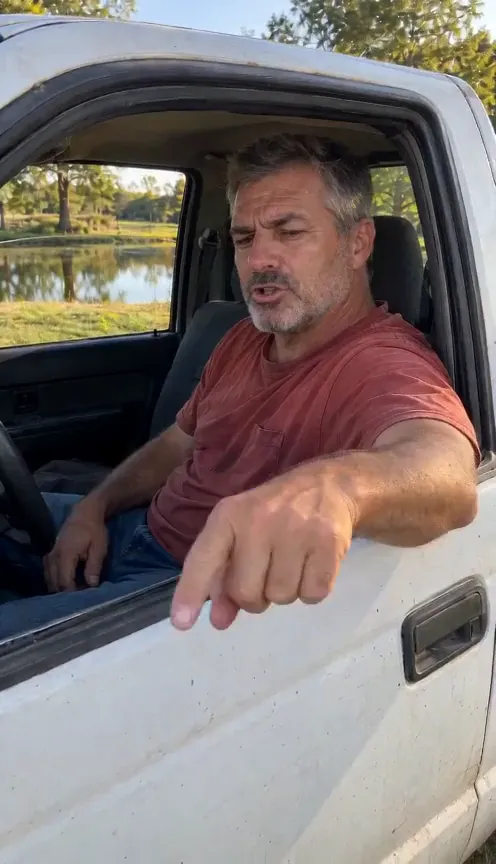
Your file from the Hit the Road Dude page is an MP4 with the original audio already in it, timed to the driver’s mouth and hand. Adding the sound again in the app means two copies playing at once, slightly out of step, which ruins a lip-sync.
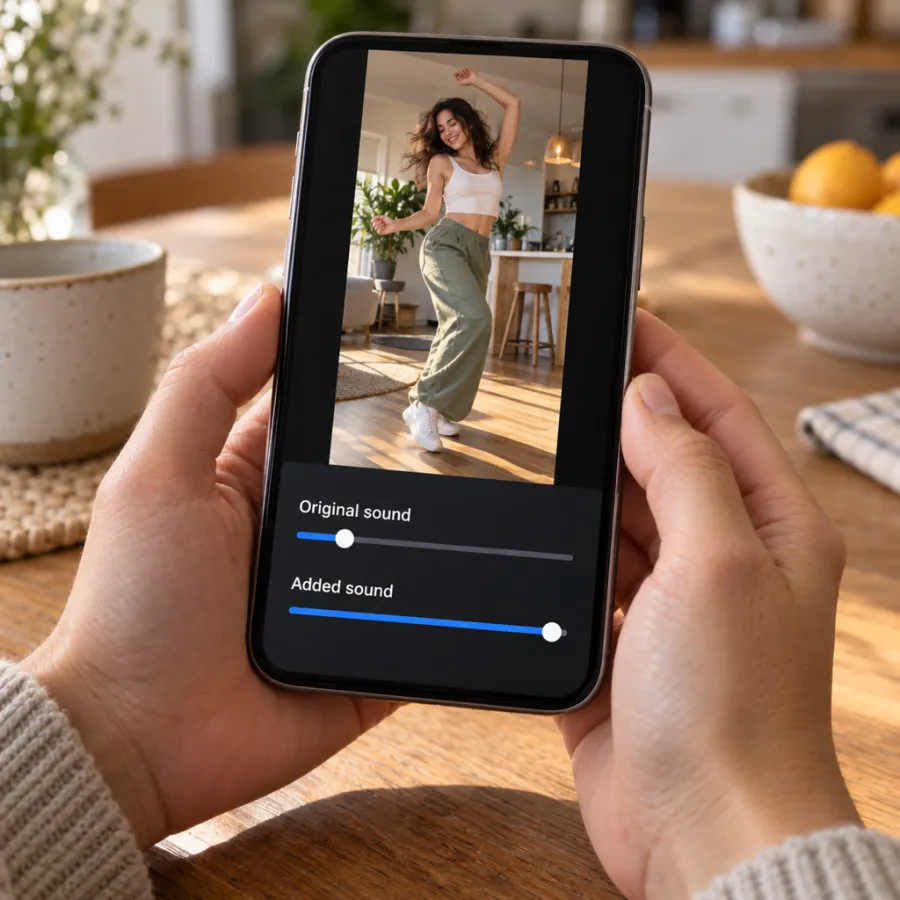
| You want | Original sound | Added sound |
|---|---|---|
| To land on the trend’s sound page | Off | Full |
| Our timing, exactly as made | Full | No sound added |
With the original turned off, the lip-sync only works if the added sound starts in the right place. The first line, “who told you to fish here”, should start with the first finger jab, right at the beginning of your video, with no silence before it.
Check it before you post
- Play the draft with the sound on.
- Watch the stare at about two seconds: the driver’s mouth should be shut while the stranger talks.
- Watch “hit the road, dude”: the hand should flick toward the road on those words.
- If either is off, nudge the sound’s start point a little at a time.
If the sound is muted or unavailable
- Some sounds aren’t available to business accounts or in some countries. Post with the original sound, which already has the audio, or pick another upload of it that is available.
- If an app mutes your upload, pick the Hit the Road Dude sound from its library when you post, instead of relying on the audio inside the file.
- If the sound disappears from a draft, it was likely removed; pick it again from a recent video in the trend.
- If the audio sounds quieter than other videos, turn the added sound to full and the original fully off.
TikTok asks you to label realistic AI videos. Turn on the AI-generated content setting under More options before you post.
Caption, hashtags and posting
- The caption writes itself: point it at whoever is in your spot, your seat or your business.
- Hashtags that describe it: #hittheroaddude, #privateproperty, #catsoftiktok or #dogsoftiktok for pets. Add #aivideo if you made it with AI.
- Keep the caption short so it doesn’t cover the driver’s face.
- Post the same file to Reels and Shorts; each app plays the audio from your file or from its own library, as set above.
Your video downloads as an MP4 with no watermark, so it posts cleanly anywhere. Need the video first? Make it on the Hit the Road Dude page, or film it with the free guide. What it costs is on the pricing page.
Independent fan tool
NowStarring is an independent fan tool, not linked to the people in the original video. The original audio belongs to its rights holders.
Questions
What sound is the Hit the Road Dude trend?
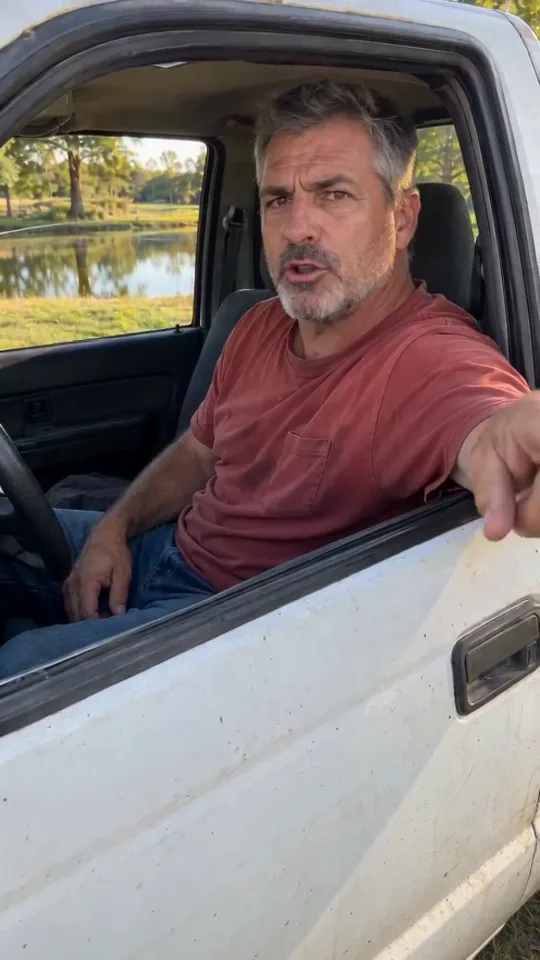
The original audio from the pickup video: a driver telling someone fishing his pond to hit the road, because it’s private property, not state property.
How do I add the Hit the Road Dude sound on TikTok?
Tap the sound name on a Hit the Road Dude video and choose Use this sound, or tap Add sound while posting and search Hit the Road Dude.
Does the NowStarring video have the audio?
Yes. Every line of the original audio is already in your video, timed to the driver’s mouth and hand.
Why does my lip-sync look off after adding the sound?
The added sound starts at a different point, or both copies are playing. Turn the original down and nudge the added sound’s start point.
Why is the Hit the Road Dude sound unavailable?
Some sounds are blocked for business accounts or in some regions. Post with the original sound, which already has the audio.
Do I need to label my AI video?
TikTok asks you to label realistic AI content; turn on the AI-generated content setting when you post.
Should I add music to my Hit the Road Dude video?
No. The joke lives in the dialogue, and music over it makes the lines hard to hear.