Hit the Road Dude AI: CapCut vs AI video vs one photo
CapCut, an AI video generator or a one-photo maker for Hit the Road Dude? A fair table on your face, pets, the original audio, lip-sync timing, effort and cost.
6 min read · Updated
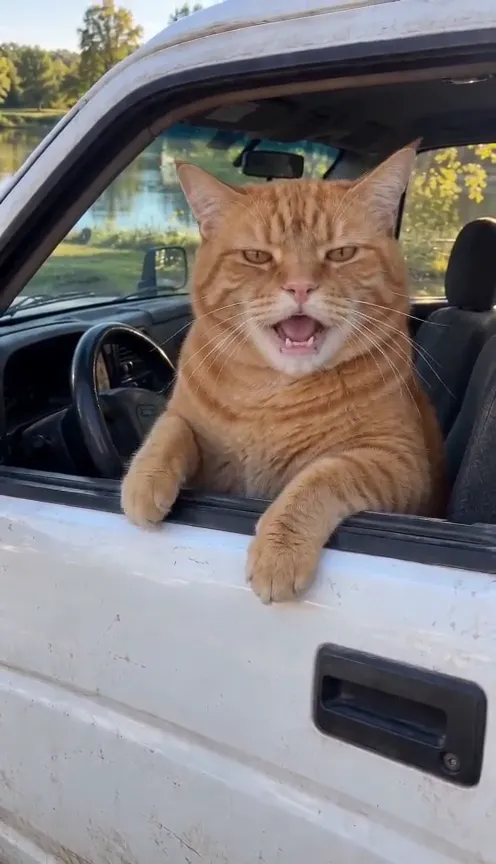
The honest verdict
For Hit the Road Dude, CapCut is the best free option if you filmed yourself lip-syncing in a car, because it’s an editor that lines your clip up with the audio. An AI video generator with a prompt can put you or your pet in the pickup but needs retries and you add the audio. A one-photo maker like ours gives you the finished 15-second rant, person or pet, with the original audio, for a price.

The three routes side by side
| CapCut | AI generator + prompt | One photo here | |
|---|---|---|---|
| Your face | Real, from your clip | Close, can drift | From your photo |
| Your pet | Only if it acts | Hit or miss | Built in |
| Pickup and pond | Only if you have them | Yes, if prompted | Built in |
| Original audio | Add it in the edit | Add it yourself | Already in the video |
| Mouth timing | Your own lip-sync | A best guess | Timed to the audio |
| Cost | Free to start | Free credits, then paid | $12.90 a video with the smallest pack |
What CapCut actually does here
CapCut is an editor, and its templates are ready-made edits: the cuts, timing and sound are fixed, and you drop in your own clips. For this trend, which is one continuous shot, there’s little to cut. The useful part is laying the audio under your lip-sync clip and nudging it until your mouth matches. A template won’t build a pickup, a pond or a talking cat from a selfie.
That’s not a knock on CapCut. It’s free to start, it’s a great editor, and if you filmed the lip-sync it’s the fastest way to a clean post.
When each one wins
CapCut wins when you’ll act it out
A car, a friend outside the window and five minutes of practice: film yourself, then line up the audio in CapCut. It’s free and it’s really you.
An AI generator wins when you like to tinker
Kling, Higgsfield, Runway, Veo or CapCut’s own AI video with our Hit the Road Dude prompt can put you or your pet in the pickup. Budget for retries: the driver tends to talk through the stare, and pets tend to grow hands.
One photo wins for pets, or when you want it done
No car, no acting, no editing: the Hit the Road Dude maker gives you the full rant from one photo of you or your cat or dog, in a few minutes, with the original audio.
The CapCut route, step by step
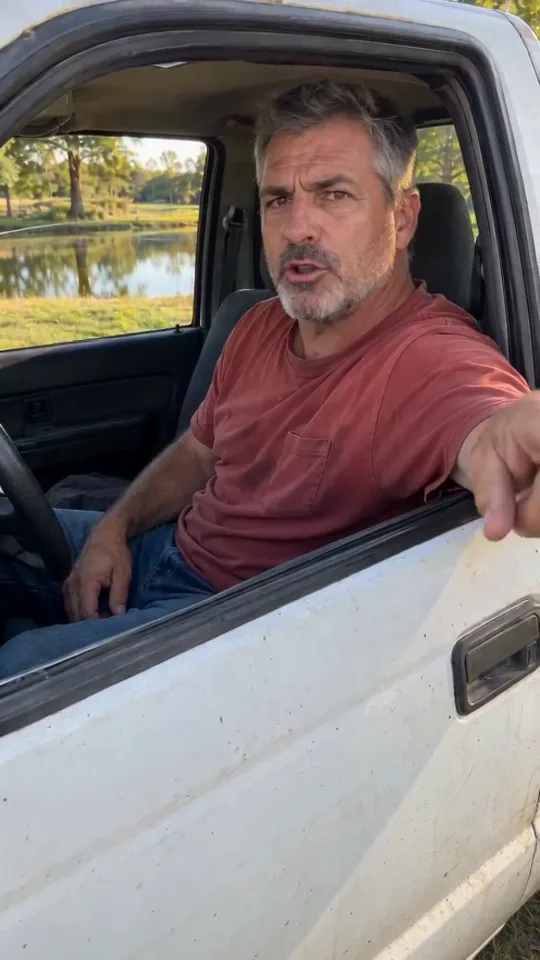
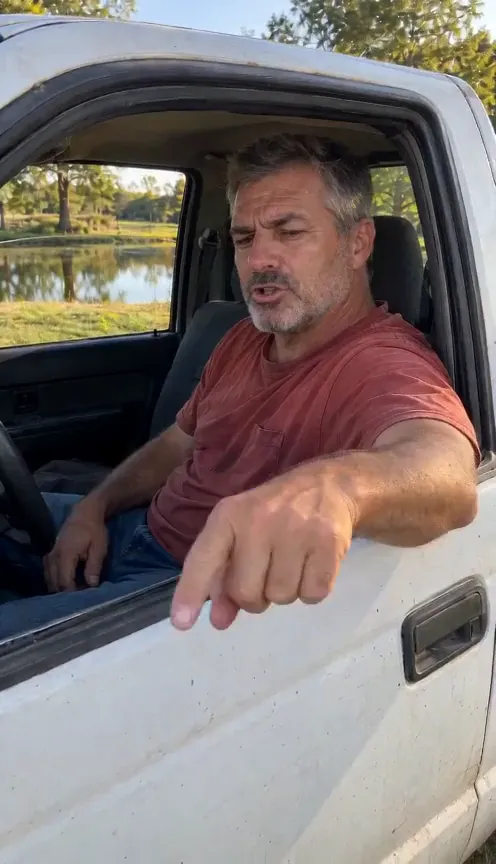
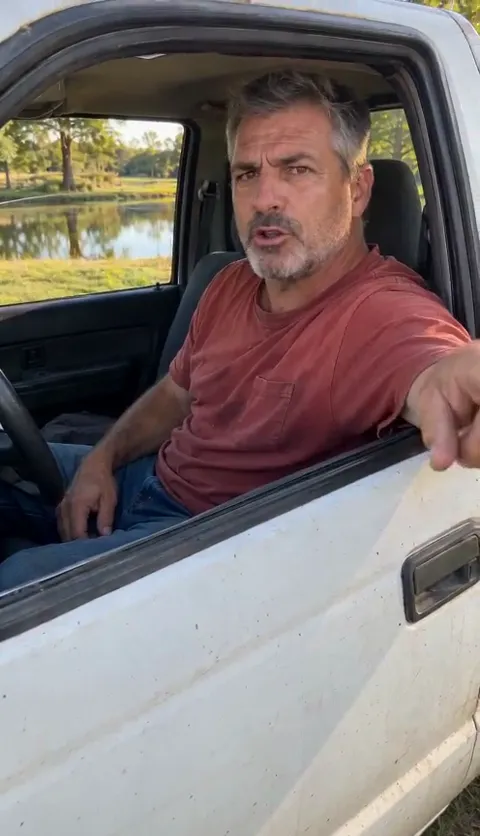
- Film the lip-sync: driver’s seat, window down, arm over the door, a friend filming at chest height. The how-to guide has every beat.
- In CapCut, start a new project and add your clip.
- Add the Hit the Road Dude audio and mute your clip’s own sound.
- Slide the audio until “who told you to fish here” lines up with your first finger jab, and your mouth is shut on the stranger’s lines.
- Export vertical 9:16 and post. If the audio gets muted on upload, add the Hit the Road Dude sound in the app instead.
If you search CapCut’s templates for the trend and find one, check it uses the original audio before you use it. Some templates add music or captions over the dialogue, which makes the lines hard to hear.
Doing it with a pet: which route works
The pet version is the one people share most, and it’s where the routes differ most. A real cat or dog won’t jab a paw, stare on cue and flick toward the road on the right word.
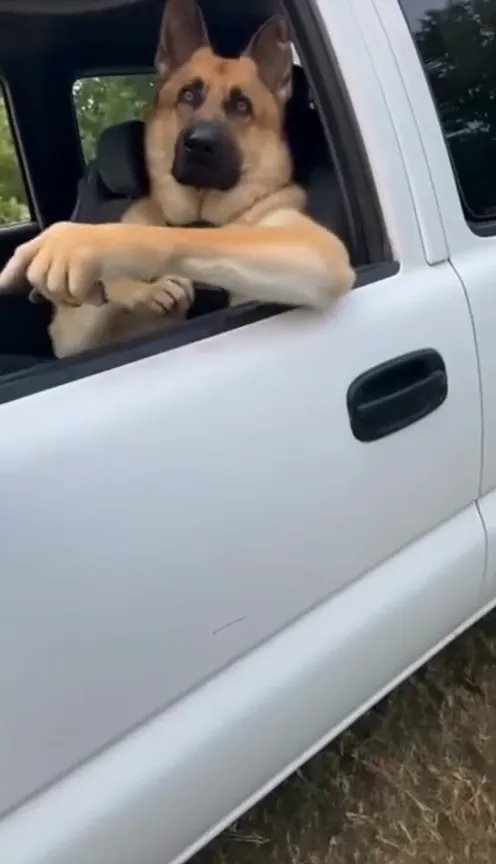
- CapCut: works only with footage you already have. A real clip of your pet in a car with the audio under it can still be funny, but it won’t follow the beats.
- AI generators: can do the gestures, but often add human hands or turn a paw into an arm. Say “its own paws, no human hands” in the prompt.
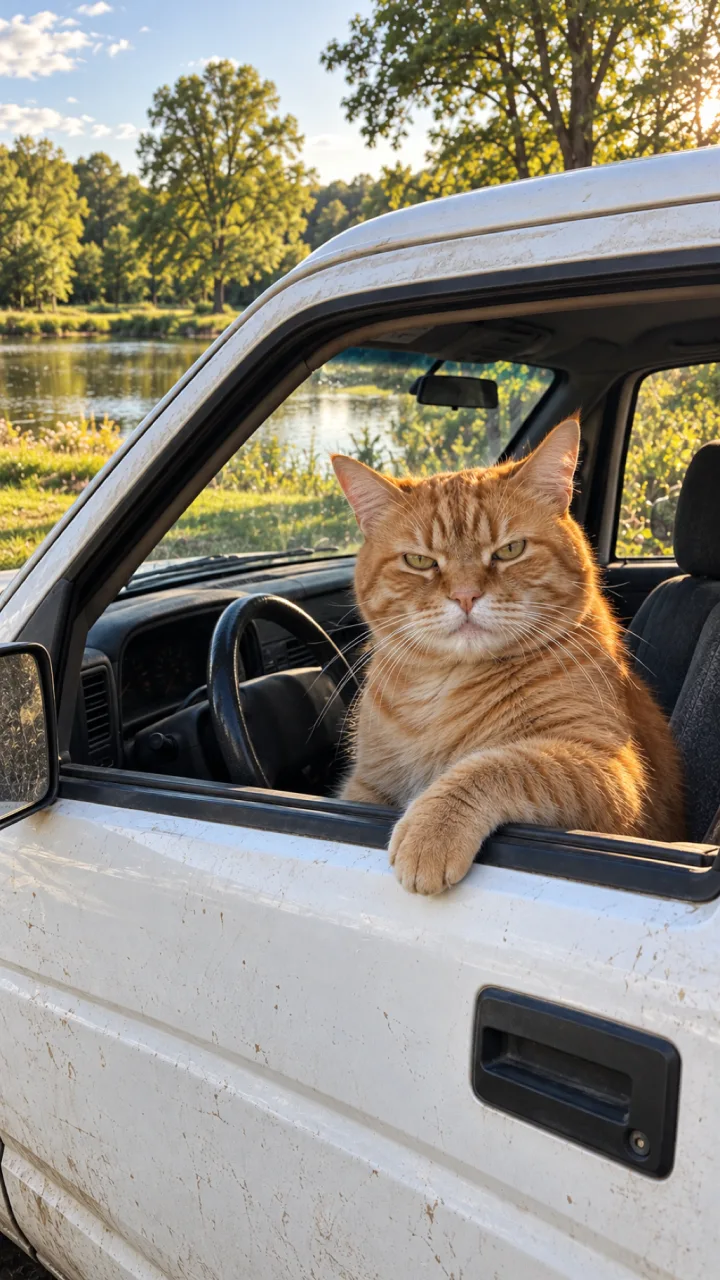
- One photo here: pick pet, add a photo, and it sits upright in the driver’s seat and does the whole rant with its own paws.
Where each route goes wrong
- CapCut: audio a fraction off makes the lip-sync look dubbed. Zoom into the timeline and nudge it until your first word lands.
- AI generators: talking through the stare, a truck that drives away, or a pet with human hands. The fix-it table in our prompt guide covers each one.
- One photo: a dark, far-away or blurry photo gives a driver that doesn’t look like you or your pet. Use a clear face, as the photo guide shows.
What it costs
CapCut and most AI generators are free to start, with paid tiers for more; check each plan page. NowStarring has no free credits. The cheapest test is the free one: film a take in your car first and see if you like it.
One Standard video uses 65 credits. The smallest pack that makes one is $12.90 for 90 credits (1 video), a one-time buy whose credits never expire, and plans start at $19.90 a month for 270 credits. If a video fails, its credits come back.
See packs and plans on the pricing page, or make yours on the Hit the Road Dude page.
Independent fan tool
NowStarring is an independent fan tool, not linked to the people in the original video. The original audio belongs to its rights holders.
Questions
Is there a CapCut template for Hit the Road Dude?
Search the trend in CapCut’s templates. Any template still needs your own clip; it won’t build the pickup scene or a talking pet for you.
Can CapCut make my cat do Hit the Road Dude?
Only if you film your cat in a car, and it won’t do the gestures on cue. For a pet, an AI generator or a one-photo maker is the realistic route.
What’s the best Hit the Road Dude AI video generator?
Any image-to-video tool can try with a good prompt. If you want the finished rant with the original audio from one photo, use a one-photo maker.
Does the AI video keep the original audio?
Ours does: every line of the original audio is in the video. Most generators make a silent clip, so you add the audio yourself.
How long is the Hit the Road Dude video?
15 seconds, vertical, from the first line to the last look.
Can I do Hit the Road Dude with my dog?
Yes. Pick pet on the trend page and add one photo of your dog with its face and front paws in view.