Skip to content
NowStarring

AI dance video generator

Pick a viral dance, add one selfie, and get yourself doing the whole routine to its song. No dancing and no filming needed.

  • No filming
  • Ready in a few minutes
  • No watermark
  • Credits back if it fails

Your photos

0 of 1
Who stars
Video size
Vertical9:16

Vertical only, like the original

Quality

Uses 45 credits

Pick a trend

All trends
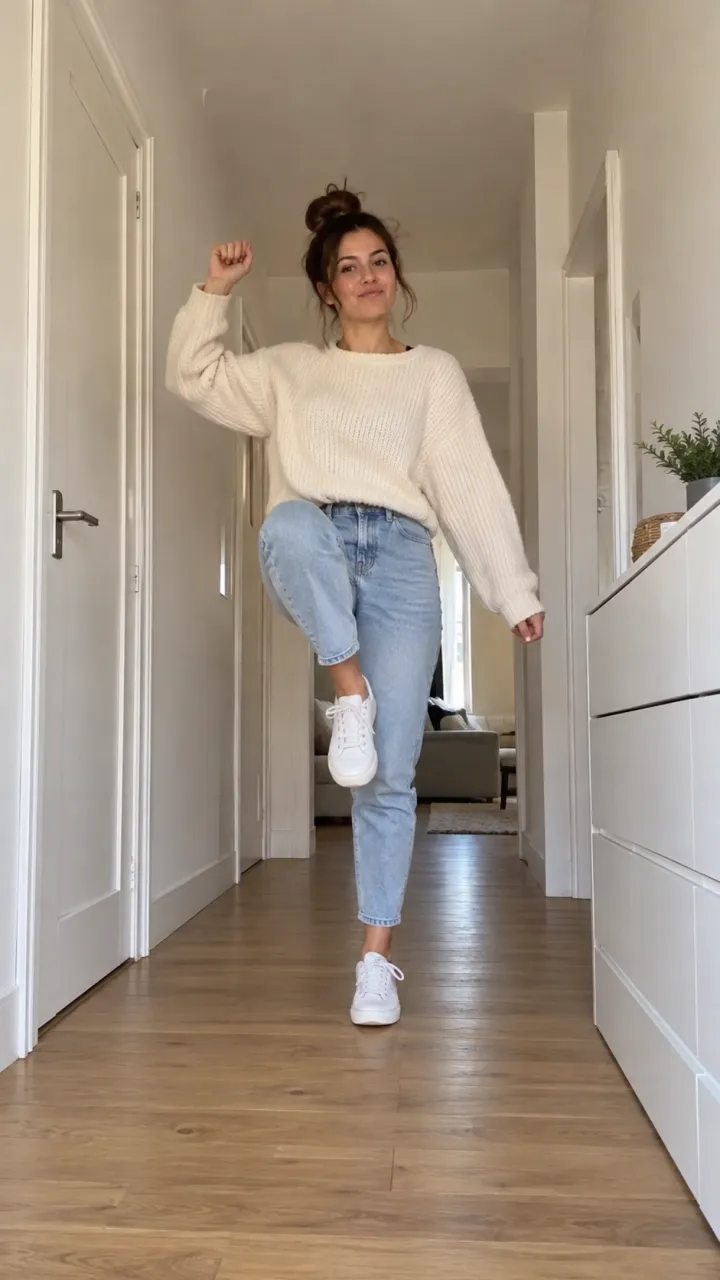
The photo this Toc Toc video was made from
The photo
StarringToc Toc
Original soundTrend page
Video size
Vertical9:16

Vertical only, like the original

Quality

You don’t have to dance, or film anything

Each dance here is a trend we’ve built ahead of time: the moves, the camera, the setting and the song are set, timed beat by beat to the original. Your selfie gives the dancer your face, hair and look, so the video is you doing it.

That’s the difference from motion-copy apps such as Viggle, where you upload a clip of someone dancing and it maps those moves onto a character. You don’t need a reference video or a prompt, and you don’t have to fix the timing to the song yourself.

Solo, with a friend, or with your pet

Most dances are solo and take one selfie. Neon, Alors On Danse and Smalltown Boy are for two, so each of you adds a photo, and you can swap the slots if you end up on the wrong side.

Dances marked “You or your pet”, like Toc Toc, Cheba Man and Turn the Lights Off, let a dog or a cat take your place. There’s a whole page of them: the AI pet dance video generator.

The selfie that dances best

One face, close up, looking at the camera, in good light. Hold the phone at eye level rather than below your chin, and leave sunglasses, hats and big headphones out: the dance keeps whatever shape it finds on your head.

Your outfit doesn’t matter much. Several dances dress you for the scene, such as the velvet tailcoat in Rumpelstiltskin or the black suit crowd in Storm.

How to make an AI dance video

  1. Pick a dance

    Each one plays first with its song, so you see every move before you choose.

  2. Add a selfie

    One clear photo of your face, or one each for a duet. It’s checked as you add it, before you pay anything.

  3. Download and post

    Your dance is ready in a few minutes, with the song and no watermark, to save or share straight from your phone.

Simple pricing, every trend included

A plan gives you fresh credits every month for less a video. A credit pack covers a video or a few and never expires. Credits work on every trend, and a video that fails gives them back.

Billing

Starter

For trying the trends you like

$19.90/ month

Billed monthly

270 credits / month

One size. Move up anytime.

  • Up to 6 videos a month
  • or 3 in HD
  • Every trend, plus new ones as they take off
  • One photo in, no prompts or editing
  • Original sound, ready for TikTok, Reels and Shorts
  • No watermark, yours to post and keep
  • Credits back if a video fails
  • Move up anytime and pay only the difference
Recommended

Creator

For posting every week

$43.17 in packs31% off

$29.90/ month

Billed monthly

450 credits / month

  • Up to 10 videos a month
  • or 5 in HD
  • Every trend, plus new ones as they take off
  • One photo in, no prompts or editing
  • Original sound, ready for TikTok, Reels and Shorts
  • No watermark, yours to post and keep
  • Credits back if a video fails
  • Move up anytime and pay only the difference
Studio

For posting every day

$172.67 in packs48% off

$89.90/ month

Billed monthly

1,800 credits / month

  • Up to 40 videos a month
  • or 20 in HD
  • Every trend, plus new ones as they take off
  • One photo in, no prompts or editing
  • Original sound, ready for TikTok, Reels and Shorts
  • No watermark, yours to post and keep
  • Credits back if a video fails
  • Move up anytime and pay only the difference
Fresh credits every month. Cancel anytime.

Questions

About the trends, your photos, prices and posting.

  1. How does this AI dance video generator work?

    You choose a dance, add a selfie and press Make. The routine, the camera and the song are already part of the dance, and your photo puts your face on the dancer. The finished video waits for you in My videos.

  2. Do I need a video of myself?

    No, a single photo is enough. You never film yourself dancing or upload a reference clip.

  3. Can I make a dance video with a friend?

    Yes. Neon, Alors On Danse and Smalltown Boy are made for two: add a photo of you and one of your friend.

  4. Can my dog or cat do these dances?

    On the ones marked “You or your pet”, yes. Pick Your pet in the maker and add a face-on photo of them.

  5. Is there a free AI dance video generator?

    Free tiers of general AI video tools can make a dance clip if you write the prompt and add the song afterwards, usually with a watermark and some retries. Here, choosing a dance and checking your selfie are free, and a finished dance with its song and no watermark costs from $4.16.

  6. Is the original song in it?

    Yes, every dance comes with its song laid over the moves. The music belongs to its rights holders, so if a platform mutes it, add the same sound in the app.

  7. Which dance is best for TikTok?

    Most dances here are vertical and made for TikTok, Reels and Shorts; Neon is filmed wide. Toc Toc and Cheba Man are short and loop well, and Thriller and Mi Chico give you a crowd behind you.

Still have a question? Write to us and a person answers.

support@nowstarring.aiRead the full FAQ

Your turn to dance.

Pick a dance and add a selfie. You only pay when you make it.

Make your video