Rumpelstiltskin AI: CapCut vs AI video generator vs one photo
For the Rumpelstiltskin AI video, a one-photo tool is quickest, an AI generator with a prompt is cheapest, and CapCut is best for editing. Side by side.
6 min read · Updated
The verdict
If you want your face in the real-looking barn scene with the sound and every cut in place, a one-photo trend tool is the fastest route. If you want it cheap or free and don’t mind retries, run a prompt in an AI video generator and finish it in CapCut. A CapCut template alone won’t make the scene: it re-cuts footage you already have.

Side by side
| CapCut template | AI tool + our prompt | One photo here | |
|---|---|---|---|
| Your face on the dancer | Only if you film it | Close, may drift in close-ups | Yes, every shot |
| The trend’s exact shots | Your footage, their cuts | Approximate | All of them, in order |
| Sound | Add it in CapCut | Add it yourself | Included |
| Effort | Film, then edit | Prompt, retries, editing | Upload one photo |
| Cost | Free to start | Free tier, then credits | About $12.90 a video |
The cost on the right is one Standard video bought with the smallest pack ($12.90 for 90 credits). Plans start at $19.90 a month for 270 credits.
When each one wins
CapCut template
Wins when you filmed a homemade version and want it cut like the meme. CapCut is free to start, quick to learn and great for timing cuts to a sound. It doesn’t invent the barn or put your face on someone else.
AI video generator with our prompt
Wins when you want to experiment: your own clothes, a friend as the girl, a different setting. Kling, Higgsfield, Runway, Veo and CapCut’s AI video take a reference photo. You trade time for control, and the close-ups are where it gets hard.
One photo on NowStarring
Wins when you want the scene itself with your face, tonight, from the Rumpelstiltskin page. Your face and hair go onto the dancer, and the costume, the barn, the girl (a made-up face) and every cut stay. It’s 15 seconds, widescreen, with the trend’s sound, no watermark, in about 5 minutes. The trade-off: it costs credits, and there’s no vertical or own-clothes option.
The CapCut route, step by step
This route combines generated or filmed shots with CapCut’s editor.
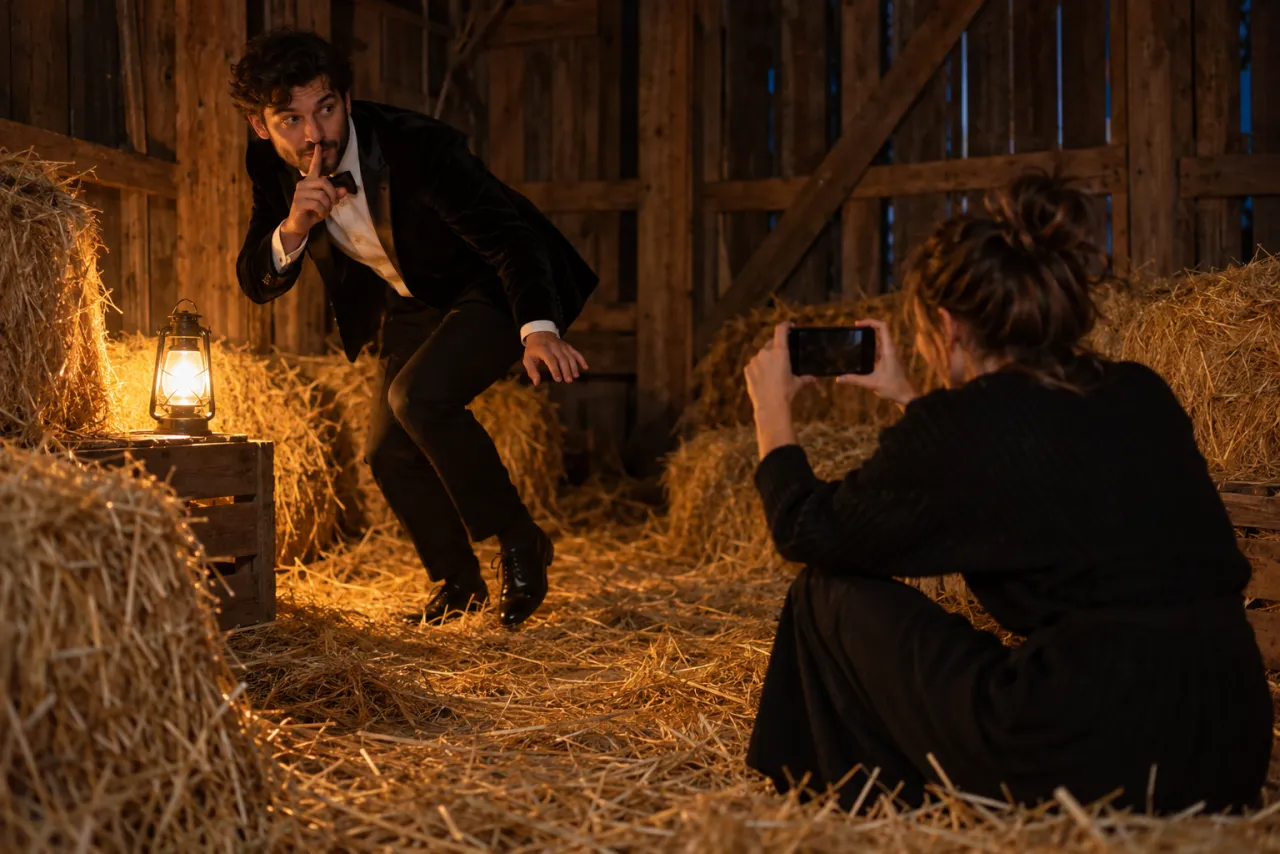
- Get your shots. Either film the six shots from the free guide, or generate them with the Rumpelstiltskin AI prompt in an AI video tool.
- In CapCut, start a new project, import the clips and set the ratio to 16:9.
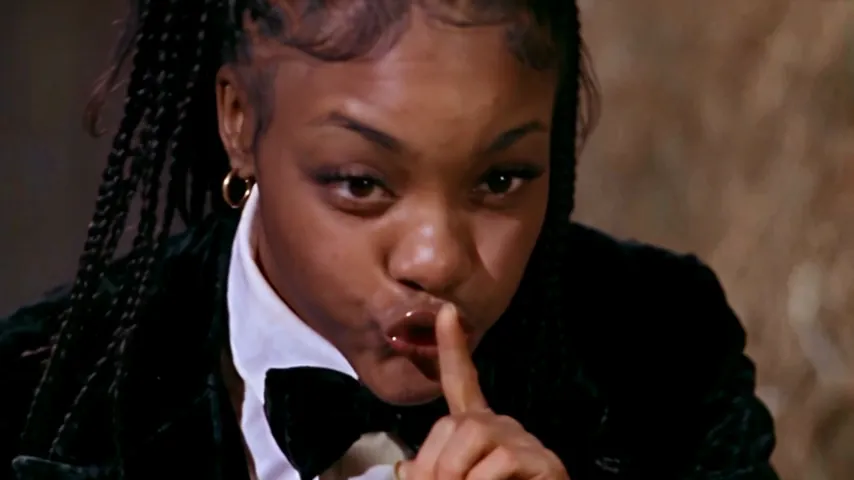
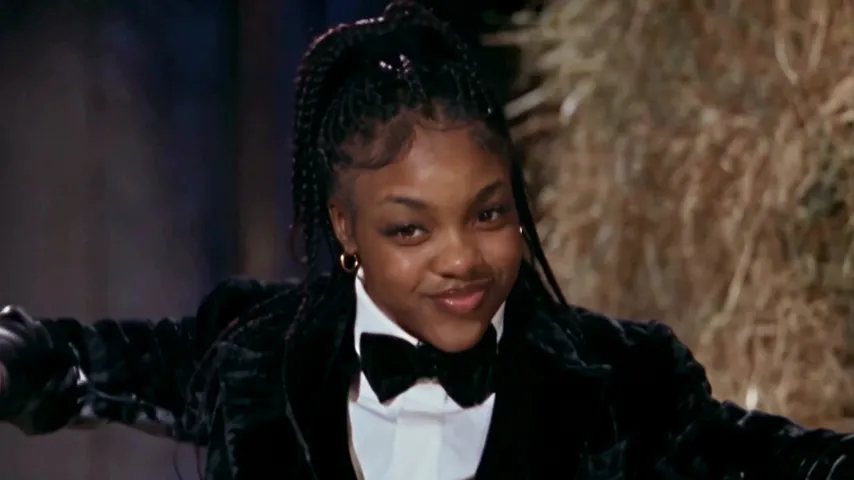
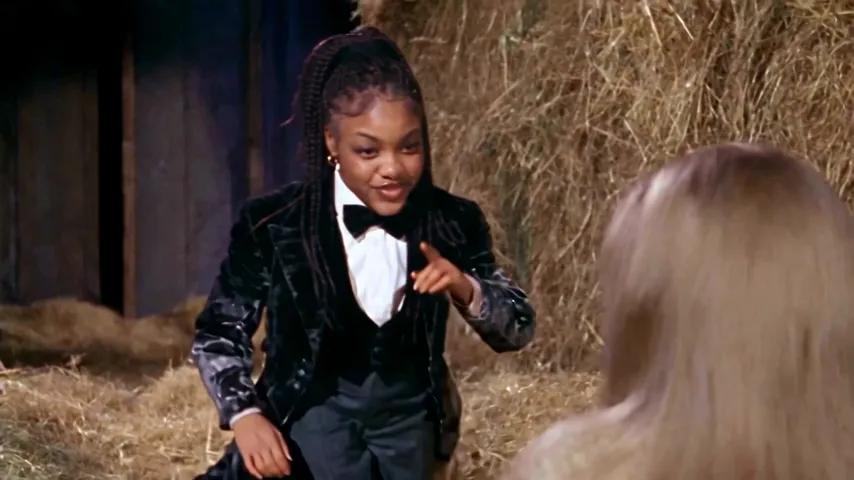
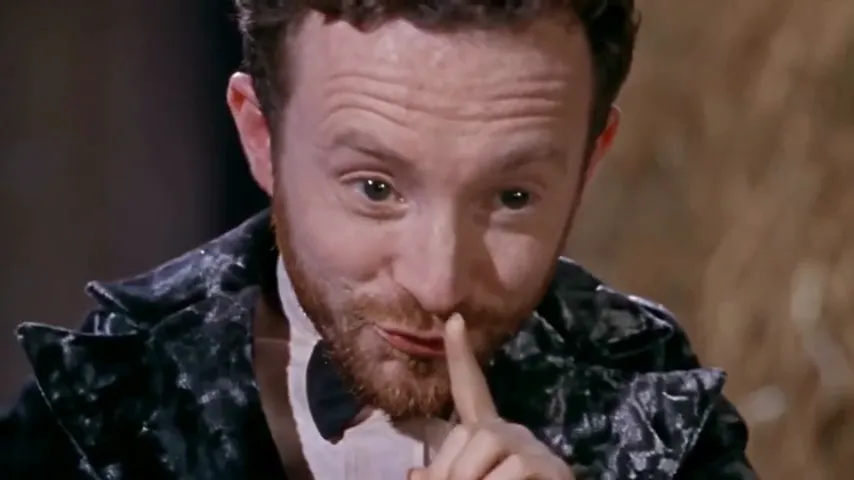
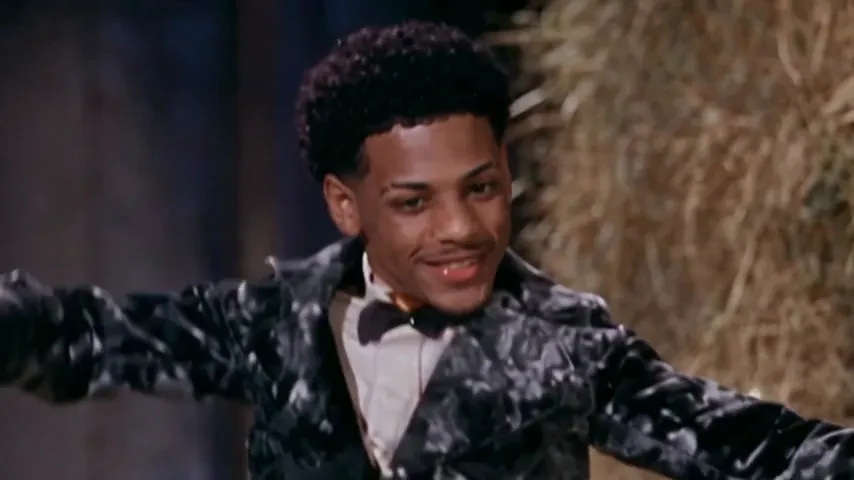
- Lay them in order: creep, shush, girl, grin, girl, wide dance.
- For the ending, alternate short pieces of the sway and the shoes. Split clips to make them about a beat long.
- Add a film look if you like: a warm filter and grain help homemade footage.
- Export, then add the Rumpelstiltskin sound when you post, or add it in CapCut’s audio first. The sound guide covers both apps.
If you see a “Try this template” link on a Rumpelstiltskin post, it opens that creator’s edit in CapCut. Whether it can do anything with a single photo depends on the template; most expect your own clips.
Where each route usually goes wrong
| Route | Common problem | Fix |
|---|---|---|
| CapCut template | Footage doesn’t look like a barn film | Darker room, one lamp, warm filter |
| AI generator | Face changes in the grin close-up | Sharper selfie; ask for the same face in every close-up |
| AI generator | Shoes melt in the straw | Shorter shoe shots; regenerate that part only |
| One photo | Likeness off | A clearer, front-facing photo |
On NowStarring, a video that fails to make gives its credits back automatically.
Mixing the routes
The routes aren’t either-or. People who post this trend well often combine them:
- Film the girl yourself, generate the dancer. A friend in a white nightie on your sofa, cut in between generated shush and grin close-ups, makes it personal without a barn.
- Make the scene from one photo, then open it in CapCut to add a caption, a slow zoom on the grin or a freeze-frame at the end. Our MP4 has no watermark, so it edits cleanly.
- Generate only the shoes. If your homemade version has everything but curled pointed shoes, a short generated shot of shoes in the straw fills the gap.
Whatever you mix, keep the order: creep, shush, shock, grin, then the dance. That order is what people recognize in the first two seconds, before they’ve even heard the song.
One more tip for CapCut: keep the project widescreen. The meme is 16:9, and stretching it to fill a vertical screen crops the dancer’s arms out of the wide shot.
Bottom line
- Want it free and like a laugh with friends: film it, edit in CapCut.
- Want to tinker: AI generator plus our prompt, then CapCut for the cut and sound.
- Want the scene with your face and no fuss: one photo on the Rumpelstiltskin page.
New to the meme? Read what the Rumpelstiltskin AI trend is. NowStarring is an independent fan tool, not linked to the creators of the original film or to Riff Raff. The song belongs to its rights holders.
Questions
Can I make the Rumpelstiltskin AI trend in CapCut?
You can edit it in CapCut: cut filmed or generated shots to the meme’s order and add the sound. A template alone re-cuts your own clips; it won’t put your face into the barn scene.
Is CapCut or an AI generator better for the Rumpelstiltskin video?
They do different jobs. An AI generator makes the shots from your photo and a prompt; CapCut is best for cutting them together and adding the sound.
What is the easiest way to make the Rumpelstiltskin AI video?
Upload one photo to a one-photo tool. On NowStarring you get the 15-second scene with your face, every cut and the sound in about 5 minutes.
Which AI video generator works for the Rumpelstiltskin trend?
Any with an image-to-video or reference-image mode, such as Kling, Higgsfield, Runway, Veo or CapCut’s AI video, used with a timed shot-list prompt.
Can I edit the NowStarring video in CapCut?
Yes. It’s a plain MP4 with no watermark, so you can add captions, zooms or effects in CapCut before you post.
How much does a Rumpelstiltskin AI video cost on NowStarring?
One Standard video uses 90 credits. The smallest pack that makes one is $12.90 for 90 credits (1 video), a one-time buy whose credits never expire, and plans start at $19.90 a month for 270 credits. If a video fails, its credits come back.