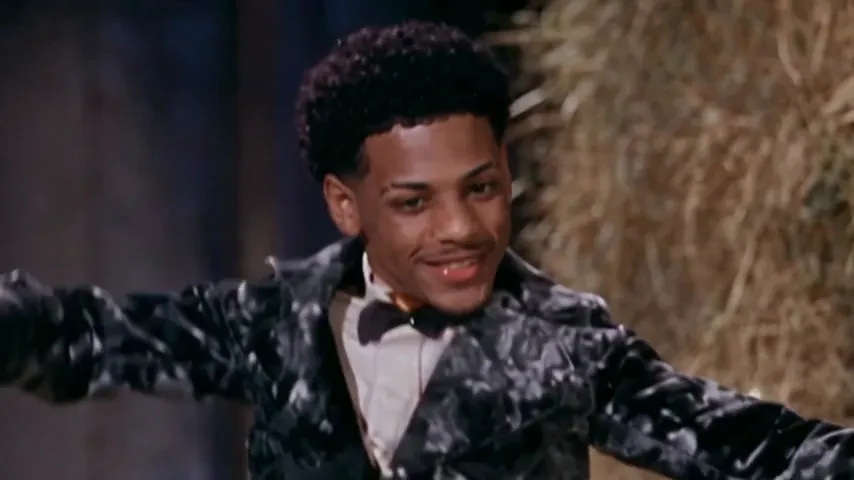
How to add the Rumpelstiltskin sound on TikTok, Reels and Shorts
The Rumpelstiltskin trend sound is Riff Raff’s “Tip Toe Wing In My Jawwdinz”. How to pick it on TikTok, Reels and Shorts and mix it with a video that has sound.
6 min read · Updated
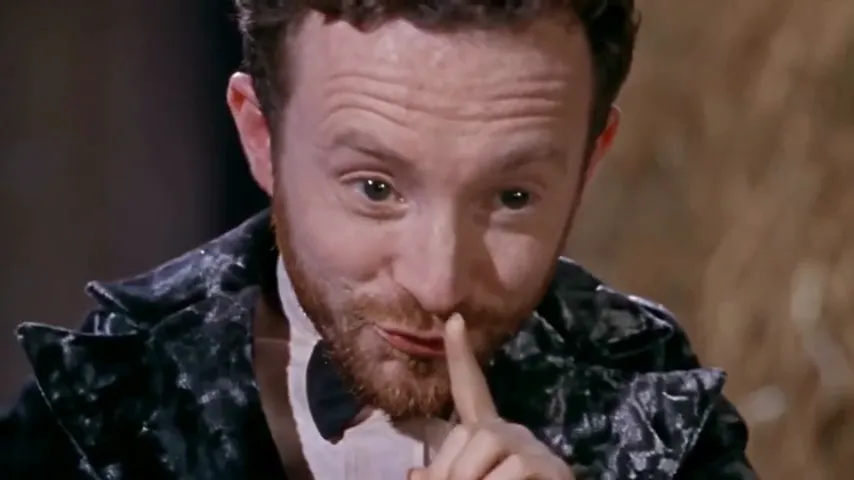
The short answer
The Rumpelstiltskin trend is set to Riff Raff’s “Tip Toe Wing In My Jawwdinz”. The easiest way to use the right sound is to open a Rumpelstiltskin video you like, tap the sound name at the bottom, then tap Use this sound and add your clip. On Reels it’s Use audio; on Shorts it’s the sound’s Remix or Use this sound button.
A video from the Rumpelstiltskin page already has the trend’s sound laid over the whole clip. If you add the sound in the app as well, turn the video’s original sound down so the two don’t play on top of each other.
Why pick the trend’s sound in the app
- It links your post to the sound’s page, where people browse every Rumpelstiltskin video. Baked-in audio alone doesn’t do that.
- It shows the song name on your post, so viewers know what it is.
- If the song is muted for any reason, the in-app sound is the version the platform plays.
Pick the sound used on popular Rumpelstiltskin posts rather than the first search result. If there’s more than one upload of the song, the one the trend uses is the page that groups the videos.
TikTok
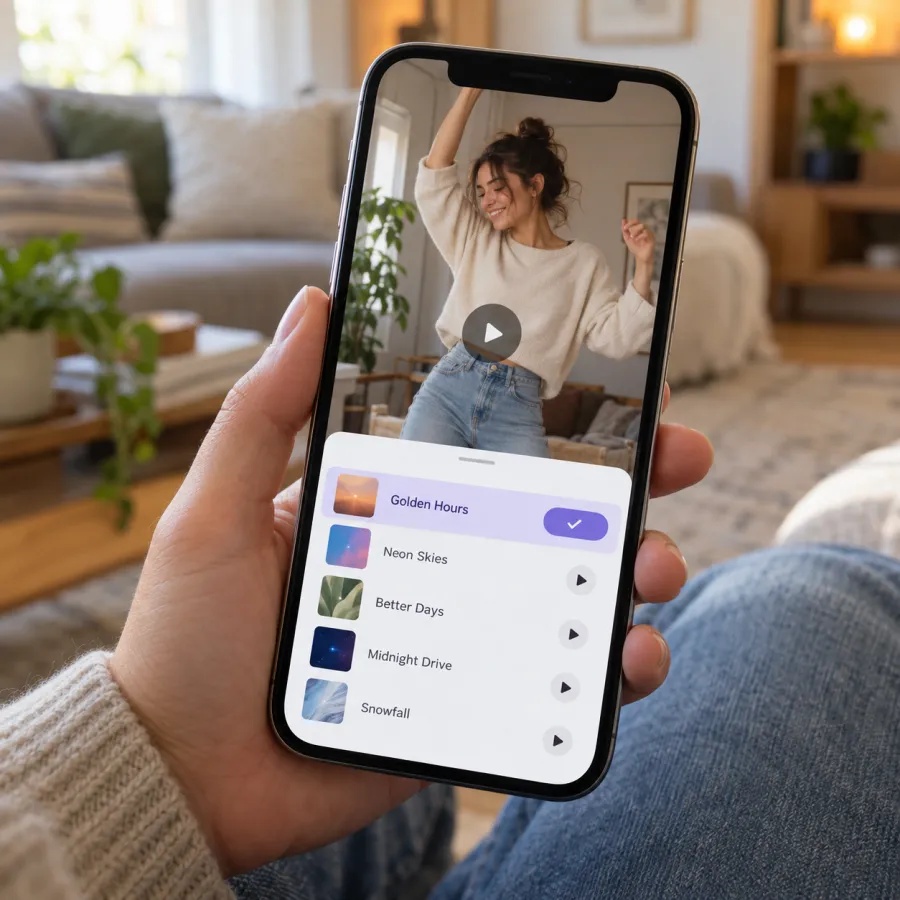
From a Rumpelstiltskin video (best)
- Find a Rumpelstiltskin video with the sound you want.
- Tap the sound name at the bottom of the video.
- Tap Use this sound.
- Tap Upload and pick your video.
- In the editor, tap Volume (or the sound settings) and set Original sound to 0 if your video already has the sound.
- Post.
When you post
- Tap + and upload your video.
- Tap Add sound at the top.
- Search “Tip Toe Wing In My Jawwdinz” or “Rumpelstiltskin” and pick the version used by the trend.
- Turn the original sound down, then post.
TikTok asks you to label AI-made videos: turn on the AI-generated content setting under More options before you post.
Instagram Reels
- On a Rumpelstiltskin Reel, tap the audio name at the bottom, then Use audio. Instagram opens the camera with the sound attached; add your video from the gallery.
- Or start a new Reel, add your video, tap Add audio (the music note), search the song and pick it.
- Tap the volume control and lower your clip’s own audio if it already has the sound.
- Share.
YouTube Shorts
- On a Rumpelstiltskin Short, tap the sound name at the bottom right, then Use this sound.
- Or create a Short, add your video, and tap Sound (or Add sound) to search for the song.
- Lower your clip’s own volume in the editor if it already has the sound, then upload.
Mixing: avoid a double track
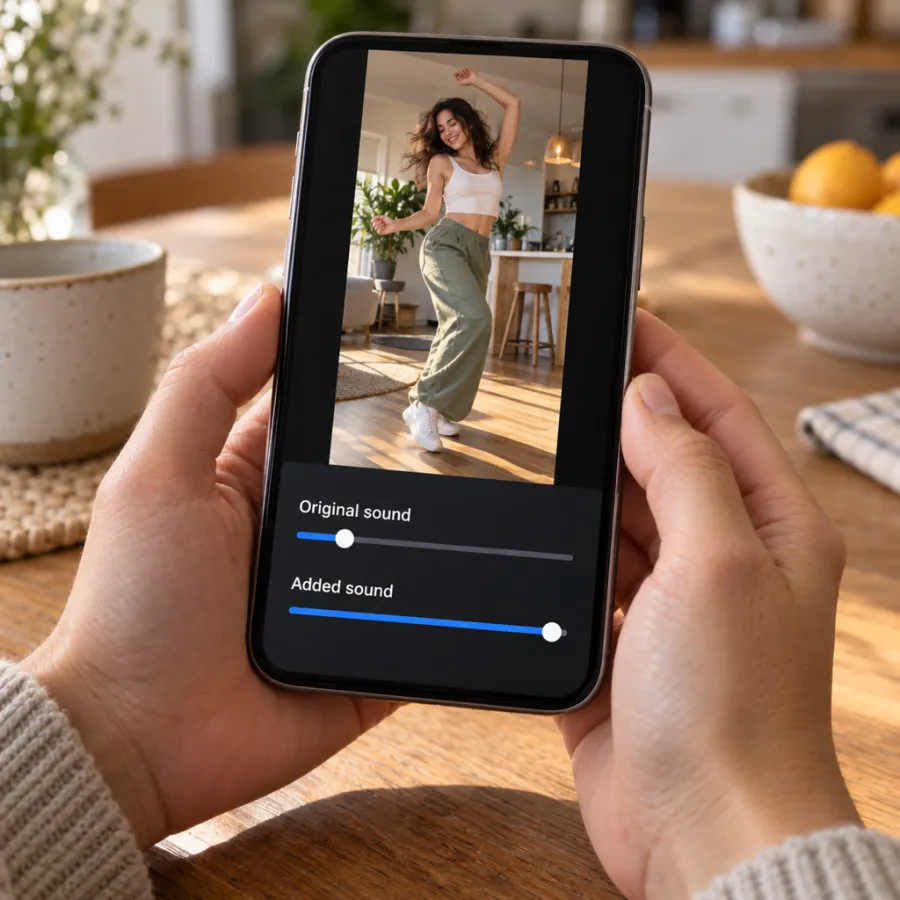
Our MP4 contains the trend’s sound from the first second, timed to the cuts. If you also pick the sound in the app, both start at slightly different points and you hear an echo. Two fixes:
- Set Original sound to 0 and Added sound to full. You keep the link to the sound page, and the in-app song plays.
- Or skip the in-app sound and post the file as it is. It sounds right, but your post won’t join the sound’s page.
The first fix is the better one for reach. The in-app sound may start at a slightly different point from ours, so play it back once before you post.
If the sound is muted or unavailable
- Some accounts, such as business accounts, only get a limited music library, and a song may not show up. Switching to a personal account usually brings it back.
- If the platform mutes your post, re-upload it with the sound picked from the app’s library instead of the baked-in audio.
- If the song isn’t in your region’s library at all, post the file with its own sound, or use another upload of the song that other Rumpelstiltskin posts use.
One more thing: the clip is widescreen 16:9, so TikTok and Reels show it with bars above and below. That’s normal for this meme, and it gives you room for a caption.
Captions that suit the sound
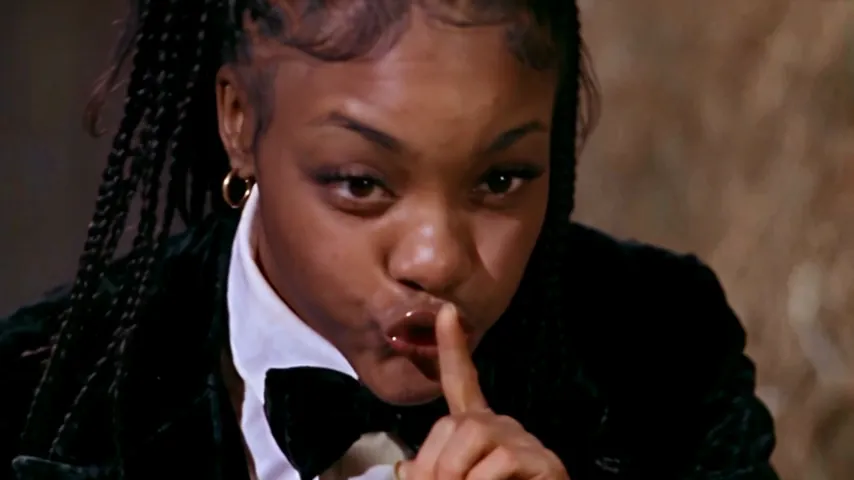
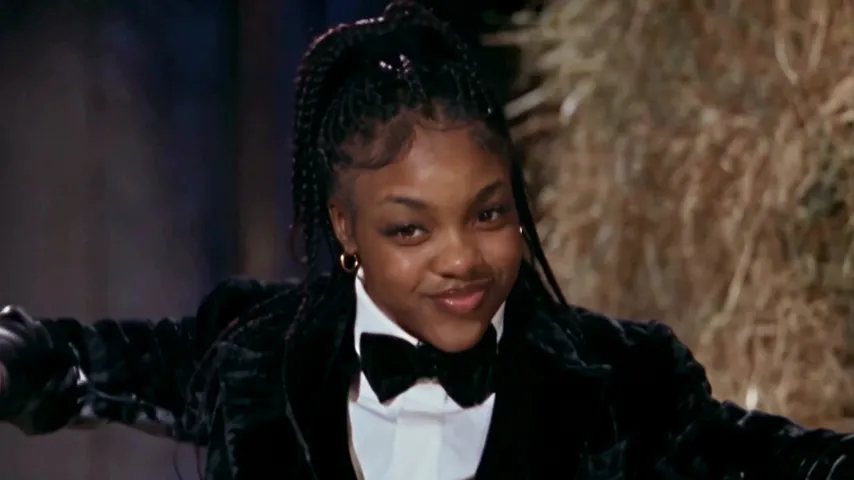
The song does most of the work, so the caption only needs to set up the grin. Put it in the bar above the video, where it won’t cover the dancer’s face. A few that fit:
- “me sneaking into the kitchen at 3am”
- “when the group chat goes quiet after I send one message”
- “POV: you said you’d keep the secret”
- “my sleep paralysis demon after melatonin”
Leave the first second clear of text if you can. The creep and the shush are the hook, and a caption over them hides it. Hashtags like #rumpelstiltskin and #rumpelstiltskintrend help people searching for the trend find your post.
Need the video first?
Add one photo on the Rumpelstiltskin page and get the 15-second scene with your face, the trend’s sound and no watermark, in about 5 minutes. One Standard video uses 90 credits. The smallest pack that makes one is $12.90 for 90 credits (1 video), a one-time buy whose credits never expire, and plans start at $19.90 a month for 270 credits. If a video fails, its credits come back. The how-to guide has the steps. NowStarring is an independent fan tool, not linked to the creators of the original film or to Riff Raff. The song belongs to its rights holders.
Questions
What song is the Rumpelstiltskin trend?
Riff Raff’s “Tip Toe Wing In My Jawwdinz”. A TikTok user set the AI barn dance to it, and the pairing became the meme.
How do I add the Rumpelstiltskin sound on TikTok?
Open a Rumpelstiltskin video, tap the sound name at the bottom, tap Use this sound, then upload your video. Turn the original sound down if your video already has it.
How do I use the Rumpelstiltskin audio on Instagram Reels?
Tap the audio name on a Rumpelstiltskin Reel and choose Use audio, or tap Add audio when editing your Reel and search for the song.
Does the NowStarring video already have the sound?
Yes. The trend’s sound is laid over the whole clip. Pick the sound in the app too so your post joins the sound’s page, and set the original sound to 0.
Why can’t I find the Rumpelstiltskin song on TikTok?
Business accounts get a limited music library, and some songs aren’t available in every region. Try a personal account, or use the sound from another Rumpelstiltskin post.
Why does my video have a double sound?
Your file already has the song, and you added it again in the app. Set Original sound to 0 in the volume settings.