How to add the Knight Cat sound on TikTok, Reels and Shorts
The Knight Cat video comes with its own storm: wind, rain, thunder and the sword’s scrape. How to post it, add a trending sound on top and mix the two.
6 min read · Updated
The short answer
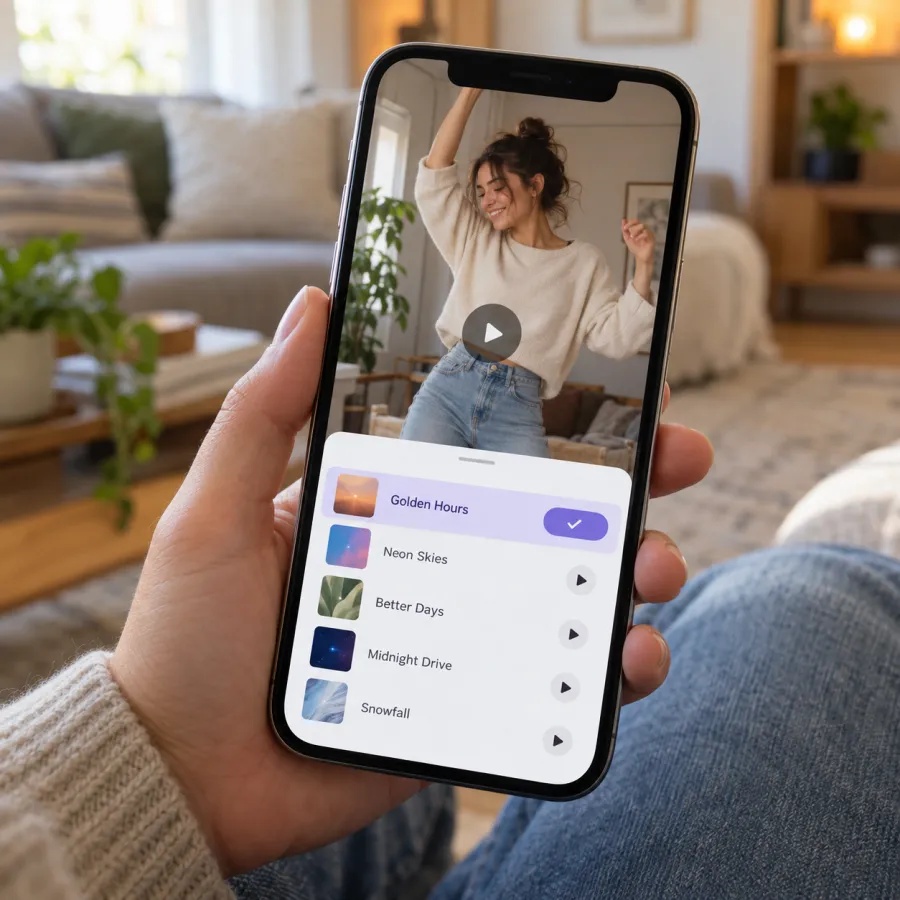
The Knight Cat trend has no single official song. Our video comes with “Knight Cat · original sound”: wind, rain, thunder and the scrape of the sword leaving the mud. Post it as it is, or tap the sound name on a Knight Cat video you like, then Use this sound, to put that sound on yours.
Picking a sound from the app is optional. It’s how the app links your post to that sound’s page, so more people who like the trend find it.
Why pick a sound from the app
On TikTok and Reels, every sound has its own page listing the videos that use it. Posting with a sound from a Knight Cat video puts yours on that page, next to everyone else’s tiny knights. Your own file’s sound shows up as “original sound” under your name instead.
Neither choice is wrong. The storm on its own keeps the clip cinematic and played straight, which suits a tribute. A trending sound on top suits a caption joke, and it helps people browsing that sound find your knight.
What’s in our file
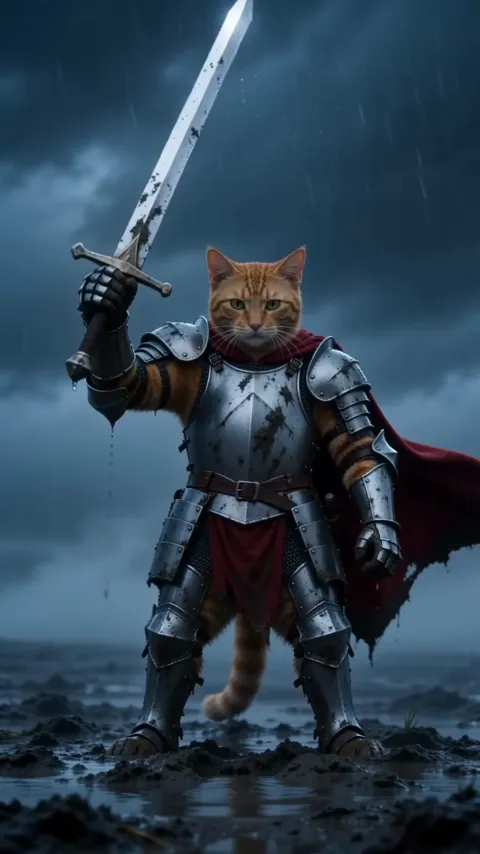
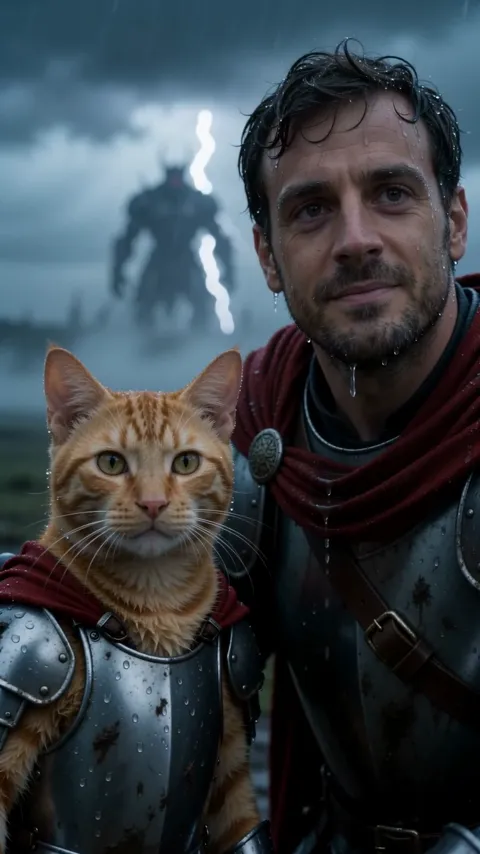
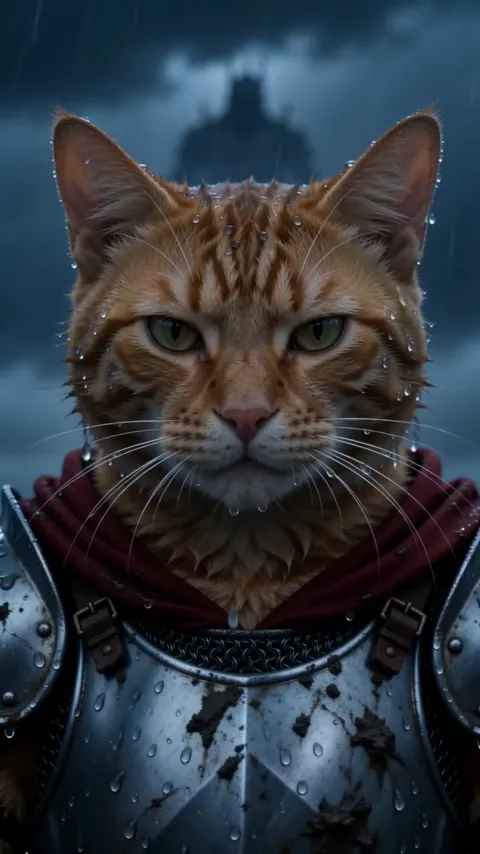
Our Knight Cat video plays back with a storm built around the three shots. There’s no music and no voice, so it stays out of the way of anything you add.
| Time | On screen | What you hear |
|---|---|---|
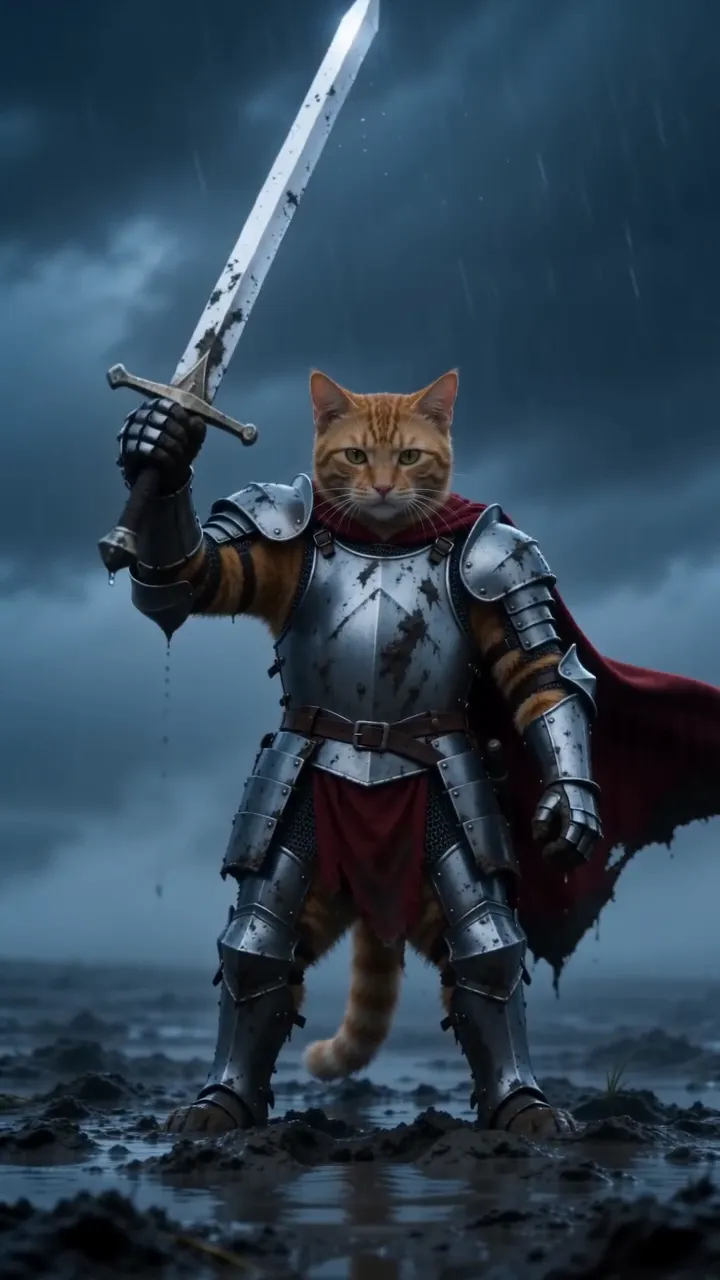
| 0–3 s | The wide push-in on the moor | Wind and rain |
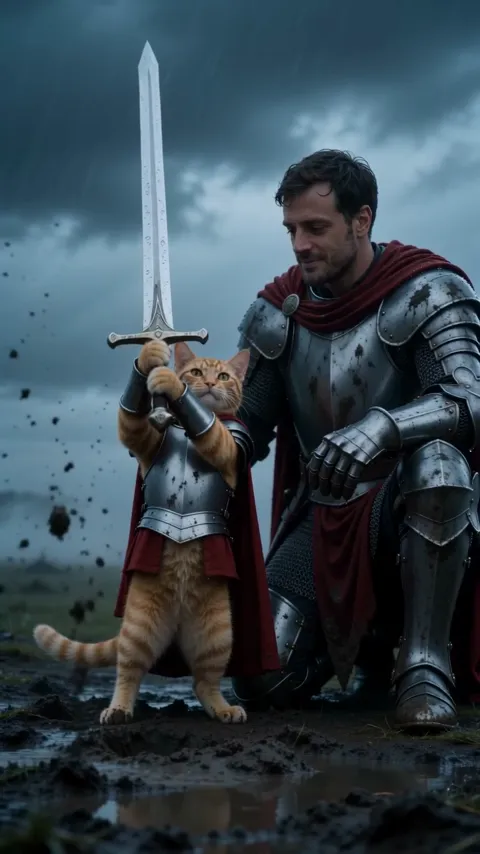
| 3–7 s | The sword pull and raise | The blade scraping out of the mud |
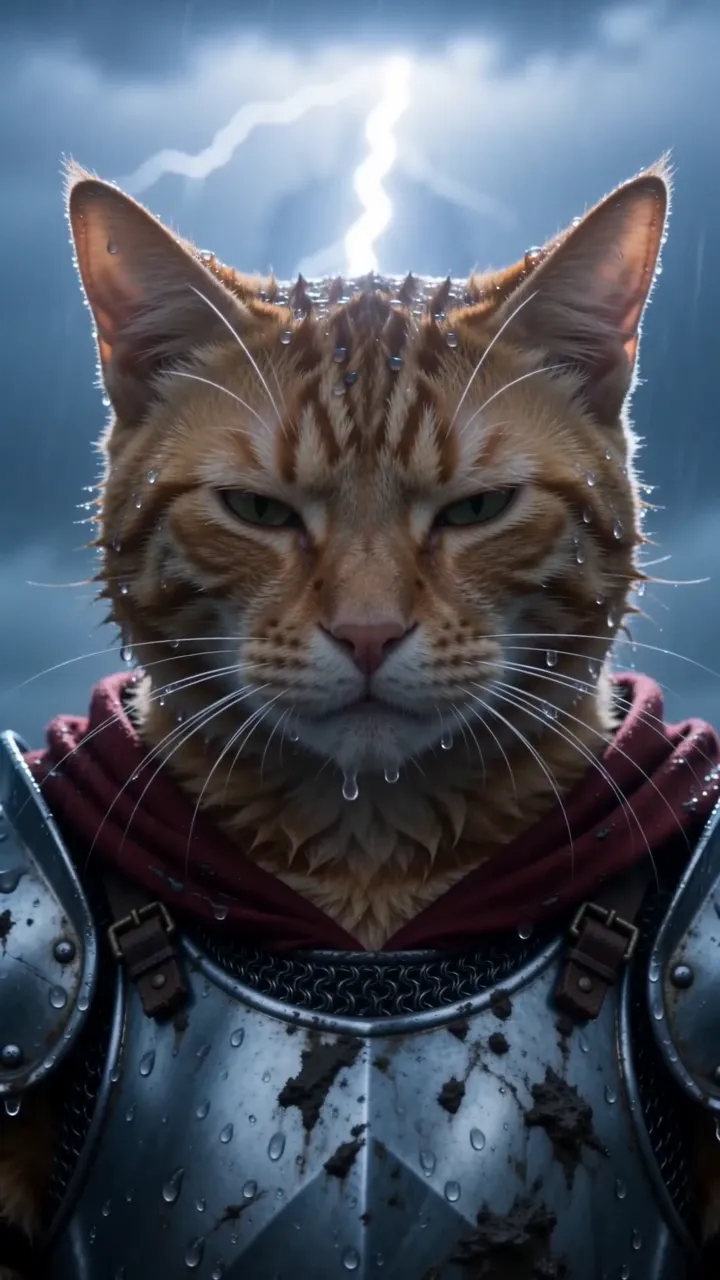
| 7–10 s | The close-up | Rain and a crack of thunder |
TikTok
From a Knight Cat video
- Open a Knight Cat video whose sound you like.
- Tap the sound name at the bottom of the screen.
- Tap Use this sound.
- Tap Upload and pick your Knight Cat video.
- Mix the volume (below), add a caption and post.
While posting
- Tap + and upload your video.
- Tap Add sound and search “knight cat”, or browse for an epic, slow-building sound.
- Saw a sound you liked on a Knight Cat video earlier? Tap its name there and add it to Favorites; it then shows under Favorites in Add sound.
- Tap the check mark and post.
Instagram Reels
- On a Knight Cat Reel, tap the audio name at the bottom, then Use audio. Or start a new Reel and tap Add audio.
- Add your video from the gallery.
- Open the audio mix and balance your clip’s storm against the added audio.
- Share.
YouTube Shorts
- On a Knight Cat Short, tap the sound name, then Use this sound. Or tap Sound while making a Short.
- Add your video, and slide the sound so its big moment lands on the sword raise, around 0:05.
- Upload.
Mixing the volume
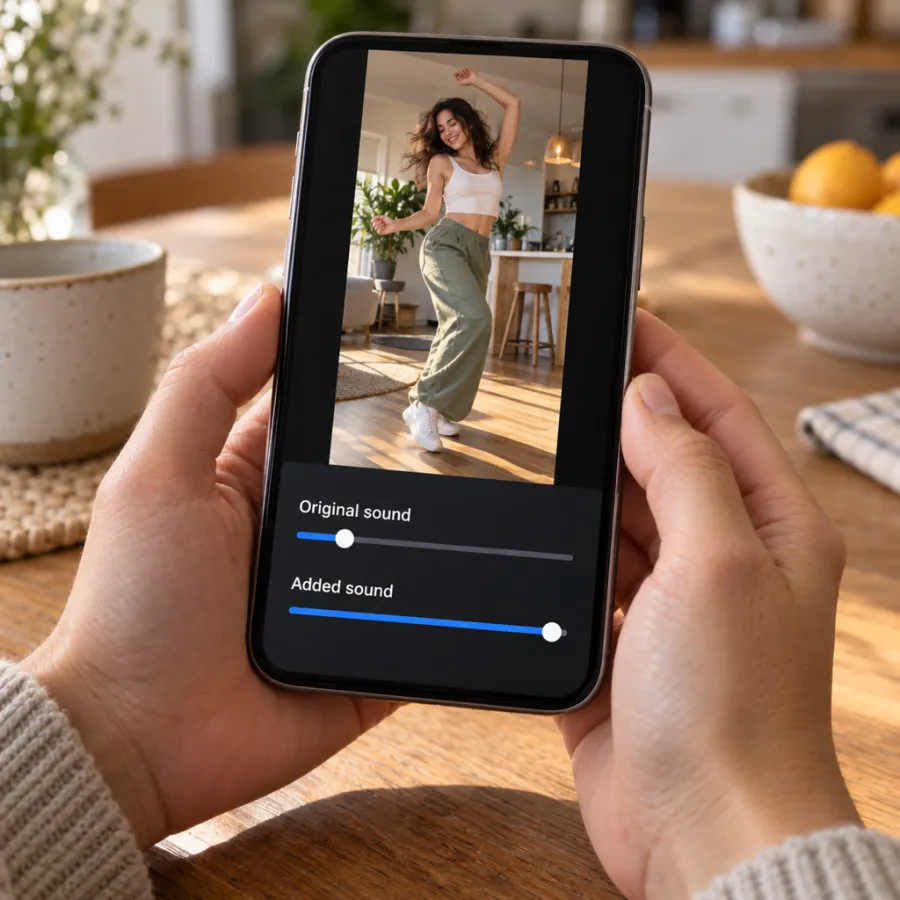
Our Knight Cat file already contains the wind, rain, thunder and the blade’s scrape, timed to the shots. Unlike a song, storm sounds sit well under music, so this trend is one where both tracks can play.
Start with the added sound at full and the original around a third of the way up, then play it through. If the thunder on the close-up disappears, raise the original a little. If the two feel muddy together, drop the original until only the wind and rain remain underneath.
| You want | Original sound | Added sound |
|---|---|---|
| A pure, cinematic storm | Full | Off |
| An epic sound with the storm under it | Low | Full |
| On a trend sound’s page | Low or off | Full |
Picking an epic sound
- Slow and building beats fast and bouncy. The clip is played straight, so the sound should be too.
- Look for one big hit you can land on the sword raise, around 0:05, or the lightning near the end.
- Skip sounds with busy lyrics if you have a caption on top; two lines of words compete.
Keep the sound when you upload
- Download the MP4 from My videos straight to your phone’s gallery.
- Upload it from the gallery, not as a screen recording, which often loses the sound.
- Check that the original sound slider isn’t at zero before you add a second sound.
- Play it once before posting, with your phone’s silent switch off.
Made it widescreen? TikTok and Reels show 16:9 with bars above and below. For a full-screen post, make the vertical version on the Knight Cat page.
If the sound is muted or unavailable
- Muted after posting: add a trending sound from the app’s library and repost, or post with the original storm sound.
- A sound unavailable in your region or on a business account: post with your video’s own sound; it already has the storm.
- A silent file from another AI tool: add rain and thunder in the app’s sound library, or pick a Knight Cat sound from a trend video.
- Sound plays but feels thin on phone speakers: raise the original a little. Thunder is mostly low notes, and small speakers drop them first.
Label it as AI. On TikTok, turn on the AI-generated content setting under more options before you post.
No video yet? Make your Knight Cat video from one photo, or read how to do the trend.
NowStarring is an independent fan tool. It is not linked to the artist behind the original knight cat series, and none of their artwork appears in your video.
Questions
What song is the knight cat trend?
There isn’t one official song. Many versions run on storm sounds, others use an epic or dramatic sound. Tap the sound name on a Knight Cat video you like to use the same one.
Does the NowStarring Knight Cat video come with sound?
Yes. Wind, rain, thunder and the sword’s scrape are already in the file. Post it as it is, or add a trending sound on top.
How do I use a sound from another TikTok?
Tap the sound name at the bottom of the video, then Use this sound, and pick your clip from the gallery.
Why is my knight cat video silent after I upload it?
Usually the original sound slider was turned down when a sound was added, or the clip was screen-recorded. Upload the downloaded MP4 and check the slider.
Why should I pick the sound from the app?
Every sound has a page listing the videos that use it. Picking one from the app puts your clip on that page.
Should I keep the storm if I add a song?
Usually, yes, but quieter. Wind and rain under an epic sound keep the moor feeling real. Turn the storm off only if the two clash.
Do I have to label the knight cat video as AI?
Platforms ask you to label realistic AI-made videos. On TikTok, turn on the AI-generated content setting under more options before you post.