How to do the Knight Cat trend, beat by beat
The Knight Cat trend beat by beat: film it yourself, or add a photo of your pet and get the 10-second video with the sound and no watermark.
4 min read · Updated
Beat by beat
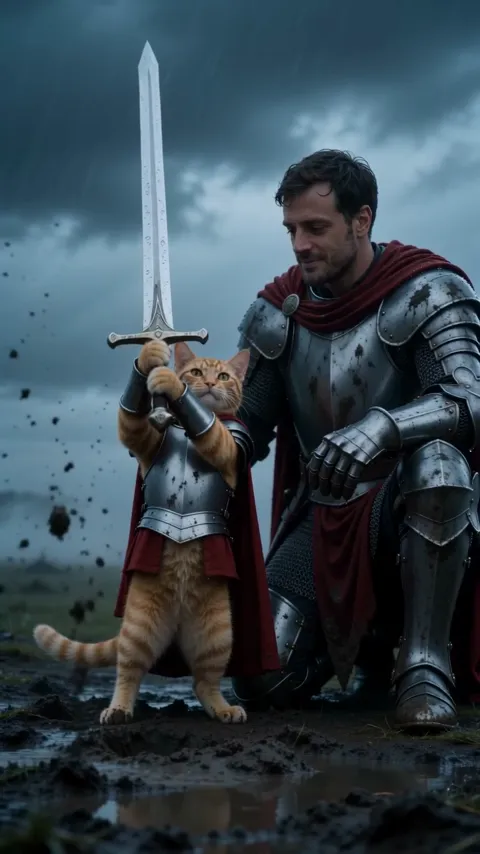
The whole scene fits in 10 seconds. These are the beats:
- 0:00, alone on the moor: the camera pushes in through fog and rain on the tiny knight beside the sword.
- 0:03, the pull: both front paws on the hilt, it heaves the sword out of the mud.
- 0:05, the raise: the sword goes up toward the storm, cape whipping in the wind.
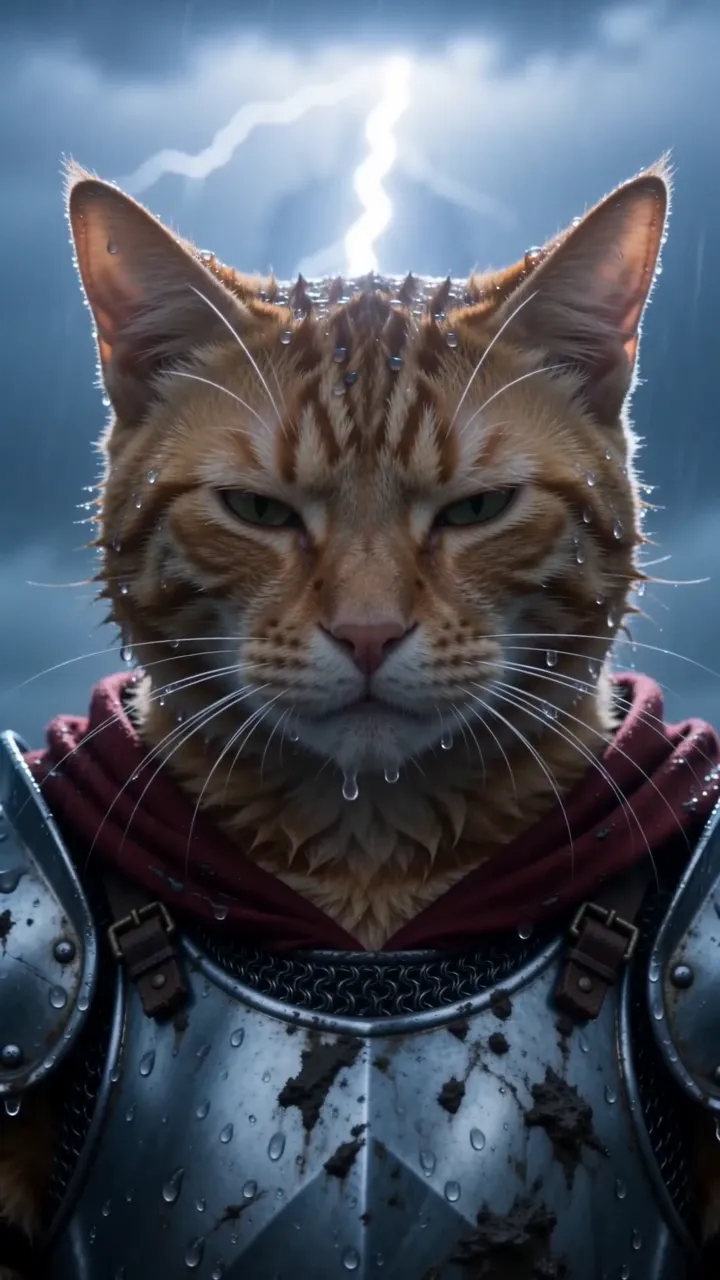
- 0:07, the close-up: wet whiskers and narrowed eyes, staring down whatever is coming.
- 0:09, lightning: it cracks in the clouds behind the knight.
Film it yourself
- Wait for a grey, windy day and film outdoors, low to the ground at your pet’s eye level.
- Use a pet costume only if your pet is calm in it, and keep its face uncovered.
- Start wide and walk in slowly, then end on a close-up of its face.
- Add rain, wind and thunder sounds when you edit, and one line of text on top.
Post it with the Knight Cat sound, so it shows up with the rest of the trend. Not sure what it is? The explainer has the whole story.
Or make it from a photo of your pet
- Open the Knight Cat page and pick you or your pet.
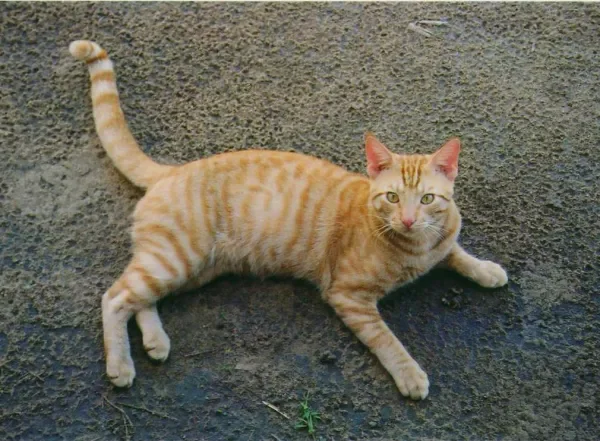
- Add a photo of your pet: one pet, its face toward the camera, its whole body in view, in good light. The photo guide shows what works.
- Press Make my video and sign in when you’re asked. It’s ready in a few minutes. You can close the page: the video waits in My videos and we email you when it’s ready.
- Download the MP4, with the sound and no watermark, and post it to TikTok, Instagram Reels or YouTube Shorts.
Each video uses credits from a pack or a monthly plan. Adding yourself costs the same. See pricing.
Questions
Do I need a costume for my pet?
Not for the AI version. You only add a photo; the armor, the sword and the storm come from the trend.
How do I make it a meme?
Add one line of text on top when you post, like “me walking into Monday” or “me vs. finals week”.
Does the AI video come with the sound?
Yes. The sound is already in your video. If a platform mutes it, add a trending sound from its library when you post.
What if the video fails?
You don’t pay for it: what it used goes back to your balance automatically, and you can try again with another photo.