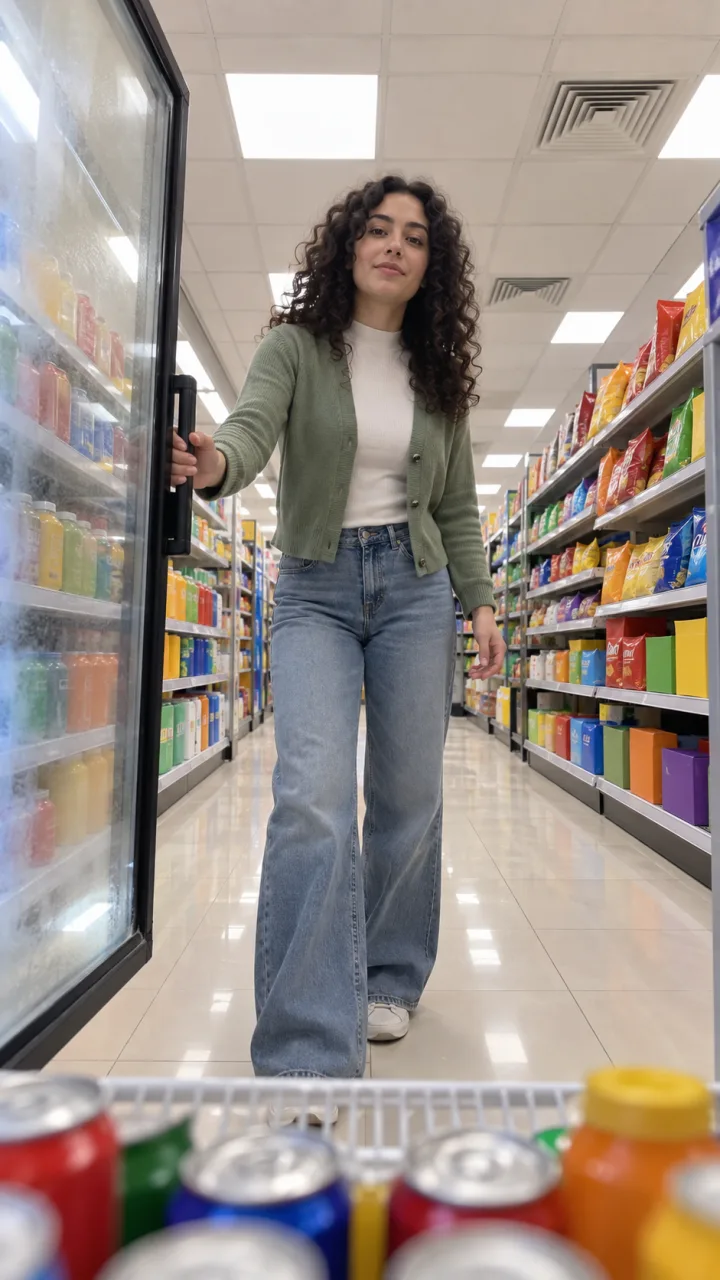
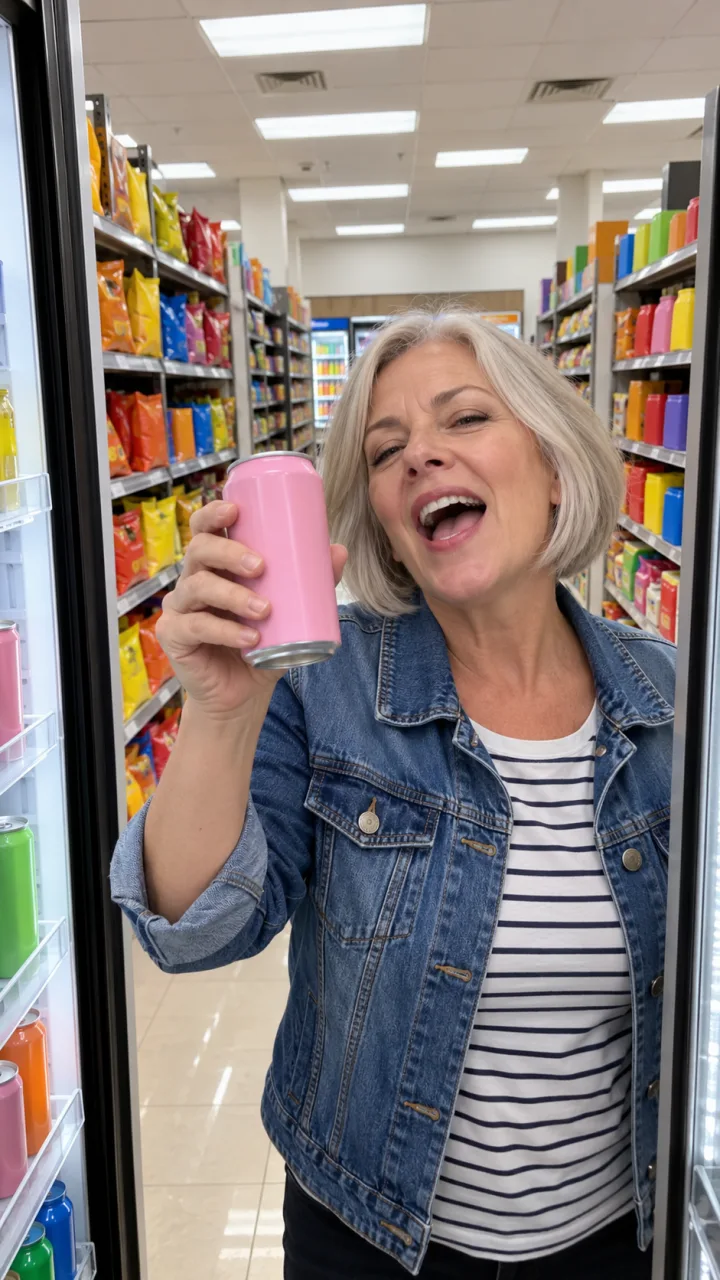
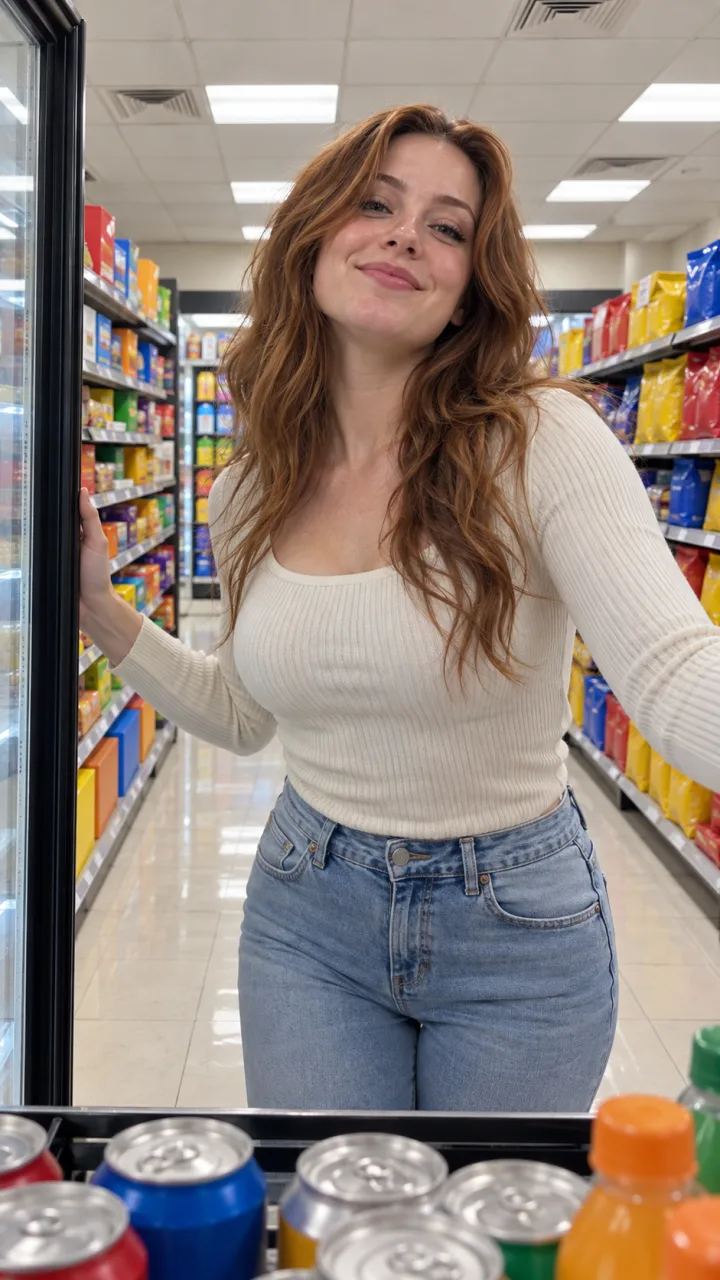
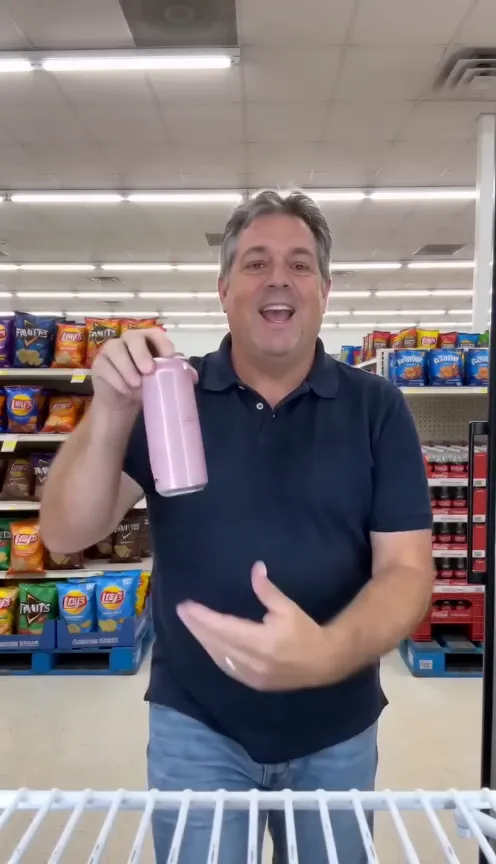
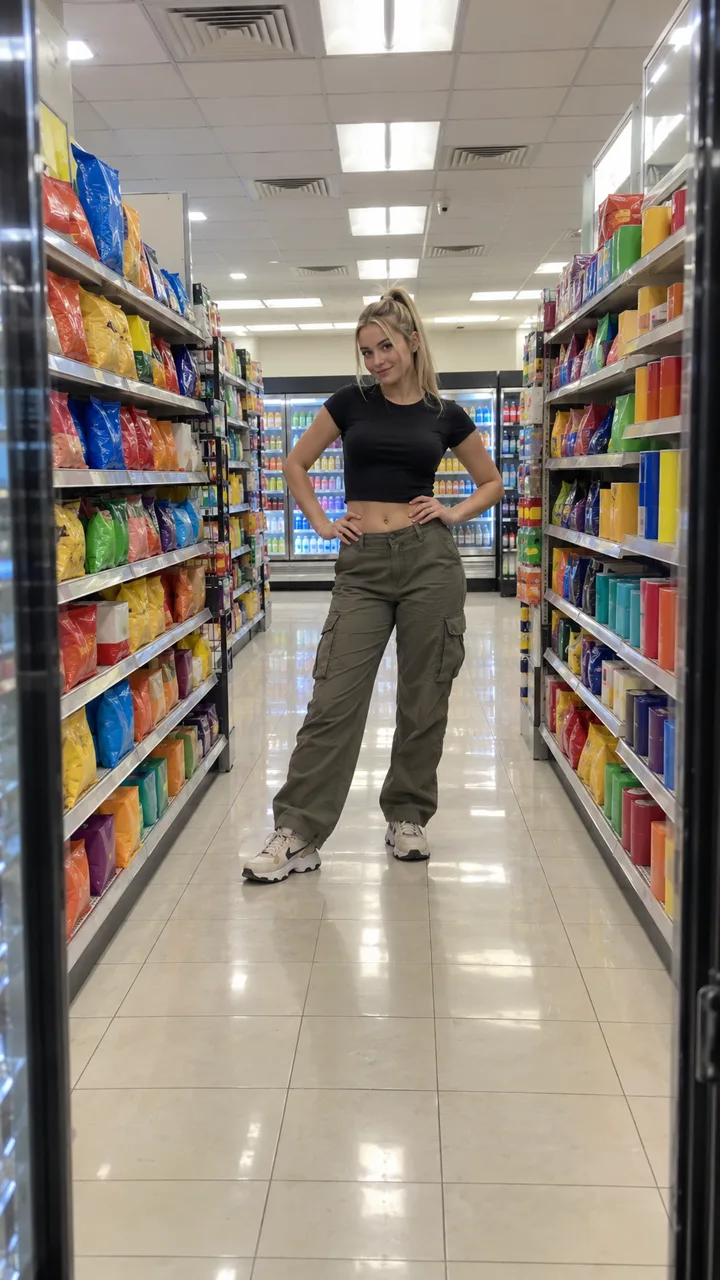
How to do the I Feel Like Nicole AI trend (3 ways, step by step)
Do the I Feel Like Nicole AI trend from one photo, with a free prompt in an AI video tool, or by filming the cooler cam yourself. Every step and beat inside.
6 min read · Updated
The short answer
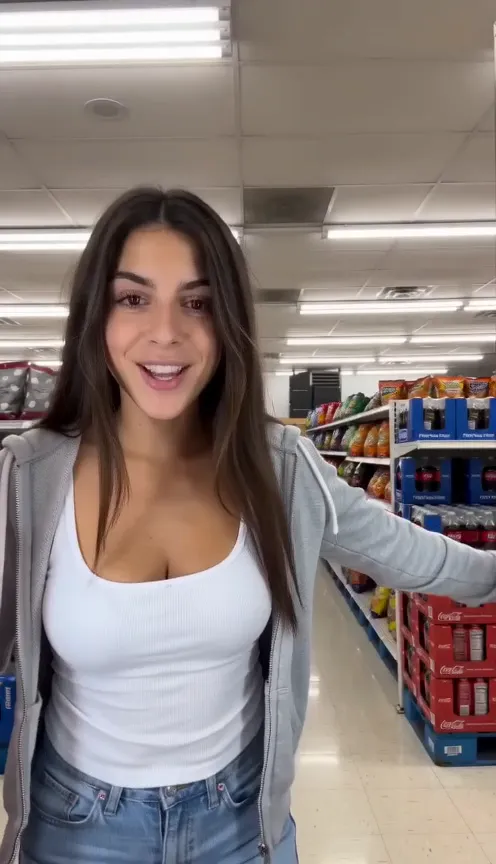
The quickest way to do the I Feel Like Nicole AI trend is to upload one head-to-feet photo of yourself on the I Feel Like Nicole page: you get the whole cooler cam take, 14 seconds and vertical, with ADÉLA’s “Nicole Kidman” already in it. The free ways are a copy-ready prompt in an AI video tool, or filming the cooler cam yourself.
| Way | You need | You get |
|---|---|---|
| One photo here | One head-to-feet photo | The full 14 s take, song in, no watermark, in about 3 minutes |
| Free prompt | An AI video tool and your photo | A clip you add the song to; expect retries |
| Film it | A phone, a cooler or fridge, some nerve | The real thing, if you can find a cooler |
Way 1: one photo, in four steps
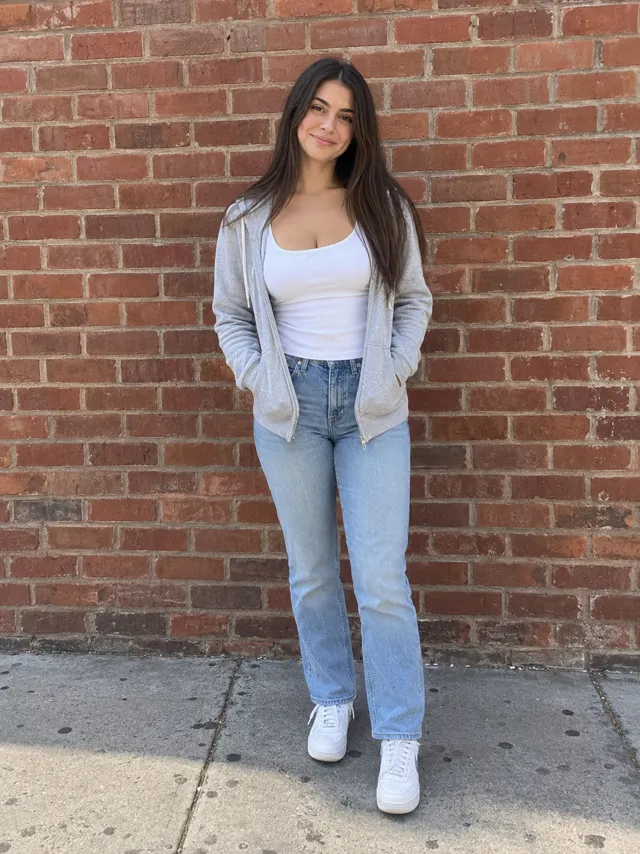
- Pick a photo of just you, head to feet, facing the camera, both eyes visible, in good light. You dance in the outfit you wear in it, so wear what you want to be seen in. The photo guide has examples.
- Upload it on the I Feel Like Nicole page and press Make my video. The video is vertical 9:16; choose Standard 480p, or HD 720p for a sharper picture.
- Wait about 3 minutes. You can close the tab: we email you when it’s ready, and it waits in My videos.
- Download the MP4 and post it. The song is already in it; to show up on the sound’s page too, add the official sound when you post, as the sound guide shows.
One Standard video uses 65 credits. The smallest pack that makes one is $12.90 for 90 credits (1 video), a one-time buy whose credits never expire, and plans start at $19.90 a month for 270 credits. If a video fails, its credits come back.
The beats to hit
Whichever way you make it, these are the moments people expect. The timing follows the clip the trend copies, so the lip-sync lands on the hook:
| Time | Move | Tip |
|---|---|---|
| 0–1 s | The door swings open; you’re right there | Keep a hand on the door |
| 1–3 s | Lean in and lip-sync, mouth wide on the big line | Closest to the lens of the whole take |
| 3–5 s | Palms together, then a smirk and a finger wag | Play to the lens like a mirror |
| 5–7 s | Step back, hand on hip, one quick spin | Let the hair swing |
| 7–9 s | Hands on hips, pop the hips side to side | Full length, middle of the aisle |
| 9–11 s | Walk back, reach past the lens for a pink can | The only prop in the take |
| 11–14 s | Can up, hair flip, door shuts, strut away waving | Keep walking till you’re small |
Want to see them? The explainer shows each beat as a still.
Way 2: a free prompt in an AI video tool
- Open an AI video tool with an image-to-video or reference-image mode, such as Kling, Higgsfield, Runway, Veo or CapCut’s AI video.
- Attach your head-to-feet photo as the reference. Describing yourself in words instead is what makes the face drift.
- Paste the prompt from the I Feel Like Nicole AI prompt guide. Set vertical 9:16 and the longest length the tool offers.
- Generate. Check the door opens first, the face holds in the close-up, and the can appears only near the end. If not, use the fix-it table in the prompt guide and try again.
- Add “Nicole Kidman” by ADÉLA in your editor or when you post. Most AI tools won’t make the real song.
Expect to spend a few tries on it. The hardest parts for a general AI tool are holding one unbroken shot from inside the cooler, keeping the face the same when you walk away, and keeping brand logos off the shelves.
Way 3: film the cooler cam yourself
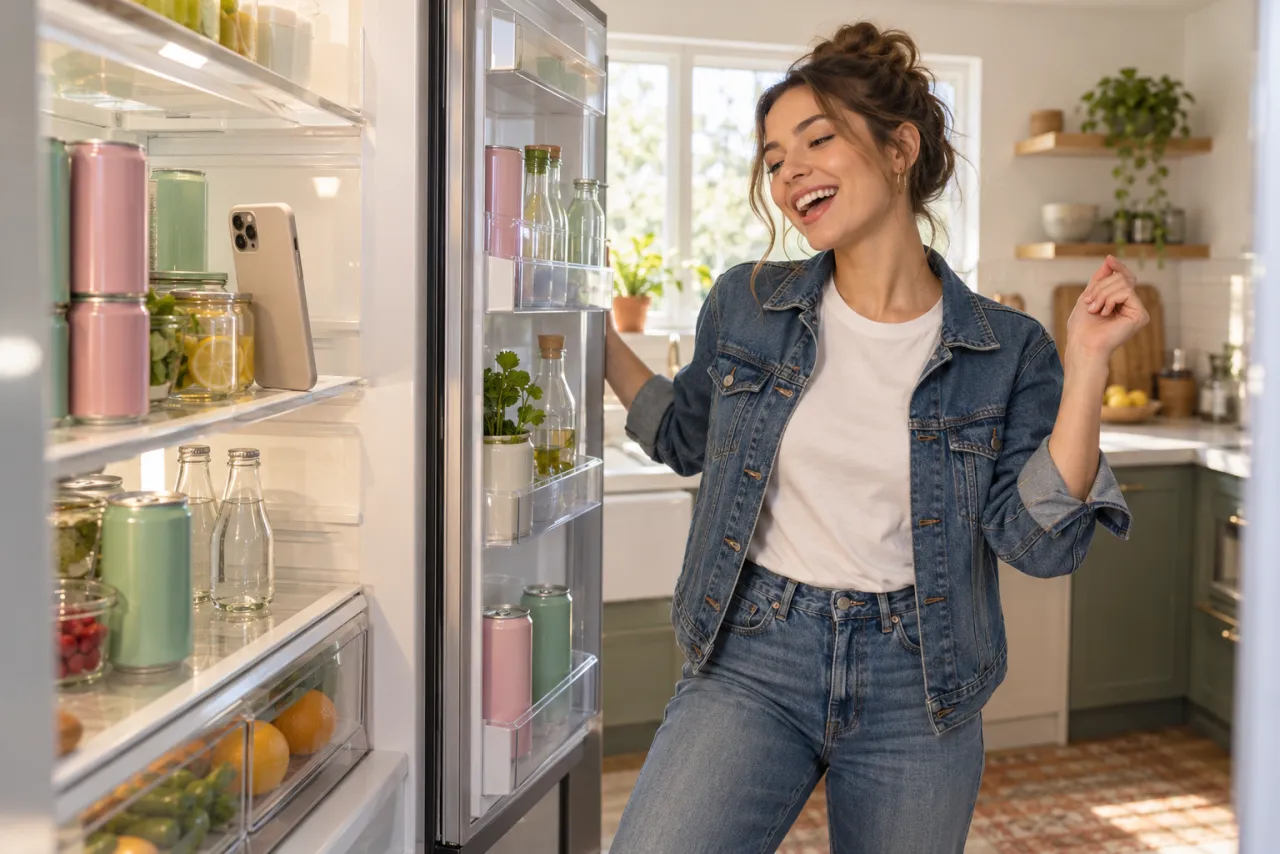
- Find your cooler. Ask the store staff before you put a phone inside theirs, and go when it’s quiet. A glass-door drinks fridge at home works too, and so does a plain kitchen fridge with the door as your curtain.
- Stand the phone upright on a shelf at about chest height, camera facing out, propped so it can’t slide. Vertical, video mode, start recording.
- Close the door and step back to where you’ll stand. Start the song on a second phone or speaker so you can hear it.
- Open the door on the first beat, lean in for the lip-sync, then follow the beat table above.
- Take the can, flip your hair, let the door close and keep walking until you’re small in the frame.
- Trim the start in your editor so the door opens in the first second, then add the official sound.
Cold glass fogs and phones don’t love the cold. Keep each take short, wipe the glass, and take the phone out between tries. Buy the drink you pull out.
Posting it
- Post it vertical, the way it’s made. It fills a phone screen with no bars.
- Add the official “Nicole Kidman” sound when you post, so your video appears with the others on the sound’s page, and turn your original sound down. The sound guide has the taps.
- Keep the caption short and the joke on you: “Went in for a drink. Came out the main character.”
- If you post an AI version publicly, say it’s AI. TikTok has an AI-generated content setting when you post.
Common mistakes
- A photo cut off at the waist. The take ends with you full length in the aisle, so the video has to guess your legs and shoes.
- Sunglasses. The opening close-up needs your eyes.
- A group photo. One dancer, one photo. Crop it to just you.
- A celebrity’s photo, including Nicole Kidman’s, or anyone under 18 or anyone who didn’t agree. Don’t.
- Posting without the sound. Without it, nobody hears the hook you’re lip-syncing.
Ready? Make your I Feel Like Nicole video from one photo. NowStarring is an independent fan tool, not linked to ADÉLA, Nicole Kidman or the people in the original clip. The song belongs to its rights holders.
Questions
How do I do the I Feel Like Nicole trend with AI?
Upload one head-to-feet photo of yourself to a cooler cam generator like the one on NowStarring, or paste a timed cooler cam prompt into an AI video tool with your photo as the reference. Then post it with ADÉLA’s “Nicole Kidman” sound.
Do I need to know the dance?
No. With the AI version every move comes from the trend. If you film it yourself, the moves are simple: lip-sync, a spin, some hip pops and a walk.
Do I need a store or a cooler?
Not for the AI version: the store, the cooler door and the pink can are all made for you. To film it for real, a fridge at home works if you can’t use a store’s cooler.
How long does the I Feel Like Nicole AI video take?
About 3 minutes on NowStarring. You can close the page; we email you, and the video waits in My videos.
Can I do it with a friend?
The NowStarring version has one dancer. For a pair, film it yourselves or try a two-person prompt in an AI video tool.
What if the video fails?
Its credits come back to your balance automatically, and you can try again with another photo.