How to add the I Feel Like Nicole sound on TikTok, Reels, Shorts
The I Feel Like Nicole sound is “Nicole Kidman” by ADÉLA. How to add it on TikTok, Instagram Reels and YouTube Shorts, and mix it with the song in your video.
6 min read · Updated
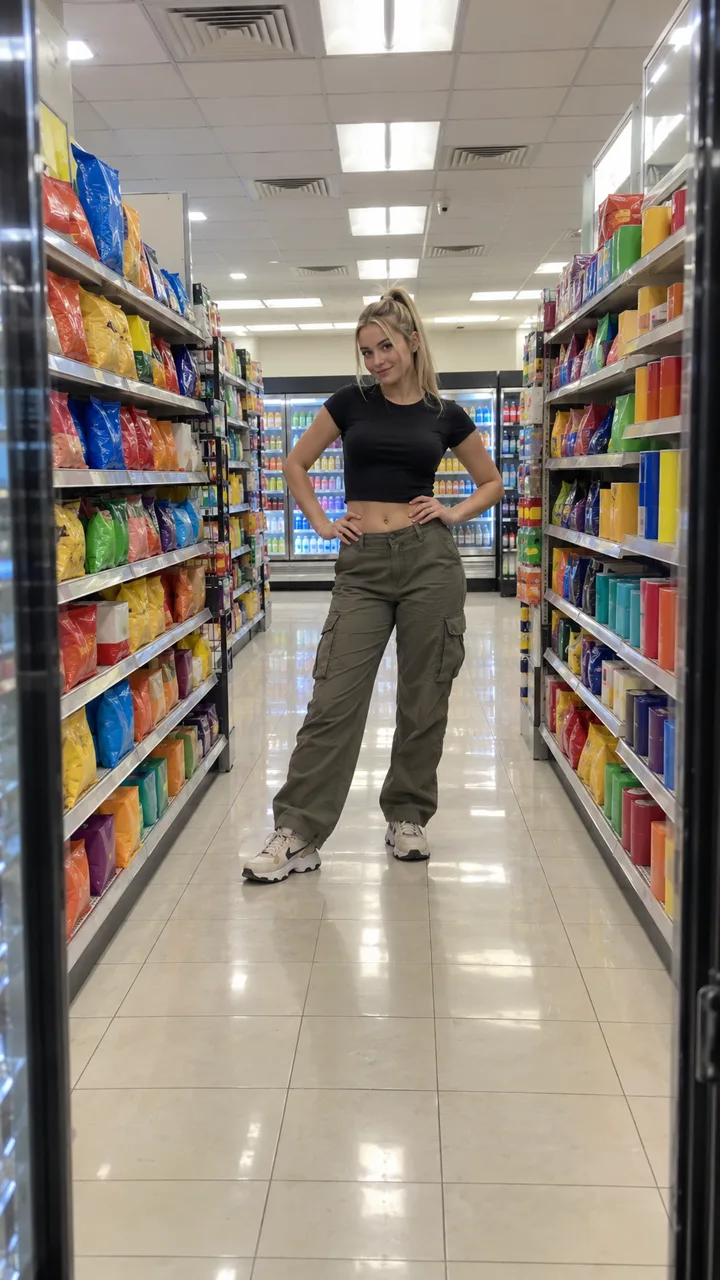
The short answer
The I Feel Like Nicole sound is “Nicole Kidman” by ADÉLA. The easiest way to add it is from a trend video: tap the sound name at the bottom, then Use this sound, and pick your clip. Your NowStarring video already has the song in it, so turn your original sound down when you add the official one.
Why pick the official sound
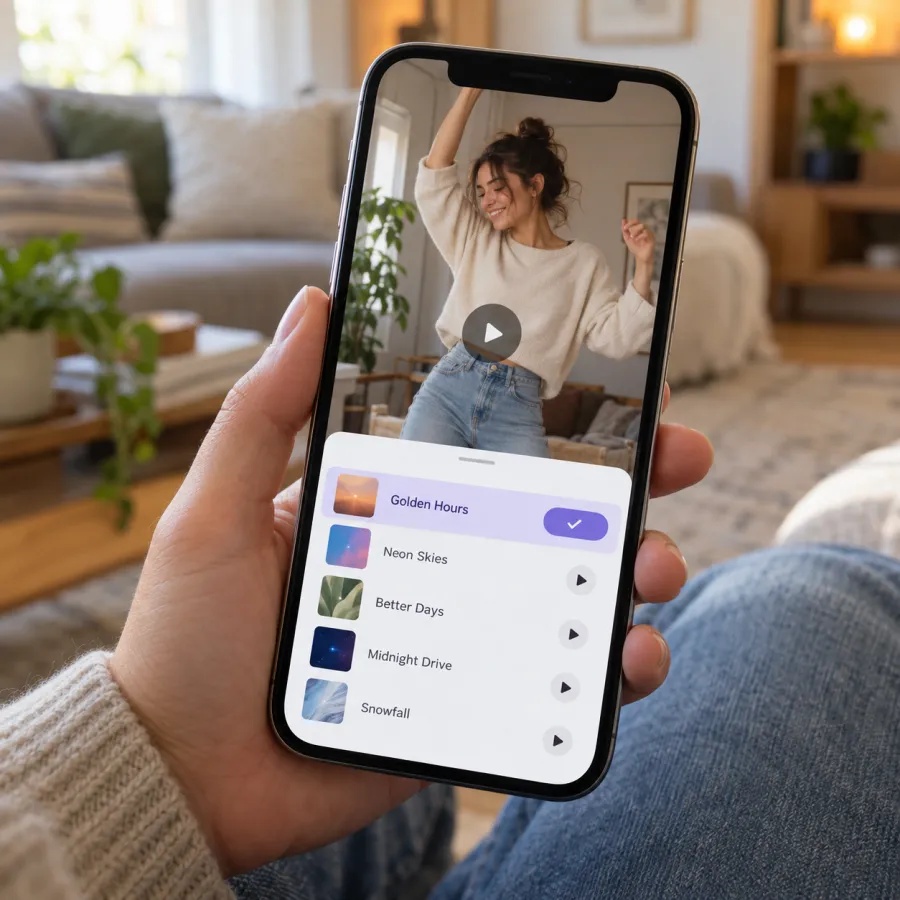
- It links your post to the sound’s page, where people browse every I Feel Like Nicole video. That’s where most trend views come from.
- It uses the platform’s own copy of the song, so your post is less likely to be muted.
- It starts at the same part of the song everyone uses, so your lip-sync lands on the hook.
On TikTok
From a trend video (easiest)
- Find an I Feel Like Nicole video in your feed or search.
- Tap the sound name at the bottom of the video, then Use this sound.
- Tap upload and choose your video from the gallery.
- In the editor, open the volume settings and turn the original sound down, so you don’t hear the song twice.
- Tap Next, write your caption and post.
While posting
- Tap +, then upload your video.
- Tap Add sound and search “Nicole Kidman ADÉLA”. Pick the sound that the trend videos use.
- Drag the start point until the hook lands as you lean in at the lens, about a second in.
- Turn the original sound down, then Next and post.
On Instagram Reels
- On a Reel that uses the sound, tap the audio name at the bottom, then Use audio, and pick your video.
- Or: tap +, choose Reel, select your video, then tap the audio or music button and search “Nicole Kidman”.
- Choose the part of the song that plays so the hook starts as the door opens.
- Lower the camera or original audio so the two copies don’t double up.
- Tap Next, write a caption and share.
On YouTube Shorts
- On a Short with the sound, tap the sound name, then use this sound in a Short, and add your video.
- Or: tap Create, upload your vertical clip, tap Sound and search “Nicole Kidman”.
- Adjust the volume so the added sound is in front, then upload.
Shorts limits how long a licensed track can play in some cases. At 14 seconds, the I Feel Like Nicole video is short enough not to worry about it.
Mixing it with the song already in your video
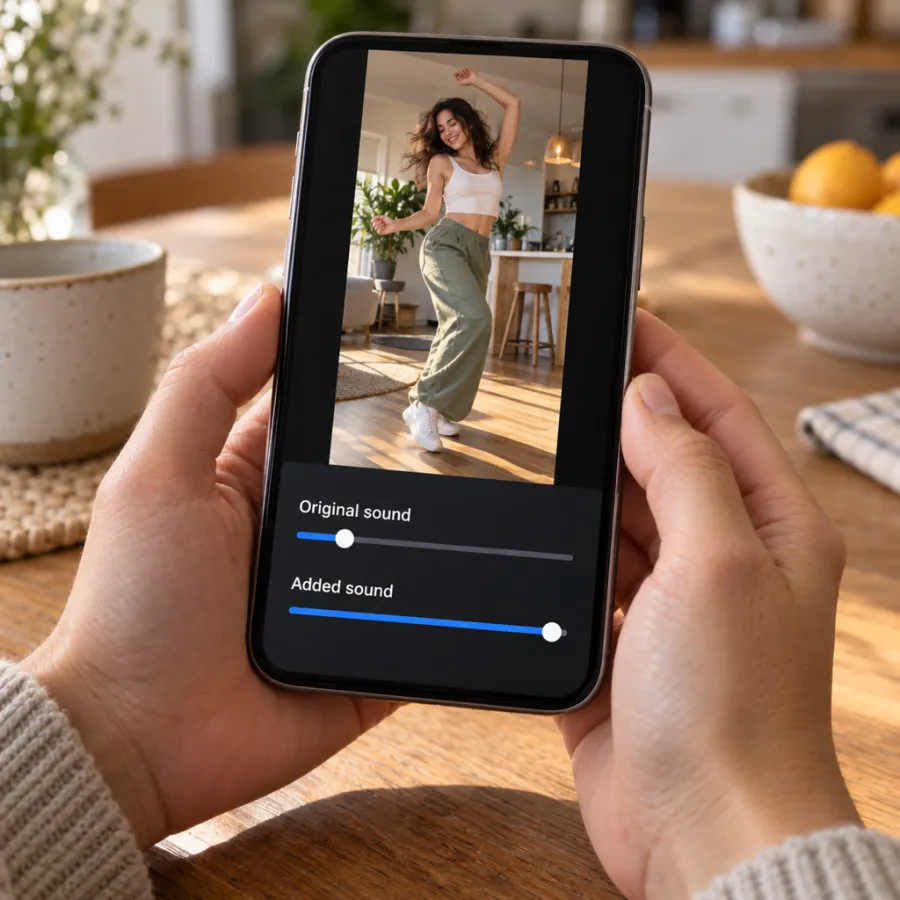
Your NowStarring file comes with the trend’s part of “Nicole Kidman” in it, so it plays with the song anywhere you send it: a group chat, Stories, WhatsApp. When you add the official sound in an app, you have two copies.
- Turn the original sound to zero and the added sound up. The added copy is the one that links to the trend.
- If they’re out of step, move the added sound’s start rather than trimming your video. The door should open as the music starts.
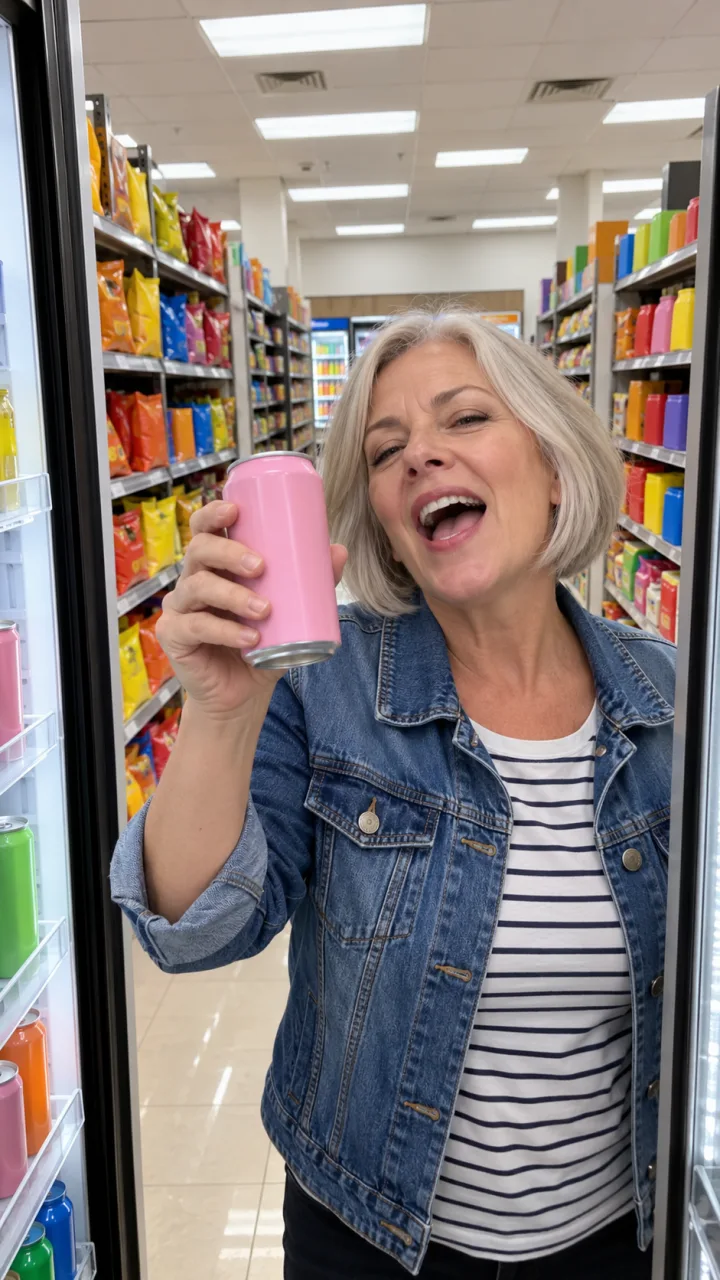
- Filmed it yourself with the song playing in the background? Same rule: mute your original audio, or the store noise and a second, tinny copy of the song come through.
Line the hook up with your lip-sync
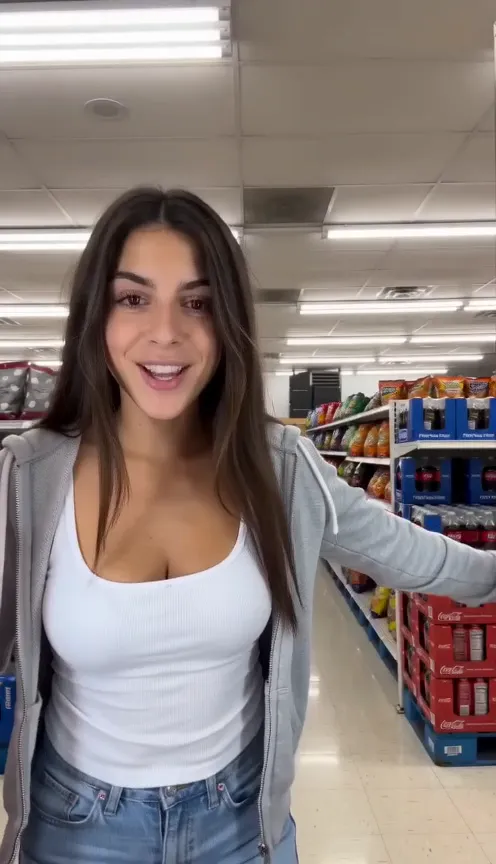
The whole joke is mouthing the hook into the lens, so the sound has to land on your lips. When you add the sound in an app, it starts at the part most people use, which usually fits. If it doesn’t:
- Play your video once with the original sound up and note when you lean in and open your mouth wide.
- Open the sound’s trim or “choose part” control and drag the start until the hook hits at that moment.
- Play it again with the original sound down. If your lips look early, start the song a little later; if late, a little earlier.
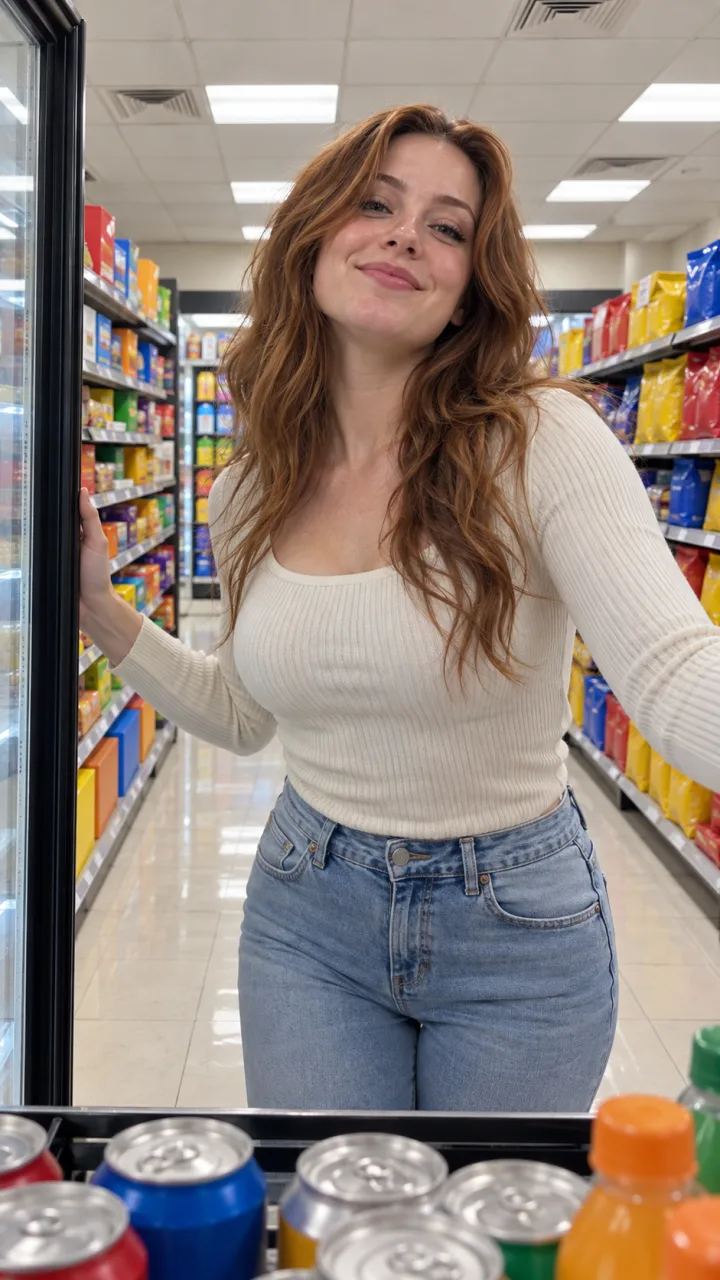
- In a free AI clip the lip-sync isn’t timed to the real song, so trim your clip instead until the biggest mouth movement meets the hook.
Posting the same video everywhere
- Use the original MP4 for each app, not a download from another app. Re-downloads can carry another app’s mark and lose quality.
- Add the sound separately in each app. A sound picked on TikTok doesn’t follow the file to Reels or Shorts.
- Your video is 14 seconds and 9:16, which fits all three without cropping.
- Choose a cover frame from the close-up at the lens. It reads best as a thumbnail.
If the sound is muted or missing
- Business accounts on TikTok and Instagram often get a smaller music library, so popular songs can be missing. A personal or creator account usually has it.
- Update the app; older versions may not show newer sounds.
- Search the exact title with the artist, or start from a video that already uses the sound.
- If the song isn’t available where you are, post with your video’s original sound: the song is already in it.
- If a platform mutes your post later, re-add the sound from its library rather than uploading the file again.
One more toggle: if you post an AI version publicly, turn on TikTok’s AI-generated content label when you post.
No video yet? Make your I Feel Like Nicole video from one photo, song included, or read how to do the trend. NowStarring is an independent fan tool, not linked to ADÉLA, Nicole Kidman or the people in the original clip. The song belongs to its rights holders.
Questions
What song is the I Feel Like Nicole trend?
“Nicole Kidman” by ADÉLA. Search that title with the artist name in TikTok, Reels or Shorts.
My video already has the song. Why add the sound?
Picking the official sound links your post to the sound’s page, where people find trend videos, and uses the platform’s own copy of the song.
How do I stop the song playing twice?
In the editor’s volume settings, turn the original sound to zero and keep the added sound up.
Why can’t I find the I Feel Like Nicole sound?
Business accounts often have a limited music library, and some songs vary by country. Switch to a personal or creator account, update the app, or start from a video that already uses the sound.
Do I need to label my video as AI?
If it’s an AI video posted publicly, yes, it’s good practice: TikTok has an AI-generated content setting when you post.
Can I post the same I Feel Like Nicole video on TikTok and Reels?
Yes. Upload the original MP4 to each app and add the “Nicole Kidman” sound separately in each one.