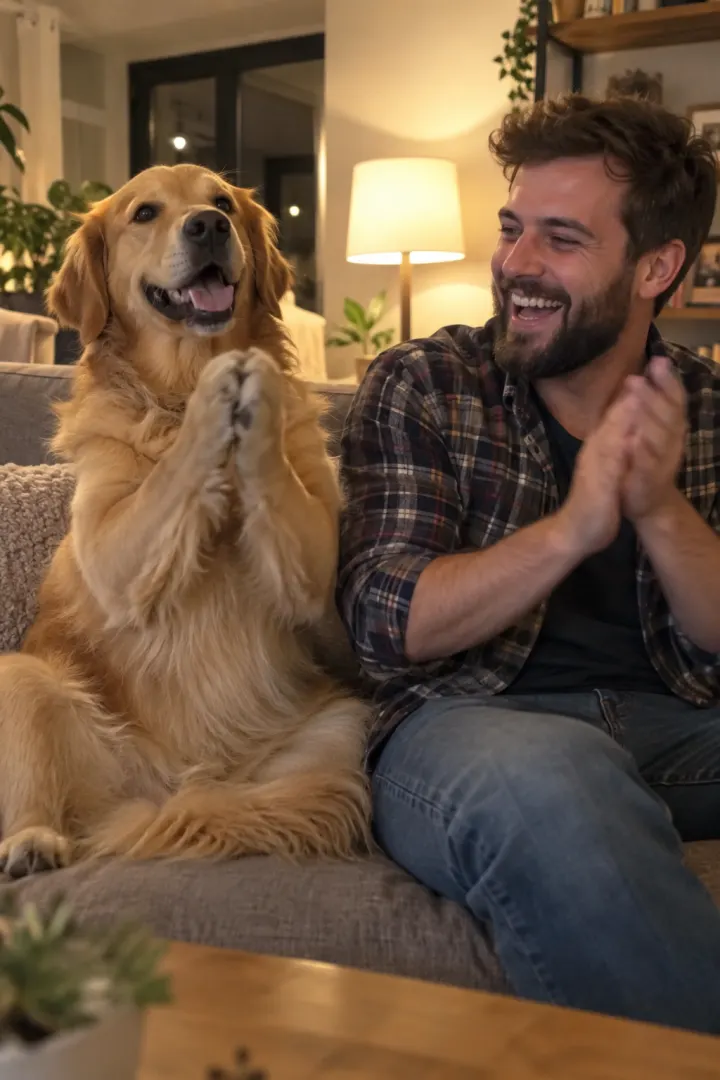
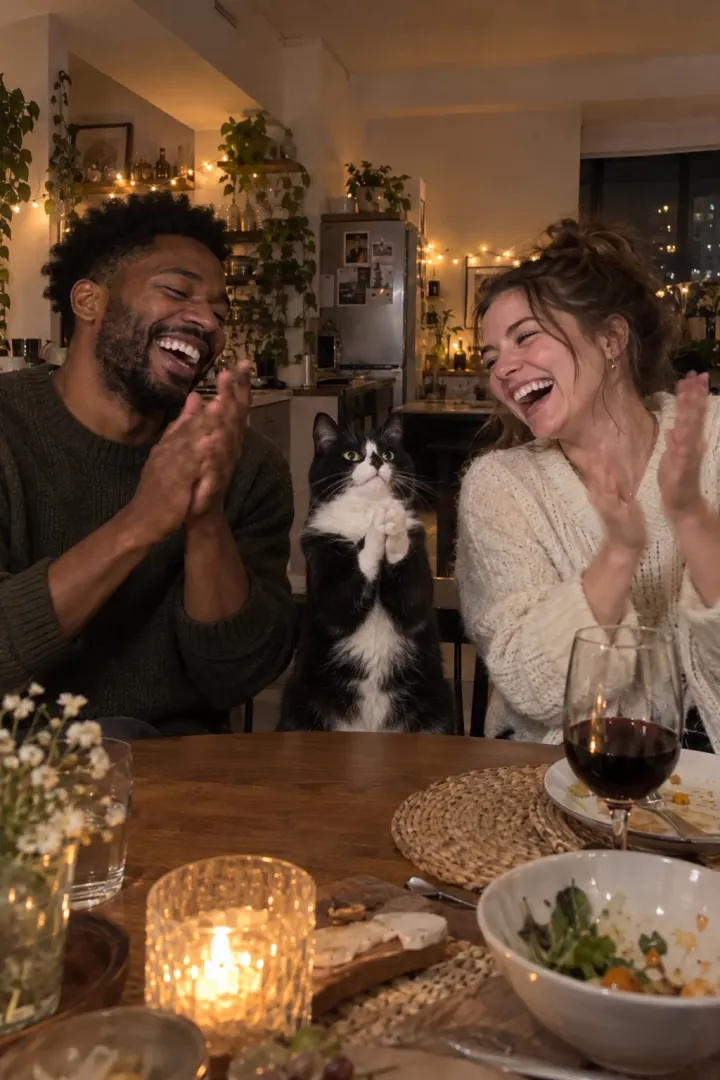
How to do the Clapping Cat AI trend with your own cat
Make the Clapping Cat AI video with your own cat or dog: two photos, a few minutes, sound included. Plus the free prompt route and what CapCut can’t do.
6 min read · Updated
The short answer
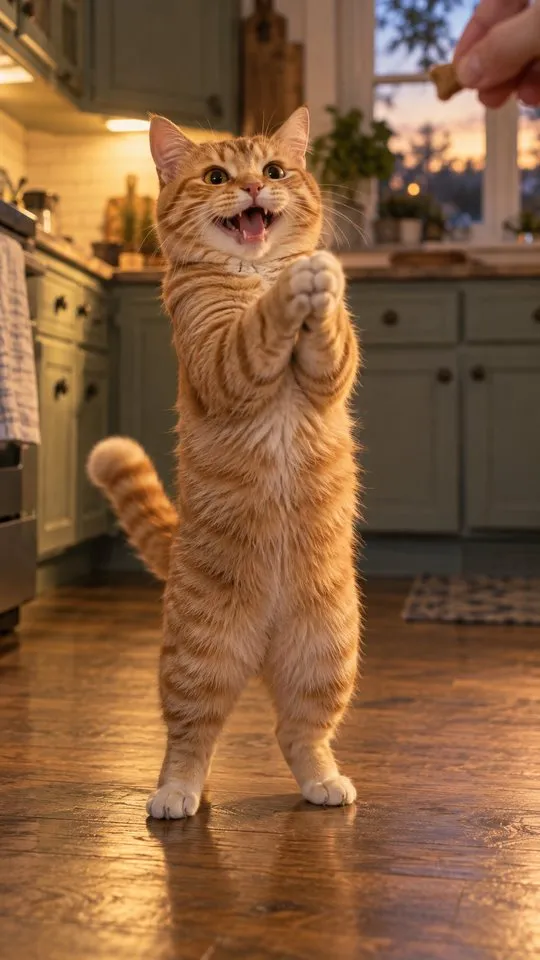
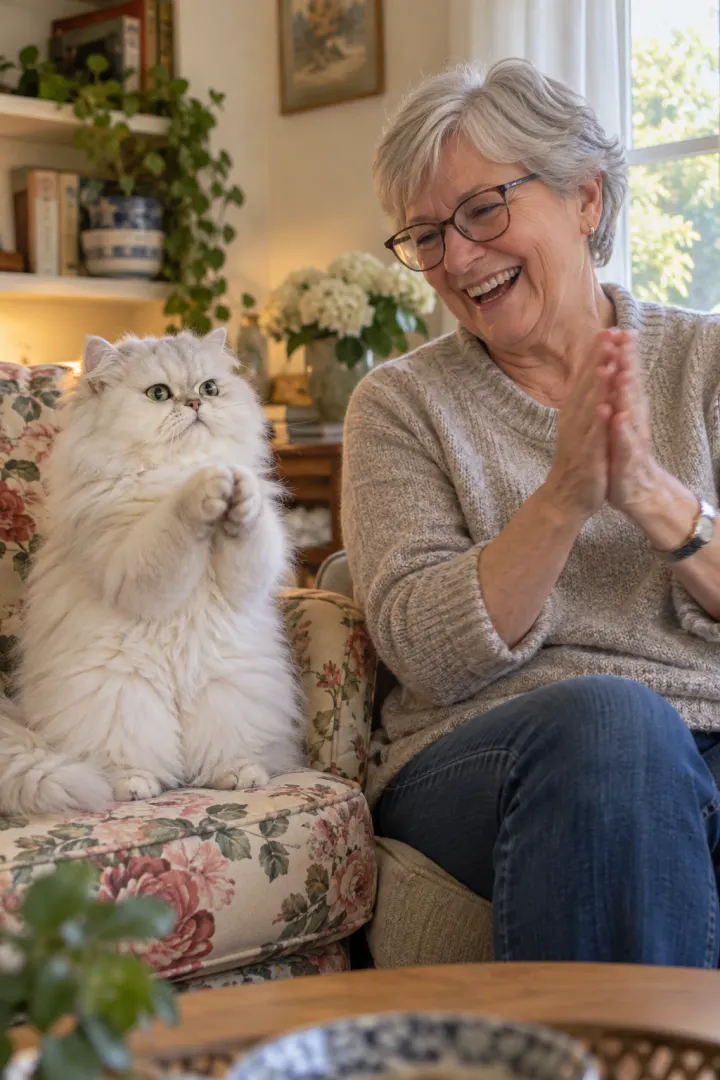
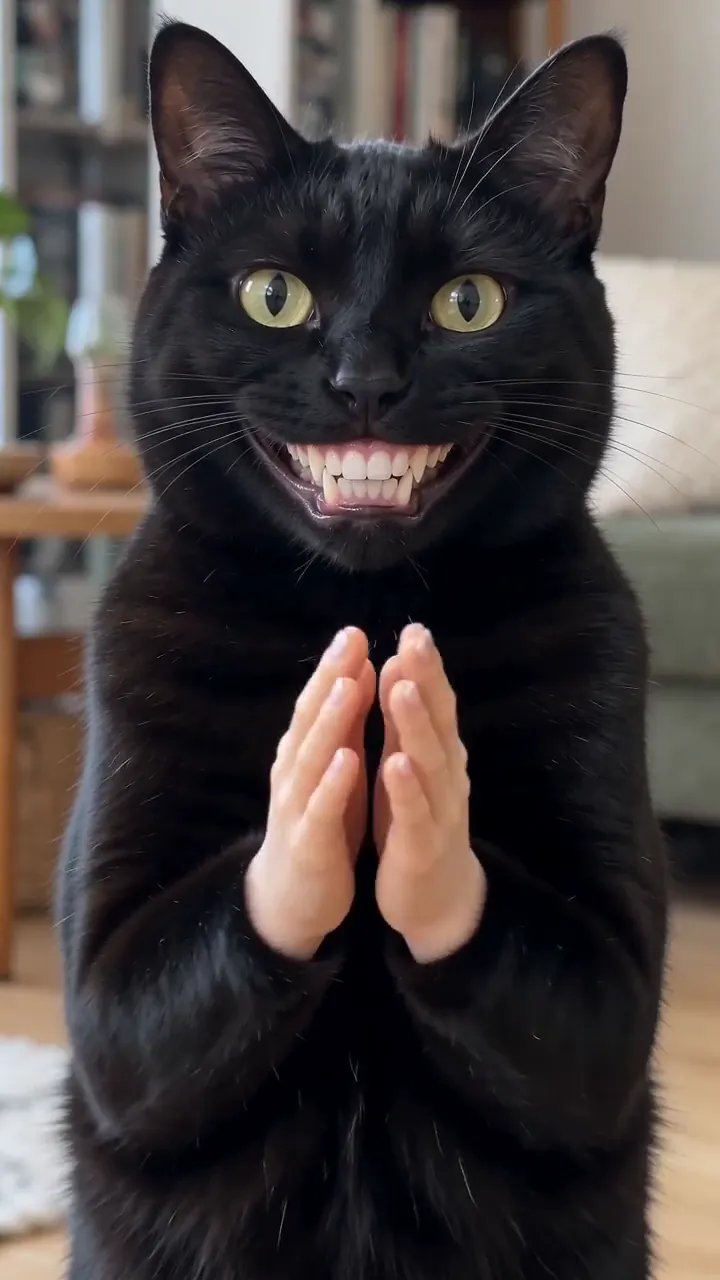
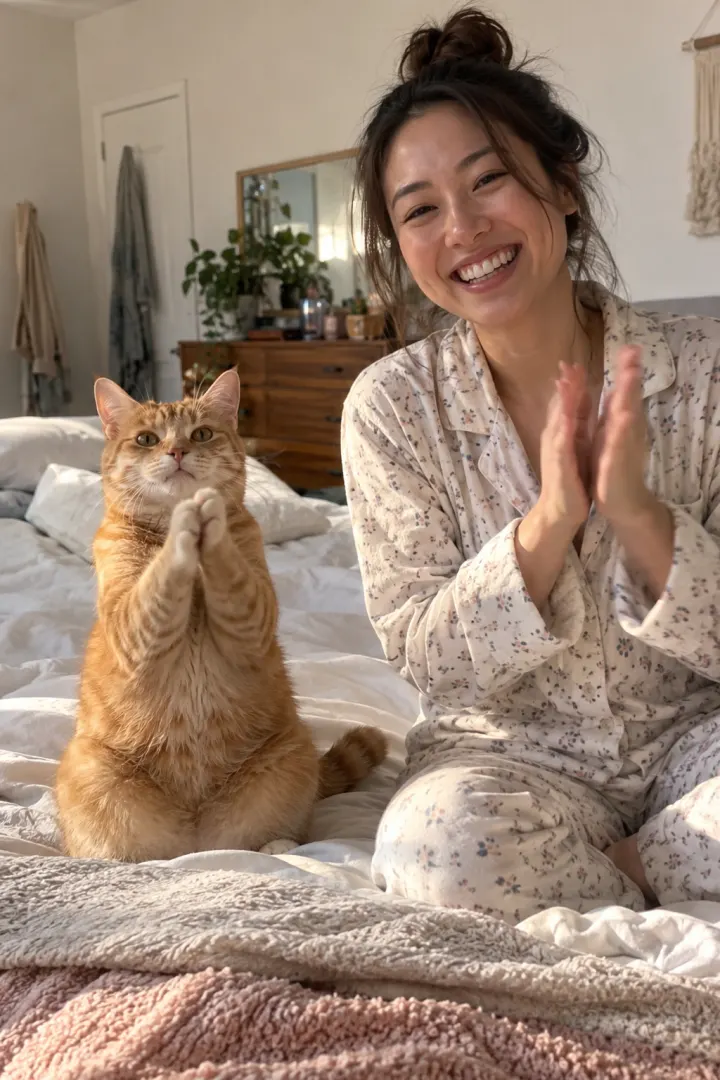
Add one photo of your pet and one of you on the Clapping Cat page. In a few minutes you get a 10-second vertical video: your pet takes a treat, stands up, grins and slow-claps, and you clap back with a straight face. The sound is in the file, and there’s no watermark.
If you’d rather not pay, our free prompt works in AI video tools that take a reference photo. A CapCut template on its own won’t turn your cat into the clapper; more on that below.
Three ways to make it
| Route | What you need | Your own cat claps? |
|---|---|---|
| One photo each here | A pet photo, a selfie | Yes |
| Free prompt in an AI tool | A pet photo, the prompt, retries | Yes, if the tool keeps the look |
| CapCut template | Your own footage | Usually not: it reuses the meme cat |
Way 1: two photos on NowStarring
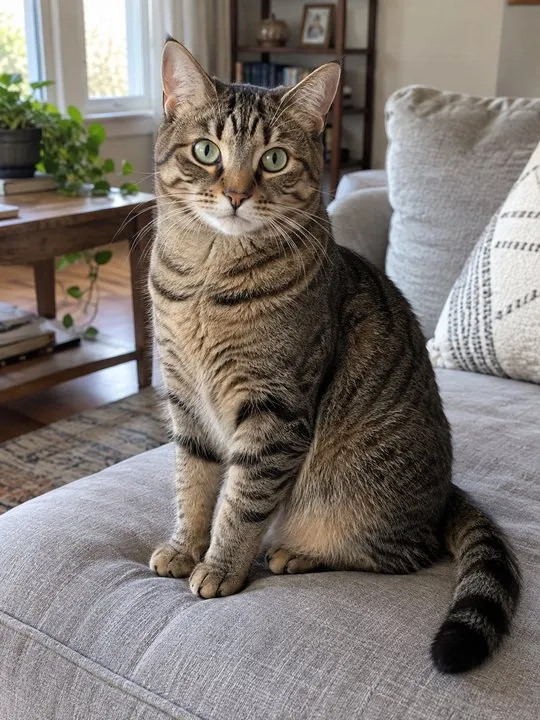
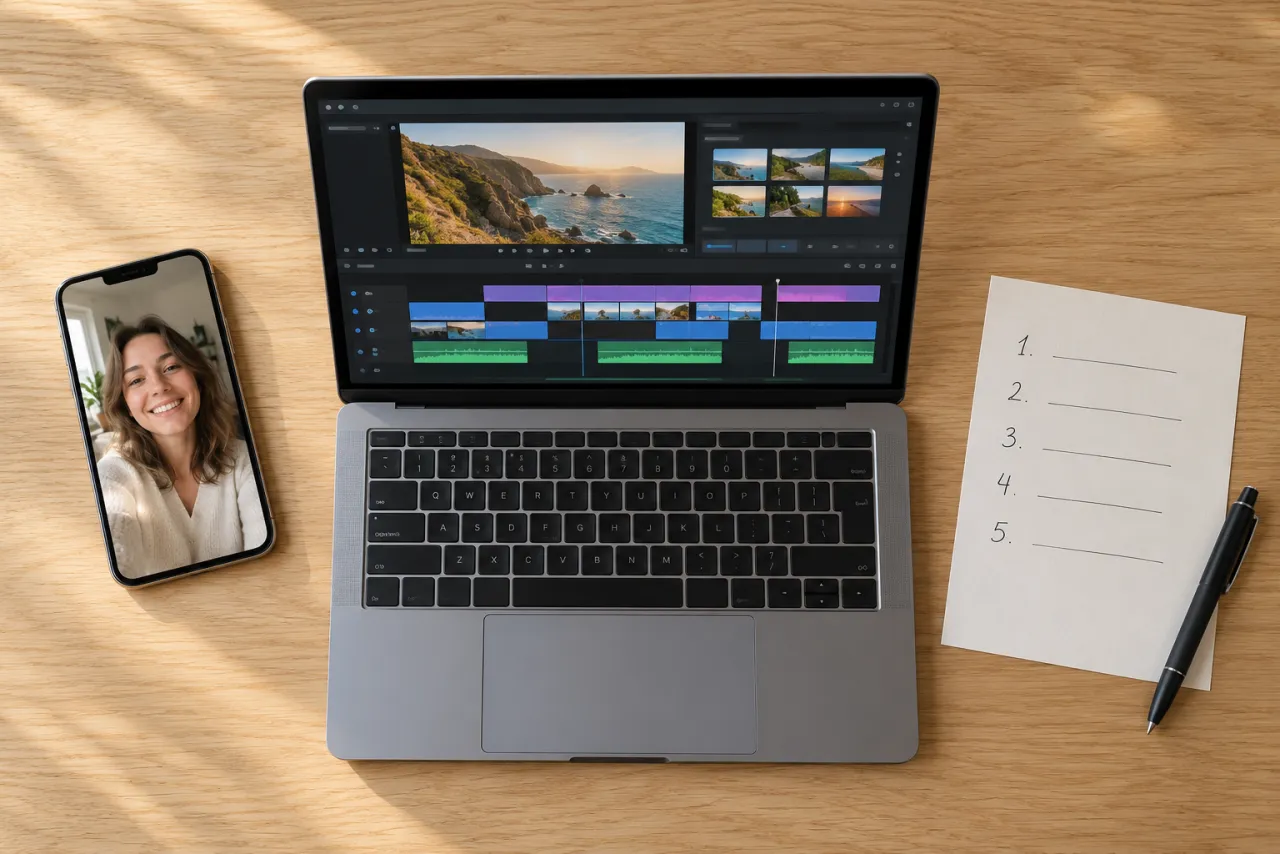
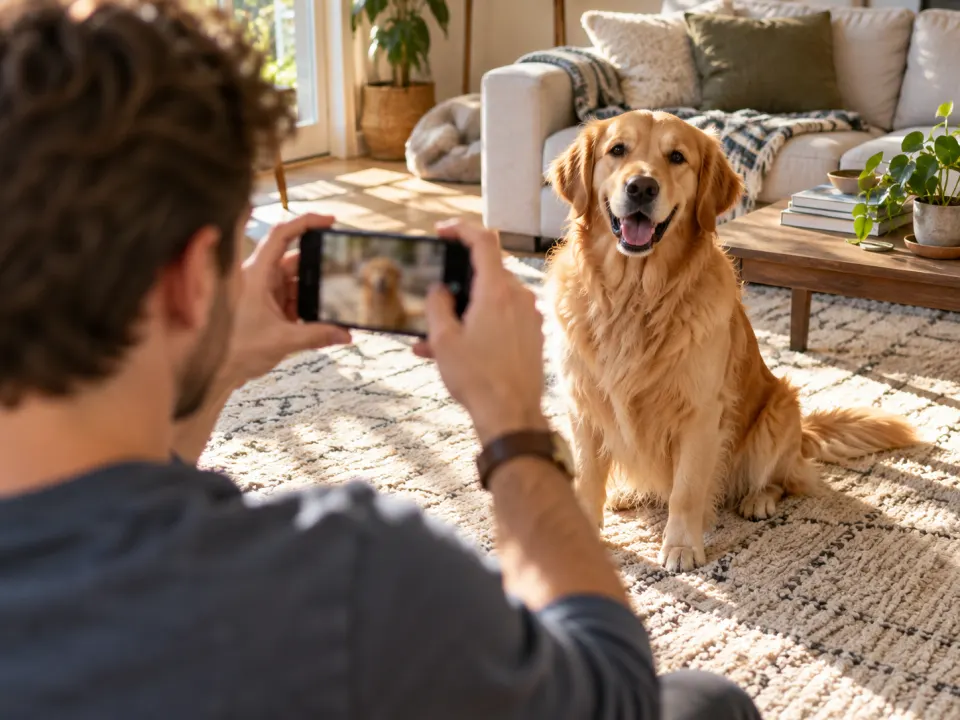
- Photograph your pet. Get down to its eye level, fit its whole body in, and wait until it sits still. A treat held in your other hand keeps it looking at you.
- Take a photo of you. One face, looking at the camera, in soft light. A recent selfie is enough; head and shoulders works.
- Open the Clapping Cat page, add your pet first, then you, and press Make my video. The video is vertical 9:16. Pick Standard 480p, or HD 720p for a sharper picture.
- Wait a few minutes, usually about 3. You can close the tab: we email you when it’s ready, and it waits in My videos.
- Download the MP4 and post it. The sound is already in it.
What it costs: One Standard video uses 45 credits. The smallest pack that makes one is $12.90 for 90 credits (2 videos), a one-time buy whose credits never expire, and plans start at $19.90 a month for 270 credits. If a video fails, its credits come back.
Your photos are used only for your video, stay private to your account and are deleted automatically 7 days after upload.
Way 2: the free prompt in an AI video tool
- Open an AI video tool with an image-to-video or reference-image mode, such as Kling, Higgsfield, Runway, Veo or CapCut’s AI video.
- Attach your pet’s photo as reference 1 and yours as reference 2. If the tool takes only one image, use the pet-only prompt.
- Paste the prompt from the Clapping Cat AI prompt guide, set 9:16 and 10 seconds, or the longest the tool allows.
- Generate, check that the hands and teeth look right, and retry if the face drifts.
- Add the sound when you post if the tool exports silent.
Expect a few tries. Five-shot clips with fast cuts are hard for most tools, and some split better into two shorter clips that you join in an editor.
Way 3: CapCut, and what a template can’t do
CapCut is free to start and great for trimming, captions and sound. But a clapping cat template re-cuts footage you already have. Many of them place the existing meme cat over your video, so the cat clapping is still the original one, not yours.
That’s fine if you want the meme as a reaction. If you want your own cat to stand up and clap, you need an AI video made from its photo, through CapCut’s AI video tools with our prompt or a one-photo tool. The CapCut vs AI guide compares them side by side.
Tips that make it land
- Your pet’s photo matters most. A blurry or far-away shot gives a clap from a cat that looks like someone else’s.
- Use a photo of you that looks like you today. The close-up at the end is all face.
- Keep the caption short and put it near the top of the screen, away from the buttons.
- Let the claps be heard. Post with the video’s own sound rather than a song over it.
- Pick a reply-shaped caption: “One treat and I got a standing ovation” works better than a description.
Posting it
Your video downloads as an MP4, vertical 9:16, with the sound in the file and no watermark. That shape fits TikTok, Instagram Reels and YouTube Shorts without cropping.
- Download it from My videos on your phone, so it lands in your gallery.
- Upload it from the gallery. Don’t screen-record it: that drops the quality and can lose the sound.
- Keep the video’s own sound, or pick the Clapping Cat sound from the app’s library. The sound guide shows how to do both without a double clap.
- Add one short caption. Reply-style lines work best.
- On TikTok, turn on the AI-generated content label under more options.
If something looks off
| What you see | Likely cause | What to do |
|---|---|---|
| Pet looks like a different cat | Far, blurry or side-on photo | Use a close, sharp, front-on one |
| Your face looks wrong | Sunglasses, filter or old photo | Use a recent, plain selfie |
| Video failed | It happens | Credits come back; try again |
Before you start
Read the photo guide for do and avoid examples, or the trend explainer for where it came from. Then make your Clapping Cat video. Packs and plans are on Pricing.
NowStarring is an independent fan tool, not linked to the creator of the original Clapping Cat reel. The sound belongs to its rights holders.
Questions
How do I make the clapping cat AI video with my own cat?
Upload one photo of your cat and one of you on the Clapping Cat page. Your cat takes the treat, stands up and slow-claps, and you clap back, in a 10-second vertical video with the sound.
Do I have to be in the Clapping Cat video?
On NowStarring, yes: the clip ends with you clapping back at your pet, so it needs one photo of you as well as one of your pet. With the free prompt you can make a pet-only version instead.
Can I use a CapCut template for the clapping cat?
A template re-cuts footage you already have, and many clapping cat templates lay the existing meme cat over your clip. Your own cat doesn’t become the one clapping. For that you need an AI video made from your cat’s photo.
How long does the Clapping Cat AI video take?
Usually a few minutes. You can close the page: the video waits in My videos, and we email you when it’s ready.
What if the video fails?
You don’t pay for it. Its credits go back to your balance automatically, and you can try again with another photo.
Does it work with dogs and other pets?
Yes. Cats, dogs and most pets with a clear face work. Your pet keeps its own coat and markings.