Clapping Cat AI: CapCut vs an AI video generator vs one photo
CapCut template, CapCut or Kling AI video with a prompt, or a one-photo trend site: which makes YOUR cat the Clapping Cat, with the sound, for the least effort.
6 min read · Updated
The verdict
If you want the meme cat as a reaction, a CapCut template is free and fast. If you want your own cat to take the treat, stand up and slow-clap, you need an AI video made from its photo: either CapCut or Kling-type AI video with a prompt and some retries, or a one-photo trend site like ours, which is paid and takes a few minutes.
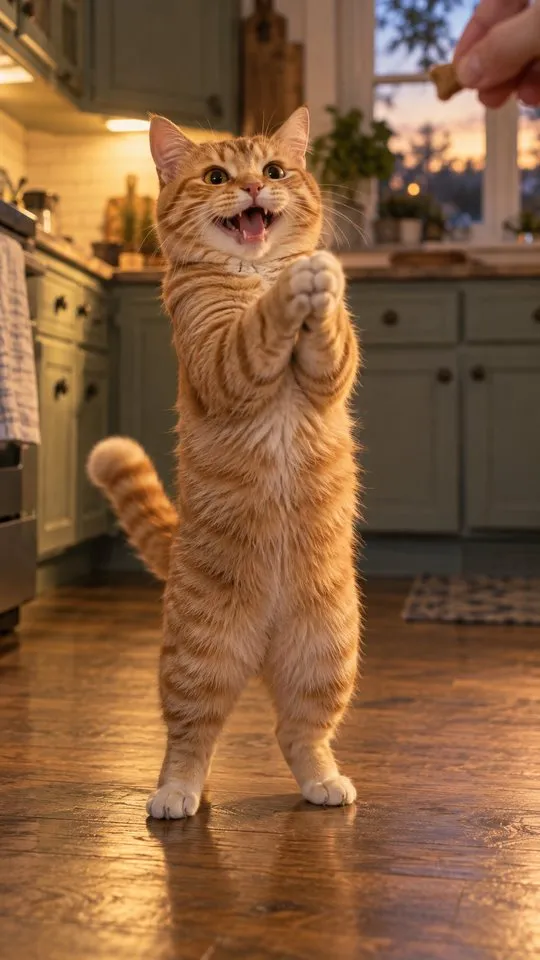
The difference people miss: many clapping cat templates overlay the existing meme cat on your footage. They don’t turn your cat into the clapper. Each route below is good at something; the right one depends on whose cat you want clapping. To go straight to your own pet, open the Clapping Cat page.
Side by side
| CapCut template | AI video + prompt | One photo here | |
|---|---|---|---|
| Your own pet | Usually not | Yes, with retries | Yes |
| The trend’s shots | The template’s cut | Close, timing drifts | All five, timed |
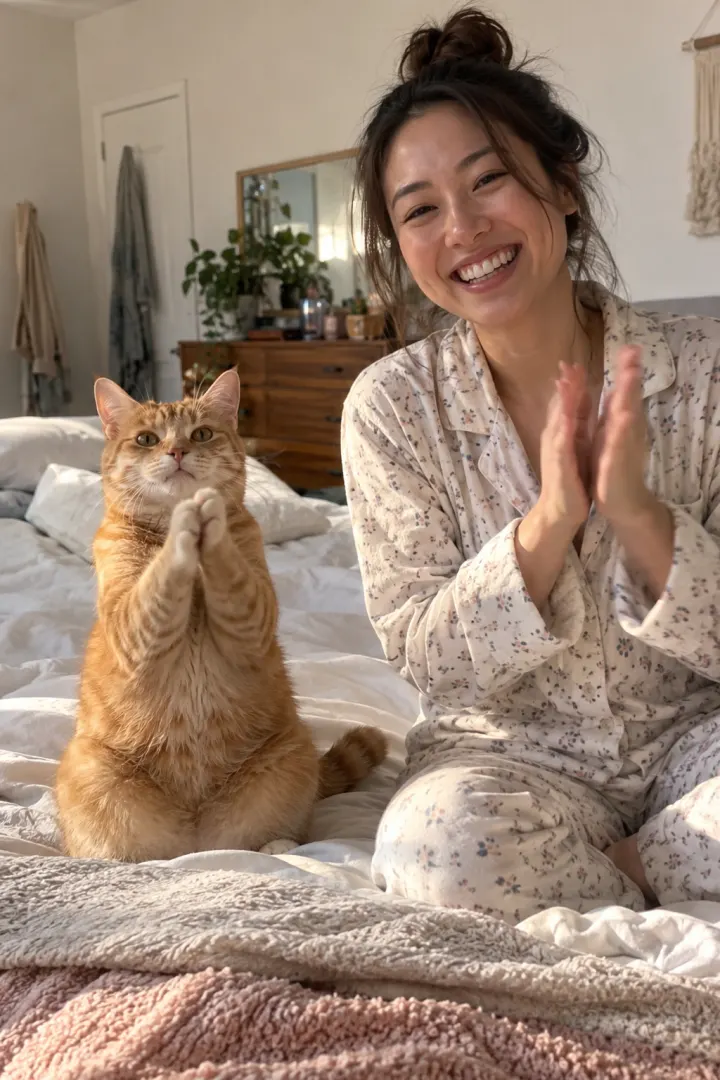
| You clapping back | Only if you film it | If it keeps your face | Yes, from a selfie |
| Sound | Template’s sound | Often silent | In the file |
| Effort | Minutes | An evening | Two photos |
| Cost | Free to start | Free tier or credits | Paid |

What a clapping cat template actually does
A CapCut template is a saved edit: cuts, timing, effects, text and a sound, with empty slots for your clips. When you tap to use one, your footage drops into those slots. Nothing new is generated.
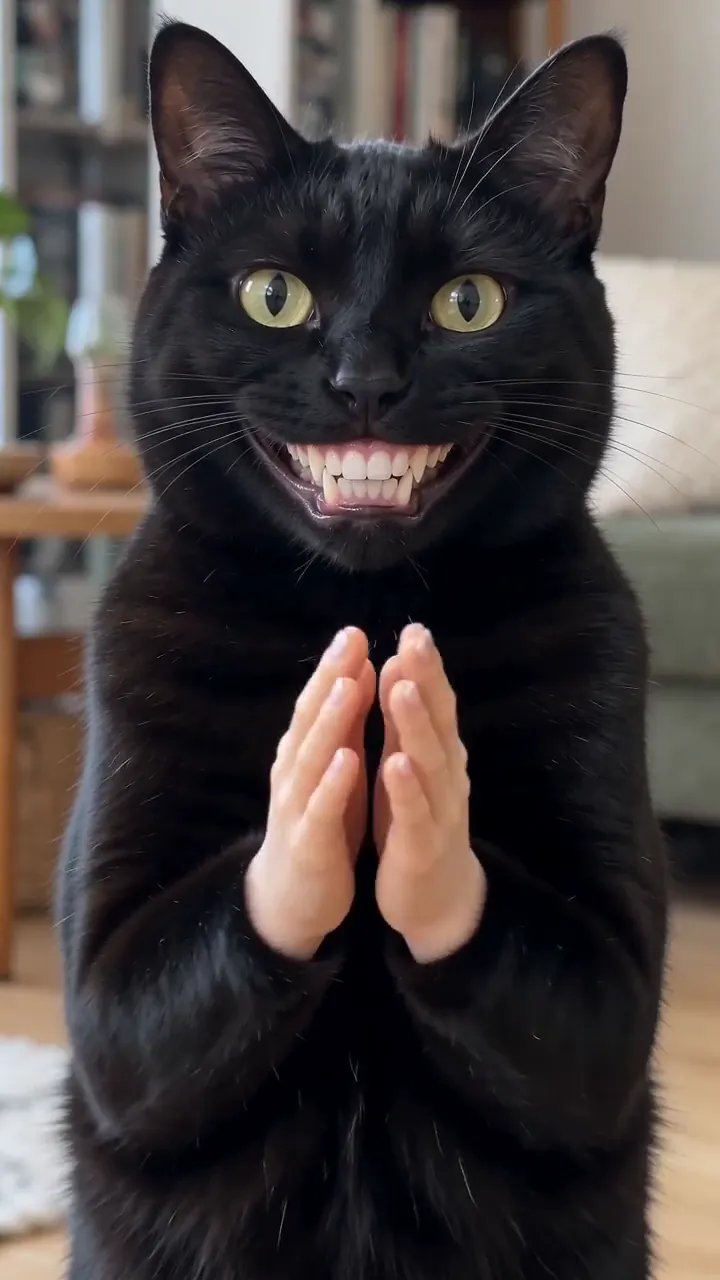
Many clapping cat templates go one step further and lay a cut-out of the meme cat over your video, often in a corner or over a reaction shot. The clapping cat you see is still the one from the meme. If your own cat is in your footage, it sits there as itself; it doesn’t stand up or clap.
That’s not a flaw, just a different product. Templates are built for reactions, and they’re very good at that. Watch the preview before you use one, so you know which kind it is.
When the CapCut template wins
- You want the classic clapping cat as a reply, not your own pet.
- You already filmed your deadpan clap back and want the meme cut in.
- You want captions, zooms and a sound in one free app.
- You want to drop the clap into a longer video, like a reaction to your own cooking or a friend’s parking job.
When an AI video tool with a prompt wins
- You like tweaking and don’t mind retries.
- You want a variant: a couple clapping back, a different room, a pet-only cut.
- You already pay for a tool like Kling, Higgsfield, Runway, Veo or CapCut’s AI video.
- You only need the one clap shot to cut between clips you filmed yourself.
The Clapping Cat AI prompt is free to copy, with a fix-it table for the usual problems.
When one photo wins
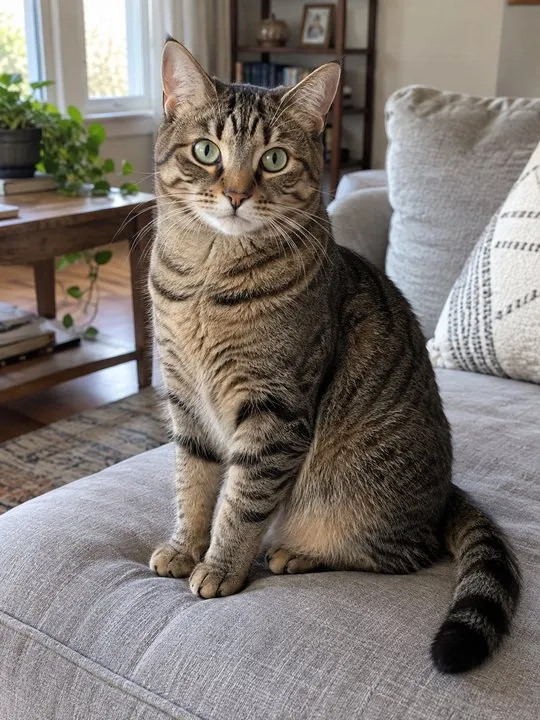
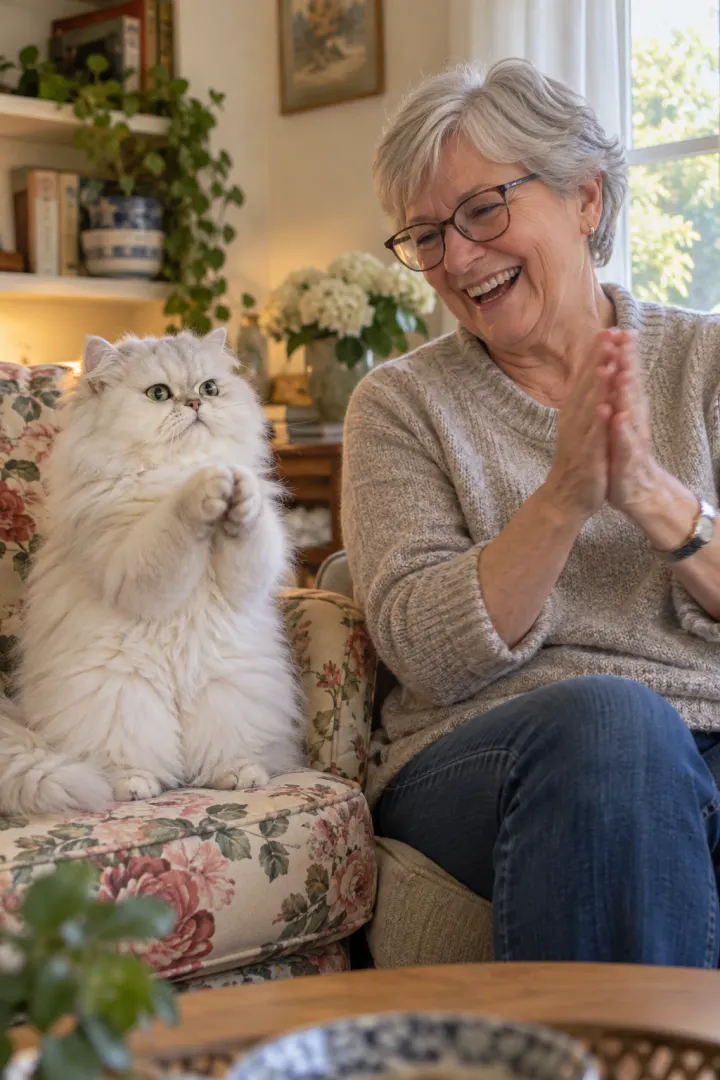
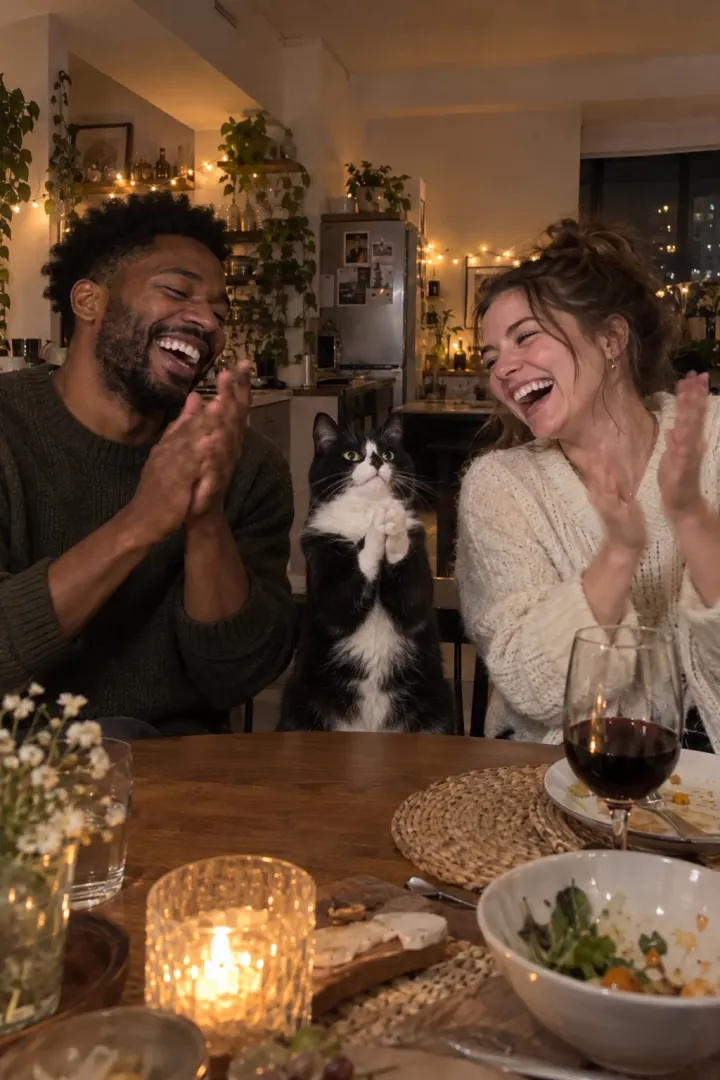
You want your own pet, the trend’s exact shots, your face clapping back and the sound, without writing anything. Add two photos on the Clapping Cat page; the 10-second vertical video is ready in a few minutes, no watermark. One Standard video uses 45 credits. The smallest pack that makes one is $12.90 for 90 credits (2 videos), a one-time buy whose credits never expire, and plans start at $19.90 a month for 270 credits. If a video fails, its credits come back.
Mixing the routes
You don’t have to pick just one. A popular split: film your own half for real, the treat, the shush and the deadpan clap back, and use AI only for the shot of your pet standing and clapping. Then cut it all together in CapCut.
- Film your three shots with the phone on the floor, looking up at you.
- Make the clap shot from your pet’s photo, with the pet-only version of the prompt or a one-photo tool.
- In CapCut, put the clap shot between your shush and your clap back, with hard cuts.
- Keep the claps audible, add one caption and export 9:16.
Your real face makes the deadpan funnier, and you only generate the one shot that needs it.
Three questions to choose
- Does it have to be your own pet clapping? If not, use a template. If yes, you need AI from its photo.
- Do you enjoy tweaking prompts? If yes, an AI video tool with our prompt. If not, one photo.
- Do you need it tonight, with the sound? The one-photo route is the shortest path; the free guide covers the slower ones. Pricing has the packs and plans.
The CapCut route, step by step
With a template (the meme cat)
- Find a clapping cat video on TikTok with a CapCut template link, or search “clapping cat” in CapCut’s templates.
- Watch the preview to see whose cat claps.
- Tap to use it, add your own clips, and export 9:16.
With CapCut’s AI video (your own cat)
- Open CapCut’s AI video or image-to-video tool.
- Add your pet’s photo as the reference image and paste our prompt.
- Generate, retry until the clap shot looks right, then trim in the editor.
- Add the sound and captions, and export vertical.
NowStarring is an independent fan tool, not linked to the creator of the original Clapping Cat reel. The sound belongs to its rights holders.
Questions
Is there a CapCut template for the clapping cat?
There are clapping cat templates in CapCut. Many of them lay the existing meme cat over your footage, so the cat clapping isn’t yours. Check what a template does in its preview before you use it.
Can CapCut turn my cat into the clapping cat?
Its AI video tools can, with a reference photo and a good prompt, after some retries. A template on its own only re-cuts what you give it.
What’s the easiest way to make the clapping cat with my own cat?
A one-photo trend tool: add your pet’s photo and yours, and the whole clip comes back with the sound. It’s paid, but there’s nothing to prompt or edit.
Is CapCut free for the clapping cat trend?
CapCut is free to start for editing and templates. AI video generation there may use credits or a paid plan; check the app for what your account includes.
Which has the right sound?
A template can carry a sound. AI tools often export silent. Our video comes with the treat and claps already in the file.
Can I edit the NowStarring video in CapCut?
Yes. It downloads as an MP4 with no watermark, so you can add captions, trim it or cut in your own footage.
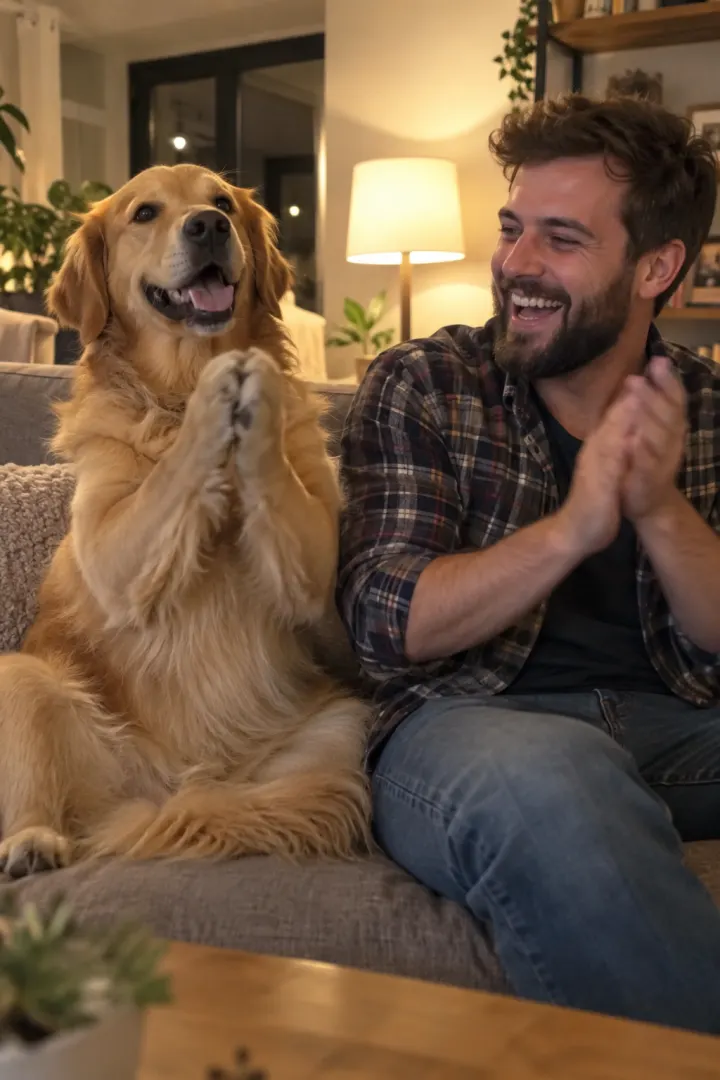
Can the clapping cat be my dog?
With AI video or a one-photo tool, yes: attach your dog’s photo. A template that overlays the meme cat will still show a cat.