AI Video of Your Cat or Dog Doing a TikTok Trend
Which TikTok trends your cat or dog can star in from one photo, what each one has your pet do, the photo that works, and how to post it with the right sound.
7 min read · Updated
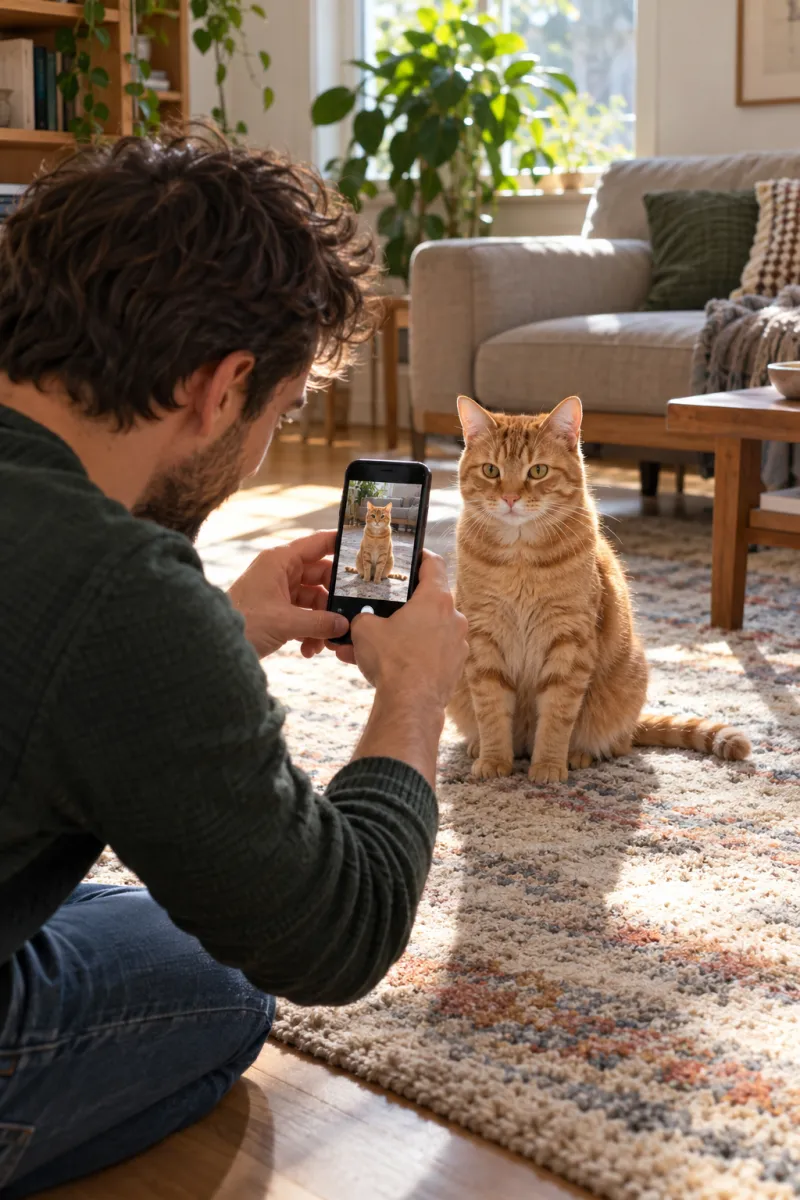
Which trends your pet can star in
To make an AI video of your cat or dog doing a TikTok trend, upload one clear photo of your pet to a trend that takes pets, and the video gives it the trend’s moves with its own paws. Eight trends on NowStarring take a pet, from the Clapping Cat slow clap to the Toc Toc dance on its hind legs.
Two are made for pets (Clapping Cat and Knight Cat). Five take you or your pet in the lead. One, the zombie hug, puts your pet in a short film with you. All of them are in pet trends or on their own pages below.
| Trend | What your pet does | Photos |
|---|---|---|
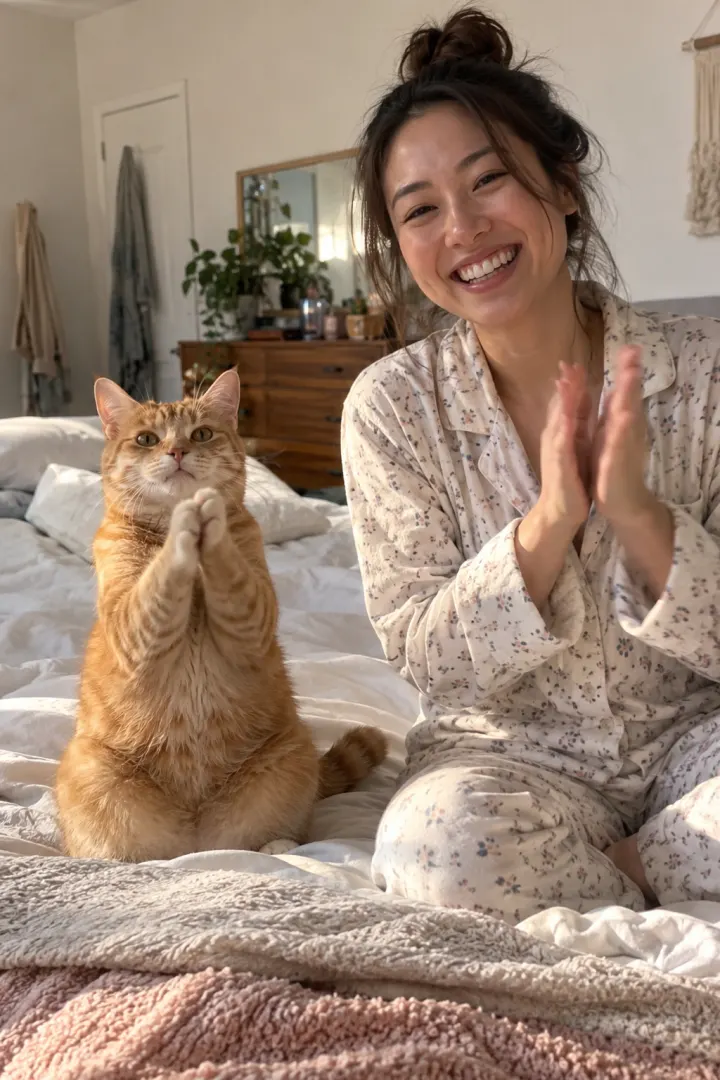
| [Clapping Cat](/clapping-cat-ai) | Takes a treat, stands up, grins and slow-claps at you | Your pet and you |
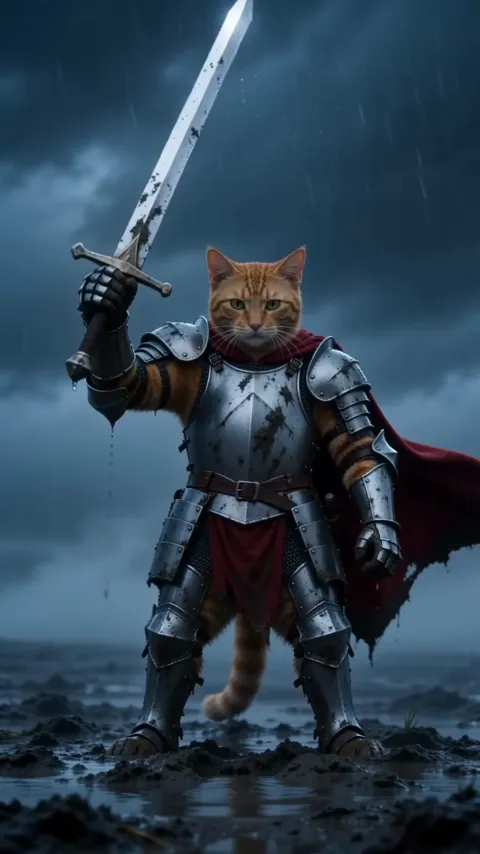
| [Knight Cat](/knight-cat-ai) | Pulls a giant sword from the mud in armor on a stormy moor | Your pet; you too if you like |
| [Bad Times](/bad-times-ai) | Tells off the camera with a stop paw, then slaps the lens | Your pet |
| [Toc Toc](/toc-toc-ai) | Marches to the lens, knocks, hops down the hallway, ta-da | Your pet |
| [Cheba Man](/cheba-man-ai) | Runs a deadpan arm routine on a red-lit stage | Your pet |
| [Hit the Road Dude](/hit-the-road-dude-ai) | Runs a stranger off its pond from a pickup window | Your pet |
| [Zombie Hug](/zombie-ai) | Plays the one who turned, then the warm memory with you | You and your pet |
| [Burning Bridges](/burning-bridges-ai) | Cup up in the chandelier room while the crew goes off | Your pet |
The two trends made for pets
Clapping Cat is a pet video with a deadpan owner. You hand your pet a treat and go shh, it stands up on its back legs, grins and slow-claps, and you clap back with a straight face. It needs two photos, your pet and you, and runs 10 seconds, vertical. The slow clap reads as sarcasm, so it works as a reply to almost anything. Read which photo of your pet works best, the Clapping Cat prompt or the free routes for other ways to make it.
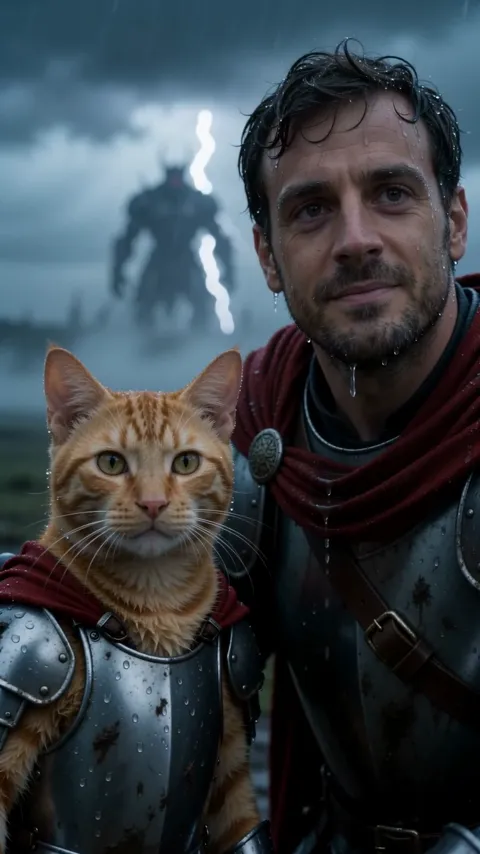
Knight Cat is played completely straight: your cat or dog in scuffed silver armor and a crimson cape heaves a sword taller than itself out of the mud, raises it to the storm and stares into the camera as lightning cracks. Add a photo of you and you kneel beside it as the big knight. It runs 10 seconds, vertical or widescreen, with wind, rain and thunder.
Dance and reply trends that take a pet
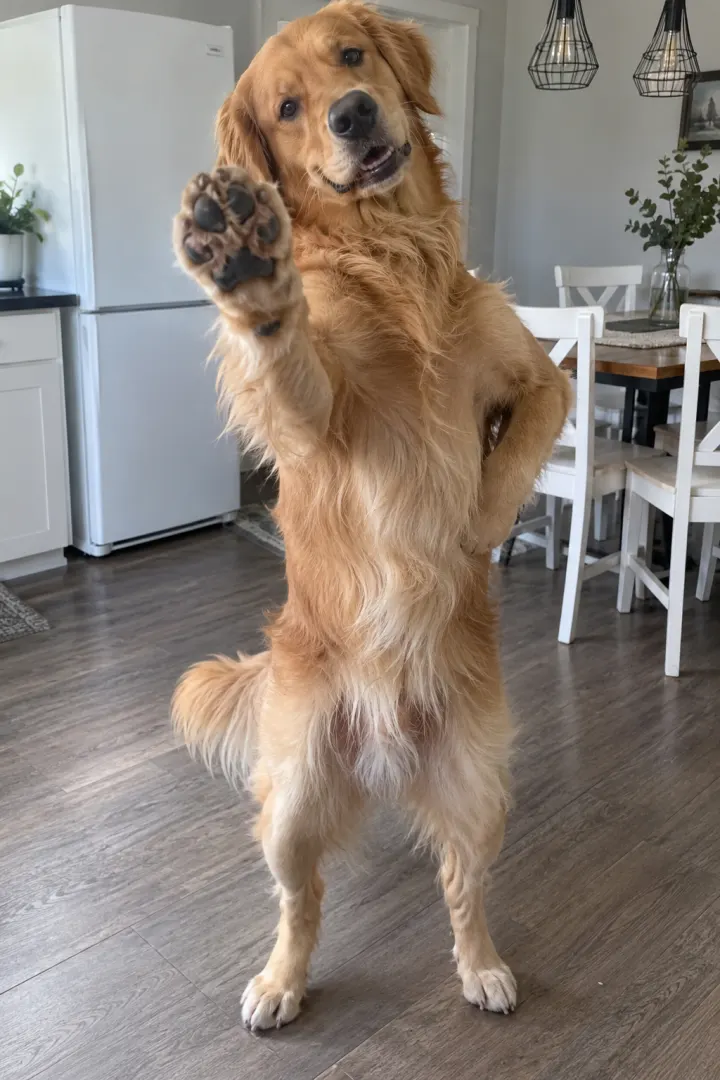
These trends started with people, then pets took over. On NowStarring the lead can be you or your pet, and a pet does the routine with its own paws, often standing on its hind legs.
- Bad Times: face-palm, glare, eye-roll and a stop paw in a home kitchen, then a charge at the lens. 15 seconds, with the song. It’s a reply to anything you’re tired of hearing.
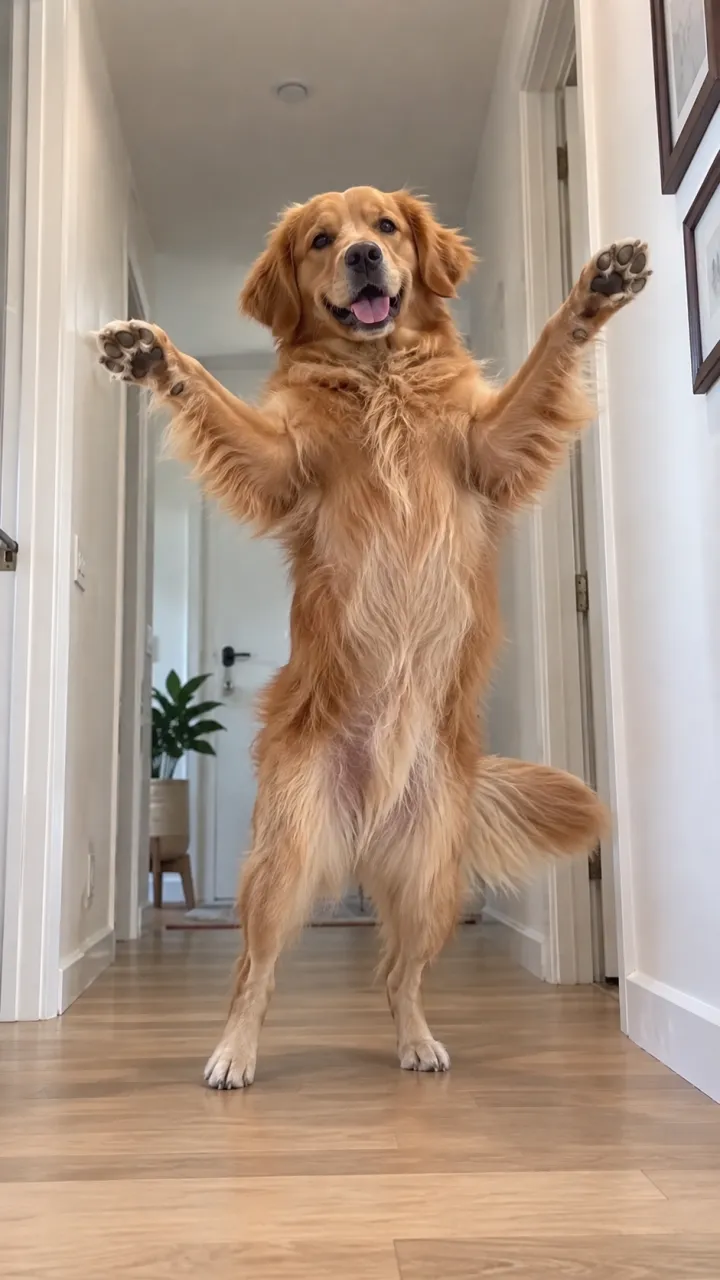
- Toc Toc: march into the lens, knock on an invisible door, shrug, hop down the hallway and land an arms-open ta-da. 11 seconds, with the song.
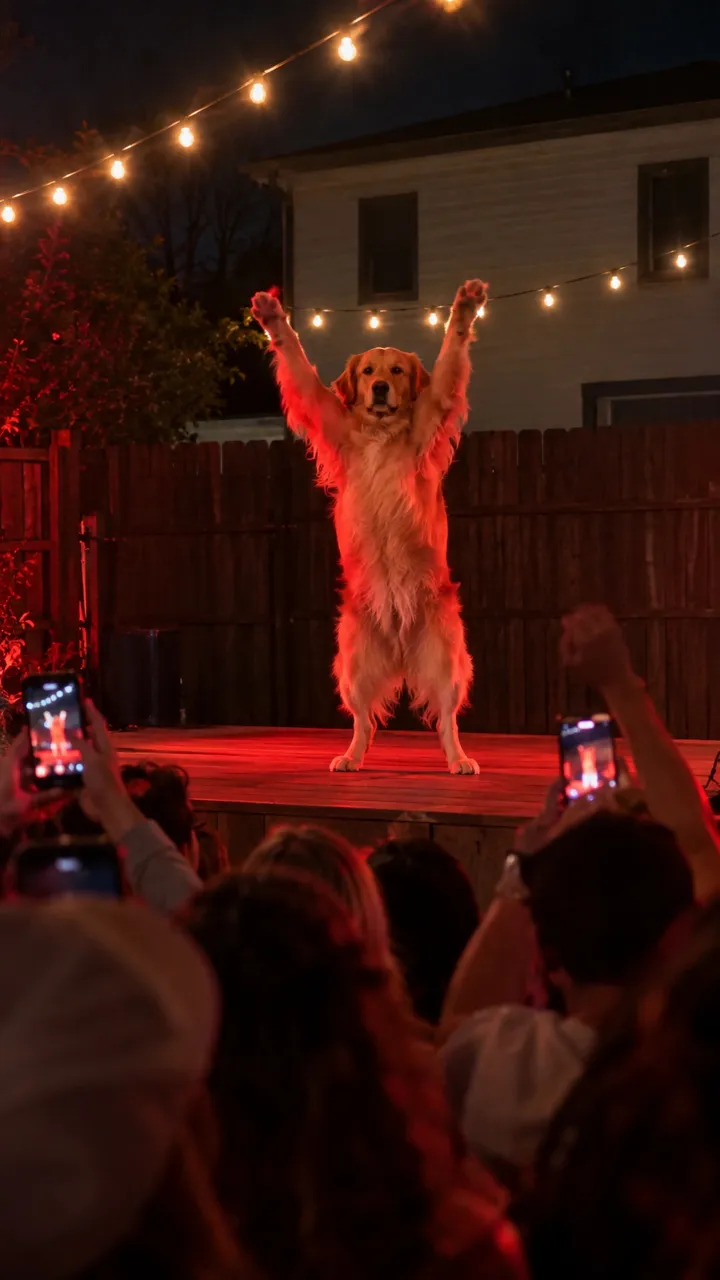
- Cheba Man: arms crossed, flung wide, frozen on the beat on a red-lit stage, not a flicker of a smile. 15 seconds, with the song.
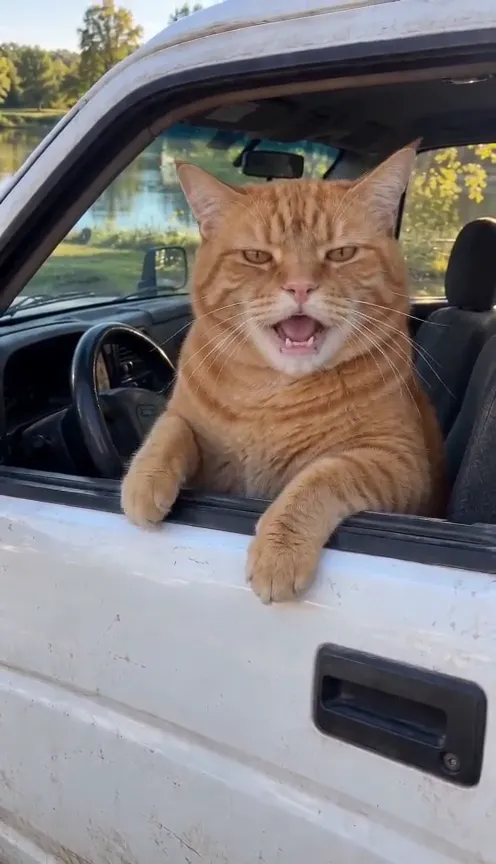
- Hit the Road Dude: behind the wheel of an old white pickup by a fishing pond, telling a stranger it’s private property. 15 seconds, with the original audio.
- Burning Bridges: your pet with a cup up in the chandelier room while the crew goes off. 10 seconds, vertical or widescreen. There’s a whole guide to Burning Bridges with your dog or cat.
The zombie hug with your dog or cat
The zombie hug is the pet video that makes people cry. You’re the one who stays human, your dog or cat is the one who turned, and you can’t do it. Then a hard cut to the two of you on your best day. It needs a photo of you and one of your pet, and runs 15 seconds in vertical or widescreen.
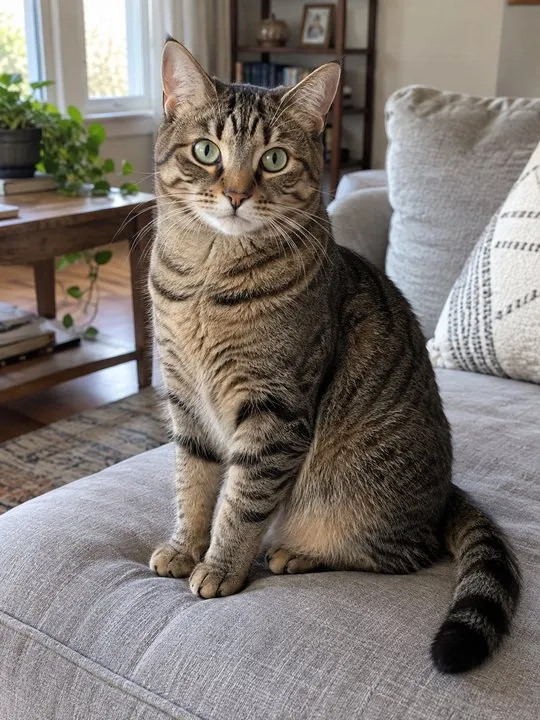
Pick a pet photo where its face is clear and it looks like itself. That warm memory at the end is the shot people screenshot. The best photos for the zombie AI video has examples.
The pet photo that works
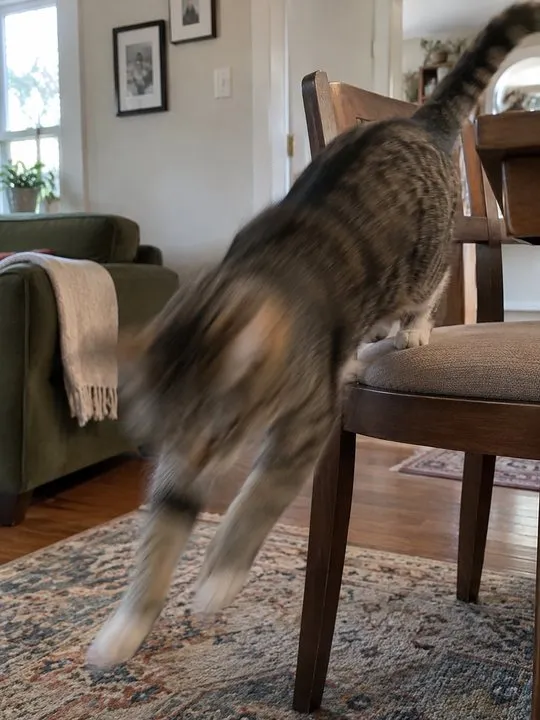
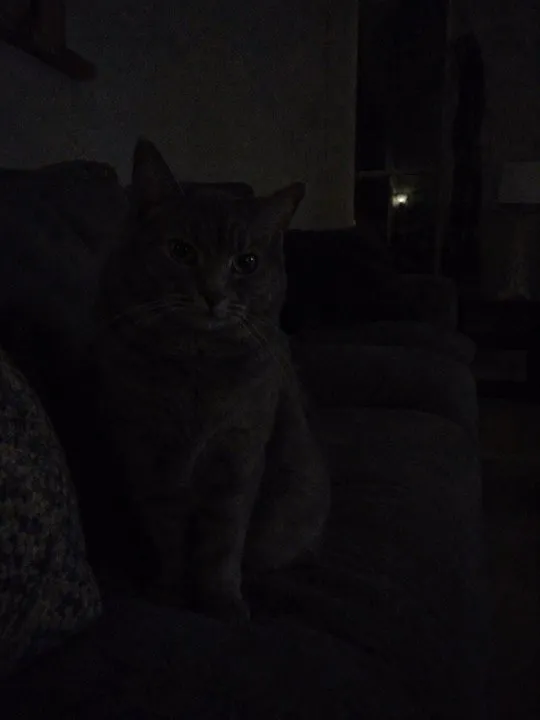
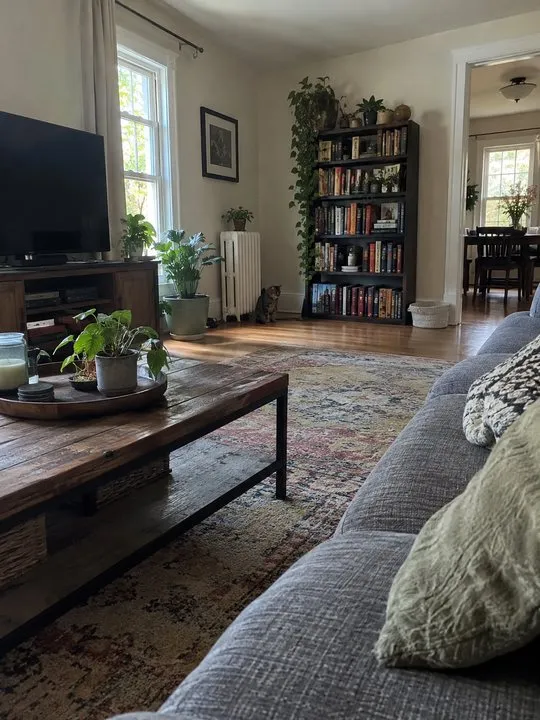
Most pet videos that come out wrong start with the photo. The video copies your pet’s face, coat and markings from it, so it needs to see them clearly.
- One pet per photo. If you have two, make a video for each.
- Eyes open and toward the camera, at your pet’s eye level if you can.
- Daylight from a window beats a flash.
- For the standing trends (Toc Toc, Cheba Man, Bad Times), a photo that shows the whole body helps the coat and size come out right.
- JPG, PNG or WebP, up to 10 MB. Photos are deleted automatically 7 days after upload.
Make it, step by step
- Open the trend’s page from pet trends or the table above.
- Choose your pet as the star where the trend asks who’s in the lead.
- Upload the pet photo, and your own photo if the trend takes one (Clapping Cat, Knight Cat, the zombie hug).
- Pick vertical or widescreen where the trend offers both, and Standard or HD.
- Wait about 3 minutes. We email you when it’s ready, and it waits in My videos as an MP4 with no watermark and the sound in it.
A pet video uses the same credits as any other trend: between 45 and 180 credits, depending on the trend. The cheapest trends work out to $6.45 a video with the smallest pack ($12.90 for 90 credits), the longest two-person dance to $34.90, and plans start at $19.90 a month for 270 credits. Packs are one-time buys whose credits never expire, and a video that fails gives its credits back. For the pet trends, that’s 45 credits for Clapping Cat, Knight Cat or Toc Toc and 65 for Bad Times, Cheba Man or Hit the Road Dude.
Posting your pet video
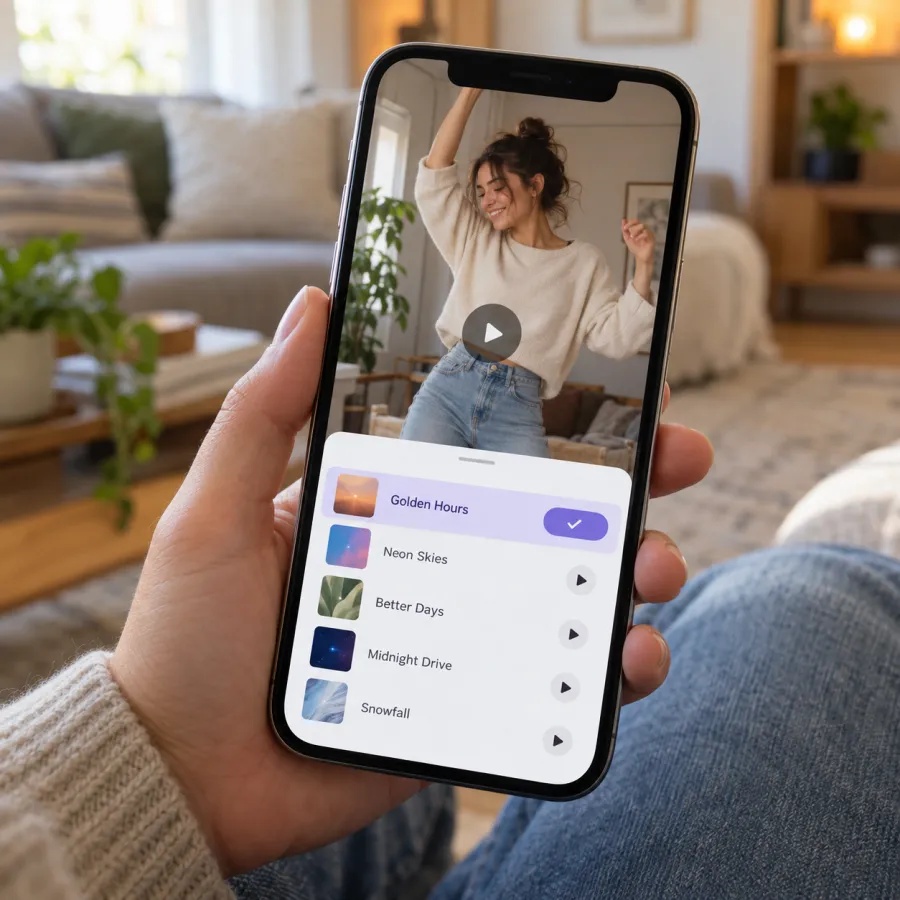
- Pick the trend’s sound when you post, so your video lands on its sound page, and turn the original sound down. Each trend has its own guide, such as adding the Toc Toc sound.
- Knight Cat comes with wind, rain and thunder. Post it as it is, or add a trending sound on top.
- Put one line on top of Knight Cat, like Monday, exams or rent day, and it becomes a reaction to whatever you’re facing.
- Tag the partner your pet ignores on the Clapping Cat. That’s how couples use it.
- Turn on the app’s AI-generated label. People like seeing how it was made.
Want to try it free first? Film the routine with your real pet, or paste a written prompt into another app’s free tier. The prompt page and each trend’s free guide, like Bad Times for free, explain what that route costs you.
NowStarring is an independent fan tool, not linked to TikTok, Instagram, YouTube, CapCut, any of the songs’ artists or the creators of the original trend videos. Every song and sound belongs to its rights holders.
Questions
How do I make an AI video of my cat dancing?
Upload a clear photo of your cat to a dance trend that takes pets, like Toc Toc or Cheba Man, and choose your pet as the dancer. The video has it do the routine on its hind legs, with the song in it.
How are people doing the AI dog trend?
They upload one photo of their dog to a trend made from a TikTok routine, such as Bad Times, Toc Toc or Hit the Road Dude, and get back a short video of their dog doing it with its own paws.
Can I be in the video with my pet?
Yes. Clapping Cat needs a photo of you as the owner, Knight Cat lets you kneel beside your pet as the big knight, and the zombie hug puts the two of you in a short film.
What photo of my pet should I use?
A sharp, bright photo of one pet looking toward the camera, close enough to see its face and markings. Avoid blur, dark rooms and photos where your pet is tiny in the frame.
Can I put two pets in one video?
Each trend takes one pet photo. If you have two, make a video for each and post them together.
Is the AI pet video free?
There are no free credits on NowStarring. The free routes are filming it with your real pet or using a written prompt in another app’s free tier, which usually means a watermark and no song.