Zombie AI trend prompt (copy and paste, Zombie Hug)
A copy-and-paste zombie hug AI prompt, shot by shot, with versions for couples, family and pets, a no-gun version, and fixes for the problems people hit most.
7 min read · Updated
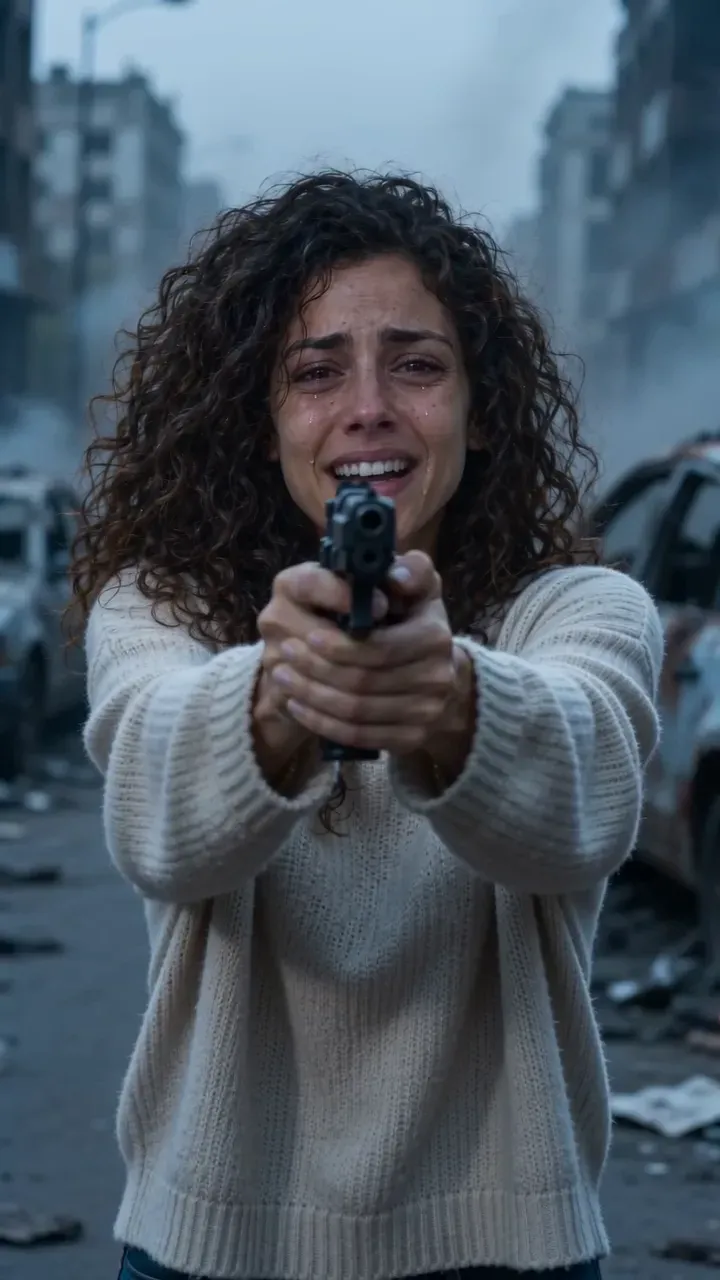
The zombie hug prompt
Here is a complete zombie AI trend prompt you can paste into an image-to-video tool with two reference photos: one of you, one of who turned. It tells the story in timed shots, from the shaking gun to the hard cut into a sunny memory, so the tool doesn’t have to guess.
Zombie hug, two people
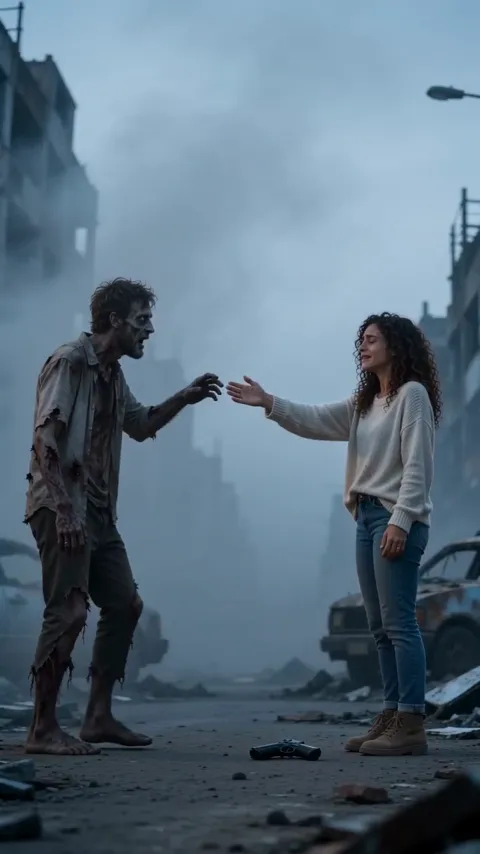
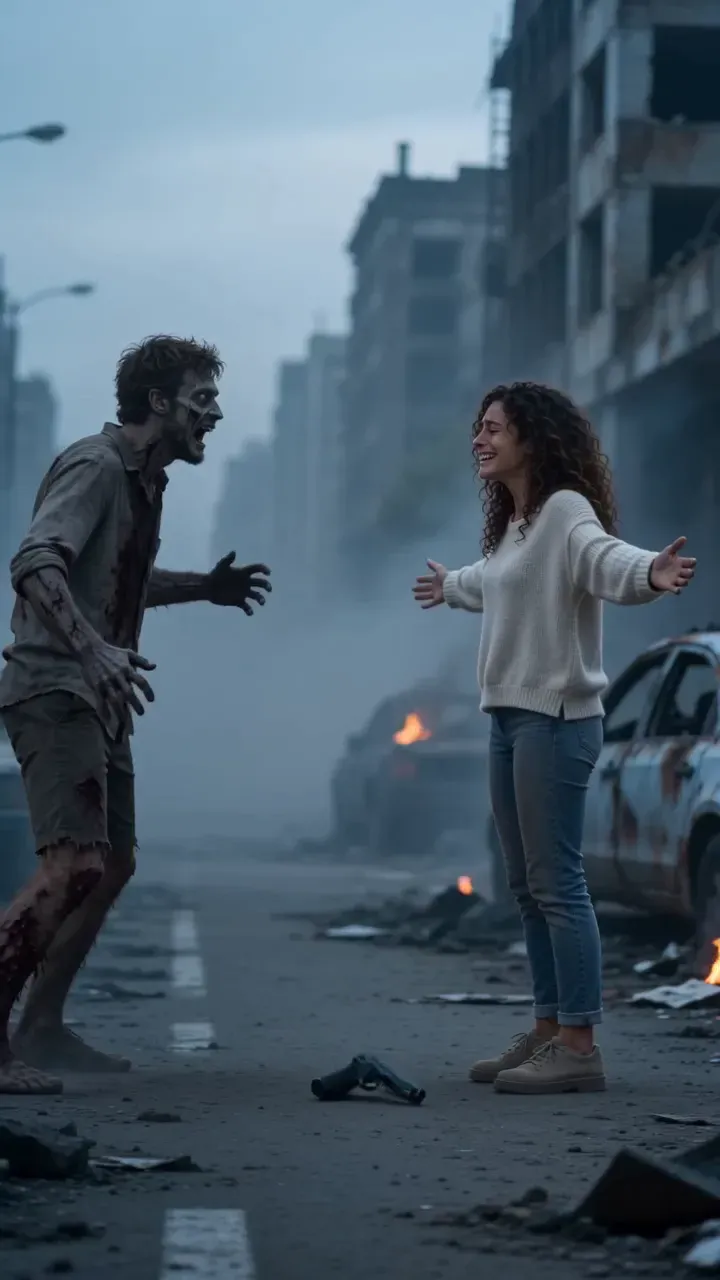
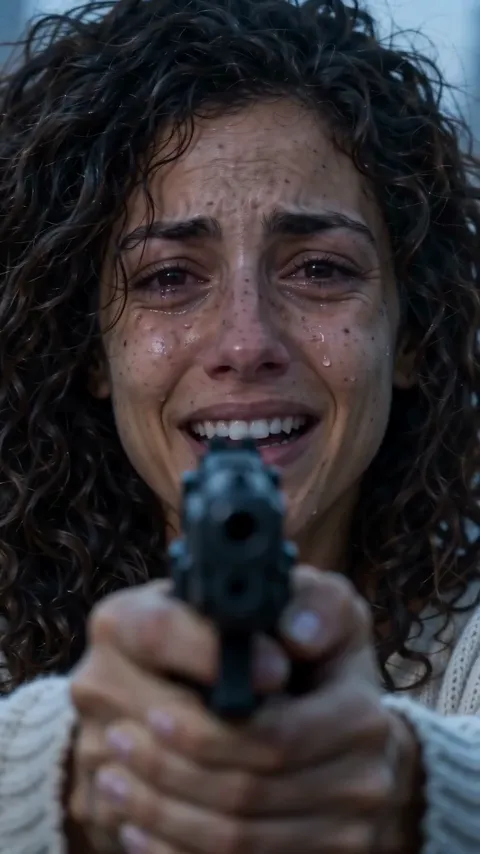
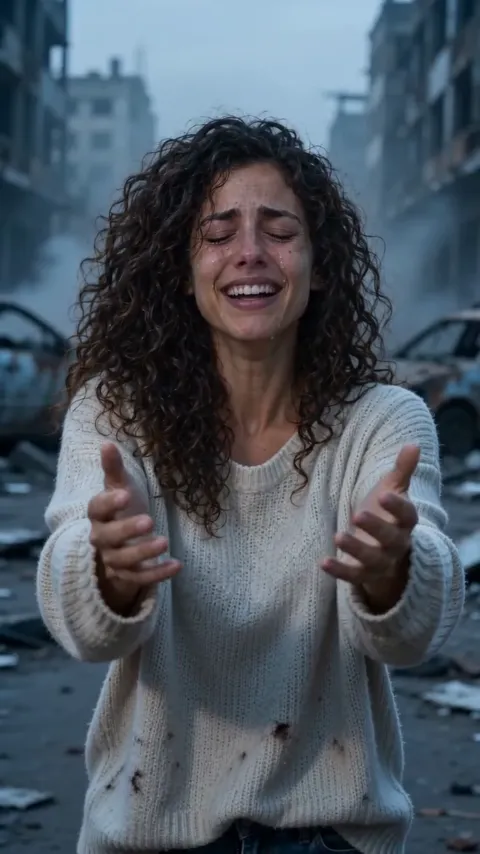
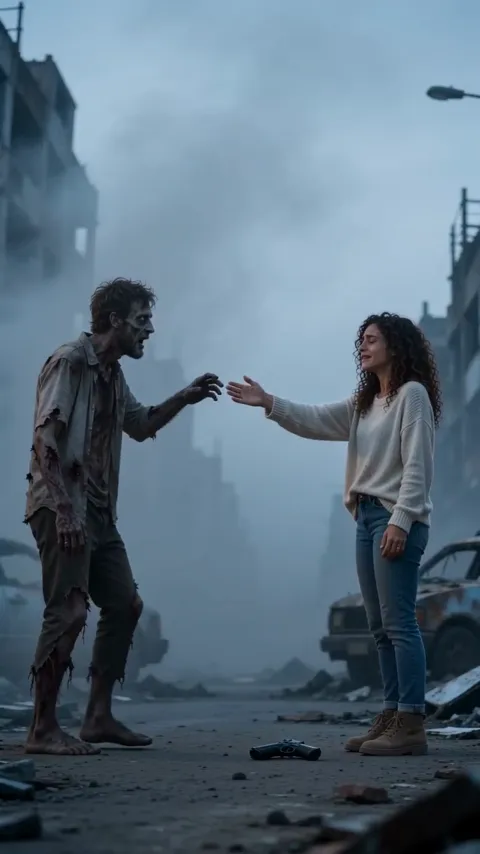
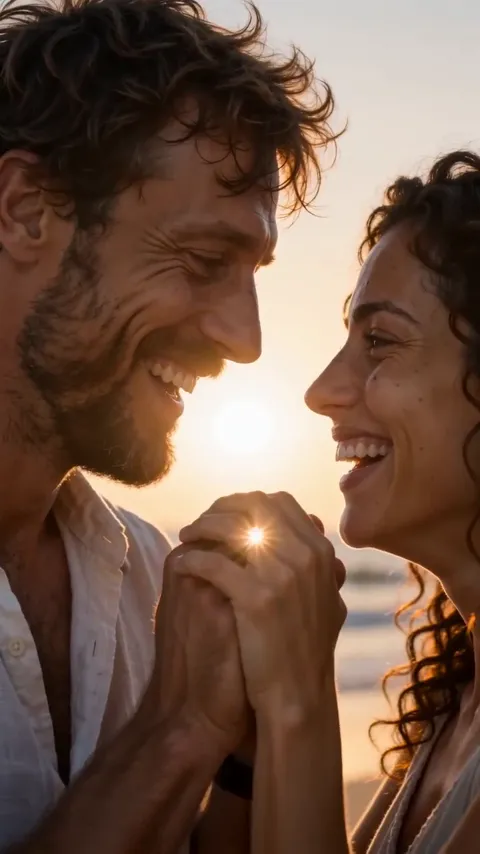
Vertical 9:16, 15 seconds, photoreal, handheld cinematic film, cold blue-grey light, hard cuts only. Use my reference photos: the first person stays human, the second person has turned into a zombie. Keep both faces true to the photos. 0–2 s: close-up of the first person in tears, aiming a handgun at the camera, hands shaking, an empty grey street full of drifting ash behind. 2–3 s: over their shoulder, the second person, now a zombie with grey skin and clouded white eyes, staggers out of the haze toward them. 3–5 s: close-up of the zombie’s face: a flicker of recognition, and a ring on their hand they never took off. 5–6 s: close-up of the first person, eyes shut, crying. 6–8 s: they lower the gun, let it fall to the ground and open their arms. 8–9 s: wide side-on shot, the zombie stumbles in and reaches out a hand for theirs. 9–12 s: hard cut on the same motion into a warm golden-hour memory: both people alive and smiling, hands meeting, on a sunny beach. 12–15 s: close two-shot of both faces laughing, cheek to cheek, then fade to black. Sound: cold wind and a slow heartbeat, then one warm piano chord at the cut. No music, no dialogue. Avoid: blood, gore, wounds, extra people, text, captions, a different face in the memory.
Prefer not to write anything at all? The Zombie Hug maker does the whole film from your two photos, with sound.
How to use it
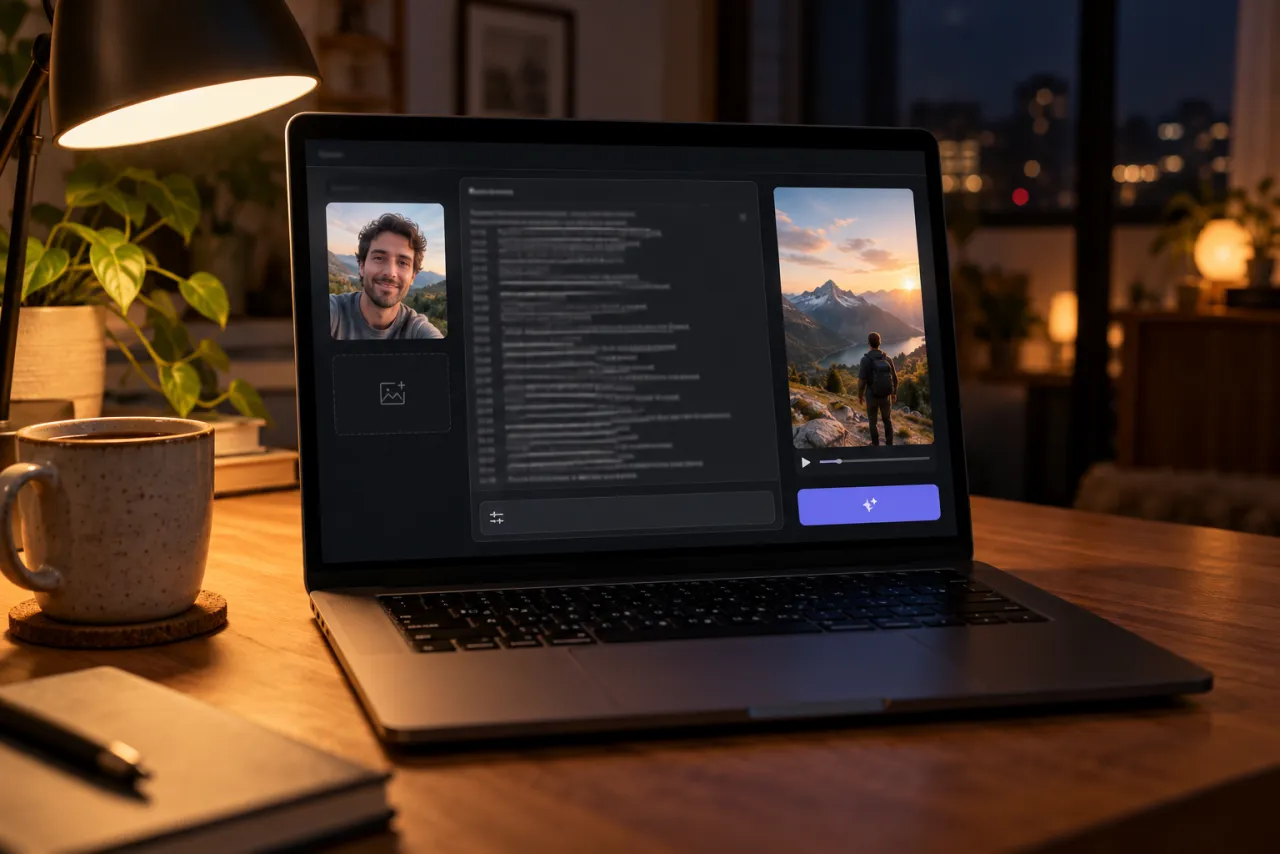
- Open an AI video tool with an image-to-video or reference-image mode, such as Kling, Higgsfield, Runway, Veo or CapCut’s AI video.
- Add your two photos. If it takes only one, put both photos side by side in one picture, you on the left.
- Paste the prompt and set vertical 9:16 and the longest length the tool offers.
- Generate, watch it with the sound off first, and check the faces in the memory shot.
- Fix one thing at a time with the table below.
What each line does
These are the shots of a finished zombie hug film, in order. Each prompt line asks for one of them.
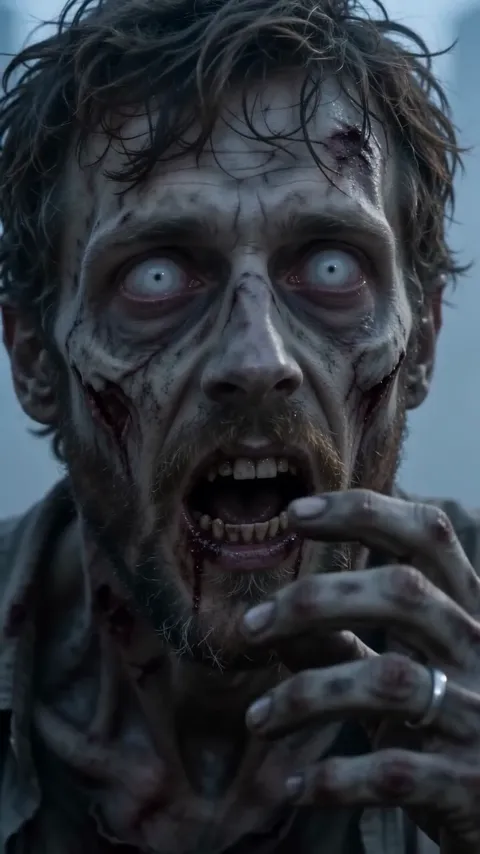
- The keepsake line (the ring) is what makes the recognition read. Without an object, the zombie’s face has to do all the work, and AI faces rarely manage it.
- “Hard cut on the same motion” keeps the reach going across the cut, which is the whole trick of the trend.
- “Close two-shot” at the end gives both faces one more clear look, so it ends on you, not on scenery.
Versions for family, friends, pets and no gun
Swap these lines into the main prompt. Keep the romance for couples; for family and friends it should feel like a hug and a happy day, not a date.
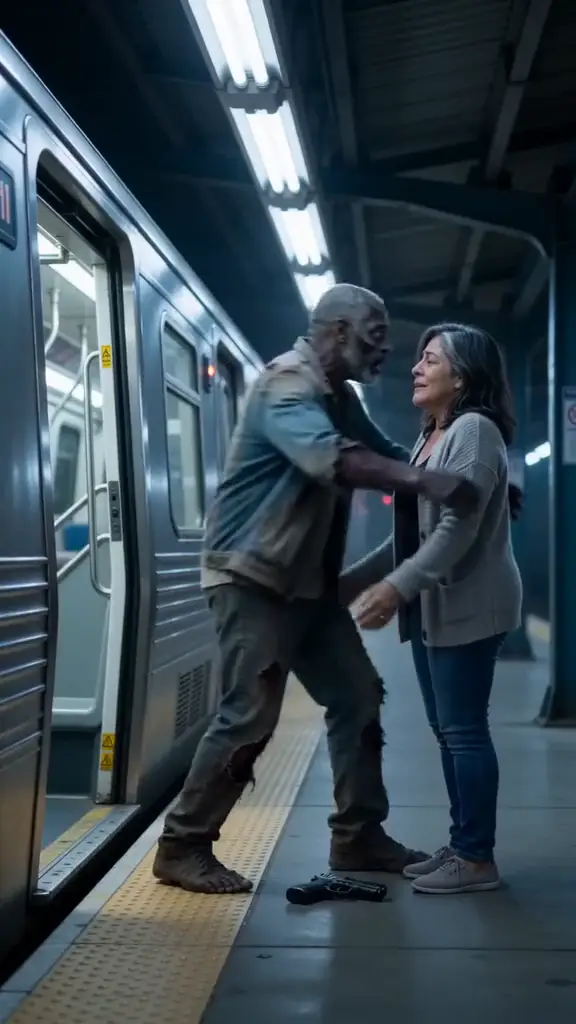
Parent, sibling or best friend
3–5 s: close-up of the zombie’s face: a flicker of recognition, and an old steel wristwatch they always wore. 9–12 s: hard cut on the same motion into a warm memory: both people alive, hugging and laughing in a sunny backyard. 12–15 s: close two-shot of both faces laughing, then fade to black.
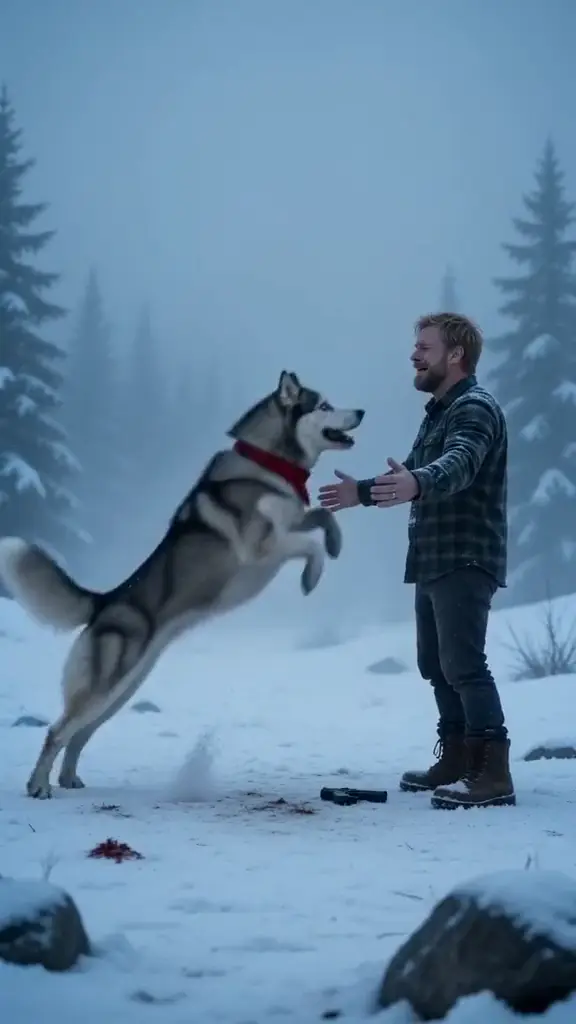
Your dog or cat
Use my reference photos: the first is me, the second is my pet, who has turned into a zombie pet with dull grey fur and clouded eyes. 3–5 s: close-up of the pet’s face: a flicker of recognition, the name tag on its collar. 8–9 s: the pet runs in and leaps; I catch it in my arms. 9–12 s: hard cut on the same motion into a sunny park: the pet healthy and happy, licking my cheek as I spin it around.
No gun (for tools that refuse weapons)
0–2 s: close-up of the first person in tears, pointing a flashlight at the camera, hands shaking. 6–8 s: they lower the flashlight, let it fall to the ground and open their arms.
Snow instead of ash
Setting: an empty snowed-in street, heavy snowfall, cold blue light. The zombie wears a red knitted scarf. 8–9 s: the zombie stumbles into a hug and they both fall backwards into the snow. 9–12 s: hard cut on the fall: they land laughing in tall golden grass, seen from above.
Fix it: what to change when it goes wrong

| What you see | Change in the prompt |
|---|---|
| The tool refuses the prompt | Use the flashlight lines and delete any words about blood or wounds |
| Faces change in the sunny memory | Add “the same two people from the reference photos” to the 9–12 s line |
| No cut, it just fades to sunshine | Generate the cold scene and the memory as two clips and cut them yourself |
| The zombie looks gory | Write “grey skin, clouded eyes, torn clothes, no blood” |
| They fight instead of hug | Add “gently” and “arms open, no attack” to the reach line |
| The pet turns into a monster | Write “the same breed and markings, just grey and dull” |
Photos that keep both faces
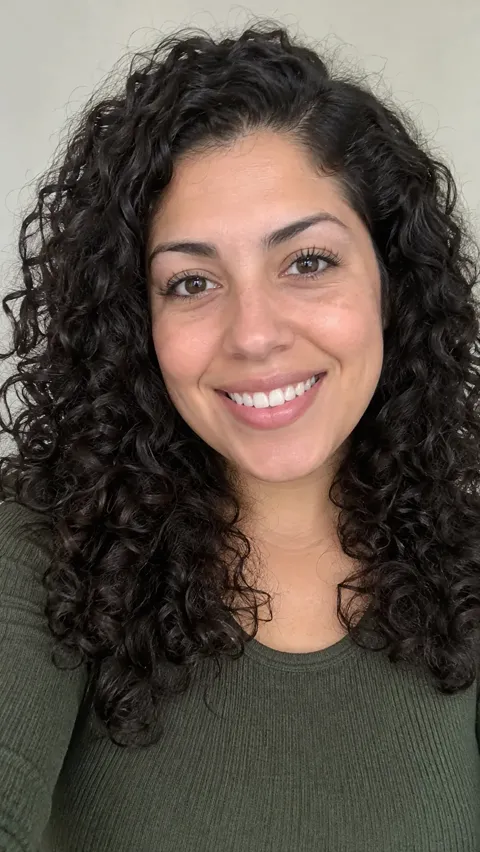
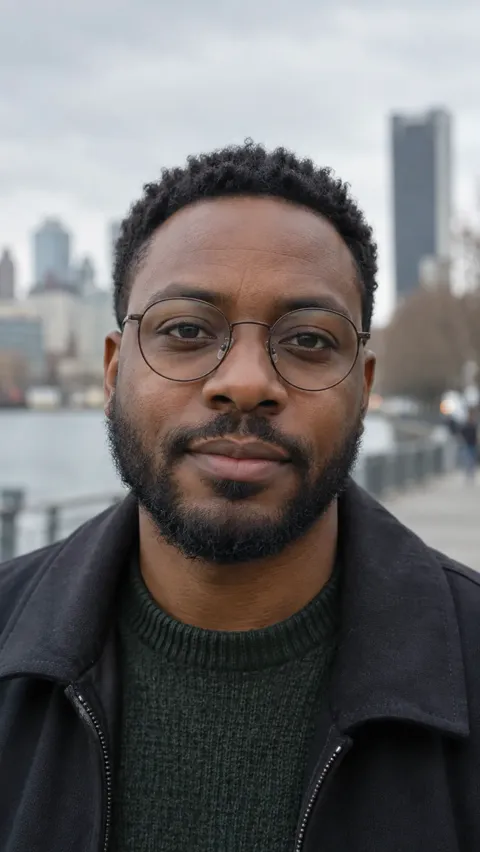
Both faces come back clean in the warm ending, so a weak photo shows there more than anywhere. One person per photo, face to the camera, eyes open, even light. The photo guide has more.
What a prompt can’t do
- It can’t pick the trend sound. Most tools make generic audio or none; add a sad sound when you post, as our sound guide shows.
- It can’t guarantee the cut lands on the reach. Timing lines help, but tools often drift by a second or more.
- It can’t promise two faces stay right. Two people plus a time jump is the hardest kind of AI video.
The no-prompt route is the Zombie Hug page: pick who and where, add two photos, and the film comes back with the cut, the memory and the sound in place. Packs and plans are on the pricing page.
Independent fan tool
NowStarring is an independent fan tool, not linked to the creators of the original zombie hug videos or their sounds. Those sounds belong to their rights holders.
Questions
What is the prompt for the zombie AI trend?
A 15-second, vertical, photoreal film: one person aims a gun in tears, the other has turned, recognition, the gun drops, they reach for each other, then a hard cut to a sunny memory of both alive. The full copy-ready version is at the top of this guide.
Can I use this zombie prompt in Higgsfield or Kling?
Yes. Use their image-to-video or reference-image mode, add your photos, then paste the prompt.
How do I do the zombie couple AI trend prompt?
Use the main prompt as written: the ring, the hand-for-hand reach and the beach at golden hour are the couple version.
Can I make the zombie trend with my dog?
Yes. Swap in the pet lines: the pet turns, leaps into your arms and the film cuts to a sunny park together.
Why does the AI refuse the zombie prompt?
Weapons and gore are the usual reasons. Use the flashlight version and write “no blood”.
Does the zombie prompt add the sound?
Not reliably. Add the sound when you post, or use a maker that includes it.