How to do the Toc Toc trend, beat by beat
The Toc Toc trend beat by beat: film it yourself, or add one photo and get the 11-second video with the song and no watermark.
4 min read · Updated
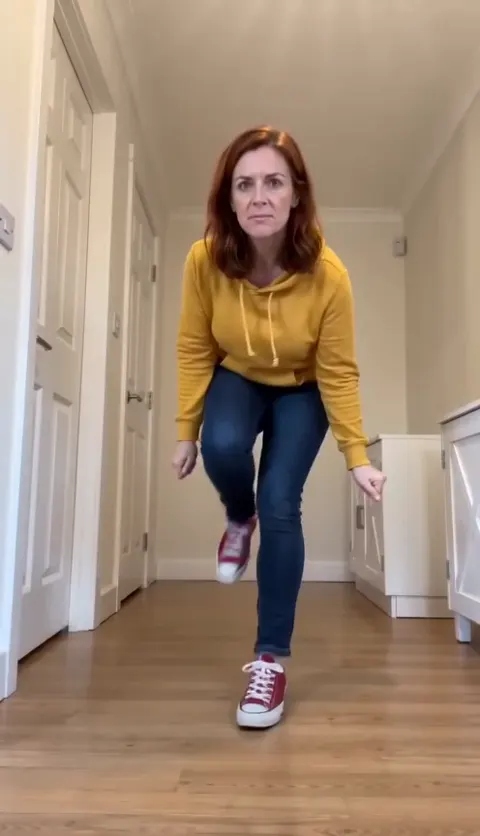
Beat by beat
The dance is 11 seconds long. These are the beats to hit:
- 0:00, march to the lens: high knees, straight at the phone.
- 0:02, knee up: stop at the lens and knock knock on an invisible door.
- 0:04, the shrug.
- 0:06, heel kick: turn side-on and hop down the hallway.
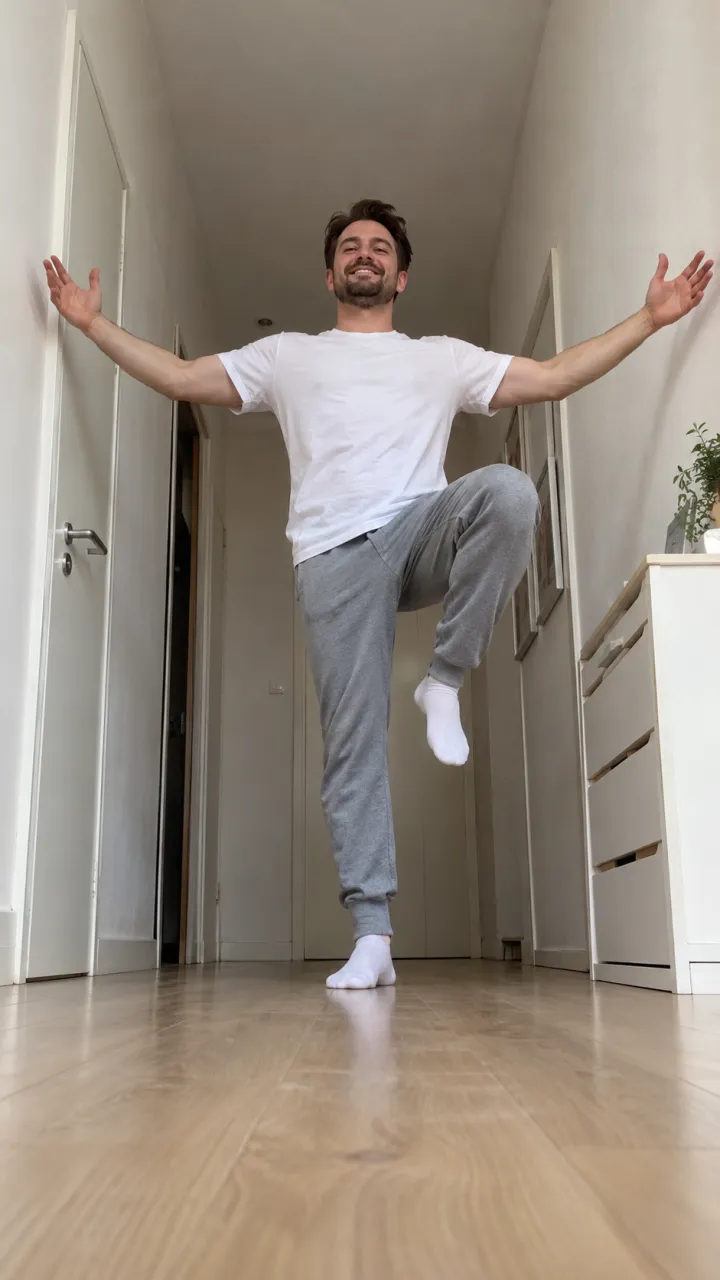
- 0:10, ta-da: arms open on the last beat.
Film it yourself
- Lay your phone on the floor at one end of a hallway, tilted up a little.
- Start at the far end, so the march has room to come into the lens.
- Keep a straight face. The deadpan is half the joke.
- Land the ta-da exactly on the last beat of the song.
Post it with the Toc Toc sound, so it shows up with the rest of the trend. Not sure what it is? The explainer has the whole story.
Or make it from one photo
- Open the Toc Toc page and pick you or your pet.
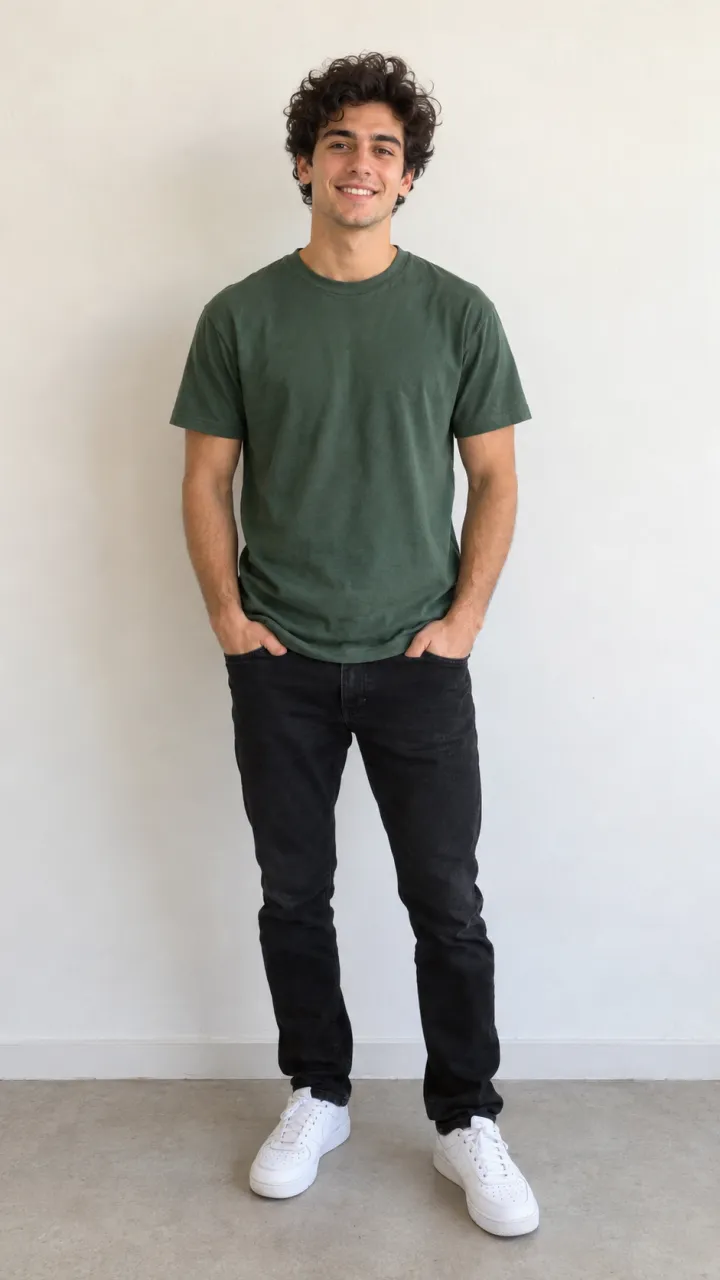
- Add one photo: head to feet, facing the camera, in good light. The photo guide shows what works.
- Press Make my video and sign in when you’re asked. It’s ready in a few minutes. You can close the page: the video waits in My videos and we email you when it’s ready.
- Download the MP4, with the song and no watermark, and post it to TikTok, Instagram Reels or YouTube Shorts.
Each video uses credits from a pack or a monthly plan. See pricing.
Questions
Do I have to dance?
Not for the AI version. You only add a photo; the moves, the timing and the camera come from the trend.
Does the AI video come with the song?
Yes. The song is already in your video. If a platform mutes it, pick the Toc Toc sound from its library when you post.
What if the video fails?
You don’t pay for it: what it used goes back to your balance automatically, and you can try again with another photo.