How to do the Bad Times trend, beat by beat
The Bad Times trend beat by beat: film it yourself, or add one photo and get the 15-second video with the song and no watermark.
4 min read · Updated
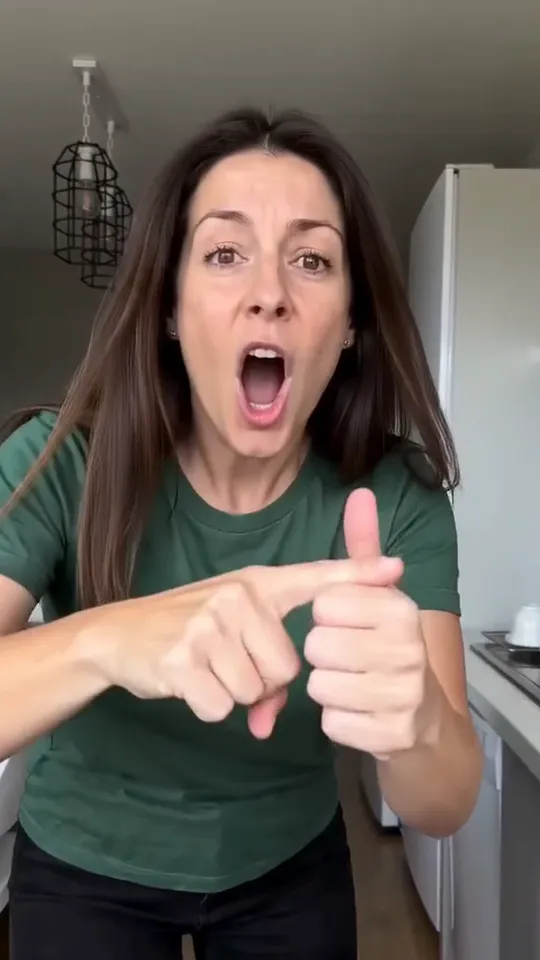
Beat by beat
The whole routine fits in 15 seconds. These are the beats to hit:
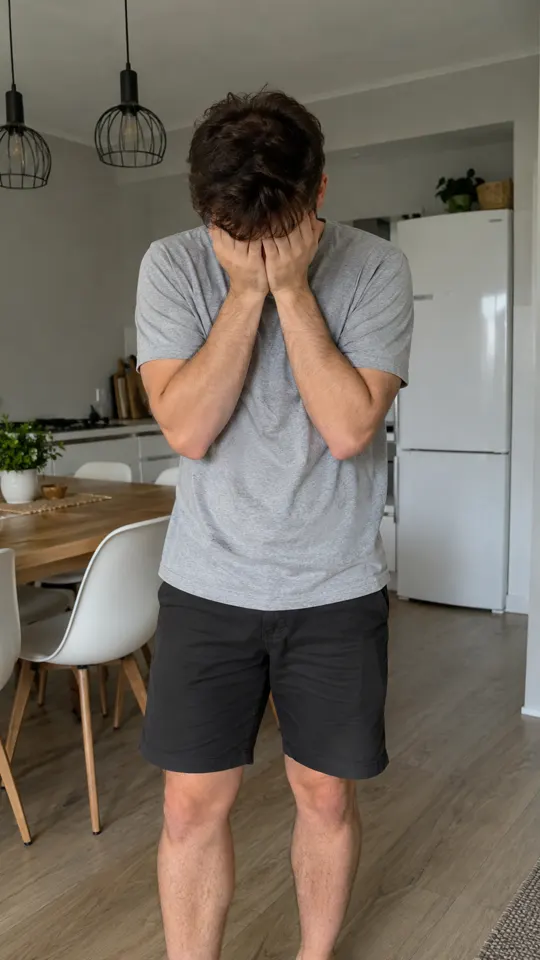
- 0:00, head in hands: open with your face buried in both hands.
- 0:01, the shock: look up at the camera like you can’t believe what you just heard, with a glare and a hand on the hip.
- 0:03, the stop hand: a flat palm straight at the lens.
- 0:07, not today: the eye-roll.
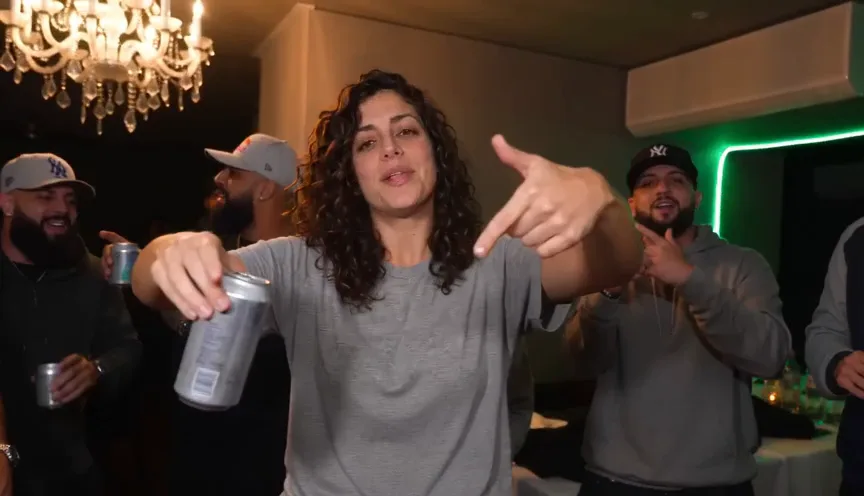
- 0:12, point at the lens: on the drop, charge at the camera and slap a hand over the lens.
Film it yourself
- Prop your phone up in the kitchen, or ask the person you’re telling off to film.
- Stand back far enough to be in frame from head to knees.
- Play the song and lip-sync it with as much attitude as you can.
- Save your energy for the drop: the charge and the slap on the lens are what people wait for.
Post it with the Bad Times sound, so it shows up with the rest of the trend. Not sure what it is? The explainer has the whole story.
Or make it from one photo
- Open the Bad Times page and pick you or your pet.
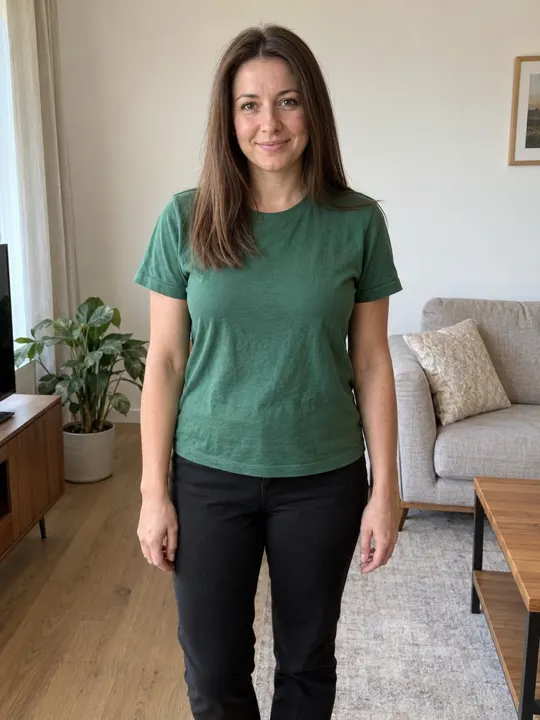
- Add one photo: head to knees, facing the camera, in good light. The photo guide shows what works.
- Press Make my video and sign in when you’re asked. It’s ready in a few minutes. You can close the page: the video waits in My videos and we email you when it’s ready.
- Download the MP4, with the song and no watermark, and post it to TikTok, Instagram Reels or YouTube Shorts.
Each video uses credits from a pack or a monthly plan. See pricing.
Questions
Do I have to act it out?
Not for the AI version. You only add a photo; the routine, the timing and the camera come from the trend.
Does the AI video come with the song?
Yes. The song is already in your video. If a platform mutes it, pick the Bad Times sound from its library when you post.
What if the video fails?
You don’t pay for it: what it used goes back to your balance automatically, and you can try again with another photo.