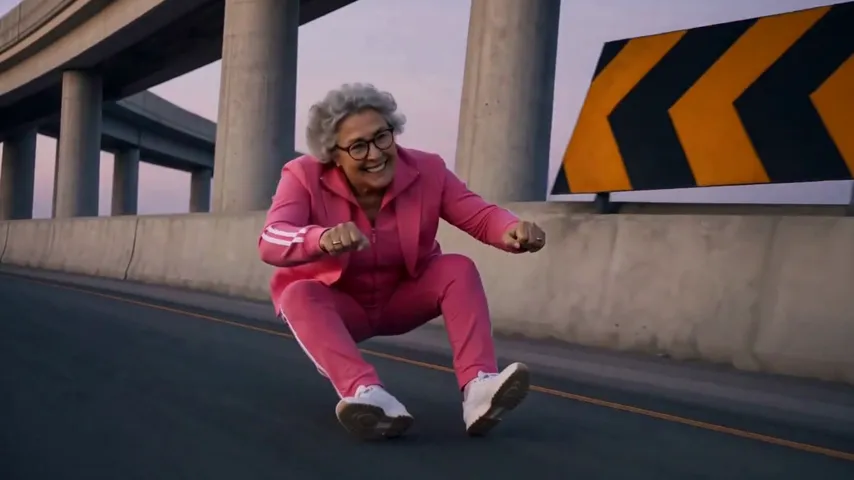
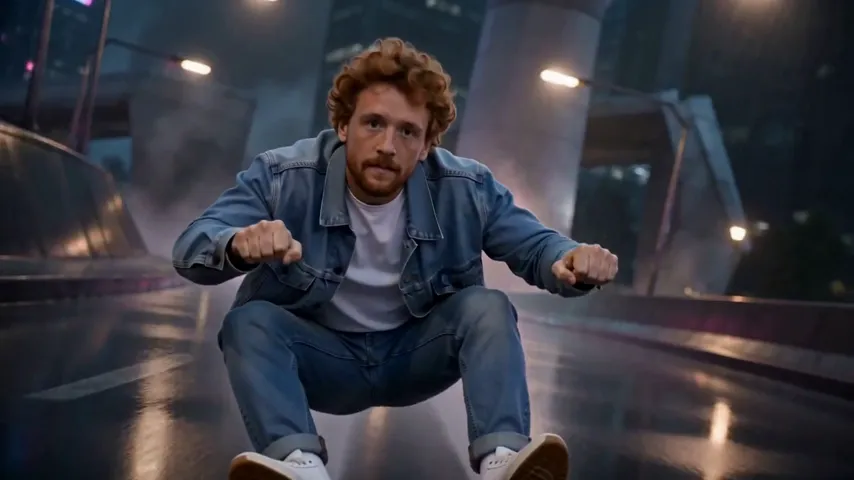
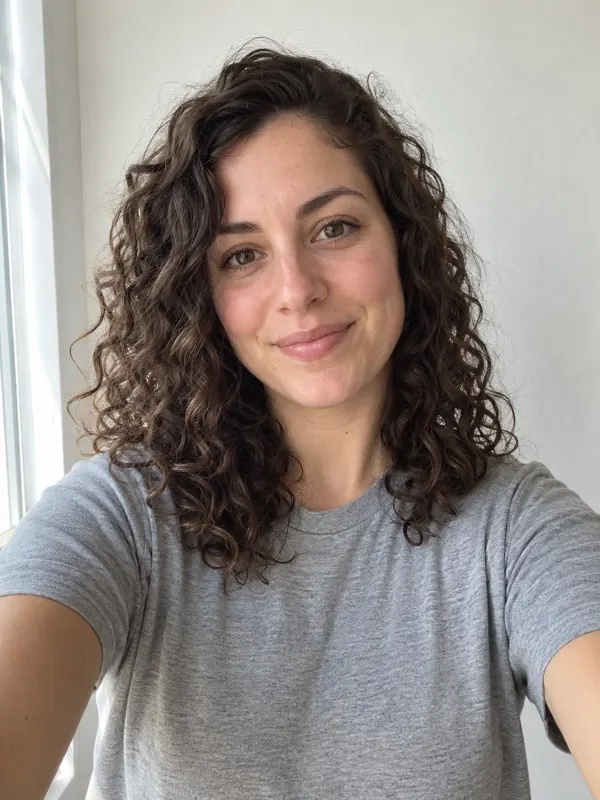
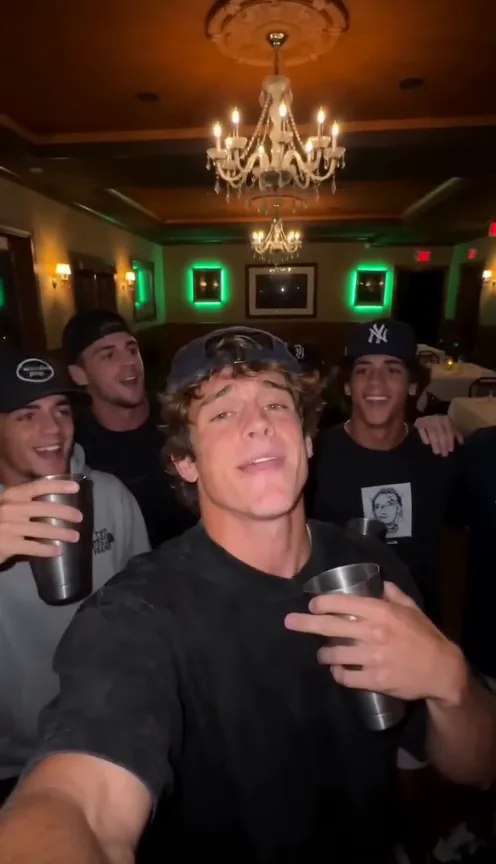
Best photo for the Crazy Frog AI video
Which photo makes the best Crazy Frog AI video: face and shoulders, straight on, what to avoid.
3 min read · Updated
The short version
- Your face, looking at the camera, in good light, with nothing covering it.
- A head-to-knees photo brings your outfit along onto the moped.
Your photo

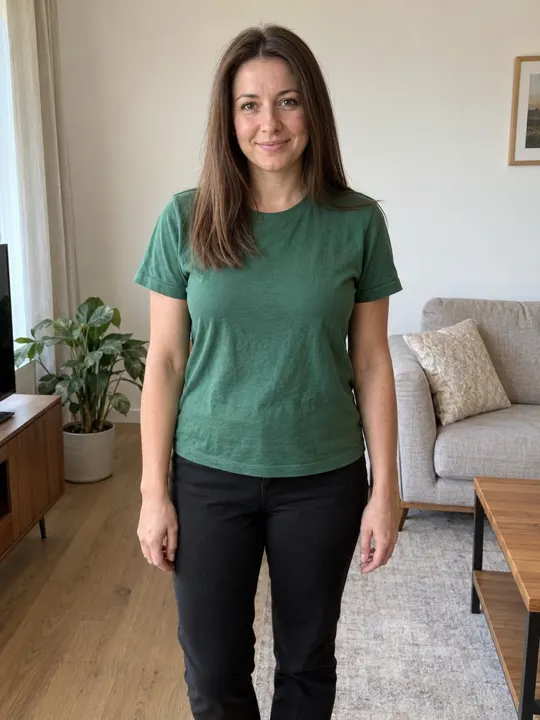
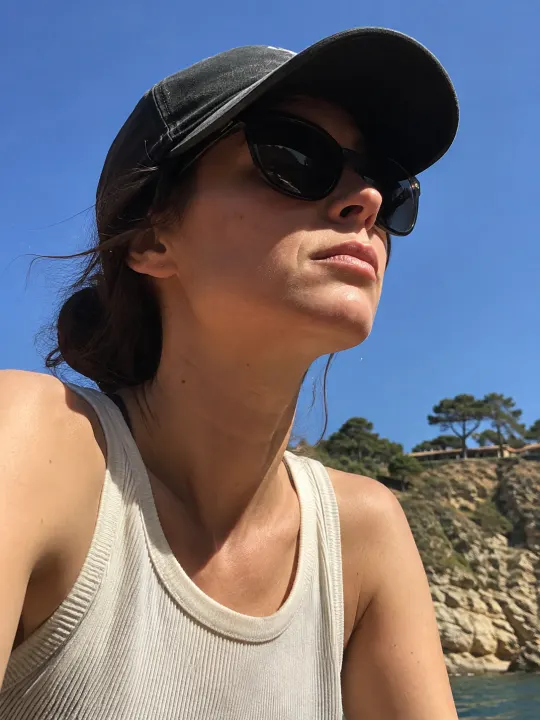
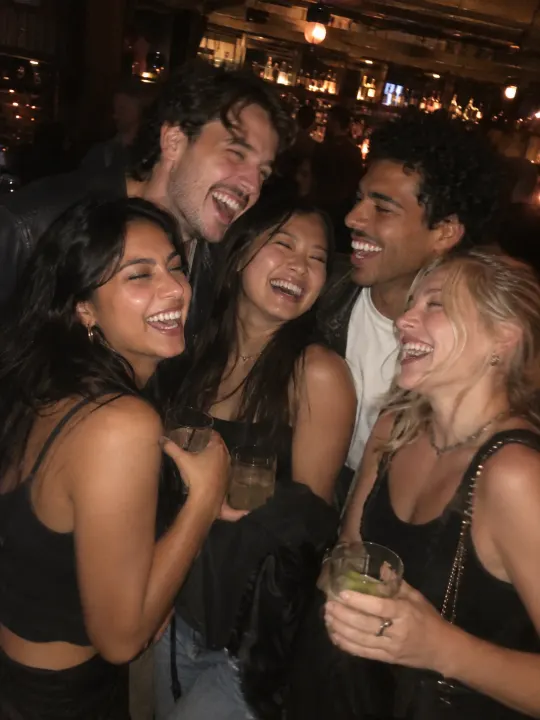
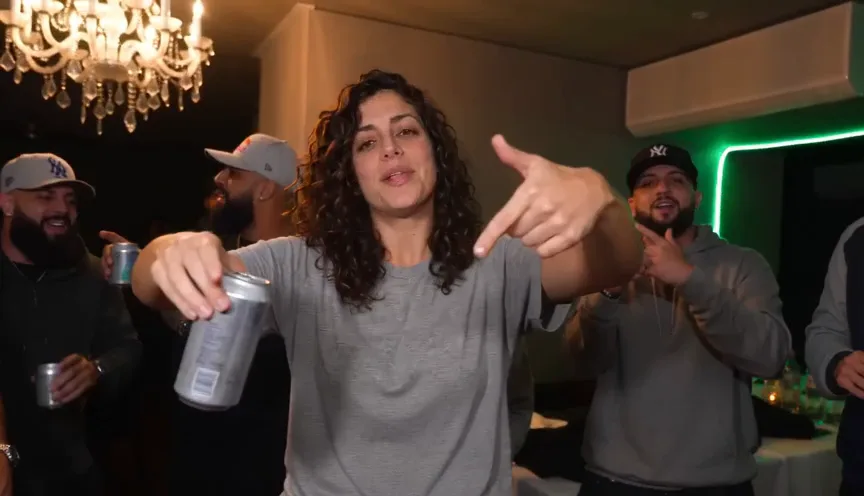
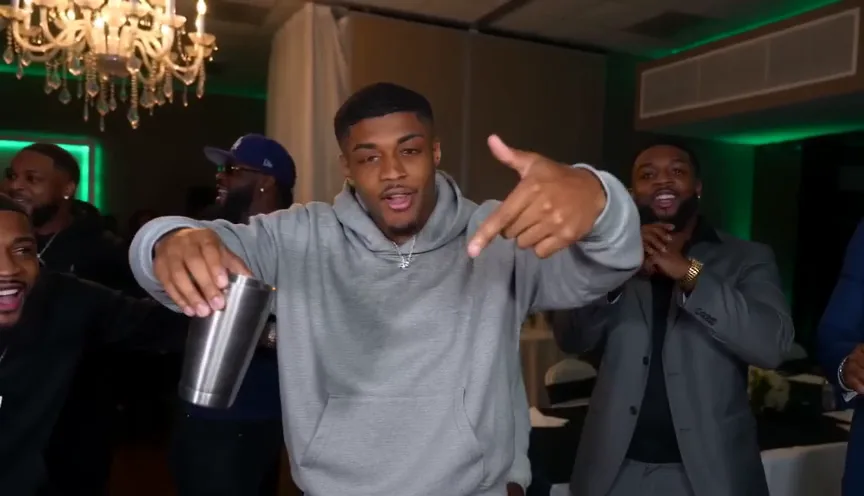
The clearer the photo, the more the video looks like you. Crop a group shot down to one person before you upload it, and keep sunglasses, hands and hair off your eyes.
What happens to your photo
Your photo is used only to make your video and stays private to your account. Photos are deleted automatically 7 days after upload, and you can delete them sooner from My videos. Only use photos you have the right to use: no celebrities and nobody under 18.
Got the photo? Add it on the Crazy Frog page.
Questions
Do I keep my own clothes?
Yes. You ride in the clothes from your photo, so a head-to-knees photo brings your whole outfit along.
Do I need a video of myself?
No. One still photo is enough. The moves, the timing and the camera come from the trend.
What if the video fails?
You don’t pay for it: what it used goes back to your balance automatically, and you can try again with another photo.