How to add the Money Flex sound on TikTok, Reels and Shorts
Add the Money Flex sound on TikTok, Instagram Reels and YouTube Shorts by starting from a Money Flex video, then mix it with the sound already in your video.
6 min read · Updated

The short answer
The Money Flex sound is the original sound that plays under the trend’s videos. We couldn’t confirm a song title or artist for it, so the reliable way to add it is from a Money Flex video you liked: tap the sound name at the bottom, then Use this sound, and pick your clip. Your NowStarring video already has the sound in it, so turn your original sound down when you add it.
Why pick the sound in the app
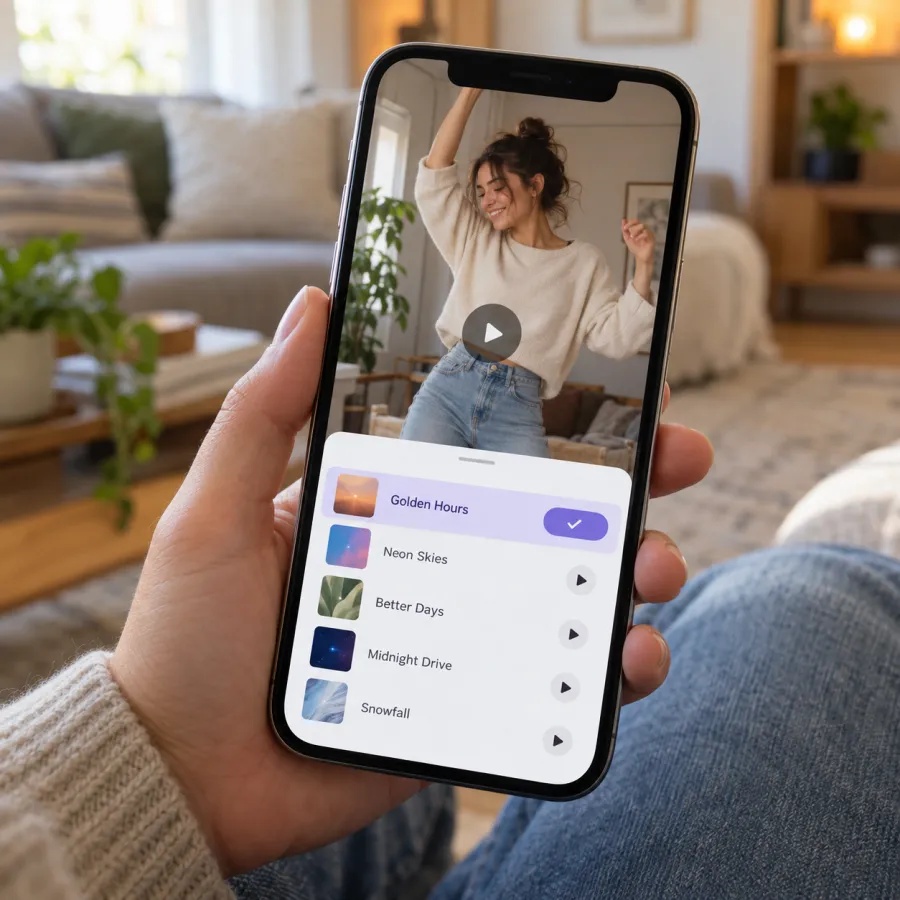
- It links your post to the sound’s page, where people browse every video that uses it. That’s where most trend views come from.
- It uses the platform’s own copy, so your post is less likely to be muted.
- It starts where everyone else’s does, so the beat lands as you push the cash at the lens.
- Searching by name is hit and miss for an original sound. Starting from a video that uses it always finds the right one.
On TikTok
From a Money Flex video (easiest)
- Find a Money Flex video you liked: search “money flex” or open one you saved.
- Tap the sound name at the bottom of the video, then Use this sound.
- Tap upload and choose your video from the gallery.
- In the editor, open the volume settings and turn the original sound down, so you don’t hear it twice.
- Tap Next, write your caption and post.
Save it for later
On the sound’s page, tap Add to Favorites. Next time, tap Add sound while posting, open Favorites and pick it from there.
On Instagram Reels
- On a Money Flex Reel, tap the audio name at the bottom, then Use audio, and pick your video.
- Or tap Save on the audio page, then later tap +, choose Reel, select your video, open the audio button and pick it from Saved.
- Choose the part that plays so the beat starts with your first push at the lens.
- Lower the original audio so the two copies don’t double up.
- Tap Next, write a caption and share.
On YouTube Shorts
- On a Money Flex Short, tap the sound name, then use this sound in a Short, and add your video.
- Or tap Create, upload your vertical clip, and keep its original sound: it already has the flex sound in it.
- Adjust the volume so only one copy plays, then upload.
Mixing it with the sound already in your video
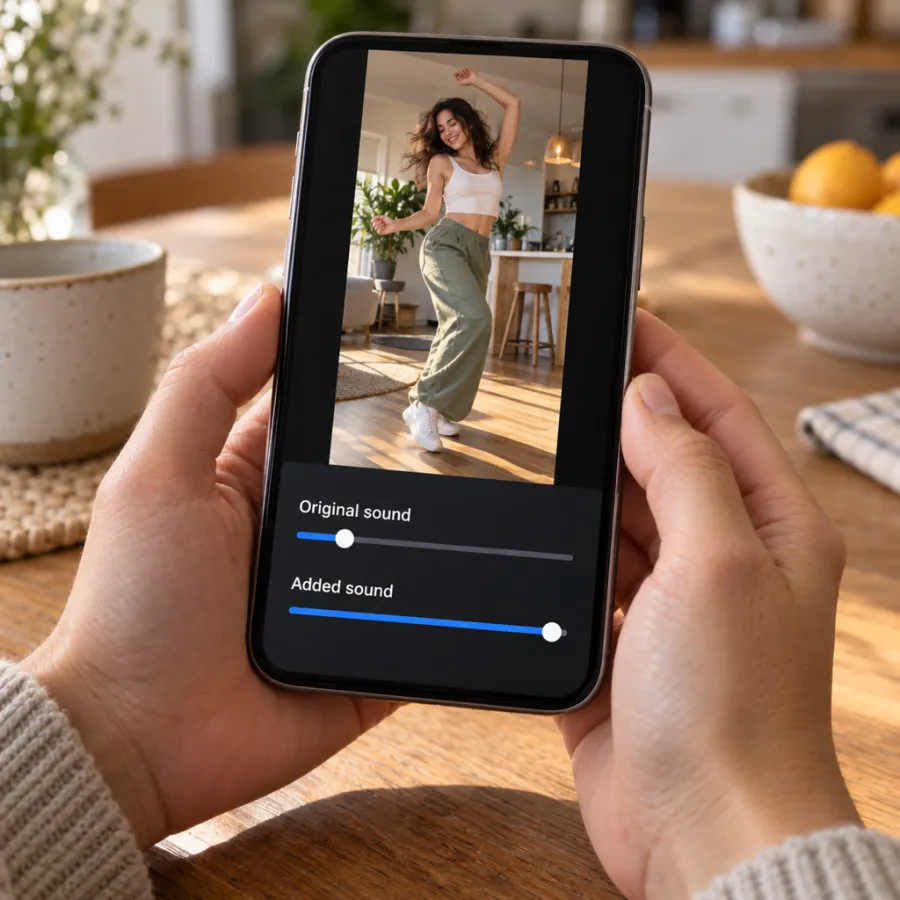
Your file from the Money Flex page comes with the sound in it, so it plays properly anywhere you send it: a group chat, Stories, WhatsApp. When you add the sound in an app, you have two copies.
- Turn the original sound to zero and the added sound up. The added copy is the one that links to the trend.
- If they’re out of step, move the added sound’s start rather than trimming your video.
- Filmed it yourself? Mute your original audio, or room noise and paper rustling come through over the beat.
Land the beat on the flex
Money Flex works when the cash moves with the beat. When you add the sound in an app, it starts at the part most people use, which usually fits. If it doesn’t:
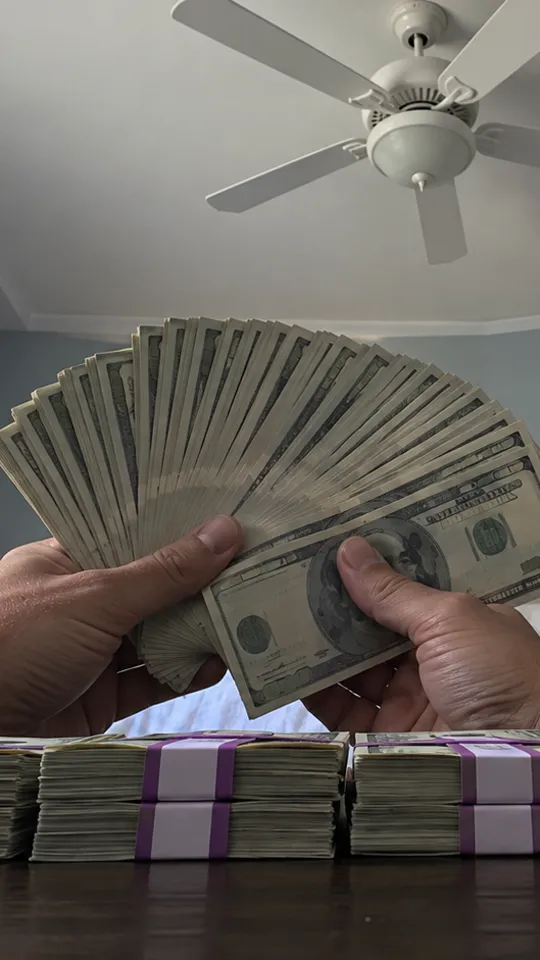
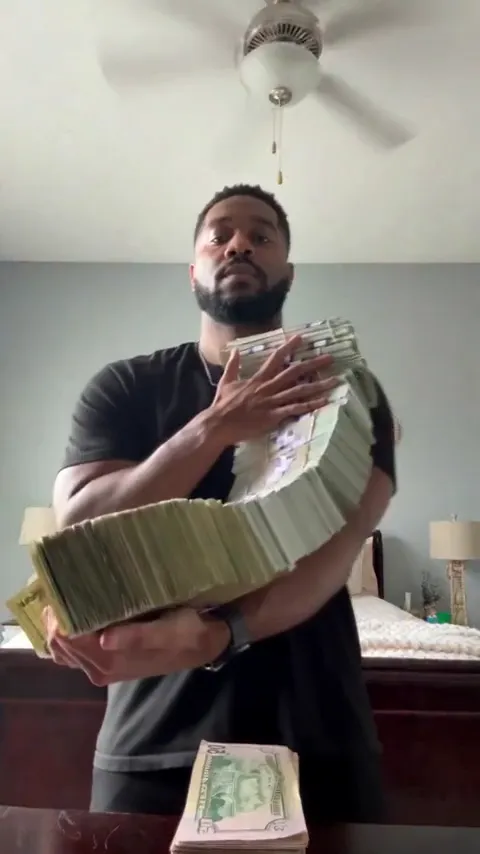
- Play your video once with the original sound up and note when the armful hits the lens and when the fan opens.
- Open the sound’s trim or “choose part” control and drag the start until the beat lands on that first push.
- Play it again with the original sound down. If the cash moves before the beat, start the sound a little earlier; if after, a little later.
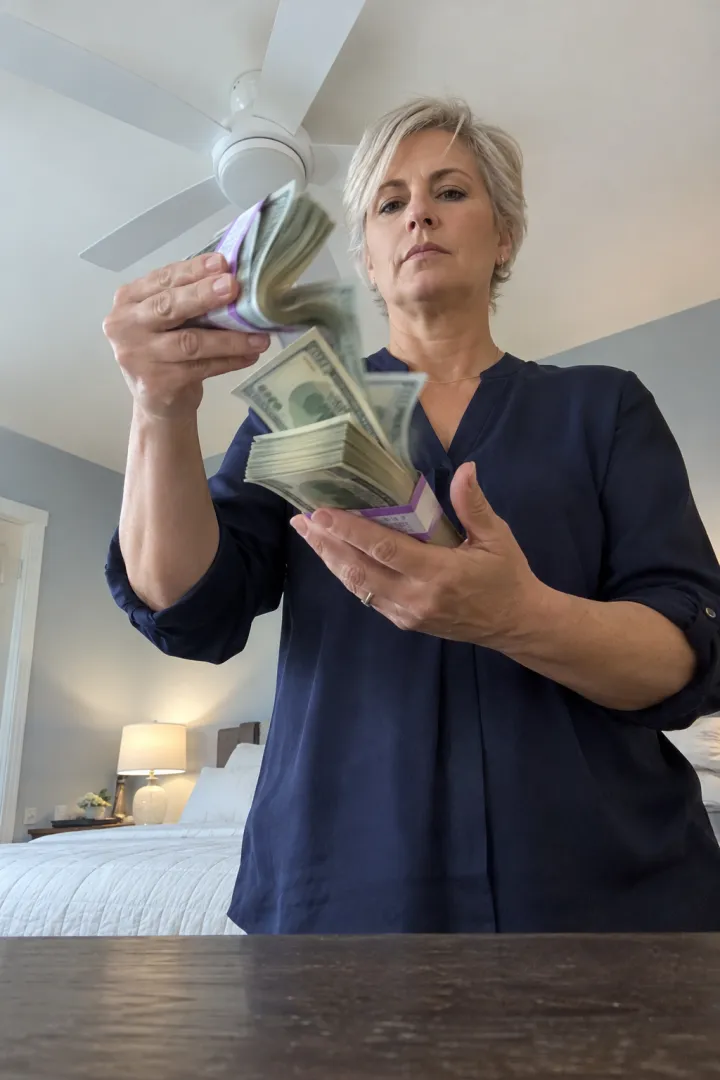
- In a free AI clip the moves aren’t timed to any sound, so trim the clip instead until the fan opens on a strong beat.
Posting the same video everywhere
- Use the original MP4 for each app, not a download from another app. Re-downloads can carry another app’s mark and lose quality.
- Add the sound separately in each app. A sound picked on TikTok doesn’t follow the file to Reels or Shorts.
- Your video is 15 seconds and 9:16, which fits all three without cropping.
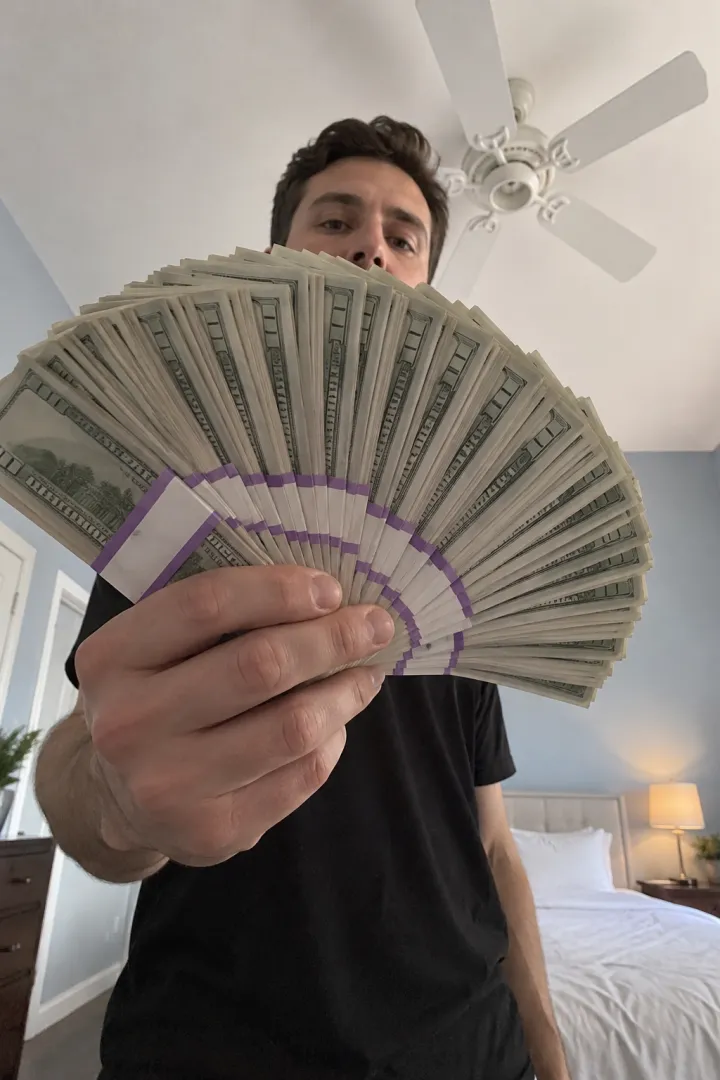
- Choose the fan of bills with your eyes over the top as the cover. It reads instantly as a thumbnail.
If the sound is muted or missing
- Business accounts on TikTok and Instagram often get a smaller music library, so some sounds are missing. A personal or creator account usually has them.
- Original sounds can be taken down or limited by country. If one won’t work, try the sound from another Money Flex video.
- Update the app; older versions may not show newer sounds.
- If nothing works, post with your video’s original sound: the flex sound is already in it.
One more toggle: if you post an AI version publicly, turn on TikTok’s AI-generated content label when you post.
No video yet? Make your Money Flex video from one photo, sound included, or read the Money Flex AI prompt. NowStarring is an independent fan tool, not linked to the creators of the original Money Flex videos. The money in every video is fake, for fun only, and never proof of income. The sound belongs to its rights holders.
Questions
What song is used in the Money Flex trend?
It’s an original sound that plays under the trend’s videos, and we couldn’t confirm a title or artist. Add it by tapping the sound on a Money Flex video you liked, then Use this sound.
My video already has the sound. Why add it again?
Picking the sound in the app links your post to the sound’s page, where people find trend videos, and uses the platform’s own copy.
How do I stop the sound playing twice?
In the editor’s volume settings, turn the original sound to zero and keep the added sound up.
Why can’t I find the Money Flex sound by searching?
Original sounds are hard to find by name. Start from a Money Flex video instead: tap its sound, then Use this sound, or save it to your favorites for later.
Do I need to label my Money Flex video as AI?
If it’s an AI video posted publicly, yes, it’s good practice: TikTok has an AI-generated content setting when you post. It’s also a good place to make clear the money is fake.
Can I post the same Money Flex video on TikTok and Reels?
Yes. Upload the original MP4 to each app and add the sound separately in each one, starting from a Money Flex video there.