Put Yourself in a Viral TikTok Video: 4 Ways Compared
Four ways to put yourself in a viral TikTok video: film it, use a template, write an AI prompt, or upload one photo. What each takes, costs and gets you.
6 最小読み取り · 更新済み
Four ways to put yourself in a trend
There are four ways to put yourself in a viral TikTok video: film it yourself, drop your clips into a CapCut template, write a prompt for an AI video app, or upload one photo to a trend site that makes the video with your face. Filming is free but needs the place and the moves; one photo is the fastest but costs a little per video.
| Way | What you need | What you get | The catch |
|---|---|---|---|
| Film it | A phone, the moves, the place, maybe a friend | The real thing, exactly you | Some trends can’t be filmed at home |
| Template | Your own clips | Your clips cut to the beat | Only what you already filmed |
| AI prompt | A photo and a written prompt | New scenes, roughly the trend | Retries, drift, often no sound |
| One photo | One clear photo | The trend’s shots with your face and the song | Paid; the scene is fixed |
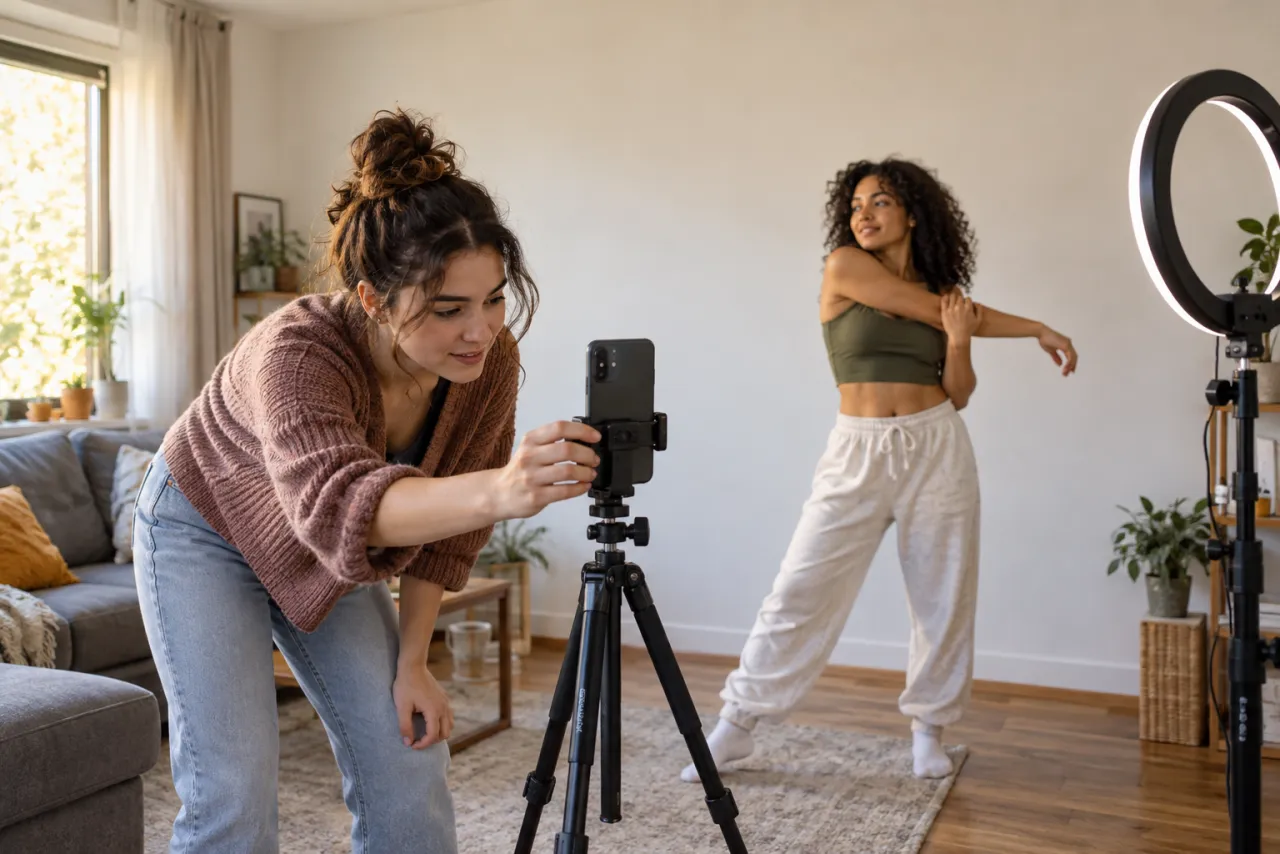
Film it yourself
For trends that are mostly a routine, filming is still the most fun and costs nothing. Watch the original a few times, write down each move with its timing, and prop your phone where the original camera was.
- Toc Toc: phone on the hallway floor, march in, knock, hop, ta-da.
- Bad Times: a friend films you in the kitchen while you tell them off.
- I Feel Like Nicole: the famous version hides the phone in a store cooler, so ask first.
- Ramalama: a friend holds the phone near the ground and whips it up on the whisper.
Where filming falls short is scale and setting: a crowd of zombies, hundreds of people bowing, a stormy moor. Each trend’s free guide has a shot plan, like the Ramalama trend for free.
A few habits make a home version look better: film in daylight facing a window, clean up what’s behind you, lock the phone so it doesn’t drift, and do three or four takes before you pick one. If the original was filmed on a phone held by a friend, film it the same way; a tripod shot of a handheld trend looks oddly stiff.
Use a CapCut template
A template takes clips you already have and cuts them to a trend’s structure and beat. Find a template for the trend, tap Use template, and fill the slots. It’s quick and free to start, but it only rearranges your footage. CapCut template vs AI video generator compares them in detail.
Write an AI prompt
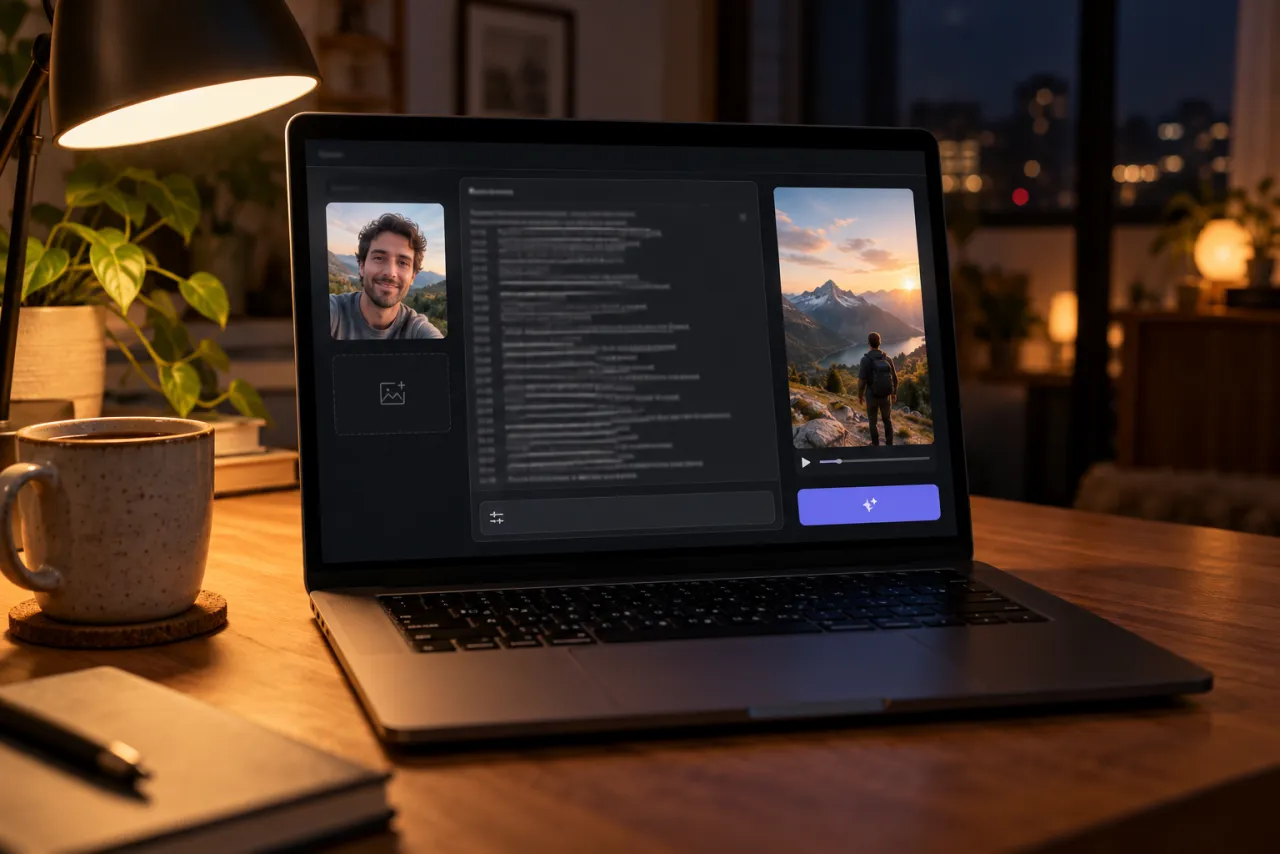
An image-to-video app takes a photo of you and a written description and makes new footage. The prompt does the work, so describe the format, tell it to use your photo for the face, then list the shots with timings.
A shape that works for most trends
Vertical 9:16, 10 seconds, photoreal, filmed like a phone video. Use the person in my reference photo as the lead; keep their face and hair exactly. 0–3 s: [the opening shot: where they are, what they do]. 3–7 s: [the main move or moment]. 7–10 s: [the ending: the pose, the reveal or the look into the camera]. No text on screen, no extra people in front of them.
Each trend has a filled-in version, such as the Toc Toc prompt, the Cheba Man prompt and the I Feel Like Nicole prompt. Expect a few tries, and add the trend’s sound yourself when you post.
Upload one photo
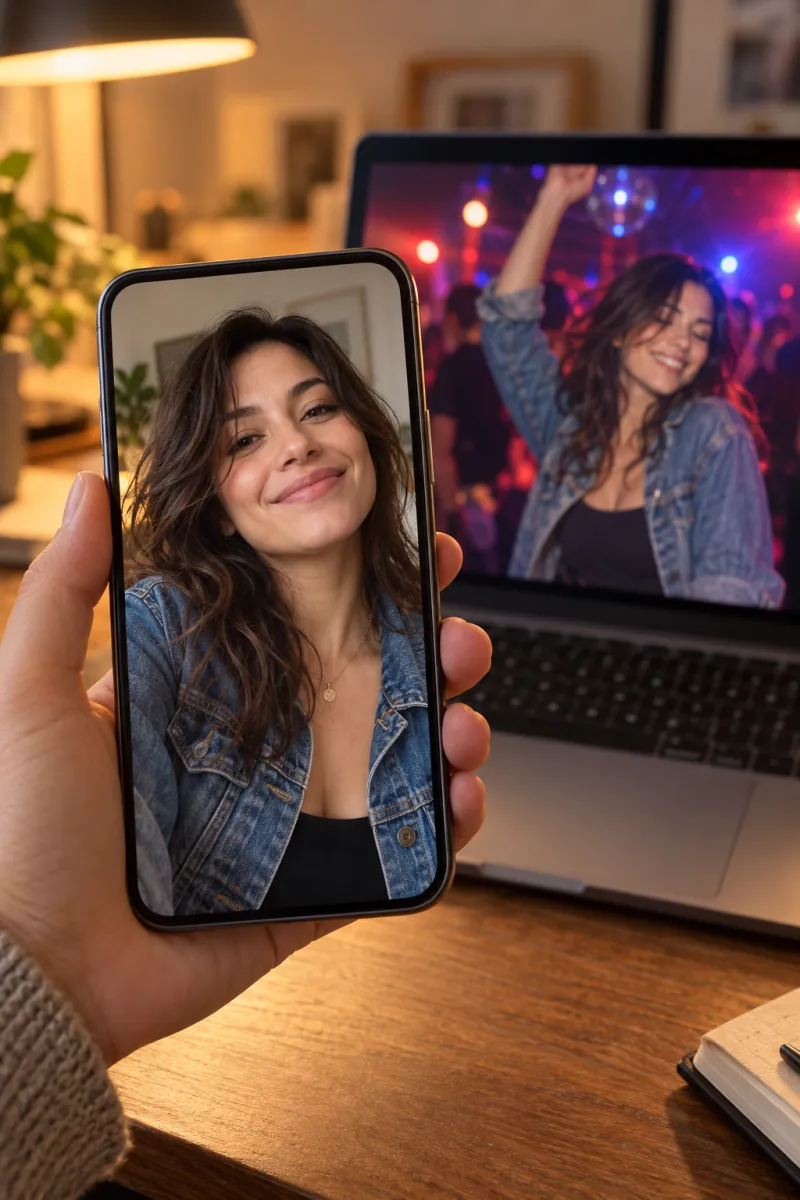
On a one-photo trend site the shots, setting, timing and song are already done; you add the face. Pick a trend, upload a clear photo of yourself and wait about 3 minutes. You get an MP4 with no watermark and the sound in it.
One Standard video uses between 45 and 180 credits, depending on the trend. The cheapest trends work out to $6.45 a video with the smallest pack ($12.90 for 90 credits), the longest two-person dance to $34.90, and plans start at $19.90 a month for 270 credits. Packs are one-time buys whose credits never expire, and a video that fails gives its credits back.
It’s the only route that works for trends nobody can film at home: leading the Thriller crowd, standing still in Storm Dance, chipping the keeper in Ozil Goal, or riding the invisible moped in Crazy Frog.
The photo that makes it look like you
- Face toward the camera, eyes open, nothing covering it.
- Soft, even light. A window works better than a flash.
- Just you in the frame.
- Your own photo, or one of an adult who agreed. Never a celebrity or anyone under 18.
Each trend has its own photo guide, such as the best photo for Burning Bridges and the best photo for Ghostface. If a video gets turned down, why AI trend videos get blocked has the fixes.
Posting it so people find it
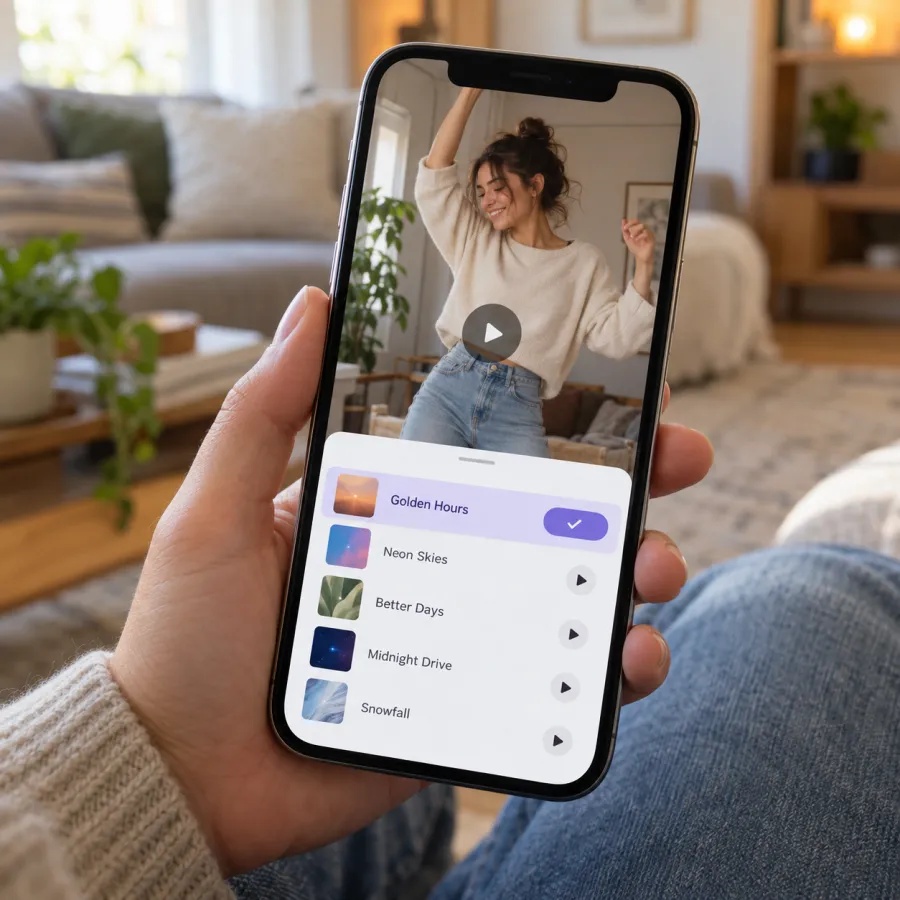
- Pick the trend’s sound in the app, not just the song inside your file, so your video appears on the sound page next to everyone else’s.
- Turn your clip’s own sound down once the app’s sound is added, so the song doesn’t play twice.
- Put the trend’s name in the caption and a line that sets up the joke, like who you’re telling off in Bad Times or who you’d never shoot in the zombie hug.
- Turn on the AI-generated label if you used AI for any part of it.
- Tag the friend who was in it, and only post a video with someone else in it if they’re happy for you to.
A strong first second matters more than anything else. Most trend videos open on the moment people already know, so if yours has a slow start, trim it in your editor before you post.
Which way to pick
- You can do the moves and have the place: film it.
- You have the clips and want them on the beat: a template.
- You want your own twist on a scene: an AI prompt.
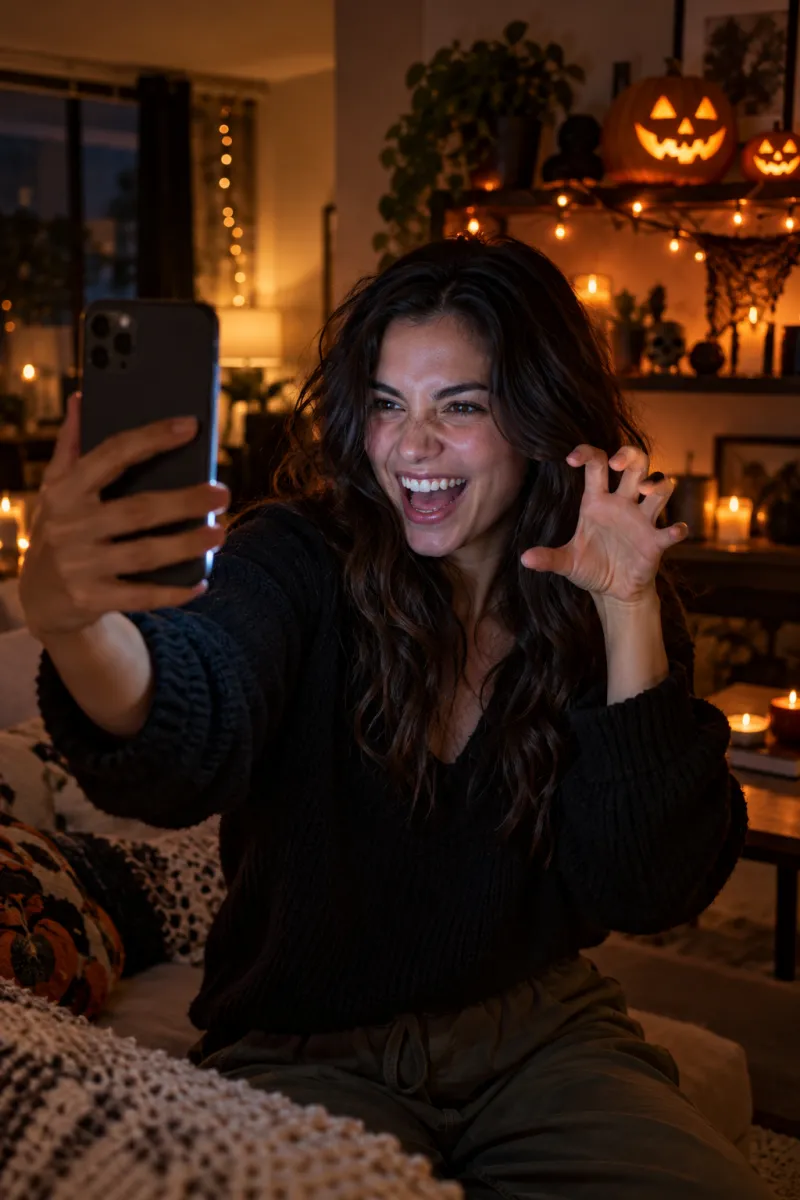
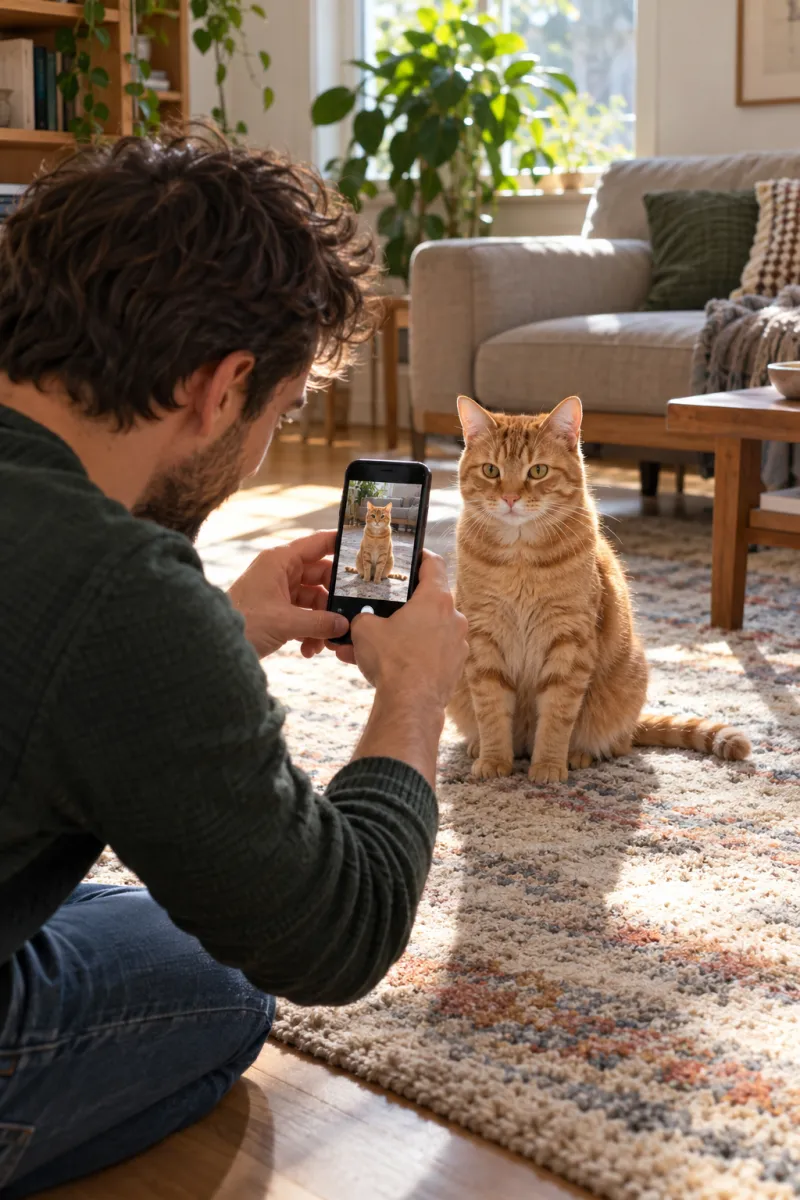
- You want one exact trend with your face and the song, now: one photo. Browse every trend, or start with Halloween, dance or pet trends.
Whichever way you make it, pick the trend’s sound when you post so it lands on the sound page. Adding the original sound has the steps.
NowStarring is an independent fan tool, not linked to TikTok, Instagram, YouTube, CapCut, any of the songs’ artists or the creators of the original trend videos. Every song and sound belongs to its rights holders.
よくある質問
How do I put myself in a TikTok trend video with AI?
Upload one clear photo of your face to a trend site that makes that trend, or paste a written prompt with your photo into an image-to-video app. The first matches the trend exactly; the second gives you more freedom but takes retries.
Can I put my face in a video for free?
Yes, by filming it yourself, using a CapCut template with your own clips, or using a prompt in an AI app’s free tier, which usually adds a watermark. NowStarring has no free credits.
What is the easiest way to do a viral TikTok trend?
If you can film it, film it. If you can’t, upload one photo to a trend site: it already has the shots, the timing and the song.
Can I put a friend in the video?
Only with their permission, and only if they’re an adult. Some trends, like Alors On Danse and the zombie hug, are made for two people.
Can I put a celebrity in my video?
No. Photos of celebrities, public figures and anyone under 18 aren’t allowed.
Will it look like me?
With a sharp, front-facing photo in good light, yes. Blurry, dark or covered faces are what make the video look like someone else.