Why AI Trend Videos Get Blocked, and How to Fix It
Why AI video apps block trend videos: famous names, characters, minors, unclear photos, groups and risky words. What to change, and what happens to the credits.
7 最小読み取り · 更新済み
Why AI trend videos get blocked
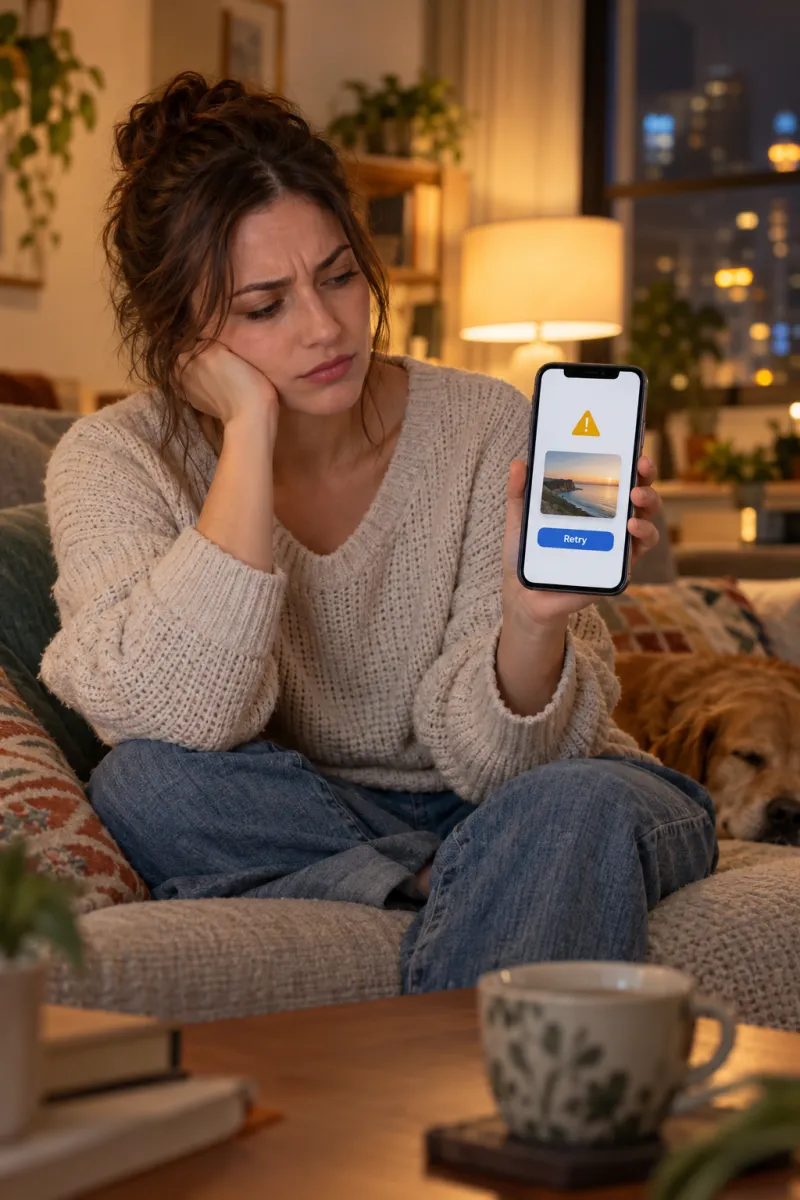
AI trend videos usually get blocked for one of five reasons: the prompt names a famous person or character, the photo shows someone who looks under 18, the face isn’t clear enough, there are several people in the photo, or a word like gun, blood or killer trips a safety filter. Most blocks go away with a clearer solo photo and plain words describing the scene.
On NowStarring a blocked or failed video never costs you anything: the credits come back automatically. The rest of this guide covers each cause, what it looks like and the fix, here and in other apps.
The causes and their fixes
| Cause | What you see | Fix |
|---|---|---|
| A famous name or character in the prompt | Refused before it starts | Describe the look instead of naming it |
| A celebrity or public figure in the photo | Refused | Use a photo of yourself |
| Someone who is or looks under 18 | Refused | Adults only, always |
| Face blurred, dark, covered or far away | No face found, or a stranger’s face | A sharp, front-facing photo in good light |
| Several people in the photo | Wrong face, or refused | One person per photo |
| Violent or costume words | Refused | Swap them for plain descriptions |
| Revealing clothes or a busy background | Refused | Plain clothes, plain background |
Famous names, characters and costume words
Many trends borrow from films, music videos and famous moments, and AI video tools are cautious about all of them. A prompt that names the character from a horror film, a pop star or a footballer is often refused outright, even when your photo is fine.
Describe what you see, not who it is. A “figure in a black hooded robe and a plain white mask” gets through where a character’s name may not. The same goes for violent words: in a zombie scene, “holding something heavy, arm lowered” is gentler than naming a weapon, and “pale skin, torn clothes” beats gore.
| Instead of | Try |
|---|---|
| A character’s or celebrity’s name | Their clothes, setting and mood in plain words |
| Blood, gore, wounds | Pale skin, torn clothes, dim light |
| Gun, knife, shoot | Holding something, arm lowered, a standoff |
| Killer, murder, attack | A silent figure appears behind them |
| Sexy, lingerie, bikini | Everyday clothes |
This is also why our trend videos use generic versions: the Ghostface figure is a generic black robe and white mask, and the Thriller zombies come without gore. Read the Ghostface prompt guide for a worked example.
Celebrities, minors and people who didn’t agree
Don’t try to work around these. NowStarring only takes photos of you, your own pet, or an adult who has agreed to it. Photos of celebrities, public figures (including the artists and people in the original trend videos) and anyone under 18 aren’t allowed, and the video tools refuse them too. The acceptable use policy has the full list.
A young-looking adult can sometimes be turned down. If that happens, try a photo that looks more like an everyday adult portrait: plain clothes, natural light, no filters that smooth the skin.
Photo problems: blur, dark, covered faces and groups
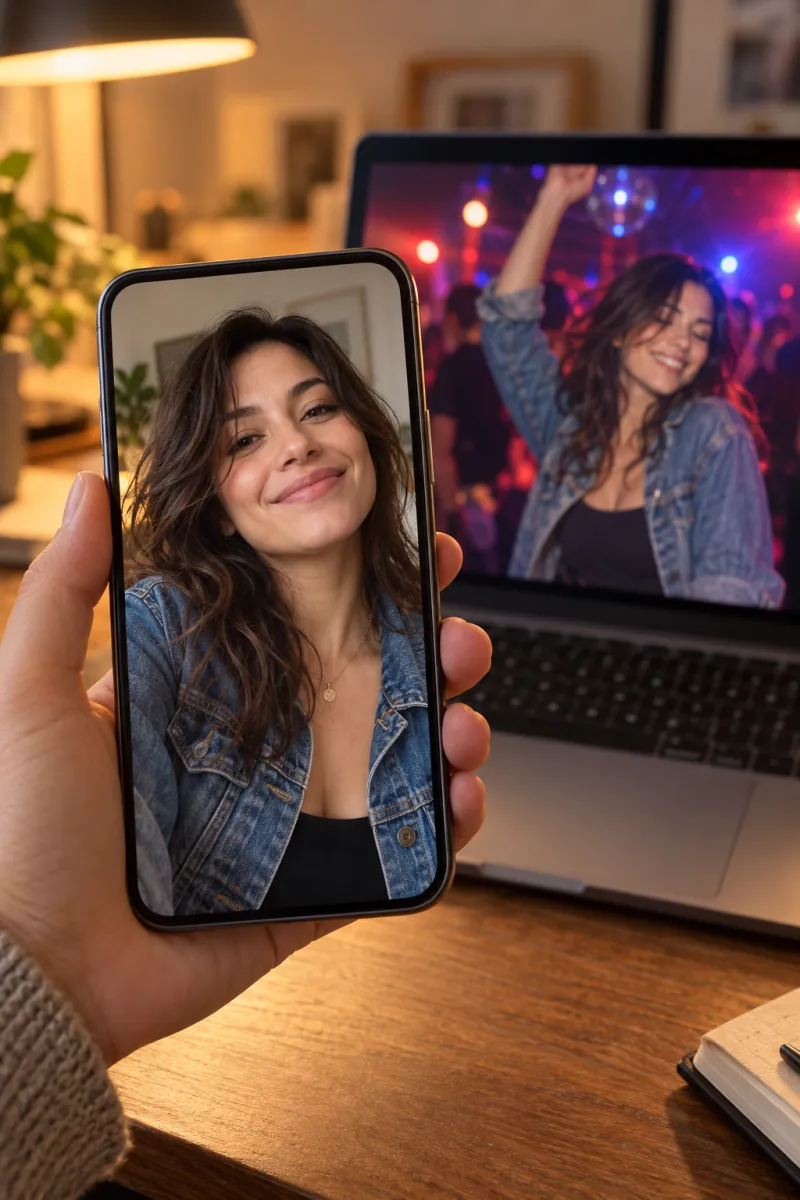
If the video can’t find a clear face, it either stops or invents one, and the result looks like a stranger. When we can’t find one we tell you: “We couldn’t find a clear face in your photo.” The fix is a photo where your face points at the camera, your eyes are open and nothing covers it.

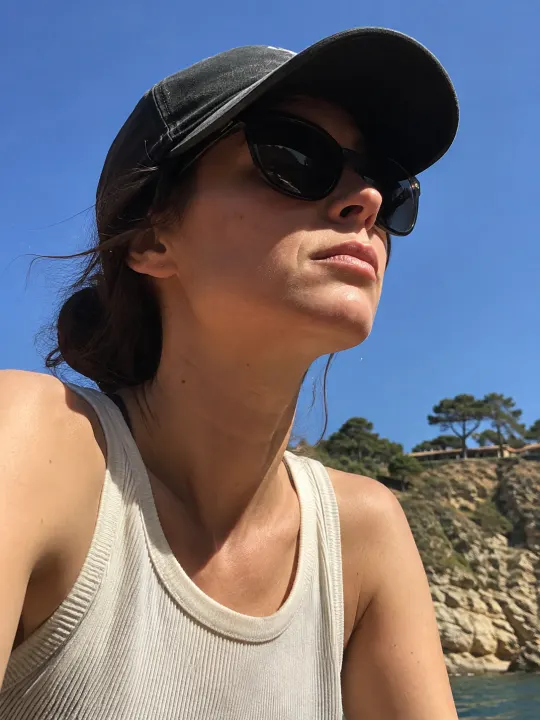
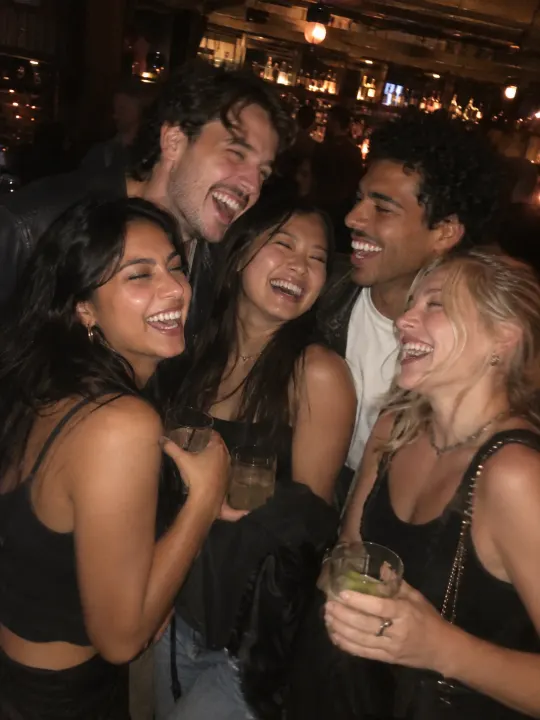
- Crop a group photo down to just you, as long as your face is still sharp after cropping.
- Skip heavy beauty filters and face-smoothing apps. They blur the features the video needs, and very smooth skin can make an adult look younger than they are.
- Take the photo at eye level, not from far above or below, so your face isn’t stretched or squashed.
- Very small or very large photos are turned away at upload. Use the original from your camera roll, not a screenshot of a screenshot.
- Uploads take JPG, PNG or WebP, up to 10 MB.
What happens when a video fails on NowStarring
For most trends, if the first attempt is turned down, we automatically try once more with a gentler version of the scene. You don’t need to do anything; it just takes a little longer. If that fails too, or a video fails for any other reason, its credits come back to your account automatically.
Trends built on the original clip, such as Bulin 47, Money Flex, Rumpelstiltskin, Alors On Danse and Storm Dance, can’t be softened without becoming a different video, so a refusal there refunds straight away.
| Message | What to do |
|---|---|
| We couldn’t find a clear face | Use a front-facing photo, eyes open, nothing covering the face |
| The video model turned this photo down | Try a different photo of yourself in plain clothes |
| It hit an error and stopped | Try again with the same photo |
| The render took too long | Try again; if it happens twice, contact support |
The refund policy covers the details, and the FAQ answers the rest. For one trend in depth, see why a Burning Bridges AI video gets blocked.
Blocked in another app? Rewrite the prompt
If you’re using a written prompt in a general AI video app, the same fixes apply. Keep the shot list, strip the names and the violent words, and say what’s in each shot. A rewritten Halloween prompt might look like this:
A filter-friendly version of a scary scene
Vertical 9:16, 10 seconds, photoreal, 90s home-video look. Use the person in my reference photo as the lead; keep their face exactly. 0–4 s: they lie across a bed in a cosy bedroom, laughing on a corded phone. 4–7 s: a silent figure in a black hooded robe and plain white mask stands in the doorway behind them. 7–10 s: the lights flicker; the figure is now right behind their shoulder; both look into the camera. No blood, no weapons, no text on screen.
Each trend has its own copy-ready prompt written this way, such as the Thriller prompt and the zombie hug prompt, and the prompt page explains how to use them.
NowStarring is an independent fan tool, not linked to TikTok, Instagram, YouTube, CapCut, any of the songs’ artists or the creators of the original trend videos. Every song and sound belongs to its rights holders.
よくある質問
Why does my AI video keep getting blocked?
Usually the photo or the prompt: a famous name or character, someone who looks under 18, a blurry or covered face, several people, or words like gun or blood. A clear solo photo and plain descriptions fix most of them.
Do I lose my credits if a video is blocked?
Not on NowStarring. For most trends we retry once with a gentler version; if that fails too, or it fails for any reason, the credits come back automatically.
Can I make an AI trend video of a celebrity?
No. Photos of celebrities, public figures and anyone under 18 aren’t allowed, and only photos of yourself, your pet or an adult who agreed can be used.
Why did the AI give me a different face?
The photo didn’t show your face clearly enough, so the video filled in the gaps. Use a sharp, front-facing photo in good light with nothing covering your face.
How do I get a Halloween AI prompt past the filter?
Describe the costume and the scene instead of naming the character, and leave out weapons and blood. “A figure in a black hooded robe and plain white mask” works where a name may not.
Can I use a group photo?
Use one person per photo. Crop a group shot to just you if your face stays sharp, or pick a solo photo.