CapCut Template vs AI Video Generator: Which to Use
A CapCut template re-cuts your own footage, an AI generator invents new shots, and a one-photo trend site makes one trend exactly. When each wins, side by side.
6 最小読み取り · 更新済み

The short answer
Use a CapCut template when you already have the footage and want it cut to a trend’s beat. Use an AI video generator when you need shots you can’t film, and are happy to write a prompt and retry. Use a one-photo trend site when you want one specific trend, with your face and its song, from a single photo.
They aren’t really rivals. A template edits what you give it; a generator makes something new from a description; a trend site makes one known video from your photo. Plenty of people use two of them together.
Side by side
| Question | CapCut template | AI video generator | One-photo trend site |
|---|---|---|---|
| What it does | Re-cuts your clips to a set structure | Invents shots from a prompt and a photo | Makes one trend’s shots with your face |
| What you bring | Your own photos and clips | A photo and a written prompt | One photo |
| Your face | Exactly yours: it’s your footage | Close, varies take to take | From your photo, in the trend’s shots |
| The trend’s exact shots | Only if you film them | Roughly, after retries | Yes, built from the trend |
| The song | Usually in the template | Often none; add it yourself | In the video |
| Effort | Filming plus a few taps | Writing, waiting, retrying | Upload and wait |
| Cost to start | Free | Free tiers with limits | Paid per video |
What a CapCut template does
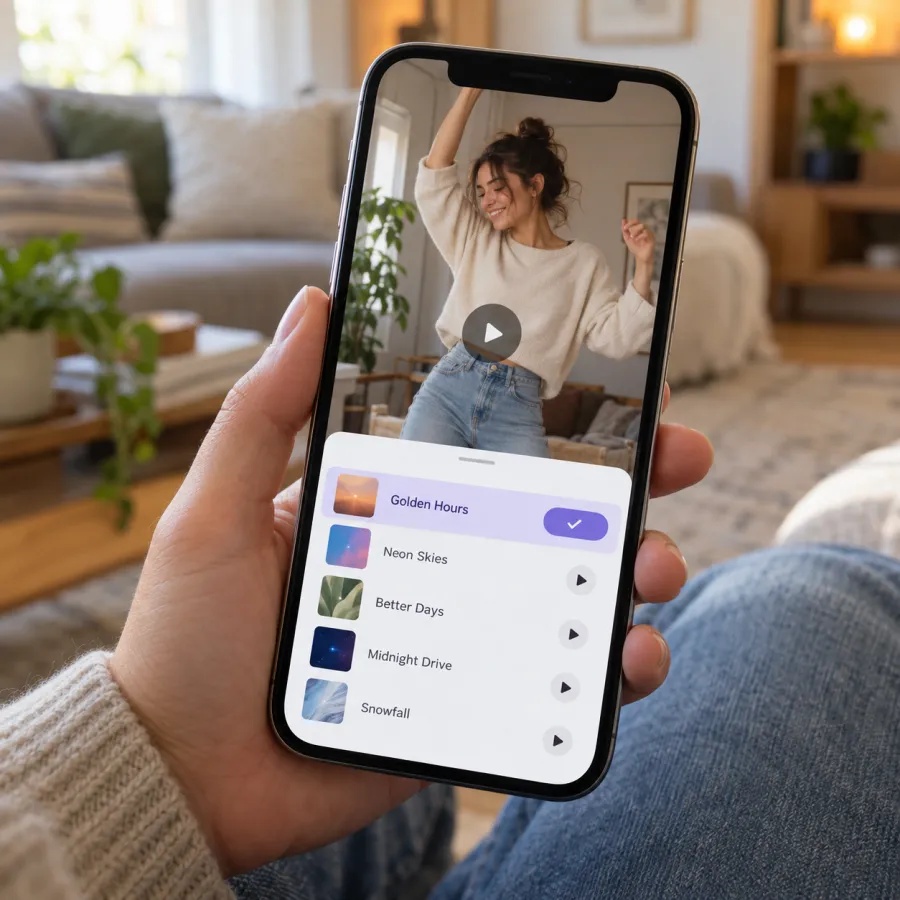
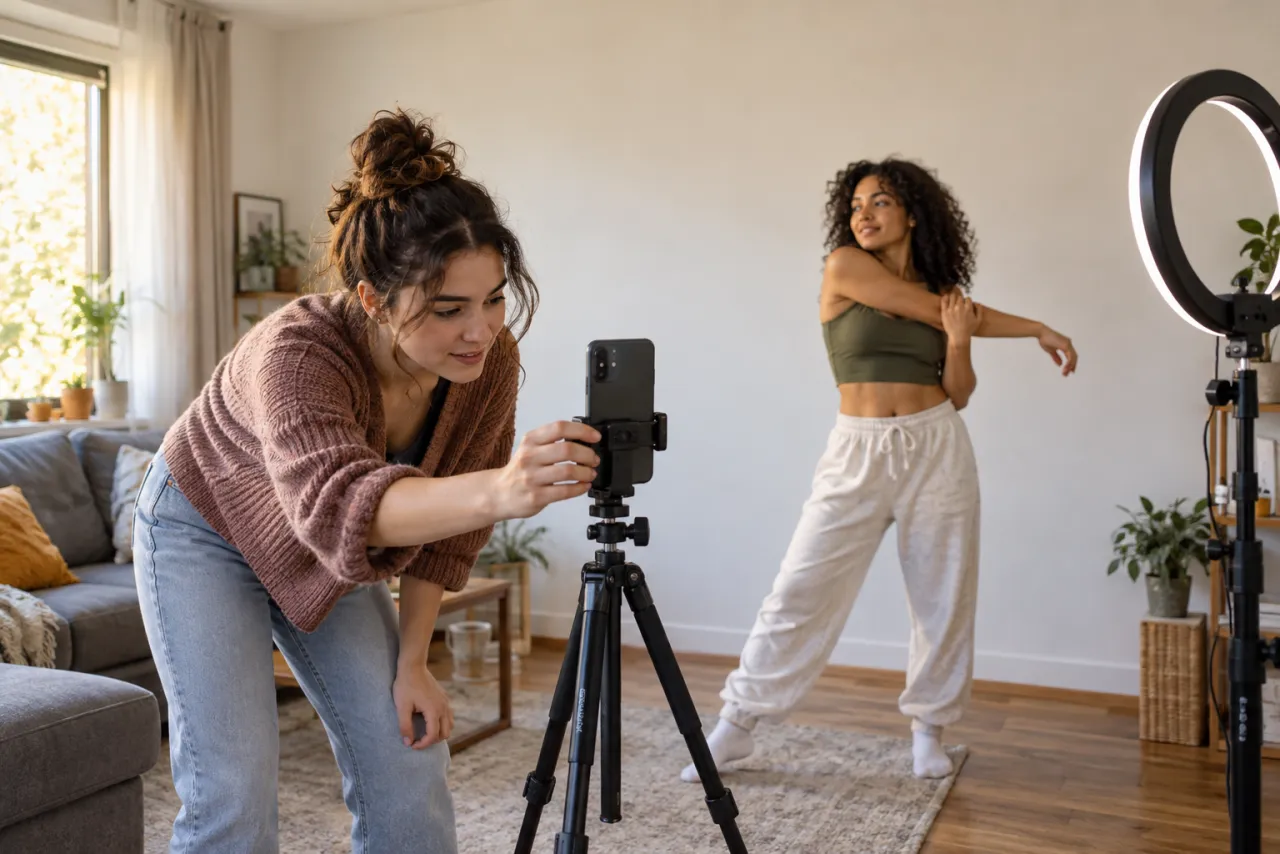
A template is someone else’s edit with empty slots. You tap Use template, drop in your own photos and clips, and it keeps the original’s structure, cuts, effects and pacing. It’s fast, free to start, and great for beat-synced edits, photo dumps and transitions.
What it can’t do is film something that never happened. If the trend is you leading a crowd of zombies, or your cat pulling a sword from the mud, a template can only cut together the footage you already have.
What an AI video generator does
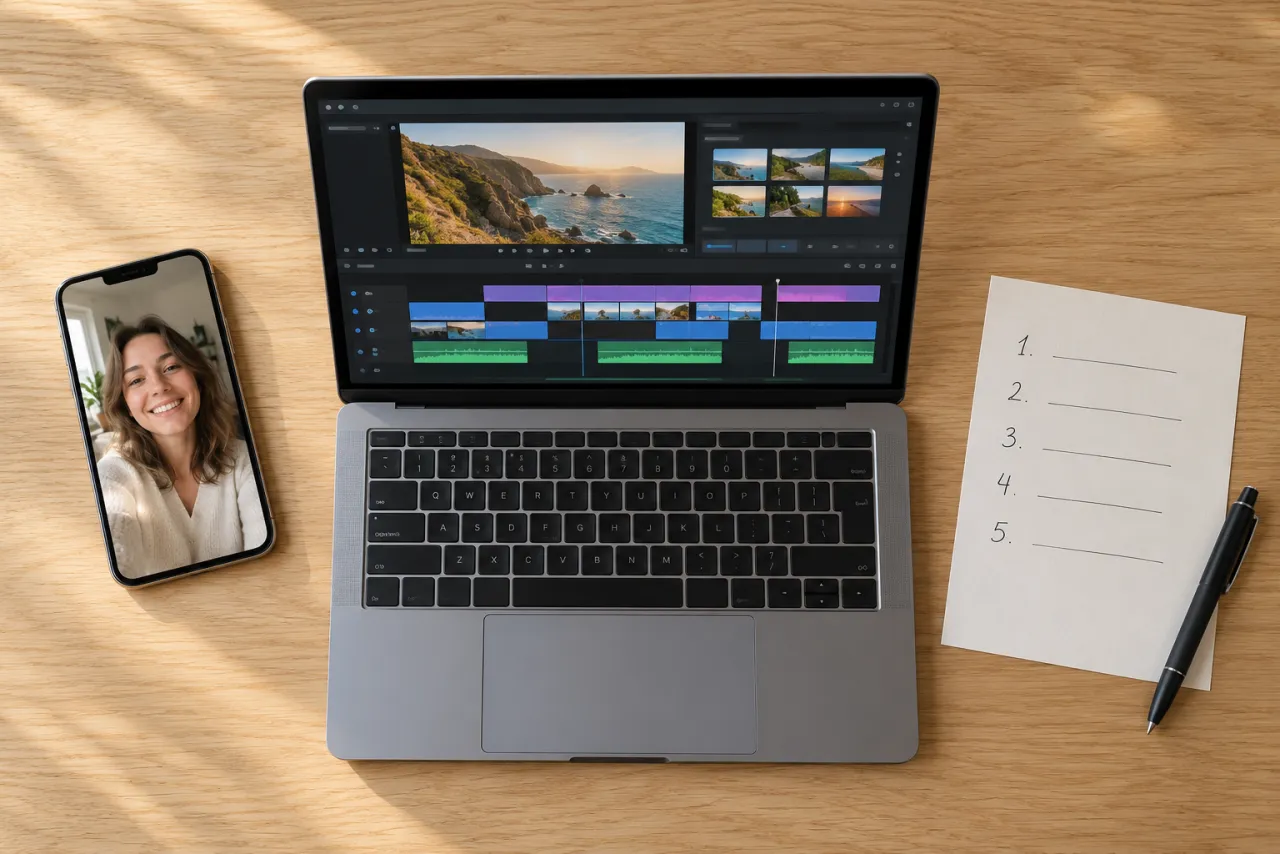
A general AI video generator, including the AI video tools inside CapCut, makes new footage from text or from an image plus text. That’s how you get scenes you could never film: a foggy street at night, a stormy moor, a stadium.
- You write the scene. A trend is a specific sequence of shots, so the prompt needs to spell out each one with timings.
- Faces drift. Expect a few takes before the person looks like you all the way through.
- Sound is often missing or generic, so you add the song when you post.
- Free tiers usually mean watermarks, shorter clips or a daily limit.
If you go this way, start from a written prompt instead of a blank box. Each trend has one, like the Storm Dance prompt, the Ghostface prompt and the Crazy Frog prompt, and the prompt page explains where to paste them.
What a one-photo trend site does
A one-photo trend site like NowStarring does one trend at a time. The shots, timing and setting already match the trend; your photo decides whose face is in it. You get back an MP4 with no watermark and the song or sound in it, in Standard 480p or HD 720p, usually in about 3 minutes.
One Standard video uses between 45 and 180 credits, depending on the trend. The cheapest trends work out to $6.45 a video with the smallest pack ($12.90 for 90 credits), the longest two-person dance to $34.90, and plans start at $19.90 a month for 270 credits. Packs are one-time buys whose credits never expire, and a video that fails gives its credits back.
The trade-off: you can’t change the scene. If you want your own twist on a trend, a generator with a good prompt gives you more room.
It also handles the parts that trip up the other routes. Pets don’t need to perform, two-person trends take a photo of each of you, and if a video fails, the credits come back on their own instead of costing you another try. Your photo is deleted 7 days after upload.
When each one wins
- You have the clips and want them on the beat: a CapCut template.
- The trend is mostly a routine you can do in your hallway, like Toc Toc: film it yourself, then cut it in CapCut.
- You want a scene nobody could film, with your own twist: an AI generator and a careful prompt.
- You want one exact trend with your face, the song and no retries, like Thriller or Storm Dance: a one-photo site.
- You want your pet in it: a one-photo site, since pets don’t follow shot lists. See pet trends.
- You want it free: a template with your own footage, or a generator’s free tier with our prompt.
How to use a CapCut template for a trend
- Film the clips first. Watch the trend a few times and note each shot and how long it lasts.
- In CapCut, open Templates and search for the trend’s name, or tap the CapCut link on a trend video you liked.
- Check the template’s slot count and lengths, so your clips fit the cuts.
- Tap Use template and pick your clips in order.
- Preview it, swap any clip that lands off the beat, then export.
- Post it, and pick the trend’s sound in the app if the template’s music isn’t already linked to it.
The template is only as good as your footage. If the trend needs a setting you can’t reach, that’s the shot to make with AI instead, then drop the result into the template like any other clip.
Using them together
The tools stack well. Make the trend video from a photo, then open it in CapCut to add captions, a reaction clip before it, or a split-screen with the original. Or film the easy part yourself and use AI only for the shot you can’t film.
- Make or download your trend video.
- In CapCut, start a new project and add the video.
- Add text, stickers or a clip before or after it.
- Export, then add the trend’s sound in TikTok or Reels as you post. Adding the original sound covers the volume mix.
Each trend has a guide comparing the routes for that trend specifically, such as Ghostface: CapCut vs AI, Ozil Goal: CapCut vs AI and Burning Bridges: Higgsfield vs CapCut vs one-photo tools.
NowStarring is an independent fan tool, not linked to TikTok, Instagram, YouTube, CapCut, any of the songs’ artists or the creators of the original trend videos. Every song and sound belongs to its rights holders.
よくある質問
Is a CapCut template the same as an AI video?
No. A template re-cuts your own photos and clips to a set structure and beat. An AI video generator invents new footage from a prompt and a photo.
Can CapCut put my face in a trend?
A template uses your own footage, so your face is in it if you filmed it. CapCut also has AI video tools, including face swap, which work more like a general generator.
Which is better for TikTok trends, CapCut or AI?
For a trend you can film at home, CapCut and your own footage. For a scene you can’t film, AI. For one exact trend with the song from a single photo, a one-photo trend site.
Is CapCut free?
CapCut is free to start, and many templates can be used without paying. Some features and templates need a paid plan.
Why doesn’t my AI video have sound?
Many general generators make silent clips or generic sound. Add the trend’s sound when you post, or use a trend site that lays the song in.
Can I edit a NowStarring video in CapCut?
Yes. It’s a plain MP4 with no watermark, so you can add captions, clips or effects in any editor.