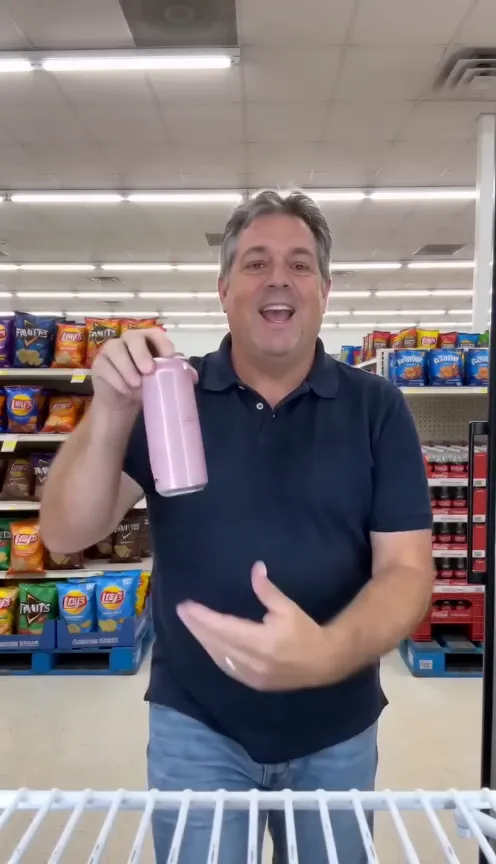
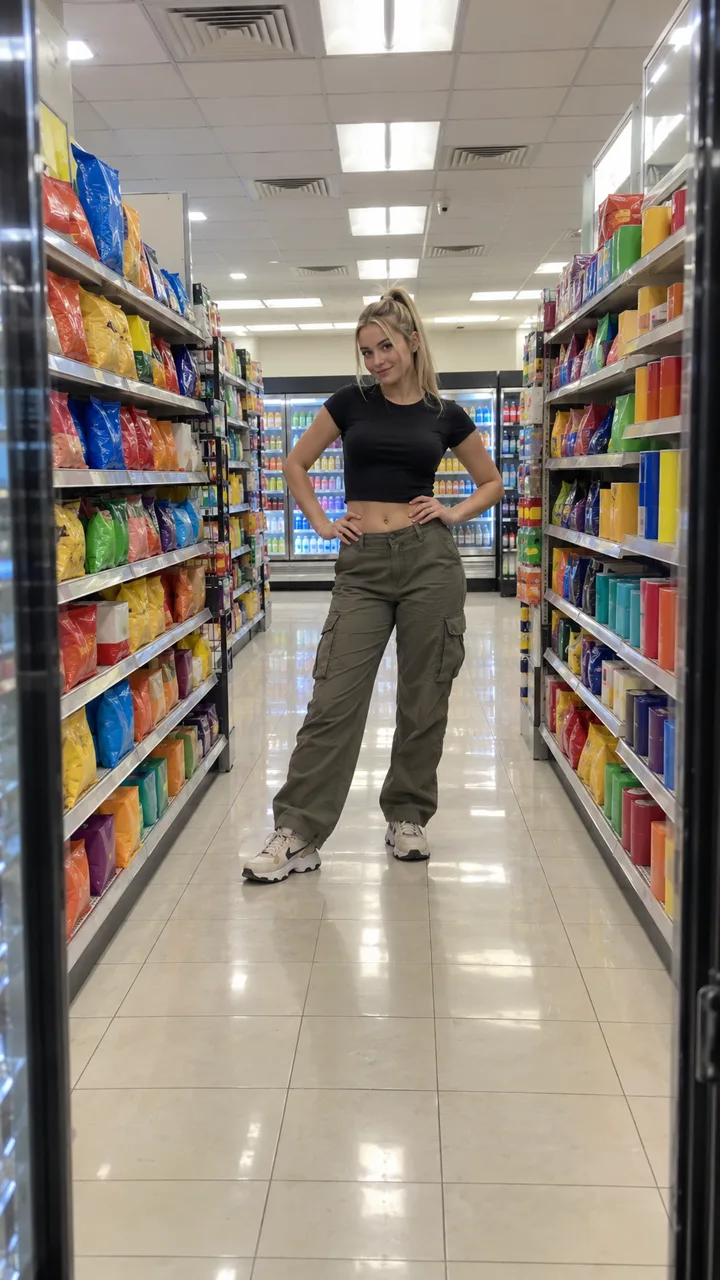
I Feel Like Nicole AI prompt (copy and paste)
A free I Feel Like Nicole AI prompt for the cooler cam: timed shot by shot, with versions for men, parents and a home fridge, plus a fix-it table for bad takes.
8 最小読み取り · 更新済み
The prompt
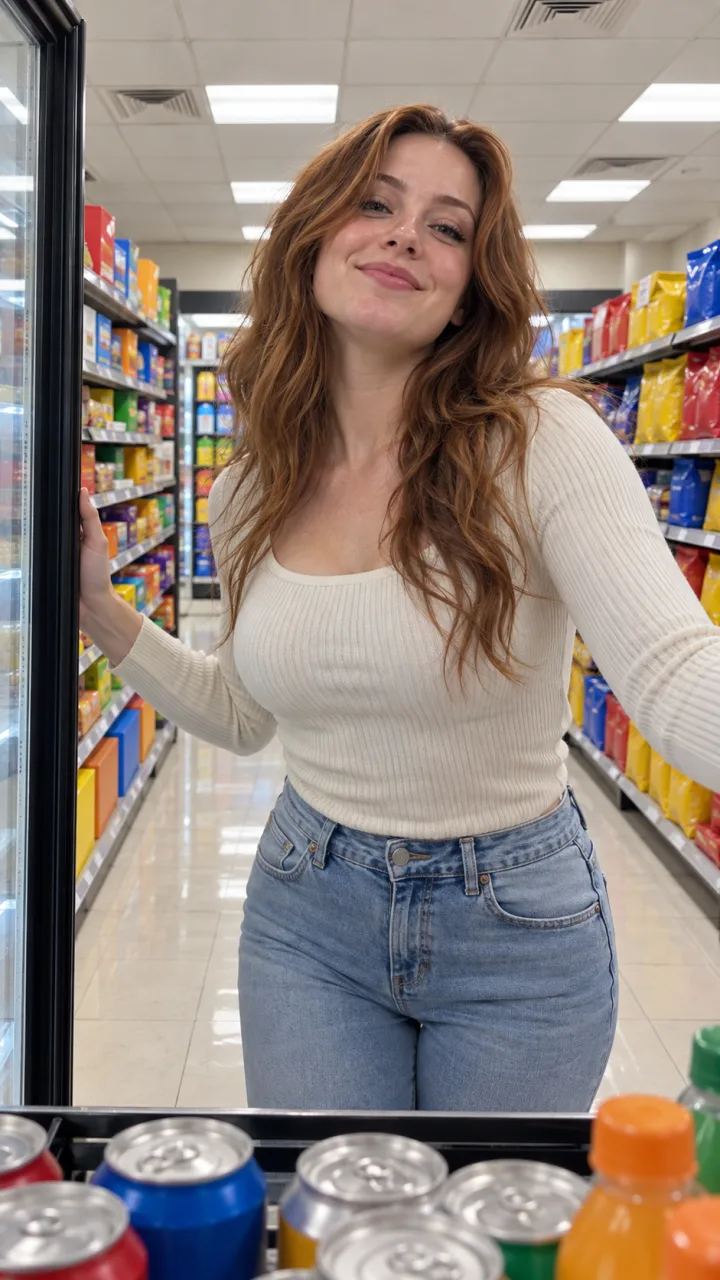
Here is a free I Feel Like Nicole AI prompt for the cooler cam. Attach one head-to-feet photo of yourself as the reference image, paste this in an image-to-video or reference-image mode, set vertical 9:16, and add ADÉLA’s “Nicole Kidman” when you post.
I Feel Like Nicole AI prompt (cooler cam)
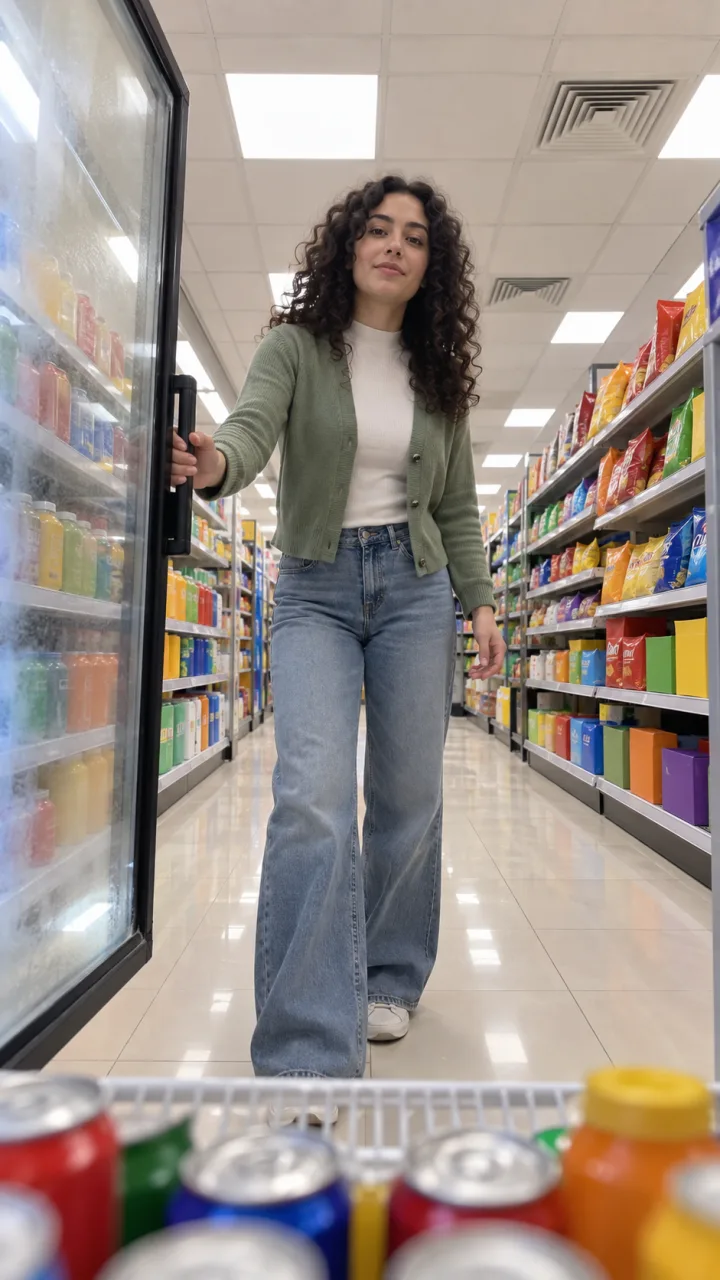
Vertical 9:16 video, 14 seconds (or the longest length available), photoreal, one continuous shot with no cuts. Camera: a phone standing still on a shelf inside a glass-door drinks cooler in a bright convenience store, at chest height, looking out through the door down a long snack aisle. The camera never moves. The person is the one in my reference photo: same face, hair, body and the exact clothes they wear in it. Nobody else is in the store. 0–1 s: the glass door swings open across the lens and they are right there, one hand still on the door. 1–3 s: they lean in close and lip-sync straight into the lens, mouth wide on the big line, one hand swinging up. 3–5 s: palms pressed together for a beat, then a smug smirk and a finger wagged low at the camera. 5–7 s: they step back into the aisle, hand on hip, and do one quick spin, hair swinging out. 7–9 s: full length in the middle of the aisle, hands on hips, popping the hips side to side on the beat. 9–11 s: they walk back to the cooler and reach past the camera for one plain pink can. 11–12 s: the can held up at the chest for one last line, then a hair flip as they turn away. 12–14 s: the door swings shut and they strut off down the aisle, one arm waving overhead, getting smaller. Light: flat, bright white store lighting, true colors. Shelves packed with colorful snacks in plain packaging. Sound: upbeat pop and the hum of the cooler. I will add the song afterwards. Avoid: readable brand names or logos, price tags, other shoppers, a second person, the camera moving, cuts, captions, warped hands, extra fingers, a morphing can, a changing face.
How to use it
- Open an AI video tool that takes a reference image: Kling, Higgsfield, Runway, Veo, CapCut’s AI video or similar.
- Attach your photo as the reference or start image. Don’t describe your face in words; the photo does that.
- Paste the prompt. If the tool has a separate negative prompt box, move the “Avoid” line there.
- Set vertical 9:16 and the longest length available. If it’s shorter than 14 seconds, delete the last time lines and end on the spin.
- Generate, compare with the shot list below, and fix what slipped with the table further down.
- Add the song when you post. The sound guide has the taps.
Shot by shot: what each line does
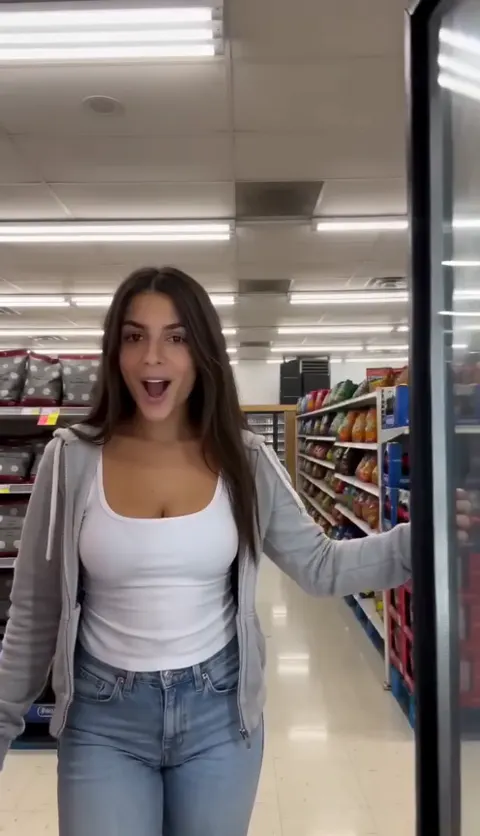
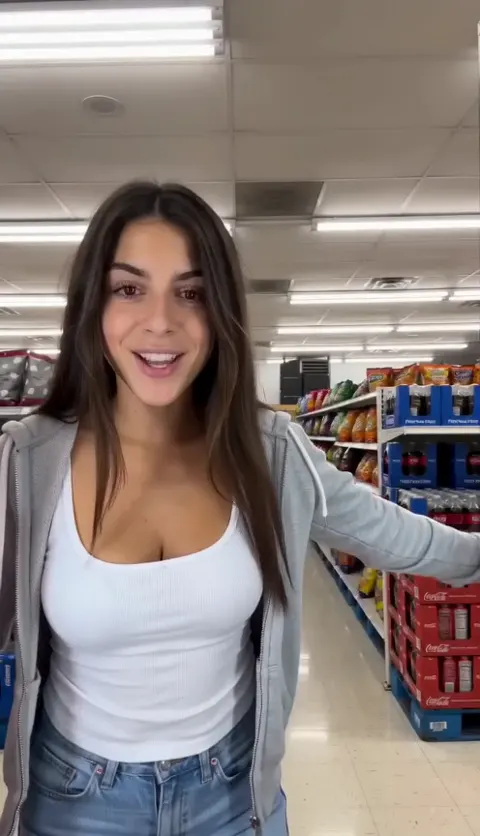
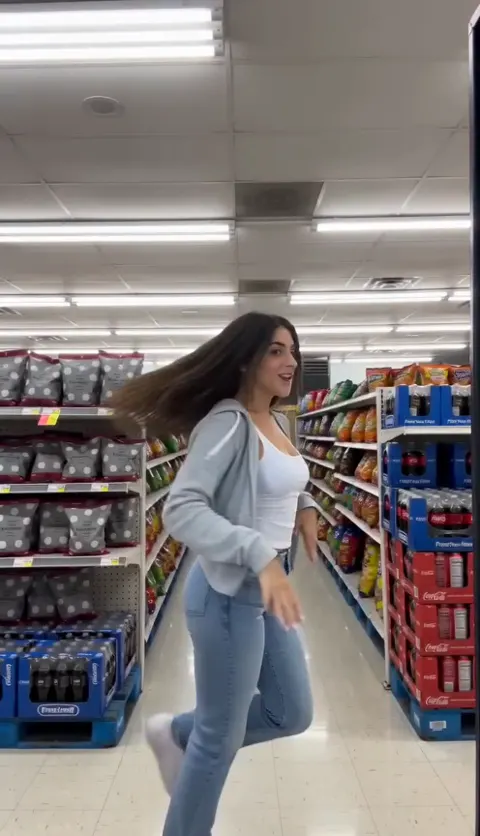
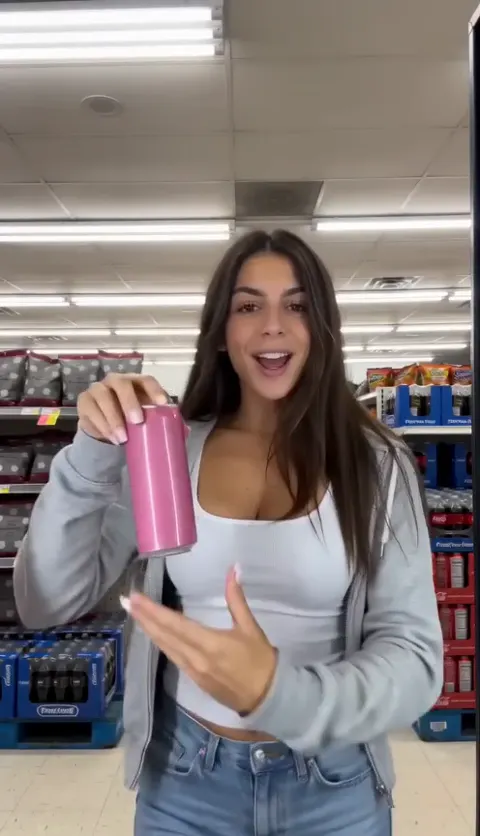
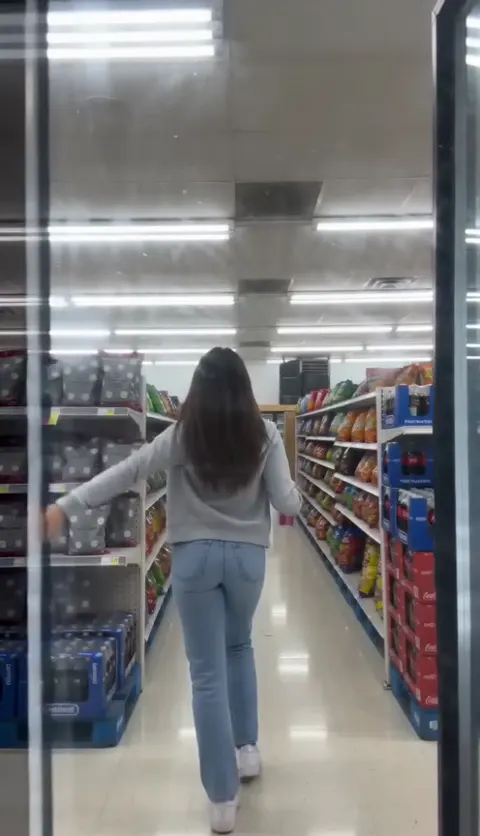
- The camera line does the heavy lifting. “A phone standing still on a shelf inside a glass-door drinks cooler” is what makes it this trend and not a generic store dance. Keep “the camera never moves”.
- The door opening and closing frame the take. Without them, tools tend to start with you already in the aisle.
- The close lip-sync is where your face matters most, so it sits early, while the tool is still closest to your photo.
- The spin and hip pops are loose on purpose. Tools handle simple moves; a precise routine tends to fall apart.
- The pink can gets its own line and is called “plain” so it doesn’t sprout a logo or appear in your hand from the start.
- The walk away tests whether the tool keeps your clothes and hair from the back. That’s why the photo should be head to feet.
Variants
Swap the line that starts “The person is…” for one of these, or replace the camera lines for a different setting:
For men
The person is the man in my reference photo: same face, hair, beard if he has one, build and the exact clothes he wears in it. He plays it completely straight, full main-character confidence, no wink at the camera until the finger wag. Nobody else is in the store.
For a parent (mom or dad)
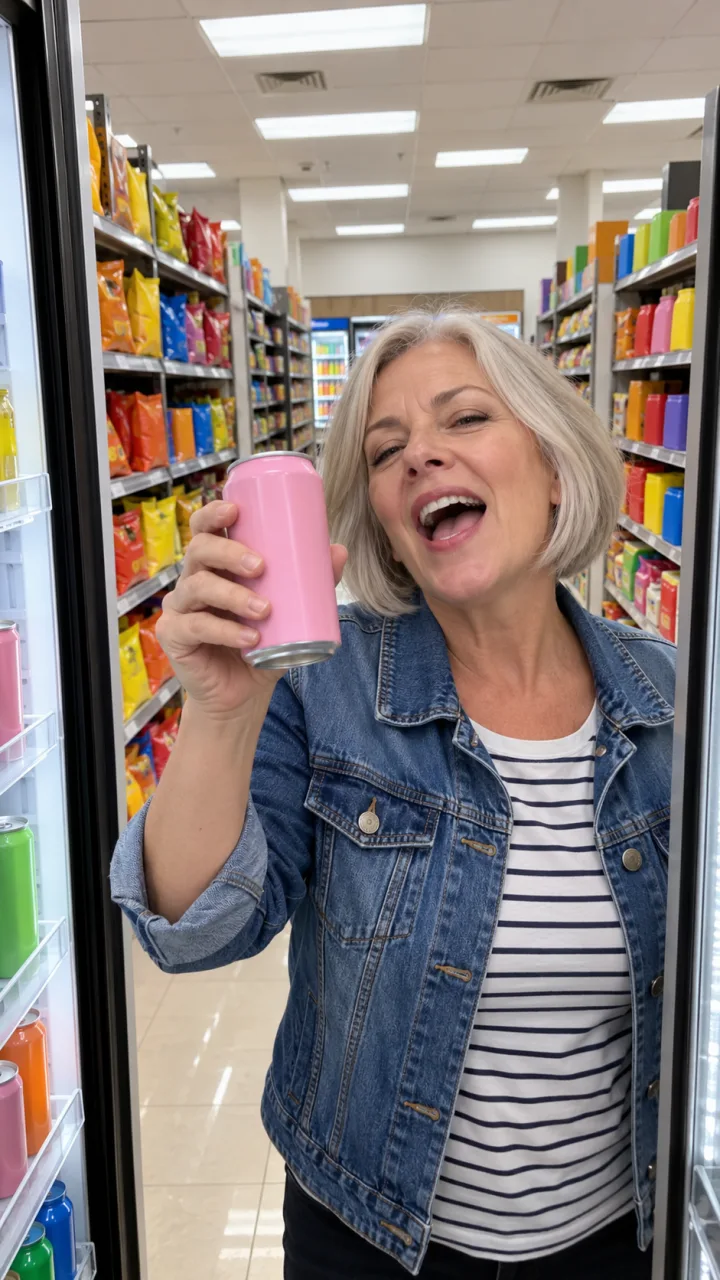
The person is the parent in my reference photo: same face, age, grey hair if they have it, build and the exact everyday clothes they wear in it, like a quick grocery run. They lip-sync with total commitment and enjoy every second. Nobody else is in the store.
Home fridge version (replace the camera line)
Camera: a phone standing still on the middle shelf inside an open home refrigerator, looking out at a bright, tidy kitchen. The fridge door swings open at the start and shut at the end. Instead of the aisle, they dance on the kitchen floor and grab a plain pink can from the fridge shelf.
Dance routine version (no cooler)
Vertical 9:16, about 14 seconds, photoreal, one fixed phone shot on a tripod in a bright living room. The person from my reference photo, full length, dances a short routine to an upbeat pop hook: both hands raised, a body wave, two kicks, hands on the head, a peace sign, one spin, then a confident step toward the camera while lip-syncing. Same face and clothes as the photo throughout. Avoid: cuts, camera movement, other people, text, warped hands.
Only use a photo of yourself or an adult who agreed. Never a celebrity, Nicole Kidman included, and never anyone under 18. Most tools block them anyway.
Fix it: symptom → change
| Symptom | Change to the prompt |
|---|---|
| The camera moves or cuts | Add “single locked-off shot, the phone is fixed to the shelf” to the first line |
| You start in the aisle, no door | Start with “The first frame is the closed glass door, which then swings open” |
| Your face changes in the close-up | Use a sharper, front-facing photo; add “the same face as the reference in every frame” |
| Different clothes on the walk away | Use a head-to-feet photo; add “the same outfit from the back” |
| The can is there from the start | Add “hands empty until 9 s” |
| Logos and brand names on shelves | Add “every package is plain with no lettering” |
| A shopper wanders in | Add “the store is empty apart from them” |
| Too short for the whole take | Cut the lines after 7 s and end on the spin |
Photo tips for the prompt
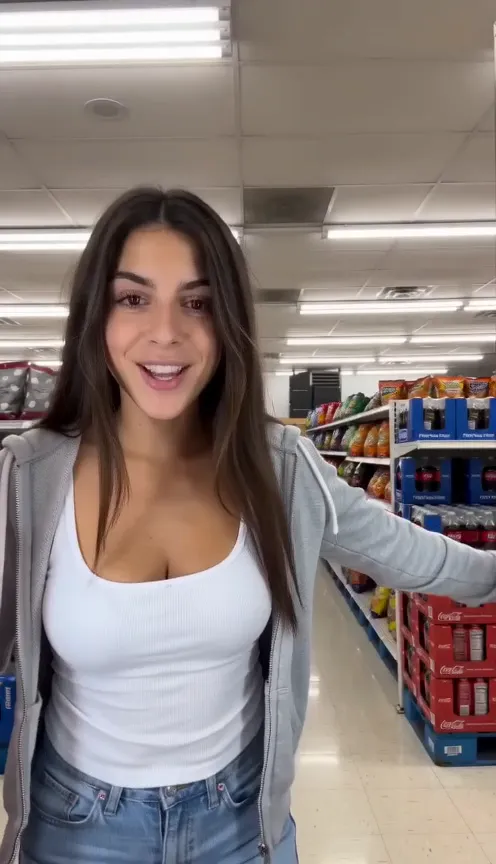
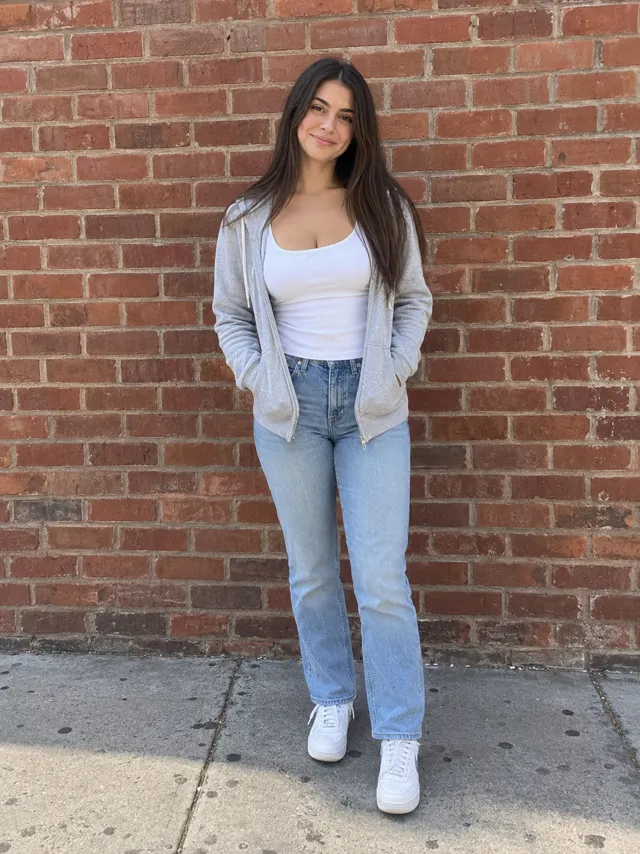
- Head to feet, facing the camera, both eyes visible.
- The outfit you want to dance in. Tools copy it, or try to.
- Soft daylight and a sharp photo. No sunglasses, no filters.
- More examples in the best photo guide.
What the prompt can’t do
- Give you the song. AI video tools make their own audio or none; add “Nicole Kidman” by ADÉLA when you post.
- Hit the hook exactly. The lip-sync won’t be timed to the real song, so trim the clip until your big mouth-open moment lines up with the hook.
- Promise one perfect take. Expect a few generations, and more if the tool’s free tier is short.
- Guarantee clean shelves. Store scenes pull in real-looking brands; the plain-packaging line helps but doesn’t always win.
The no-prompt route
On the I Feel Like Nicole page there’s no prompt to write: upload one photo and get the whole 14-second cooler cam with the song in it, vertical, no watermark, in about 3 minutes. One Standard video uses 65 credits. The smallest pack that makes one is $12.90 for 90 credits (1 video), a one-time buy whose credits never expire, and plans start at $19.90 a month for 270 credits. If a video fails, its credits come back.
Prompts for other trends are on the prompt page. New to the trend? Read what the I Feel Like Nicole trend is. NowStarring is an independent fan tool, not linked to ADÉLA, Nicole Kidman or the people in the original clip. The song belongs to its rights holders.
よくある質問
What is the prompt for the I Feel Like Nicole AI trend?
A timed cooler cam shot list: a phone inside a store cooler, the door swinging open, a lip-sync at the lens, a spin and hip pops in the aisle, a reach for a pink can and a walk away as the door shuts. The full prompt is at the top of this guide, free to copy.
Which AI tool should I paste it into?
Any AI video tool with an image-to-video or reference-image mode, such as Kling, Higgsfield, Runway, Veo or CapCut’s AI video. Attach your photo as the reference.
Is there an I Feel Like Nicole AI prompt for men?
Yes. Swap the person line for the men’s version in this guide: same face, beard and clothes as the photo, played completely straight.
Why doesn’t my AI video have the song?
AI video tools don’t make the real song. Add ADÉLA’s “Nicole Kidman” in TikTok or Instagram when you post.
Can I use the prompt with a photo of Nicole Kidman?
No. Use your own photo or one of an adult who agreed. Celebrity photos aren’t allowed, and the trend is about you feeling like a star.