How to do the Zombie AI trend for free (Zombie Hug)
Yes, you can make the zombie hug video for free: film it with a friend, or run our free prompt in an AI tool’s free tier. Here’s what each free route costs you.
6 最小読み取り · 更新済み
The short answer
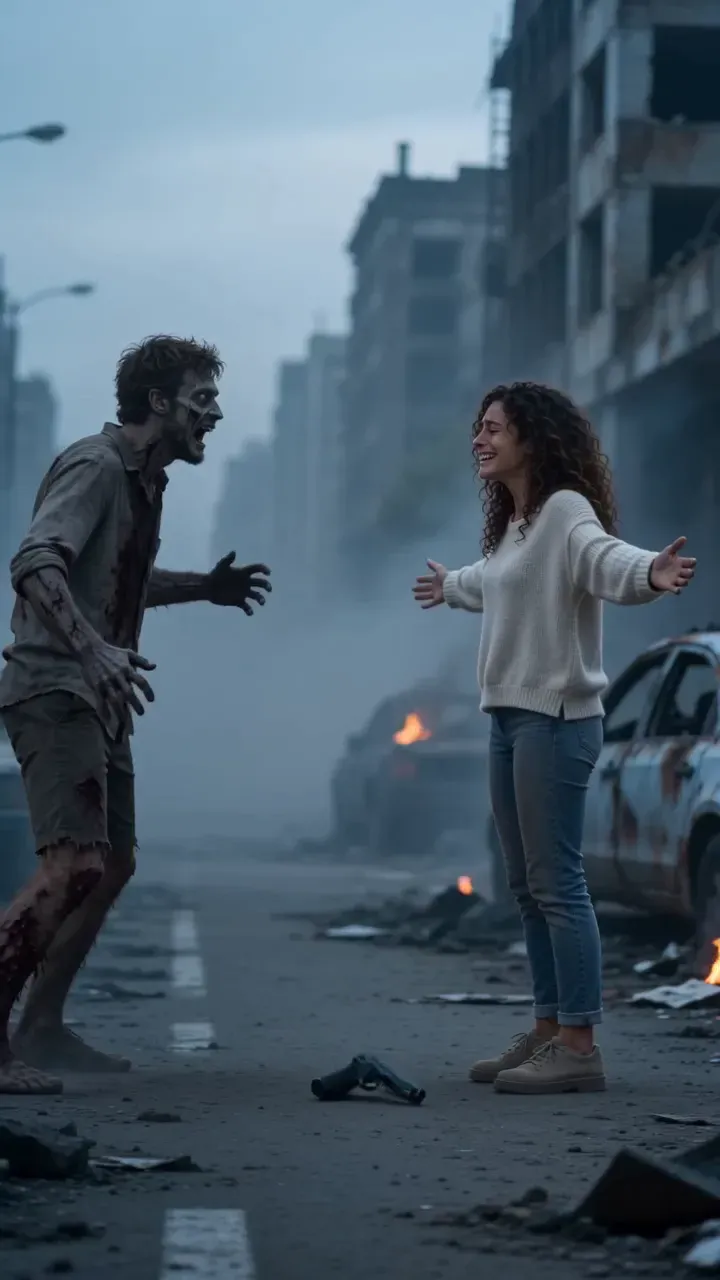
Yes, there are two free ways to do the zombie AI trend. Film the whole story yourself with a friend and a bit of pale makeup, or paste our free prompt into an AI video tool and use whatever free credits it gives you. Neither is truly free of cost: filming costs an afternoon, and free AI tiers usually mean retries, watermarks or silent clips.
If you’d rather skip both, the Zombie Hug maker turns two photos into the finished 15-second film with sound. That route is paid, and this guide says exactly what it costs so you can compare.
The free routes compared
| Route | What you need | What you get | The catch |
|---|---|---|---|
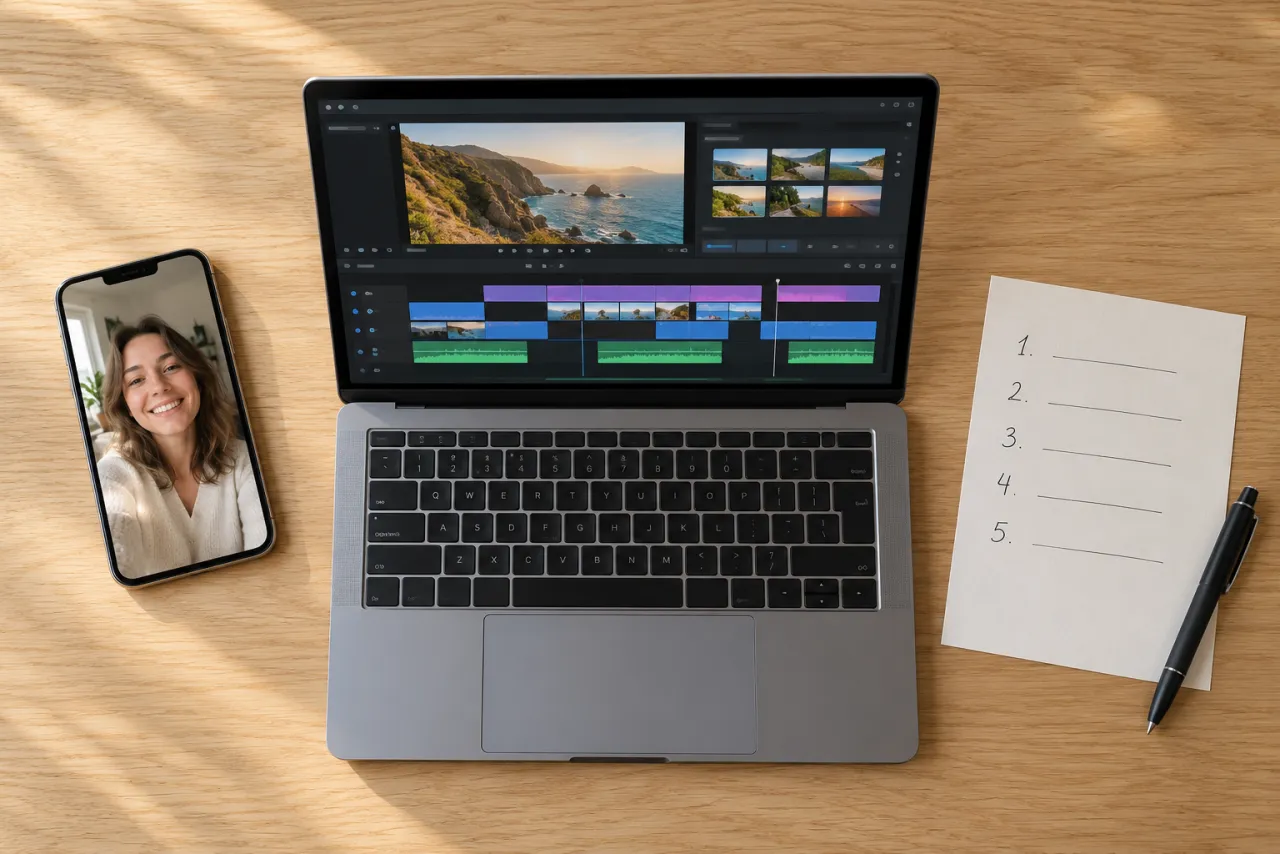
| Film it yourself | A friend, a phone, pale makeup, a sunny clip of you two | Your real faces, your own edit | An afternoon, and the zombie look is up to your makeup |
| Free prompt in an AI tool | Our prompt, two photos, a tool with free credits | An AI clip of the cold scene, sometimes the whole film | Retries, possible watermark, often no sound, weapons may be refused |
| Two photos here (paid) | A photo of you, one of who turned | The full 15-second film with sound, no watermark | It costs credits |
Film it yourself: the shot plan
The zombie hug is a short film, not a dance, so it’s easier to shoot than it looks. You need two people in front of the camera, one friend behind it, and two locations: somewhere cold and empty, and somewhere sunny.
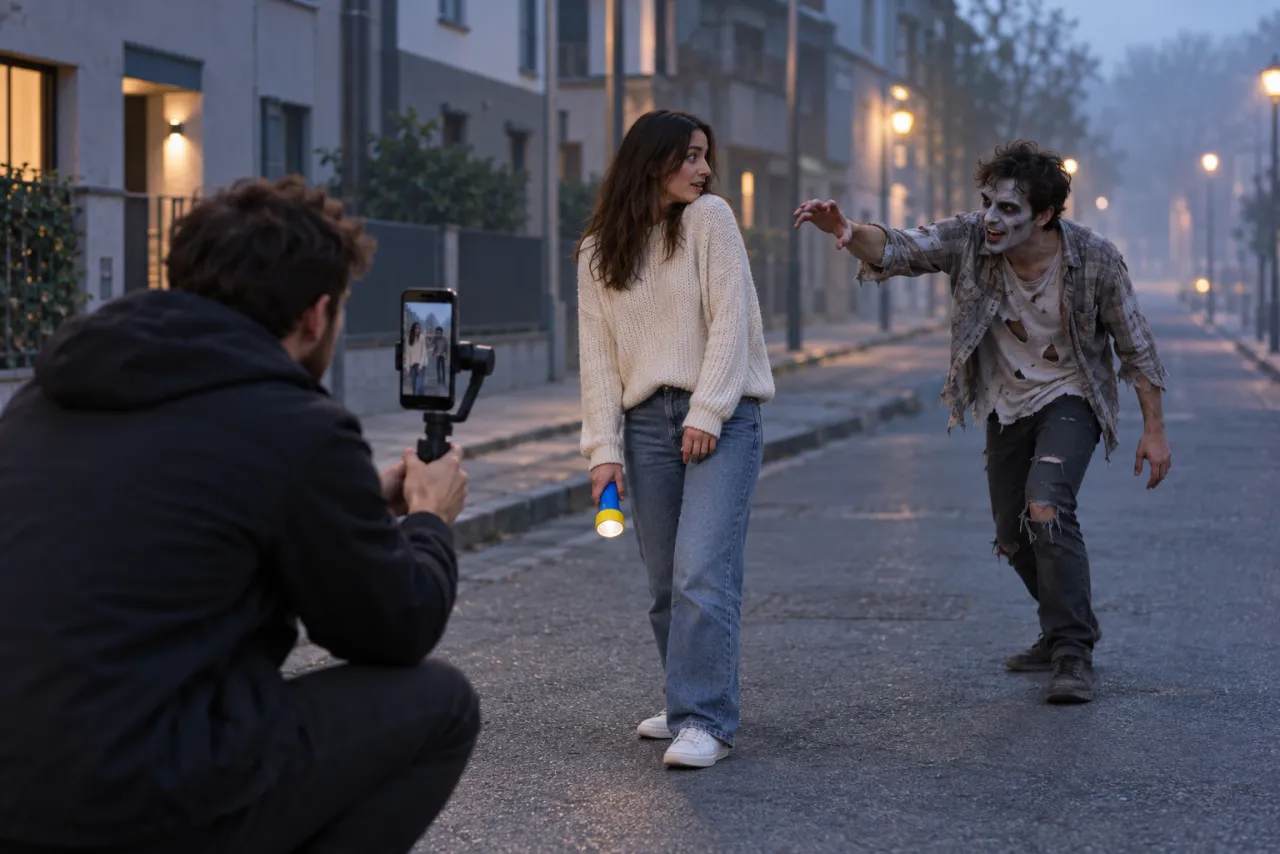
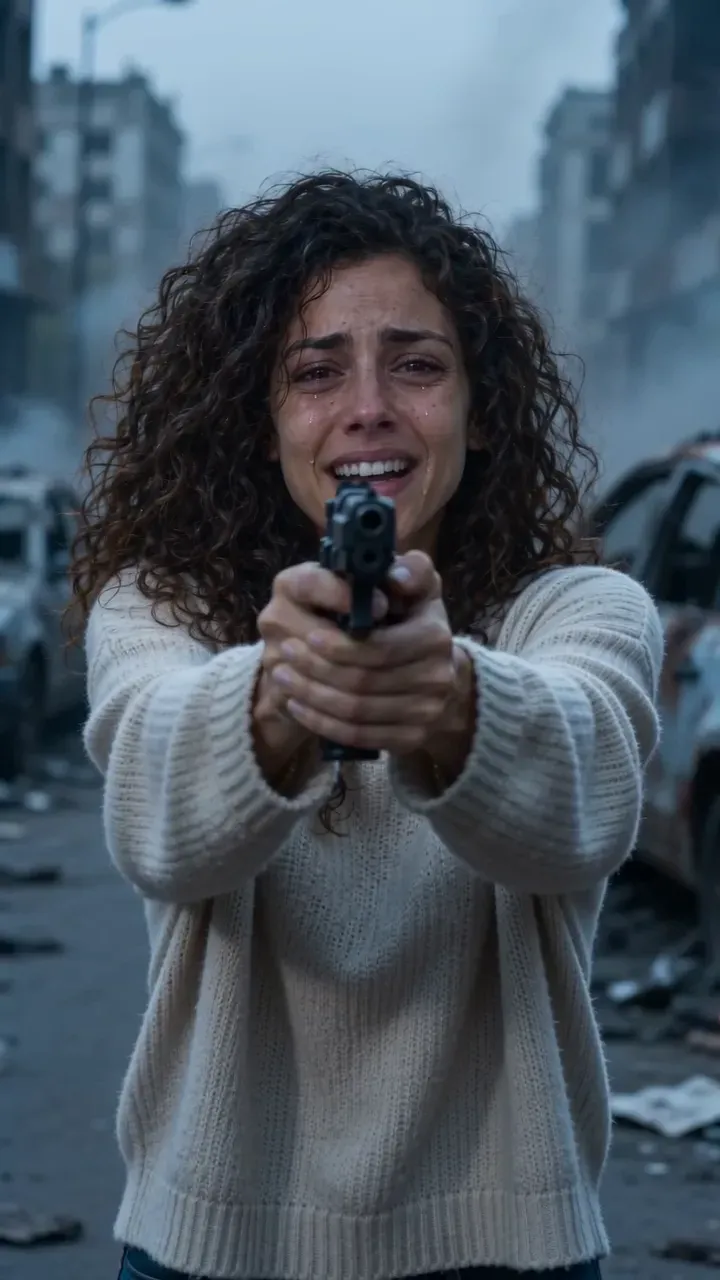
- Close-up, 0–2 s: the one who stays human, in tears, holding something up at the camera. A flashlight is easier to film in public than anything that looks like a weapon.
- Over the shoulder, 2–3 s: the one who turned shuffles out of the distance toward you.
- Close-up on the zombie, 3–5 s: pale face, a blank stare, then a tiny flicker of recognition. Show one thing they’d never take off, like a ring, a watch or a scarf.
- Close-up, 5–6 s: eyes shut, crying.
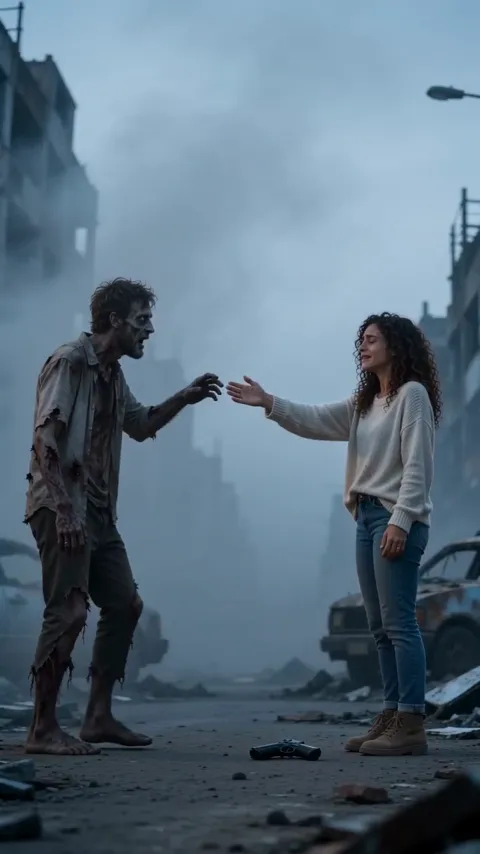
- Medium shot, 6–8 s: lower the flashlight, let it fall, open your arms.
- Wide side-on, 8–9 s: they stumble in with a hand out. Stop the clip mid-reach.
- The memory, 9–12 s: the same reach, the same direction, but the two of you on a sunny day, both laughing. Film this one somewhere warm and bright.
- Close two-shot, 12–15 s: both faces, cheek to cheek, then fade to black.
The cut makes the video. Match the movement: if you reach to the right in the cold shot, reach to the right in the sunny one, and cut in the middle of the motion.
For the zombie look, pale foundation with grey under the eyes and a torn old shirt is enough. Skip blood: the trend is sad, not gory, and the warm ending lands harder that way. Edit it in any free editor, add a slow, sad sound when you post, and you’re done.
The free prompt route, step by step
- Copy the prompt from our Zombie Hug prompt guide.
- Open an AI video tool that takes reference images, such as Kling, Higgsfield, Runway, Veo or CapCut’s AI video, and choose its image-to-video or reference-image mode.
- Add a clear photo of you and one of who turned. If the tool takes only one image, put the two photos side by side in one picture.
- Paste the prompt, set vertical 9:16, and generate.
- If the hard cut to the memory doesn’t come out, generate the cold scene and the sunny memory as two clips and join them in an editor, cutting on the reach.
- Add a sound when you post. Most tools’ free clips are silent or have generic audio.
Two things trip people up on free tiers. Some tools refuse prompts with a gun in them, so the prompt guide has a flashlight version. And a 15-second story with a cut is a lot to ask of one free generation, so expect to try more than once and to spend a few free credits on it.
The paid route: two photos, no filming
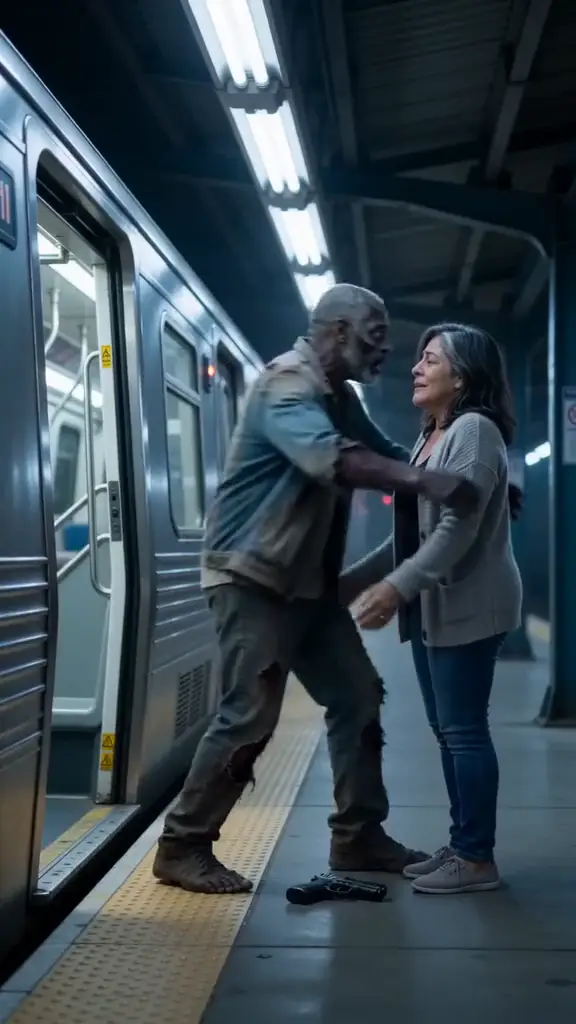
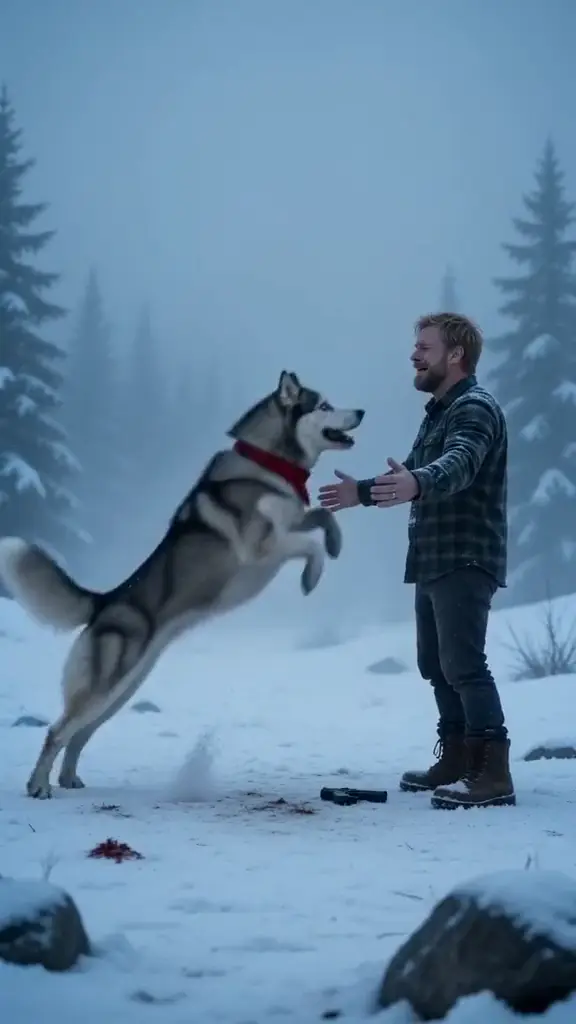
On the Zombie Hug page you pick who they are to you (Partner, Best friend, Parent, Sibling, Dog or Cat) and where it happens (Ash street, Snowbound, Dead mall or Last train), then add a photo of you and one of who turned. The film comes back in a few minutes, usually about three, as an MP4 with sound and no watermark, vertical or widescreen.
One Standard video uses 65 credits. The smallest pack that makes one is $12.90 for 90 credits (1 video), a one-time buy whose credits never expire, and plans start at $19.90 a month for 270 credits. If a video fails, its credits come back.
- With the smallest pack, one video works out to $12.90.
- You choose Standard 480p or HD 720p.
- You can close the page: we email you when it’s ready, and it waits in My videos.
- Your photos are deleted automatically 7 days after upload.
See every pack and plan on the pricing page.
Which one should you pick?
| If you… | Pick | Why |
|---|---|---|
| Have a friend free and like acting | Film it yourself | Free, and the real you on camera is the best version |
| Already use an AI video tool | Our free prompt | Your free credits, full control, some retries |
| Want it with your dog, cat or a parent far away | Two photos here | No one needs to act, travel or wear makeup |
| Want the finished film tonight | Two photos here | The cut, the memory and the sound are done for you |
Not sure what the trend is yet? Start with what the zombie AI trend is. Making it with a partner? The couple version guide shows what changes.
Independent fan tool
NowStarring is an independent fan tool, not linked to the creators of the original zombie hug videos or their sounds. Those sounds belong to their rights holders.
よくある質問
Is the zombie AI trend free?
It can be. Film it yourself with a friend, or paste our free prompt into an AI video tool that gives free credits. A finished film from two photos on NowStarring is paid, with no free credits.
Can I make the zombie hug video without an app?
Yes. Film the cold scene with a friend in pale makeup, film a sunny clip of the two of you, and cut from one to the other in the middle of the reach.
Why do AI tools refuse my zombie prompt?
Usually because of the gun. Swap it for a flashlight, keep the zombie pale rather than bloody, and try again.
Do free AI video tools add a watermark?
Many free tiers do, and many export without the sound you want. Check the tool’s plan page before you spend an afternoon on it.
Does the paid zombie video have a watermark?
No. It’s an MP4 with sound and no watermark, ready to post on TikTok, Reels or Shorts.
What if my zombie video fails?
The credits it used come back to your balance automatically, and you can try again with another photo.