How to do the Zombie Hug trend, beat by beat
The Zombie Hug trend beat by beat: film it yourself, or add two photos and get the 15-second video with the sound and no watermark.
4 最小読み取り · 更新済み
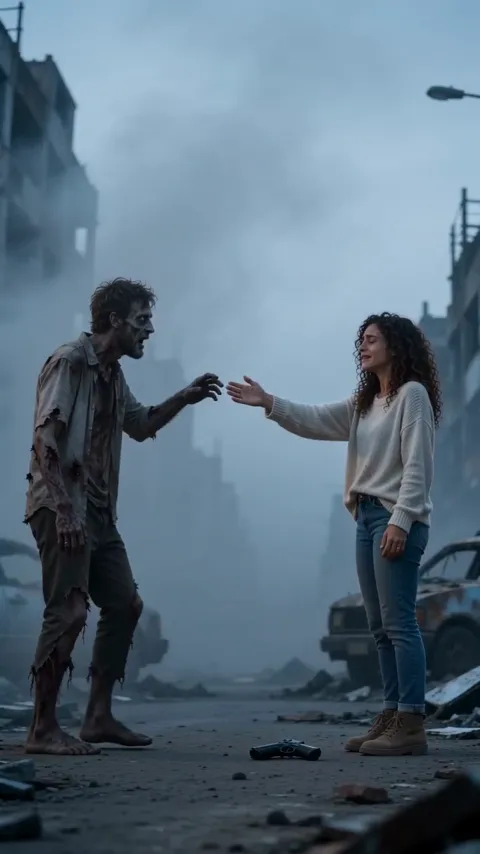
Beat by beat
The whole story fits in 15 seconds. These are the moments:
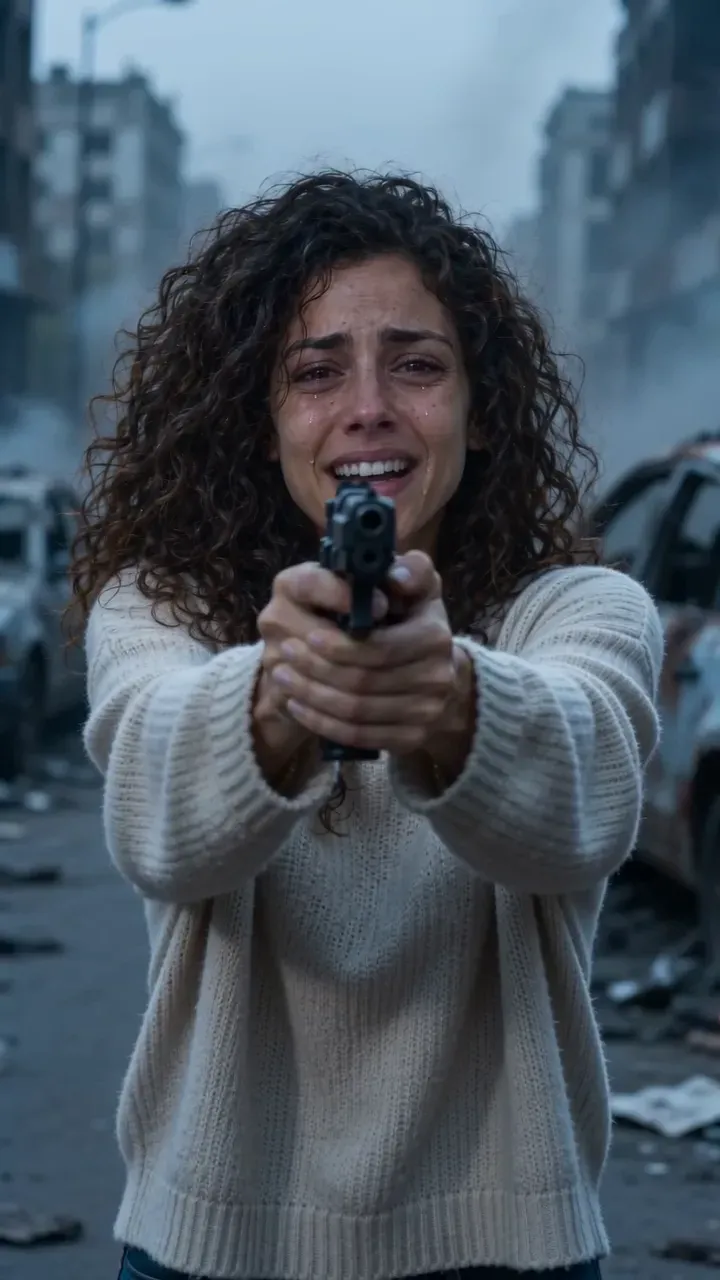
- 0:00, the choice: in tears, aim at the one who turned, hands shaking.
- 0:04, recognition: behind the clouded eyes, something still knows you.
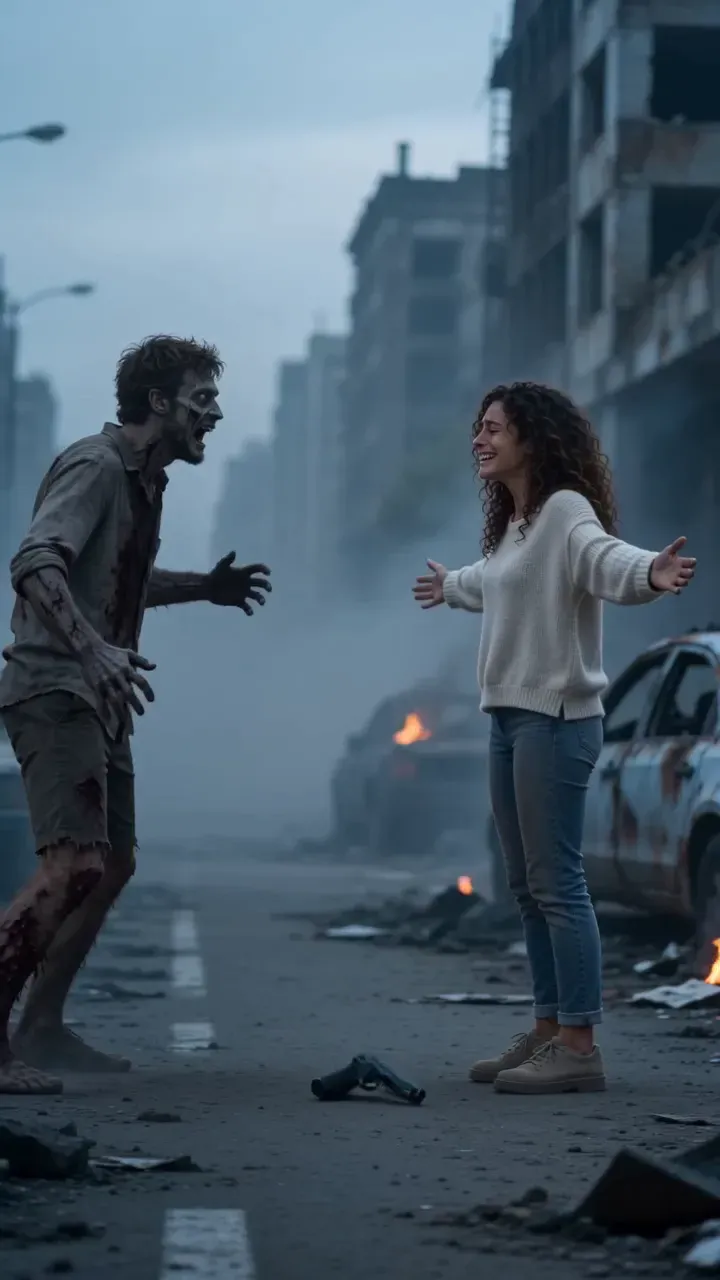
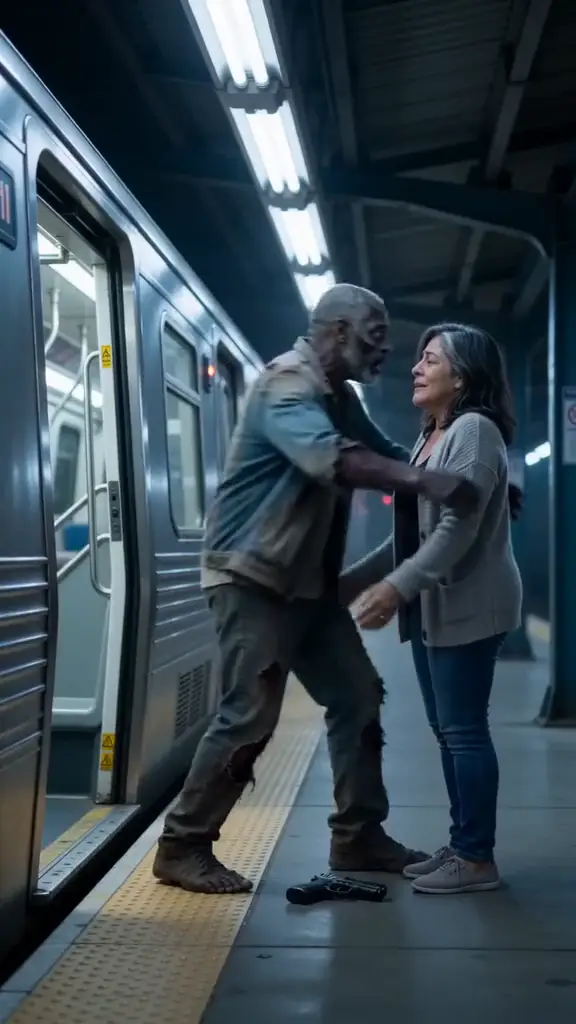
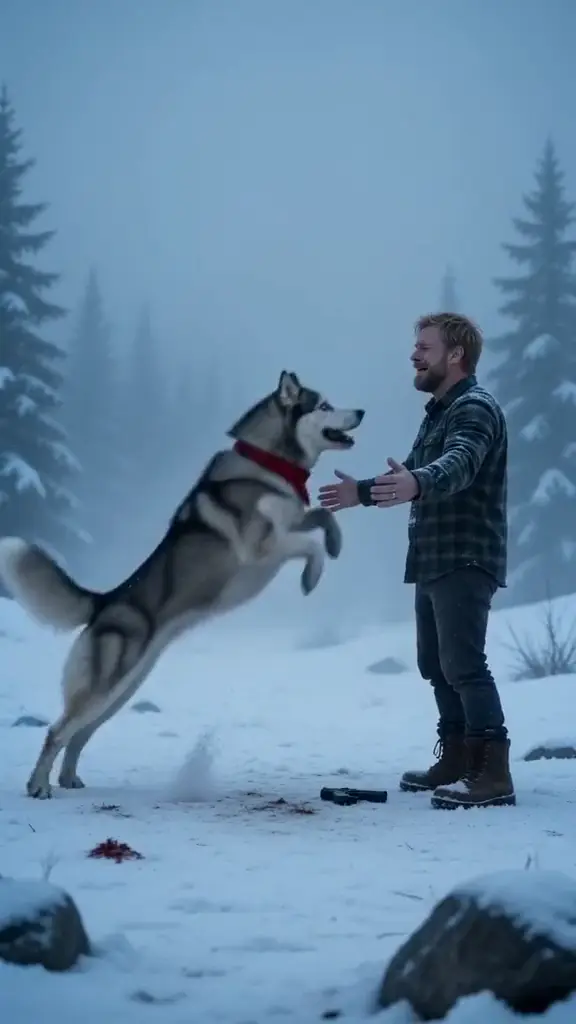
- 0:07, the gun drops: let it fall and open your arms, eyes shut.
- 0:08, the reach: they stumble toward you, one hand out for yours.
- 0:12, your best day: a hard cut to the two of you alive, laughing in the sun.
Film it yourself
- Film the cold part somewhere grey and empty, at dusk if you can, with the one who turned in pale makeup.
- Hold something you can lower and drop, and really let it fall.
- Cut on the reach, mid-motion, to a clip of the two of you on a sunny day.
- End on both faces, close, laughing, then fade out.
Post it with the Zombie Hug sound, so it shows up with the rest of the trend. Not sure what it is? The explainer has the whole story.
Or make it from two photos
- Open the Zombie Hug page and pick you or your pet.
- Add two photos: one face per photo, facing the camera, in good light. The photo guide shows what works.
- Press Make my video and sign in when you’re asked. It’s ready in a few minutes. You can close the page: the video waits in My videos and we email you when it’s ready.
- Download the MP4, with the sound and no watermark, and post it to TikTok, Instagram Reels or YouTube Shorts.
Each video uses credits from a pack or a monthly plan. See pricing.
よくある質問
Does it have to be a couple?
No. It works for a partner, a parent, a sibling or a best friend. The ending is the two of you running hand in hand through golden grass, so it fits every kind of pair.
Does the AI video come with the sound?
Yes. The sound is already in your video. If a platform mutes it, pick a popular zombie hug sound when you post.
What if the video fails?
You don’t pay for it: what it used goes back to your balance automatically, and you can try again with another photo.