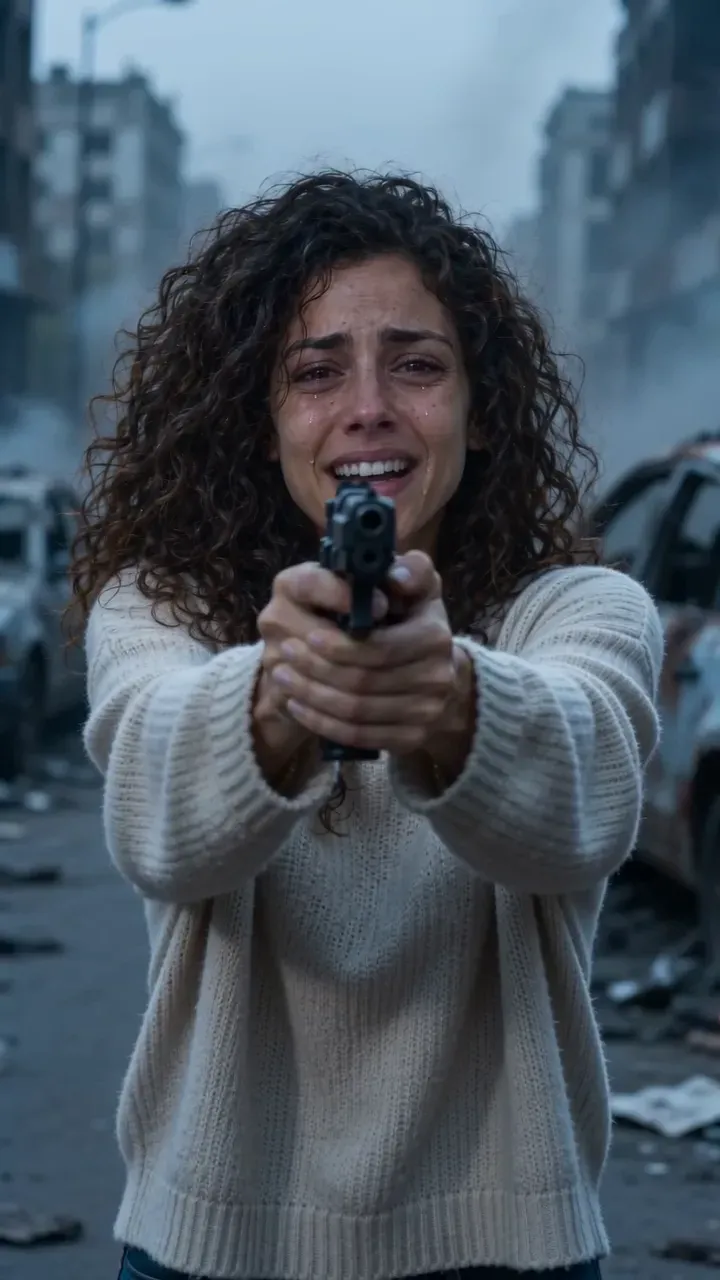
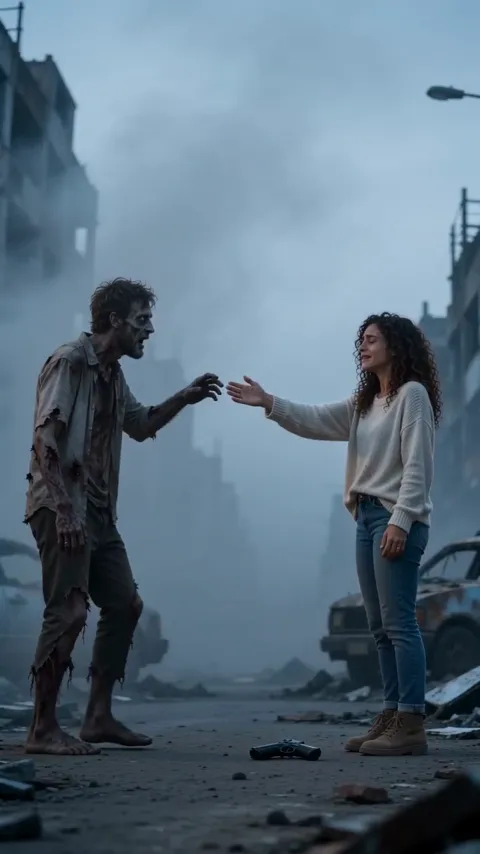
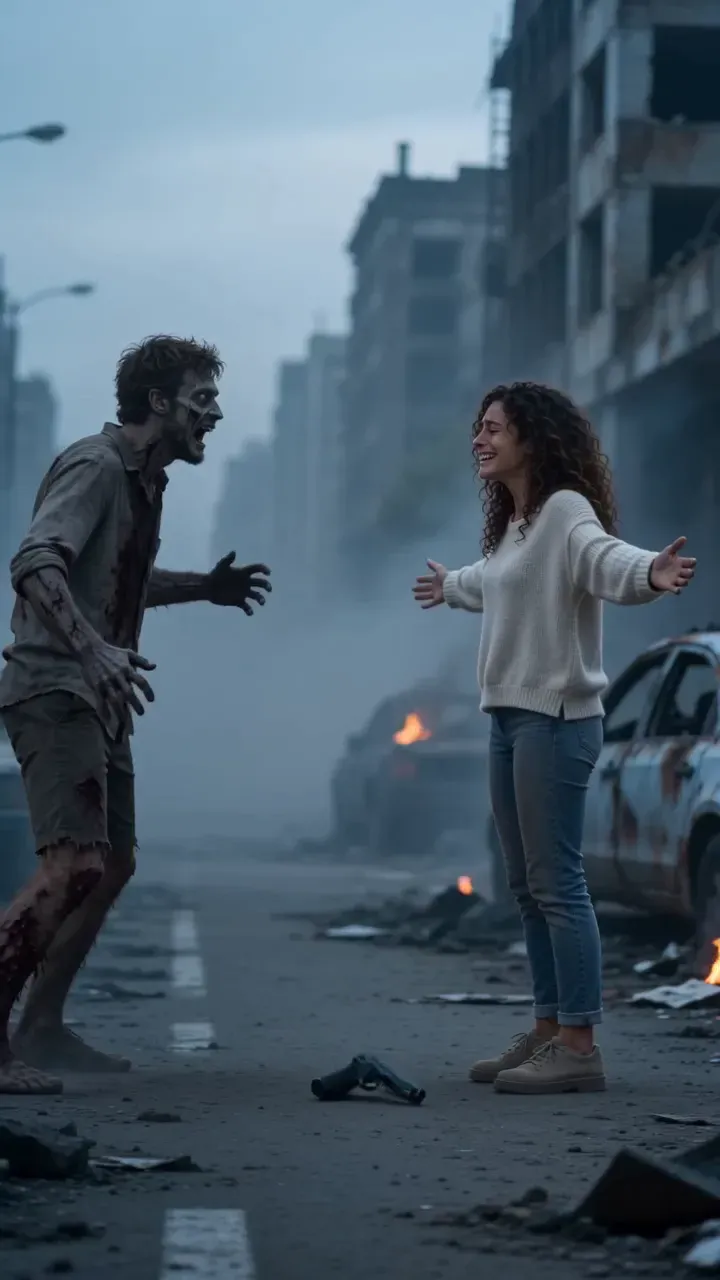
Zombie AI trend: CapCut vs AI video generator vs two photos
CapCut, an AI video generator with a prompt, or a two-photo maker for the zombie hug trend? An honest table on likeness, the hard cut, sound, effort and cost.
6 最小読み取り · 更新済み
The honest verdict
For the zombie hug, CapCut is the best editor but can’t turn anyone into a zombie on its own; an AI video generator with a prompt can, but takes retries and gets the hard cut wrong often; a two-photo maker gives you the whole film with sound in one go, for a price. Pick by what you already have: footage, time or two good photos.

The three routes side by side
| CapCut template or edit | AI generator + prompt | Two photos here | |
|---|---|---|---|
| Faces | Real, from your footage | Close, can drift in the memory | Made from your two photos |
| Zombie look | Your makeup | Yes, from the prompt | Yes, grey skin, no gore |
| The hard cut | Perfect, you cut it | Hit or miss | Built in, on the reach |
| Sound | Any sound from the library | Often none or generic | Wind, heartbeat, piano |
| Effort | Filming plus editing | Prompting plus retries | Two photos, two taps |
| Cost | Free to start | Free credits, then paid | $12.90 a video with the smallest pack |
One thing a template can’t do: put a parent who lives far away, or your dog, into the film. It can only re-cut photos and clips you already have. That’s where generators and makers like the Zombie Hug page come in.
When each one wins
CapCut wins when you’ve filmed it
If you and a friend shot the cold scene and a sunny clip, CapCut is the right tool: cut on the reach, warm up the memory, add a sad sound and export. It’s free to start and the edit is entirely yours.
An AI generator wins when you want control
If you like adjusting lines, Kling, Higgsfield, Runway, Veo or CapCut’s own AI video with our zombie hug prompt lets you change the world, the keepsake or the memory. Expect retries, and add the sound yourself.
Two photos win when you want it finished
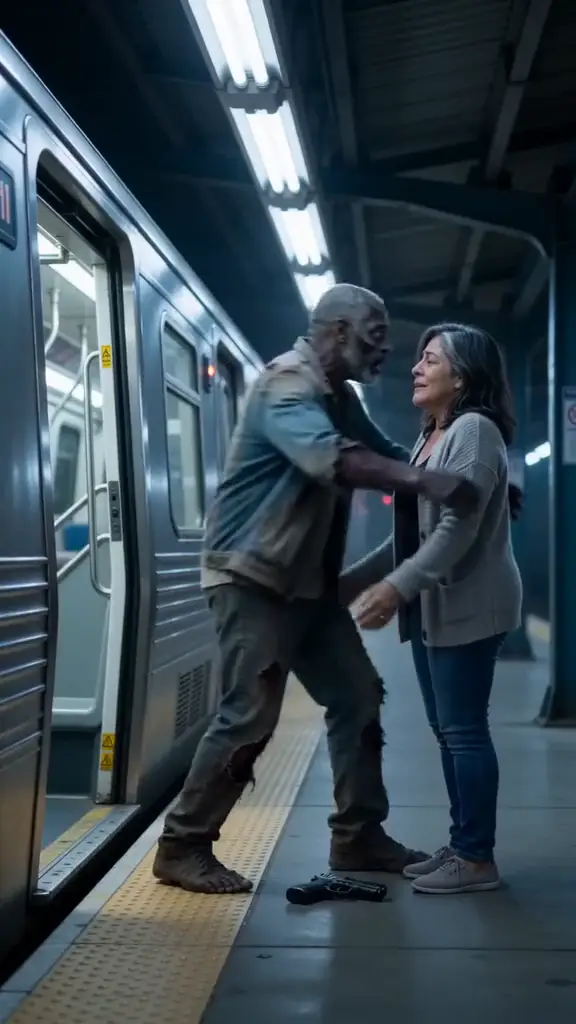
If you want the film without acting, prompting or editing, the Zombie Hug maker takes a photo of you and one of who turned, a choice of Partner, Best friend, Parent, Sibling, Dog or Cat, and one of four places. It comes back in a few minutes with sound and no watermark.
Where each route trips up on this trend
CapCut and your own footage
- Home makeup can read as a Halloween costume rather than someone you lost. Go pale and grey, not green, and keep the lighting cold.
- The cut is easy to miss by a few frames. Scrub to the exact moment the hand is halfway out and cut there.
- You need the one who turned in the room. A parent who lives far away or a pet that won’t sit still is hard to film.
An AI generator with a prompt
- Two faces in one clip is the hardest job for these tools, and the face in the sunny memory often drifts from the photo.
- Many tools refuse a gun. The flashlight version in our prompt guide gets around it.
- Asked for a cut, tools often give a slow crossfade instead, which softens the moment the trend is built on.
- The clip usually comes back silent or with generic audio.
A two-photo maker
- You get our story, not your own script: four places, six kinds of “who”, and a fixed 15-second film.
- You can’t swap the keepsake or the memory for one of your own.
- Each video costs credits, though a failed one gives them back automatically.
With a pet, a parent or a friend
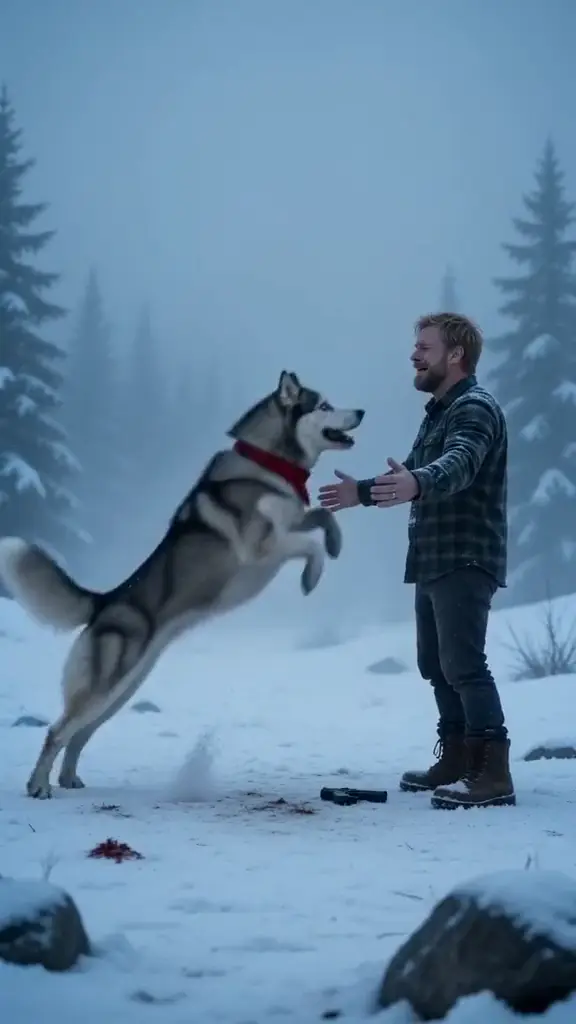
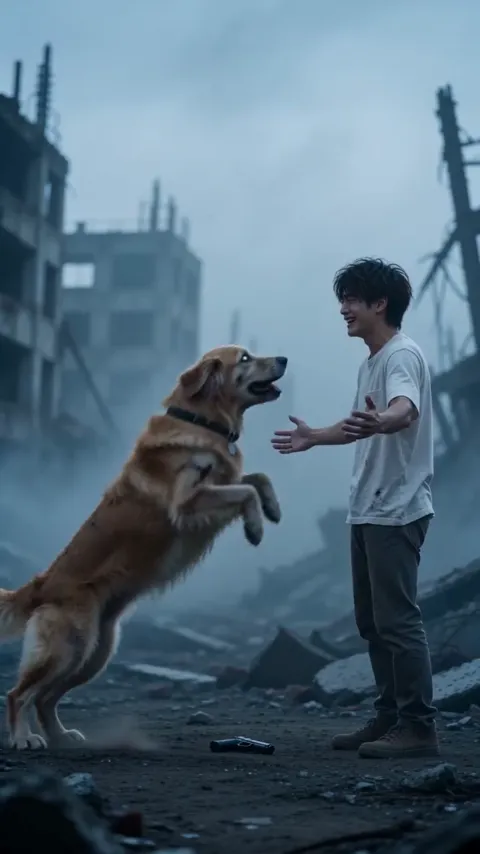
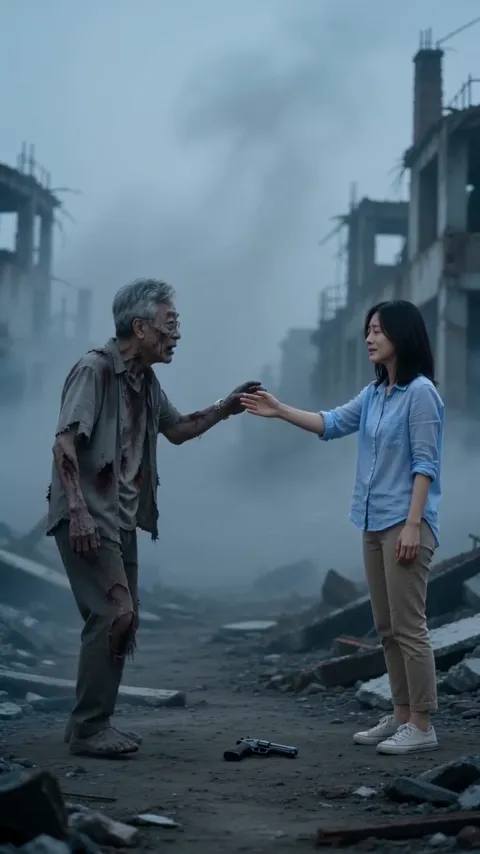
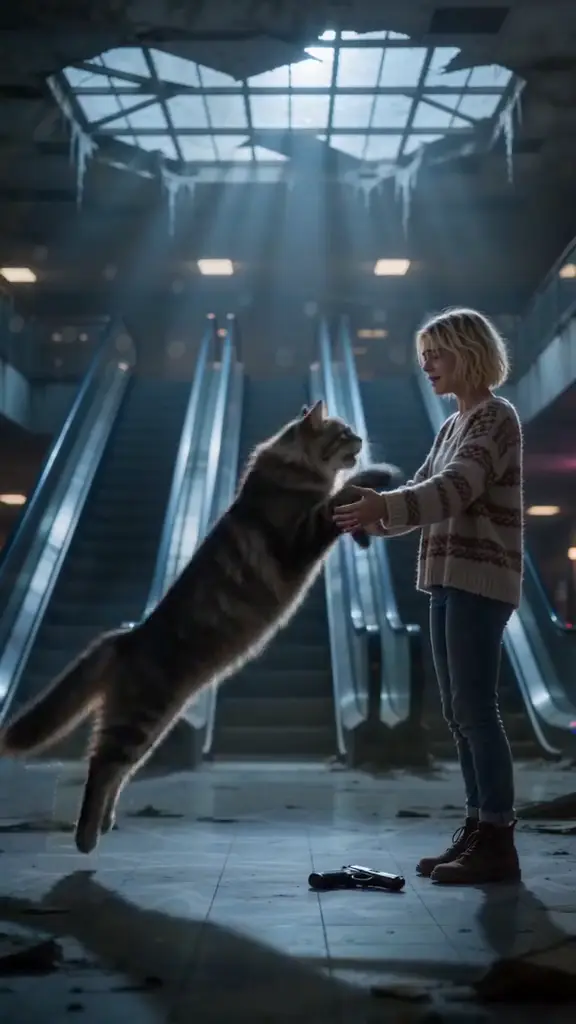
This is where the routes differ most. Filming a zombie dog is close to impossible, and a generator needs a pet photo plus extra lines to keep the breed and markings. On the Zombie Hug page, picking Dog or Cat changes the film: your pet turns, still knows you, leaps into your arms, and the cut lands on a sunny day together. Picking Parent, Sibling or Best friend keeps the same story without the romance.
The CapCut route, step by step
- Film the cold part: a close-up of you in tears holding a flashlight, the one who turned shuffling in, the drop, the reach. The how-to guide has every beat.
- Film the memory: the two of you on a sunny day, moving in the same direction as the reach.
- Import both into CapCut and trim the cold part so it ends mid-reach.
- Put the sunny clip straight after with no transition: a hard cut, not a fade.
- Cool and desaturate the cold part, warm up the memory with a golden filter.
- End on a close shot of both faces and add a fade to black.
- Add a slow, sad sound, export vertical 9:16, and post.
Mixing routes works too: generate the zombie scene with AI, film the sunny memory for real, and join them in CapCut.
What it costs
CapCut and most AI generators are free to start, with paid tiers for more exports, longer clips or no watermark; check each one’s plan page. On NowStarring there are no free credits.
One Standard video uses 65 credits. The smallest pack that makes one is $12.90 for 90 credits (1 video), a one-time buy whose credits never expire, and plans start at $19.90 a month for 270 credits. If a video fails, its credits come back.
Packs and plans are on the pricing page.
Independent fan tool
NowStarring is an independent fan tool, not linked to the creators of the original zombie hug videos or their sounds. Those sounds belong to their rights holders.
よくある質問
Is there a CapCut template for the zombie AI trend?
Templates re-cut photos and clips you already have, so they can’t turn someone into a zombie. Use CapCut to edit footage you filmed or generated.
What’s the best app for the zombie hug trend?
CapCut if you filmed it, an AI video generator if you want to prompt it, or a two-photo maker if you want the finished film with sound.
Can CapCut make the zombie hug from photos?
CapCut’s AI video can try with our prompt, but a plain template can’t; it only re-cuts what you give it.
Which zombie AI route is free?
Filming and editing it yourself in CapCut, or a prompt in an AI tool’s free tier. The two-photo maker here is paid.
Can I do the zombie trend with my mom or dad far away?
Yes, with a photo of them (with their permission). Pick Parent on the Zombie Hug page.