How to do the Crazy Frog AI trend for free (3 honest routes)
Three ways to make the Crazy Frog AI video: film the squat yourself, paste our free prompt into an AI video tool, or use one photo here. What each one costs.
6 lettura minima · Aggiornato
The short answer
You can do the Crazy Frog AI trend for free in two ways: film the squat yourself with a friend, or paste our free prompt into an AI video tool that gives you a few free tries. The one-photo route that does the float, the cop, the flip and the song for you costs credits, here and on similar sites.
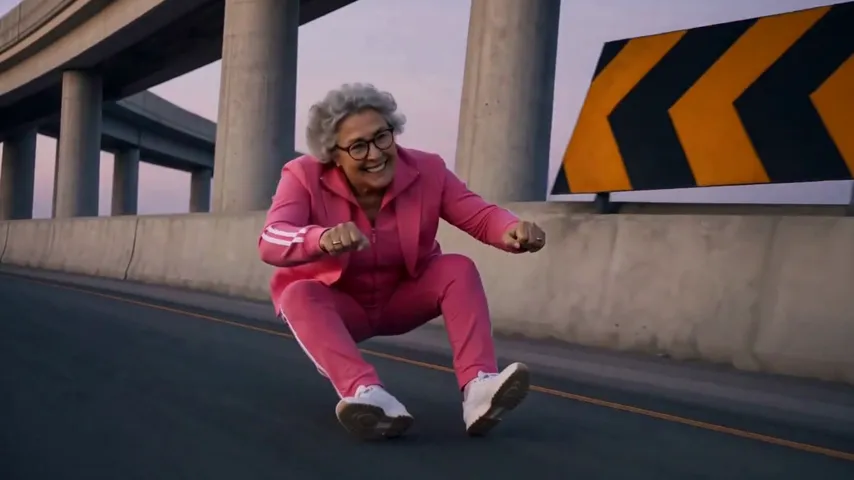
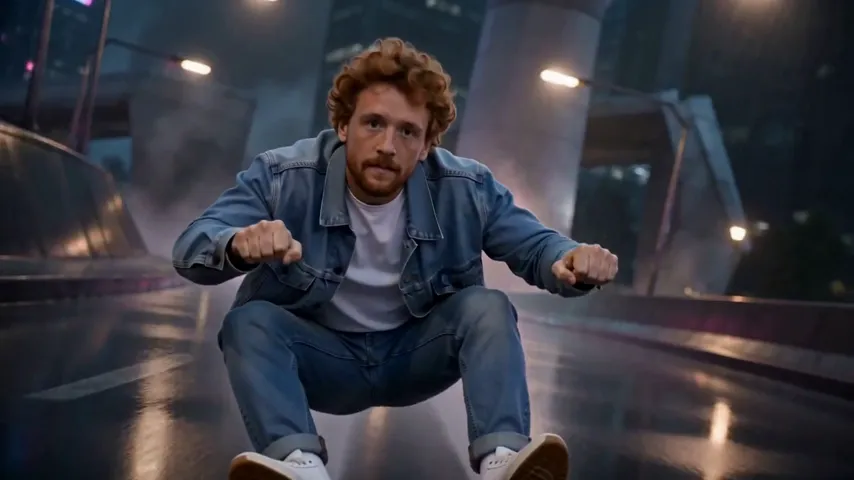
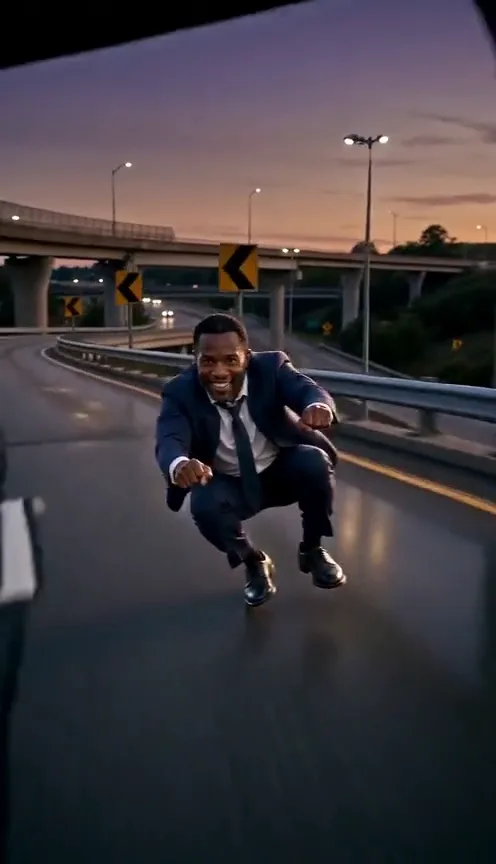
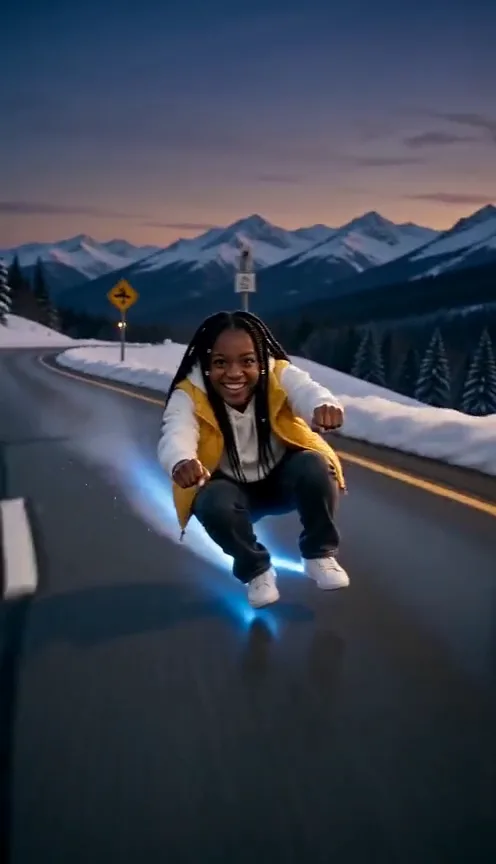
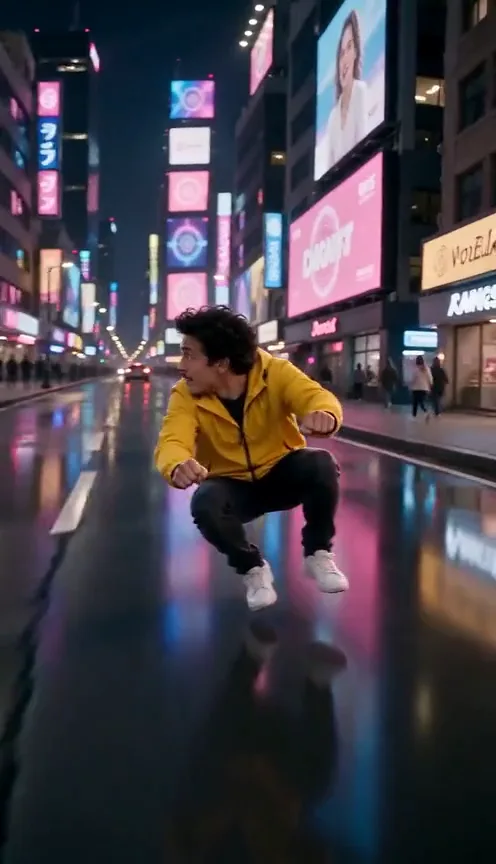
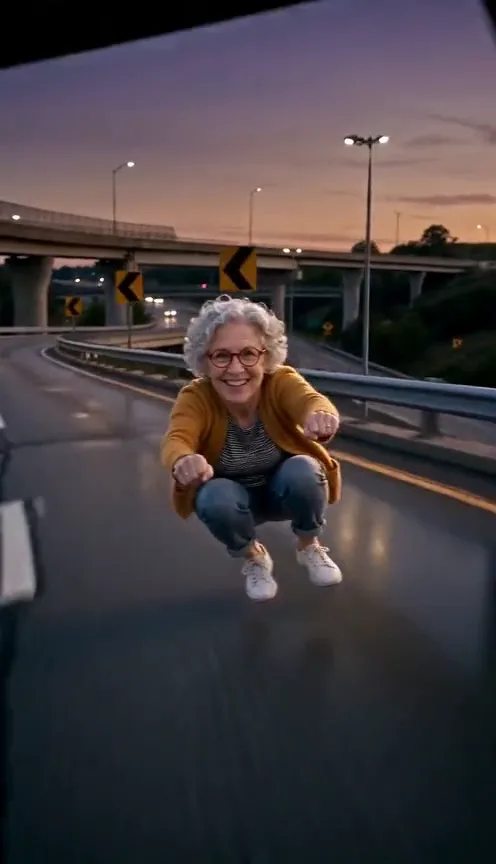
The trend itself is simple to describe. You crouch in mid-air with your fists out, racing down a highway on a motorbike that isn’t there. A cop on a hover-bike slides in behind you, you backflip, land it and ride on, all to the Crazy Frog song. The Crazy Frog page plays the full clip if you want to see it before you pick a route.
The three routes side by side
| Route | What you need | What you get | The catch |
|---|---|---|---|
| Film it yourself | A friend, a phone, a safe empty spot | A real clip of you doing the squat | No real floating, flip or cop |
| Our prompt in an AI tool | One photo and a free account | The floating ride, made by AI | Free tries run out; the flip may break |
| One photo here | One photo and credits | The full clip with the song on it | Costs credits; no free tier |
A word on “free.” Plenty of sites put “free” next to the Crazy Frog AI trend and then show a preview, a watermark or a plan screen before the download. That isn’t a scam, it’s just how video costs work, but it’s worth checking before you upload a photo anywhere. The two routes below that really are free cost you time instead of money.
Route 1: film the squat yourself
The pose is the joke, and you can do the pose without any AI. What you can’t do for real is float, so the trick is selling speed with the camera instead of your legs.
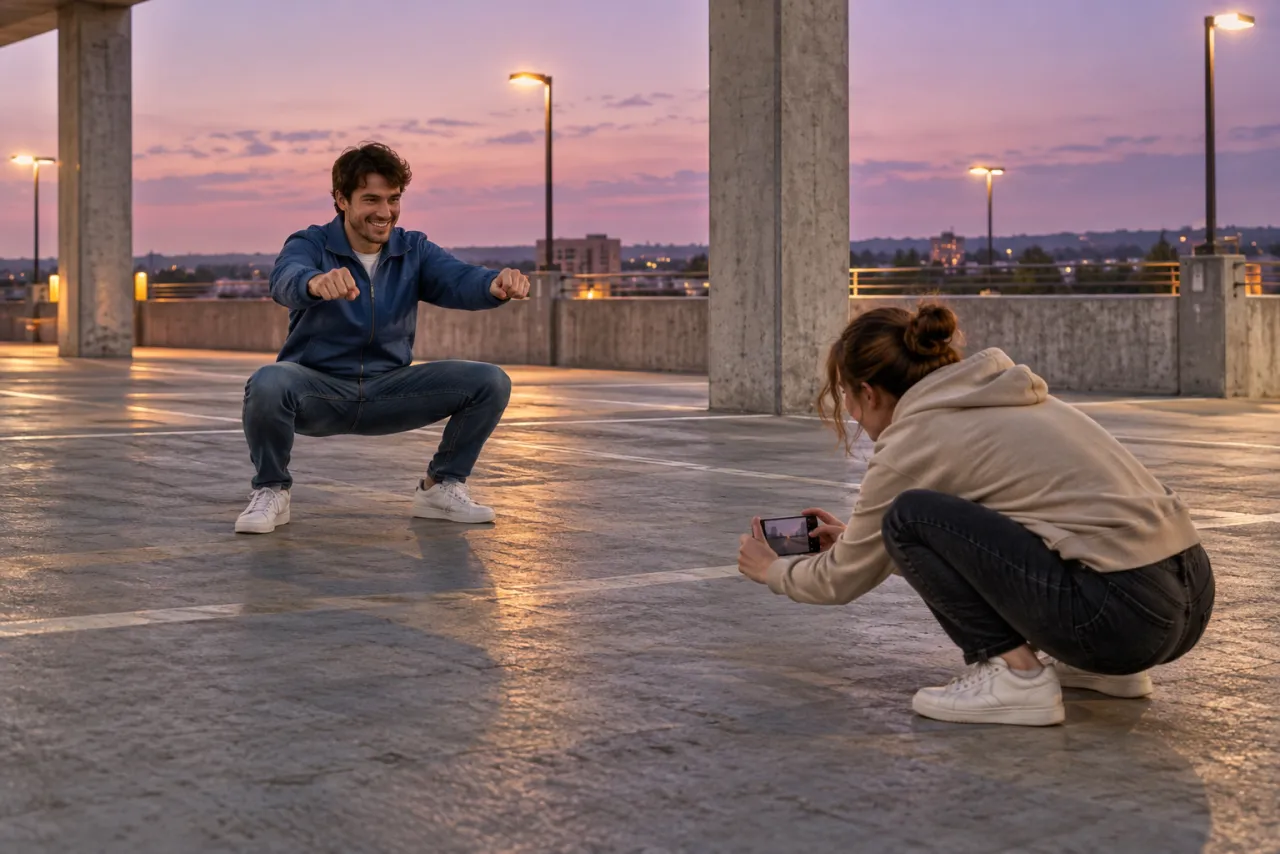
- Pick a flat, empty, safe spot: a quiet parking deck, a closed-off path, a big empty lot. Never a road with traffic.
- Drop into a deep squat, knees wide, fists forward as if you’re gripping handlebars. Grin like you’re going far too fast.
- Your friend films vertically, phone near the ground, a step in front of you. They walk backward slowly while you shuffle forward in the squat, so the background moves.
- Lean left, then right, as if you’re taking curves. Keep the grin the whole time.
- For the cop, a second friend rolls in behind you on a bike or a scooter with a phone flashlight blinking.
- Skip the real backflip. Jump straight up out of frame, cut, then land back in the squat in the next clip.
- Join the clips in any editor and add the Crazy Frog song from the app’s sound library.
Don’t attempt a backflip you haven’t trained for, and don’t film anywhere near moving cars. The squat and the grin carry the trend on their own.
Route 2: our free prompt in an AI video tool
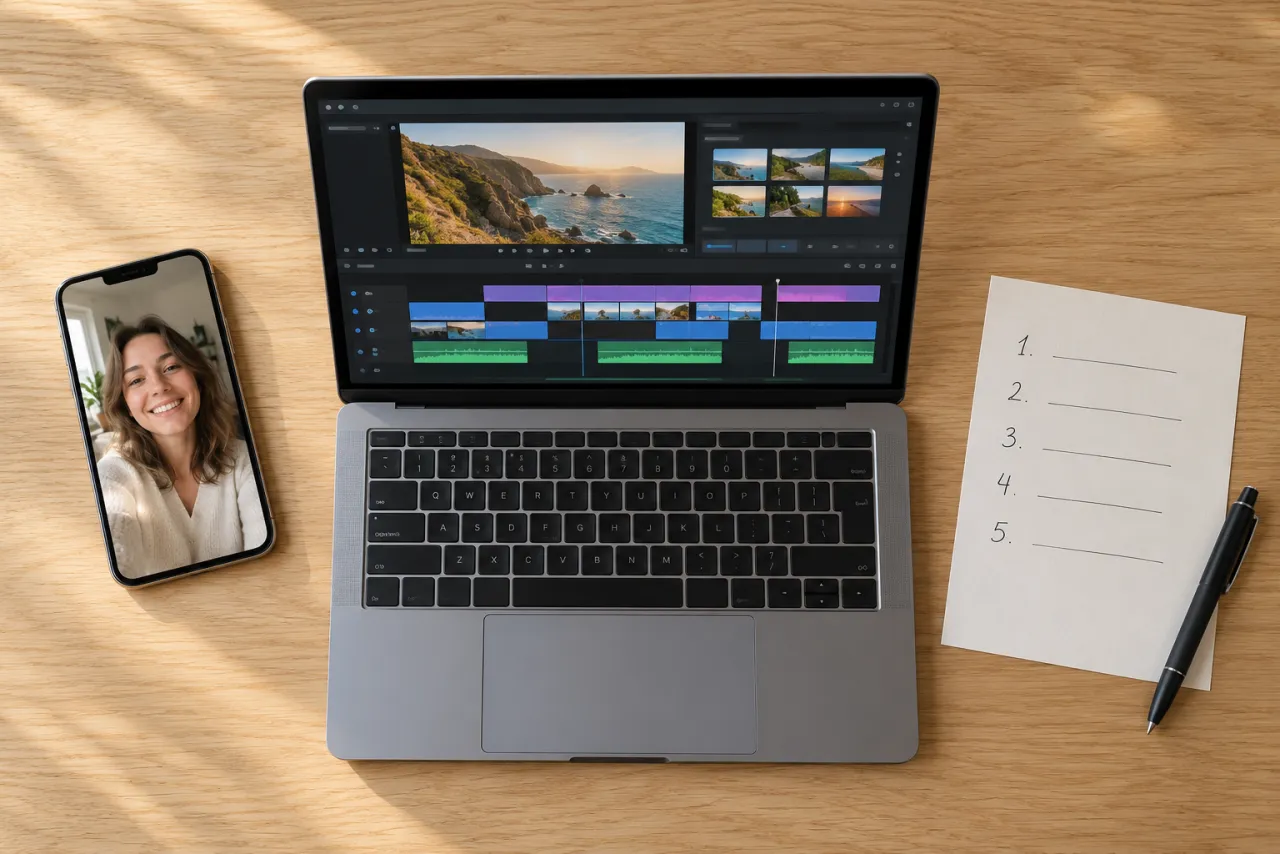
This is the closest free route to the real trend. Our Crazy Frog AI prompt is written out in full, shot by shot, so you can paste it into a tool that has an image-to-video or reference-image mode, such as Kling, Higgsfield, Runway, Veo or CapCut’s AI video.
- Open the tool’s image-to-video or reference-image mode.
- Upload one clear photo of yourself, face to the camera.
- Paste the prompt and set vertical 9:16.
- Generate. If the tool makes shorter clips, split the prompt at the 5-second mark and make two clips.
- Join the clips in an editor, then add the Crazy Frog song from the sound library when you post.
The catch: free tiers usually give you a small number of tries, often short and sometimes watermarked, and the backflip is the moment most likely to come out bent or with someone else’s face. You may spend all your free tries getting one good clip. The prompt guide has a fix-it table for exactly that.
Route 3: one photo here
On the Crazy Frog page you upload one photo and get the whole trend back: the float, the cop sliding in, the backflip over the highway, the landing, and the Crazy Frog song over the whole clip. It’s a vertical MP4 with no watermark, ready to post, and it takes a few minutes. You can close the tab; we email you when it’s ready, and it stays in My videos.
One Standard video uses 45 credits. The smallest pack that makes one is $12.90 for 90 credits (2 videos), a one-time buy whose credits never expire, and plans start at $19.90 a month for 270 credits. If a video fails, its credits come back.
There are no free credits on NowStarring, so this route is never free. You pick Standard 480p or HD 720p, and HD uses more credits. Your photo is deleted automatically 7 days after upload. Every pack and plan is on the pricing page.
Which route to pick
- You have a friend, an empty spot and an hour: film it yourself. It’s the only route with your real moves in it.
- You want the floating ride and you don’t mind retakes: use our prompt in a tool with free tries.
- You want the flip, the cop and the song tonight, in one go: one photo here, from $6.45 a video with the smallest pack.
Not sure the trend is for you yet? What the Crazy Frog AI trend is explains where the pose comes from, and how to do it walks through all three routes step by step.
Before you post
- Pick the Crazy Frog sound from the app’s library so your video lands with the others. The sound guide shows where to tap.
- Turn on TikTok’s “AI-generated content” label for any AI route.
- Use a photo of someone else only with their permission, and never a photo of a child or a celebrity.
NowStarring is an independent fan tool, not linked to the Crazy Frog character, its music video or their makers. The song belongs to its rights holders.
Domande frequenti
Is the Crazy Frog AI trend free?
It’s free if you film it yourself or paste our free prompt into an AI video tool with free tries. Sites that make the whole clip from one photo, including ours, cost credits.
Can I do the Crazy Frog trend without AI?
Yes. Hold a deep squat with your fists out while a friend films low and walks backward in front of you, lean into imaginary curves, and add the Crazy Frog song when you post.
Why do free Crazy Frog AI sites ask me to pay?
Making a video costs the site real money each time, so most show a preview or a watermark and charge for the full download. Check the price before you upload.
Do I need a frog costume for the Crazy Frog trend?
No. You play it as yourself, in your own clothes. Nobody in the trend dresses as the frog.
Does the Crazy Frog AI video from NowStarring have a watermark?
No. You get a vertical MP4 with no watermark and the Crazy Frog song already on it.
Can I make the Crazy Frog trend with my dog?
Not yet. The Crazy Frog video takes one photo of a person, not a pet.