Crazy Frog AI prompt (copy and paste, with fixes)
A copy-ready Crazy Frog AI prompt for image-to-video tools: the float, the cop, the backflip and the landing, with variants and a fix-it table for each problem.
7 lettura minima · Aggiornato
The Crazy Frog AI prompt
Here’s a full Crazy Frog AI prompt you can paste into any image-to-video tool. It keeps your face from one photo and lays out the trend shot by shot: floating squat, the cop, the backflip and the landing. Copy it as it is first, then tweak it with the variants and fixes below.
Crazy Frog AI prompt (one photo)
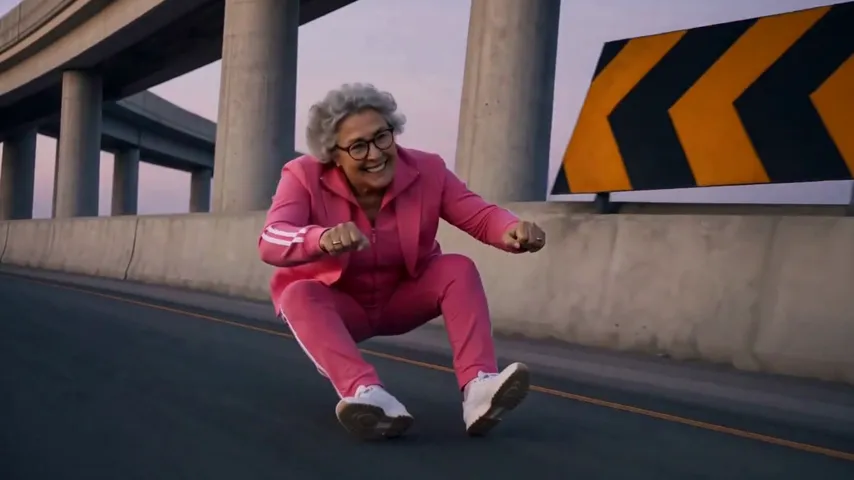
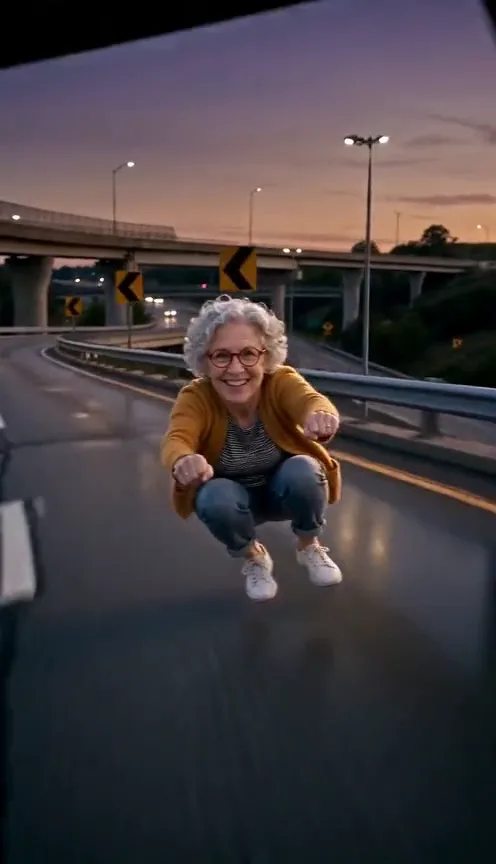
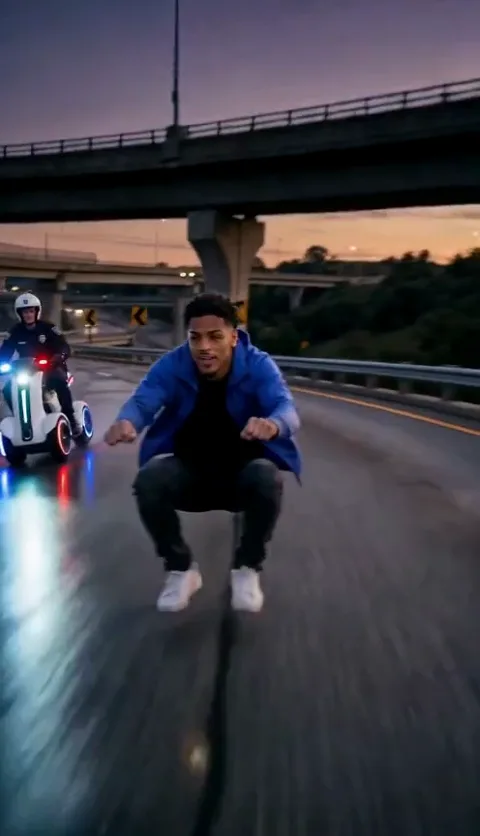
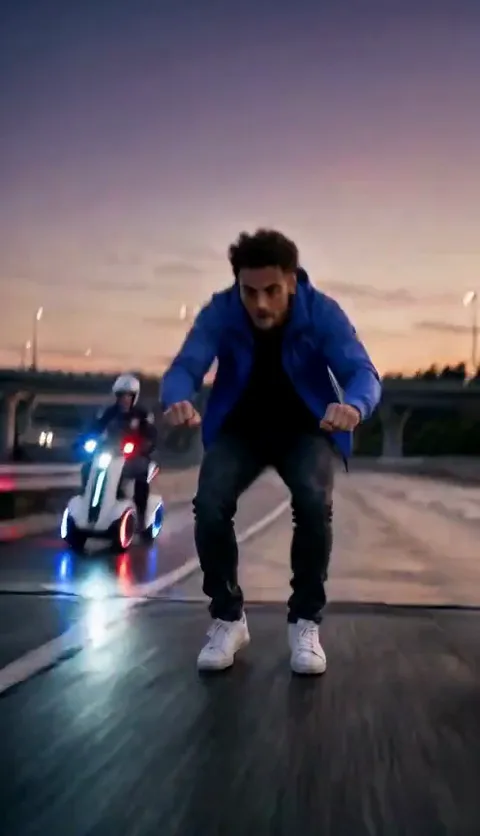
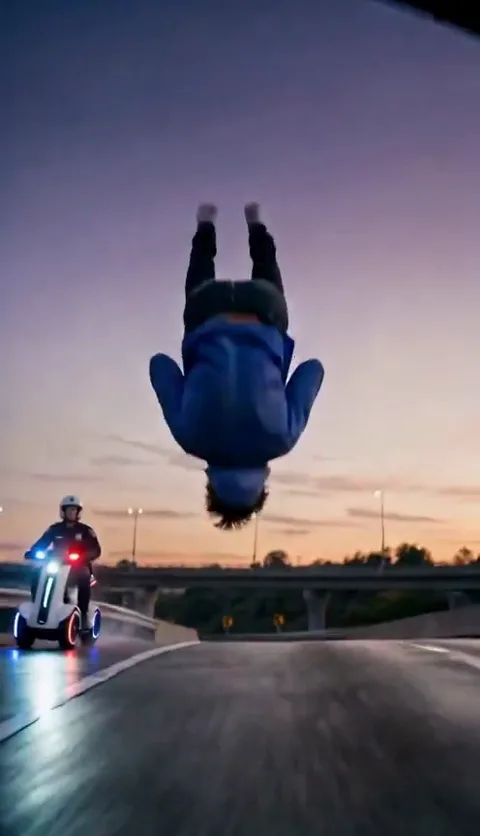
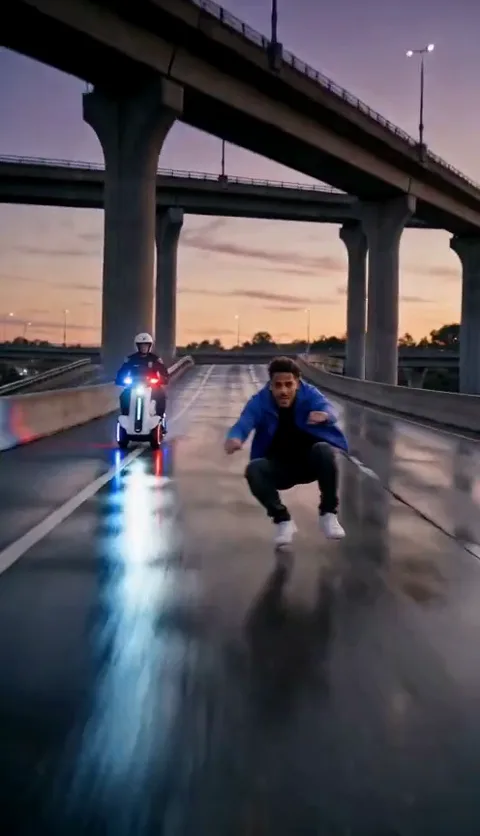
Vertical 9:16 video, 10 seconds, photoreal, one continuous shot with no cuts. The camera tracks backward, low to the road, just ahead of the rider. The rider is the person in your reference photo: keep their face, hair, build and the clothes they wear in the photo, sharp in every moment. Setting: an empty, curving elevated highway at dusk, a lilac and orange sky, concrete overpasses and yellow chevron signs on the barriers. Pose: the rider floats about knee height above the road in a deep squat, knees wide, fists held forward as if gripping handlebars that aren’t there. Nothing is under them but their own shadow. 0–2 s: the rider races toward the low camera, grinning, leaning into the curve. 2–5 s: a police officer on a white hover-bike with flashing lights glides in behind the rider and follows. 5–6 s: the rider kicks off into a tight backflip, knees tucked. 6–8 s: the rider is upside down mid-flip above the highway, the hover-bike still behind. 8–10 s: the rider lands back in the same squat and speeds on under an overpass. Sound: wind and a light hum only. No music, no voices. Avoid: any motorbike, scooter or board under the rider, cartoon frogs, costumes, logos, readable text, extra limbs, the face changing.
The sound line asks for no music on purpose. Video tools can’t make the real Crazy Frog song, and anything they invent will clash with it. Add the song yourself when you post.
How to use it
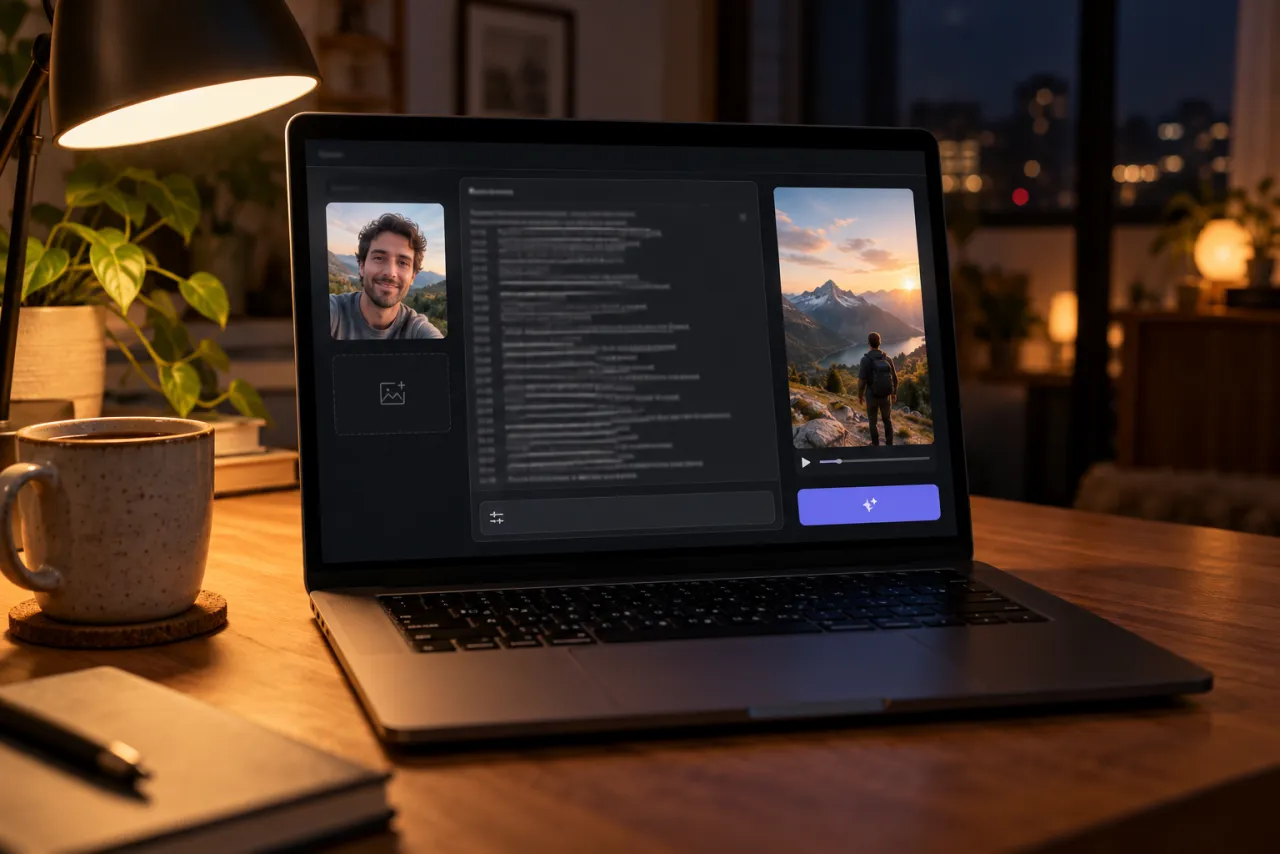
- Open an image-to-video or reference-image mode in a tool such as Kling, Higgsfield, Runway, Veo or CapCut’s AI video.
- Attach one photo of yourself as the reference image. Describing your face in words instead is what makes it drift.
- Paste the prompt and set the shape to vertical 9:16.
- Set the length to 10 seconds, or the longest the tool allows. If it stops short, use the two-clip version below.
- Generate, watch it once at full size, and use the fix-it table for whatever went wrong.
- Add the Crazy Frog song when you edit or post.
What each line should give you
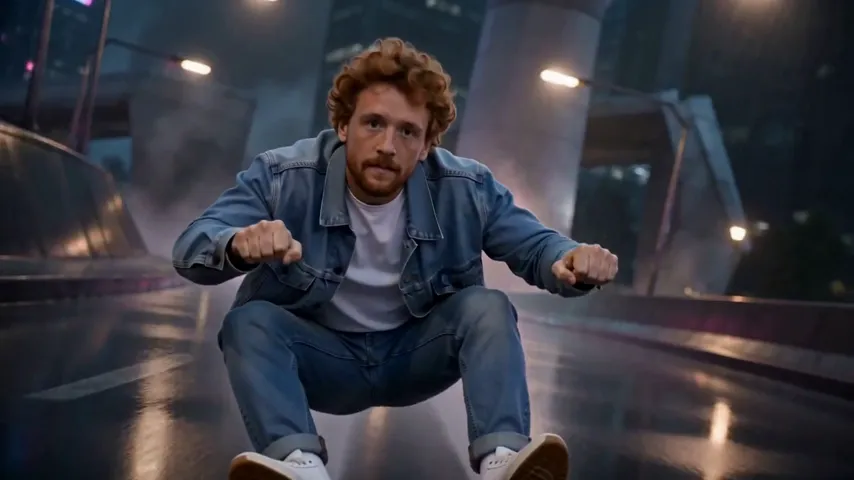
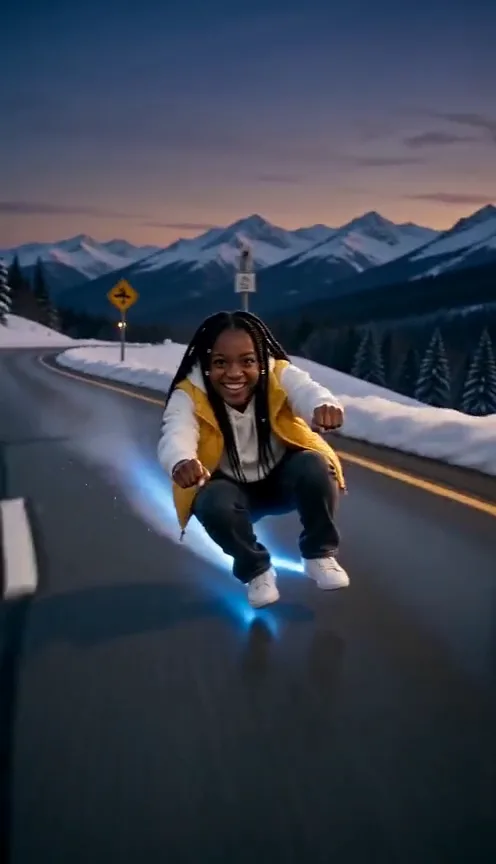
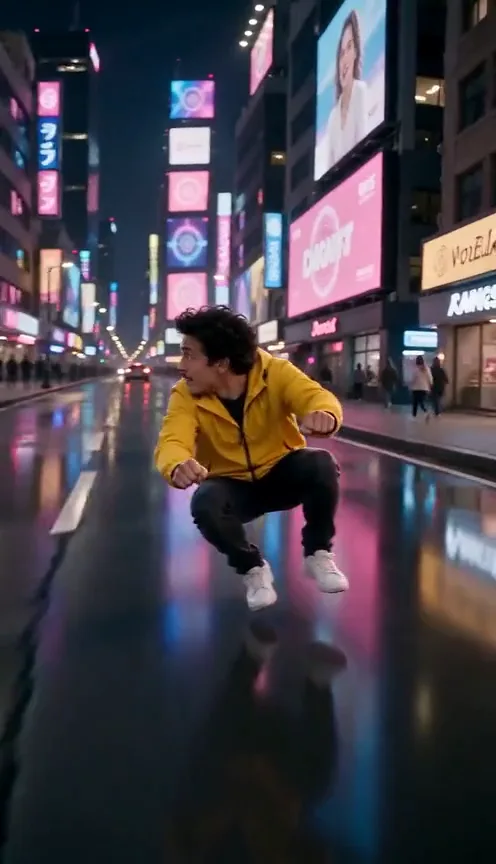
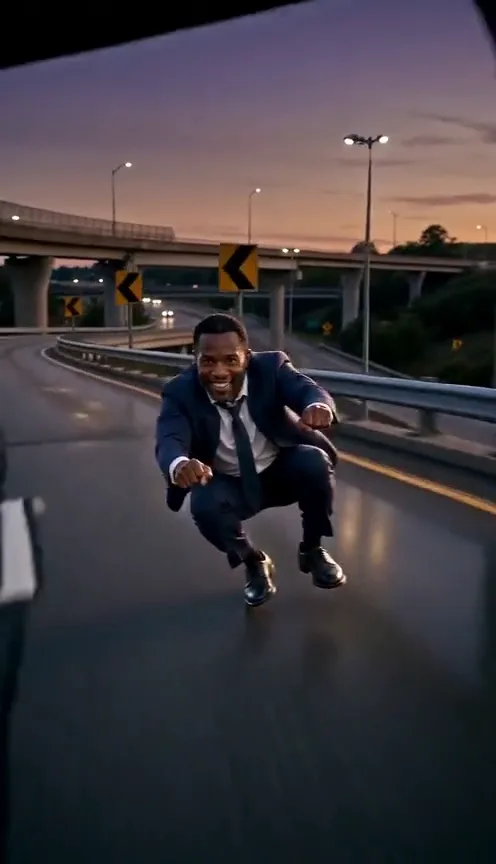
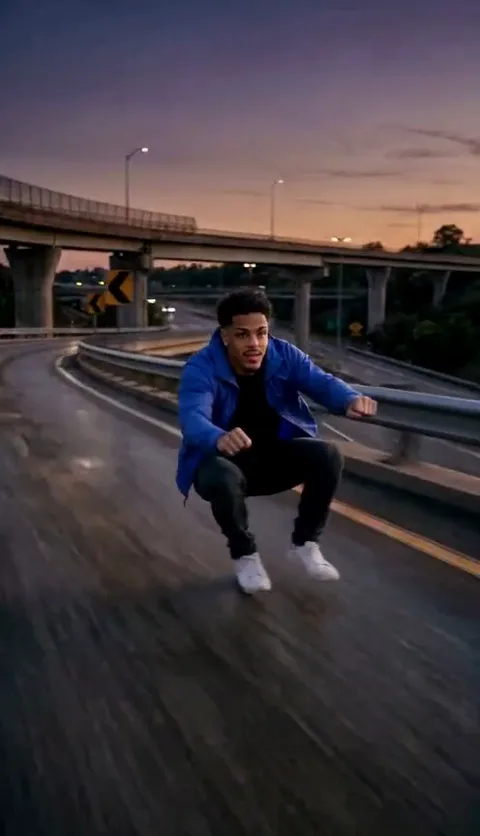
These five stills come from a Crazy Frog clip made on our site. Compare your result with them: if a moment is missing, the matching timed line is the one to strengthen.
Variants worth trying
No flip, safer face
The backflip is where most tools lose your face. If you just want the ride, drop it:
No-flip version
Replace the 5–6 s and 6–8 s lines with: 5–8 s: the rider ducks low under a sign, glances back at the hover-bike and grins wider, still floating in the squat.
Two clips for short tools
Two-clip split
Clip 1 (5 s): use the lines up to 2–5 s, ending with the hover-bike right behind the rider. Clip 2 (5 s): start with “The rider floats in the squat with the hover-bike behind,” then use the flip and landing lines, retimed to 0–1 s, 1–3 s and 3–5 s. Use the same photo for both and join them in an editor.
New roads
Scene swaps
Swap the Setting line for one of these: Setting: a winding mountain road between snowbanks, pine trees and peaks behind, blue evening light. Setting: a coast road lined with palm trees at sunset, the sea on one side. Setting: a wet city street at night under bright neon signs with no readable words.
Fix it: what went wrong and what to change
| What you see | What to change |
|---|---|
| A motorbike or scooter appears under you | Move the Avoid line to the top and add “no vehicle at all” |
| You stand up instead of squatting | Add “still in the deep squat” to every timed line |
| The face changes in the flip | Use a sharper front-lit photo, or the no-flip version |
| The body bends wrong mid-flip | Ask for “a tight tuck backflip, knees to chest” |
| The officer gets your face | Add “the officer wears a white helmet with a dark visor” |
| The tool refuses the police | Write “a rider in a white helmet with blinking lights” |
| It feels slow | Add “very fast, motion blur on the road and barriers” |
The photo matters more than the prompt
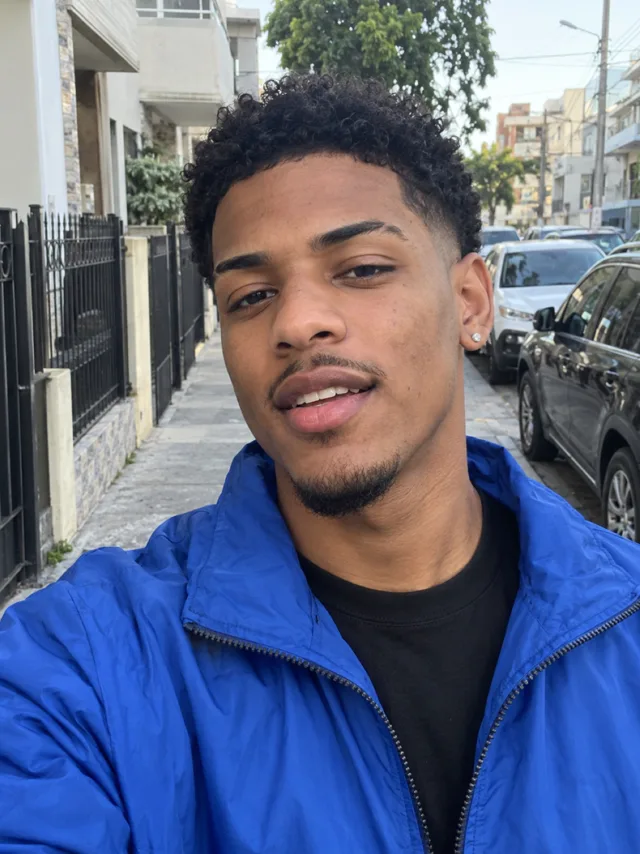
- Face the camera in good light. Side angles and shadows make the face drift in the flip.
- Head to knees in the frame brings your outfit along. A tight selfie works too.
- No sunglasses, no hats pulled low, no one else in the photo.
- Use a photo of yourself, or of someone who said yes. Never a child or a celebrity.
More examples are in the best photo for the Crazy Frog AI video.
What a prompt can’t do
A prompt gives the tool a plan, not a guarantee. The same text can give a perfect ride one time and a scooter the next, so budget a few tries. It also can’t add the song: you lay that over the clip yourself, and you line up the backflip with the beat by trimming the start.
And it won’t match the trend clip shot for shot. Tools invent their own highway, their own cop and their own camera move each time. If you want the exact Crazy Frog shots, compare the routes in CapCut vs AI vs one photo.
The no-prompt route
On the Crazy Frog page you skip all of this: one photo, a few minutes, and the full clip comes back with the Crazy Frog song on it, as an MP4 with no watermark. One Standard video uses 45 credits. The smallest pack that makes one is $12.90 for 90 credits (2 videos), a one-time buy whose credits never expire, and plans start at $19.90 a month for 270 credits. If a video fails, its credits come back. There’s no free tier, so if you want to stay free, the prompt above is the way. Prompts for every trend are on the prompt page.
NowStarring is an independent fan tool, not linked to the Crazy Frog character, its music video or their makers. The song belongs to its rights holders.
Domande frequenti
What is the prompt for the Crazy Frog AI trend?
A vertical 10-second shot of you floating in a deep squat above a dusk highway, a cop on a white hover-bike behind, a backflip and a landing. The full text is at the top of this guide.
Which AI tool works best for the Crazy Frog prompt?
Any tool with an image-to-video or reference-image mode can run it, such as Kling, Higgsfield, Runway, Veo or CapCut’s AI video. Results vary from try to try more than from tool to tool.
Why does a motorbike keep showing up under me?
Tools see “racing” and add a bike. Put the Avoid line first and add “no vehicle at all, nothing under the rider but their shadow.”
Can I add the Crazy Frog song in the prompt?
No. Video tools can’t make the real song. Ask for no music and add the Crazy Frog sound when you post.
Can the cop look like my friend?
In tools that take a second reference image, you can name your friend’s photo as the officer, with their permission. Our own Crazy Frog video takes one photo and makes the cop up.