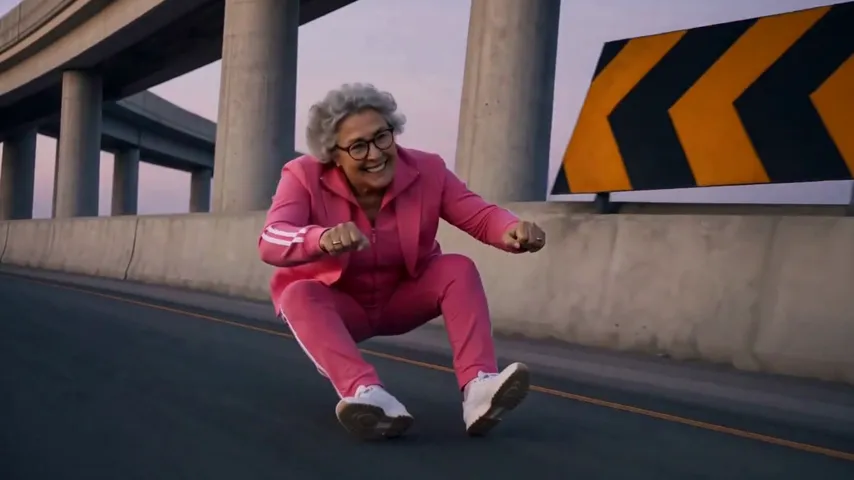
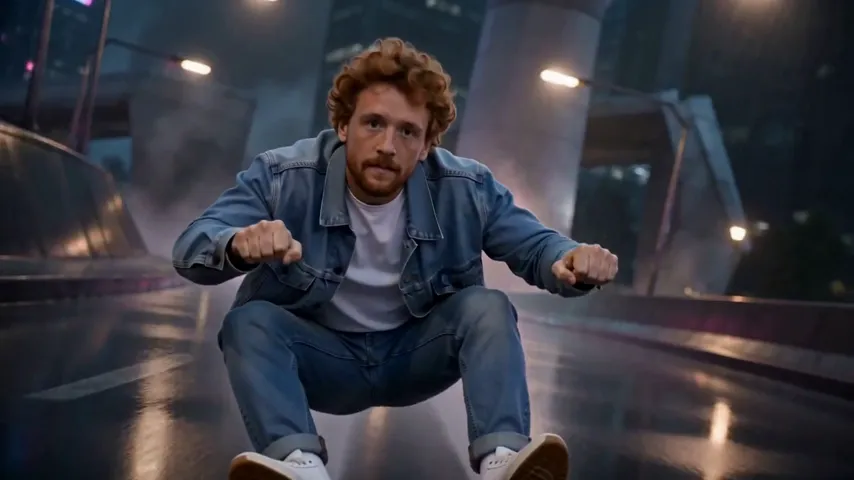
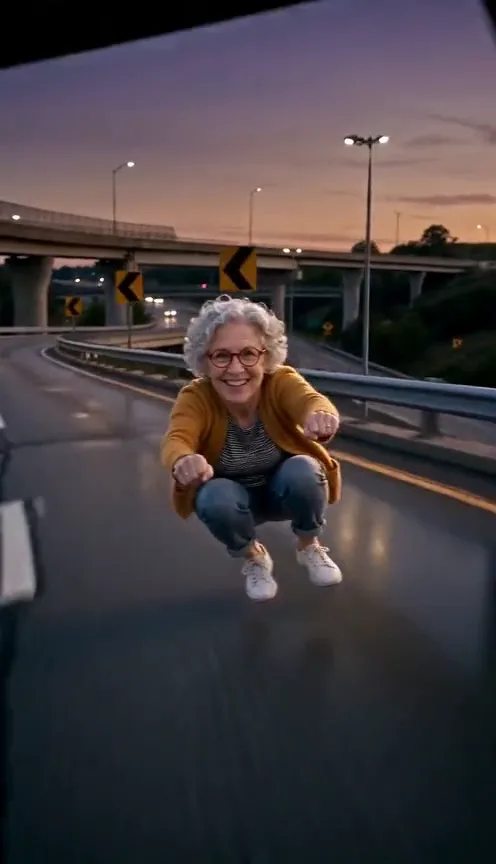
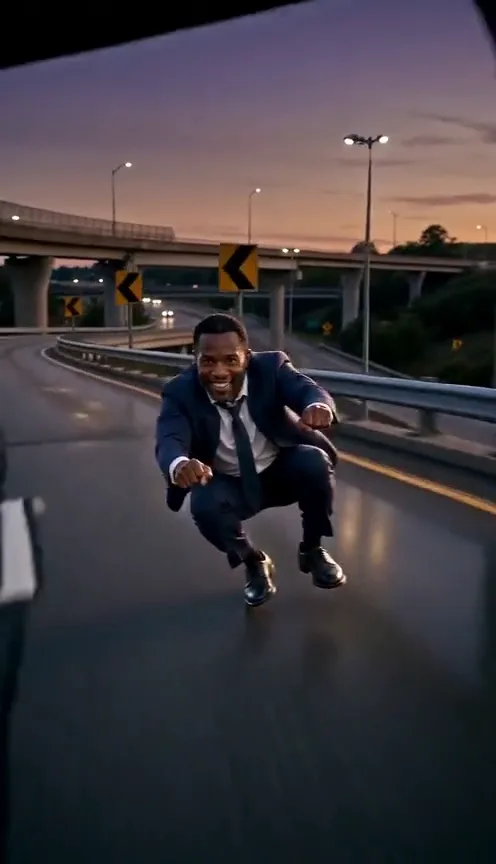
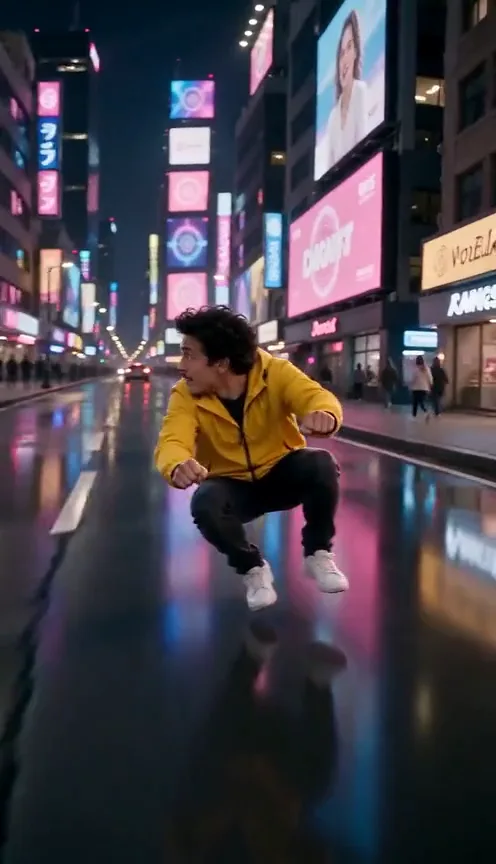
Crazy Frog AI: CapCut template vs AI video vs one photo
CapCut template, an AI video tool with a prompt, or one photo: how each makes the Crazy Frog AI trend, compared on likeness, shots, sound, effort and cost.
6 lettura minima · Aggiornato
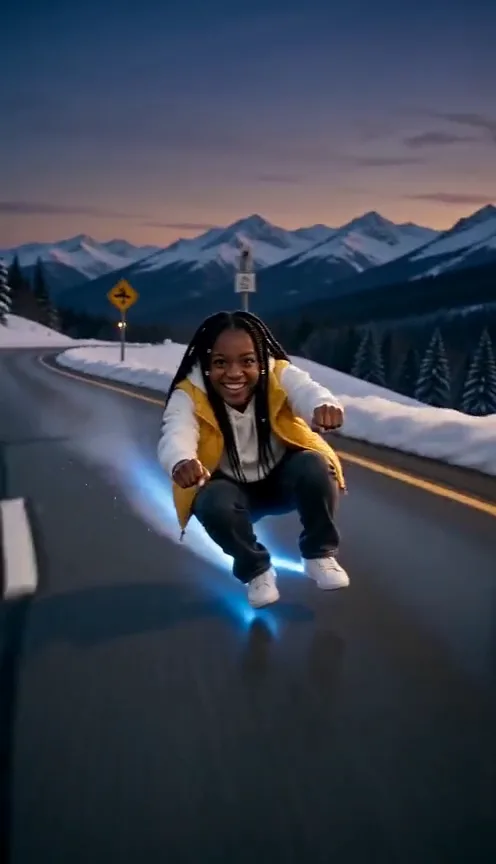
The verdict
Use a CapCut template if you already have a clip of yourself doing the squat and want it free. Use an AI video tool with a prompt if you want the floating ride for free and don’t mind retakes. Use a one-photo site if you want the float, the cop, the backflip and the song in one go, and you’re fine paying for it.

The three compared
| CapCut template | AI video + our prompt | One photo here | |
|---|---|---|---|
| Looks like you | Yes, it’s your clip | Usually; may drift in the flip | Yes, from one photo |
| Exact shots | Up to the template | Close, after retakes | The trend’s five shots |
| Sound | From the library | Add it yourself | Song already on it |
| Effort | Film a clip first | Prompting, joining clips | Upload and wait |
| Cost | Free to start | Free tries, then a plan | From $6.45 a video |
When a CapCut template wins
A template takes someone else’s edit, with its cuts, effects and timing, and drops your own clips in. For the Crazy Frog trend that means you still need footage of yourself in the squat. If you have it, a template is the fastest free way to make it look edited, and the song is right there in CapCut’s library.
What a template can’t do is make you float or flip. What you get depends on the template: some add speed effects, some just cut to the beat. Templates also come and go, so the one a friend used may be gone next week.
How to use a Crazy Frog template in CapCut
- Film your squat first. The free guide has a shot plan: phone low, friend walking backward, you leaning into curves.
- Open CapCut and go to Templates.
- Search “Crazy Frog” and watch a few previews. Note how many clips each one asks for.
- Tap “Use template,” pick your clips in order and let it build the video.
- Check the cuts land on the beat, then export.
- Post, and pick the Crazy Frog sound from the app so your video joins the trend.
When an AI video tool wins
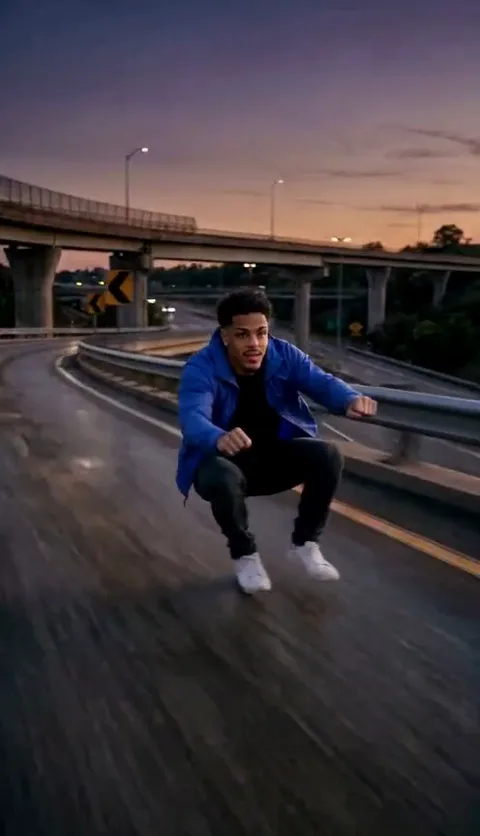
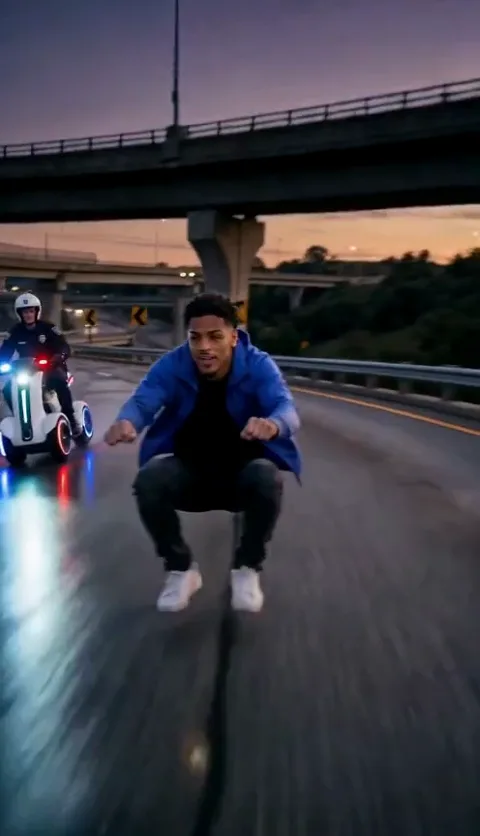
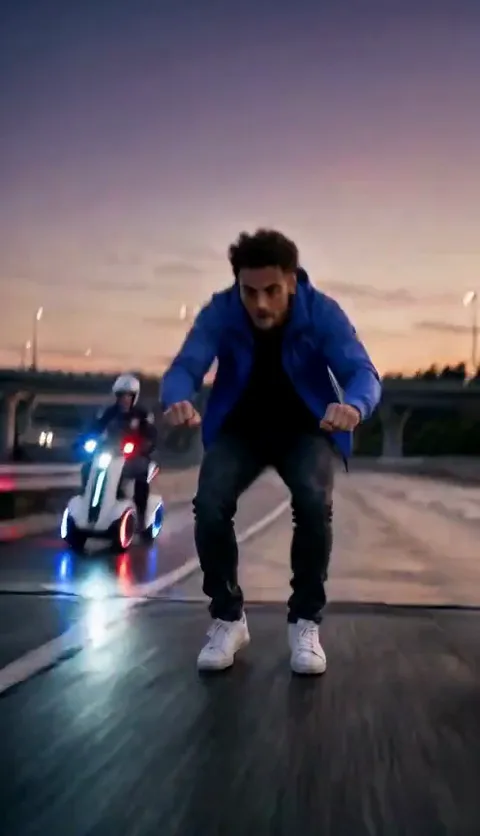
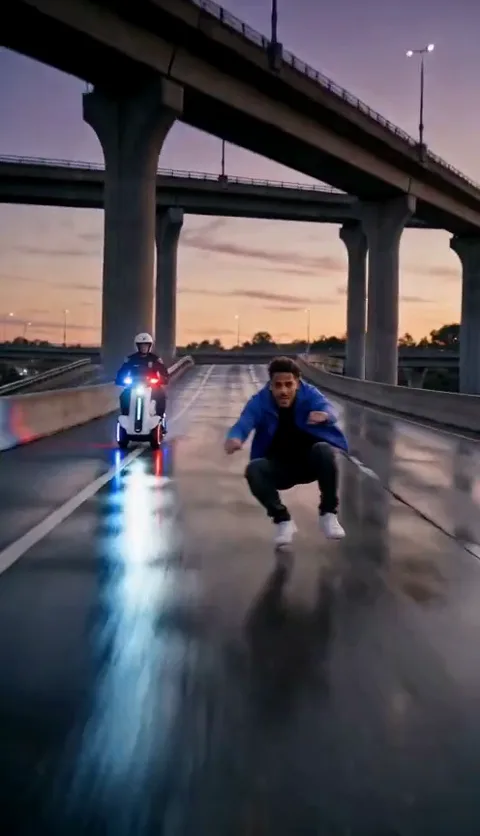
AI tools make the part you can’t film: you floating above a highway with a hover-bike behind you. Kling, Higgsfield, Runway, Veo and CapCut’s own AI video all take a reference photo and a prompt. Our Crazy Frog AI prompt is written for them, with a version split into two clips for tools that make short ones.
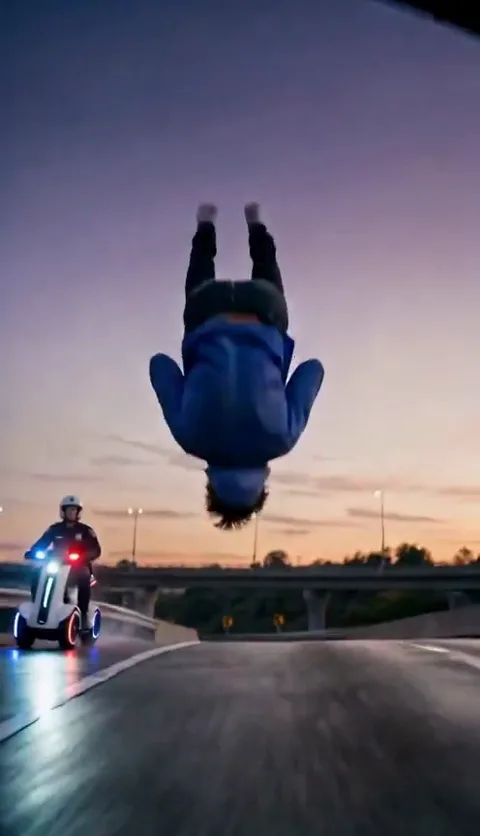
The cost is patience. The backflip is hard for every tool, and a motorbike likes to sneak in under you. Expect a few tries, then join the best clips and add the song yourself.
When one photo wins
A one-photo site has done the prompting for you and checked the results against the trend. On the Crazy Frog page you upload one photo, and in a few minutes you get the five shots in order with the Crazy Frog song over the whole clip: a vertical MP4 with no watermark. We email you when it’s ready, and it stays in My videos.
One Standard video uses 45 credits. The smallest pack that makes one is $12.90 for 90 credits (2 videos), a one-time buy whose credits never expire, and plans start at $19.90 a month for 270 credits. If a video fails, its credits come back.
It isn’t free: there are no free credits here. And it’s one photo of one person, so the cop is always made up and pets aren’t supported yet. Your photo is deleted automatically 7 days after upload.
What makes any version land
Whichever route you pick, the same few details decide whether a Crazy Frog video reads as the trend or as someone crouching in a parking lot.
- Commit to the squat. Knees wide, back straight, fists out. A half squat looks like you dropped your keys.
- Keep the camera low. From knee height a squat looks like a ride; from eye level it just looks like a squat.
- Lean into the curves. A little tilt left and right sells speed better than any effect.
- Hold the grin. The face is the joke: you’re having the time of your life on a bike that isn’t there.
- Put the big moment on the beat. Trim the start so the backflip, or your jump, lands on a strong beat of the song.
- End on a ride-off, not a stop. The landing works best when you keep going.
Being fair to every route
None of these is the “real” way. The trend started with people remaking a cartoon music video, and people still post it in all three styles: shaky friend-filmed squats, AI clips with odd cops, polished one-photo videos. The ones that do well are the ones where the grin is committed.
For the background, read what the Crazy Frog AI trend is and what the Crazy Frog song is called. NowStarring is an independent fan tool, not linked to the Crazy Frog character, its music video or their makers. The song belongs to its rights holders. We’re also not linked to CapCut or any AI video tool named here.
Domande frequenti
Is there a Crazy Frog template on CapCut?
Search “Crazy Frog” in CapCut’s Templates tab. Templates come and go, so check the preview and how many clips it needs before you film.
Can a CapCut template make me float like the Crazy Frog?
No. A template edits clips you already have. To float, you need an AI video tool with a prompt, or a one-photo site.
Is CapCut or AI better for the Crazy Frog trend?
CapCut is better if you filmed yourself and want it free. AI is better for the float, the cop and the flip.
Can I use CapCut’s AI video for the Crazy Frog prompt?
Yes. Attach your photo as the reference image, paste the prompt, pick 9:16, then trim and add the song in the CapCut editor.
Can I add the Crazy Frog song in CapCut?
Yes. In the CapCut editor, tap Audio and search the sound library for “Crazy Frog.” When you post to TikTok, pick the official sound there too so the video joins the trend.
How much does the Crazy Frog AI video cost on NowStarring?
One Standard video uses 45 credits. The smallest pack that makes one is $12.90 for 90 credits (2 videos), a one-time buy whose credits never expire, and plans start at $19.90 a month for 270 credits. If a video fails, its credits come back.