Is there a Tiny Desk AI template? What works instead
Looking for a Tiny Desk AI template? CapCut templates can’t swap a face into the band. Here are the three routes that can: film it, prompt it or one photo.
7 min de leitura · Atualizado em

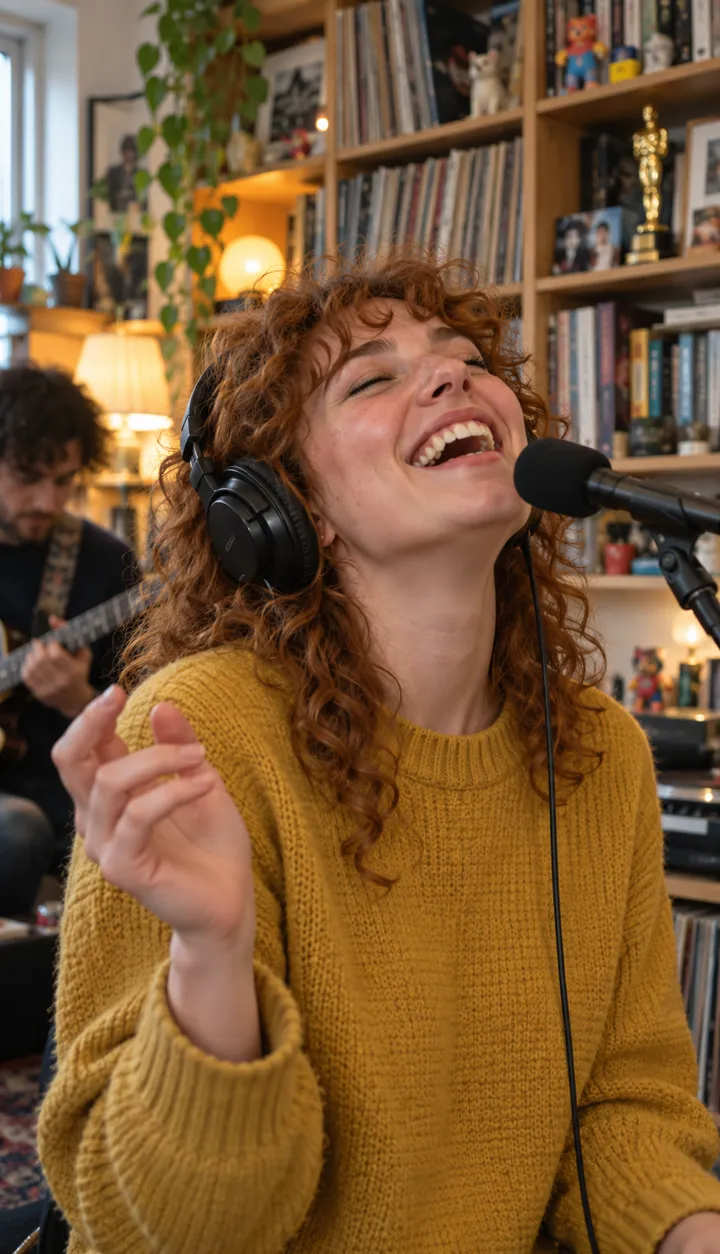
Estrele Tiny Desk com uma foto
Faça o seuThe short answer
Not in the CapCut sense. The meme needs your face on a singer who never existed in your camera roll, and an editing template can only rearrange clips you shot. What does work: filming your own desk version, writing a prompt for an AI video tool, or adding a photo on the Tiny Desk page, which is the closest thing to a one-tap template.
Three routes compared
| Route | What you need | What you get | The catch |
|---|---|---|---|
| Film your own desk | Headphones, a desk, friends who will commit | A real performance by real people | It looks like your office, not the meme |
| AI tool + our prompt | An AI video tool that takes photos | A desk band with your faces | Retries, missing seats, no song |
| One photo on NowStarring | A photo of the lead, friends optional | The 18-second clip with the song | 90 credits; no free video |
Route 1: stage it at a real desk
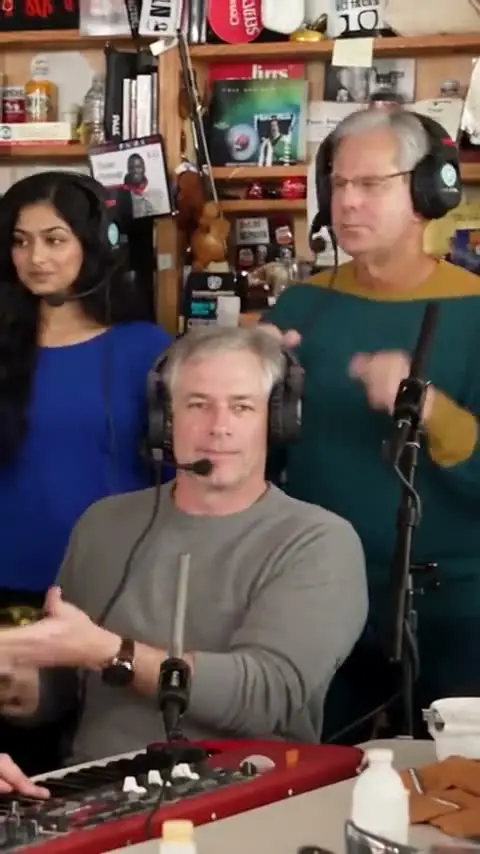
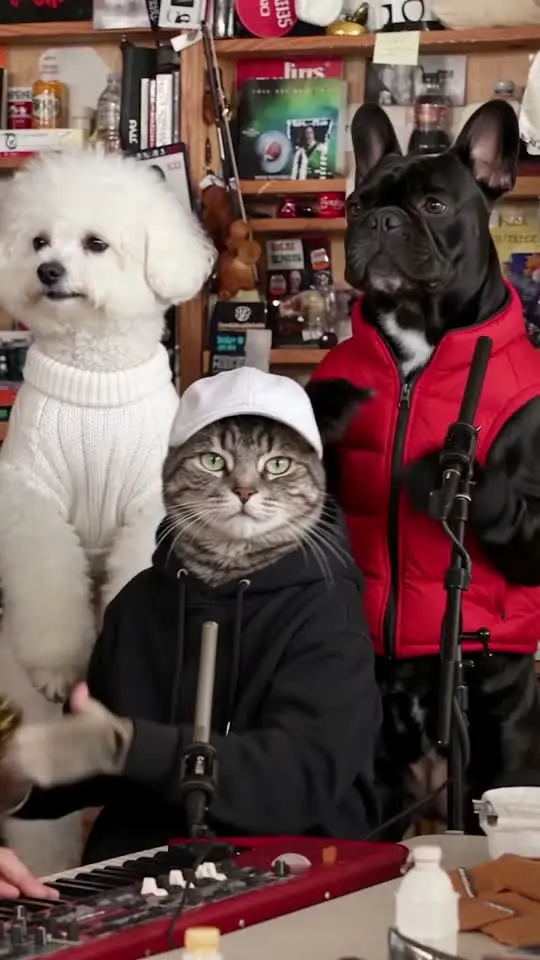
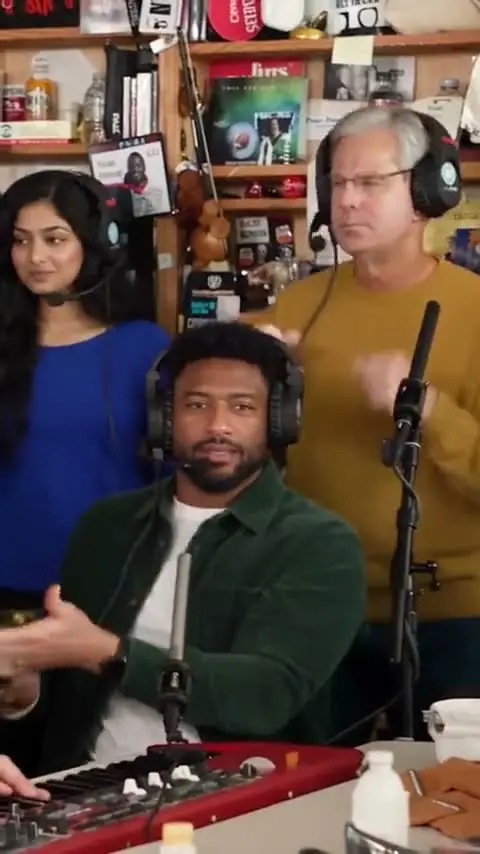
The cheapest version is a parody you film yourselves, and it can be funnier than the AI one because everyone is really there. What sells the look:
- Over-ear headphones on everyone, even if they aren’t plugged in.
- A crowded desk: mugs, water bottles, a lamp, and a keyboard at the front. A red one if anyone owns one.
- Shelves behind you, as full as you can make them.
- The phone upright, on a stack of books at desk height.
- Film the band shouting the hook with fists up, about five seconds.
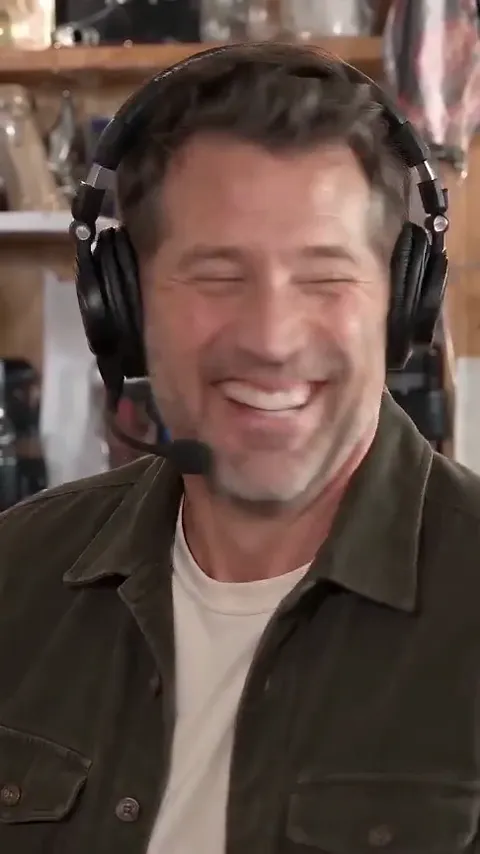
- Film the lead in a close-up: a high note, then the laugh with the head thrown back, then the finger wave toward the band. Do it until the laugh is real.
- Film a three-second “solo” on anything that looks like an instrument.
- Film one more shout of the hook, closer, and cut the four clips on the trend sound.
Route 2: an AI video tool and this prompt
This is the prompt behind our own version, for a lead singer and a sax player. Attach the lead’s photo first and the sax player’s second, then paste:
Tiny Desk band: lead and sax from your photos
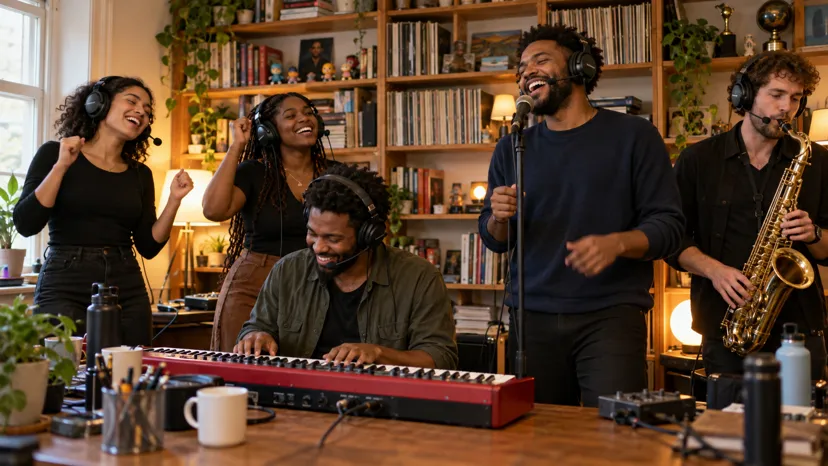
A vertical 9:16 live session, exactly 18 seconds, photoreal live action in full natural colour: a five-piece soul band plays an upbeat song crowded around a desk, in four shots with hard cuts. Setting: a cramped wooden office desk with mugs and water bottles, a red keyboard at the front, microphones on thin black stands, and tall wooden bookshelves packed with records, books, toys and trophies behind the band. Warm lamps and soft daylight, a slightly handheld camera. WHO: the lead singer is the subject in @Image1, the sax player is the subject in @Image2. Face, hair, body and clothes come from their own photo and stay the same in every shot. Each wears exactly what their own photo shows; if a photo shows little of the clothes, a plain everyday sweater that suits them. No caps, no hats, no team logos, no printed lettering. Hands are bare: no rings, bracelets or watches. The keyboard player and the two backup singers are made-up people in plain everyday clothes. Everyone in the band wears black over-ear studio headphones with a thin boom microphone in front of the mouth. SHOTS, on the beat; everyone sings along, mouths moving: [0-5.3 s] Wide shot from the front: the keyboard player sits at the red keyboard, front and centre, and two backup singers stand behind the desk, left and right. They shout the hook together, pumping their fists on the beat, then grin and sway to the groove. [5.3-11.6 s] Hard cut to a close-up of the lead singer, the subject in @Image1, singing into the boom microphone: a rising phrase, then the head thrown back in a big silent laugh, a finger-flutter wave toward the band, then the next phrase. The face fills the frame and is always @Image1’s. [11.6-15 s] Hard cut to the subject in @Image2, the sax player, playing a gold saxophone solo at the microphone, eyes closed, fingers moving on every note, the keyboard player in the lower right foreground. [15-18 s] Hard cut to a closer shot of the keyboard player and the two backup singers at the desk, shouting the hook and pumping their fists, the keyboard player's hands lifting off the keys. No split screen, no extra people, no text, signs, show names, logos or watermarks anywhere. Faces stay consistent from start to end.
- Set the tool to vertical 9:16 and the longest length it allows; 18 seconds fits all four shots.
- To add a keyboard player, attach a third photo and change “The keyboard player and the two backup singers are made-up people” so the keyboard player is the subject in @Image3.
- If the lead shows up in the band shots too, add a line that the lead appears only in the close-up.
- If a cap or a logo from the photo appears, swap in a photo without one; a prompt alone rarely removes it.
Route 3: one photo, the song included
On the Tiny Desk page the prompt, the seats and the shots are already set: you add the lead’s photo and, if you like, up to four friends’. One video uses 90 credits; the smallest credit pack that covers it is $9.90 for 90 credits. If the video fails, the credits come back. Everything else is on Pricing.
New to the meme? Start with the Outstanding Tiny Desk meme, explained.
NowStarring is an independent fan tool, not linked to NPR, the Tiny Desk series, Charlie Wilson or The Gap Band, and the song belongs to its rights holders.
Perguntas
Is there a CapCut template for the Tiny Desk trend?
There are templates that play the Outstanding sound over your own clips, but none can put your face on the singer. A CapCut template re-cuts footage you already have; it can’t invent a close-up of you laughing at a desk.
What do people mean by a Tiny Desk AI template?
Usually a tool where you add a photo and get the band shot back. That’s what the Tiny Desk page does: the desk, the band and the four shots are fixed, and your photos fill the seats.
Can I use the prompt below in any AI tool?
In any tool that takes reference photos and makes vertical video. Tools that take one photo only can still use it with @Image1 for the lead and the rest of the band made up.
Does the prompt add the Outstanding song?
No. Most tools make a silent clip or add their own music, so add the Outstanding Tiny Desk sound when you post.