How to do the Halloween Costume trend, beat by beat
The Halloween Costume trend beat by beat: film it yourself, or add one photo and get the 10-second video with the sound and no watermark.
4 最小読み取り · 更新済み
Beat by beat
The whole change fits in 10 seconds. These are the beats to hit:
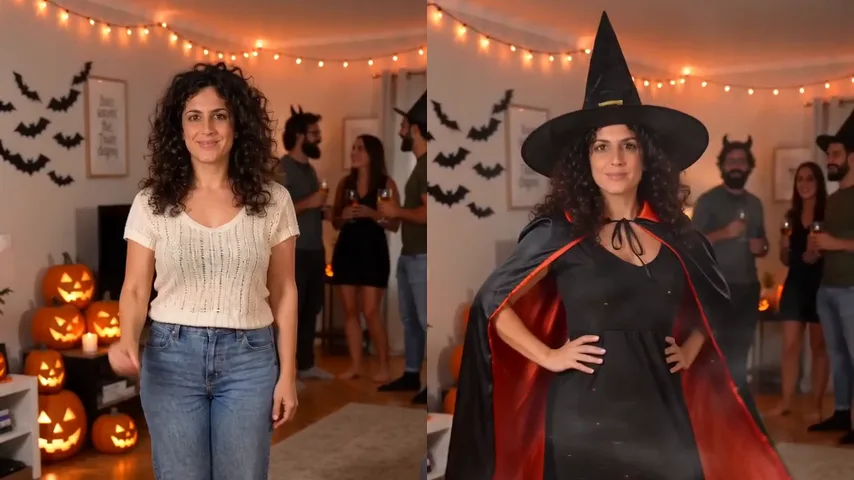
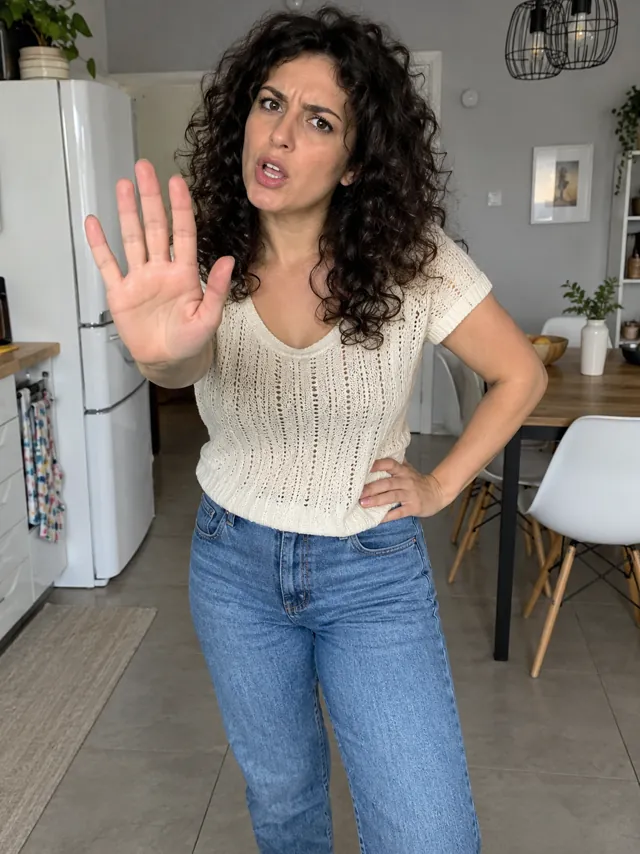
- 0:00, everyday clothes: a small wave at the camera in what you wear every day.
- 0:02, the snap: one snap of the fingers and the spin begins.
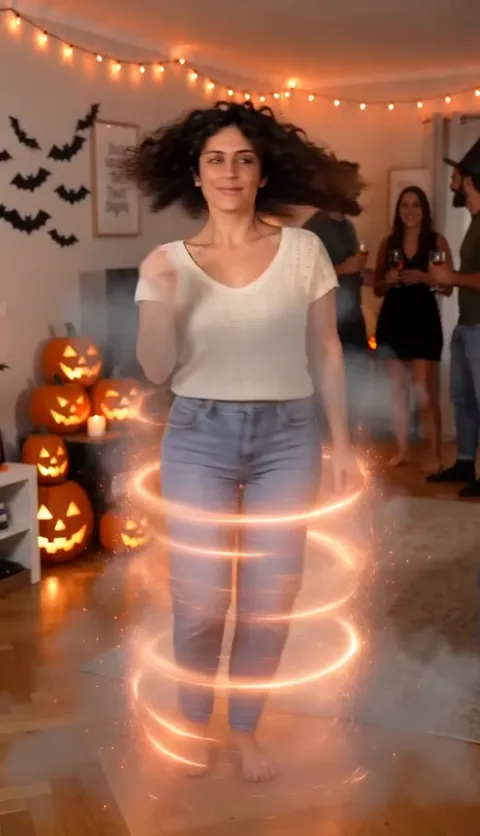
- 0:03, the spin: two fast turns in a ribbon of orange sparks and smoke.
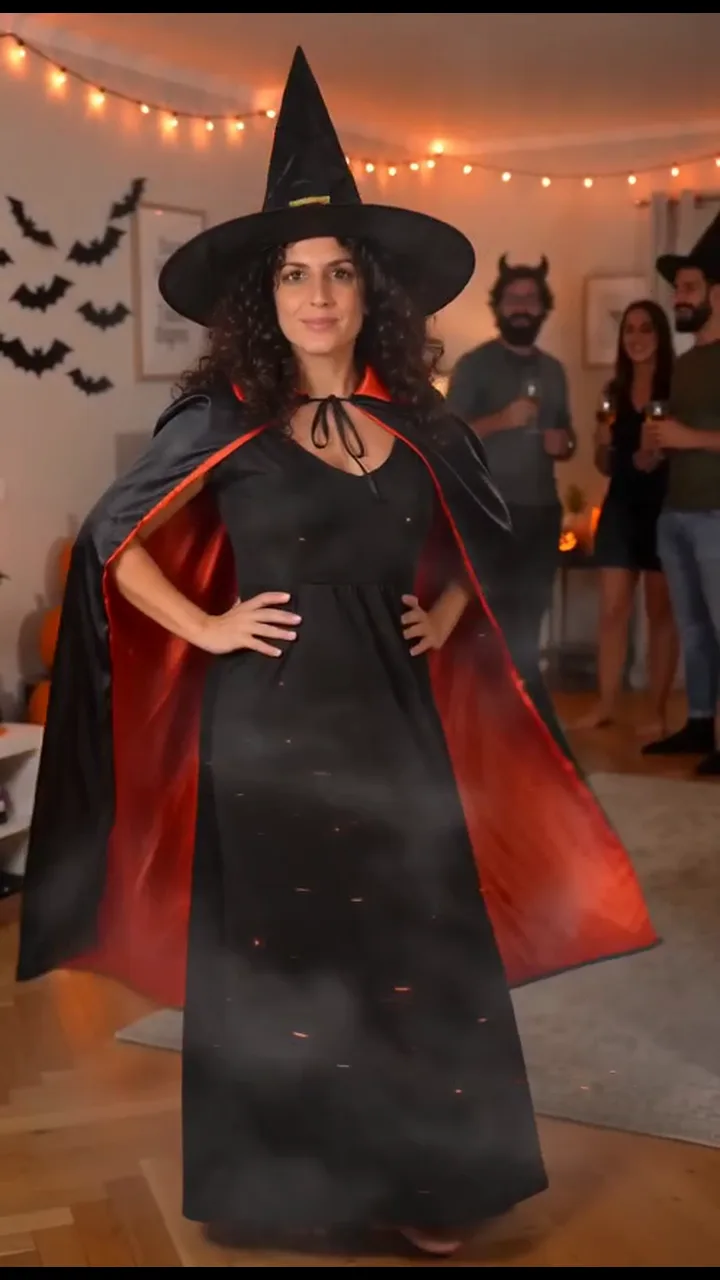
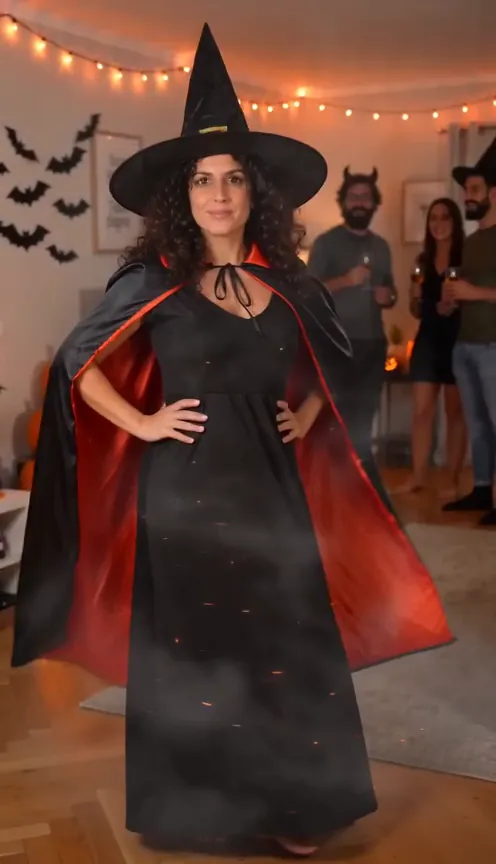
- 0:04, costume on: out of the smoke in the full costume, hands on hips.
- 0:06, the cape twirl: a swirl of the cape while the party cheers.
Film it yourself
- Ask a friend to film from chest height, a few steps back, so you’re in view from head to toe.
- Film the first half in your everyday clothes, ending mid-spin, then change and film the second half starting mid-spin from the same spot.
- Cut the two halves together on the spin, so the turn hides the change.
- Land facing the camera with your hands on your hips and hold it. The pose sells the reveal.
Post it with the Halloween Costume sound, so it shows up with the rest of the trend. Not sure what it is? The explainer has the whole story.
Or make it from one photo
- Open the Halloween Costume page.
- Add one photo: your face toward the camera, head to toe if you can, in good light. The photo guide shows what works.
- Press Make my video and sign in when you’re asked. It’s ready in a few minutes. You can close the page: the video waits in My videos and we email you when it’s ready.
- Download the MP4, with the sound and no watermark, and post it to TikTok, Instagram Reels or YouTube Shorts.
Each video uses credits from a pack or a monthly plan. See pricing.
よくある質問
Do I need a costume?
No. You only add a photo in your everyday clothes; the spin puts the witch costume on you.
Does the AI video come with the sound?
Yes. The sound is already in your video. If a platform mutes it, add any sound you like when you post.
What if the video fails?
You don’t pay for it: what it used goes back to your balance automatically, and you can try again with another photo.