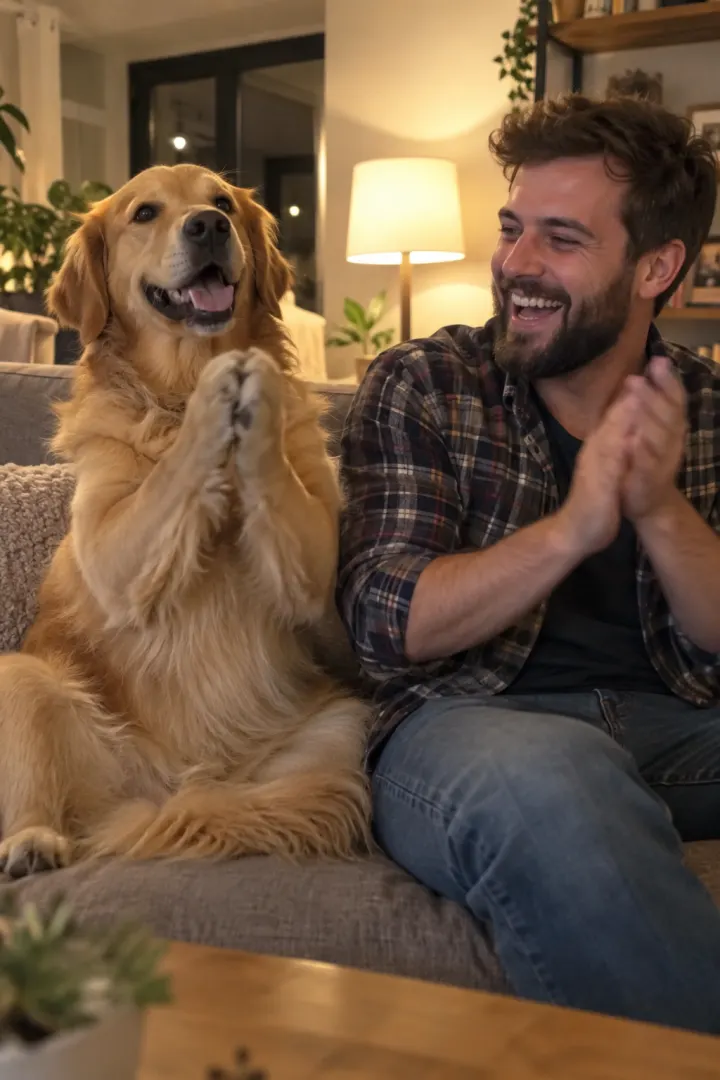
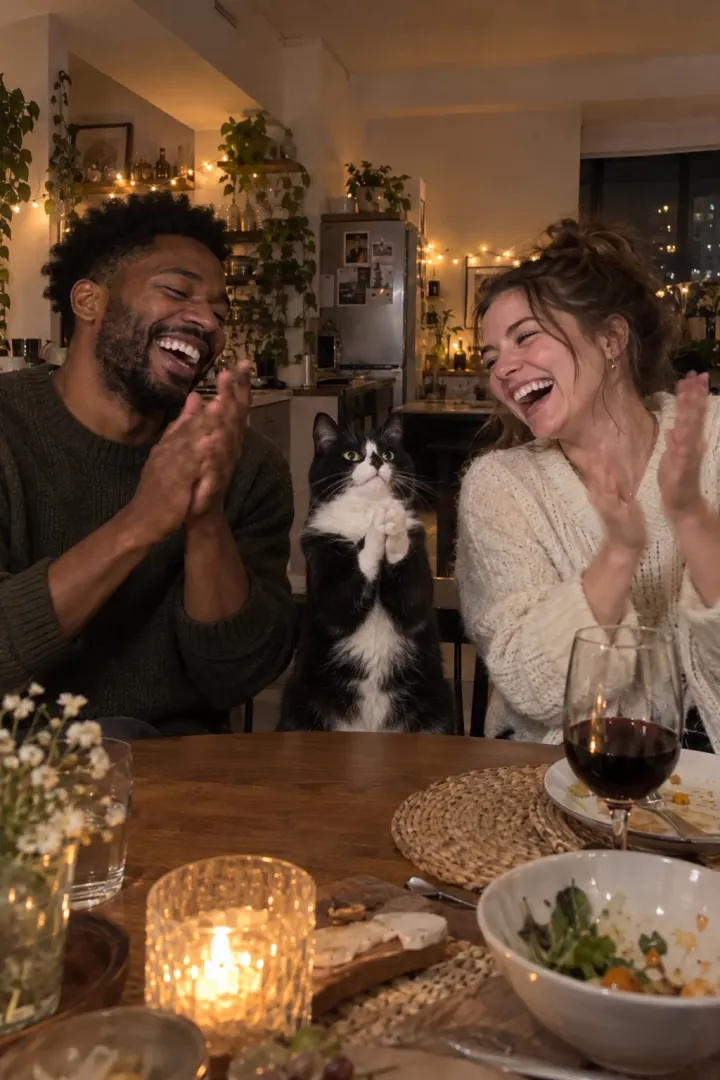
Clapping Cat AI prompt (copy and paste)
A copy-ready Clapping Cat AI prompt: your cat takes a treat, stands, grins and slow-claps, then you clap back. Pet-only and dog variants, plus a fix-it table.
6 最小読み取り · 更新済み
The prompt
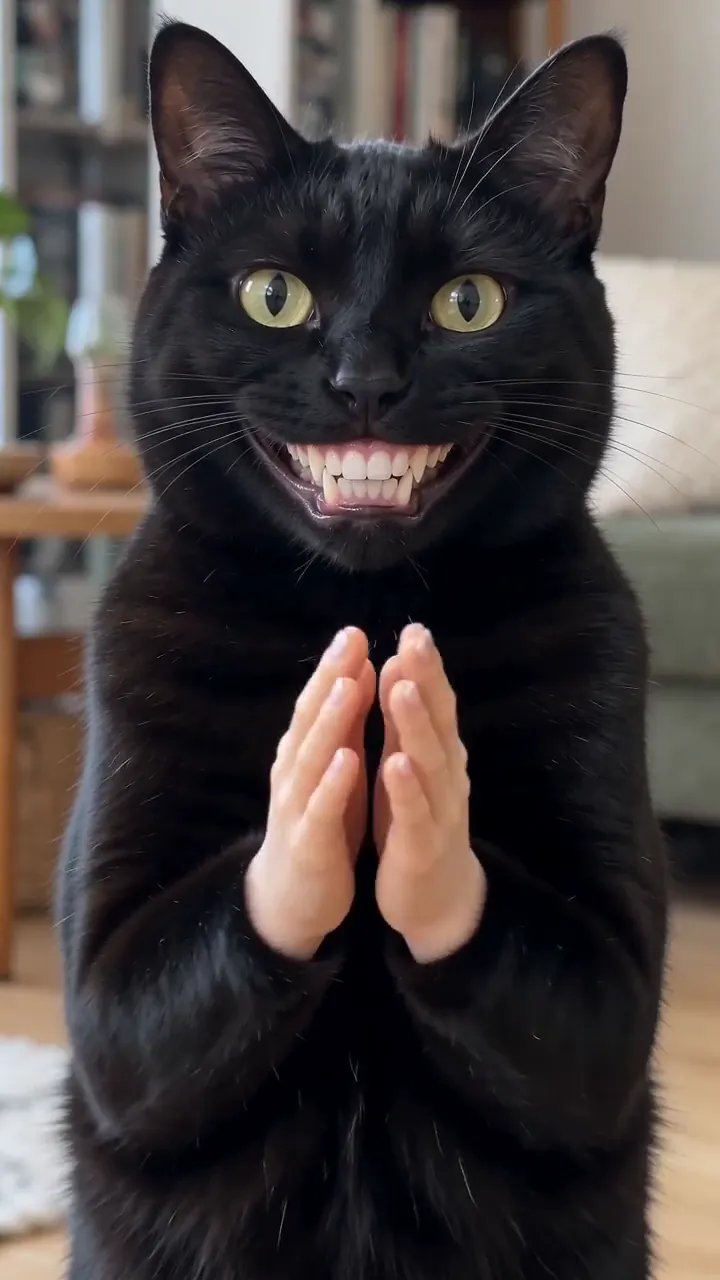
Copy this into an AI video tool’s image-to-video or reference-image mode. Attach your pet’s photo first and yours second. It makes the full Clapping Cat clip: the treat, the shush, the grin and slow clap, and you clapping back. Rather not prompt? The Clapping Cat page makes it from two photos.
Clapping Cat AI prompt: your pet and you
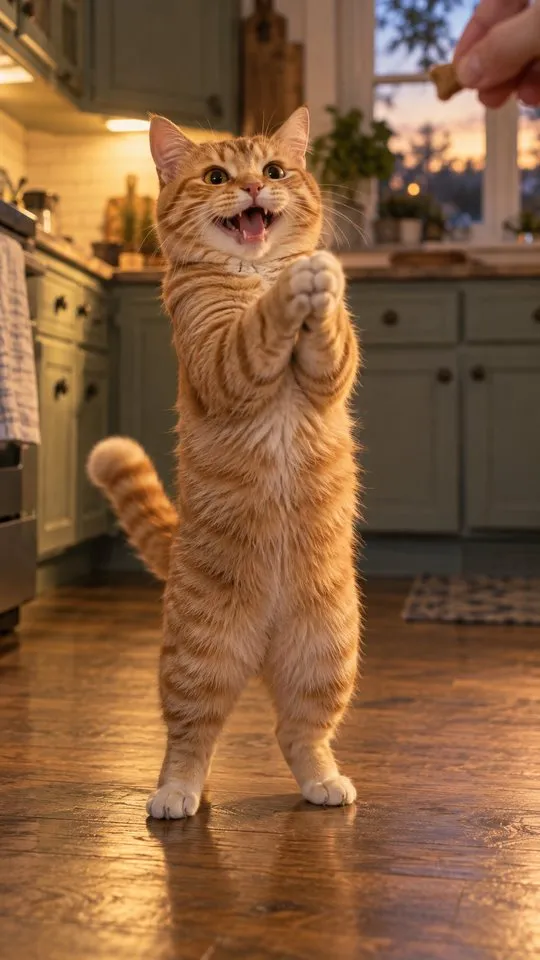
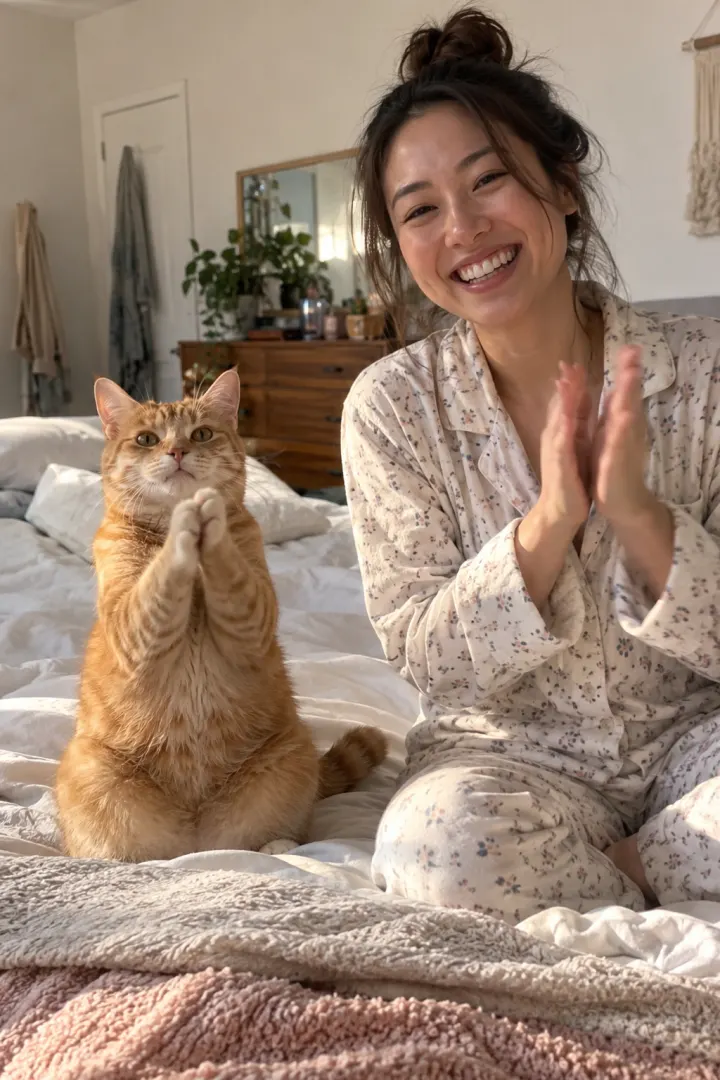
A vertical 9:16 phone video, 10 seconds, photoreal, in a bright home with a pale tiled floor and daylight from a window. Slight handheld sway. Five shots joined by hard cuts. Use reference photo 1 for the pet: the same species, breed, face, eye color, coat and markings. Use reference photo 2 for the owner: the same face, hair and clothes. 0–2 s: camera on the floor looking up at the owner, who sits on a chair, smiles and holds a small treat out toward the lens. 2–3 s: camera looking down from the owner’s eyes: their hand gives the treat to the pet sitting on the floor; the owner’s knee and bare feet at the bottom of the frame. 3–4.5 s: back on the floor looking up: the owner smiles and puts one finger to their lips, shh. 4.5–8.5 s: looking down again: the pet is standing on its hind legs, looks up into the lens with a wide grin of flat human teeth and claps two small furry human hands together three slow times, then covers its mouth with one hand and gives a thumbs-up with the other. 8.5–10 s: low close-up of the owner, face completely blank, clapping back three slow times. Sound: a quiet room, the rustle of a treat bag, each clap one crisp sharp sound. No music, no voices, no meowing. Avoid: cartoon or CGI look, extra animals, extra people, extra fingers, morphing faces, text, captions, logos, watermark.
Pet only (one reference photo)
A vertical 9:16 phone video, 10 seconds, photoreal, a bright home with a pale tiled floor and window daylight, slight handheld sway, hard cuts. Use the reference photo for the pet: the same species, breed, face, eye color, coat and markings. Only a person’s hand, knee and bare feet are ever seen. 0–3 s: looking down from a person’s eyes: their hand feeds a small treat to the pet sitting on the floor. 3–8 s: the pet is standing on its hind legs, looks up into the lens with a wide grin of flat human teeth and claps two small furry human hands three slow times. 8–10 s: it covers its mouth with one hand and gives a thumbs-up with the other. Sound: quiet room, a treat bag rustle, three crisp claps. No music, no voices. Avoid: cartoon look, extra animals, extra fingers, text, logos, watermark.
How to use it
- Open a tool with image-to-video or reference images: Kling, Higgsfield, Runway, Veo or CapCut’s AI video all have one.
- Attach your pet’s photo as reference 1 and yours as reference 2. Don’t describe your pet in words: describing is what makes the face drift.
- Paste the prompt. Set 9:16 vertical and 10 seconds, or the longest length offered.
- Generate. Check the clap shot first: five fingers per hand, the same coat as your pet.
- Download, and add sound if the file is silent.
What each line does
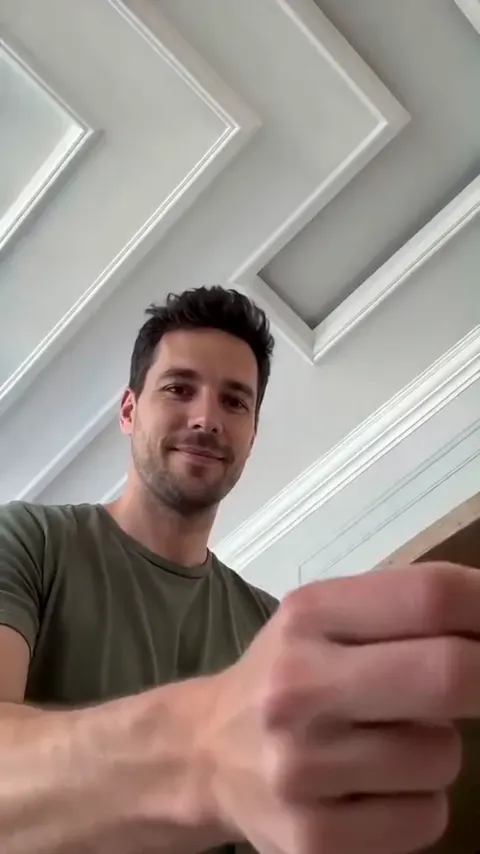
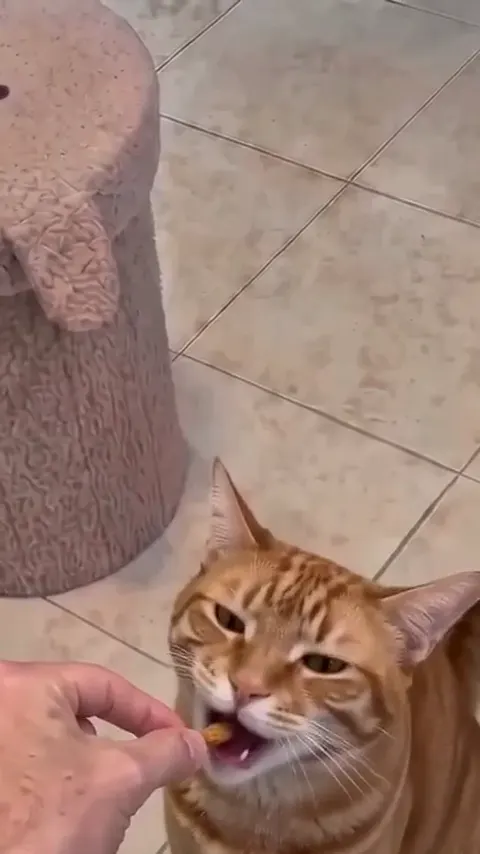
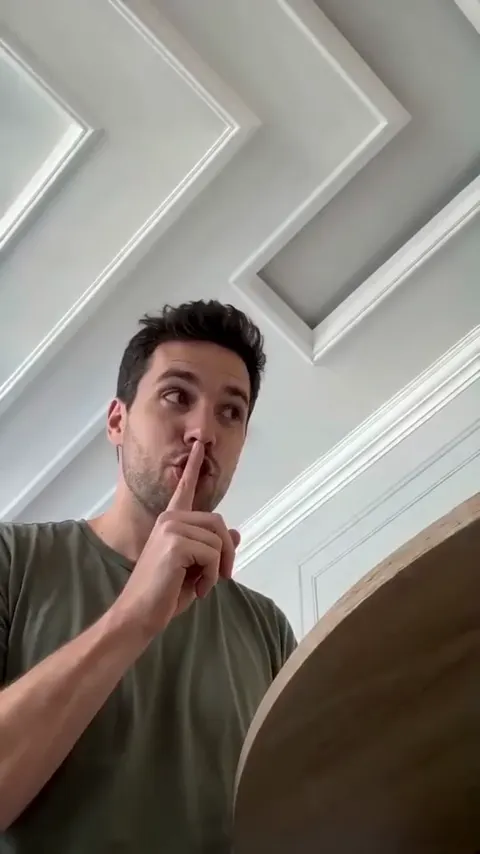
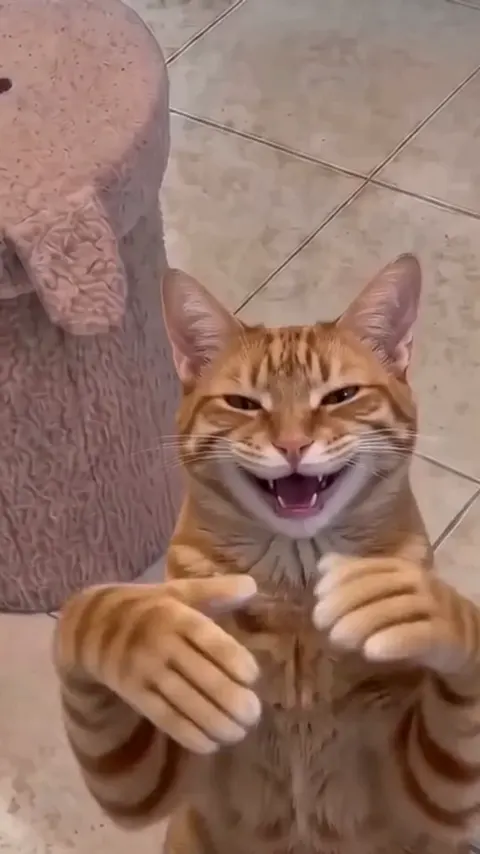
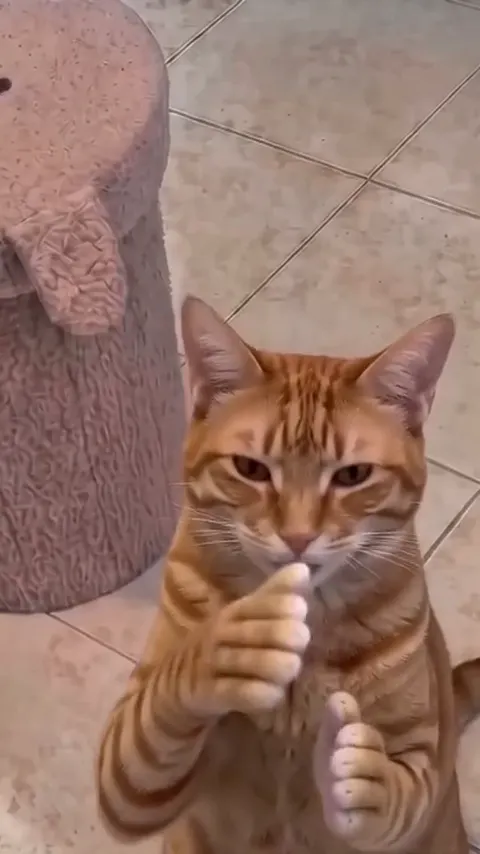
- The two camera heights carry the trend. The floor camera looks up at you; the eye-level camera looks down at your pet with your knee and feet in frame. Keep both in the prompt.
- The pet is “standing” when the clap shot starts. If you ask for it to stand up during the shot, many tools spend the shot on a slow stand and the claps arrive late or not at all.
- “Three slow times” keeps the clap a slow clap. Without a number, tools tend to applaud fast.
- The blank face is the punchline. “Smiling” there kills the joke.
- Some versions open on a split second of the grin before the treat. Add a “0–0.5 s” line for that hook if your tool handles very short shots.
Variants
| Variant | Change in the prompt |
|---|---|
| Dog | Nothing; attach the dog’s photo |
| Pet only | Use the second prompt above |
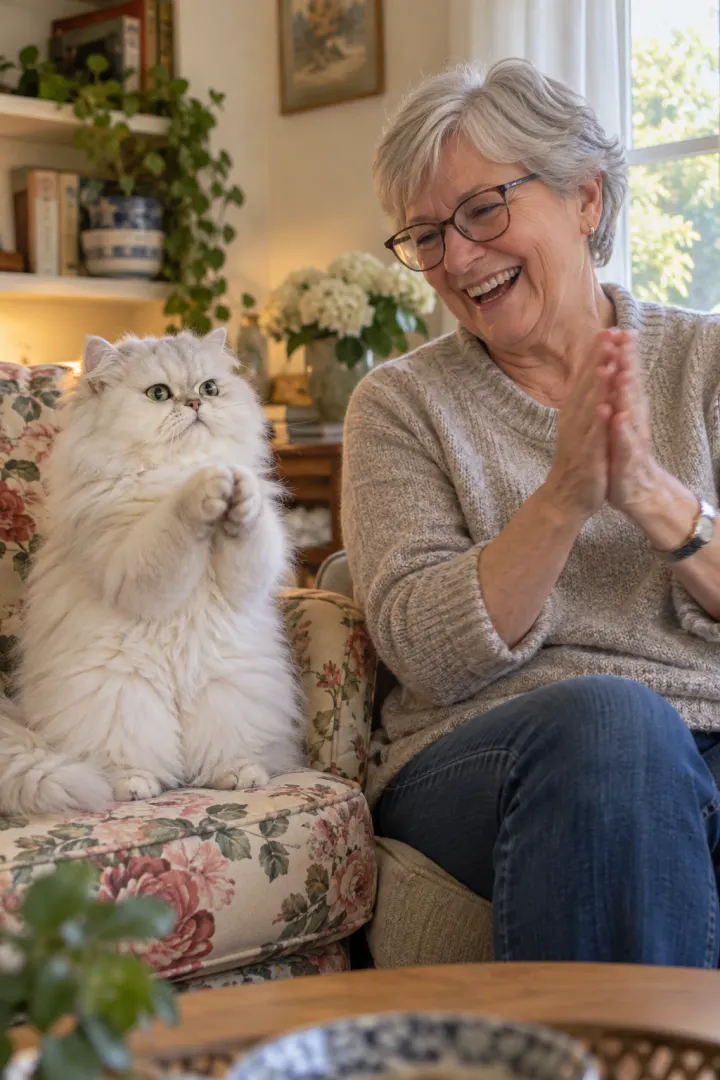
| Couple | Owner line: “two people side by side on a sofa”; both clap back |
| Softer look | “a wide closed-mouth smile”, “paws pressed together” |
| Short-clip tool | Make 0–4.5 s and 4.5–10 s as two clips, then join |
Fix it: symptom and what to change
| Symptom | Change to the prompt |
|---|---|
| Pet doesn’t look like yours | Sharper, closer photo; remove any description of the pet |
| Clapping too fast | “three slow claps, one second apart” |
| Pet stands up slowly, no claps | “already standing on its hind legs when the shot begins” |
| Request blocked | Closed-mouth smile, paws instead of hands |
| Extra fingers or a third hand | “exactly two small hands, five fingers each” |
| Looks like a cartoon | “filmed on a phone”, “handheld”, “photoreal” |
Photo tips for the reference images
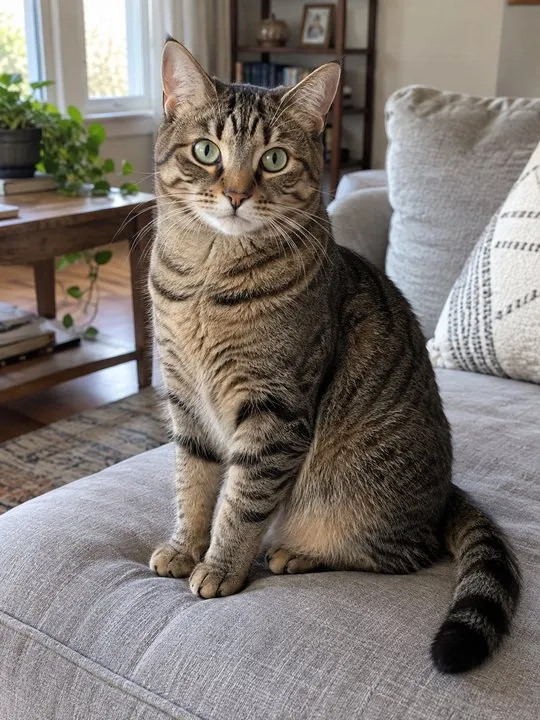
- Your pet: whole body, at its eye level, still, in daylight, alone in the frame.
- You: one face looking at the camera in soft light; no sunglasses.
- The photo guide has do and avoid examples.
What the prompt can’t do
- Guarantee the sound. Many tools export silent; claps you add later may not land on the hands.
- Hit the cut timings exactly. Tools drift by half a second or more, so the shush or the clap back can run short.
- Keep both faces right every time. Two references in one clip is where most tools slip.
The no-prompt route
If you’d rather skip the retries, add your two photos on the Clapping Cat page and get the whole clip with the sound, no watermark. One Standard video uses 45 credits. The smallest pack that makes one is $12.90 for 90 credits (2 videos), a one-time buy whose credits never expire, and plans start at $19.90 a month for 270 credits. If a video fails, its credits come back.
Want to compare first? Read CapCut vs AI for the Clapping Cat or the free routes. Pricing lists the packs and plans.
NowStarring is an independent fan tool, not linked to the creator of the original Clapping Cat reel. The sound belongs to its rights holders.
よくある質問
What is the prompt for the clapping cat AI video?
A five-shot list: you hold out a treat, your pet eats it, you go shh, your pet stands, grins and slow-claps with small human hands, and you clap back with a blank face. The full prompt is at the top of this guide.
Which AI tool should I use the clapping cat prompt in?
Any AI video tool with an image-to-video or reference-image mode, such as Kling, Higgsfield, Runway, Veo or CapCut’s AI video. Attach your pet’s photo rather than describing it.
Why does the AI refuse the clapping cat prompt?
Some tools block human teeth or hands on an animal. Swap the toothy grin for a closed-mouth smile, or the human hands for paws pressed together.
Can I use the clapping cat prompt with my dog?
Yes. Attach your dog’s photo; the prompt says “pet”, so it works for any animal.
Does the prompt add the sound?
Only if the tool generates sound. Many export silent, so add the claps or the trend’s sound when you post.