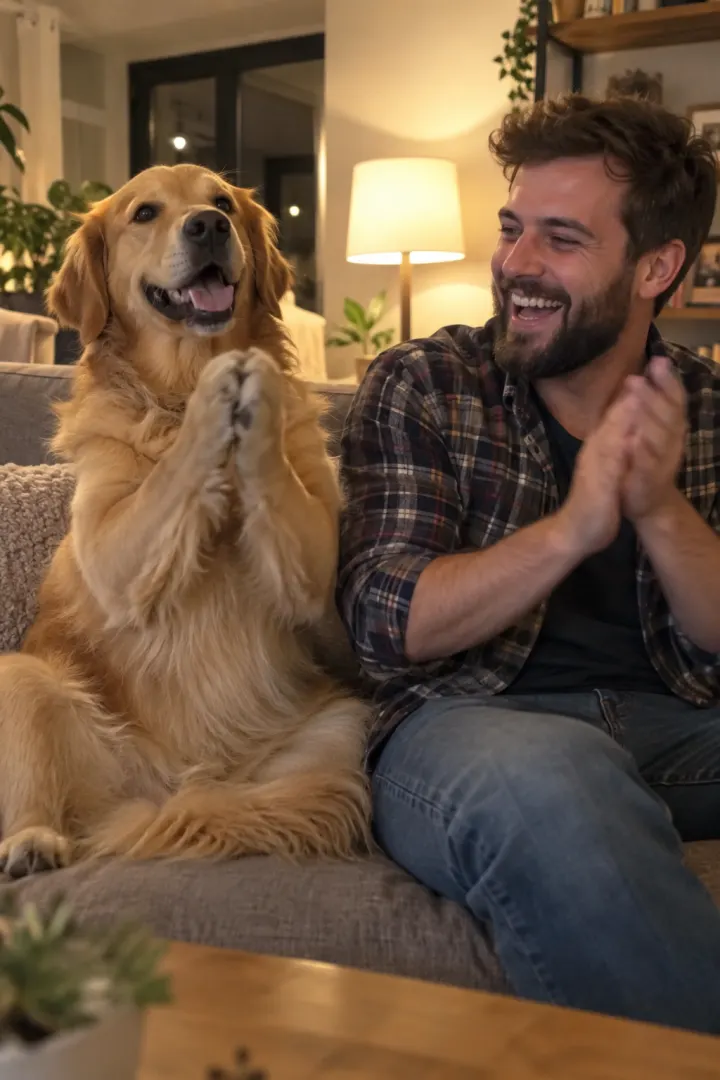
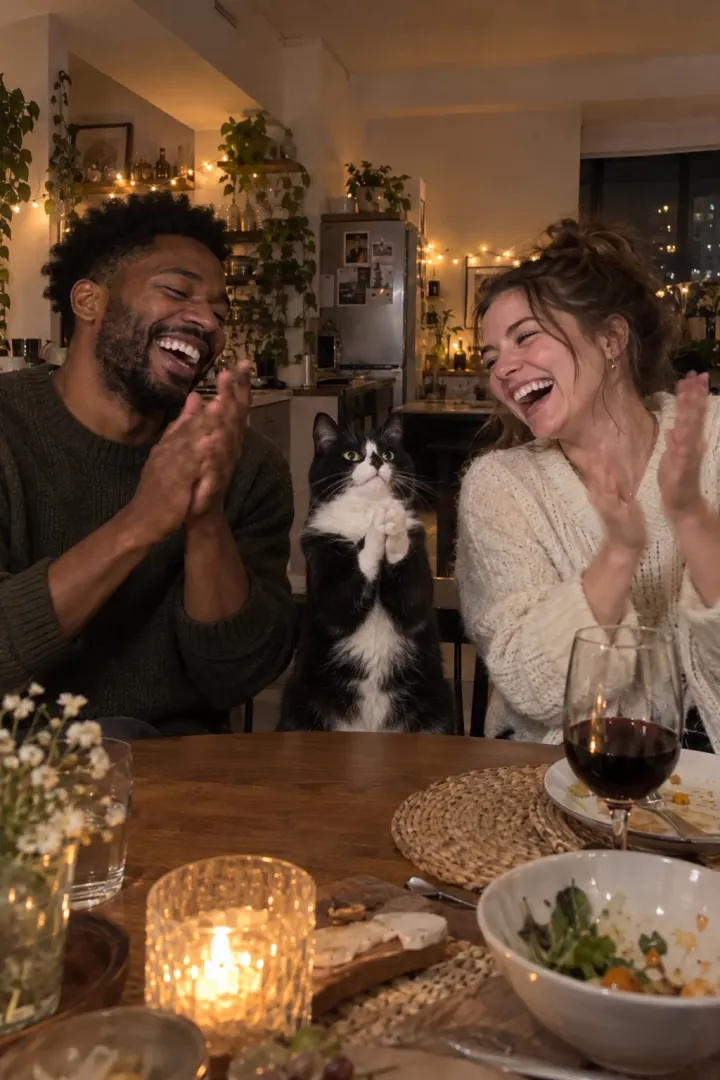
Best photo for the Clapping Cat AI video (pet and you)
The best photos for the Clapping Cat AI video: your pet’s whole body at its eye level in good light, and your face to the camera. Do and avoid examples inside.
6 最小読み取り · 更新済み
The short answer
For your pet: a sharp photo of its whole body, taken at its eye level, in daylight, while it sits still. For you: one face looking at the camera in soft light; a recent selfie is perfect. Those two photos are all the Clapping Cat page needs.
Why the photo decides the video
The AI makes your pet move, stand and clap, but it only knows what your pet looks like from one picture. Anything the photo doesn’t show, it has to guess: the color of the belly, the pattern on the legs, the shape of the ears.
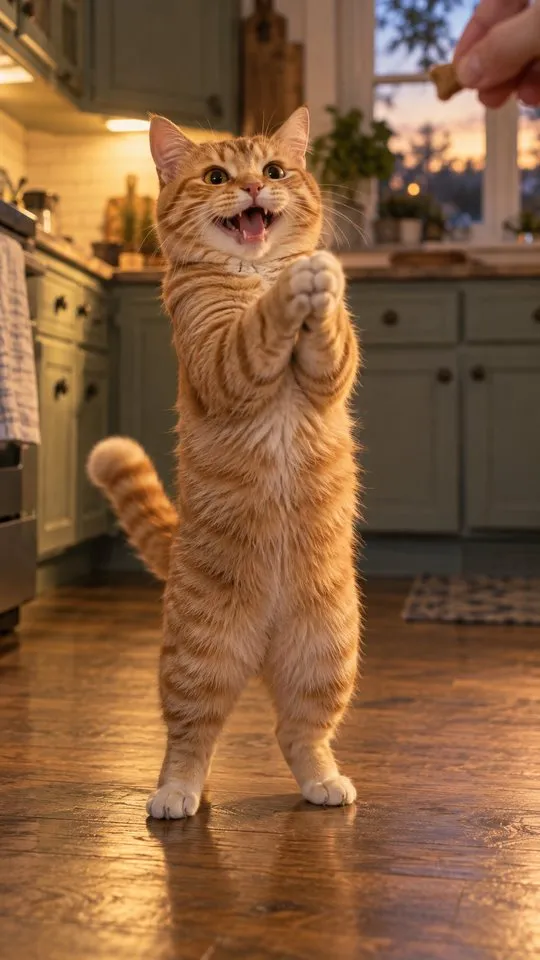
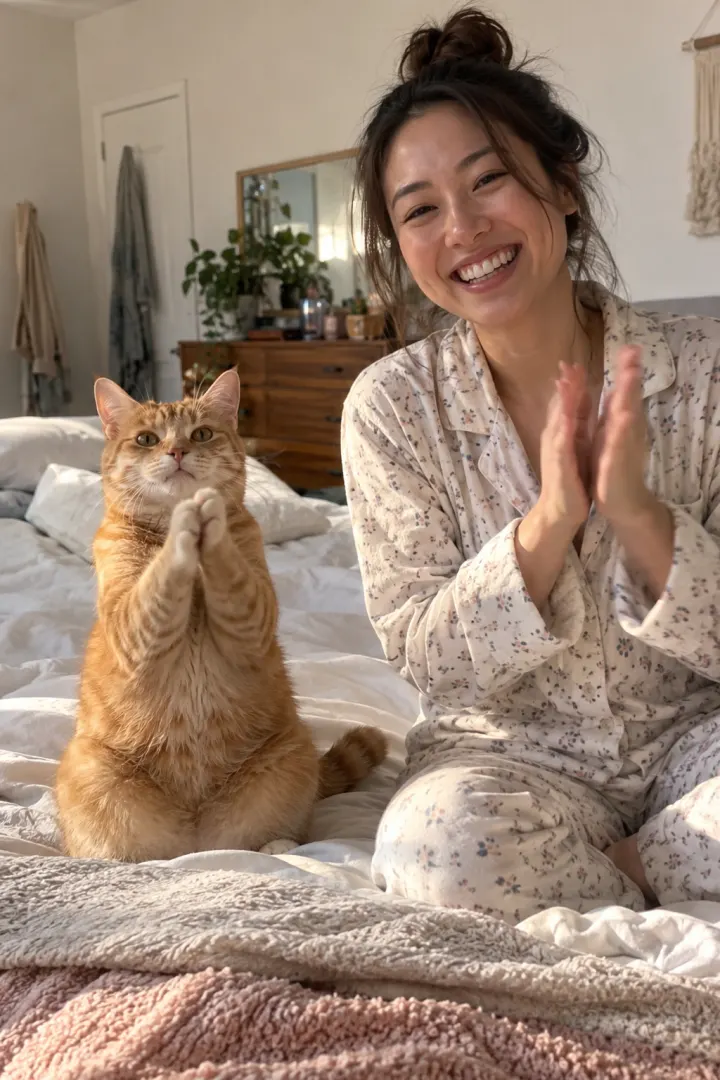
The clap shot is filmed from above with your pet looking up into the lens, so its face and chest fill the frame for four seconds. That’s where a weak photo shows. The closing shot is a close-up of you, so the same goes for your selfie.
The good news: you don’t need a special photo. You don’t need your pet standing, posing or looking cute, and you don’t need a video. One ordinary, sharp, well-lit picture of your pet sitting still does more than ten clever ones.
Your pet’s photo: do and avoid
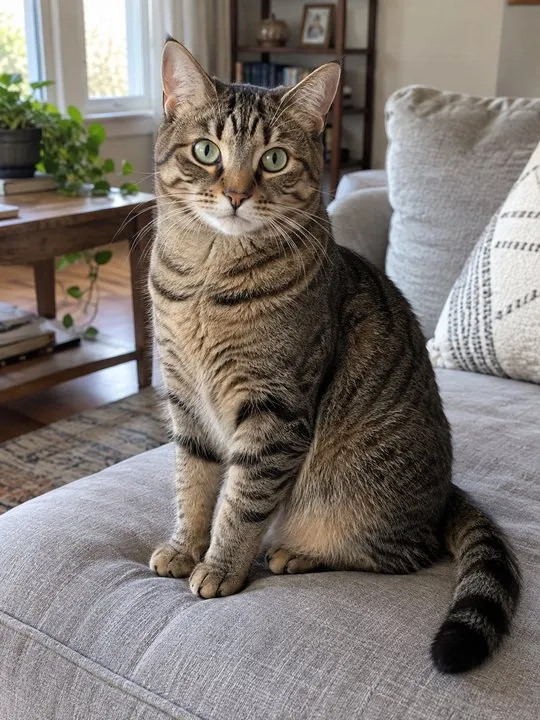
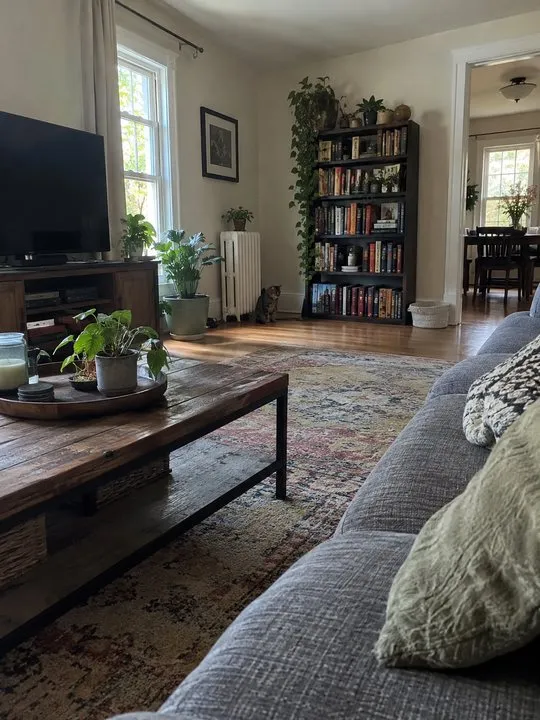
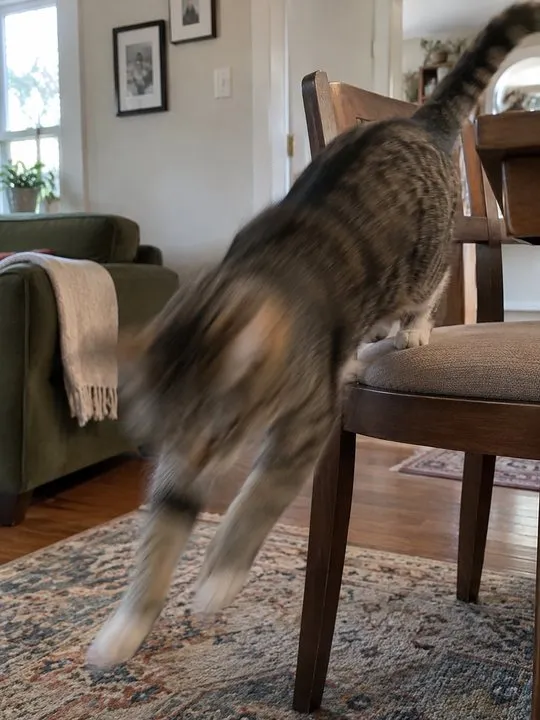
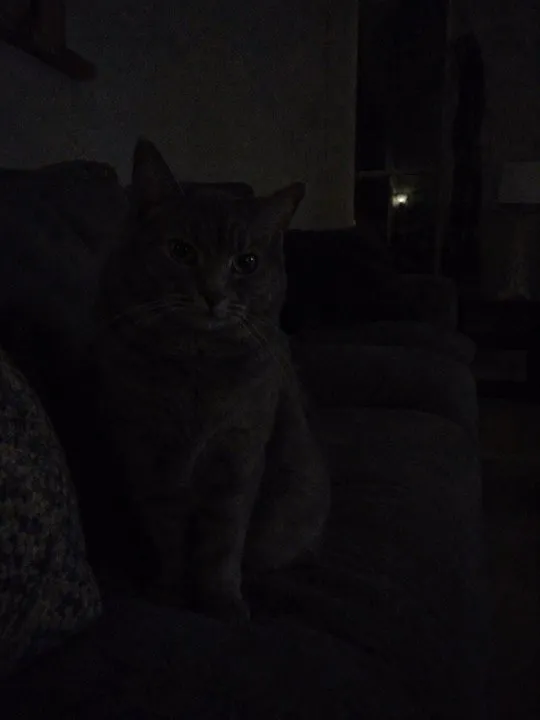
- Whole body: head, paws and tail in view, so the standing shot has the right legs and coat.
- Eye level: crouch down. A photo from standing height squashes the face.
- Still: wait until it settles. A treat in your other hand helps it look at you.
- Daylight: near a window, no flash. Flash turns eyes green or white and flattens the fur.
- Alone: no other pets or people in the frame, so the AI knows which animal is yours.
- Bare: a collar is fine, but take off bandanas, sweaters and harnesses so the coat shows.
Your photo: do and avoid

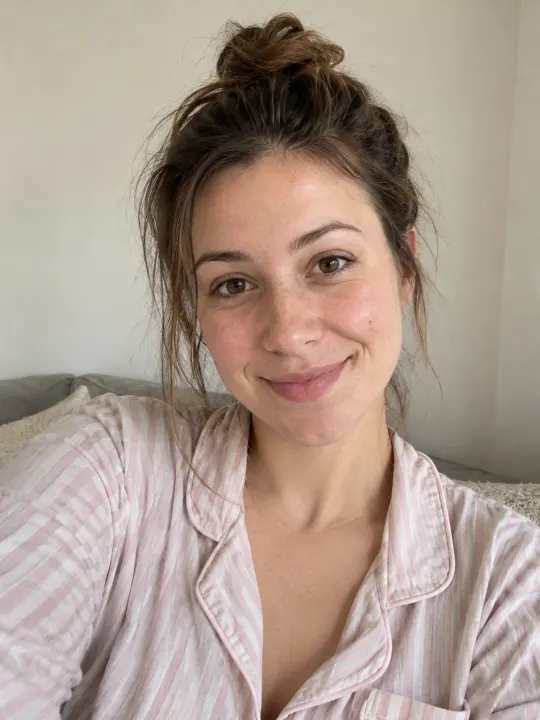
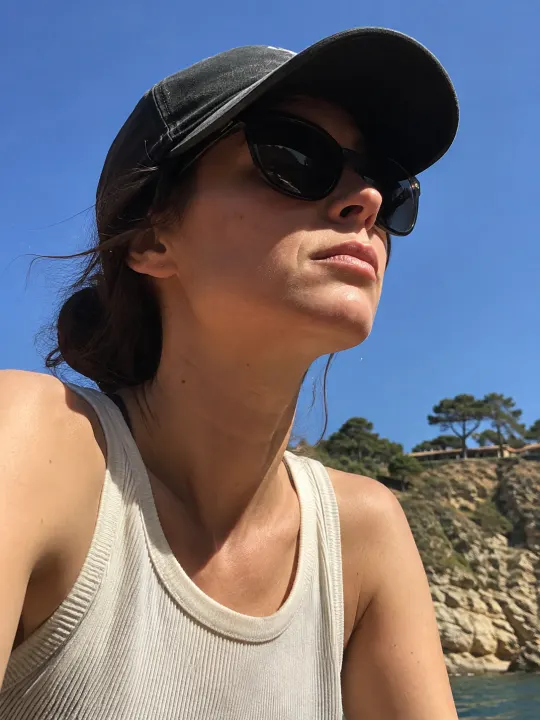
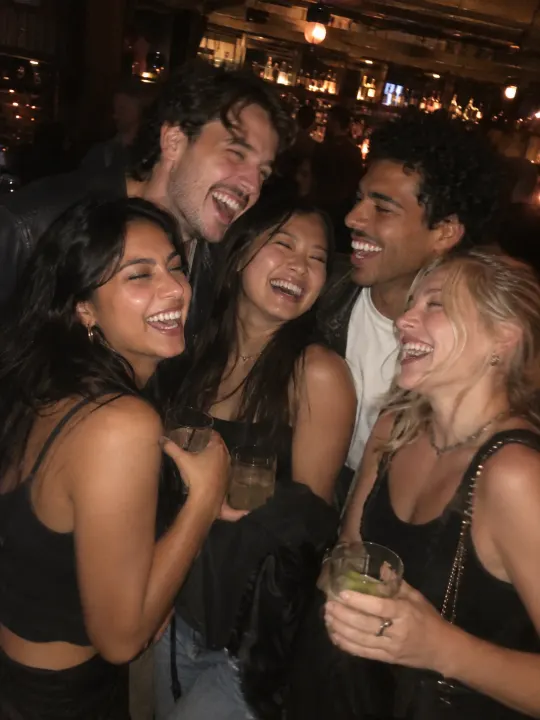
- One face, looking at the camera, in soft light.
- Head and shoulders is enough. You’re seen sitting on a chair and in a close-up, so the face matters most.
- Wear what you’d wear at home. The clothes in your photo are the clothes you clap back in.
- No sunglasses, hats pulled low or heavy filters. Hidden eyes won’t look like you.
- Crop a group photo down to just you before you upload it.
- Glasses you always wear are fine; just keep glare off the lenses.
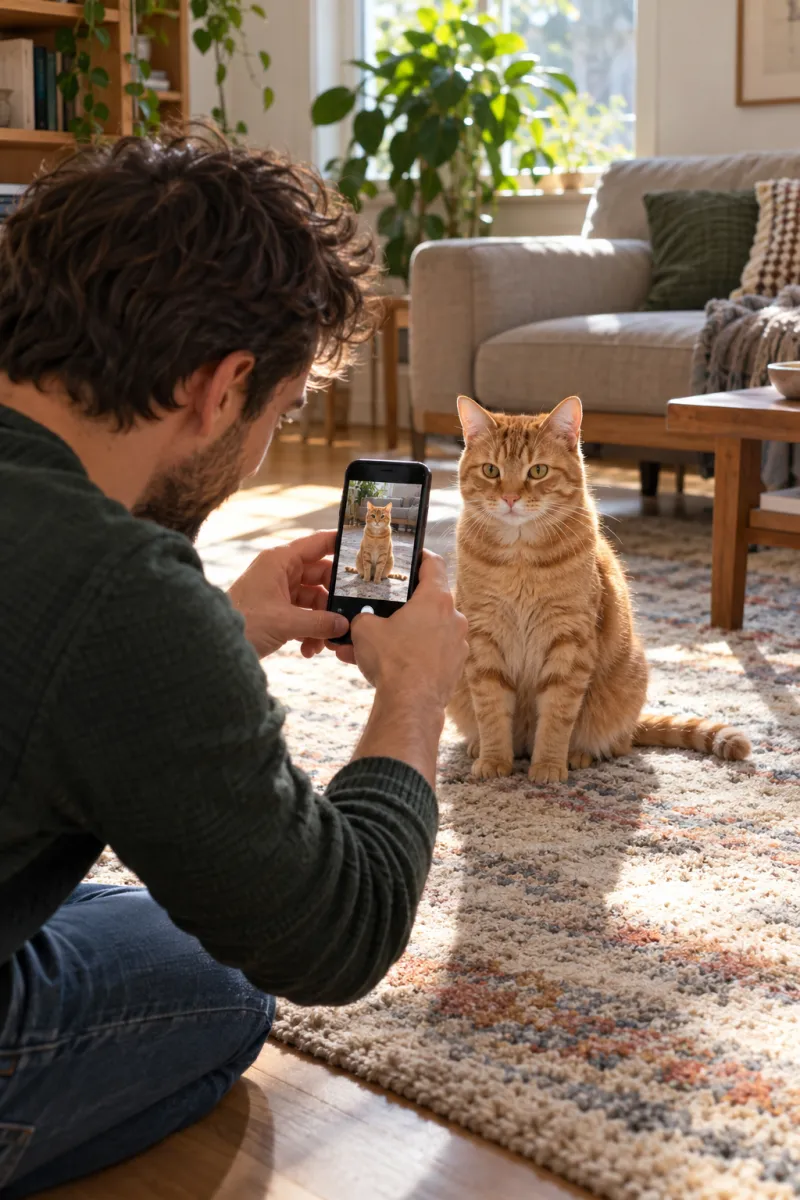
How to take the pet photo in one minute
- Pick a bright spot near a window, with a plain floor or sofa behind your pet.
- Hold a treat in one hand, just above your phone, so your pet looks toward the lens.
- Crouch until the phone is at your pet’s eye level.
- Step back until its whole body fits, then tap to focus on its face.
- Take a burst and keep the sharpest frame.
Dogs, long fur and dark coats
| Pet | What helps | What to watch |
|---|---|---|
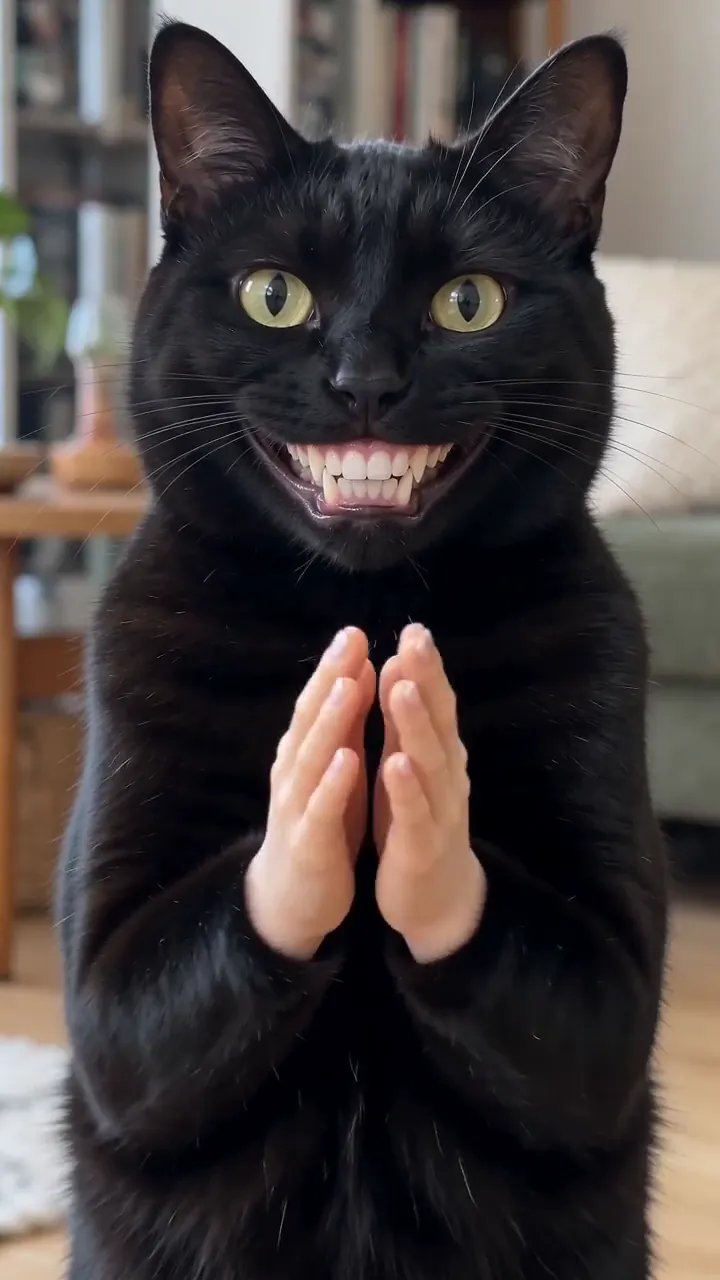
| Black cat | Bright daylight, plain light background | Dark rooms lose the face |
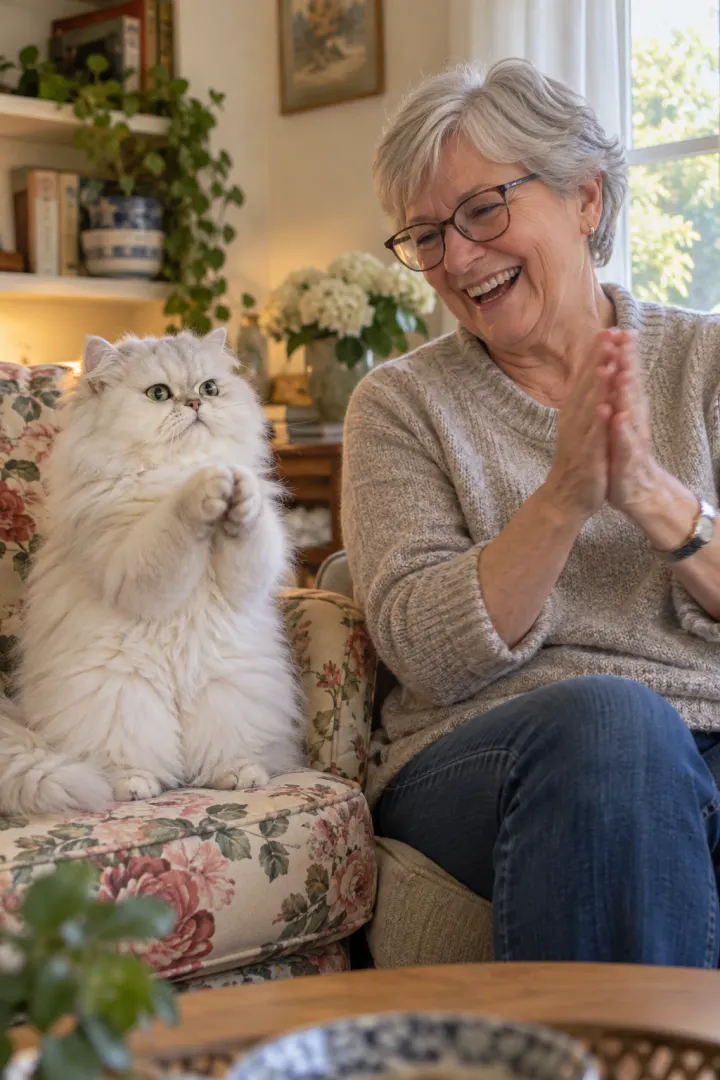
| Long-haired cat | Brushed fur, face clear | Fluff hiding the eyes |
| Small dog | Whole body, eye level | Shot from above |
| Big dog | Sitting, step back to fit it all | Cropped legs or tail |
| Rabbit or other pet | Sitting up, face clear | Ears cut off |
Your pet keeps its own look in the video; only the stand, the grin and the claps come from the trend.
A 10-second check before you upload
- Zoom in on your pet’s eyes. If they’re soft, take the photo again.
- Check that the ears, all four paws and the tail are in the frame.
- Look for a second animal, a hand or a toy overlapping your pet. Crop it out.
- Check the colors. A warm lamp can turn a grey cat orange; daylight keeps the coat true.
- For your photo: both eyes visible, no filter, and it looks like you this week.
Old phone photos are fine if they pass this check. Screenshots of social posts usually don’t: they’re compressed and often cropped too tight.
What happens to your photos
Your photos are used only to make your video. They stay private to your account and are deleted automatically 7 days after upload. The finished video waits in My videos until you download it.
Only upload a photo of someone else, like a partner who wants to be the one clapping back, if they’ve said yes. Never use a photo of anyone under 18, a celebrity or a public figure.
If the video doesn’t look like your pet
Try a closer, sharper photo with your pet facing the camera and nothing else in the frame. If a video fails, its credits come back automatically, so a second try with a better photo costs nothing extra for the failed one.
Ready? Upload your photos, or read how to do the trend first. Using your photo in another AI tool? The same rules apply to the Clapping Cat AI prompt.
NowStarring is an independent fan tool, not linked to the creator of the original Clapping Cat reel. The sound belongs to its rights holders.
よくある質問
What photo should I use for the clapping cat AI video?
A sharp daylight photo of your pet’s whole body, taken at its eye level while it sits still, plus one photo of you looking at the camera. You don’t need a video.
Does my cat need to be standing in the photo?
No. Sitting is best. The video stands your pet up for the clap; the photo only has to show what it looks like.
Why doesn’t the clapping cat look like my cat?
Usually the photo: it’s far away, blurry, dark or side-on, or another pet is in it. Try again with a close, sharp daylight photo of your pet alone.
Can I use an old photo of my pet?
Yes, as long as it’s sharp and shows your pet clearly. For a pet that has passed away, a clear photo works the same way.
Do I need a photo of myself?
Yes. The video ends on you clapping back, so it needs one photo of you, face to the camera. A selfie is enough.
Can my partner be the one clapping back?
Yes, if they say yes. Use their photo in place of yours: one face, looking at the camera, in soft light.
Does a black cat need a different photo?
It needs more light. Take it near a window in daylight, against a lighter background, so the eyes, nose and ear shapes show instead of one dark shape.