How to do the Clapping Cat AI trend for free
Two free routes for the Clapping Cat AI trend: our prompt in a free AI tier, or film the human half yourself. What free costs you, and the one-photo route.
6 lettura minima · Aggiornato
The short answer
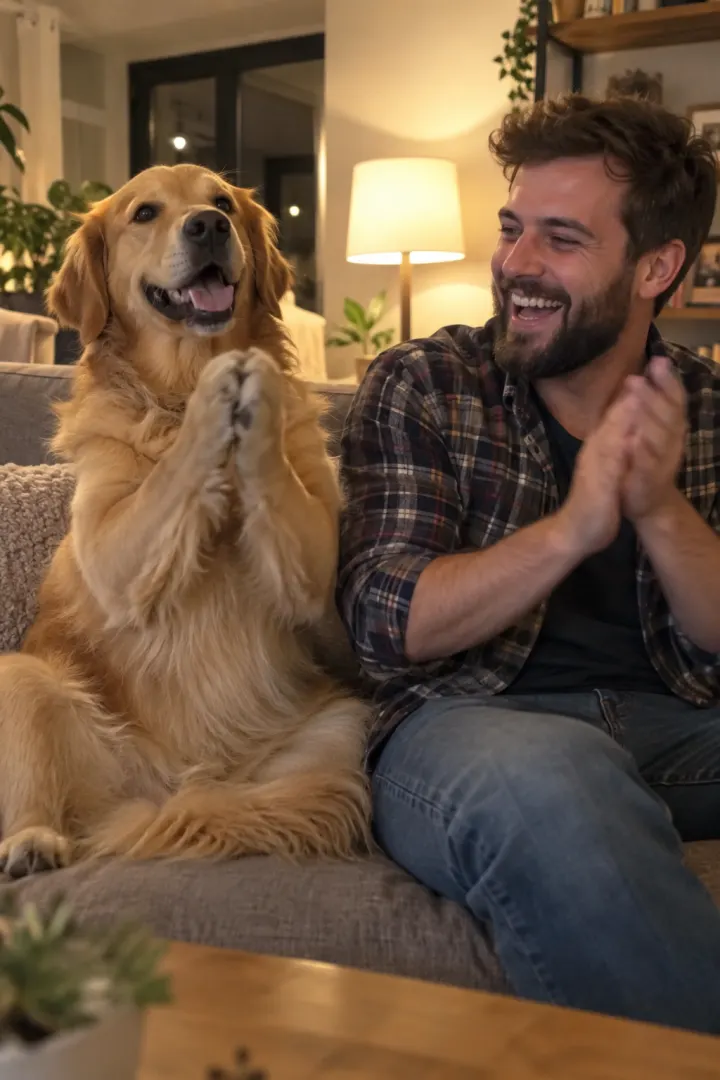
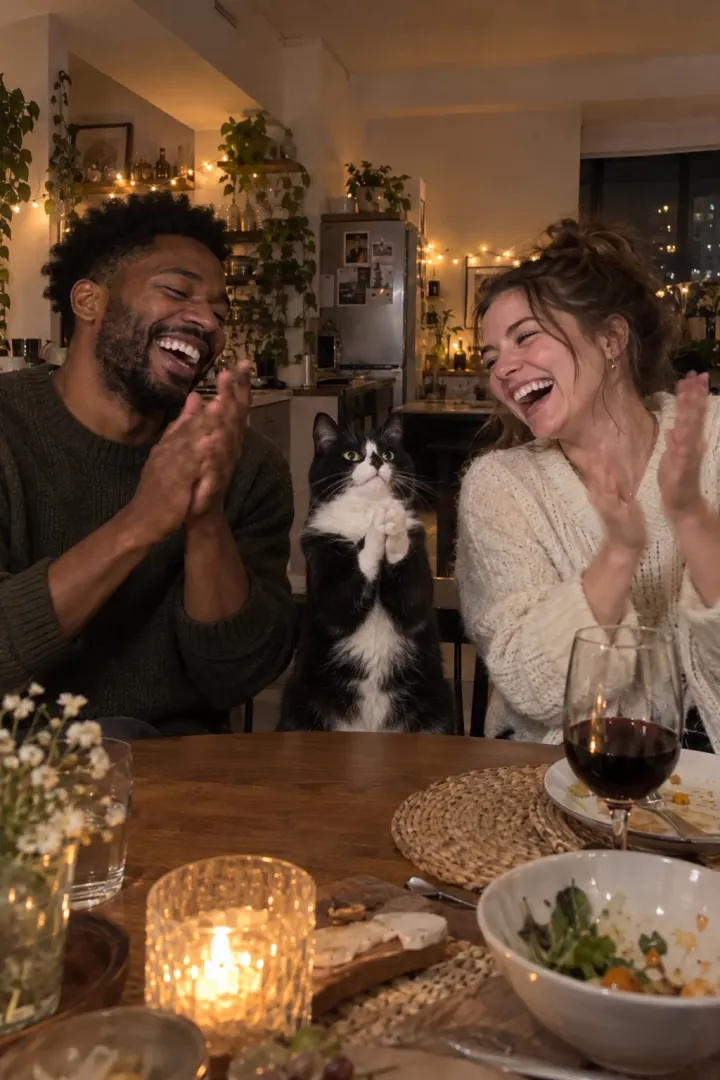
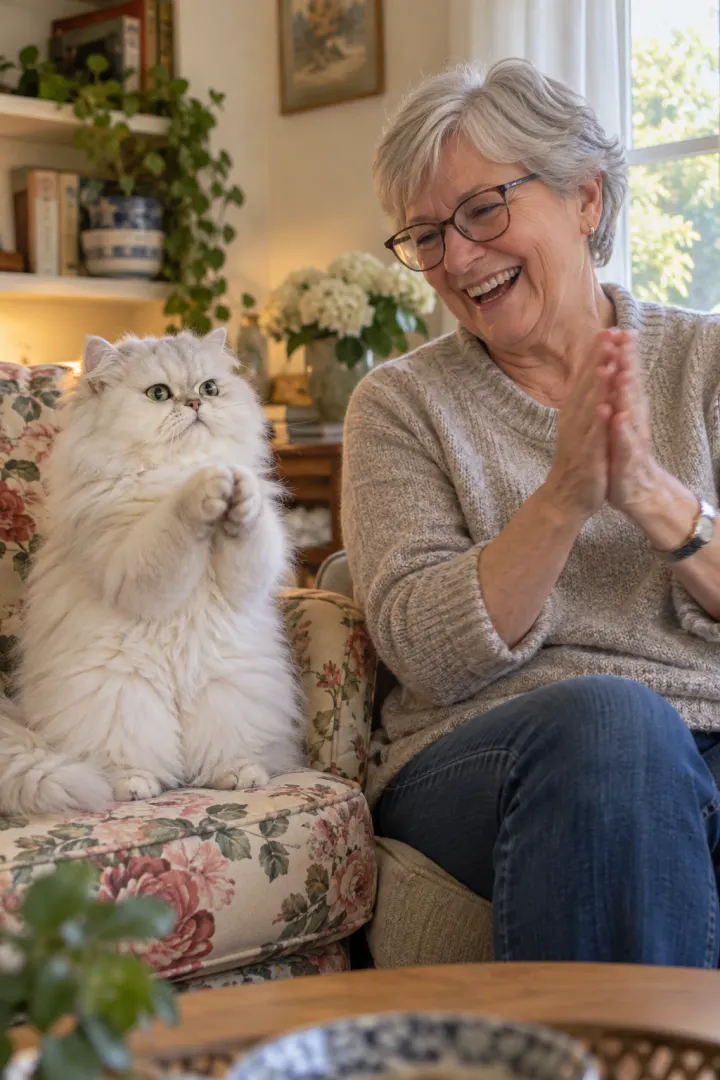
Yes, two ways. Copy our free Clapping Cat AI prompt into an AI video tool’s free tier with your pet’s photo, or film the human half yourself and use AI only for the clap. Free usually costs you a watermark, short clips, several retries and a silent file you have to add sound to.
NowStarring has no free credits. The paid route is the Clapping Cat page: two photos, the whole clip with sound, no watermark.
The free routes compared
| Route | What you need | What you get | The catch |
|---|---|---|---|
| Free prompt, free tier | Pet photo, an AI tool | Your own pet clapping | Watermark, short clips, retries |
| Film it yourself | Phone, chair, treat | Your real deadpan face | No real pet claps like this |
| CapCut template | Your own footage | The meme cat over your clip | It isn’t your cat clapping |
| One photo each here | Pet photo, a selfie | The full 10 s clip with sound | Paid |
Route 1: film it yourself
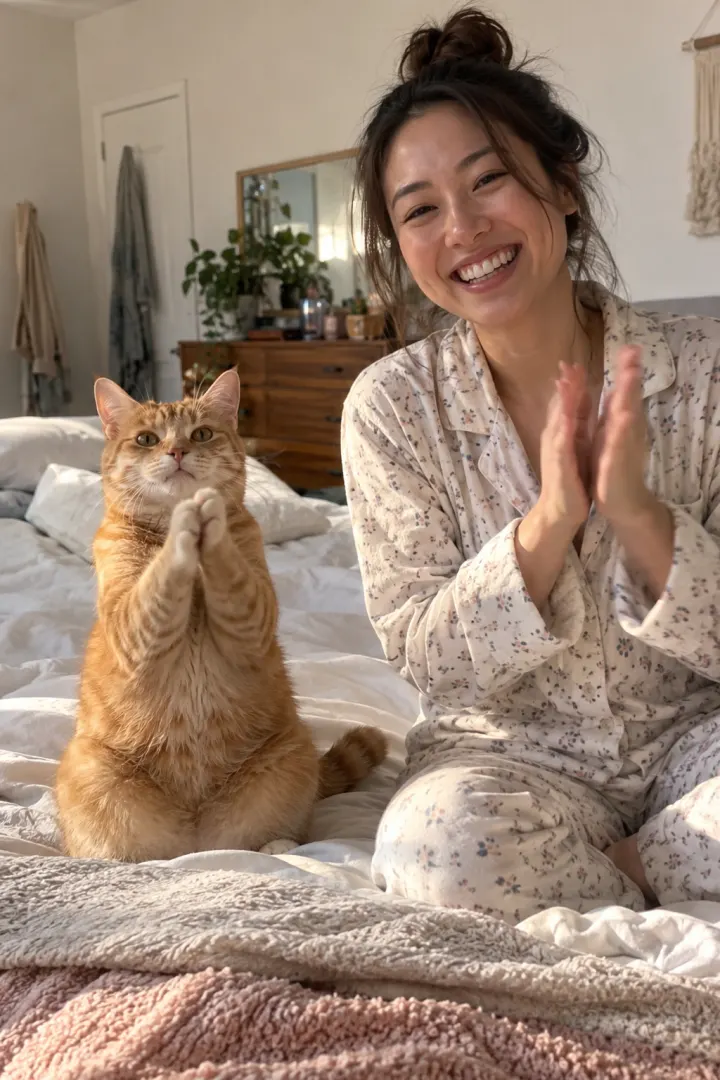
The human half of the trend is easy to film, and your own straight face is funnier than any AI one. You need a phone, a chair, a treat and a plain floor.
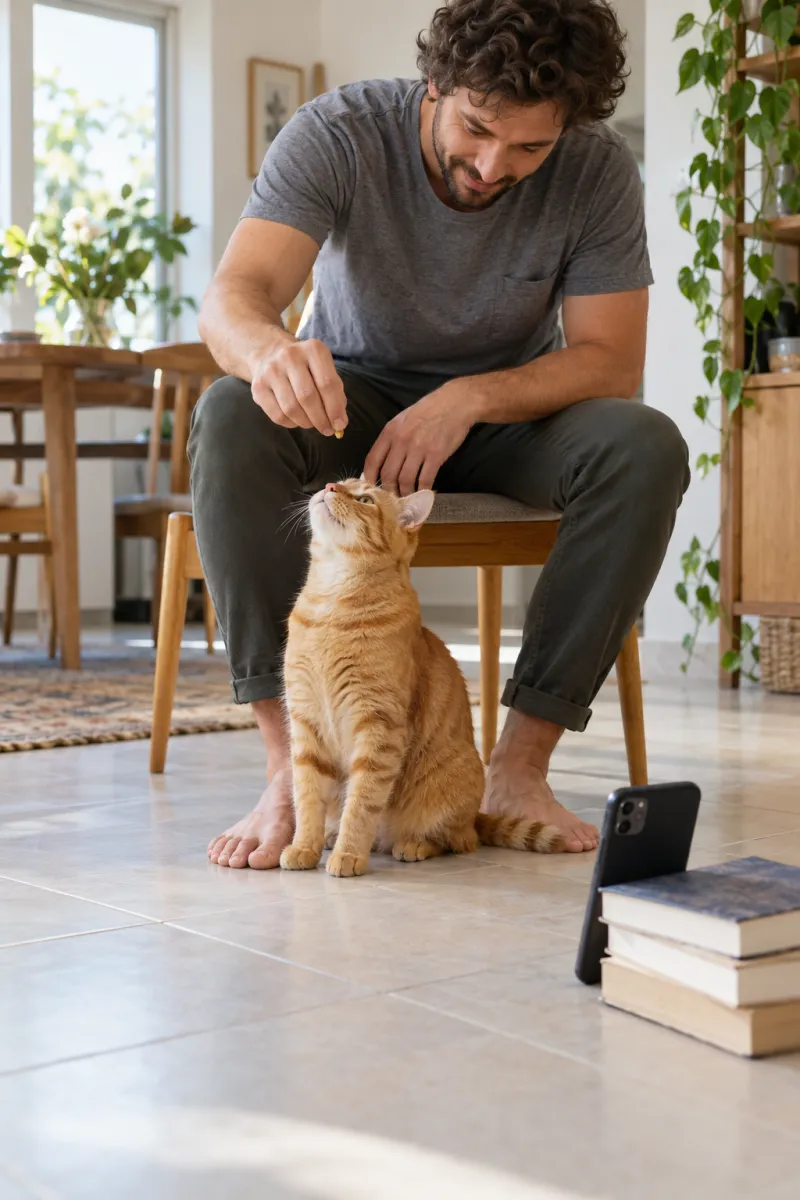
- Your treat shot: prop the phone on the floor, camera tilted up at you on the chair. Smile and hold a treat toward the lens. About 2 seconds.
- The feed: hold the phone at your eye level, pointing down, your knee and feet in the bottom of the frame. Feed your pet. About 1 second.
- The shush: back to the floor camera. One finger to your lips. About 1.5 seconds.
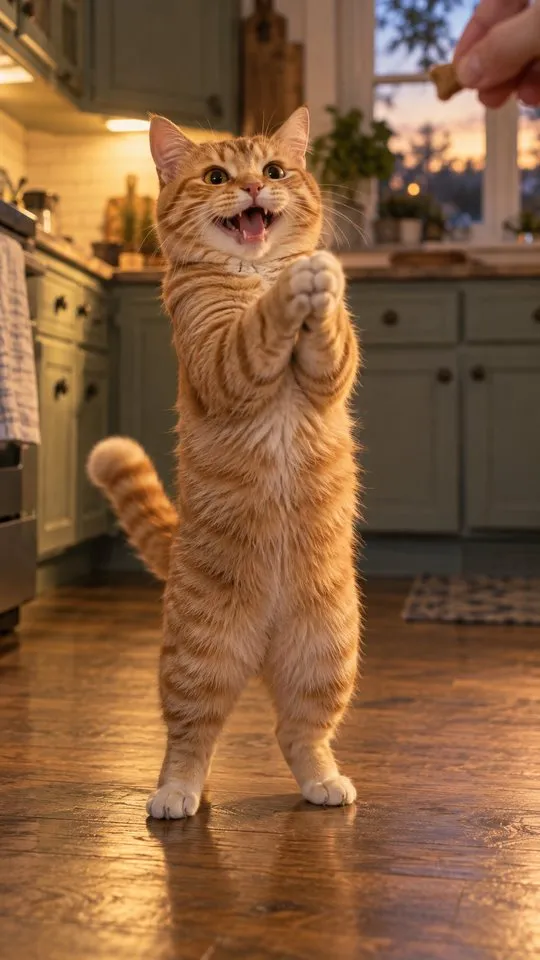
- The clap: this is the shot only AI can do. Free option: hold a treat above your pet’s head so it sits up, and film from above. Or make just this shot from your pet’s photo with the free prompt.
- The clap back: floor camera, close, face blank, three slow claps. About 1.5 seconds.
Join the shots with hard cuts in any free editor, CapCut included, and keep the claps audible.
Free sound for the homemade version
The trend has no music, so the sound is easy to make yourself. Record it in the same room you film in, so it matches.
- The treat: shake the real treat bag close to the phone for a second.
- The shush: a soft “shh” as your finger goes to your lips.
- The claps: three slow, crisp claps, about a second apart, near the phone. Record your clap back the same way.
- The room: leave a second of silence at the start, so the cuts don’t sound empty.
Or skip recording and pick the Clapping Cat sound from TikTok’s or Instagram’s library when you post. The sound guide has the steps.
Captions that make it land
Whichever route you take, one short line on top turns the clip into a reply. Put it near the top of the screen, away from the buttons.
- “One treat and I got a standing ovation”
- “My cat claps better than my coworkers”
- “When I say the word ‘walk’ out loud”, for dogs
- Tag the partner your pet ignores.
Route 2: the free prompt, step by step
- Copy the prompt from the prompt guide. Use the two-photo version, or the pet-only one if the tool takes one image.
- Open an AI video tool with a free tier and an image-to-video or reference-image mode.
- Attach your pet’s photo (and yours), paste the prompt, set 9:16.
- If the free tier caps length, make the clap shot alone, then cut it between your own filmed shots.
- Download, then add the sound in the app when you post.
What free costs you
- Watermarks: many free tiers stamp a logo on the corner.
- Length: free clips are often shorter than the trend’s 10 seconds.
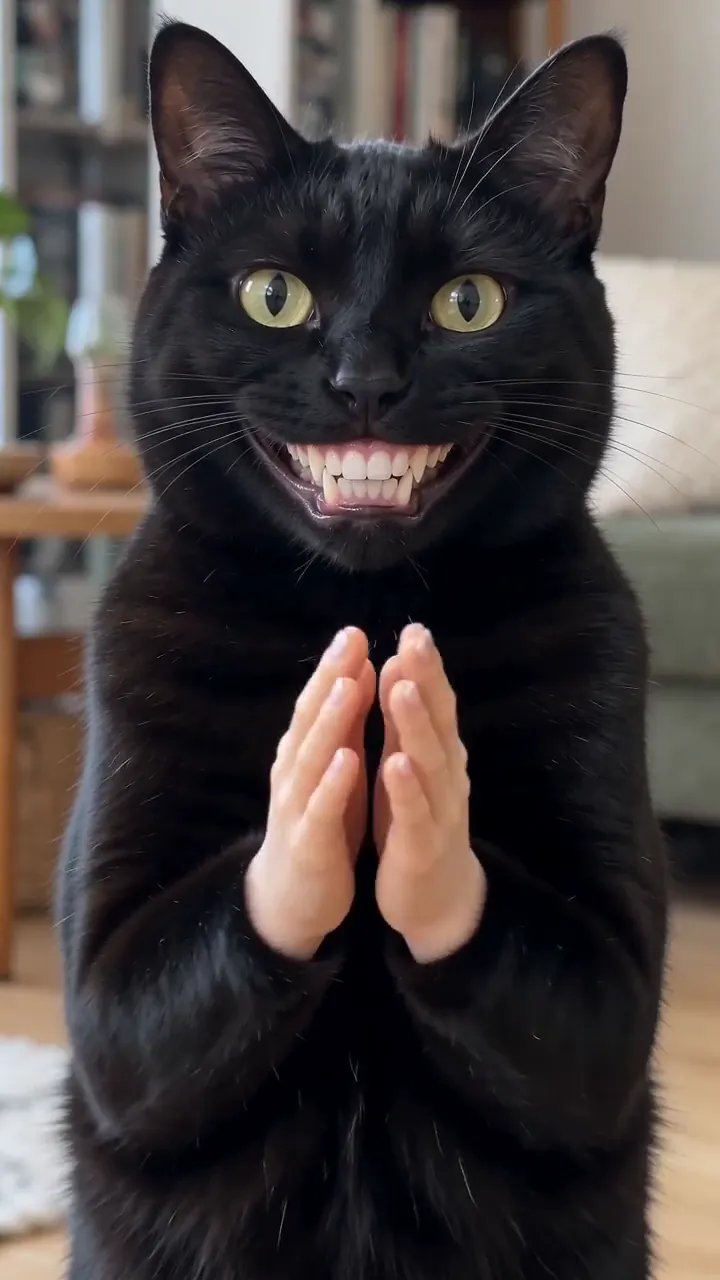
- Retries: tiny human hands and teeth are hard to get right, and some filters block them. Each retry uses free credits.
- Sound: many tools export silent, so you add the treat rustle and claps yourself.
- Time: an evening of retries and editing is normal.
Free quotas change often; check each tool’s own page for what a free account includes today.
The one-photo route
On the Clapping Cat page, you add one photo of your pet and one of you and get the full 10-second vertical clip, with the sound and no watermark, in a few minutes. One Standard video uses 45 credits. The smallest pack that makes one is $12.90 for 90 credits (2 videos), a one-time buy whose credits never expire, and plans start at $19.90 a month for 270 credits. If a video fails, its credits come back.
Credits work on every trend, and Pricing lists the packs and plans.
Which to pick
- You love editing and have time: film your half and make only the clap with the free prompt. Your real deadpan face is a bonus.
- You want to try AI before paying: the full free prompt, and accept the watermark.
- You want it posted tonight, with your own pet and the sound: the one-photo route.
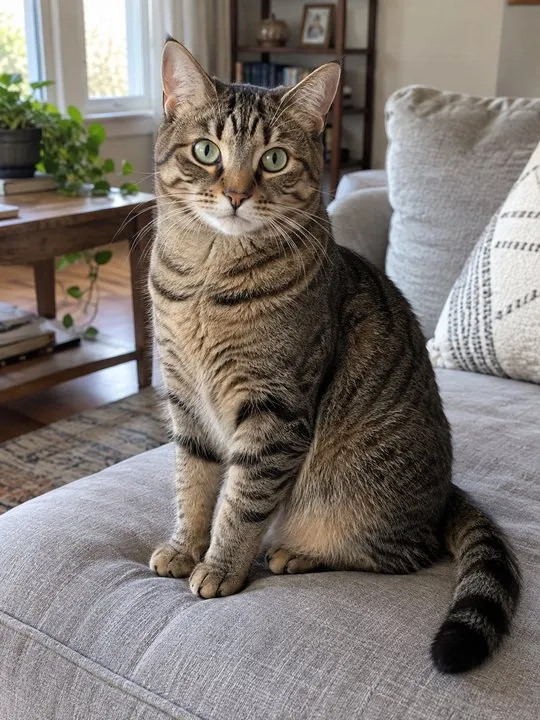
Whichever you choose, start with a good photo of your pet. It decides how much the clapping pet looks like yours on every AI route, free or paid. The photo guide shows what works in a minute.
NowStarring is an independent fan tool, not linked to the creator of the original Clapping Cat reel. The sound belongs to its rights holders.
Domande frequenti
Is the clapping cat AI trend free?
You can make it for free with our prompt in an AI video tool’s free tier, but expect watermarks, short clips, retries and no sound. NowStarring has no free credits; a video there is paid.
Is there a free clapping cat AI generator?
Not one we found that makes the full clip with your own pet and no catch. Free tiers on general AI video tools get you close with a good prompt.
Can I film the clapping cat trend without AI?
You can film your half: the treat, the shush and the blank-faced clap back. A real pet can’t stand, grin and clap with human hands, so that shot needs AI or a sit-up trick in its place.
Does NowStarring have a free trial?
No. There are no free credits. If a video fails, its credits come back automatically.
Will a free AI clapping cat video have a watermark?
Often, yes. Many free tiers add one. Videos from NowStarring have no watermark.
How long does the free route take?
Filming your half takes a few minutes. Getting a clean AI clap shot can take several tries, and editing the cuts and sound together takes longer, so plan for an evening.