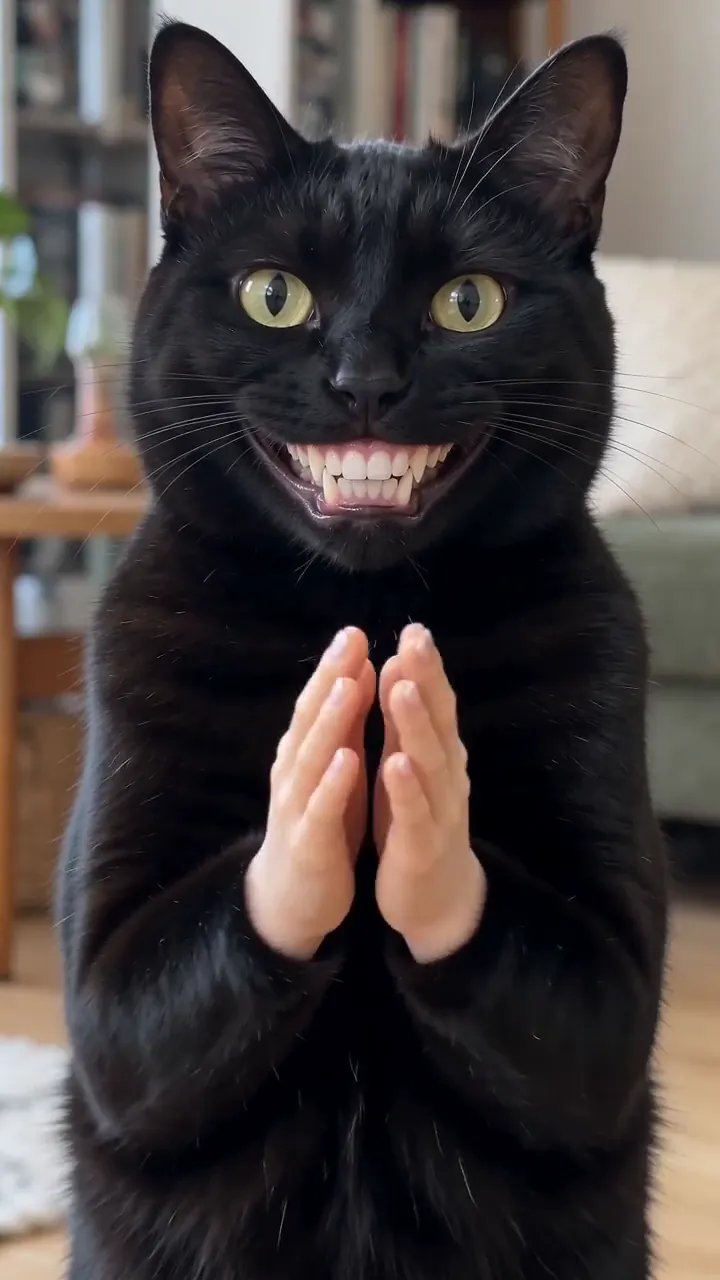
How to add the Clapping Cat sound on TikTok, Reels and Shorts
The Clapping Cat trend uses an original sound, not a song: a treat rustle and slow claps. How to pick it on TikTok, Reels and Shorts, and how to mix the volume.
6 lettura minima · Aggiornato
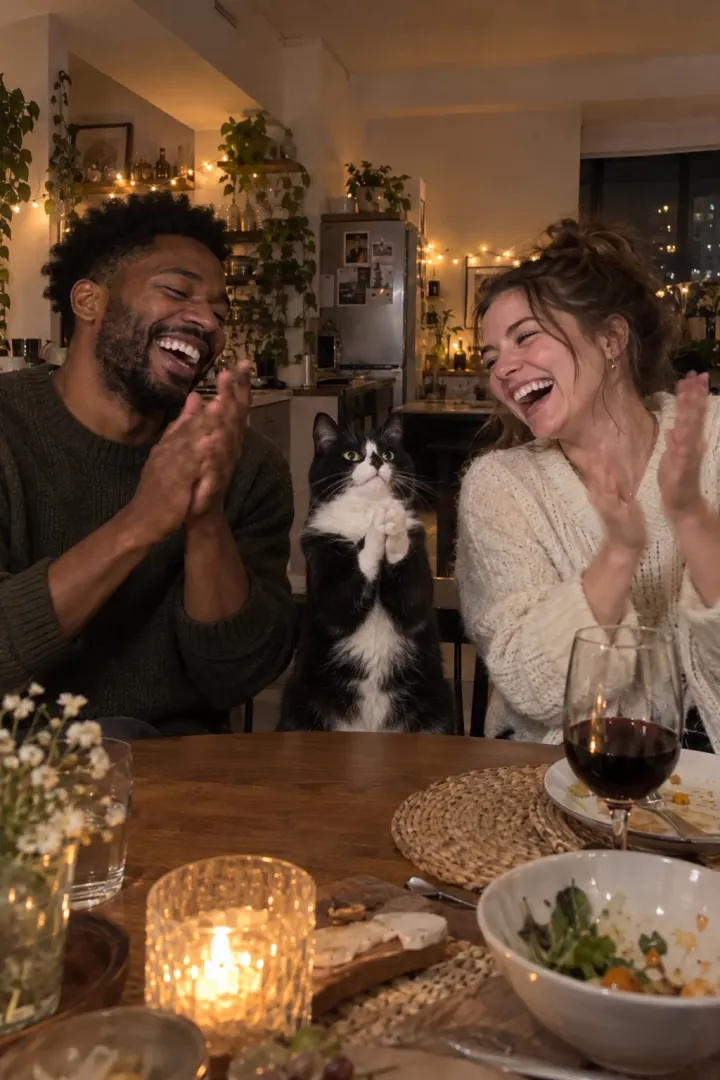
The short answer
The Clapping Cat trend has no song. It uses an original sound: a quiet room, the rustle of a treat bag and the slow claps. To find it, tap the sound name at the bottom of any Clapping Cat video, then Use this sound.
Our video already has that kind of sound in it, the treat and each clap, so you can post it as it is. Picking the trend’s sound too is optional, and it’s how the app links your post to the trend. Haven’t made yours yet? Start on the Clapping Cat page.
Why pick the trend’s sound
On TikTok and Reels, every sound has its own page listing the videos that use it. Posting with the same sound puts your clip on that page, next to everyone else’s clapping pets. Your own file’s sound shows up as “original sound” under your name instead.
What’s in our file
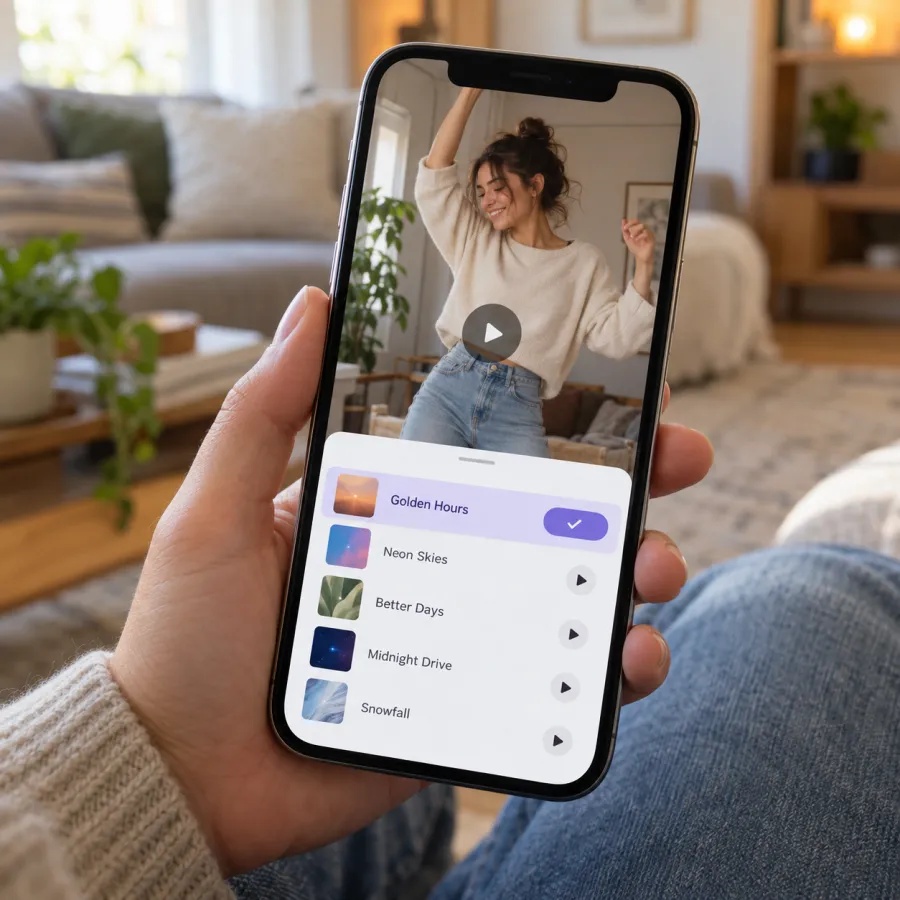
Our Clapping Cat video plays back with the sound the shots call for, and nothing else. There’s no music and no voice.
| Time | On screen | What you hear |
|---|---|---|
| 0–2 s | You hold out a treat | A quiet room, the treat bag |
| 2–4.5 s | The feed and the shush | Just the room, no voice |
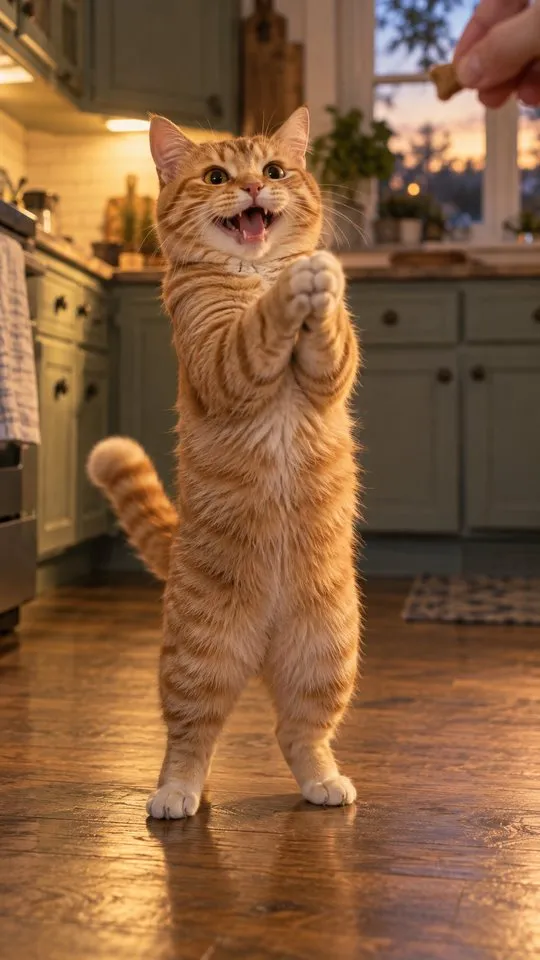
| 4.5–8.5 s | Your pet grins and claps | Three slow, crisp claps |
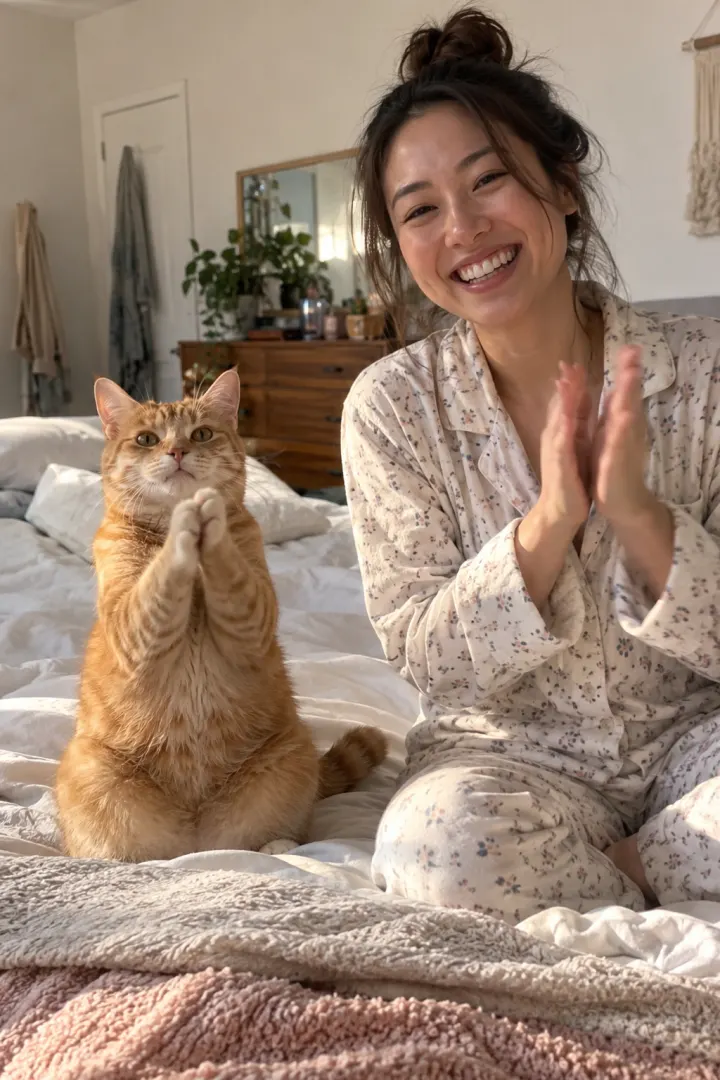
| 8.5–10 s | You clap back | Your three claps |
Because the claps are timed to the hands on screen, the file’s own sound is the one that matches. That’s why the mix below matters if you add the trend’s sound too.
TikTok
From a Clapping Cat video
- Open a Clapping Cat video you like.
- Tap the sound name at the bottom of the screen.
- Tap Use this sound.
- Tap Upload and pick your Clapping Cat video.
- Mix the volume (below), add a caption and post.
While posting
- Tap + and upload your video.
- Tap Add sound and search “clapping cat”.
- Pick the one used on the trend videos, not a remix with music.
- Can’t find it? Open a Clapping Cat video, tap the sound name and add it to Favorites. It then shows under Favorites in Add sound.
Instagram Reels
- On a Clapping Cat Reel, tap the audio name at the bottom, then Use audio. Or start a new Reel and tap Add audio.
- Add your video from the gallery.
- Open the audio mix and lower your clip’s own sound if both play.
- To keep it for later, tap Save audio on the trend Reel; it waits in your saved audio.
- Share.
YouTube Shorts
- On a Clapping Cat Short, tap the sound name, then Use this sound. Or tap Sound while making a Short.
- Add your video and line the claps up if the sound starts at a different point.
- Set the original sound’s volume low in the editor if you hear two sets of claps.
- Upload.
Mixing the volume
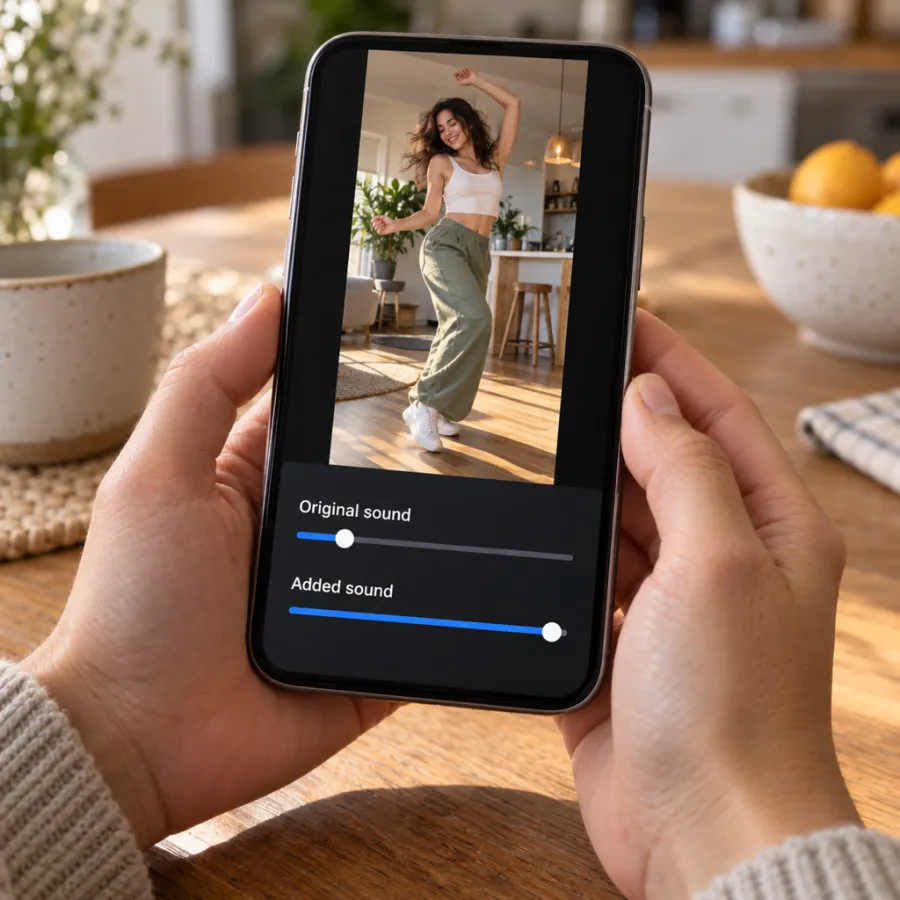
Our Clapping Cat file already contains the treat rustle and the claps, timed to your pet’s hands and to yours. If you add the trend’s sound on top, the claps play twice and out of step.
| You want | Original sound | Added sound |
|---|---|---|
| Claps in sync with the hands | Full | Off or very low |
| On the trend’s sound page | Low or off | Full |
| A song as a joke on top | Full | Low, under the claps |
If in doubt, keep the claps: the sound of a slow clap is half the joke. Want both? Add the trend’s sound, then slide it until its claps line up with the hands on screen, and keep the original just under it so the treat rustle still comes through.
Adding a song on top as a joke, like a triumphant or awards-show sound, works best when it stays quiet. The deadpan comes from the silence between the claps.
Keep the sound when you upload
- Download the MP4 from My videos straight to your phone’s gallery.
- Upload it from the gallery, not as a screen recording. Screen recordings often lose the sound or record it from the speaker.
- In the editor, check that the original sound slider isn’t at zero before you add anything.
- Play it once before posting, with your phone’s silent switch off and the volume up, so you hear what viewers hear.
If you edit the clip in another app first, export with audio on. Some editors mute clips by default when you add a sound.
If the sound is muted or unavailable
- Muted after posting: pick the Clapping Cat sound from the app’s library and repost, or post with the original file sound.
- Sound unavailable in your region or on a business account: post with your video’s own sound; it already has the claps.
- Silent file from another AI tool: add the trend’s sound in the app, or record a few slow claps yourself over the clap shot.
Label it as AI. On TikTok, turn on the AI-generated content setting under more options before you post.
No video yet? Make your Clapping Cat video from two photos, or read how to do the trend.
NowStarring is an independent fan tool, not linked to the creator of the original Clapping Cat reel. The sound belongs to its rights holders.
Domande frequenti
What song is the clapping cat trend?
There isn’t a song. The Clapping Cat runs on an original sound: a quiet room, the rustle of a treat bag and slow claps. Tap the sound name on any Clapping Cat video to find it.
Does the NowStarring Clapping Cat video come with sound?
Yes. The treat and the claps are already in the file. If an app mutes it, pick the Clapping Cat sound from its library when you post.
Should I add the trend sound if my video already has it?
You can, to link your post to the trend’s sound page. Turn the original sound right down so the claps don’t play twice out of time.
How do I use a sound from another TikTok?
Tap the sound name at the bottom of the video, then Use this sound, and pick your clip from the gallery.
Why is my clapping cat video silent after I upload it?
Usually the original sound slider was turned down when a sound was added, or the clip was screen-recorded. Upload the downloaded MP4 and check the slider.
Can I post the clapping cat with a different sound?
Yes. Pick any sound when you post and lower the original. The video still works as a reply, but without the claps it loses some of the joke.
Do I have to label the clapping cat video as AI?
Platforms ask you to label realistic AI-made videos. On TikTok, turn on the AI-generated content setting under more options before you post.