Bulin 47 AI: CapCut vs AI video generator vs one photo
For the Bulin 47 AI video, a one-photo tool puts you in the real clip, an AI generator with a prompt is cheapest, and CapCut is best for edits. Compared here.
6 lettura minima · Aggiornato
The verdict
If you want to be in the actual viral clip, a one-photo tool that edits the original is the only route that keeps the real doorway, friend and crowd. If you want it cheap or free and don’t mind retries, run a prompt in an AI video generator. CapCut is the best place to finish either one, or to cut a version you filmed yourself.

Side by side
| CapCut template | AI tool + our prompt | One photo here | |
|---|---|---|---|
| You as the rapper | Only if you film it | Close; may land on the wrong face | Yes, every frame |
| The real clip | No, your footage | No, a lookalike | Yes, the original scene |
| Sound | Add it in CapCut | Add it yourself | Included |
| Effort | Film, then edit | Prompt, retries, editing | Upload one photo |
| Cost | Free to start | Free tier, then credits | About $12.90 a video |
The cost on the right is one Standard video bought with the smallest pack ($12.90 for 90 credits). Plans start at $19.90 a month for 270 credits. It edits the full 15-second clip, so it uses more credits than a 10-second trend.
When each one wins
CapCut template
Wins when you filmed your own doorway freestyle and want captions, zooms or the sound synced. CapCut is free to start and quick. It won’t put your face into someone else’s video.
AI video generator with our prompt
Wins when you want to play: a different outfit, a friend as the one filming, a different street. Kling, Higgsfield, Runway, Veo and CapCut’s AI video all take a reference photo. The crowd is the hard part: tools often put your face on the wrong person.
One photo on NowStarring
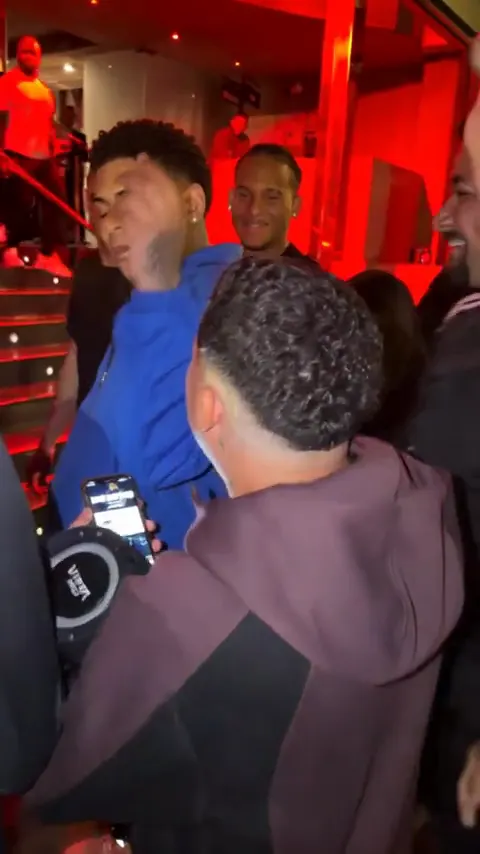
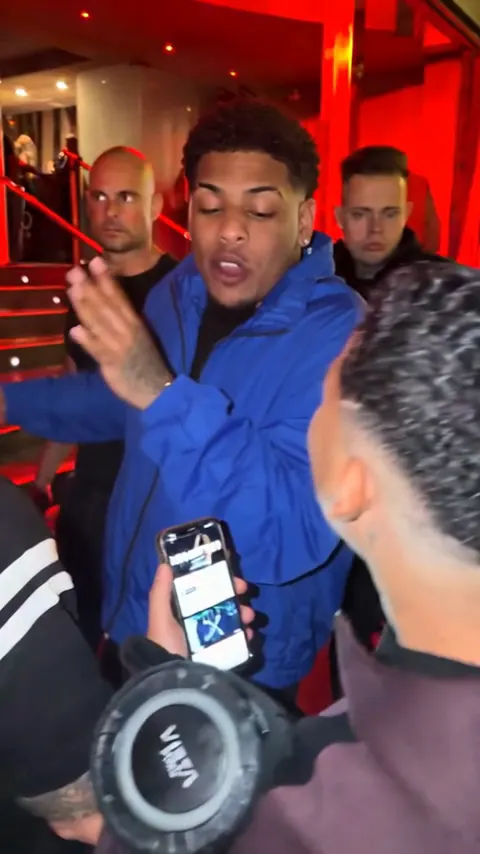
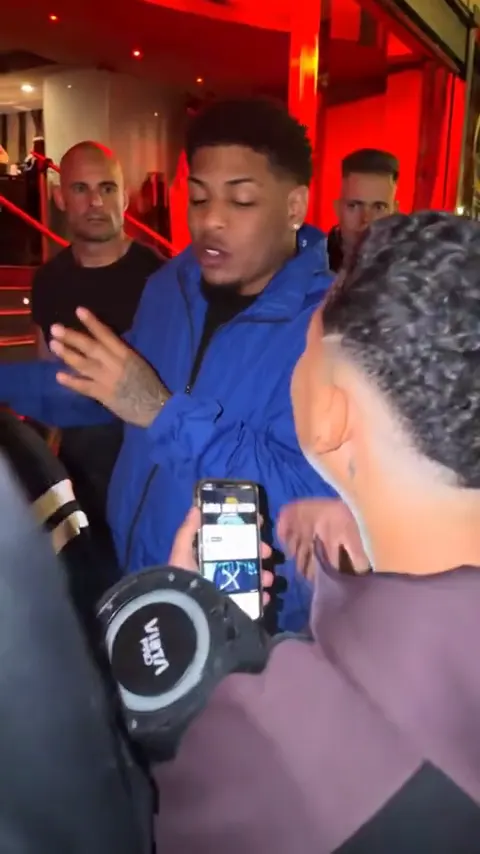
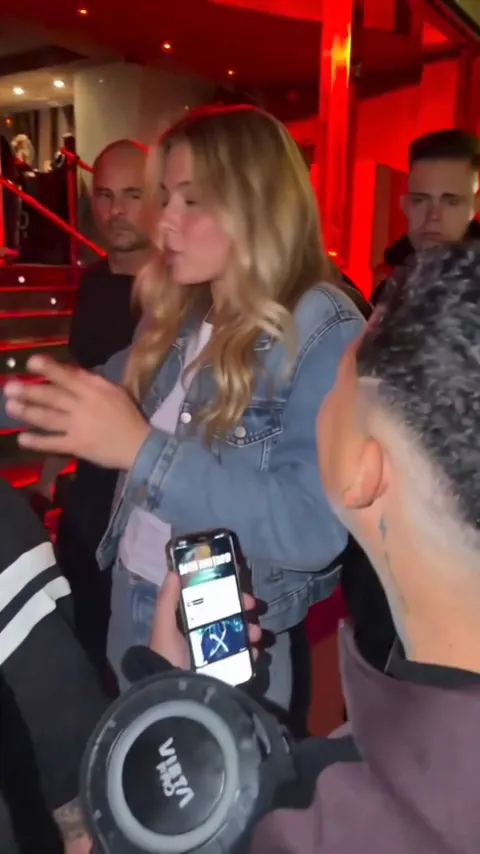
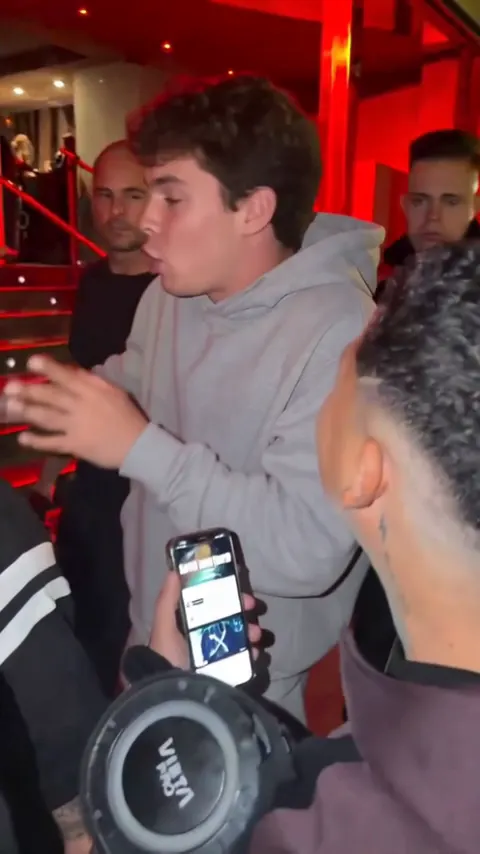
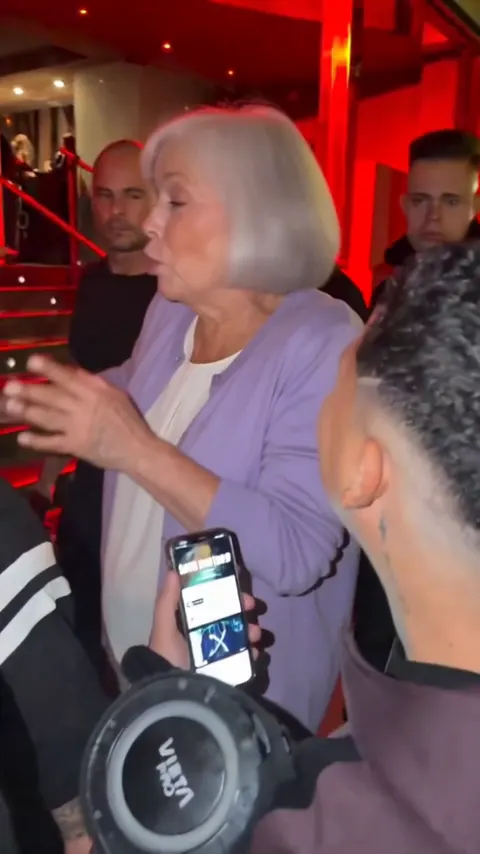
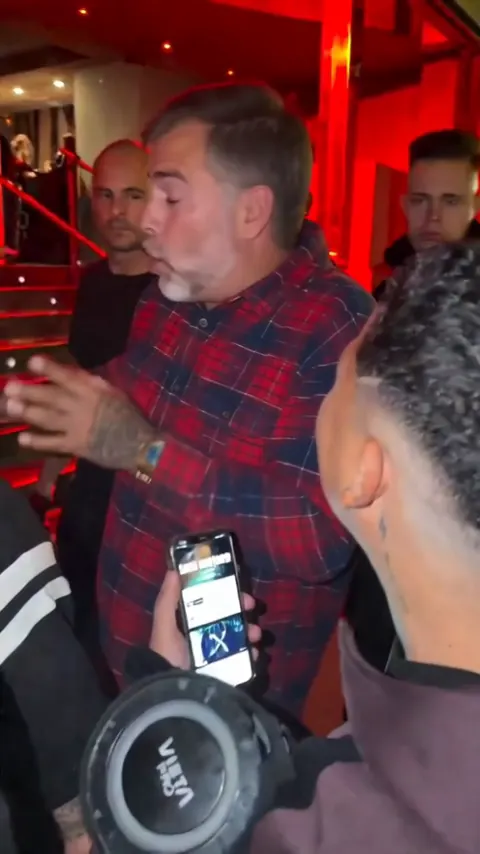
Wins when you want the clip people recognize, made on the Bulin 47 page. It starts from the original: the red door, the friend filming and the crowd stay, and you become the one freestyling, hand on the head and all, in your own face, hair and clothes. Vertical, 15 seconds, with the audio, no watermark, about 5 minutes. The trade-off: it costs credits, and it’s vertical only.
What the one-photo version looks like
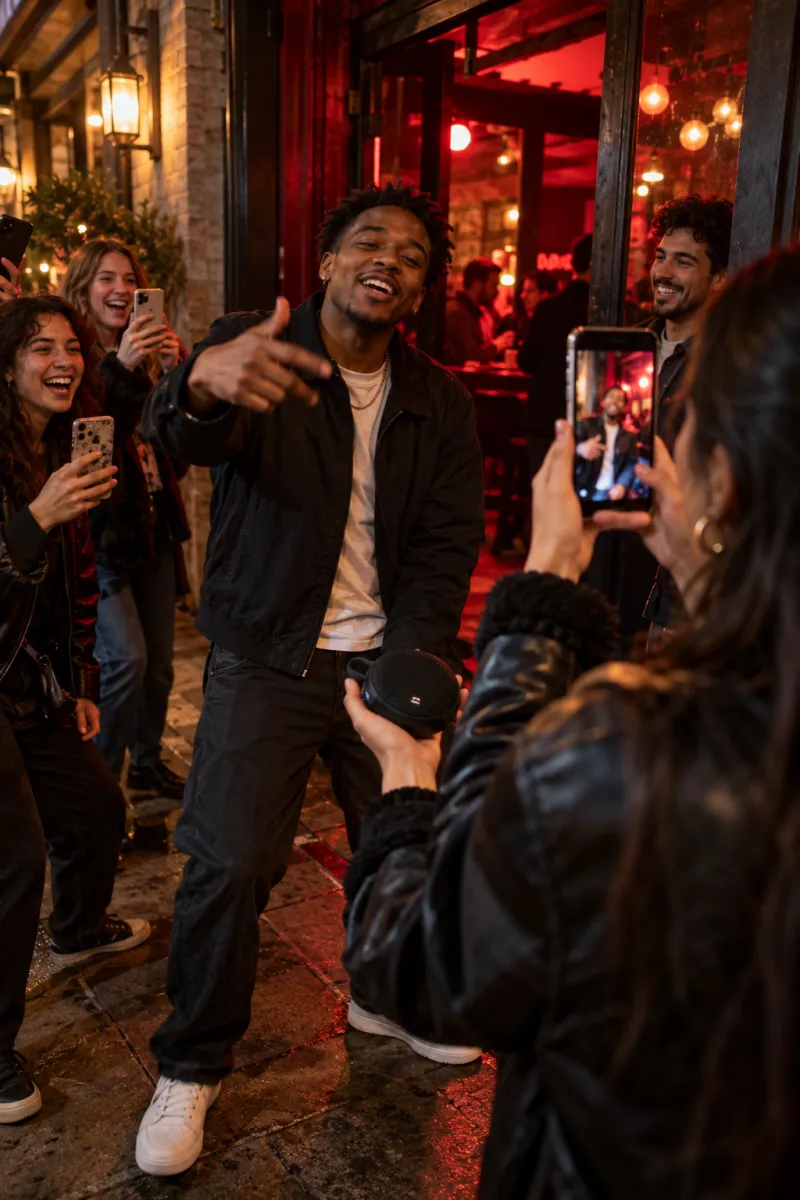
Each of these started from one ordinary photo. Notice that everyone keeps their own clothes:
The CapCut route, step by step
- Get your clip. Film the doorway freestyle with a friend (the shot plan is in the free guide), or generate it with the Bulin 47 AI prompt.
- In CapCut, start a new project, import the clip and set the ratio to 9:16.
- If you generated it in two parts, join them where the crowd packs in, so the cut hides in the movement.
- Add captions if you like. The original has none, so keep them short.
- Export, then pick the Bulin 47 sound when you post, or add it in CapCut’s audio first. The sound guide covers both.
A “Try this template” link on a Bulin 47 post opens that creator’s edit in CapCut. Most templates expect your own clips; they don’t swap faces into the original.
Where each route usually goes wrong
| Route | Common problem | Fix |
|---|---|---|
| Filmed + CapCut | Too dark, faces lost | Stand under the light; red bulb behind |
| Filmed + CapCut | Audio clashes with your voice | Lower the original sound |
| AI generator | Your face lands on the friend | Say the friend’s face never shows |
| AI generator | Face changes after the arm passes | Ask for the same face after it |
| One photo | Likeness off | A clearer, front-facing photo |
On NowStarring, a video that fails to make gives its credits back automatically, and your photo is deleted 7 days after upload.
Mixing the routes
- Make the clip from one photo, then open it in CapCut to add a caption or a zoom on the hand on the head. The MP4 has no watermark, so it edits cleanly.
- Post a duet-style split: your homemade doorway freestyle on one side, the AI version on the other. It shows you did both.
- Make two takes with different photos, say you and a parent, and cut between them on the beat.
Keep it vertical in CapCut. The original is a phone video, and a widescreen export adds bars that make it look like a repost.
Bottom line
- Free and real: film it with friends, finish it in CapCut.
- Free and AI: our prompt in a generator, then CapCut for the sound.
- The actual clip with you in it: one photo on the Bulin 47 page.
Whichever you pick, only use your own photo or one from someone who said yes; no celebrities, public figures or anyone under 18. NowStarring is an independent fan tool, not linked to Bulin 47 or the creators of the original video. The audio belongs to its rights holders.
Domande frequenti
Can I make the Bulin 47 AI video in CapCut?
You can edit it in CapCut and add the sound. A template re-cuts your own footage; it won’t put your face into the original clip.
Is CapCut or an AI generator better for Bulin 47?
They do different jobs. A generator makes the scene from your photo and a prompt; CapCut is best for trimming, captions and the sound.
Can I make the Bulin 47 video with my mom or grandpa?
Yes, if they agree. Use one clear photo of them on the Bulin 47 page; older faces and gray hair carry over, and they keep their own clothes in the clip.
What is the easiest way to make the Bulin 47 AI video?
Upload one photo to a one-photo tool. On NowStarring you’re put into the original clip, with the audio, in about 5 minutes.
Do I keep my own clothes in the Bulin 47 video?
Yes. On NowStarring you keep your own face, hair and clothes. For the pink-shirt look, take your photo in a pink shirt.
Can I edit the NowStarring Bulin 47 video in CapCut?
Yes. It’s a plain vertical MP4 with no watermark, so you can add captions or zooms in CapCut before you post.
How much does a Bulin 47 AI video cost on NowStarring?
One Standard video uses 90 credits. The smallest pack that makes one is $12.90 for 90 credits (1 video), a one-time buy whose credits never expire, and plans start at $19.90 a month for 270 credits. If a video fails, its credits come back.